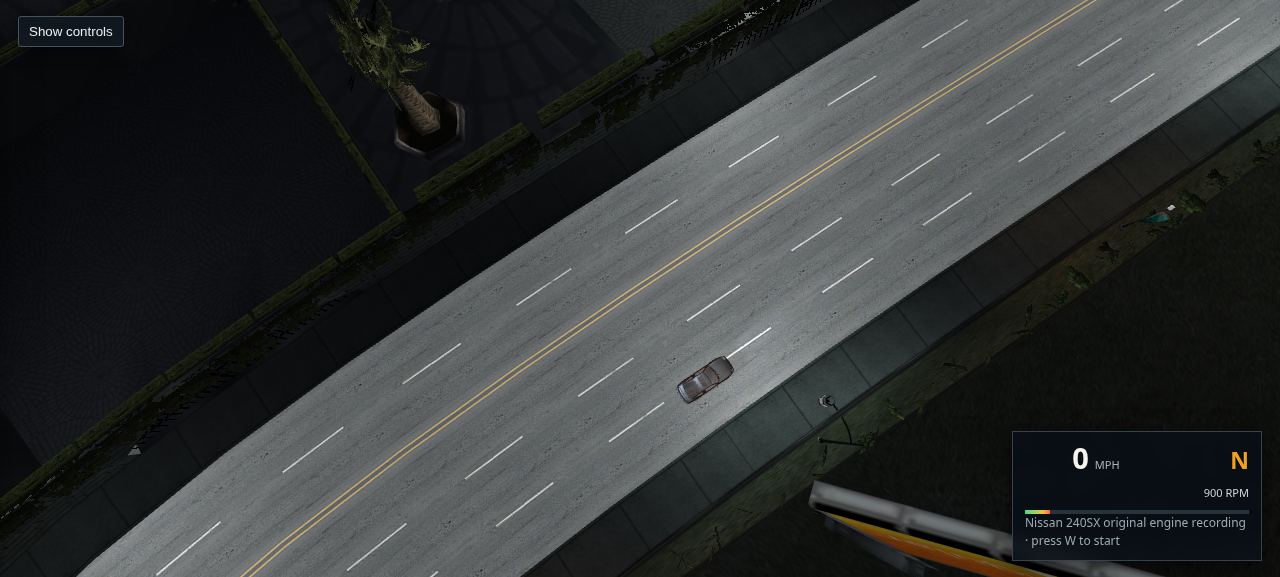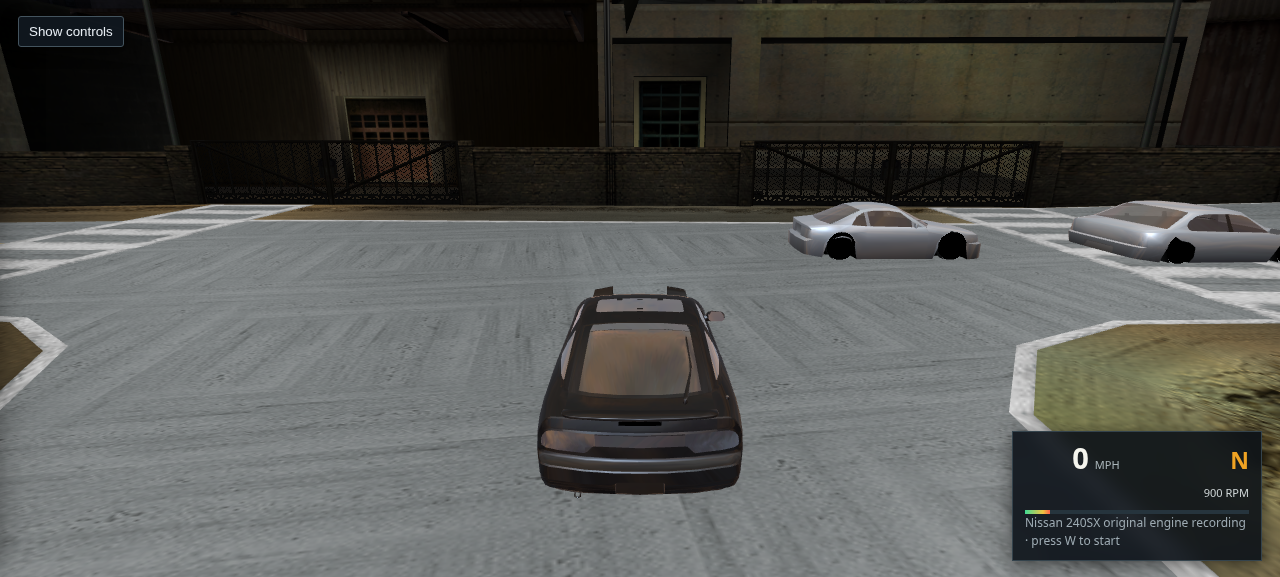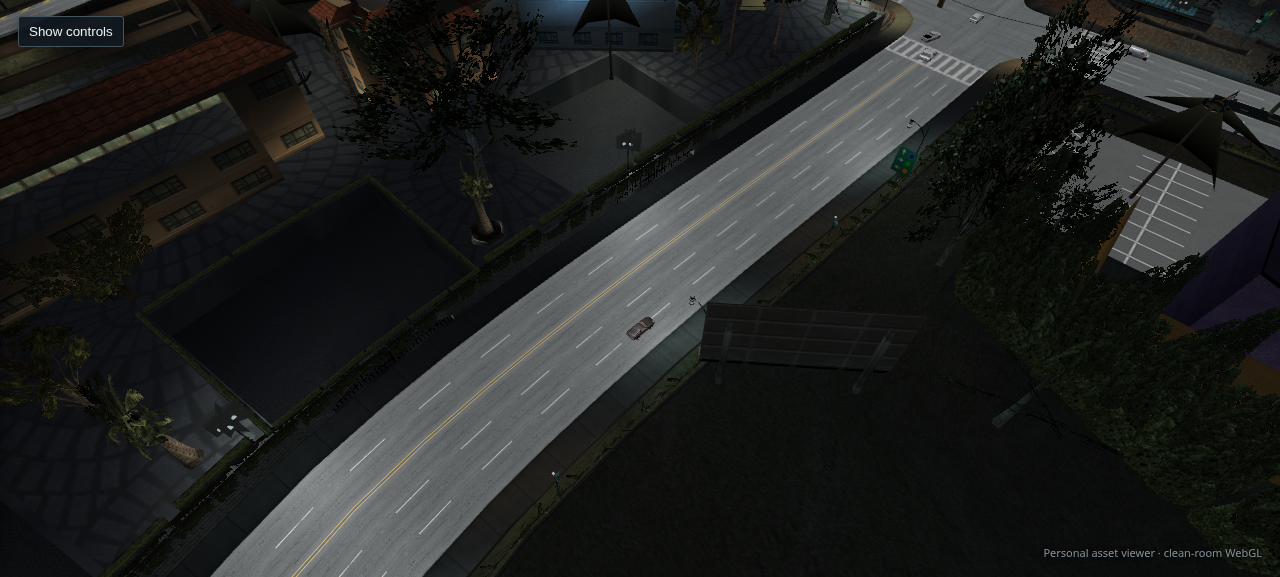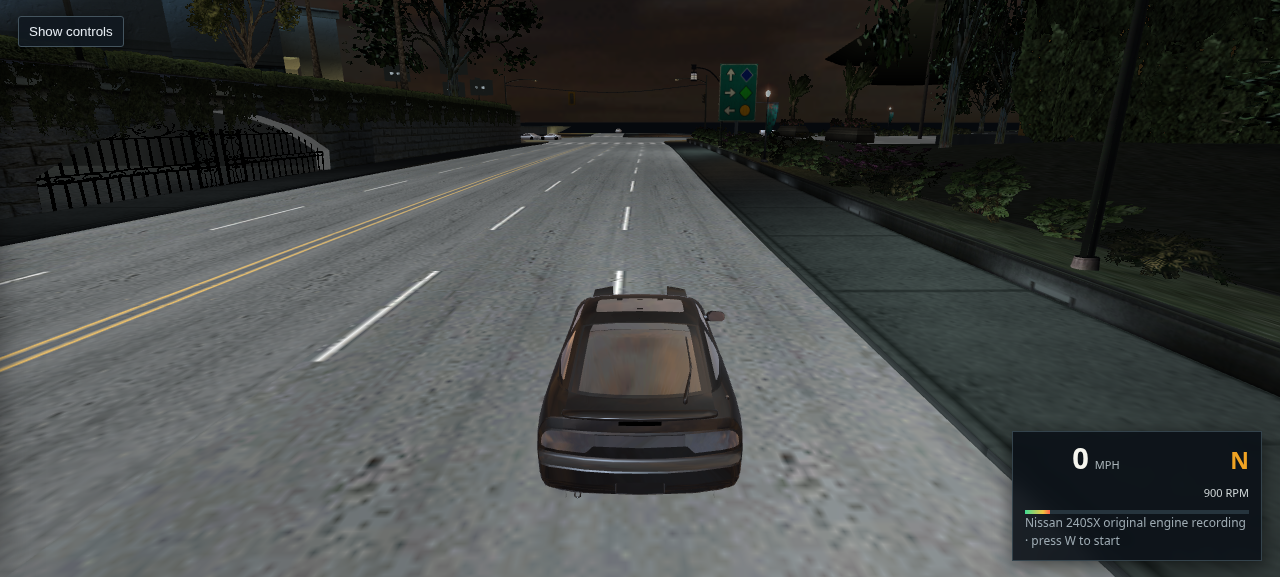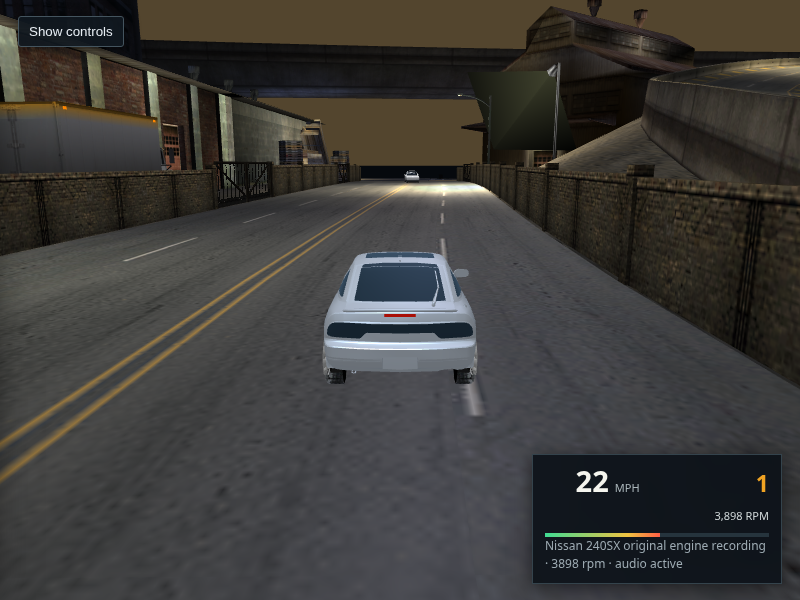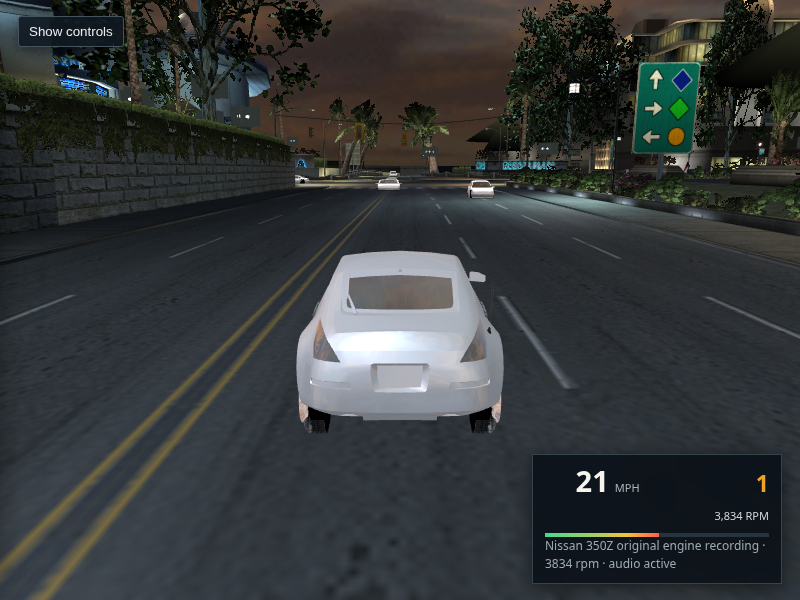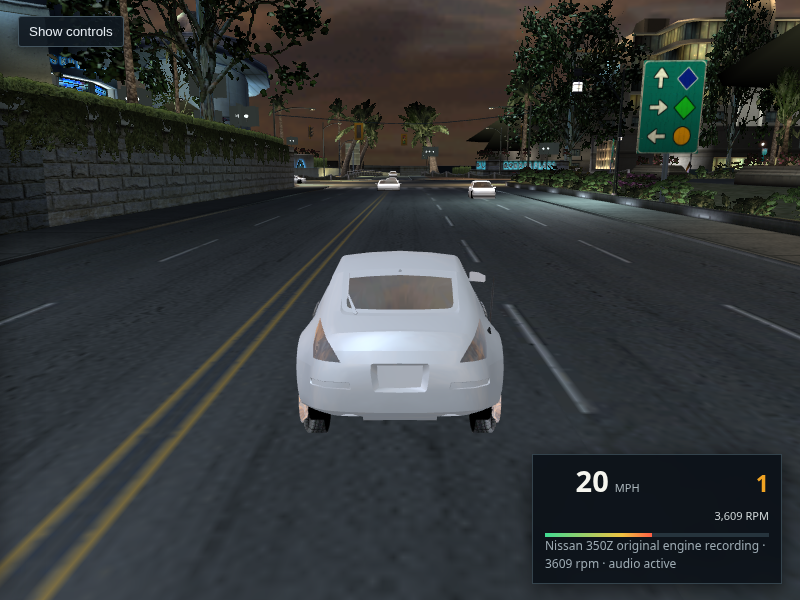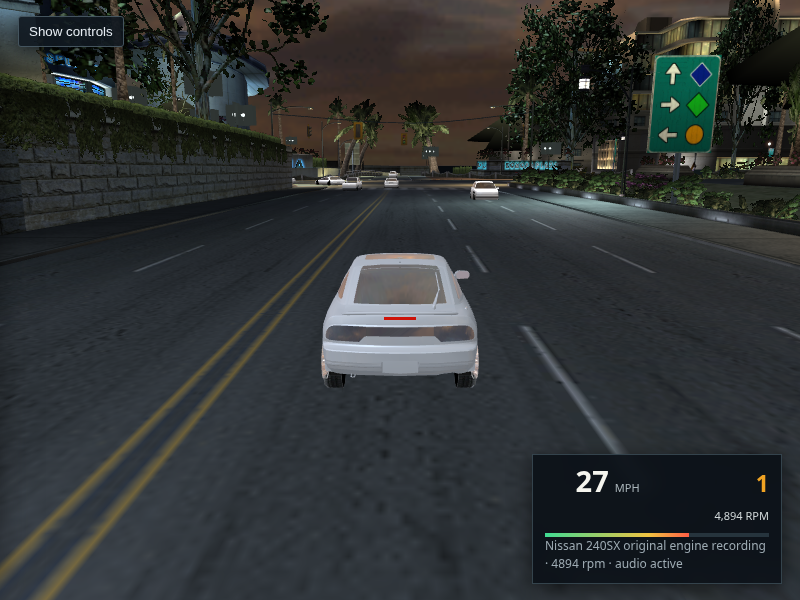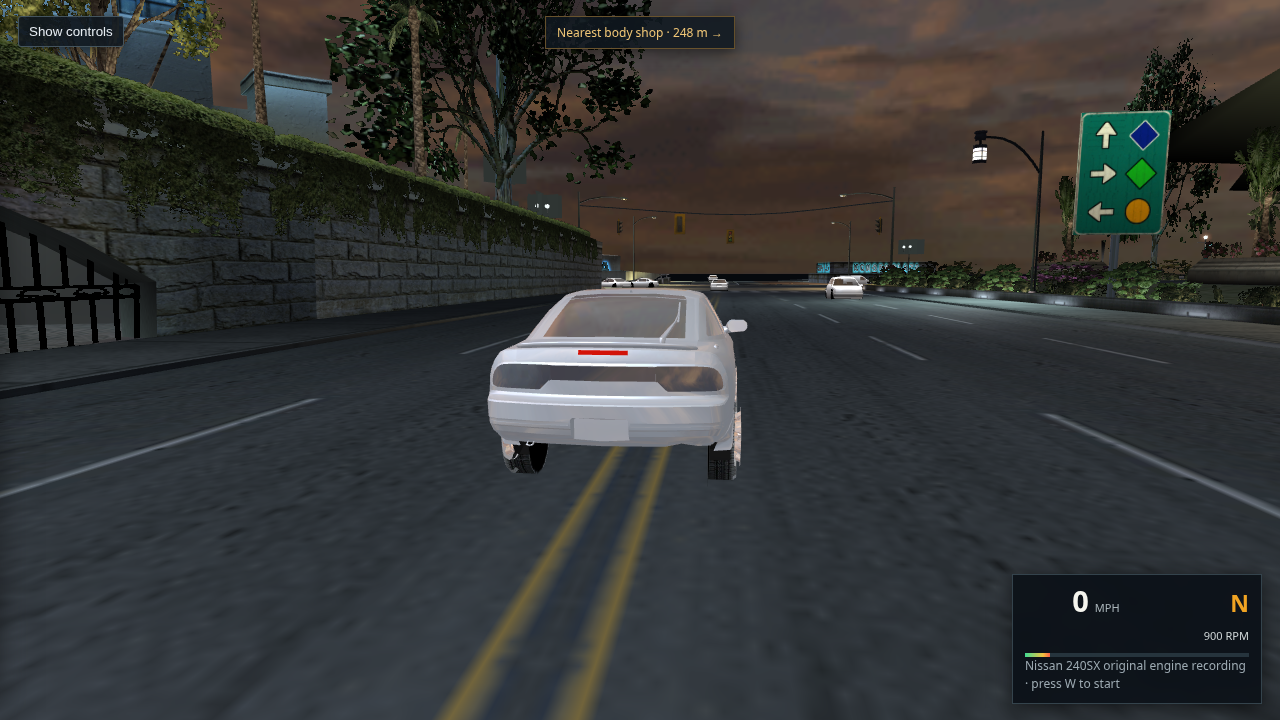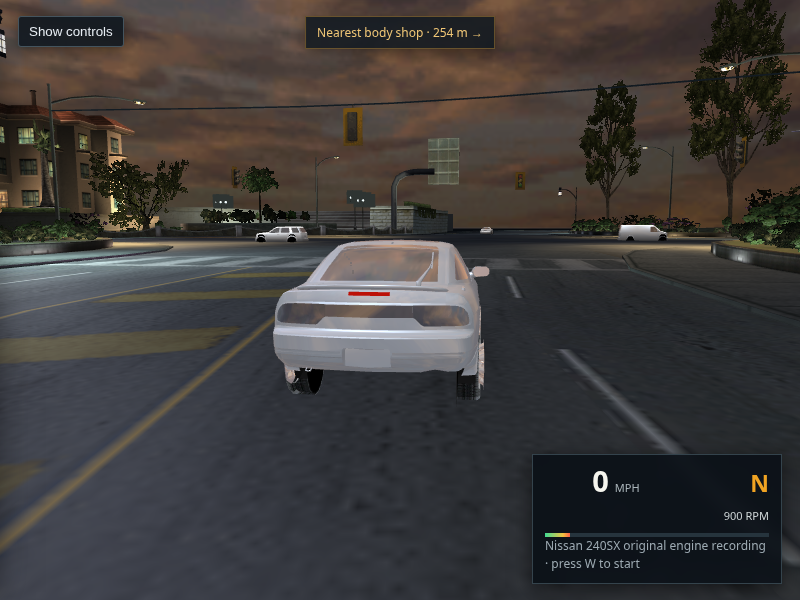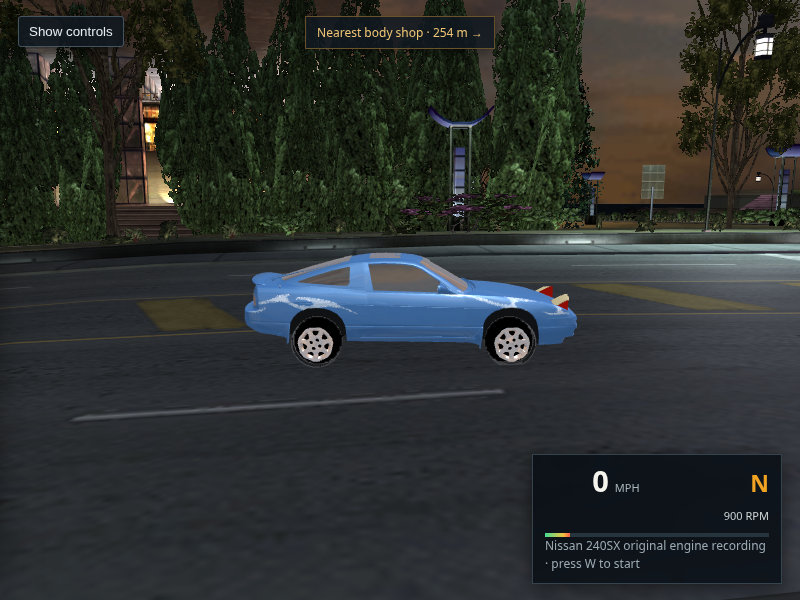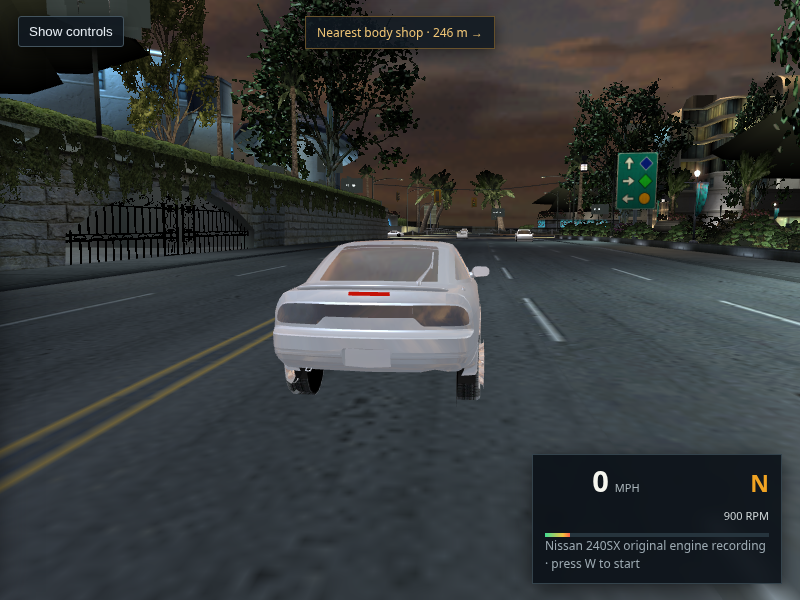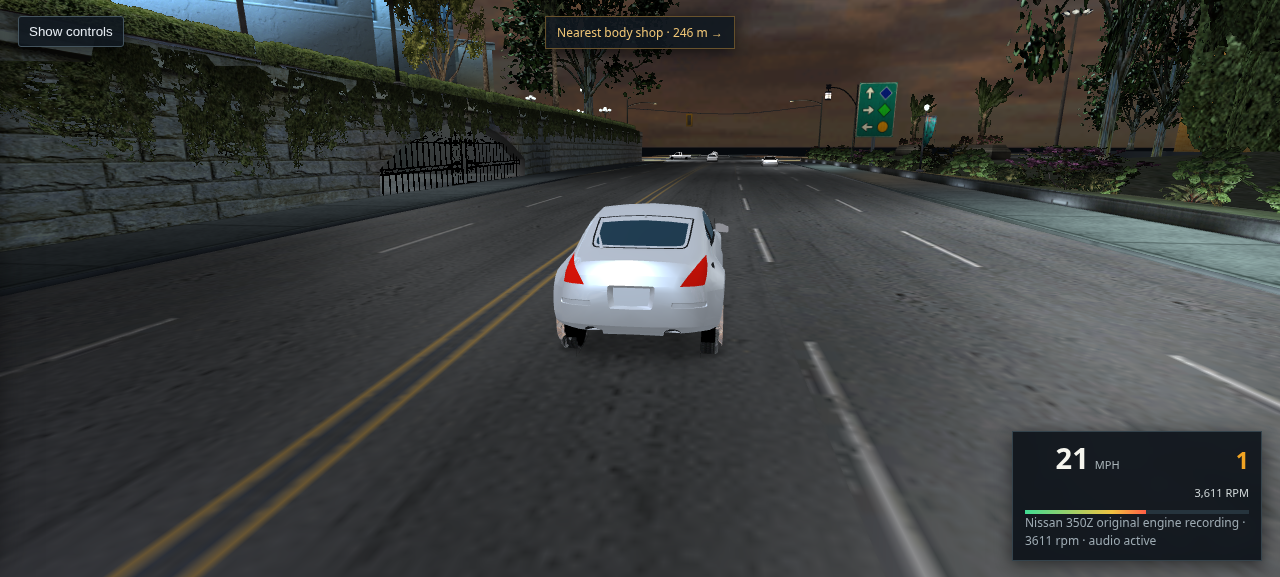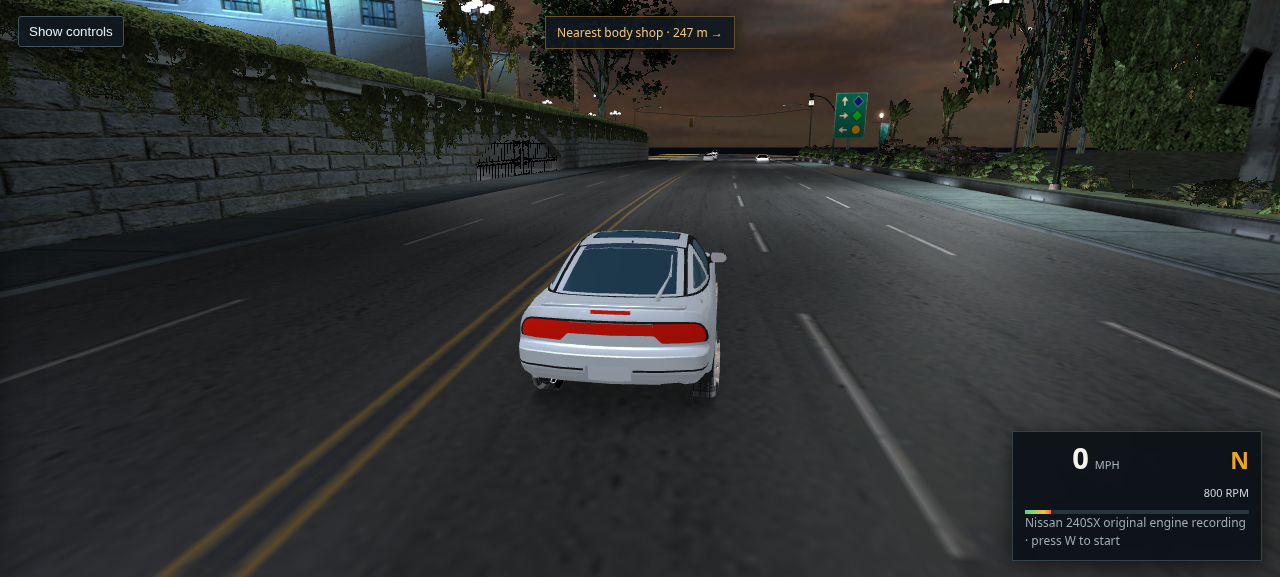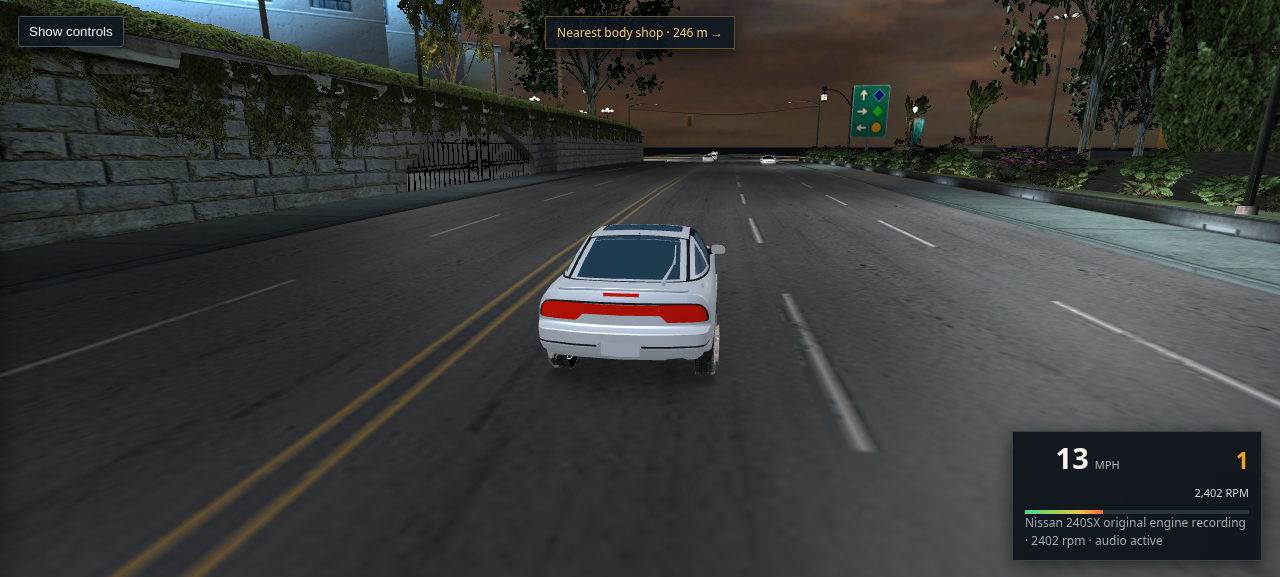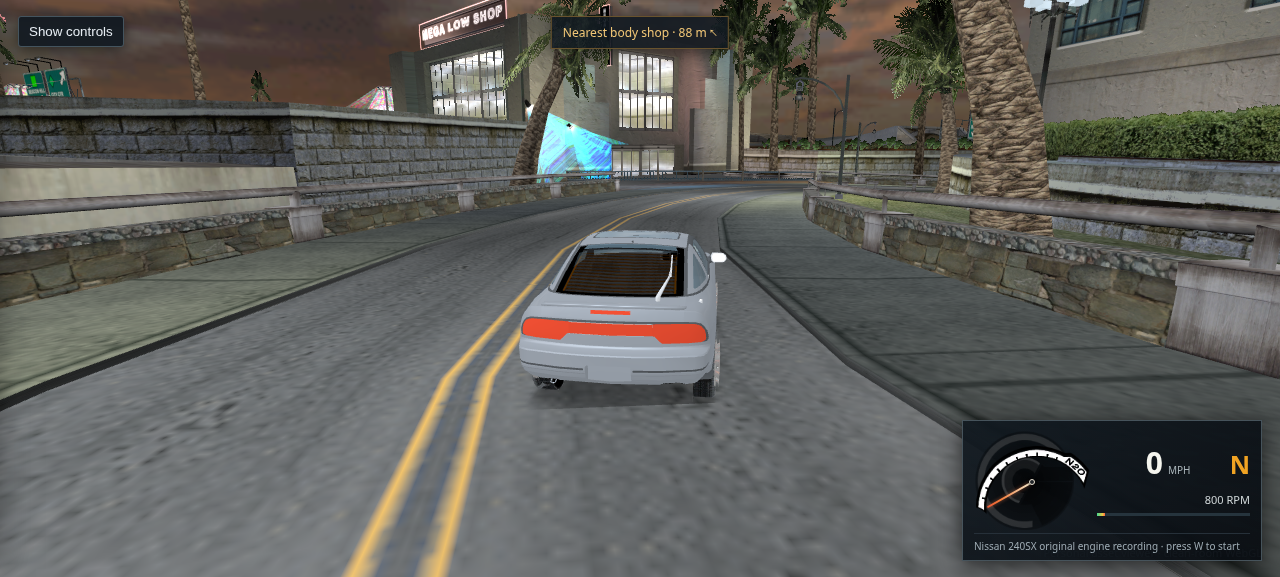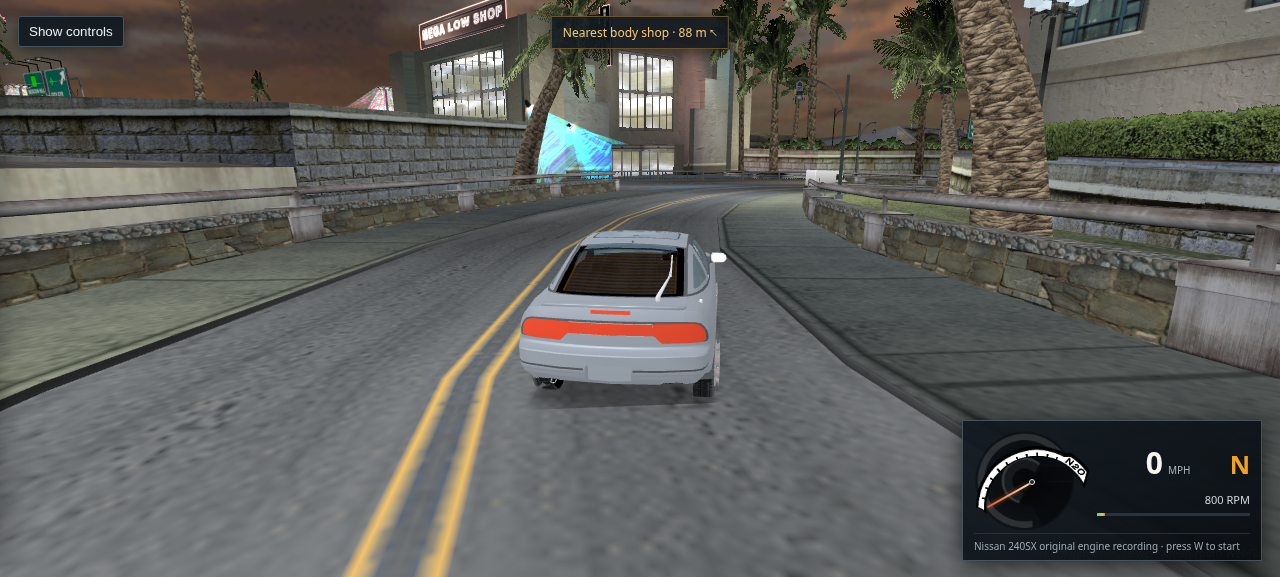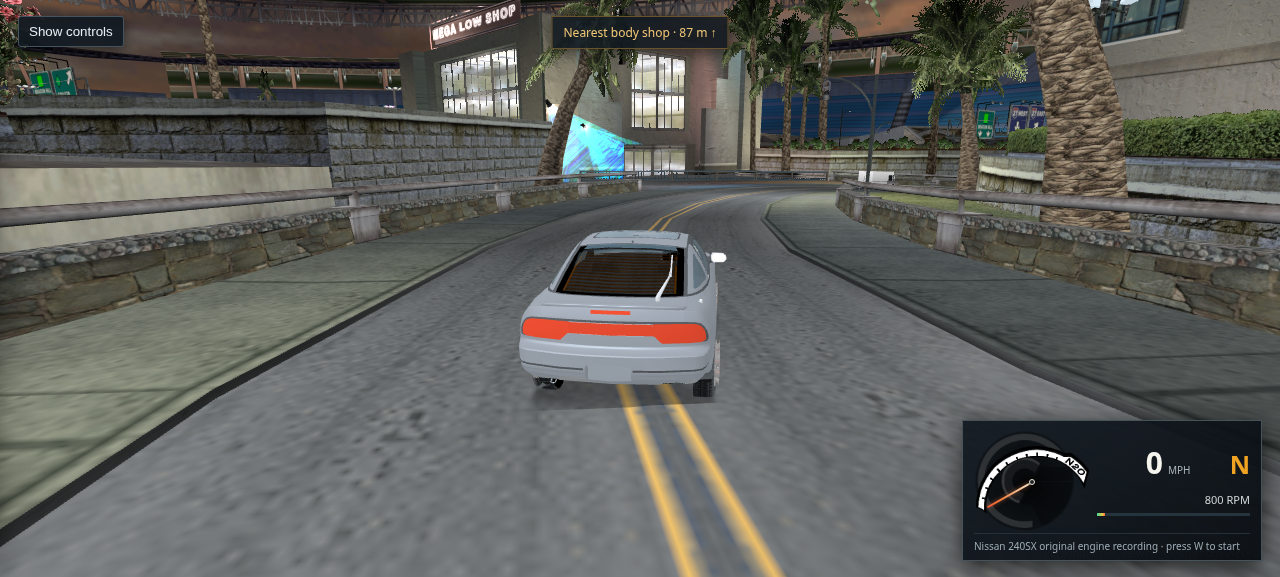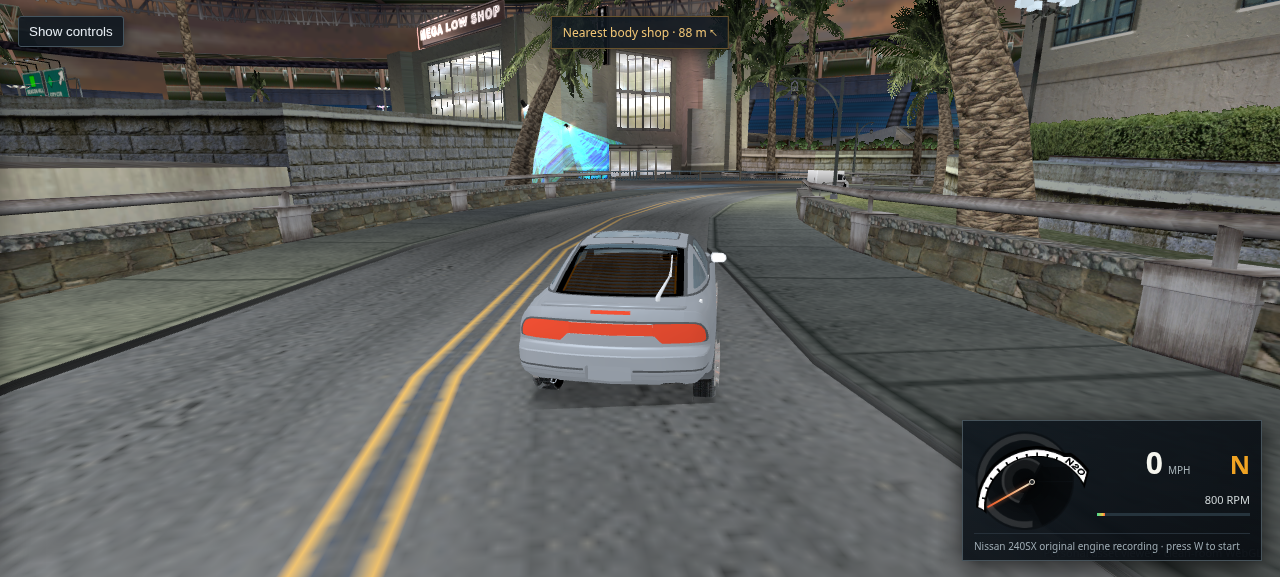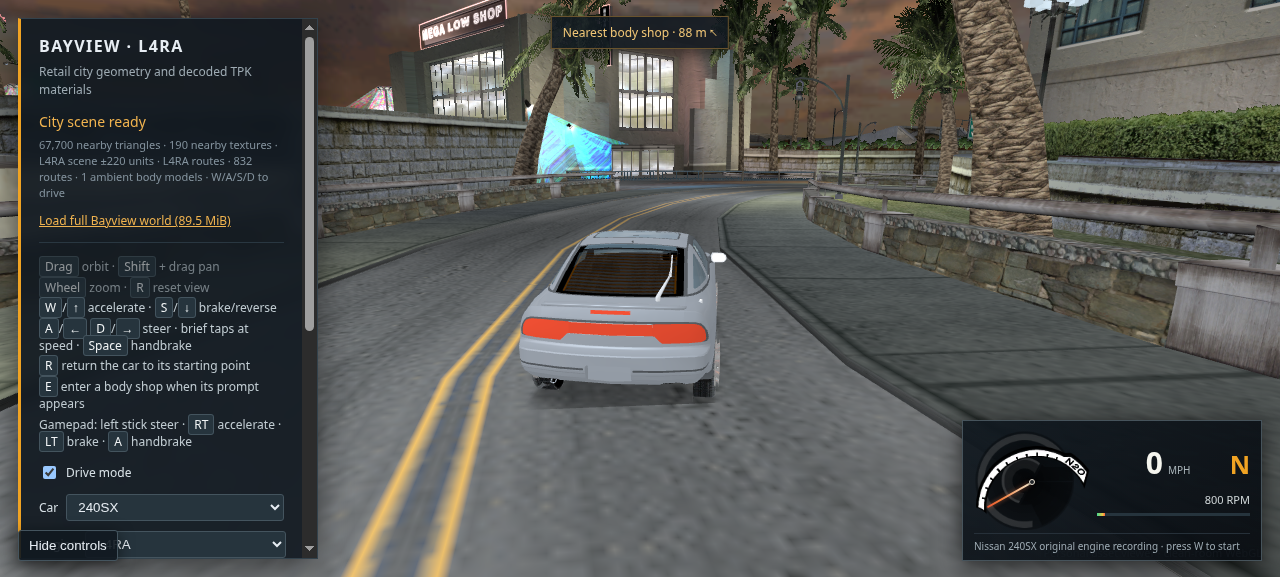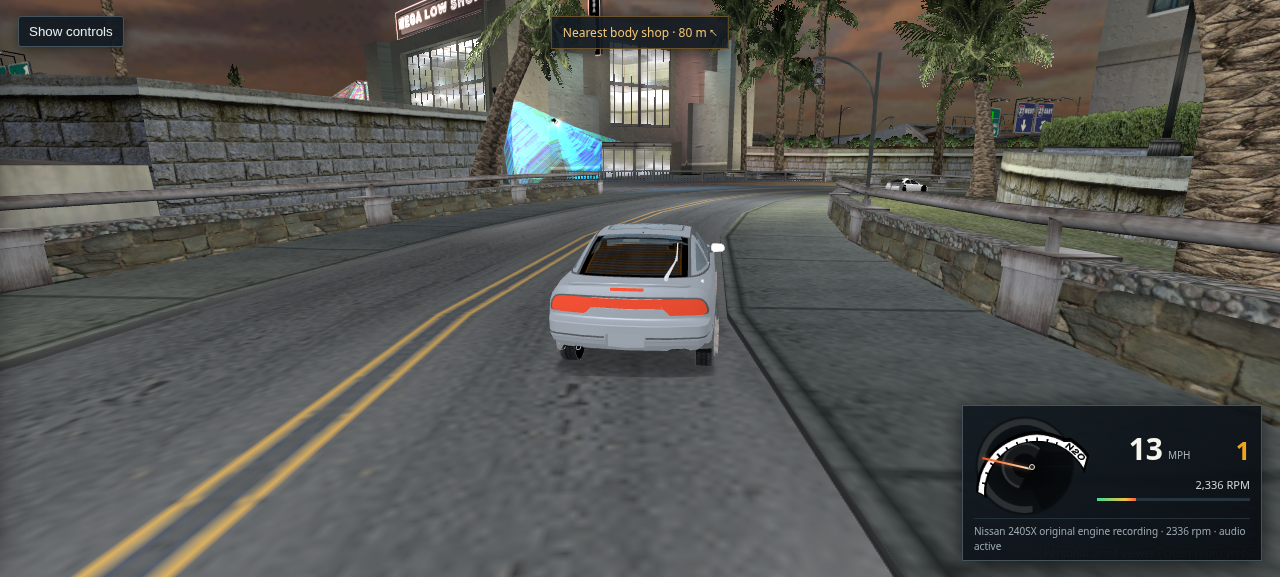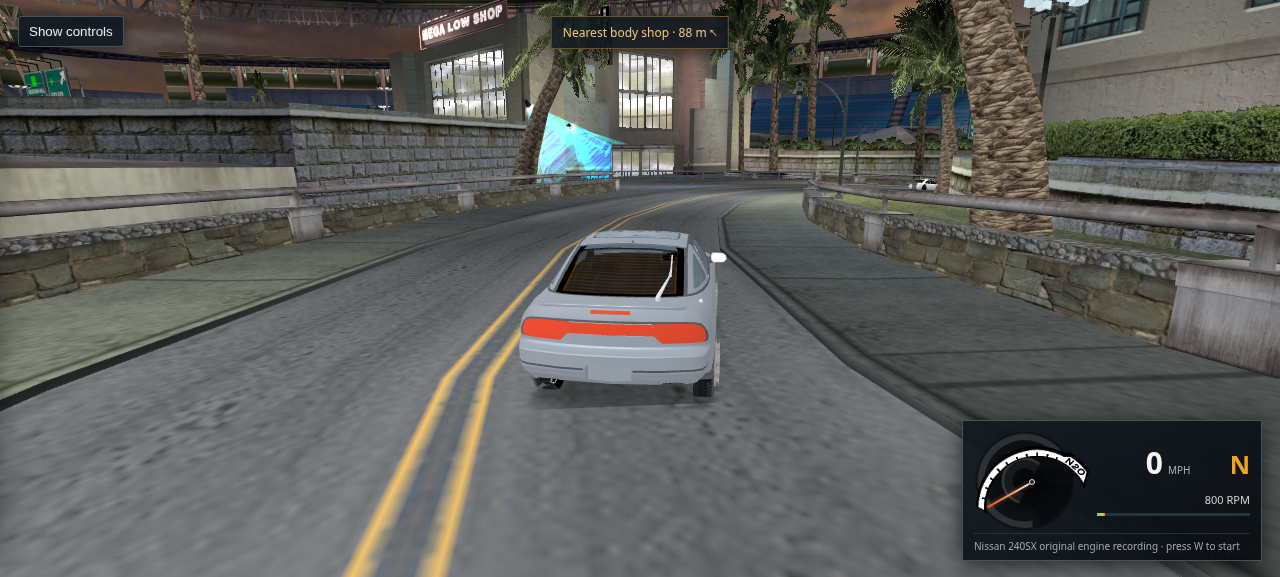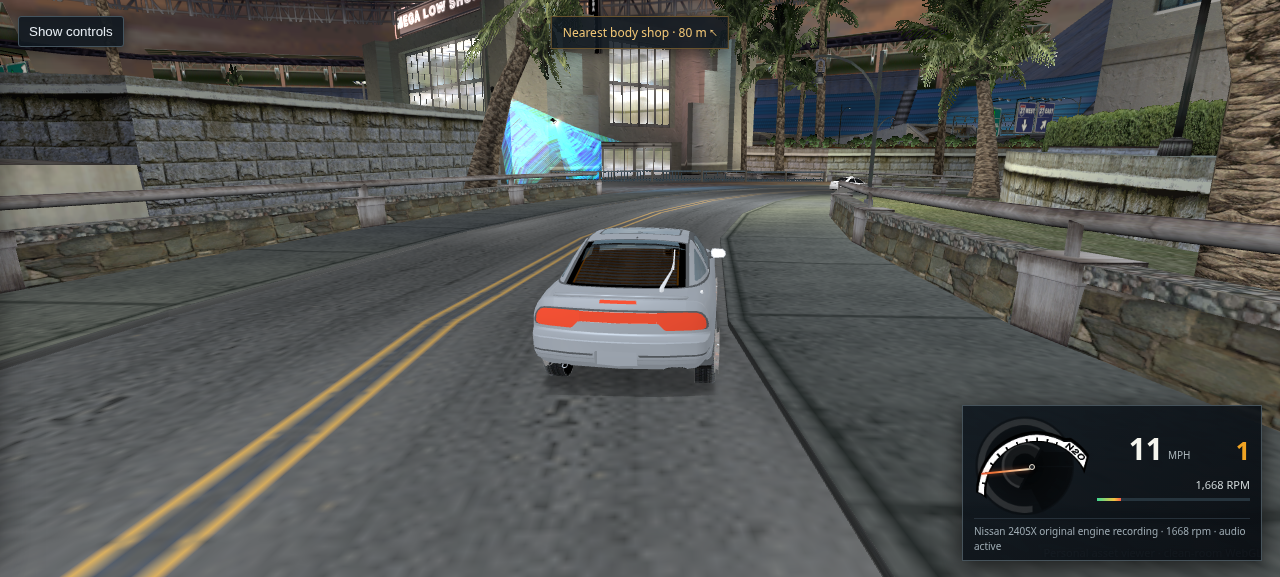
Bayview WebGL · screenshot review

Scrollable captures from the running WebGL viewer

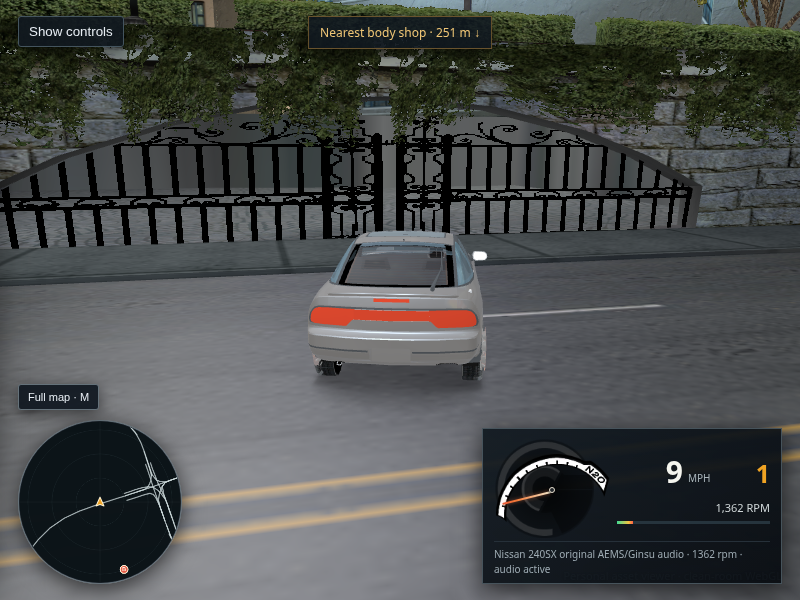
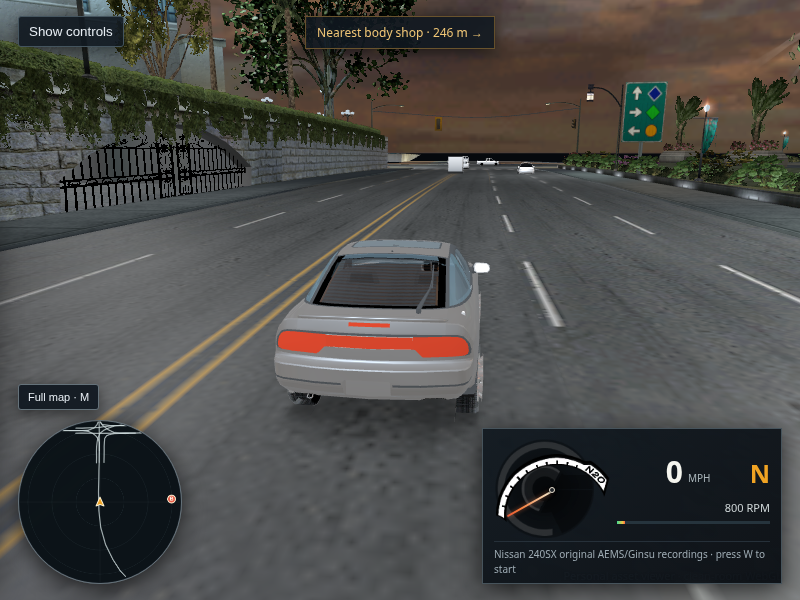
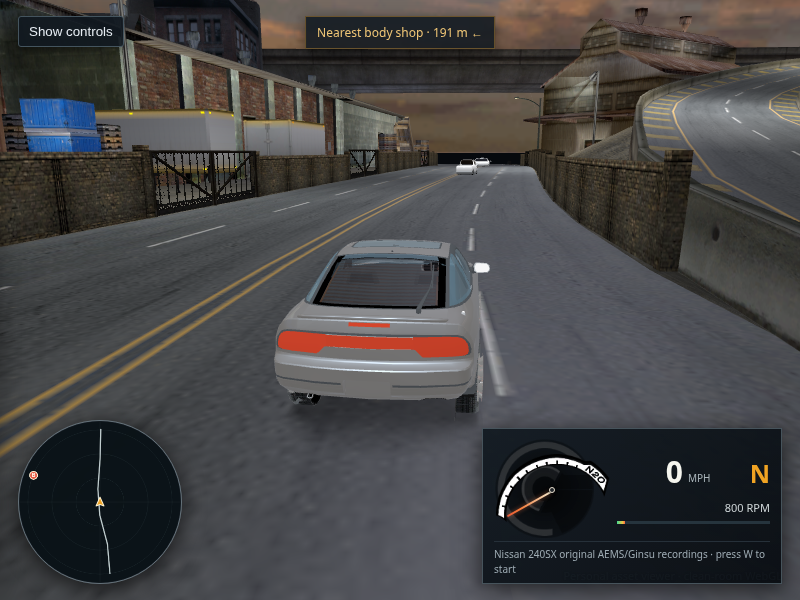
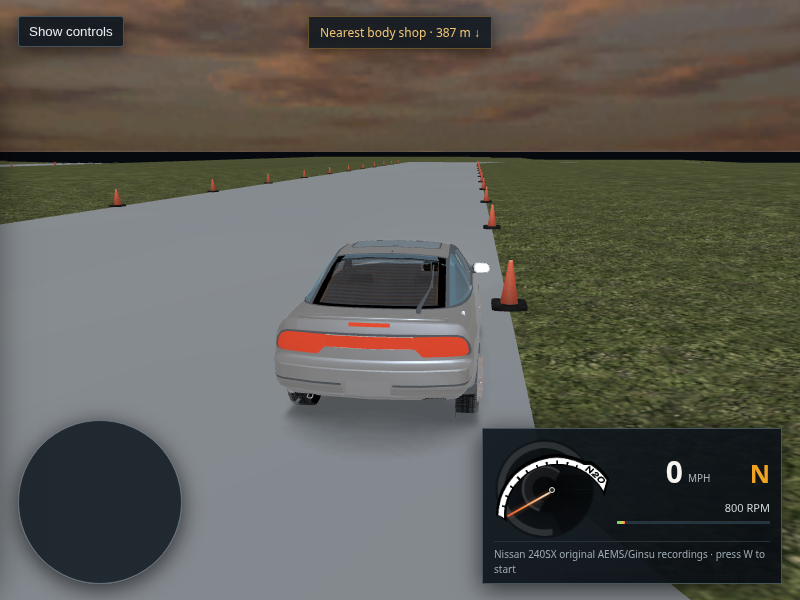
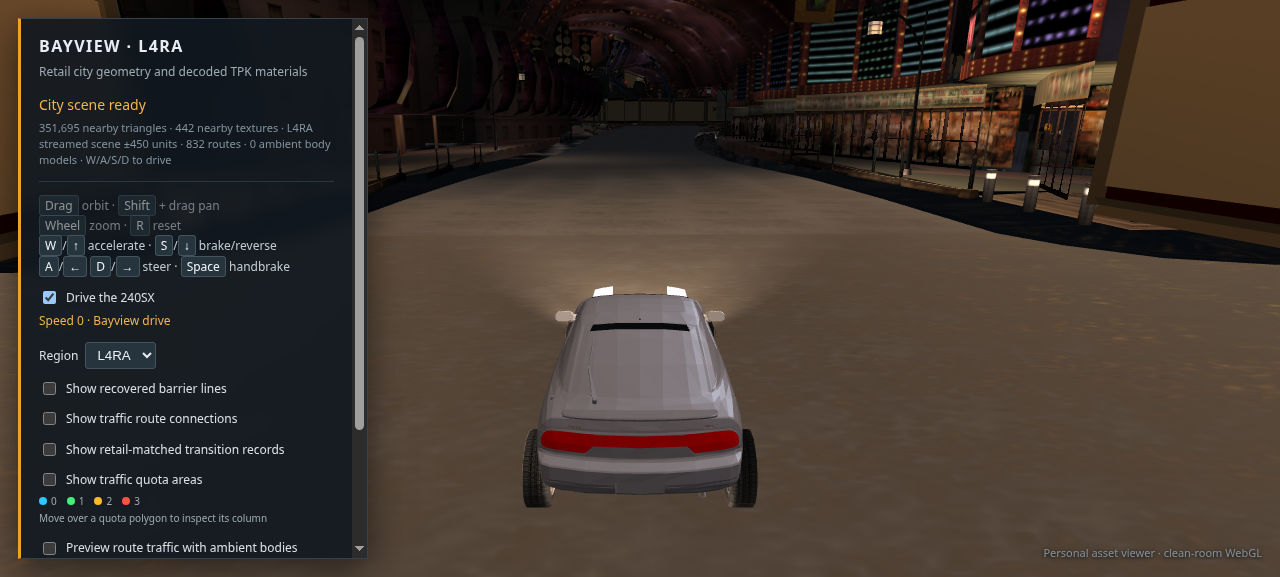
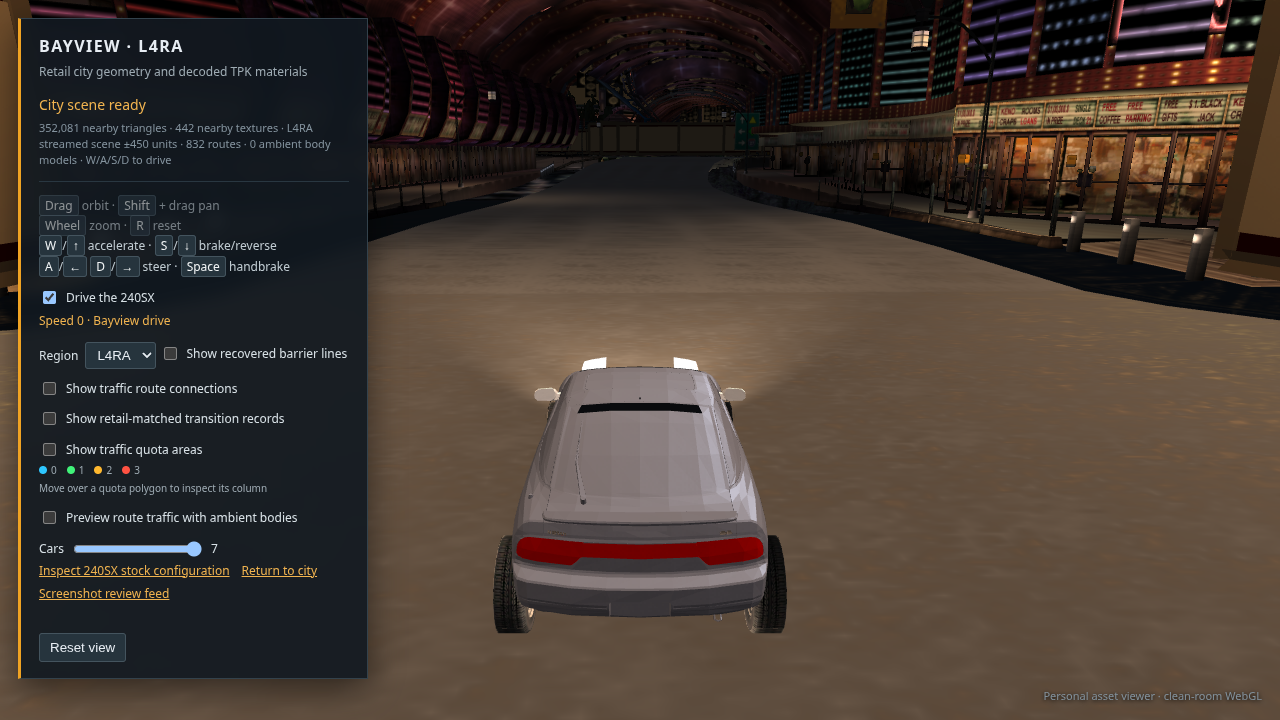
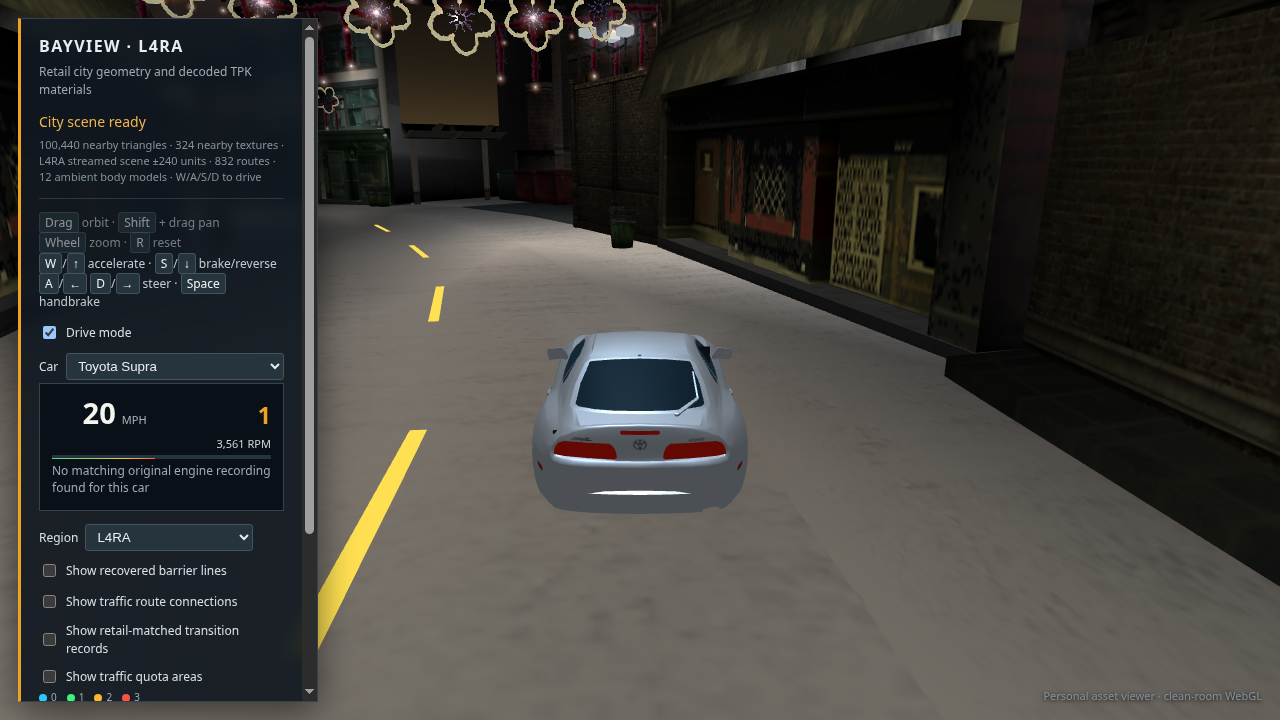
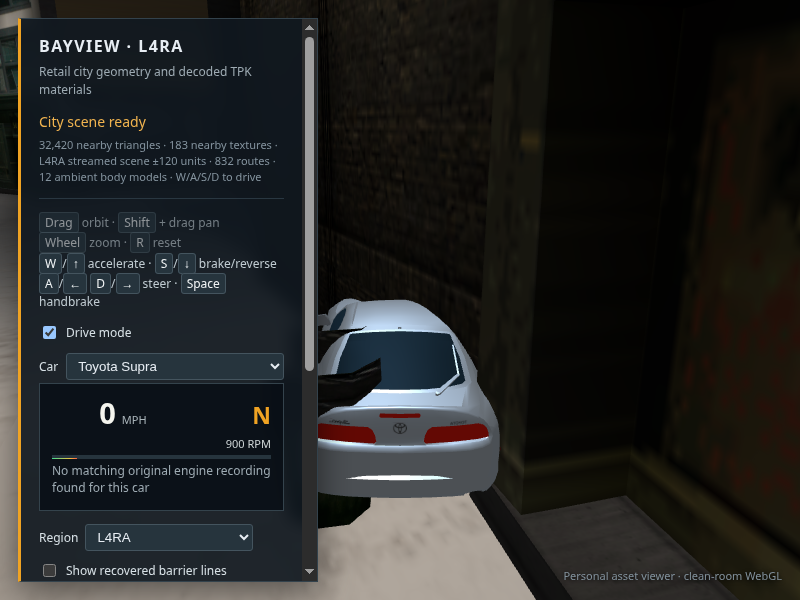
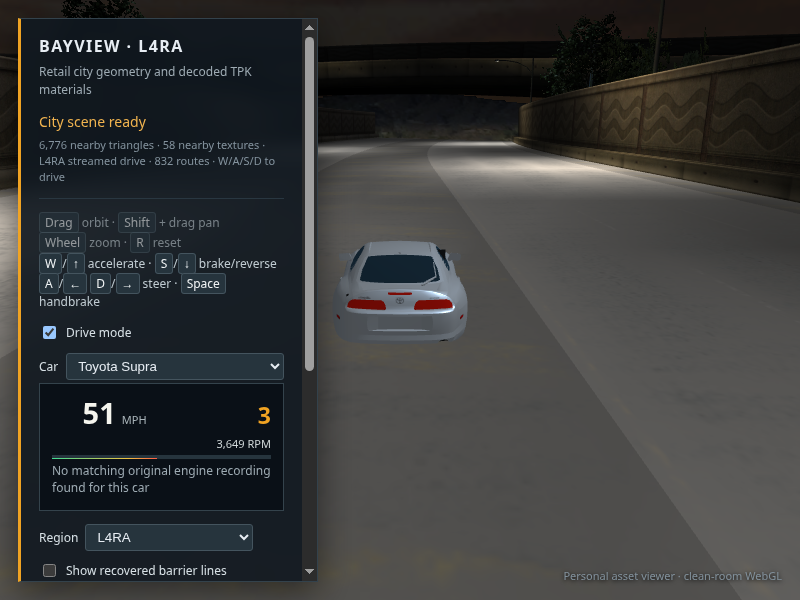
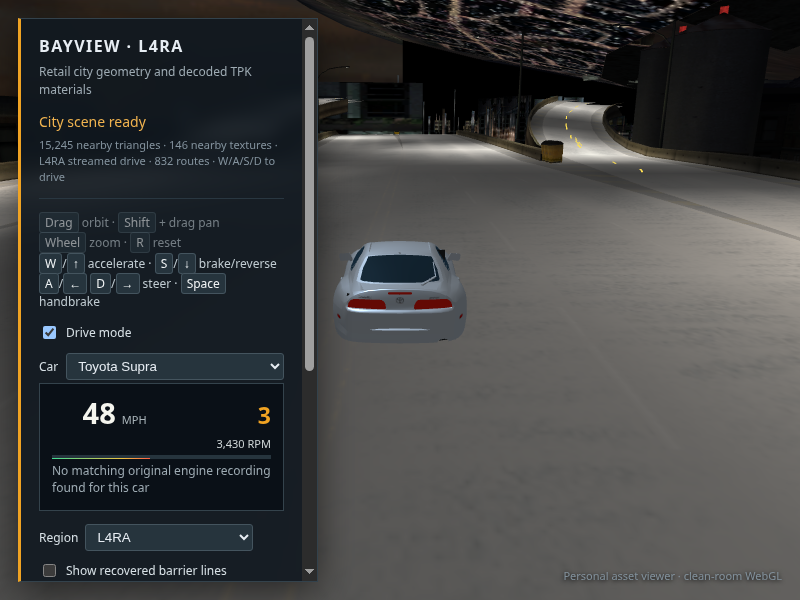
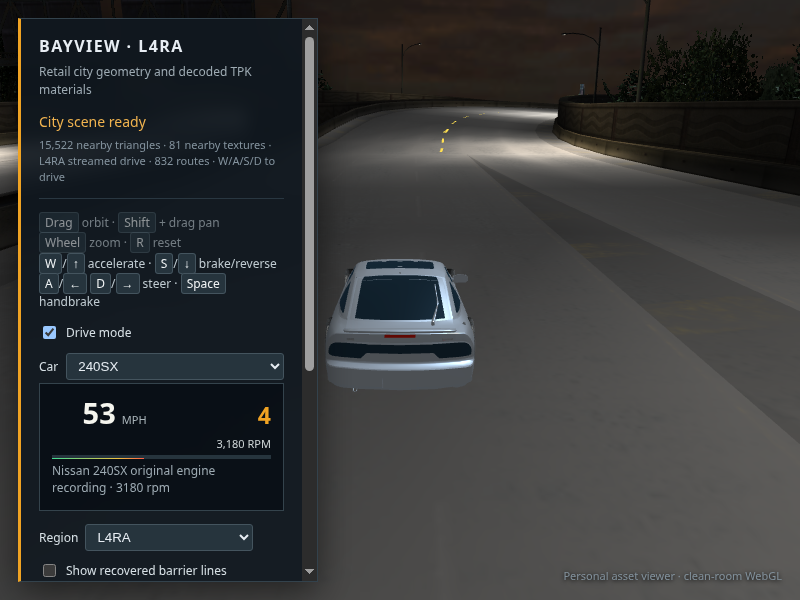
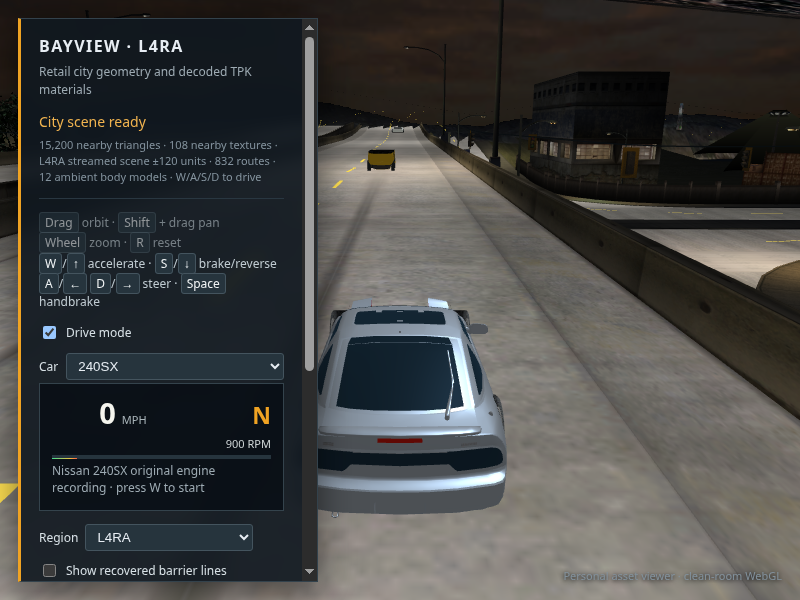
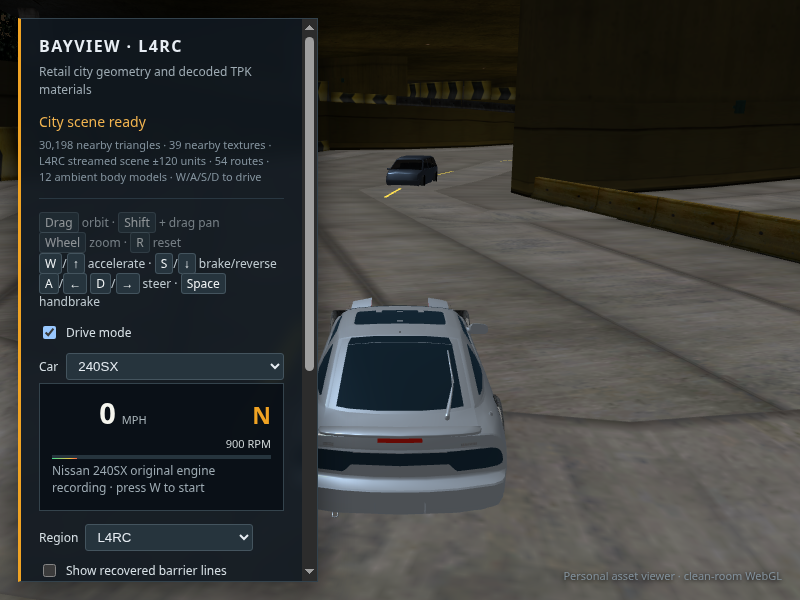
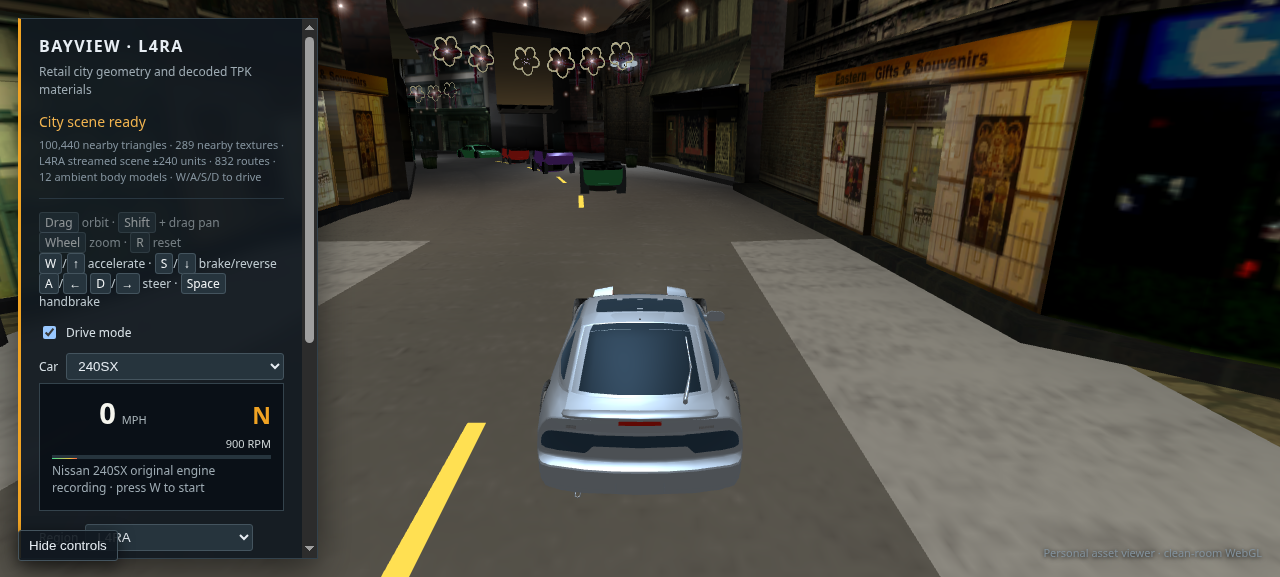
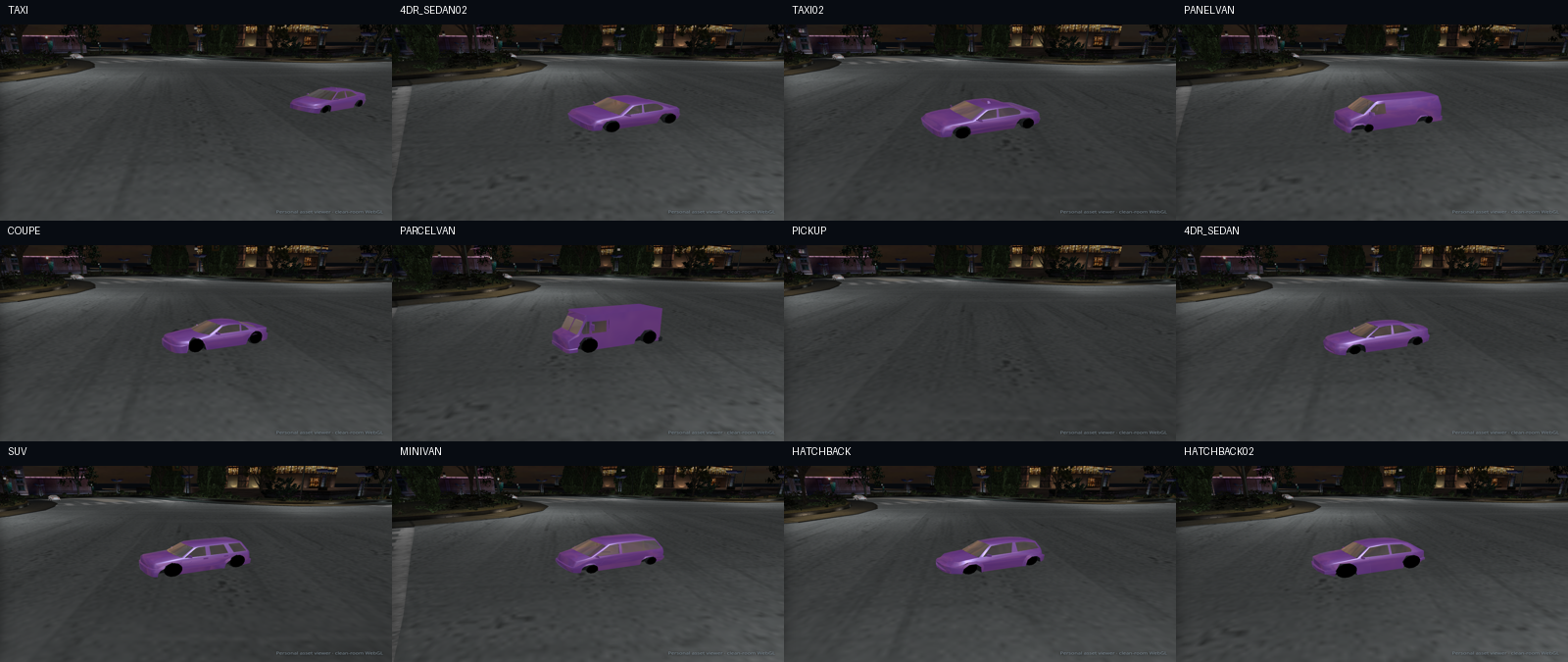
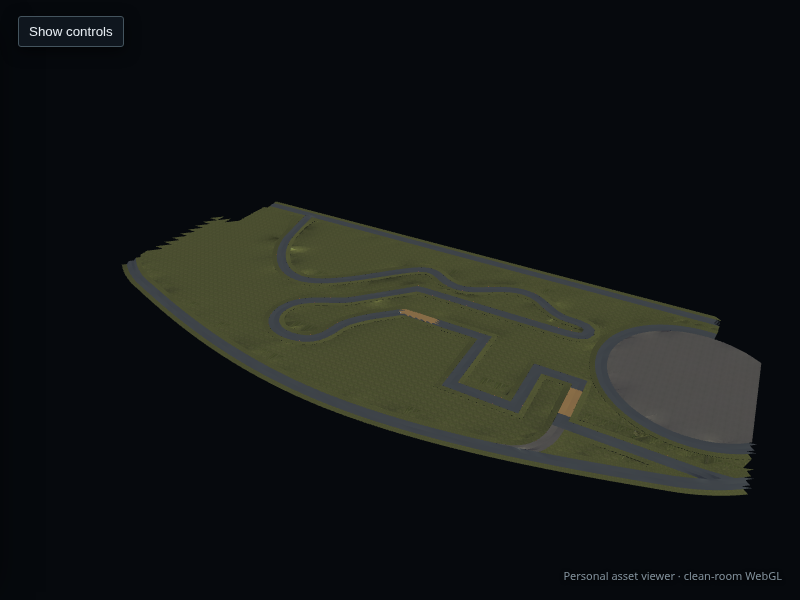
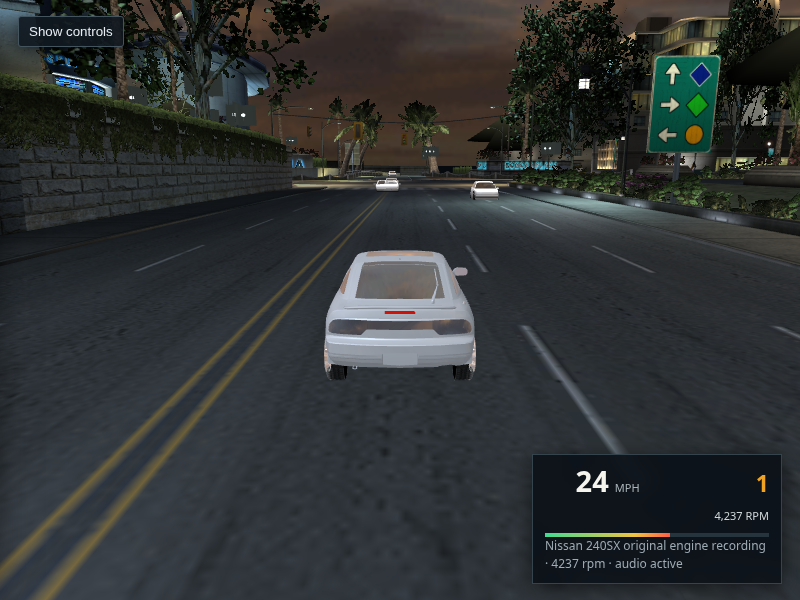
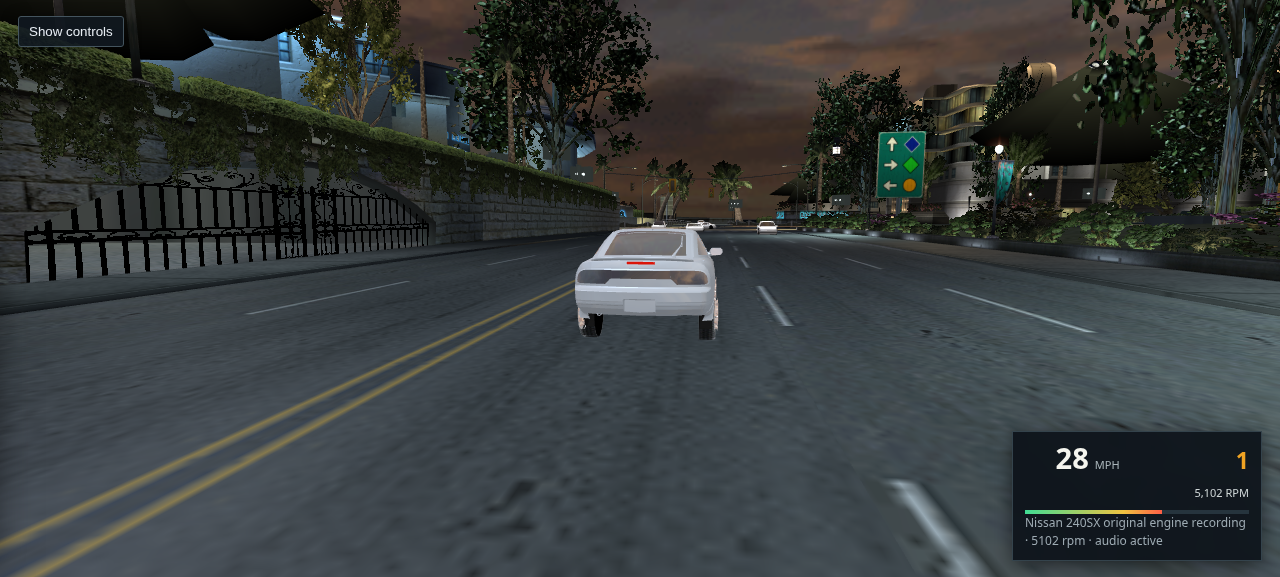
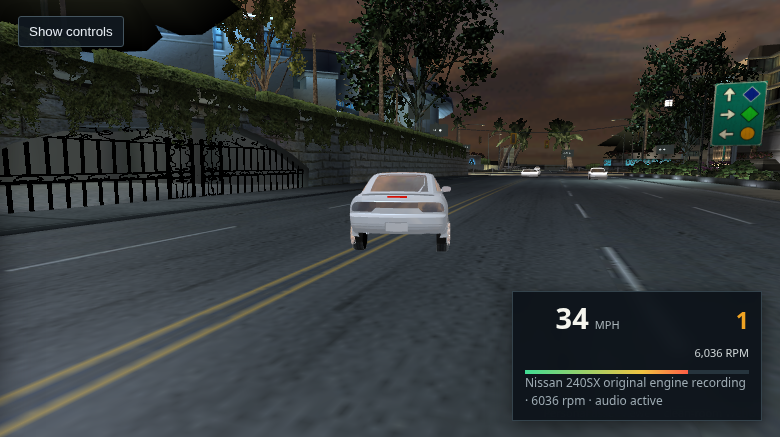
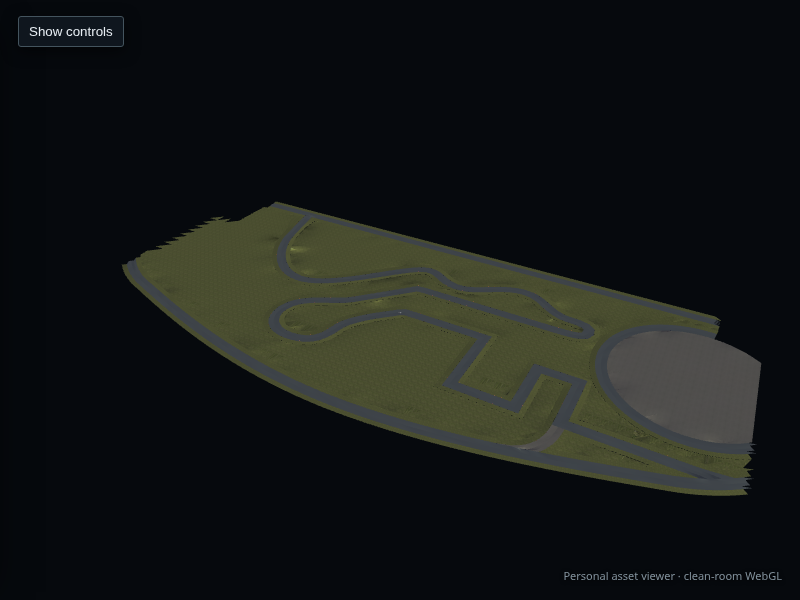
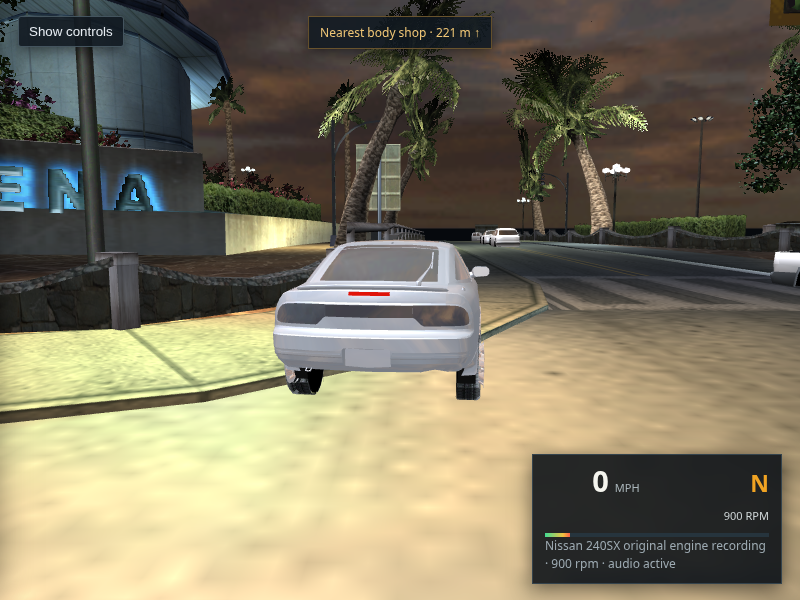
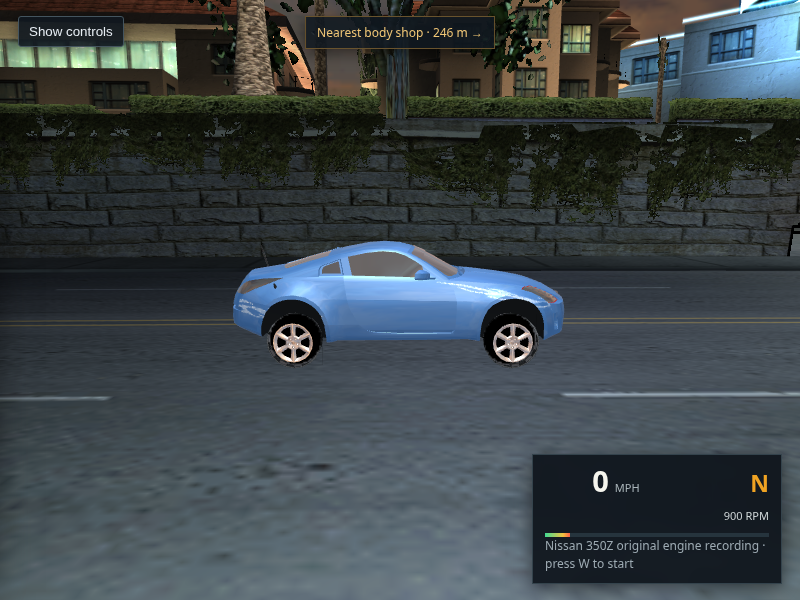
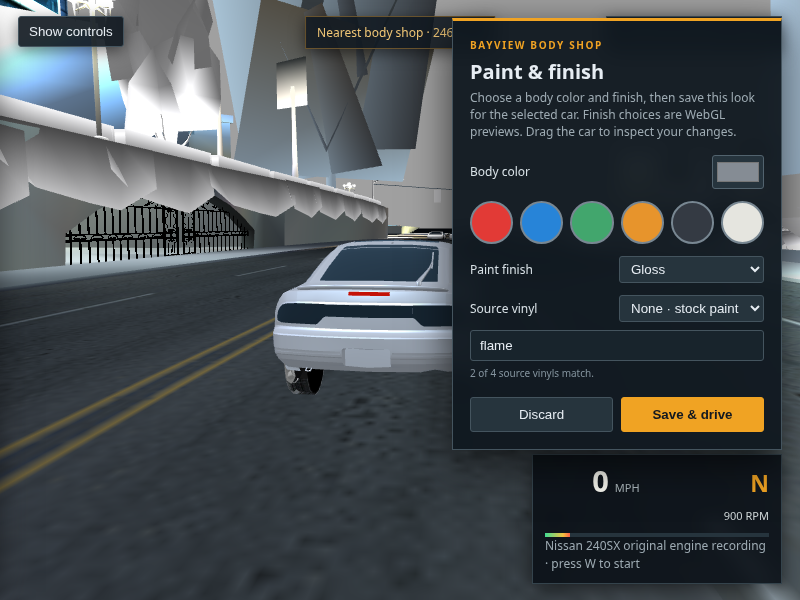
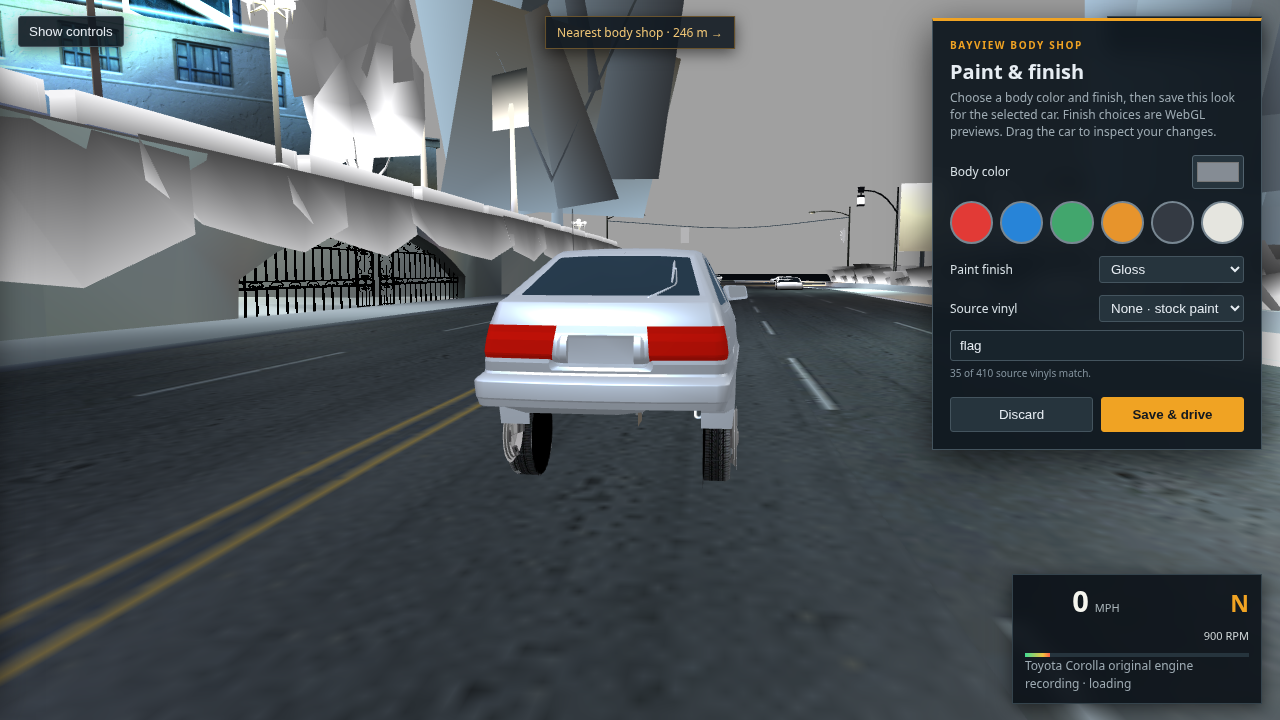
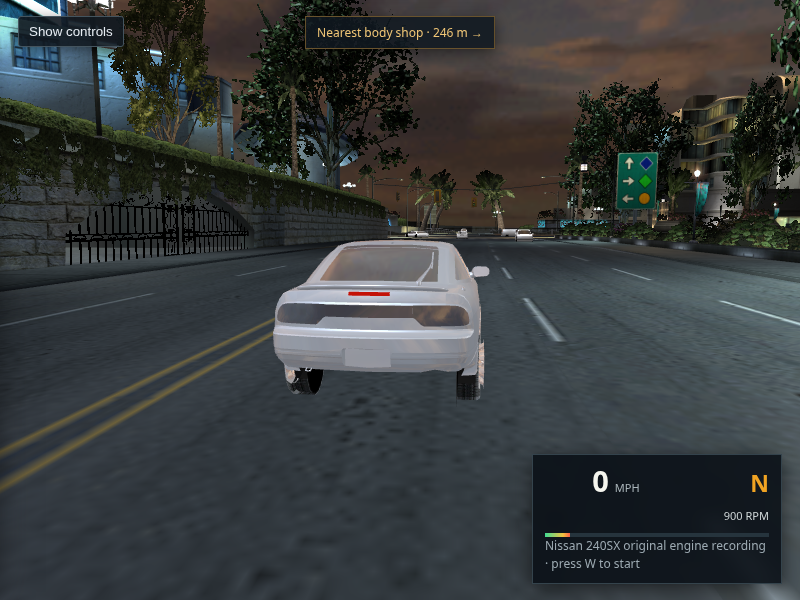
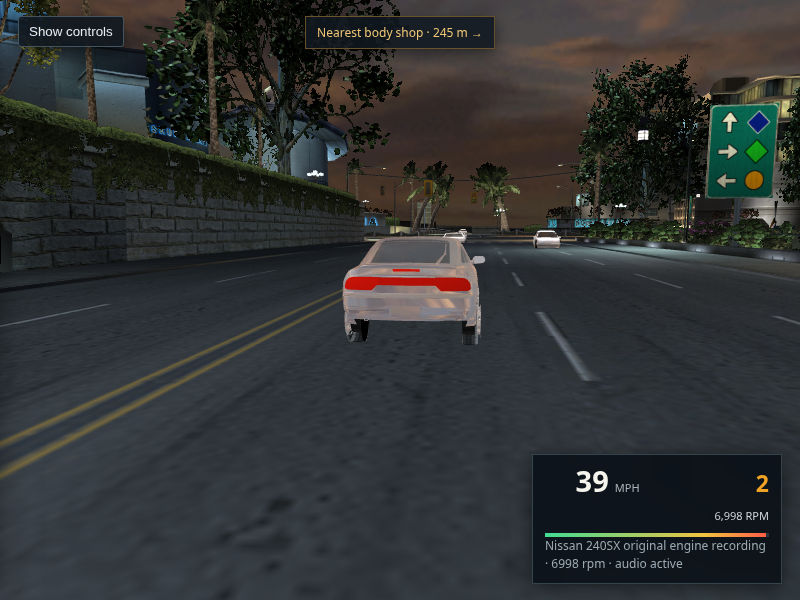
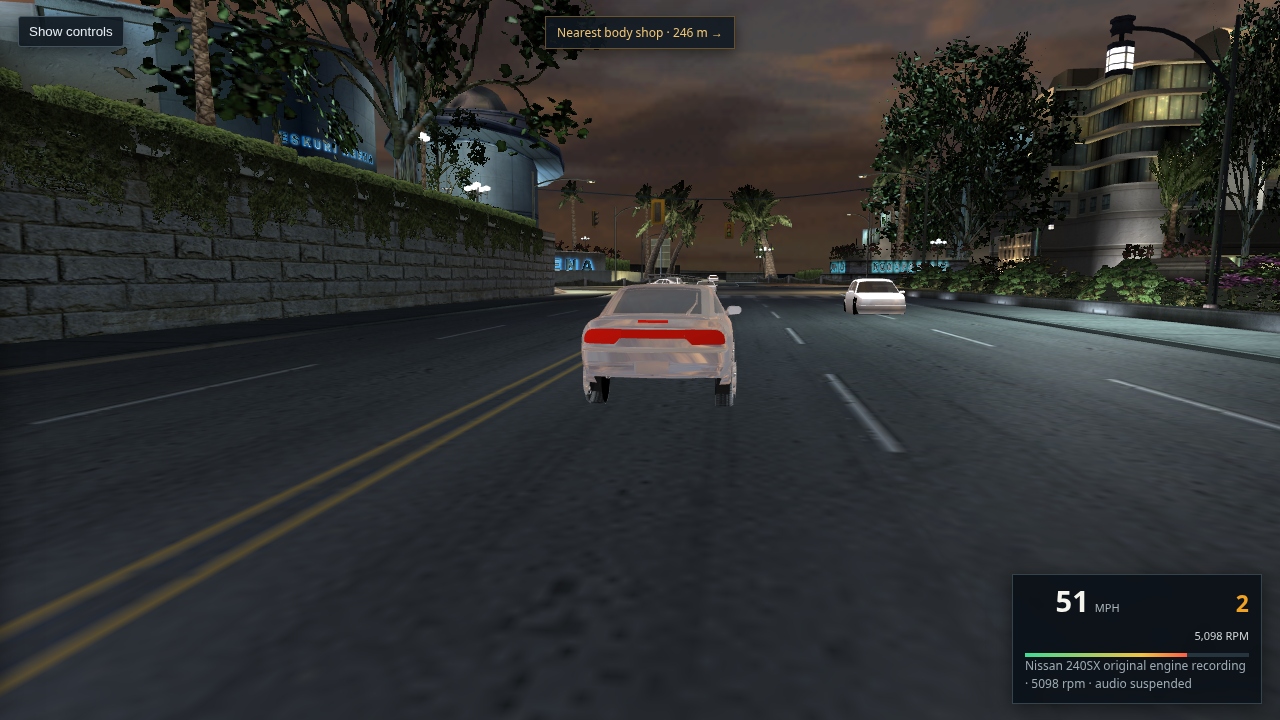
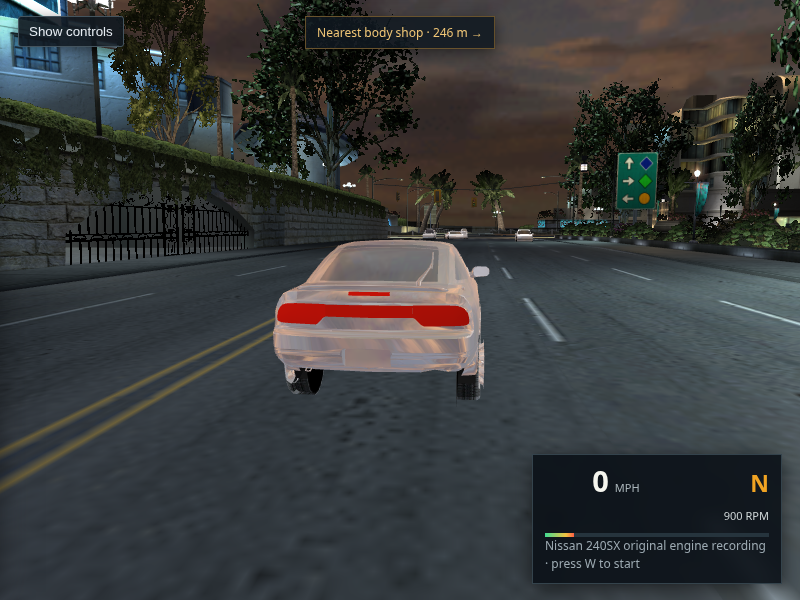
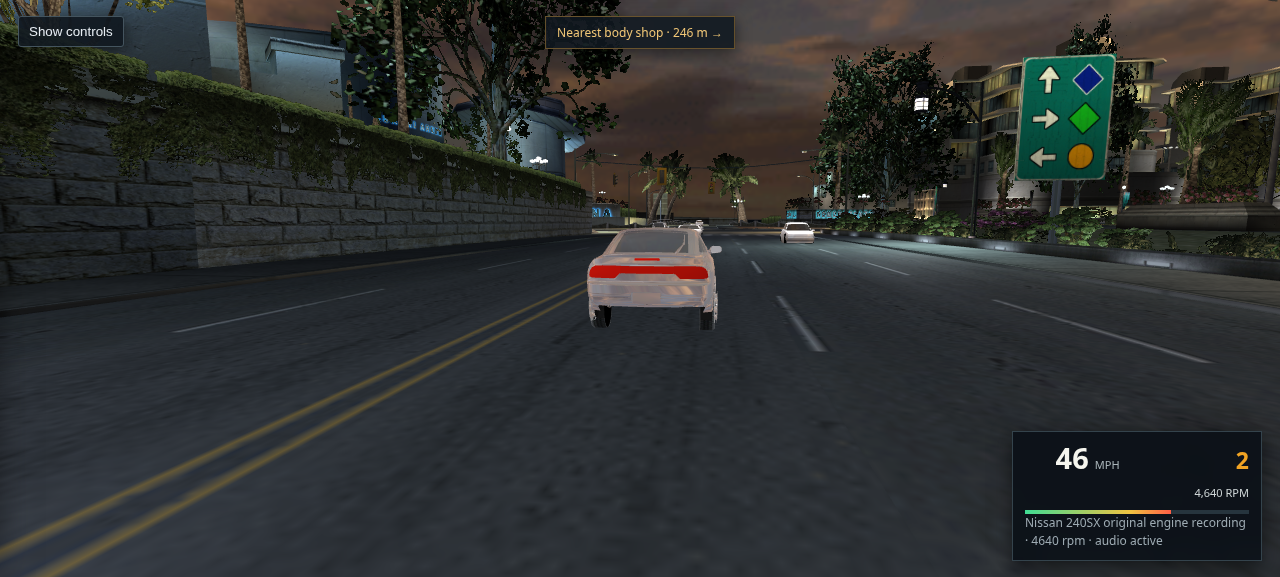
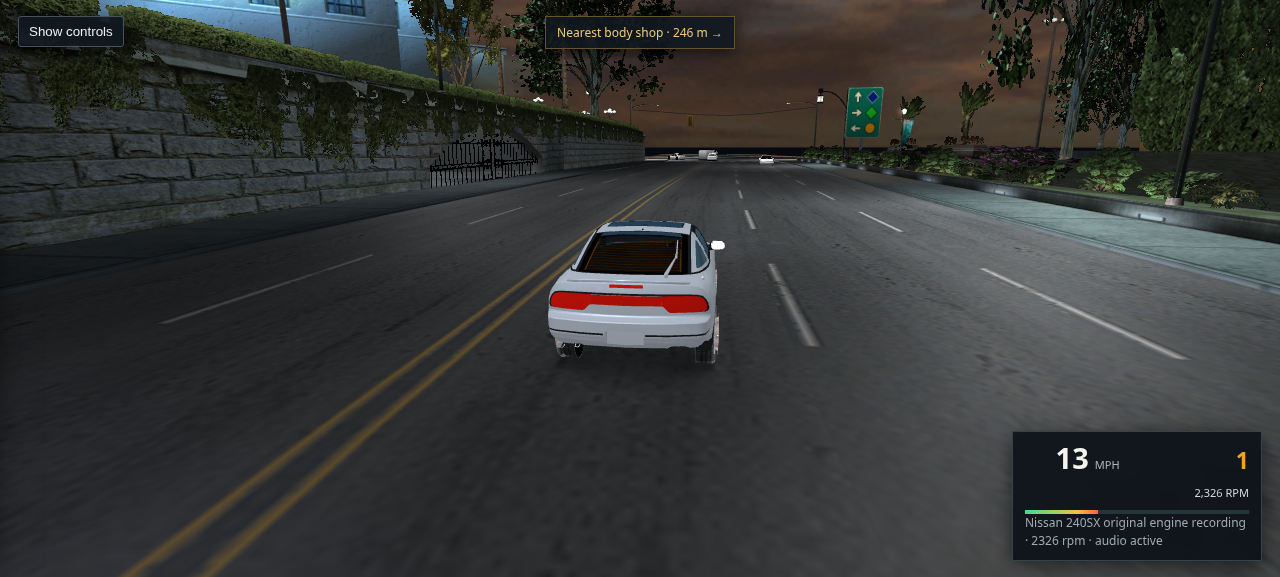
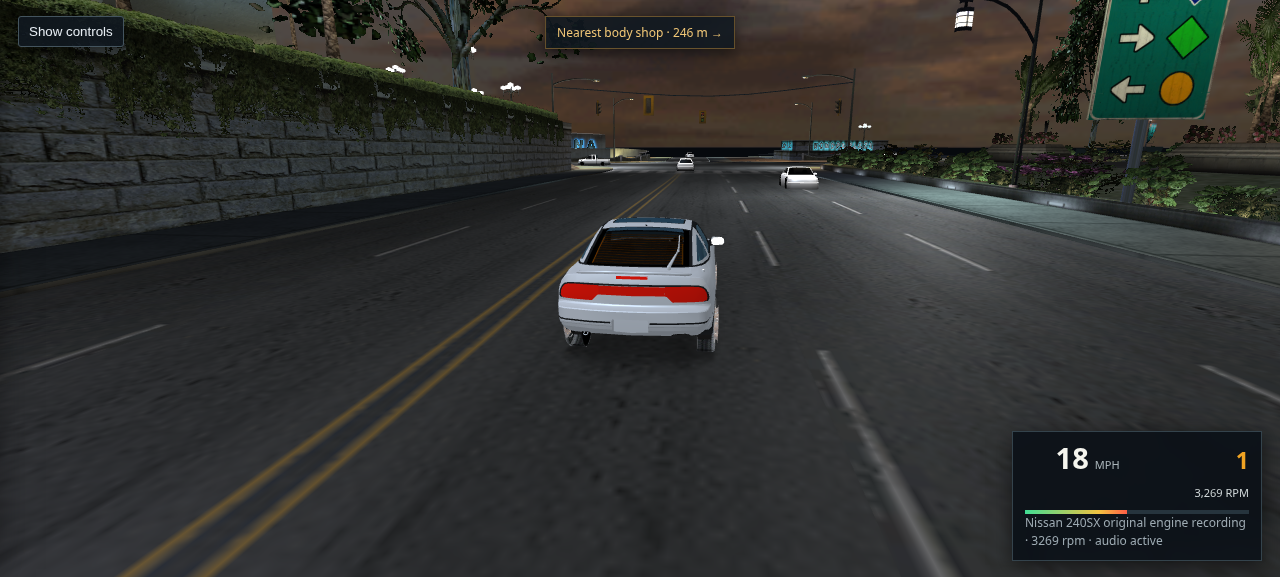
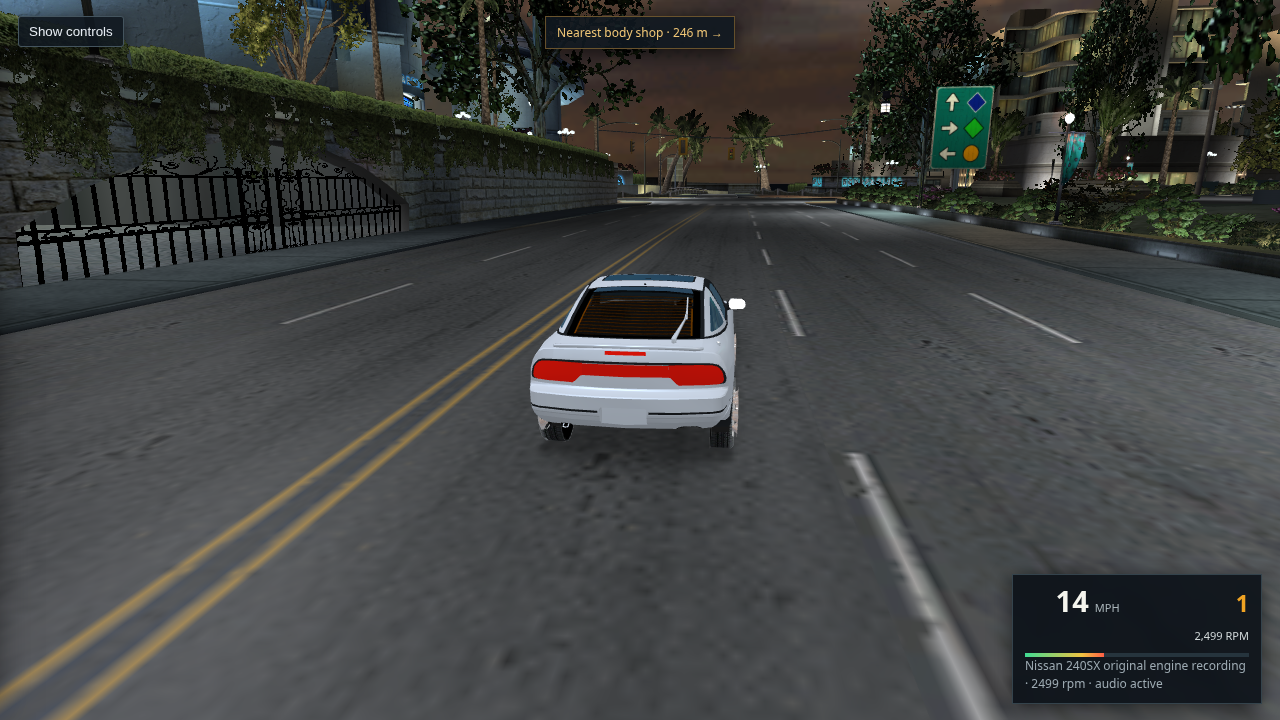
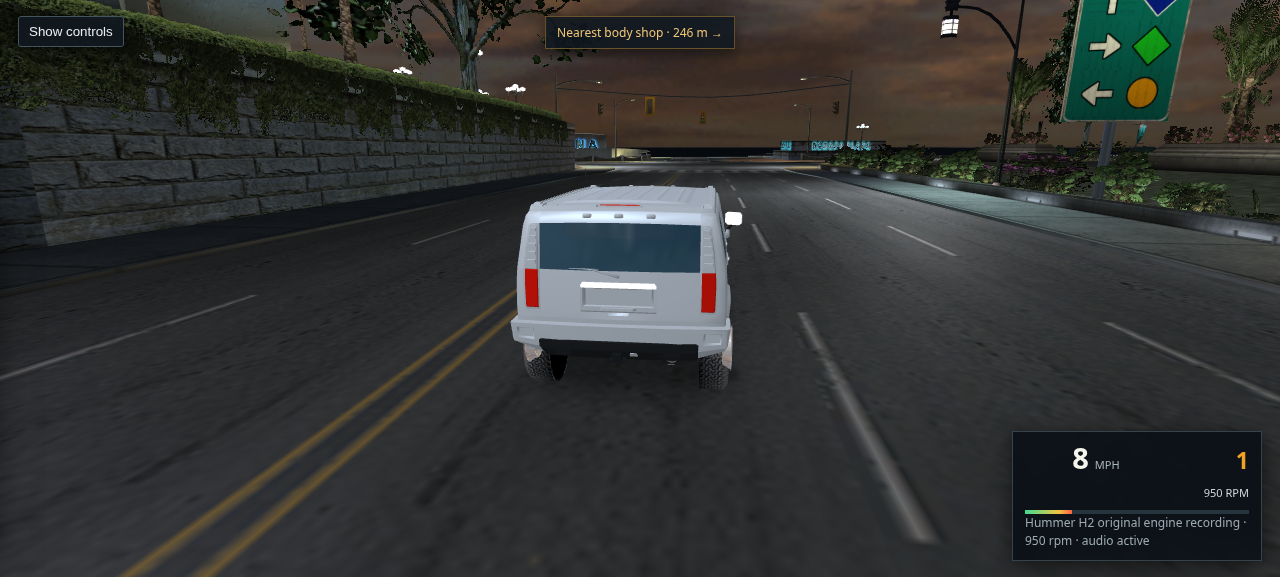
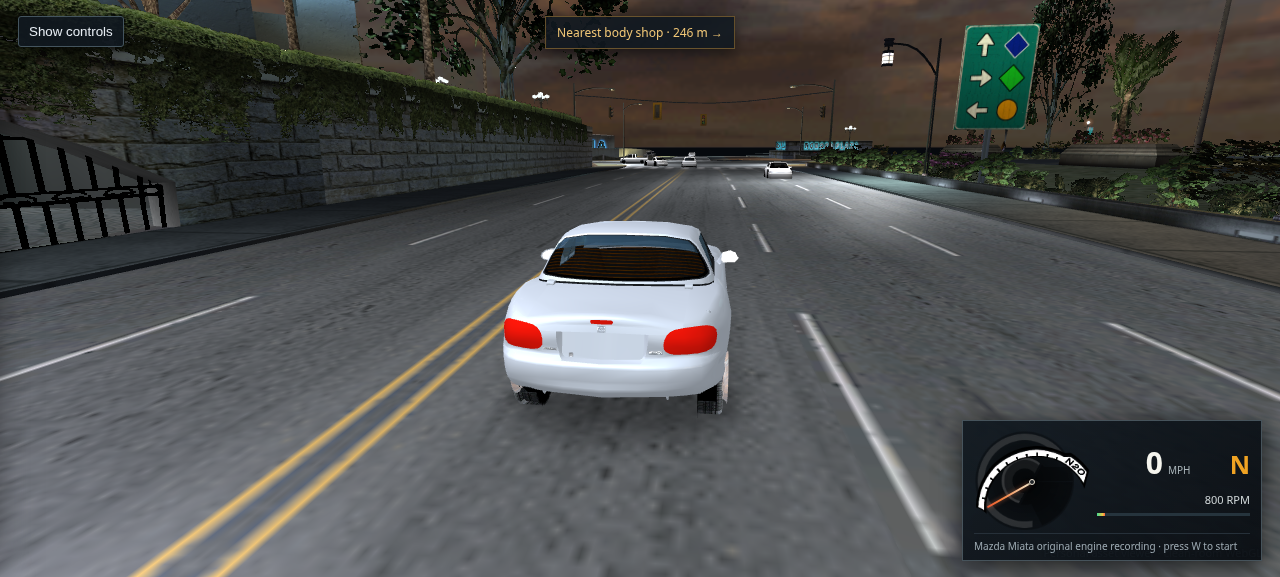
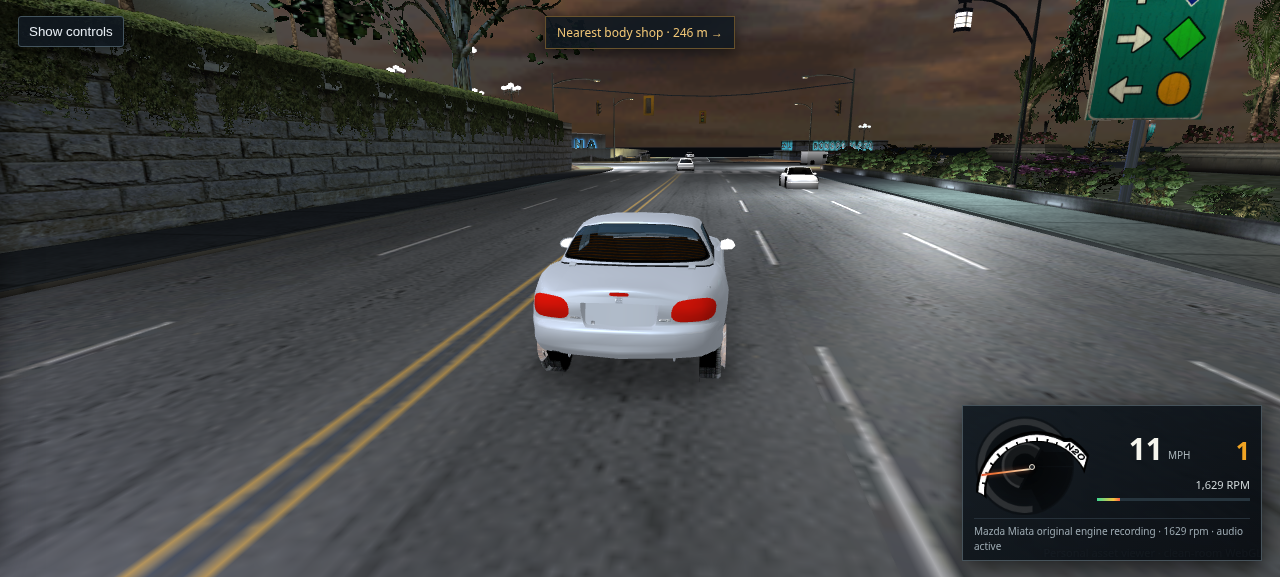
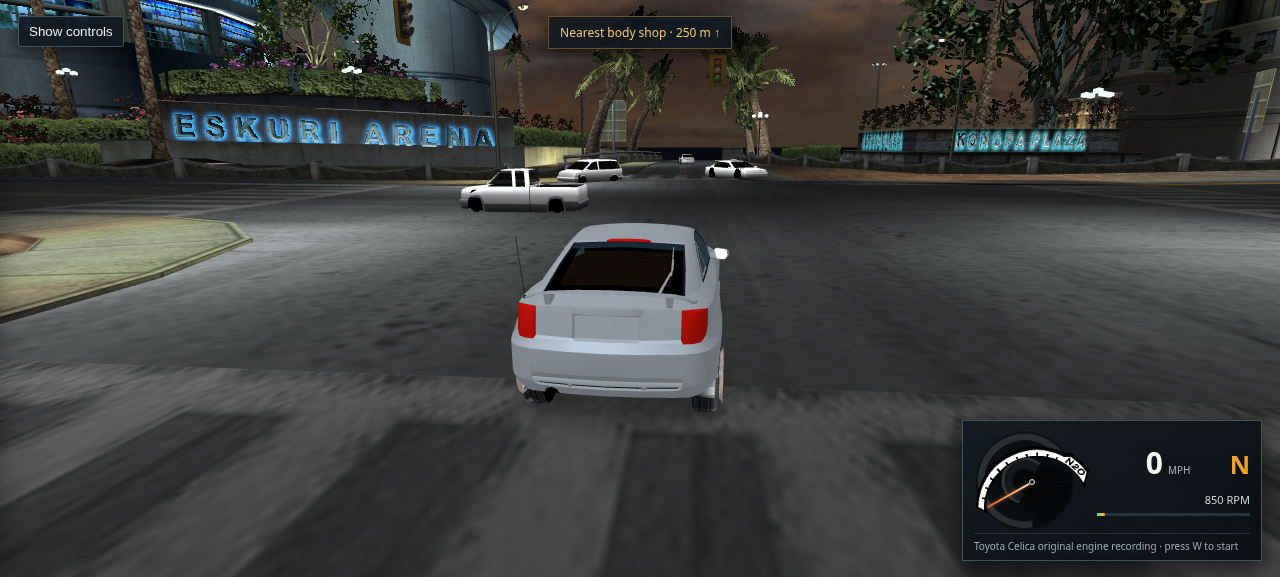
Most entries are unedited captures from host Chrome; source-data diagrams are labeled. This WebGL reconstruction loads the L4RA scene and supports driving, but the visual match and complete Bayview assembly remain unfinished. A current Route 450 scan found no placed-object/road intersections within 100 units of that start; that local result is not a citywide placement check. The combined eight-stream scene remains experimental: exact shared meshes are deduplicated, but a unified city route/traffic graph and broader placement review are still missing. Read the latest placement audit for evidence and limits. These images show the reconstruction or extracted data, not footage from the original game.

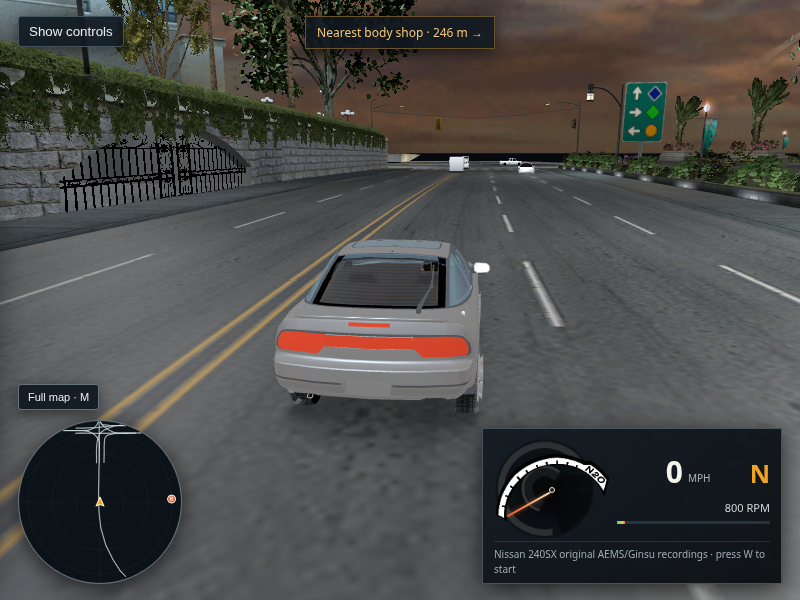
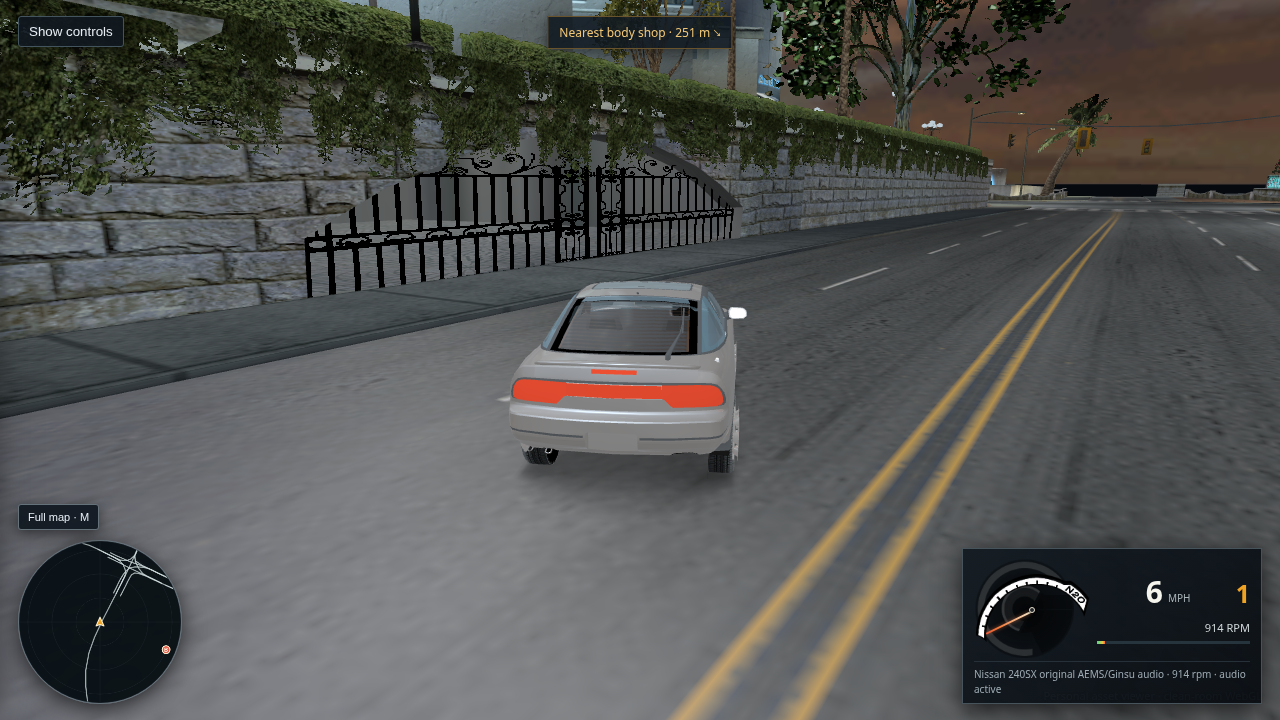
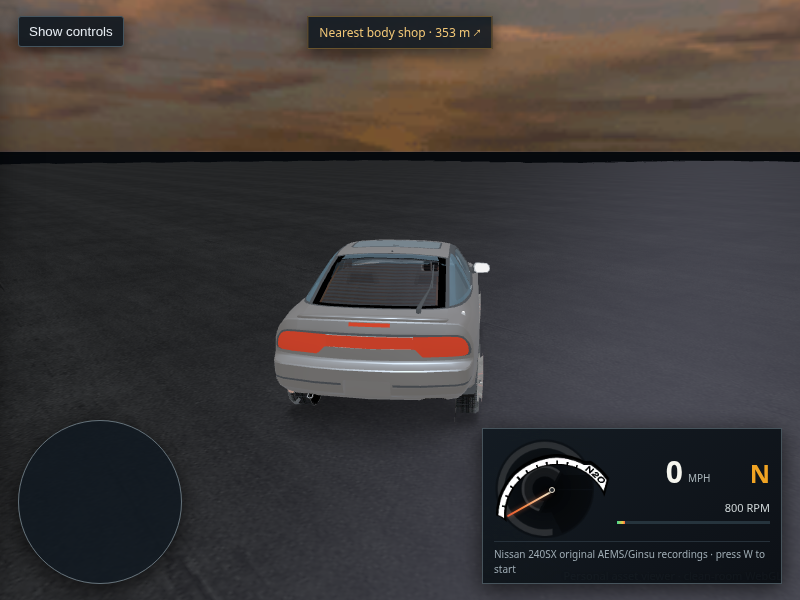
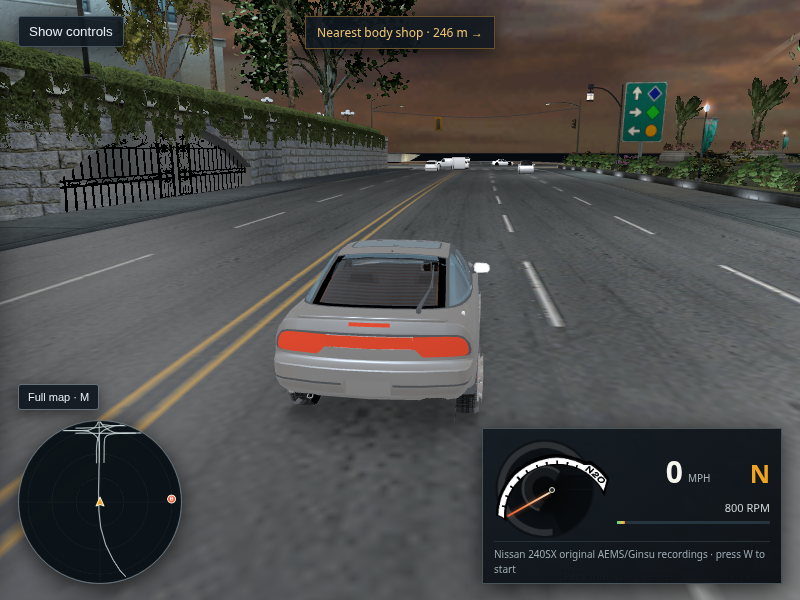
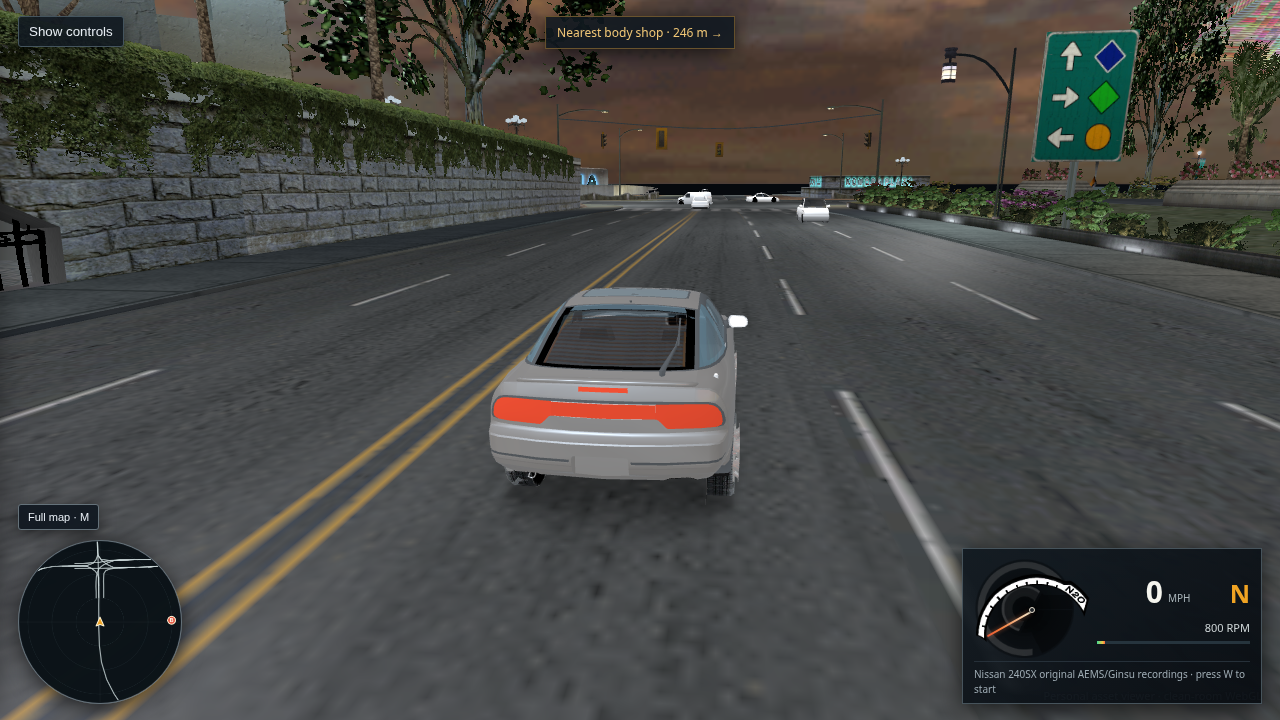
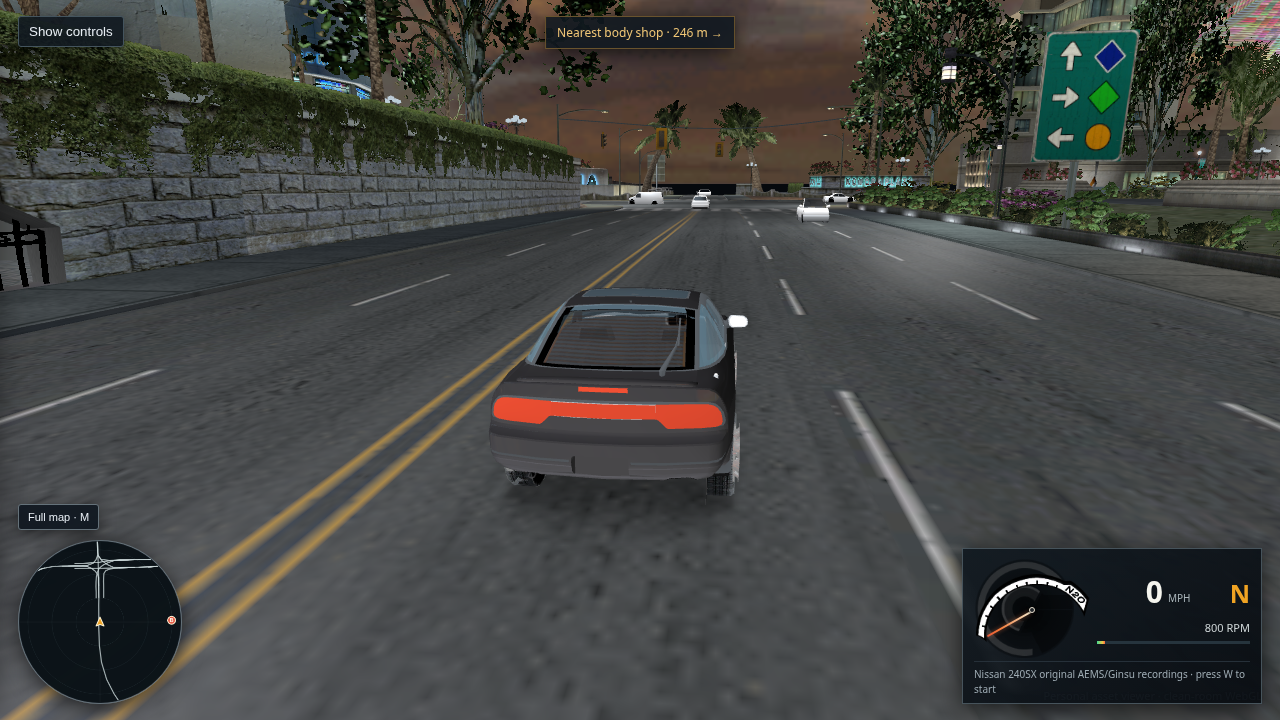
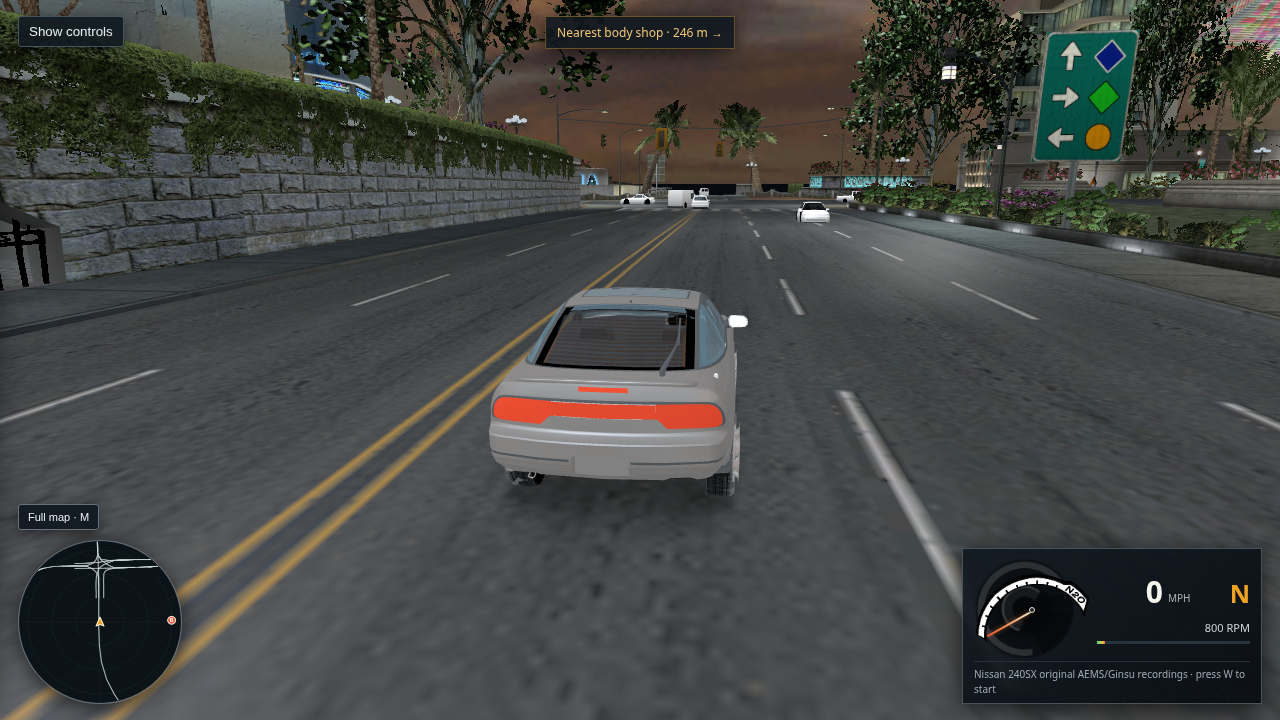
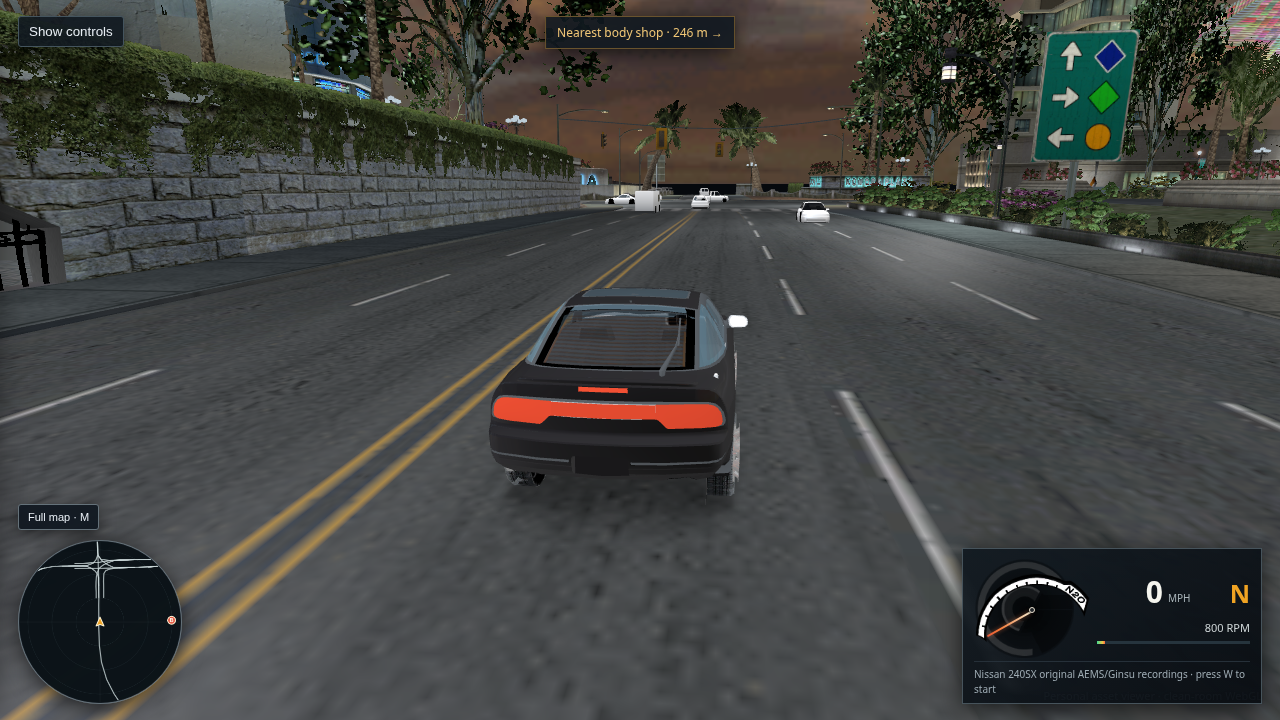
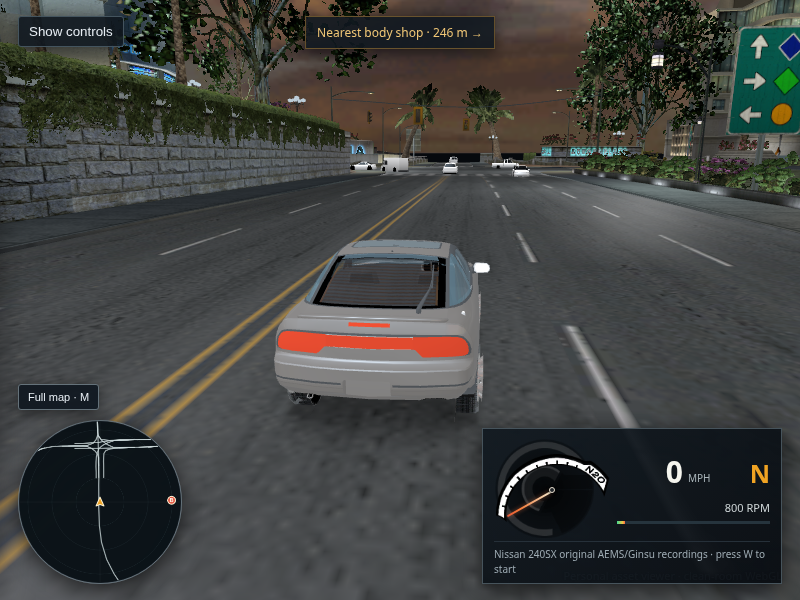
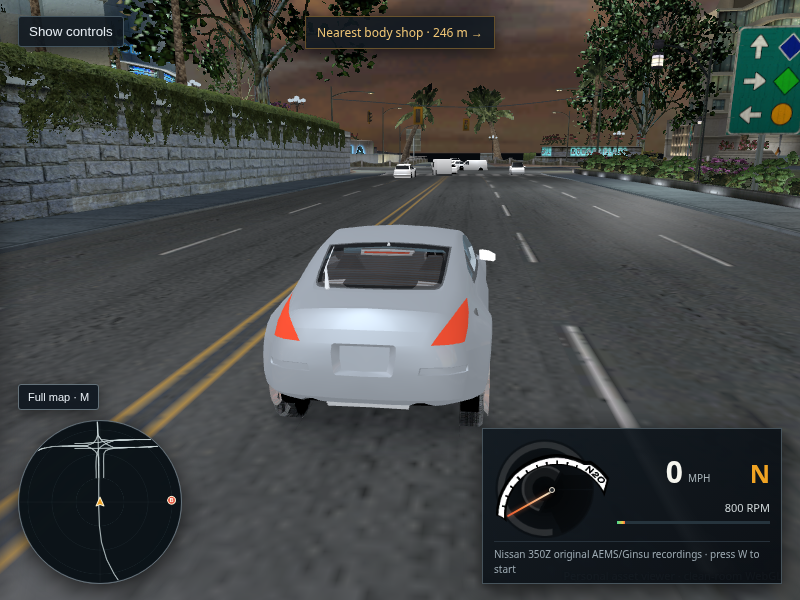
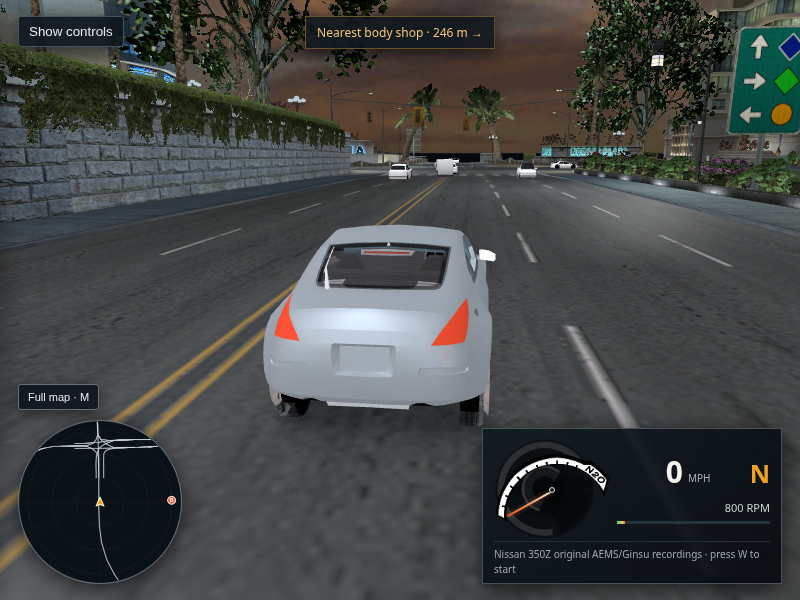
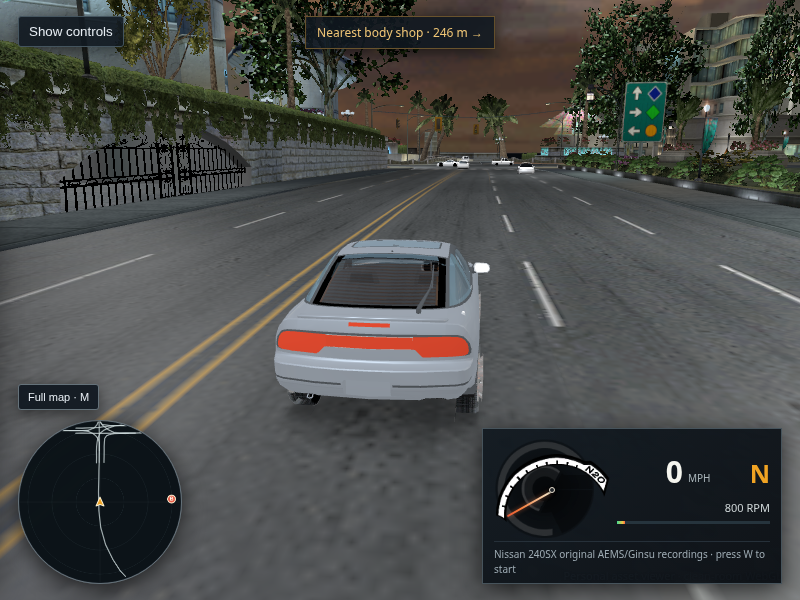
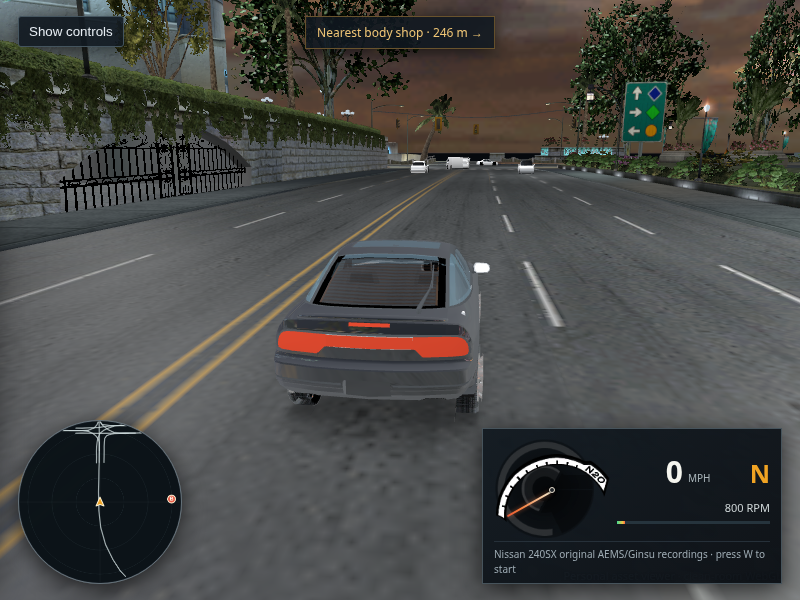
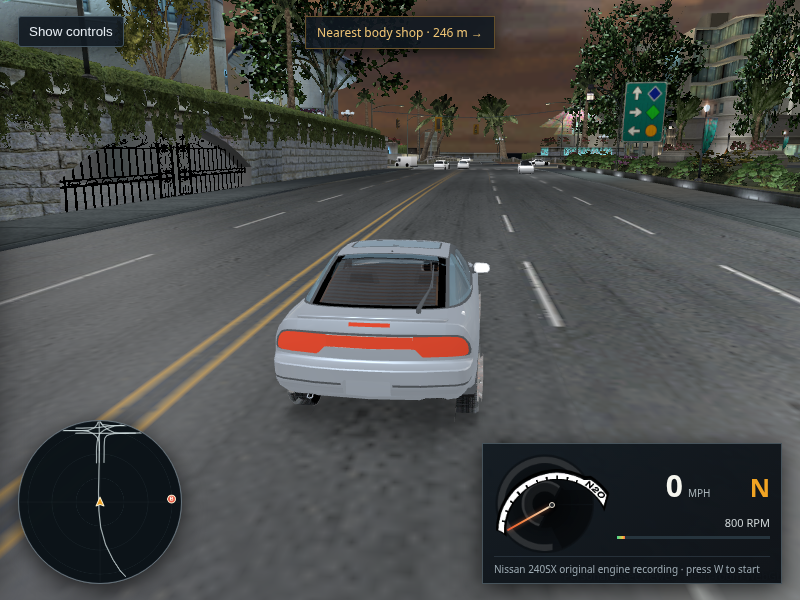
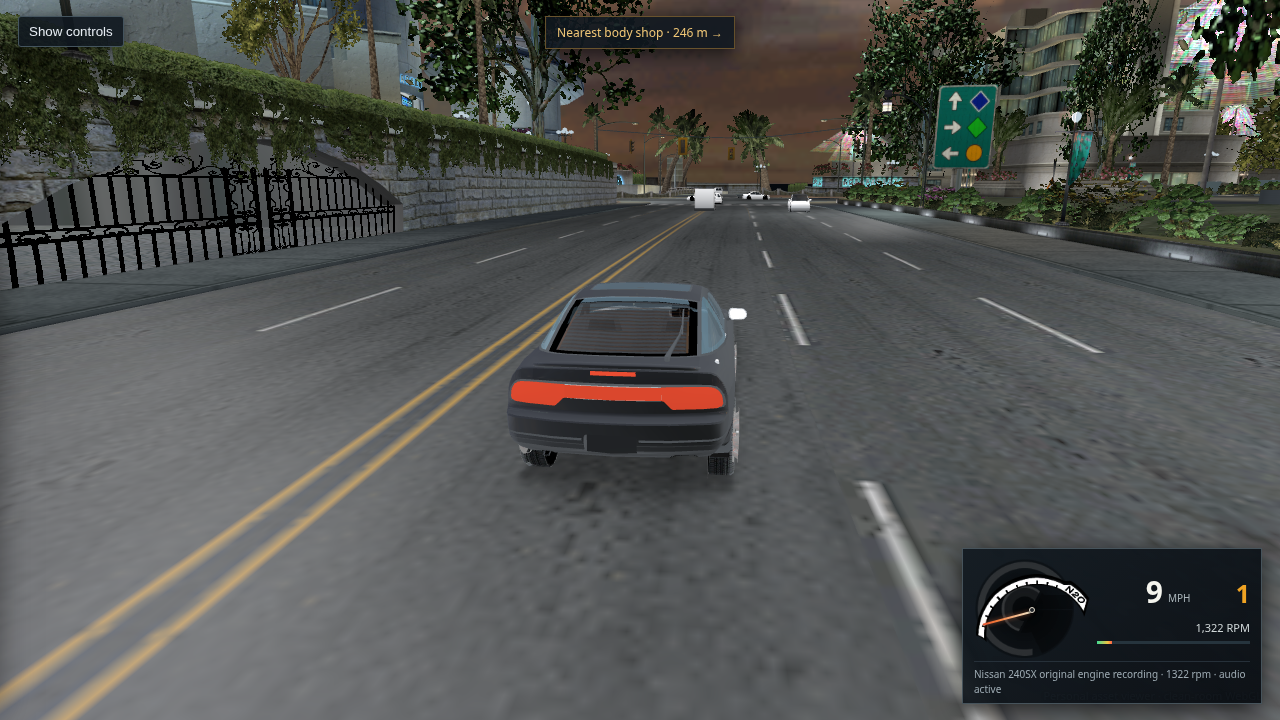
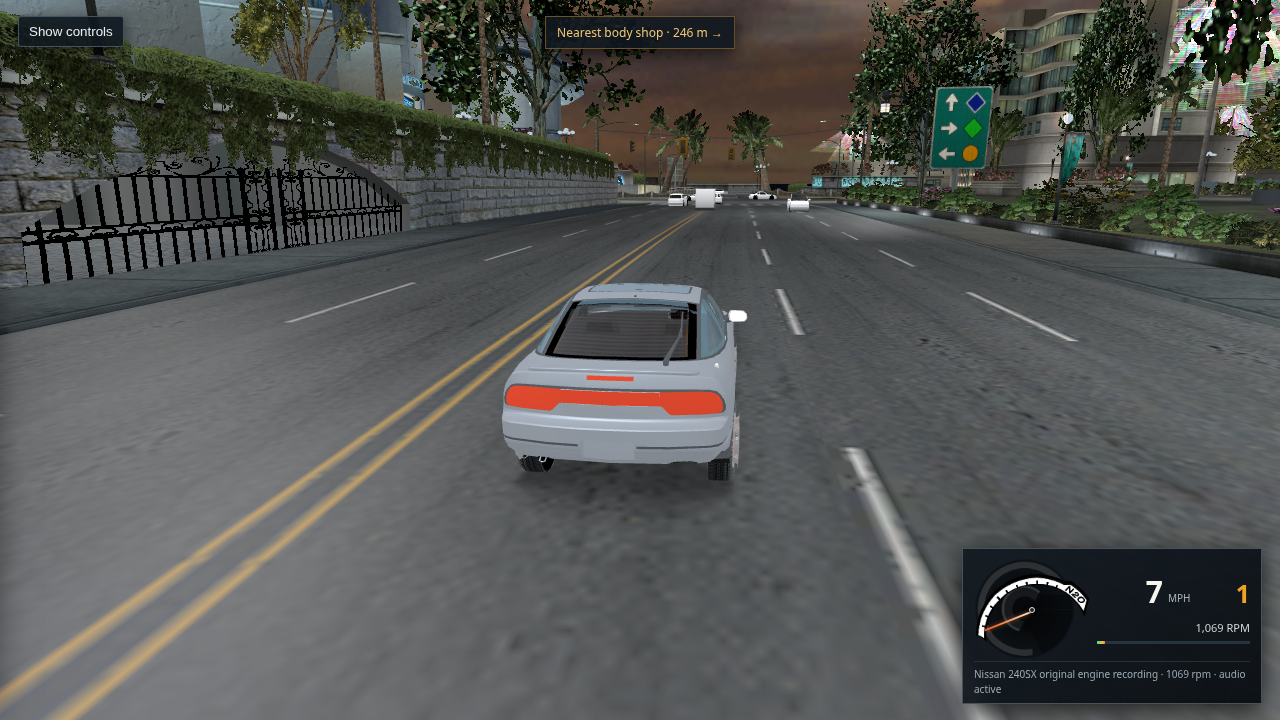
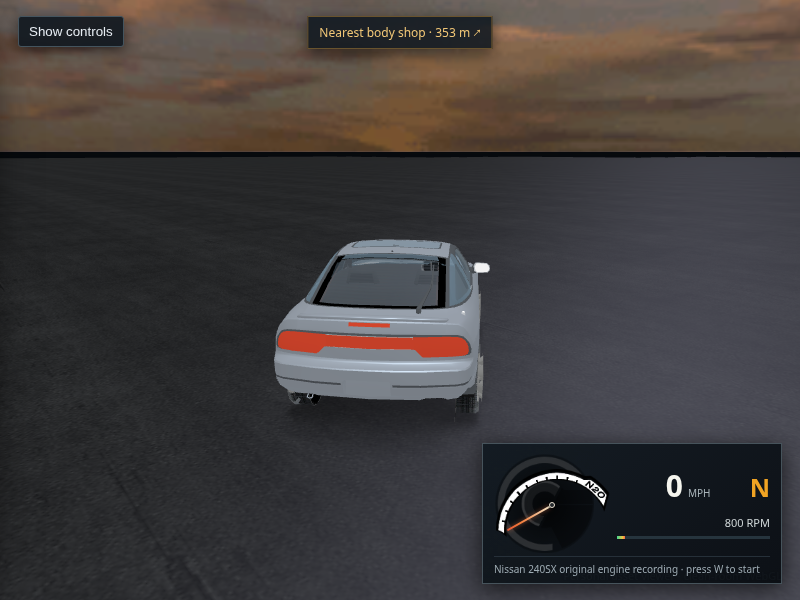
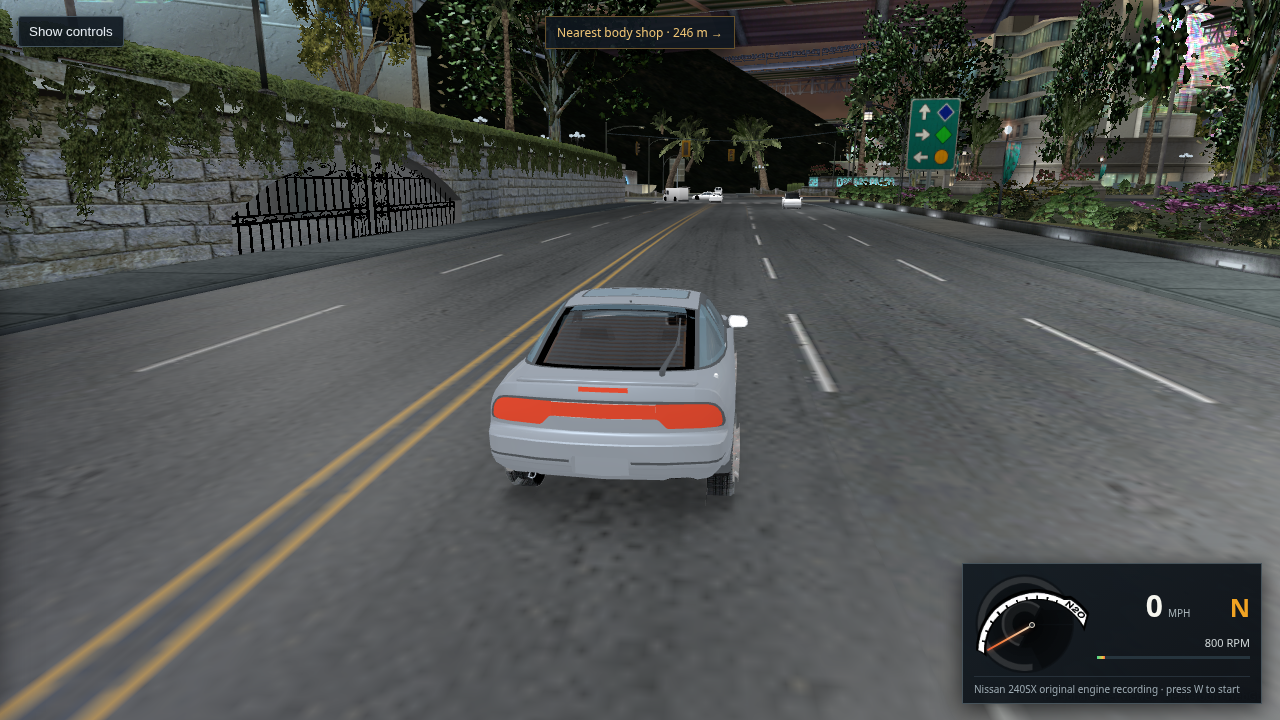
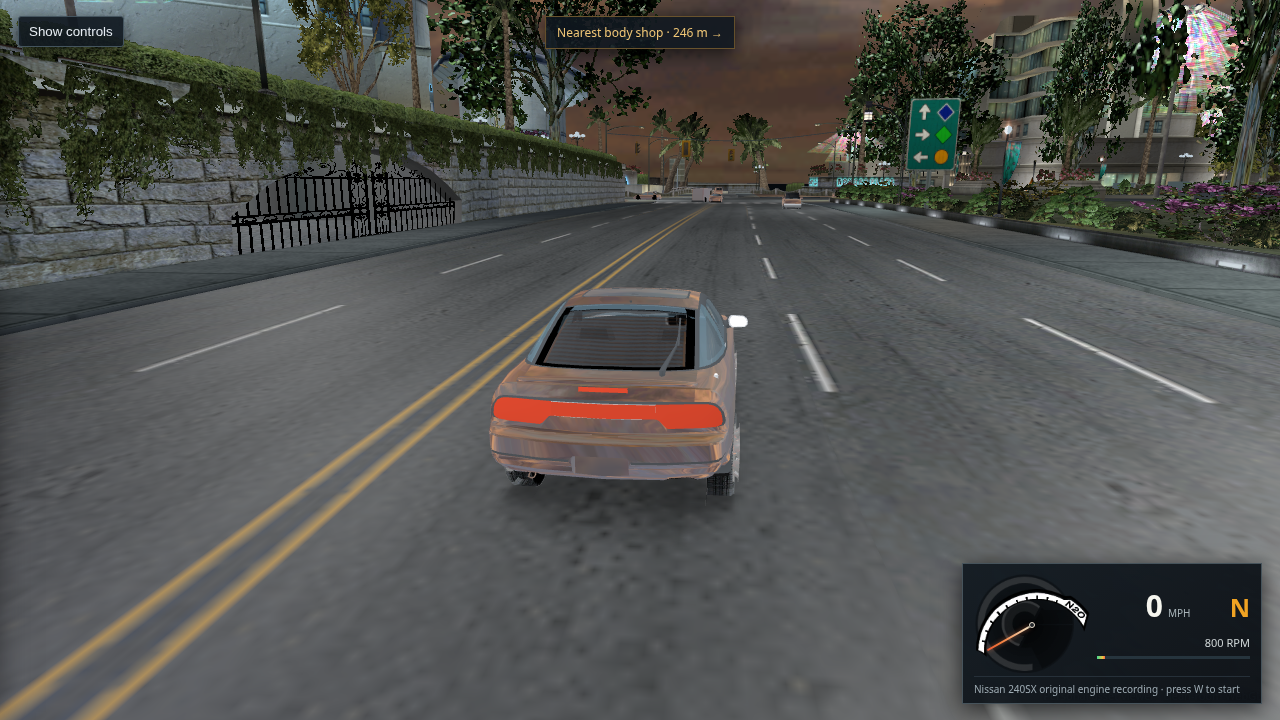
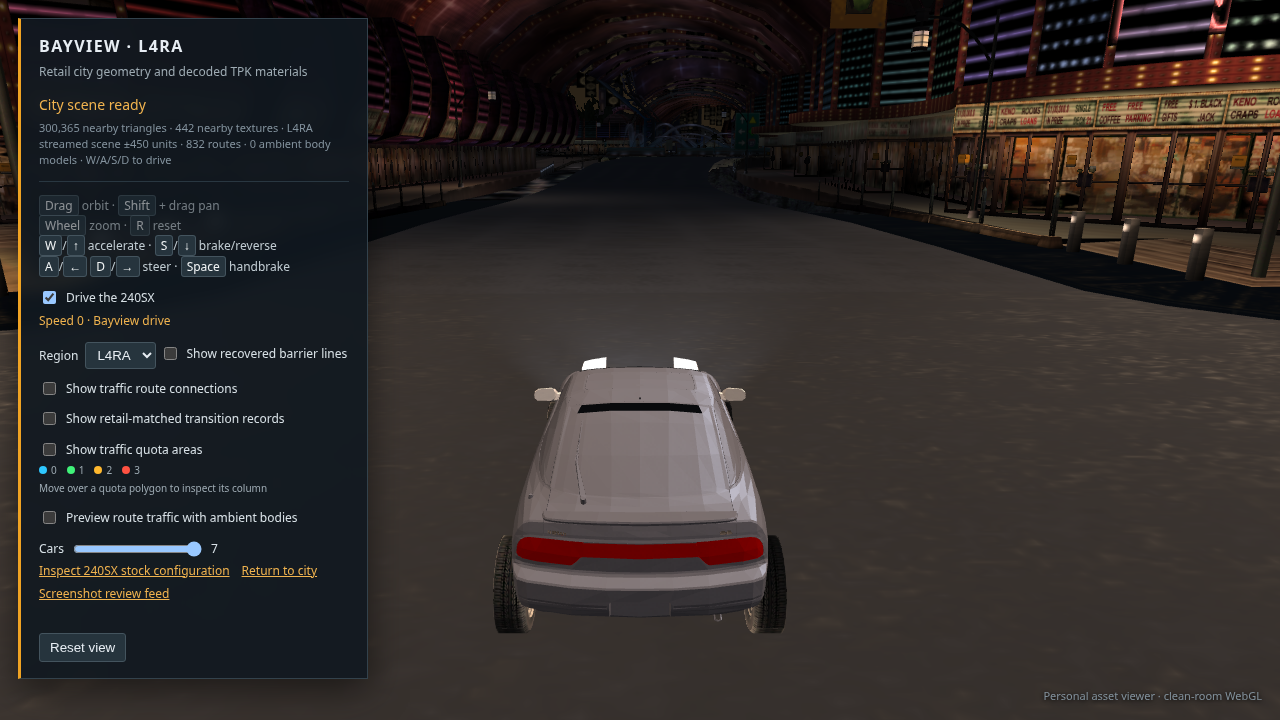
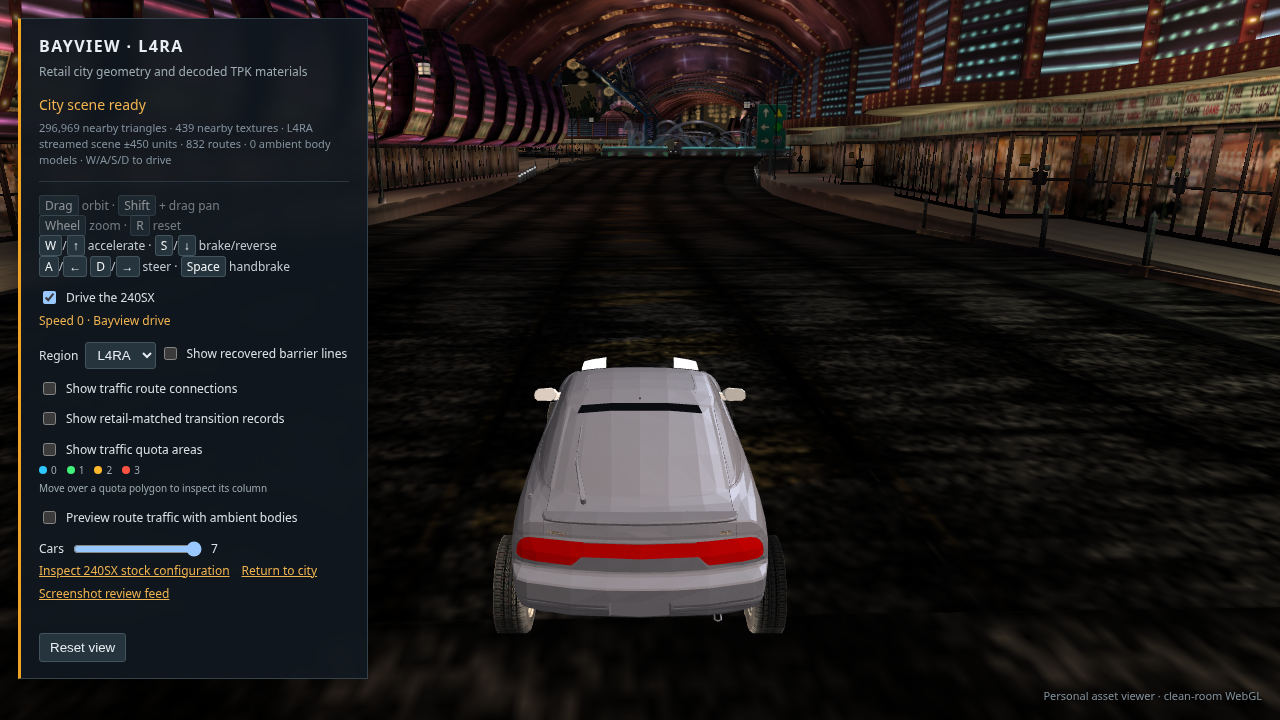
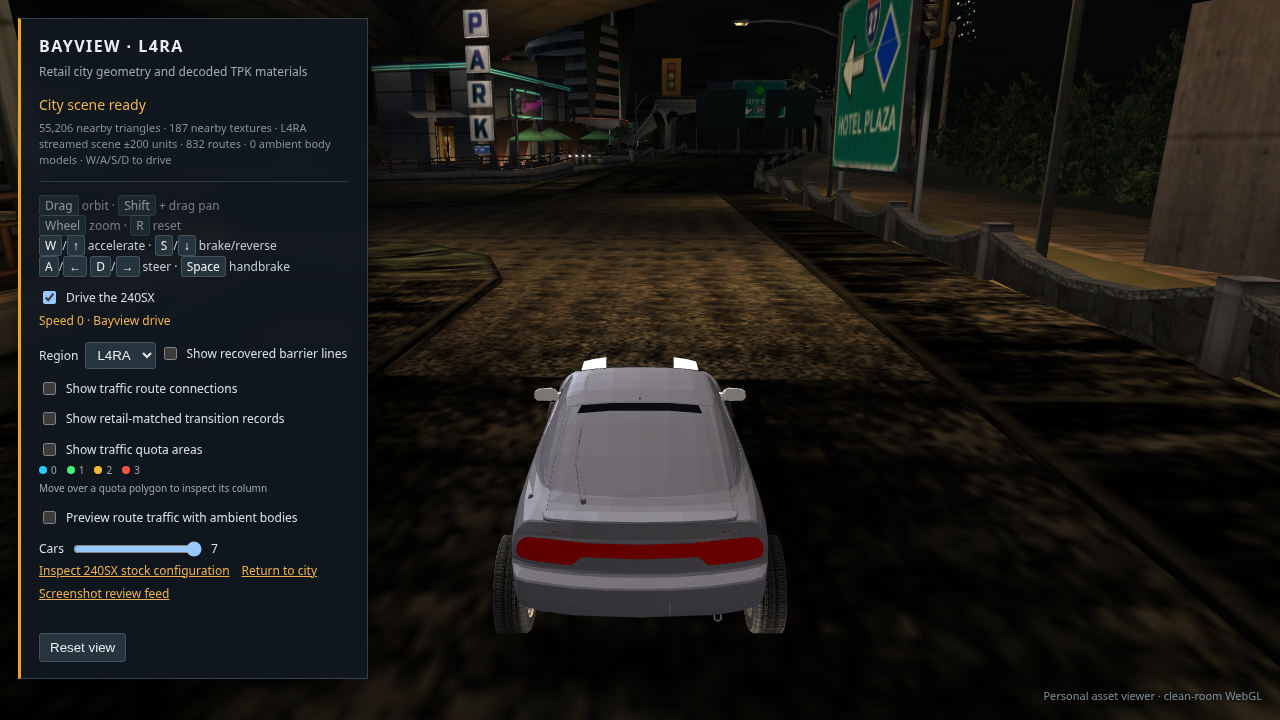
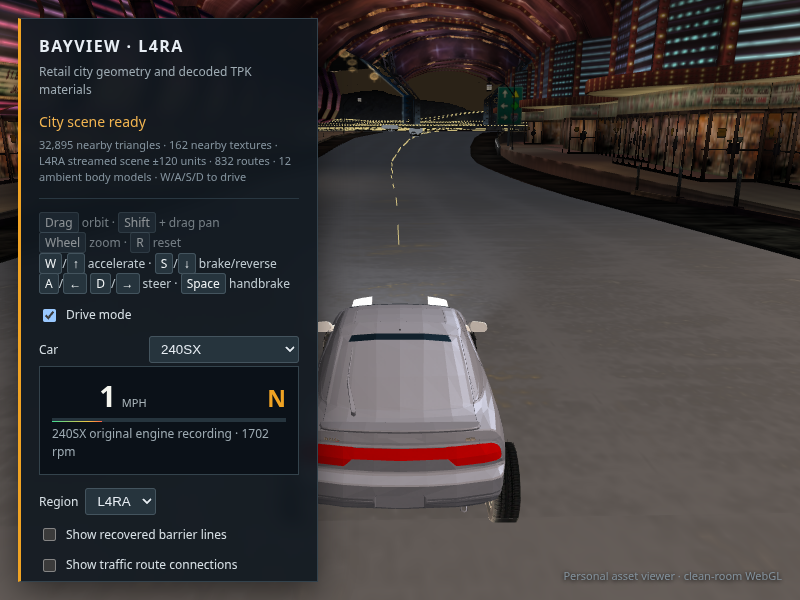
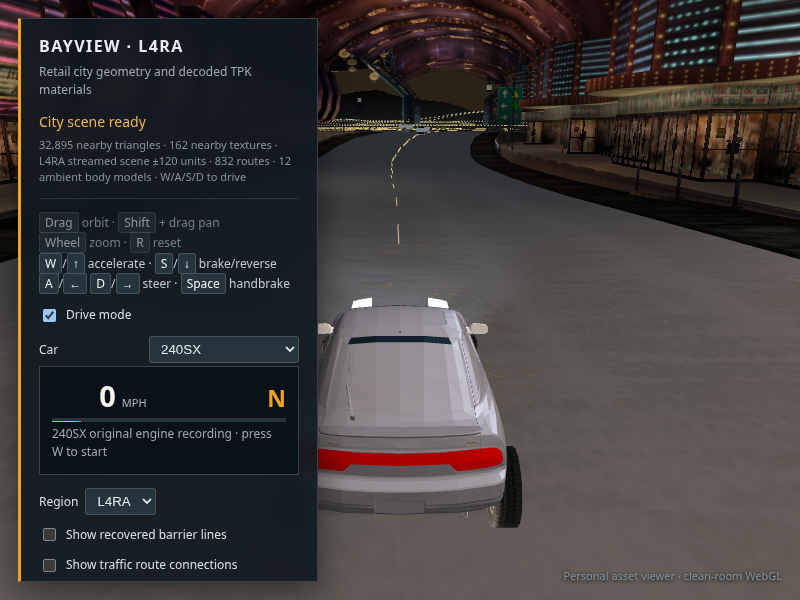
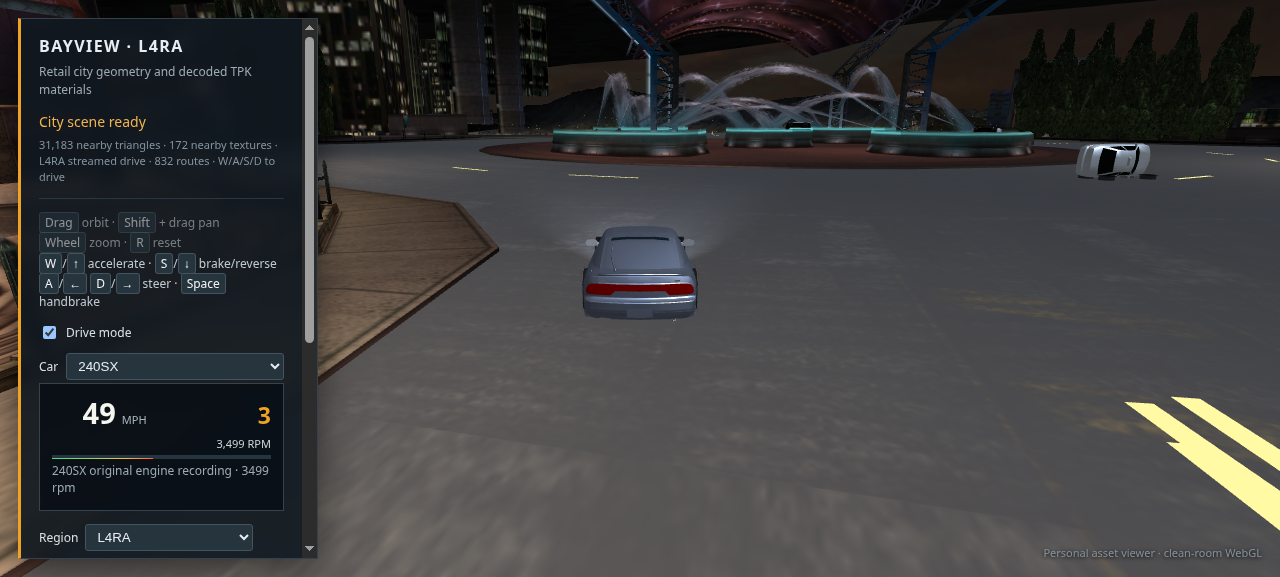
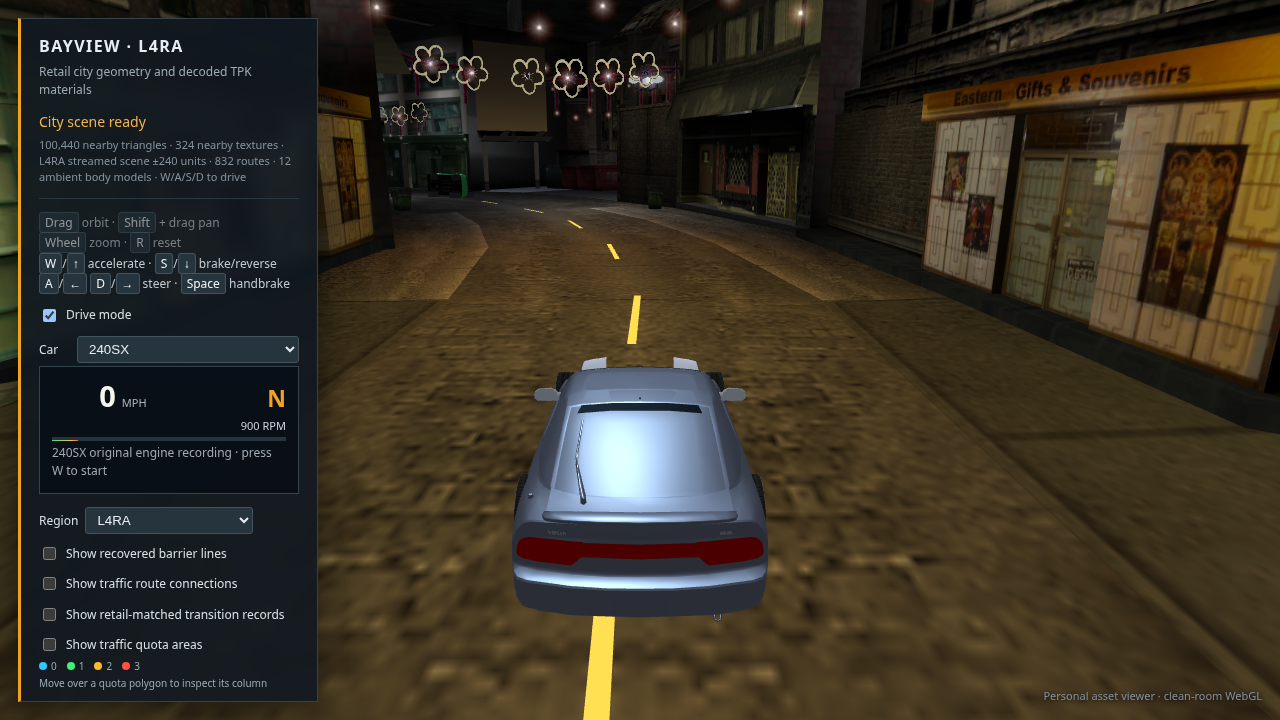
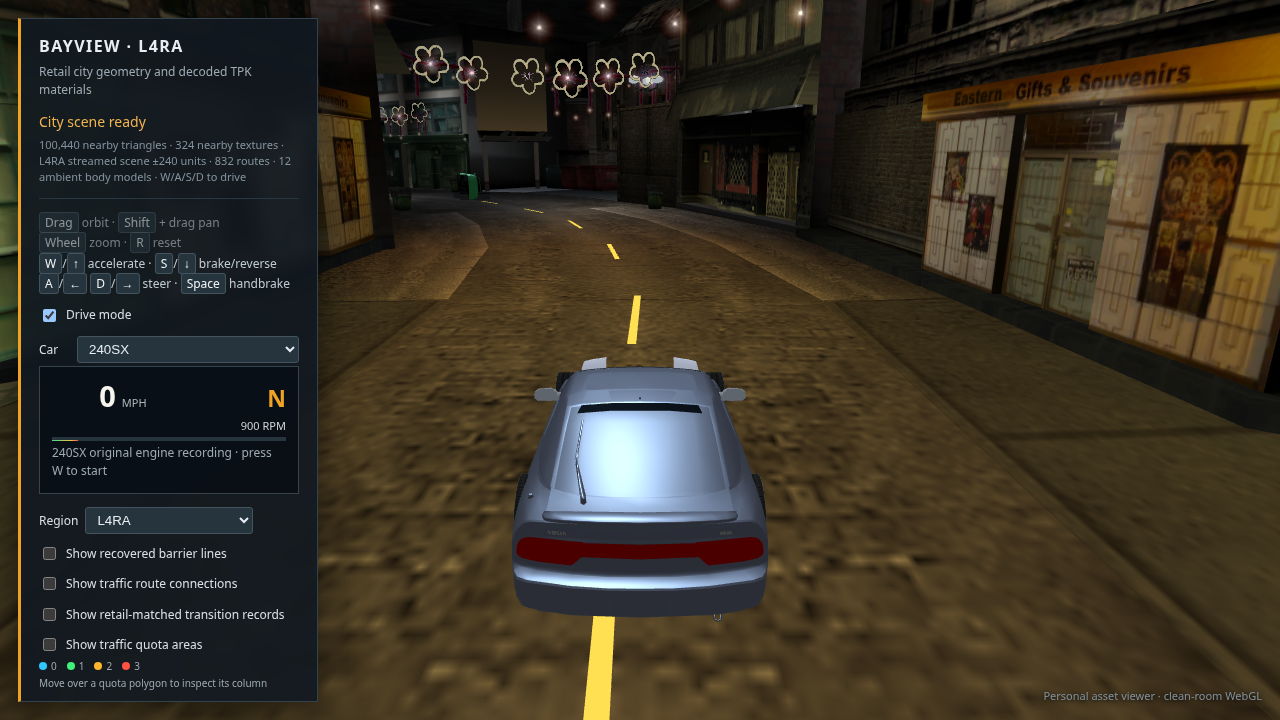
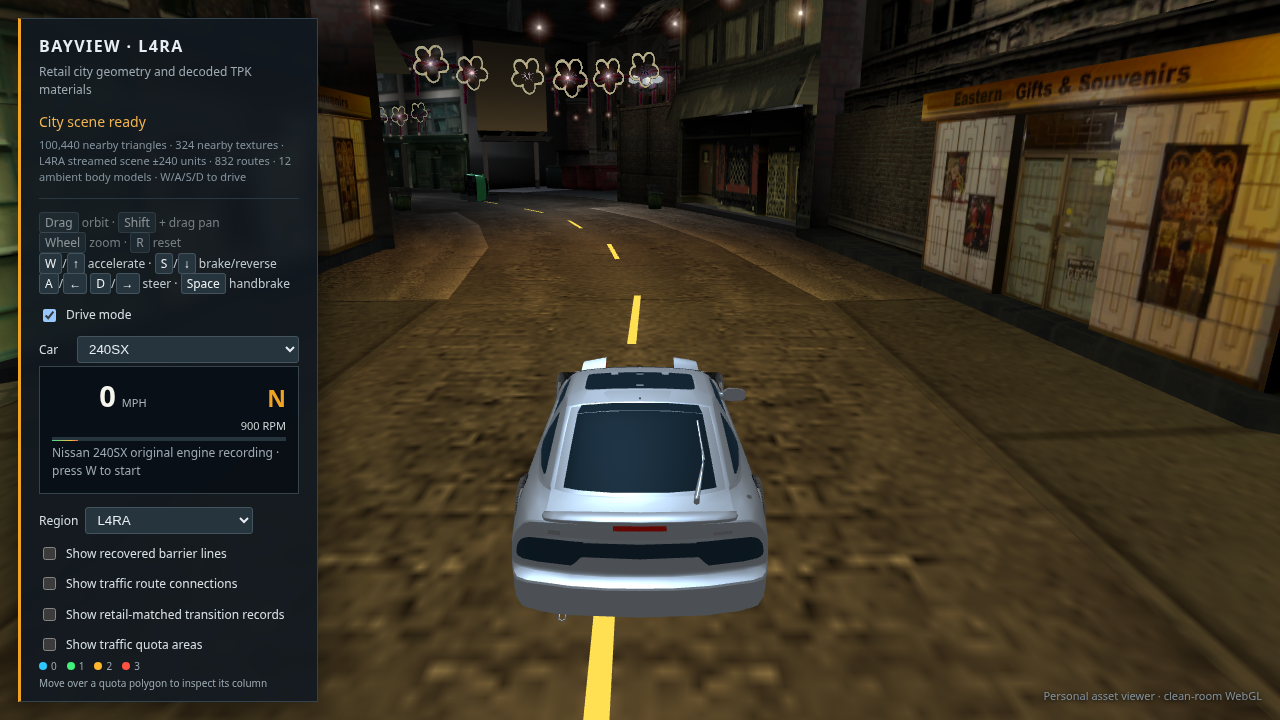
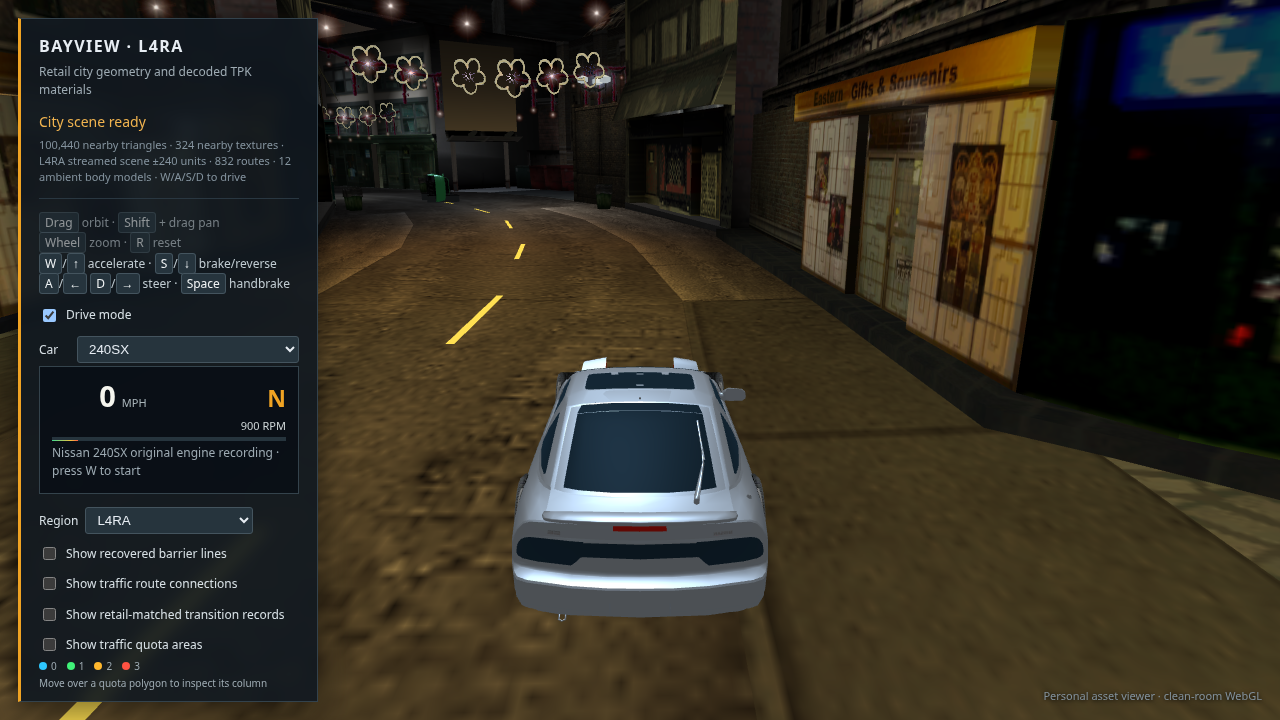
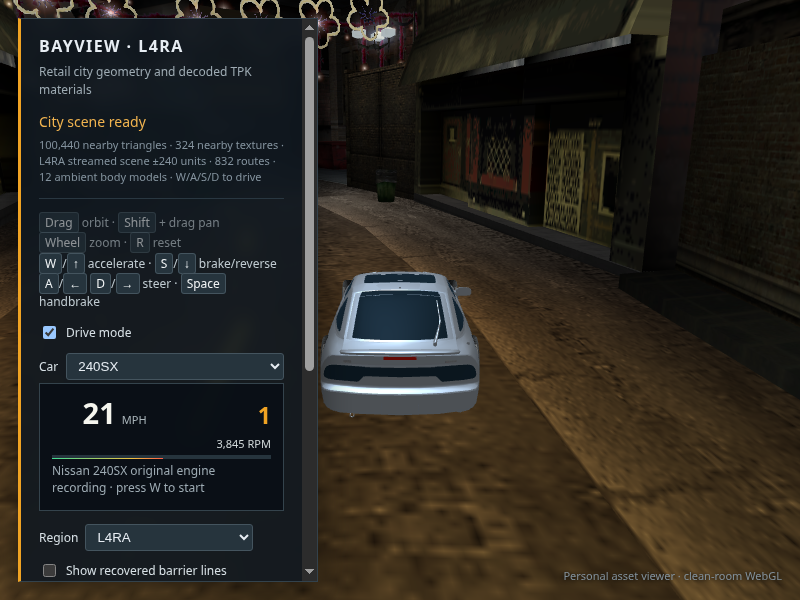
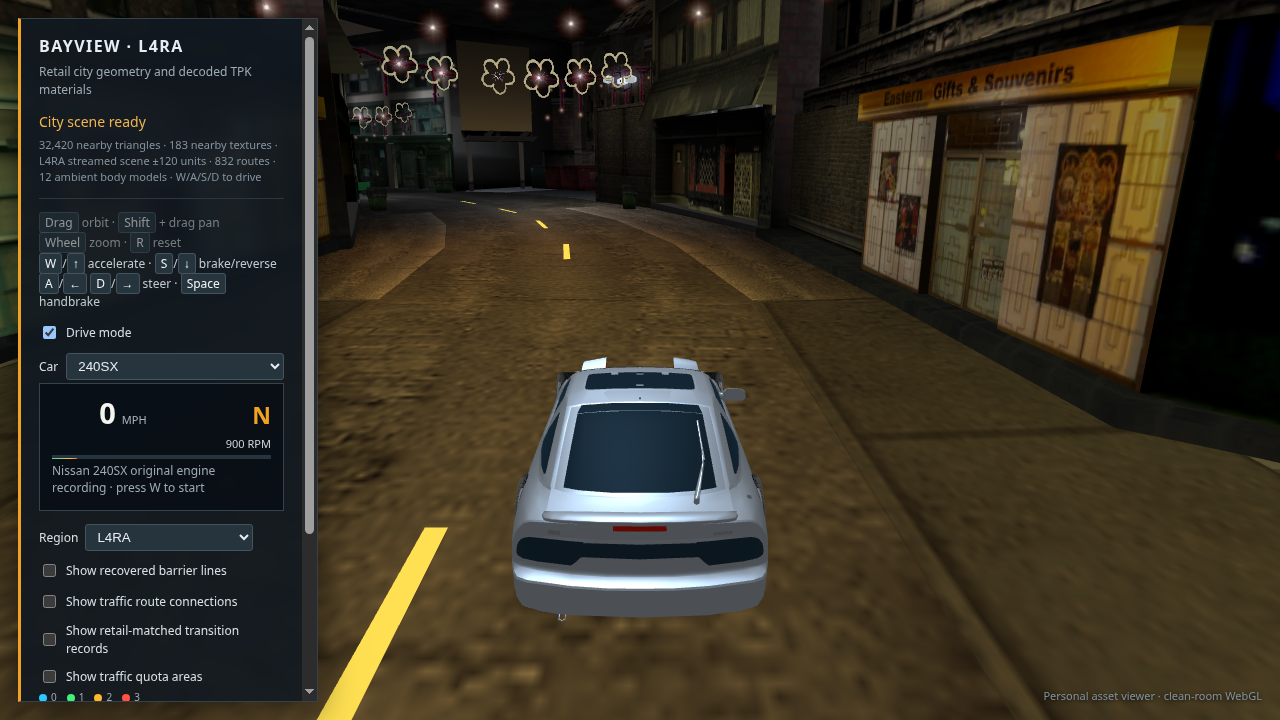
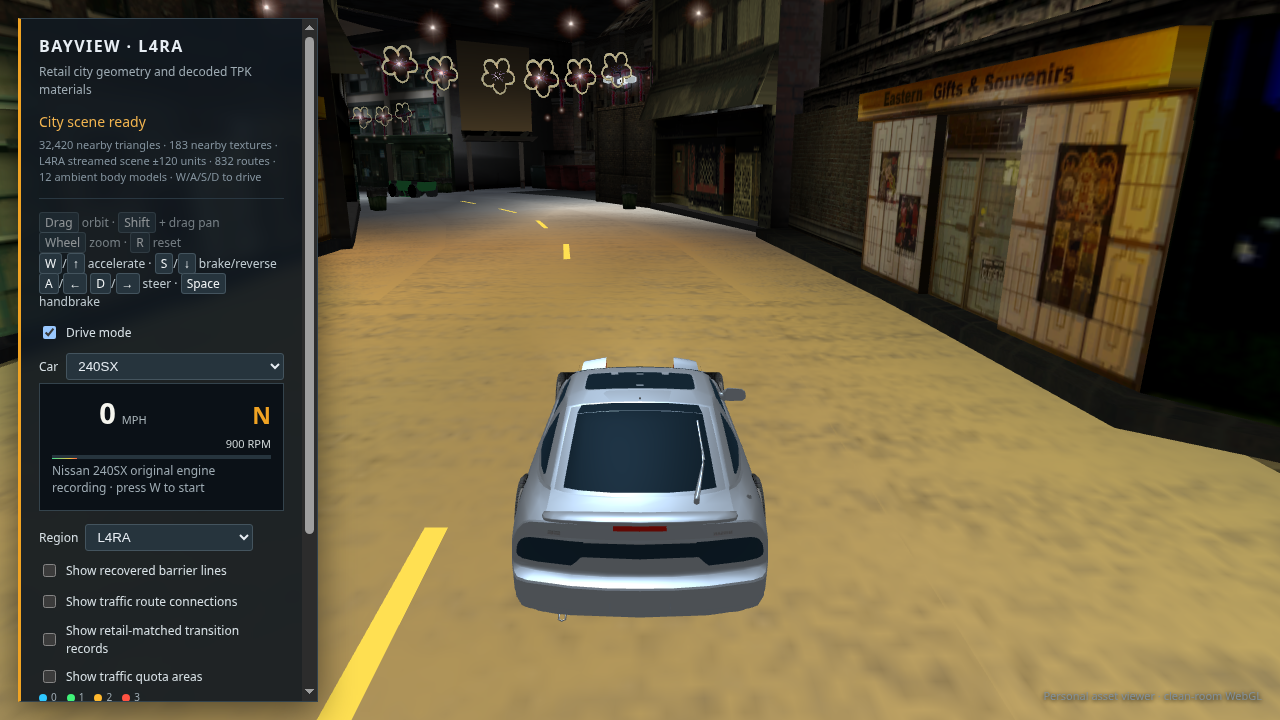
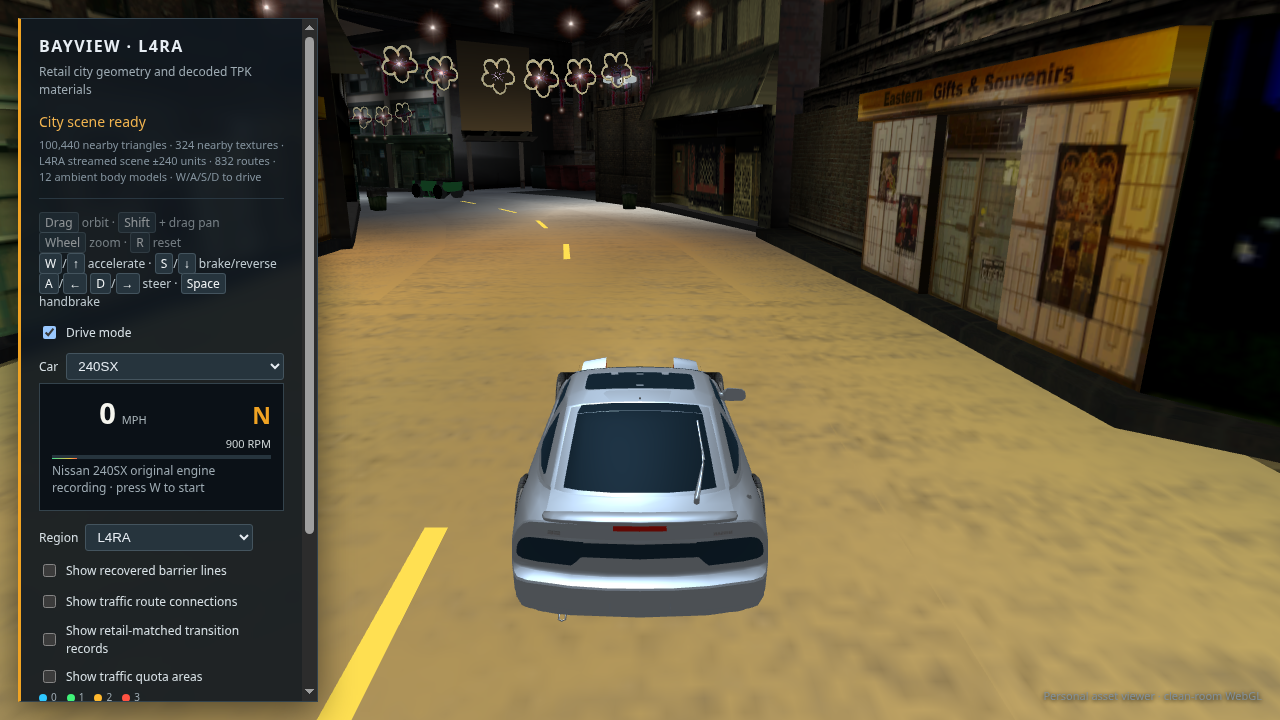
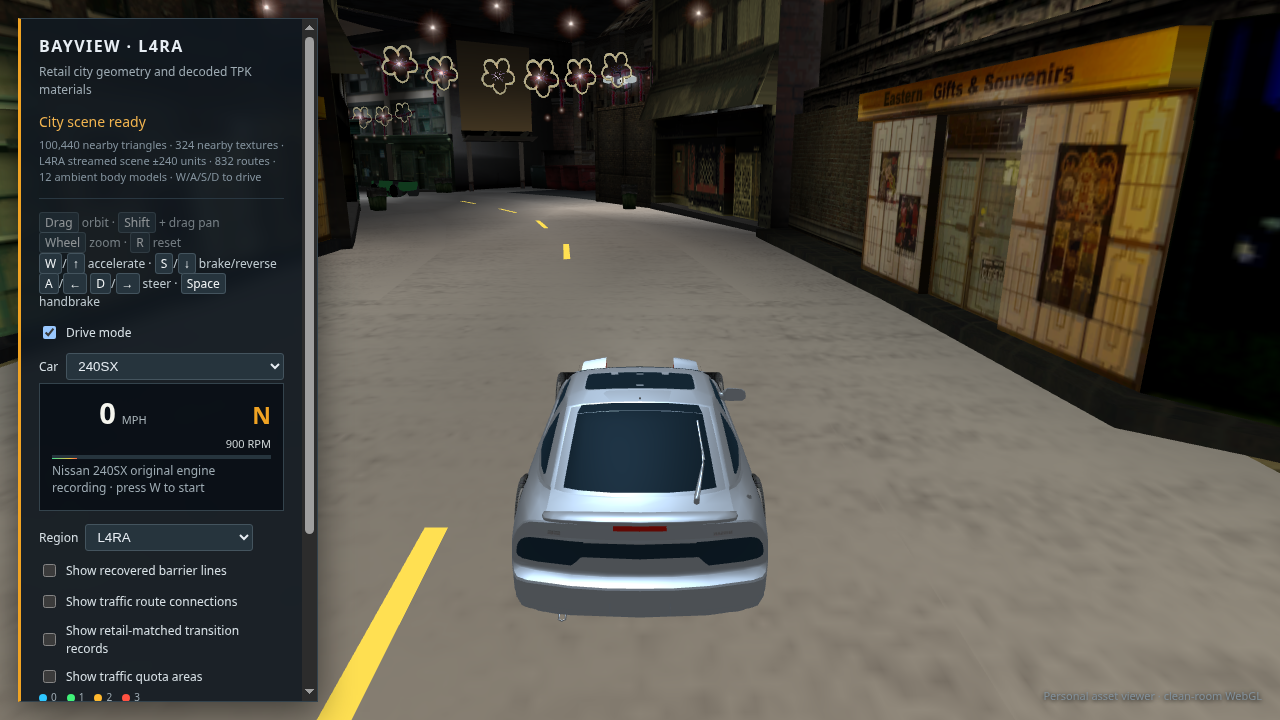
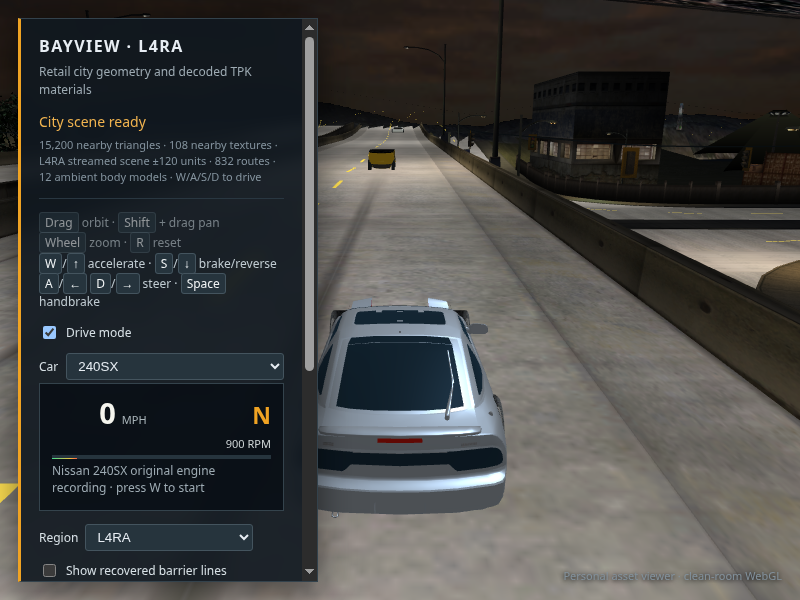
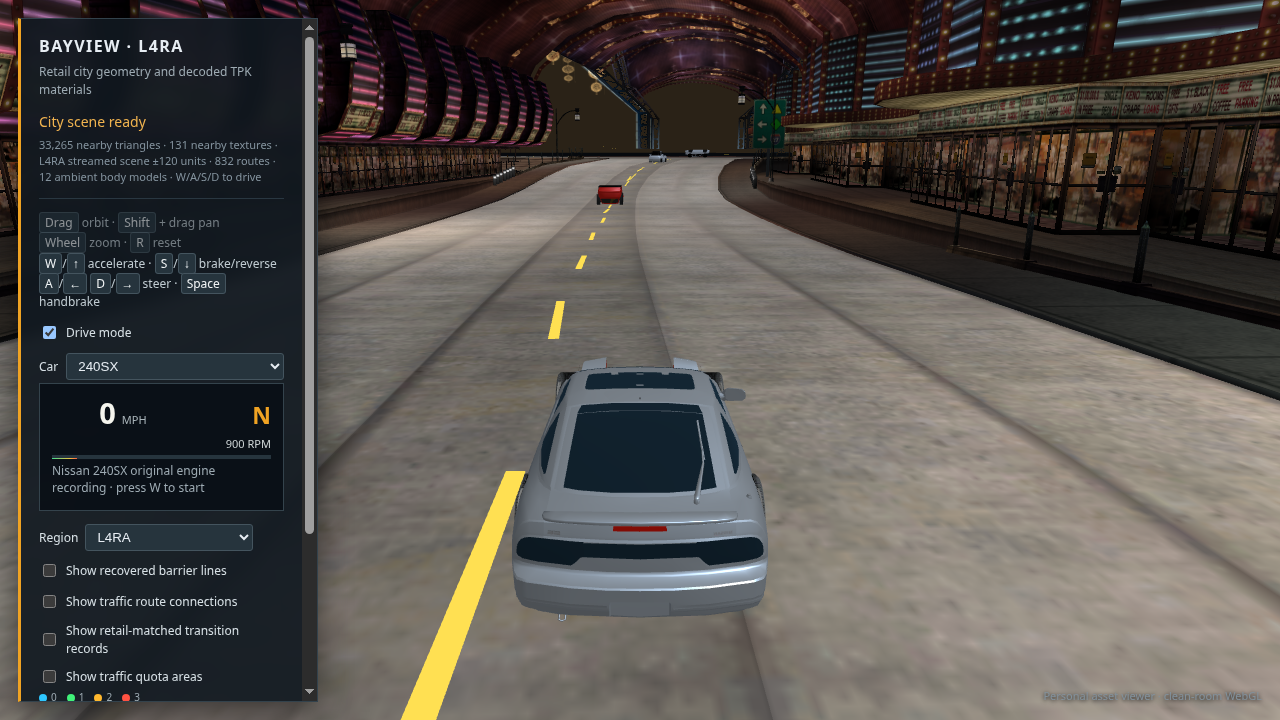
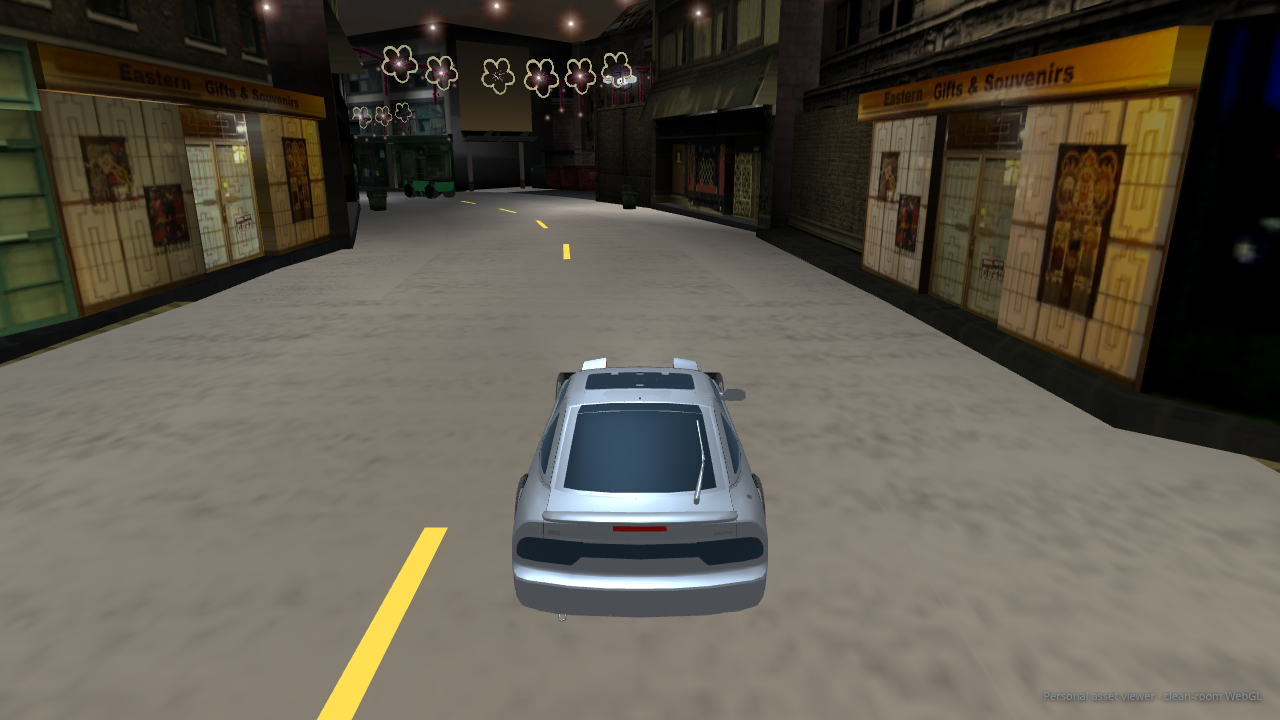
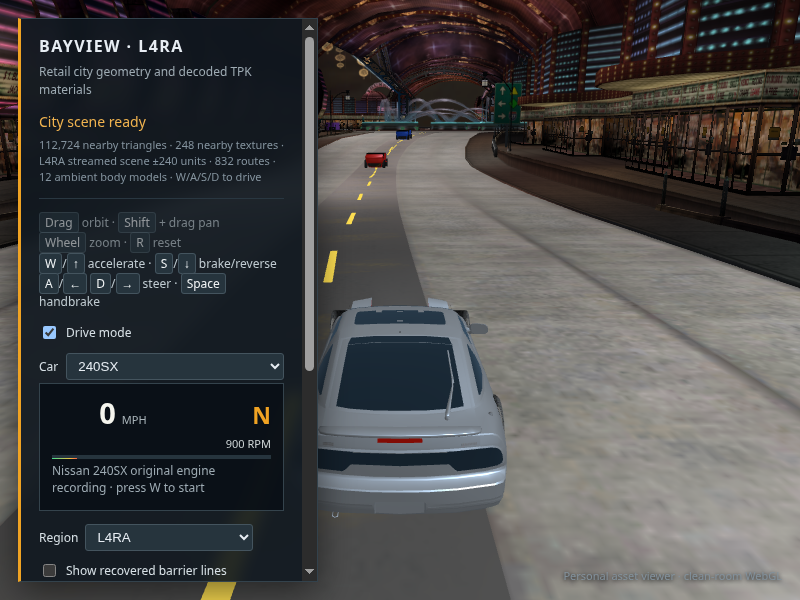
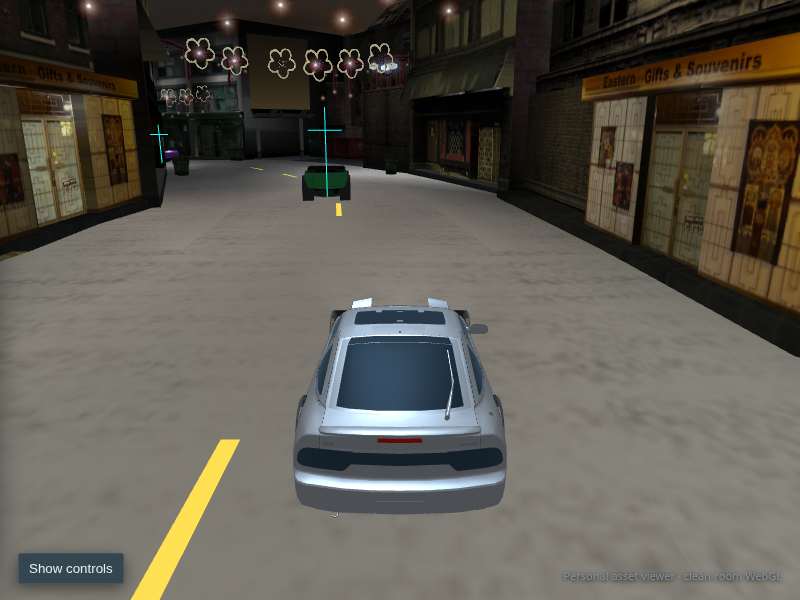
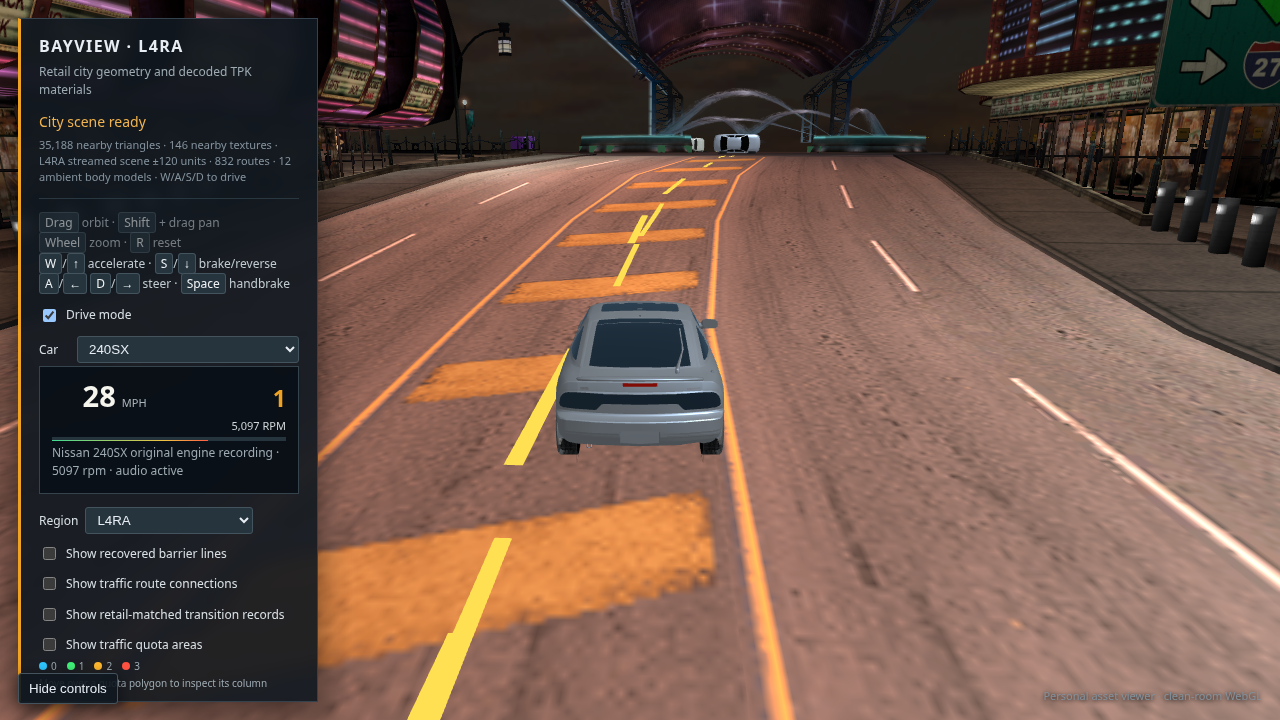
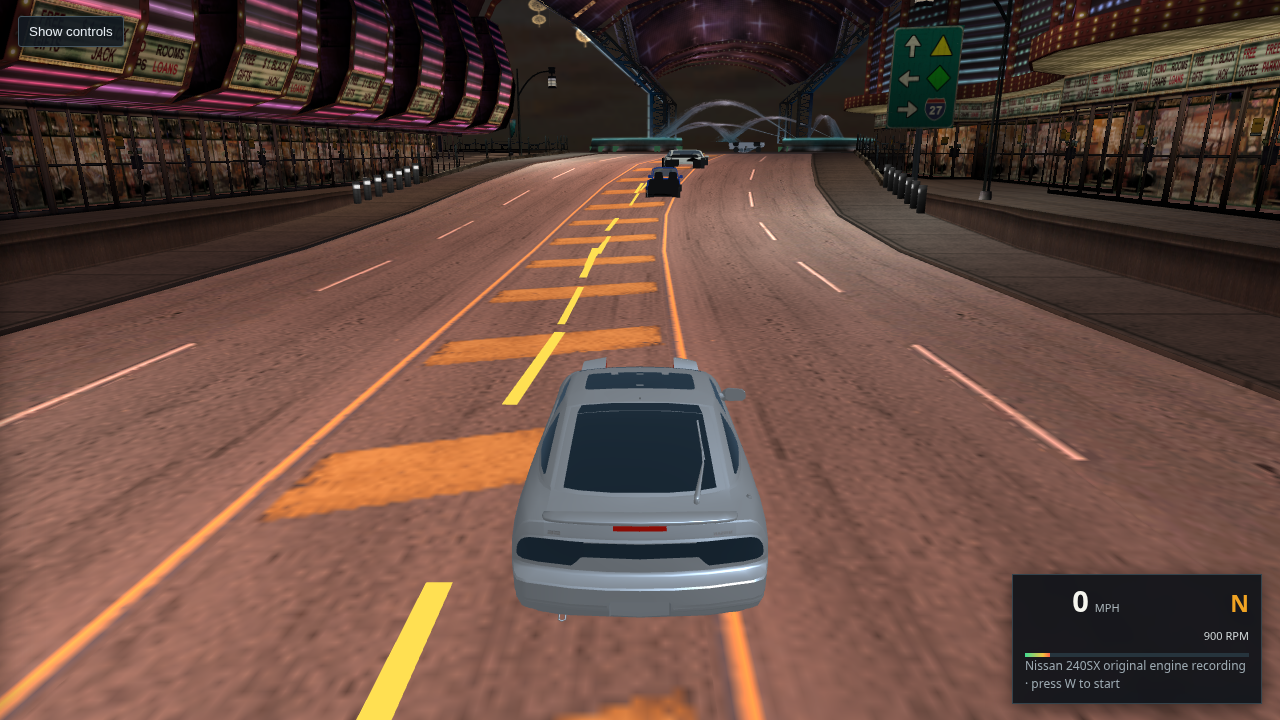
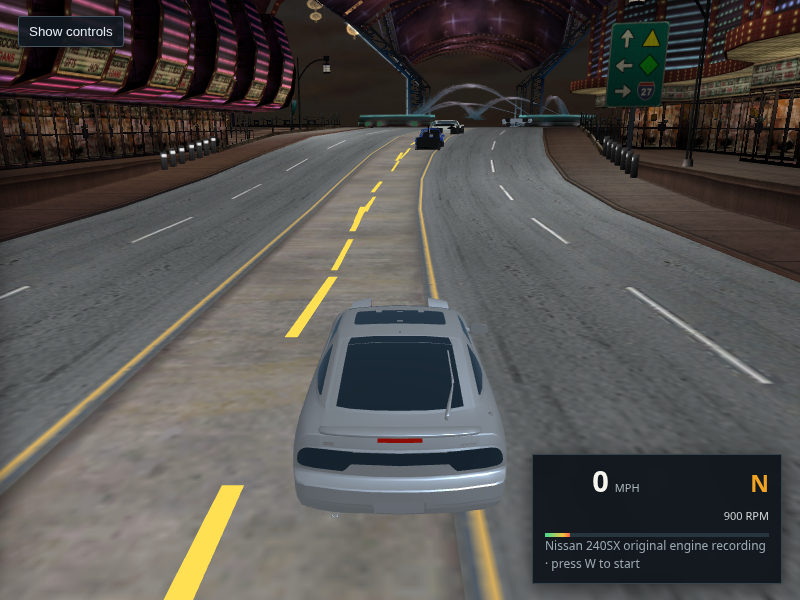
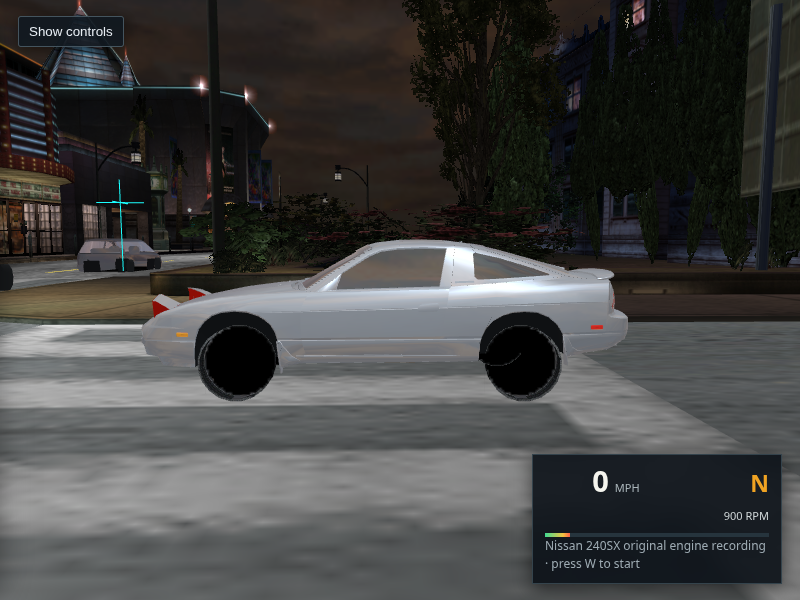
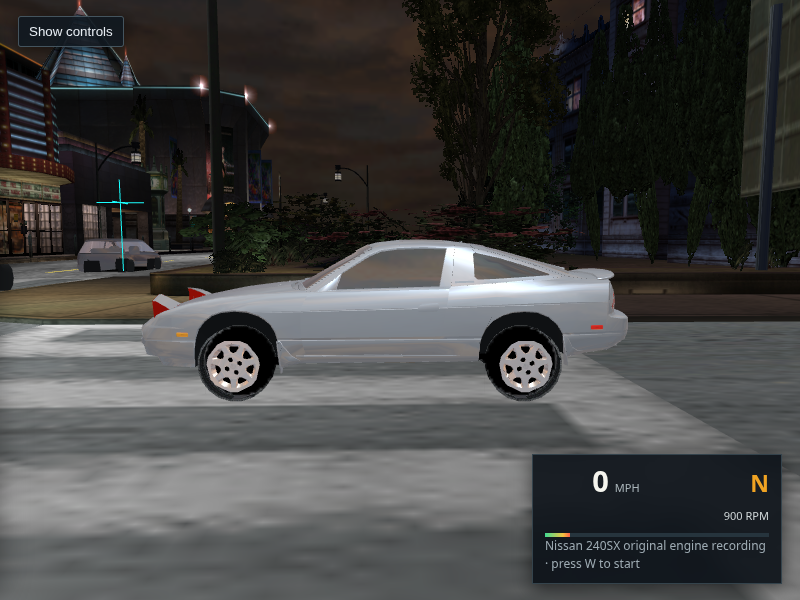
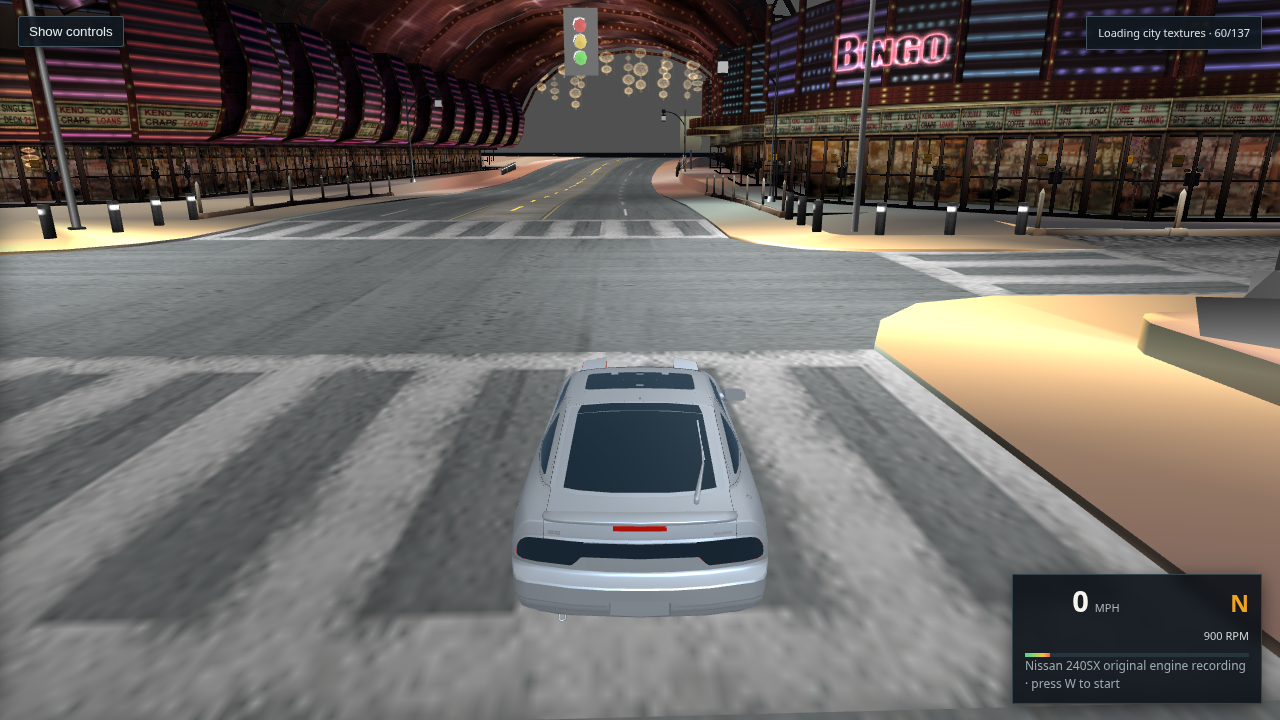
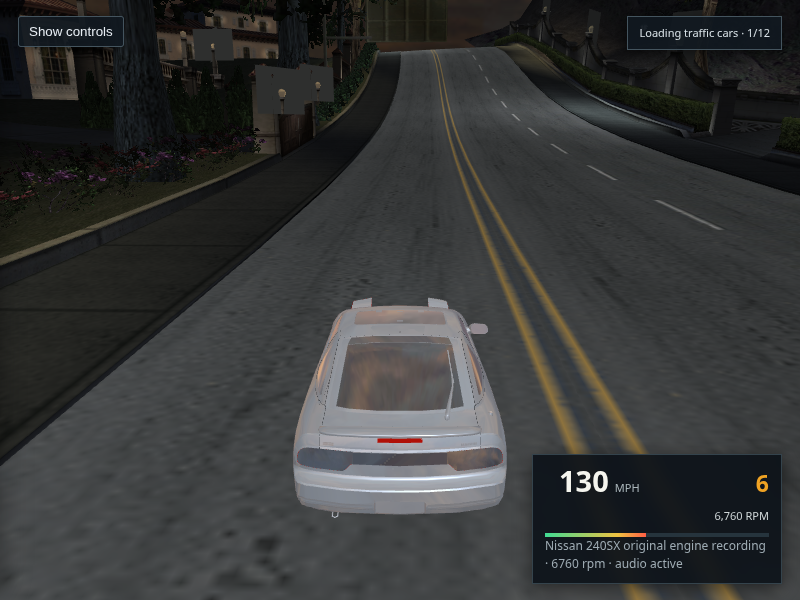
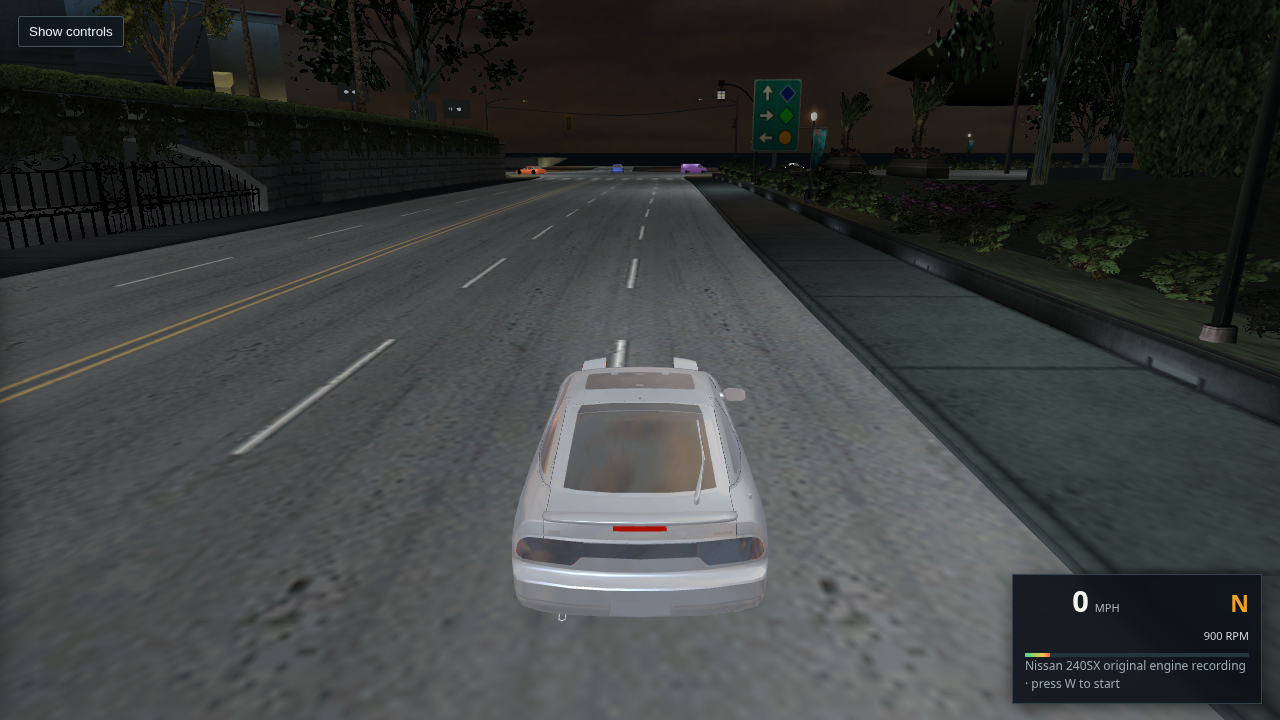
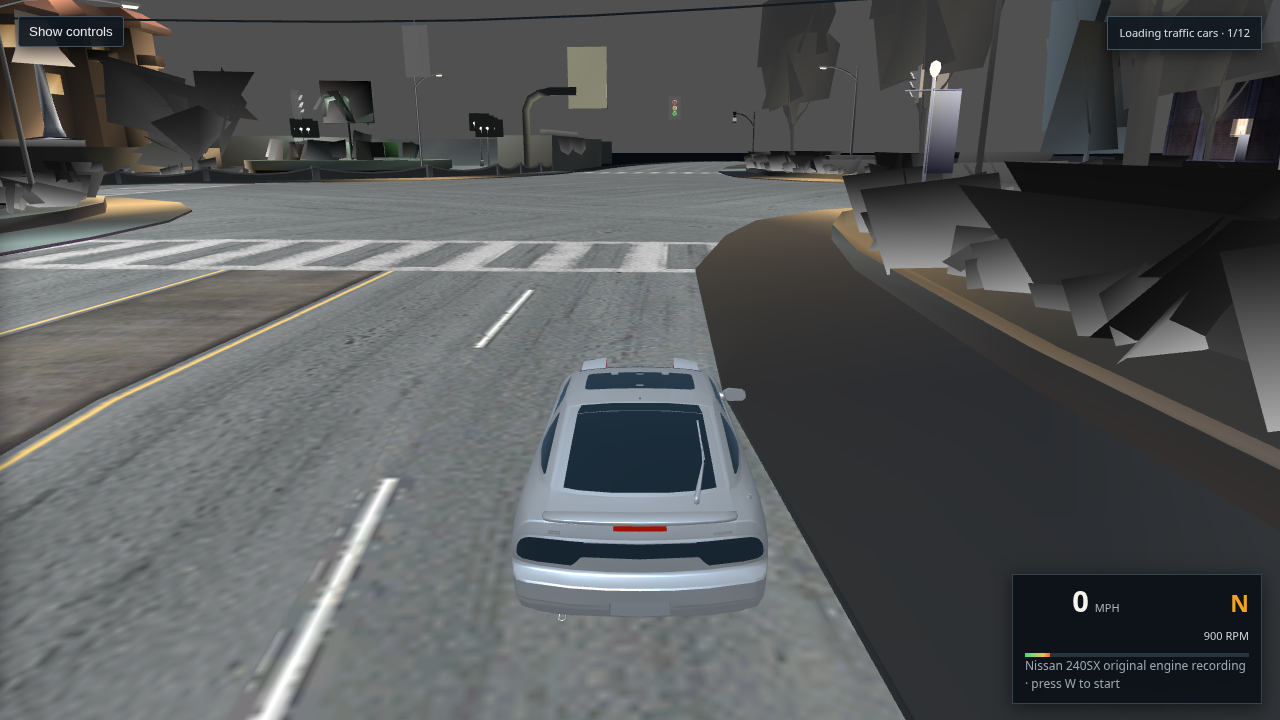
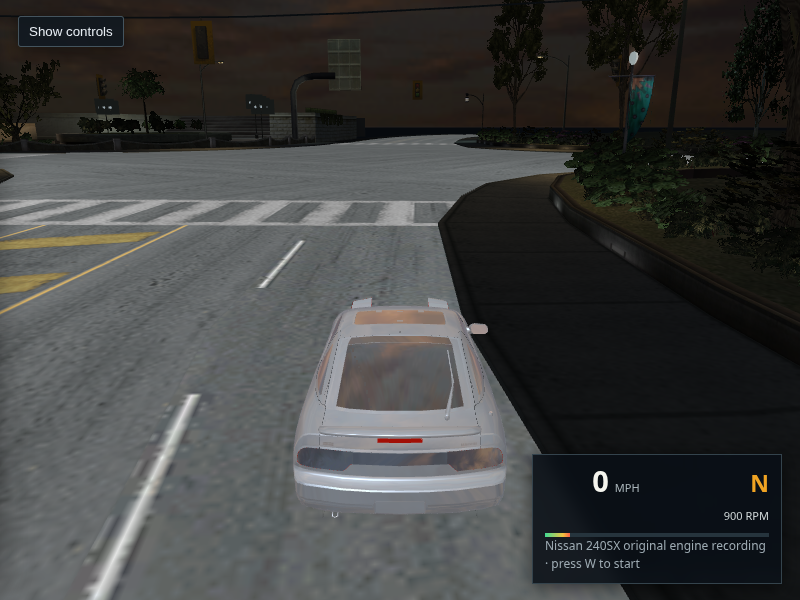
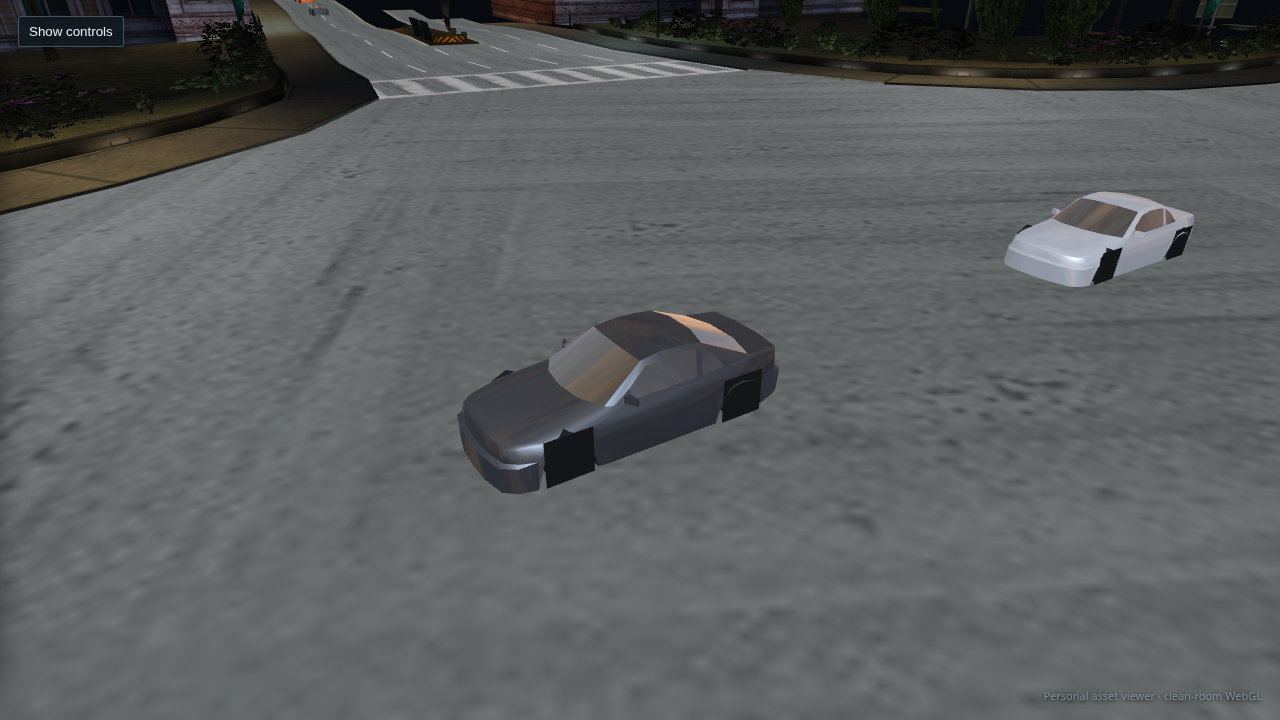
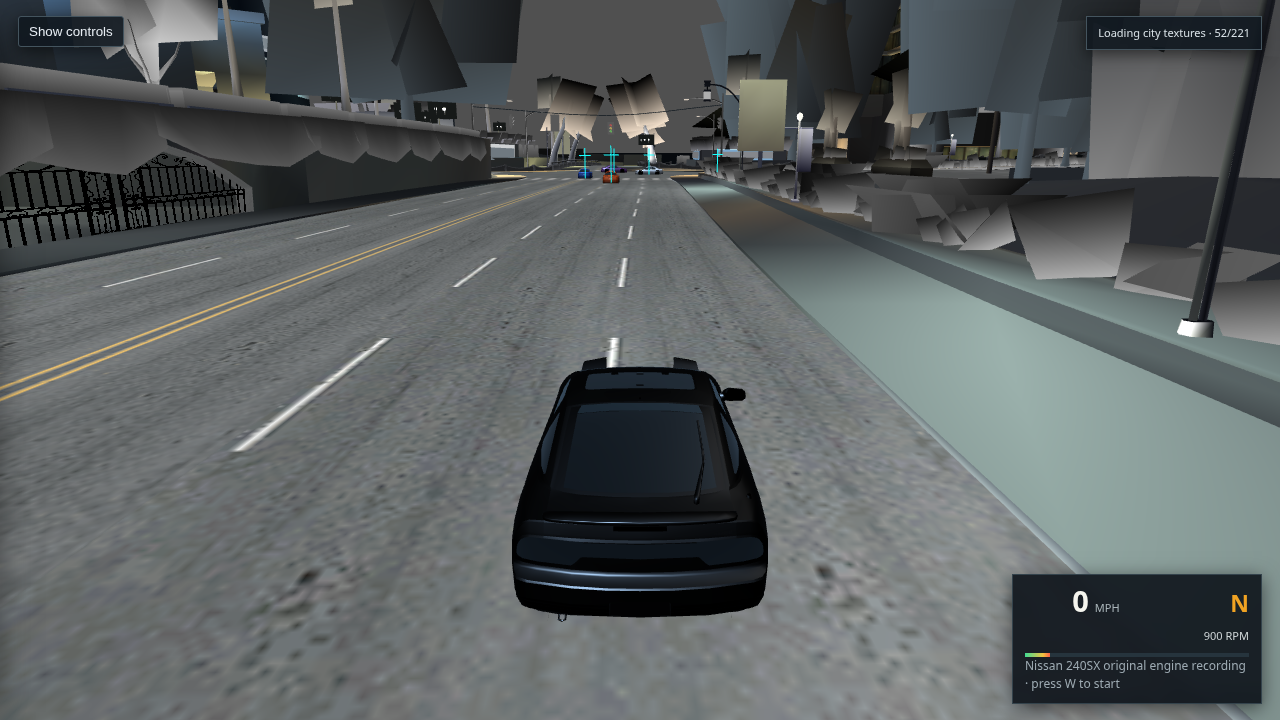
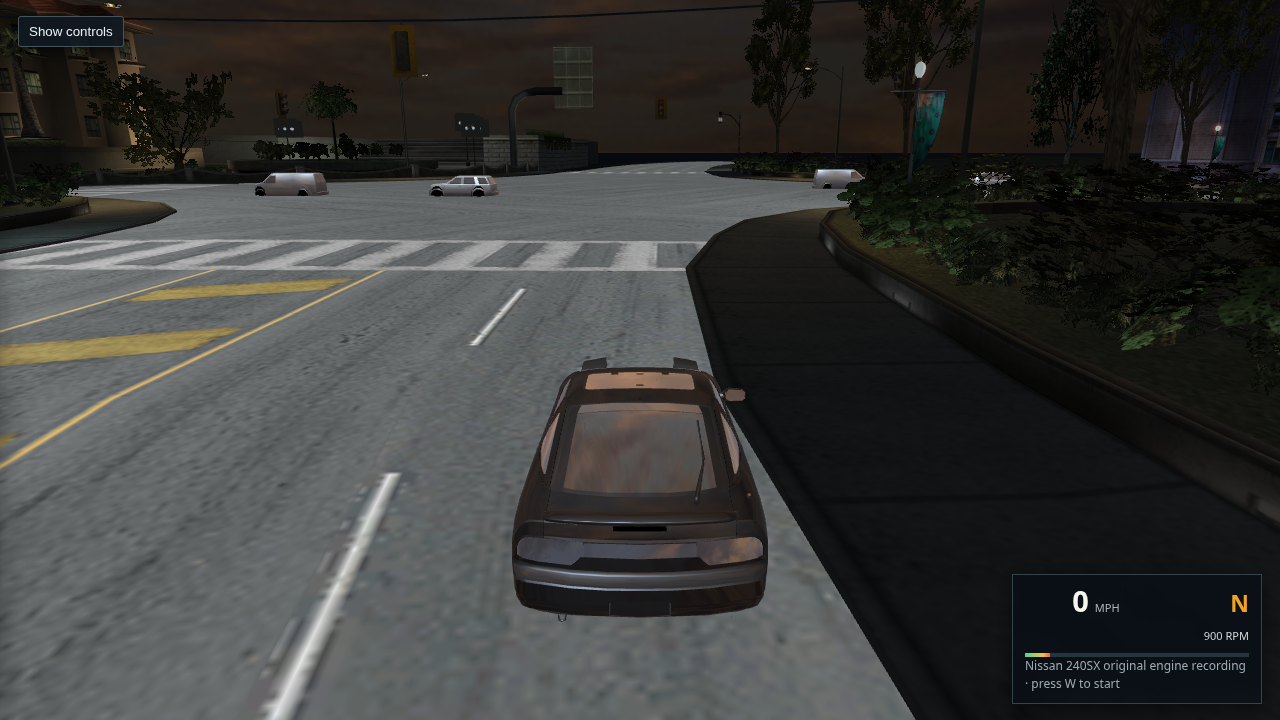
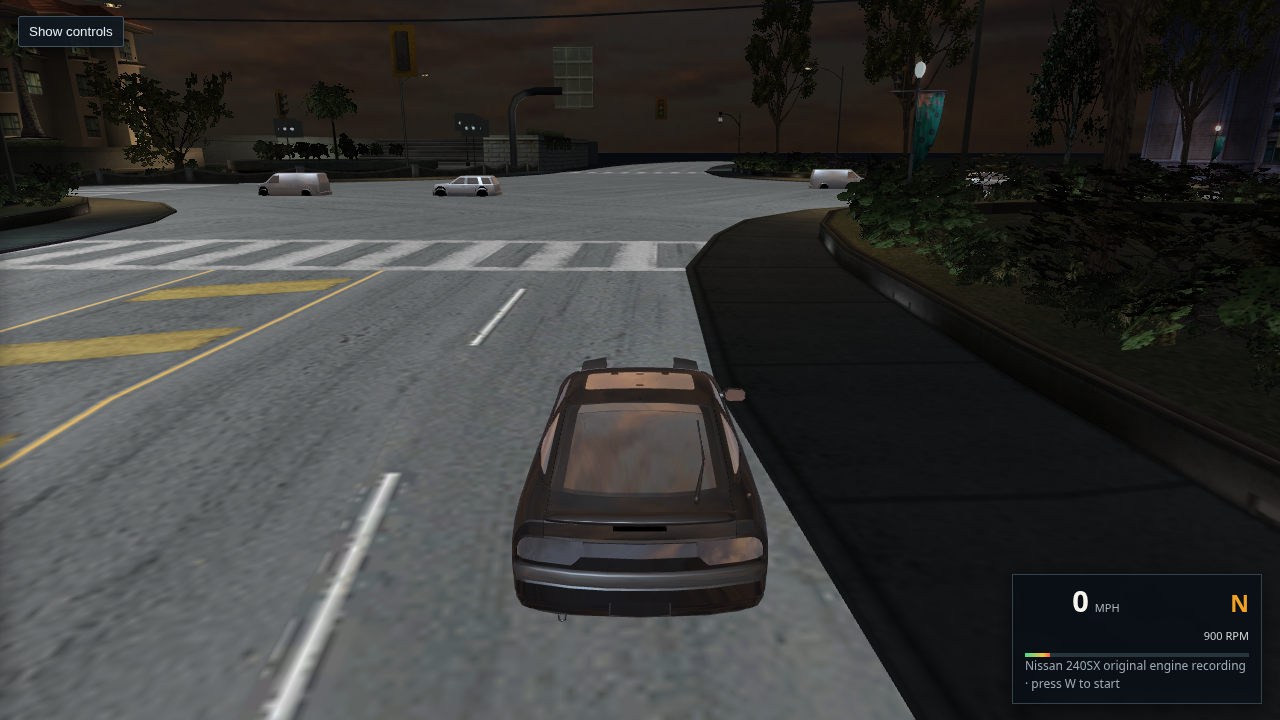
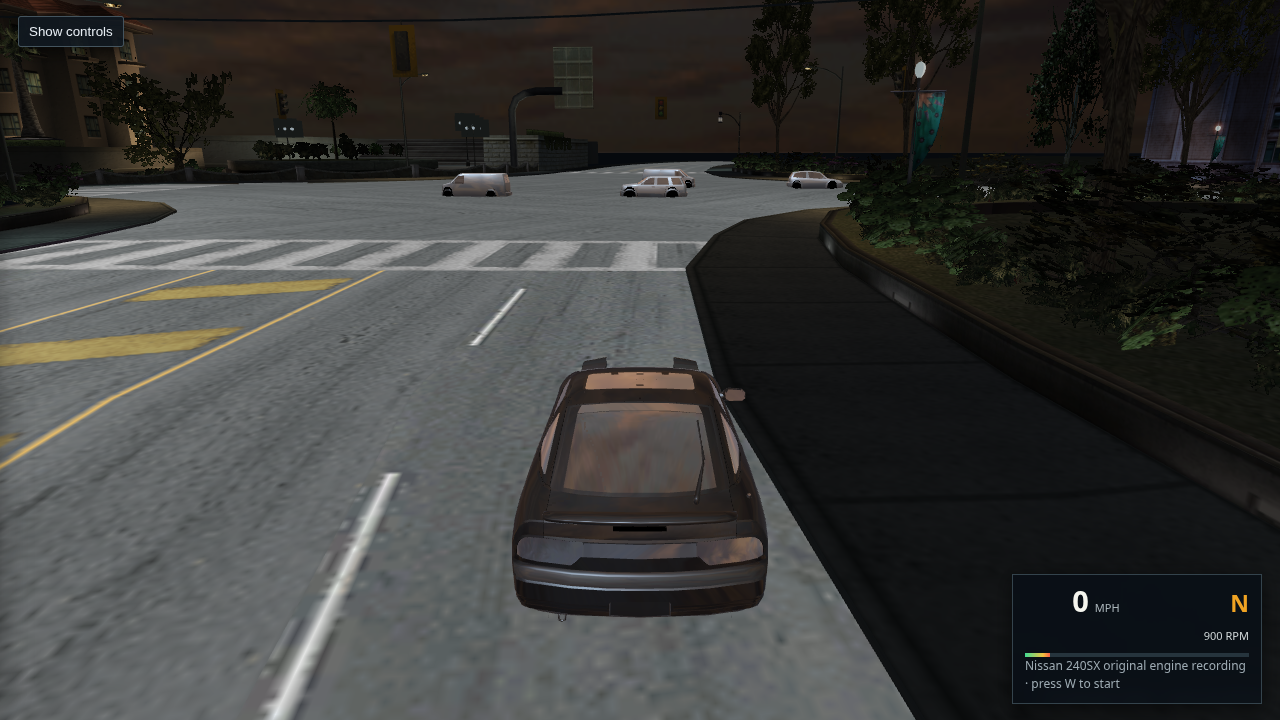
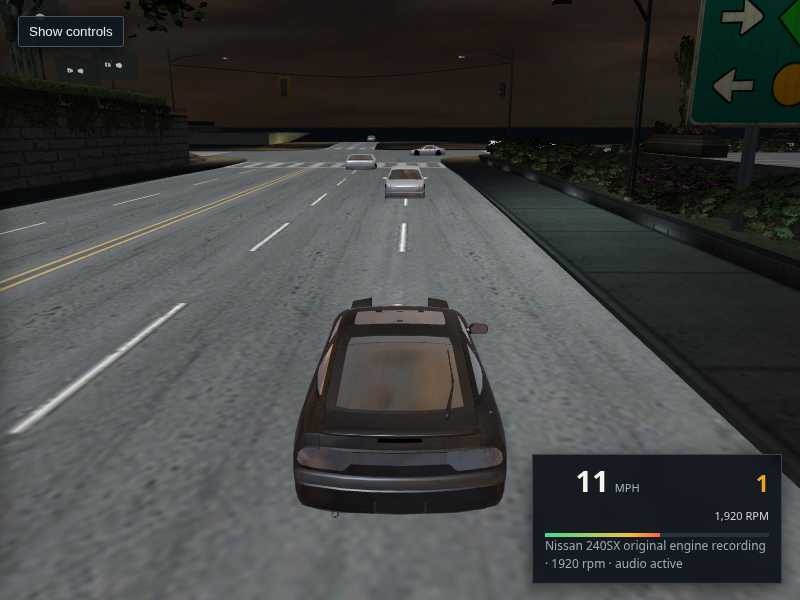
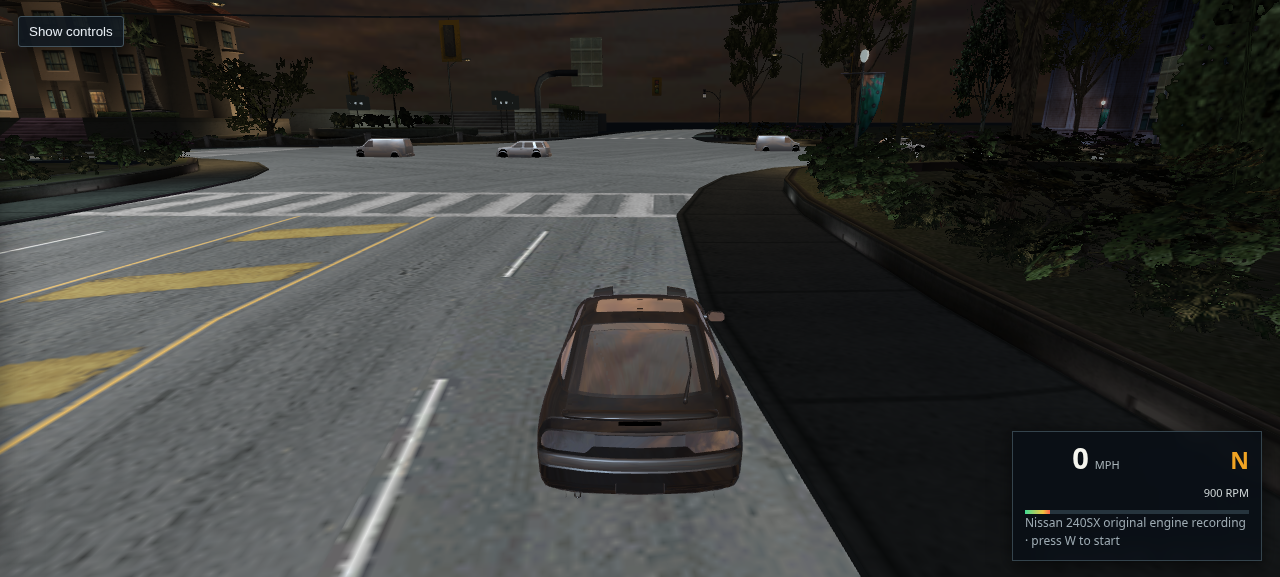
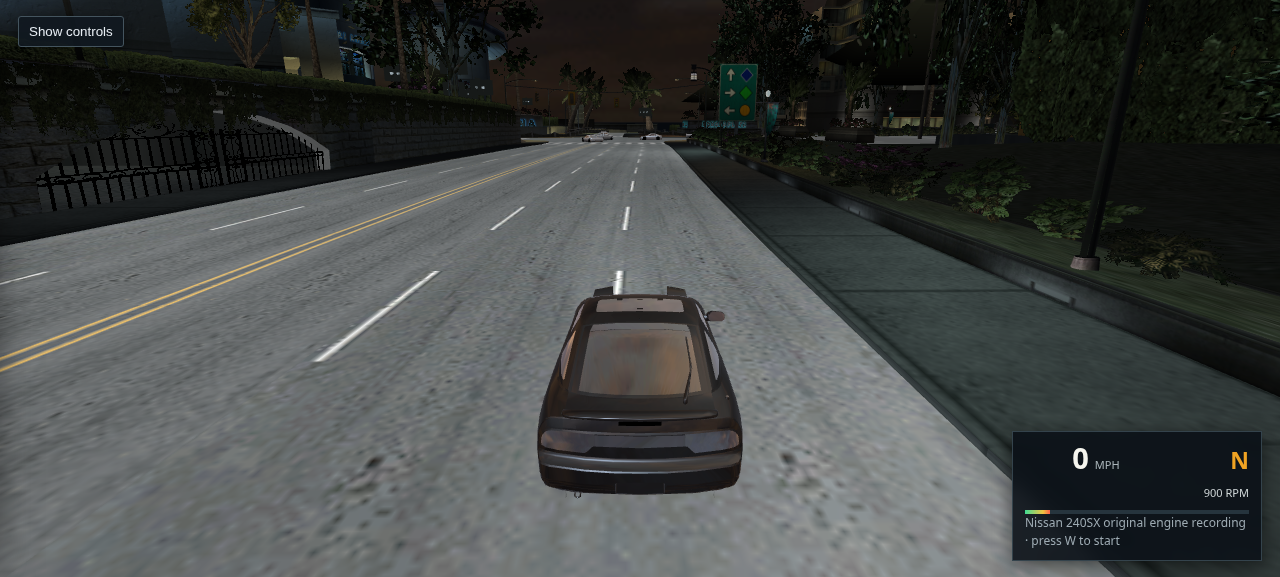
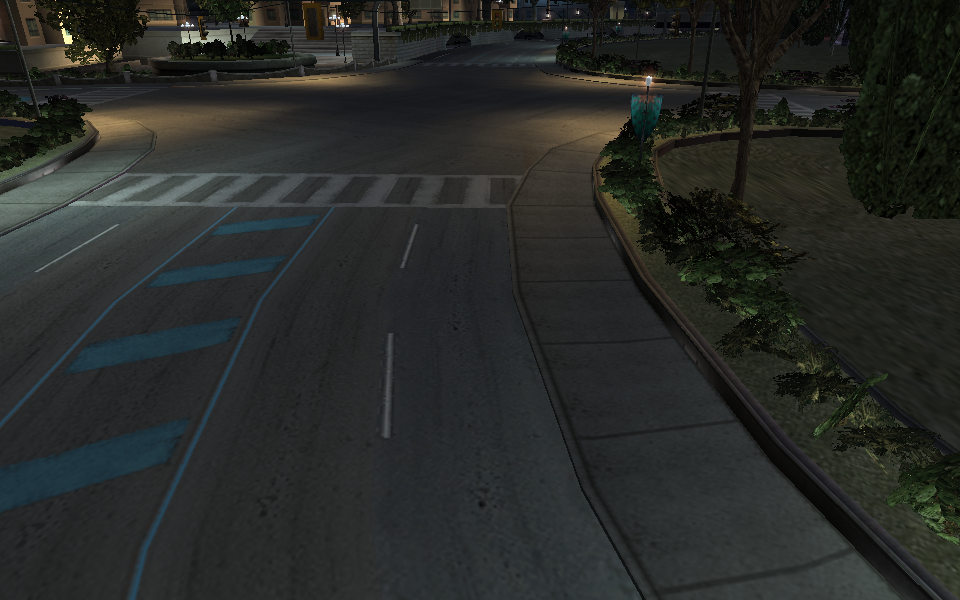
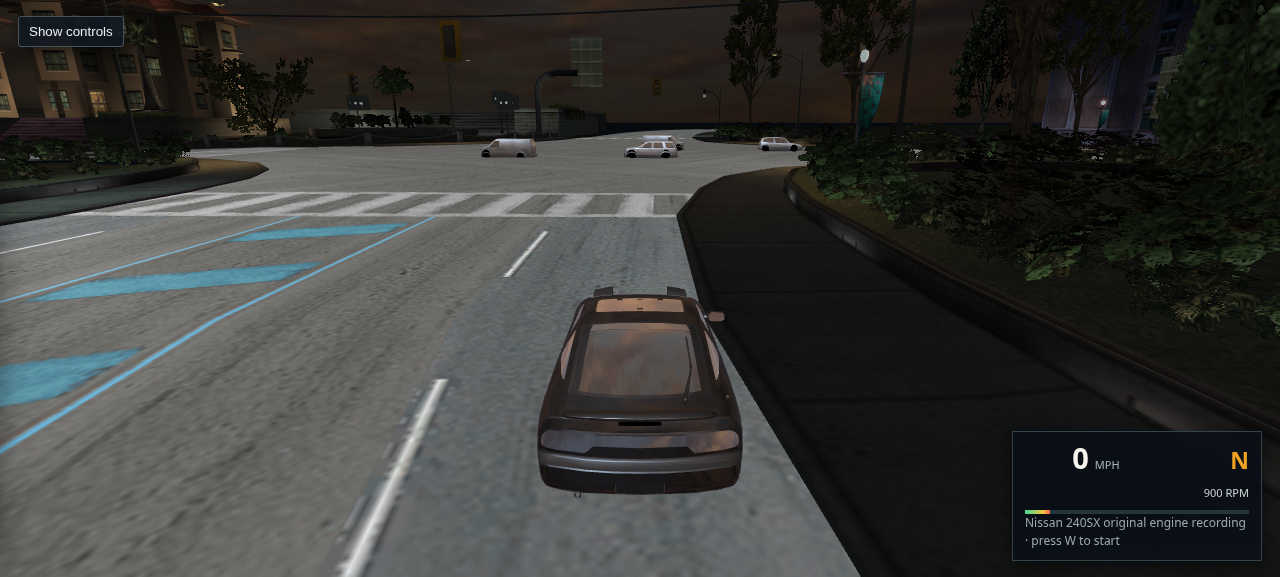
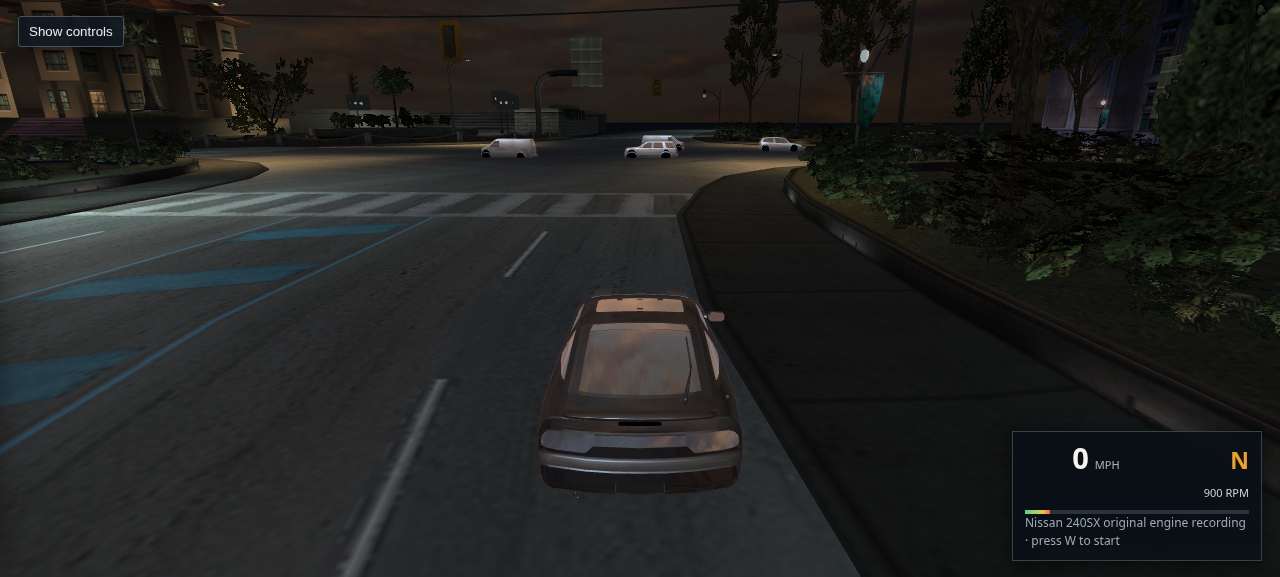
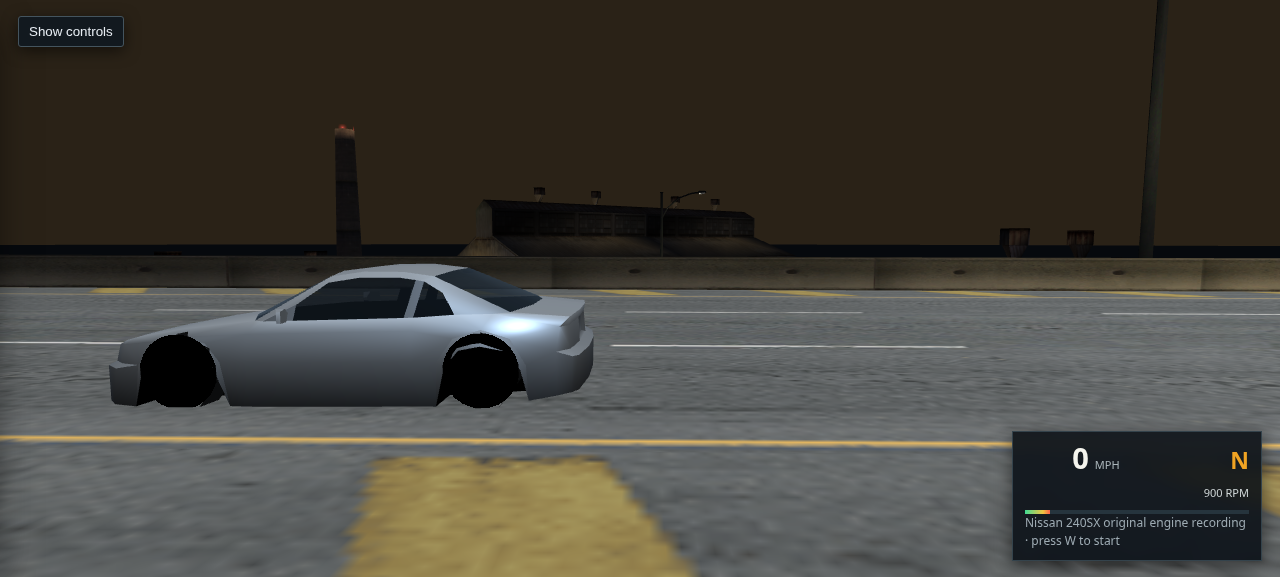
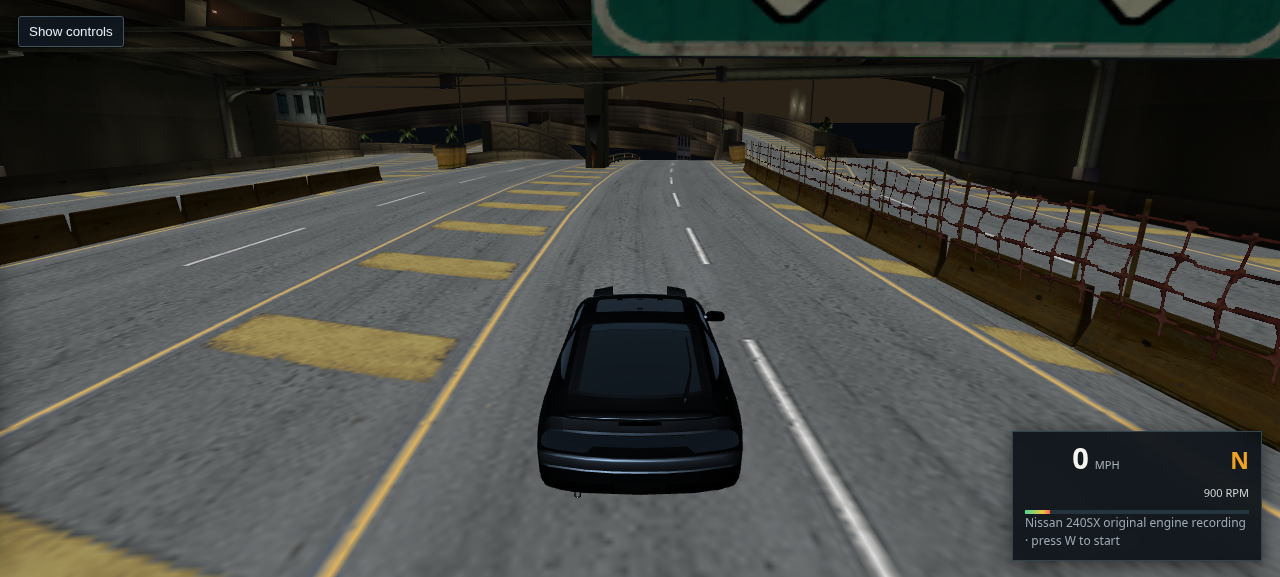
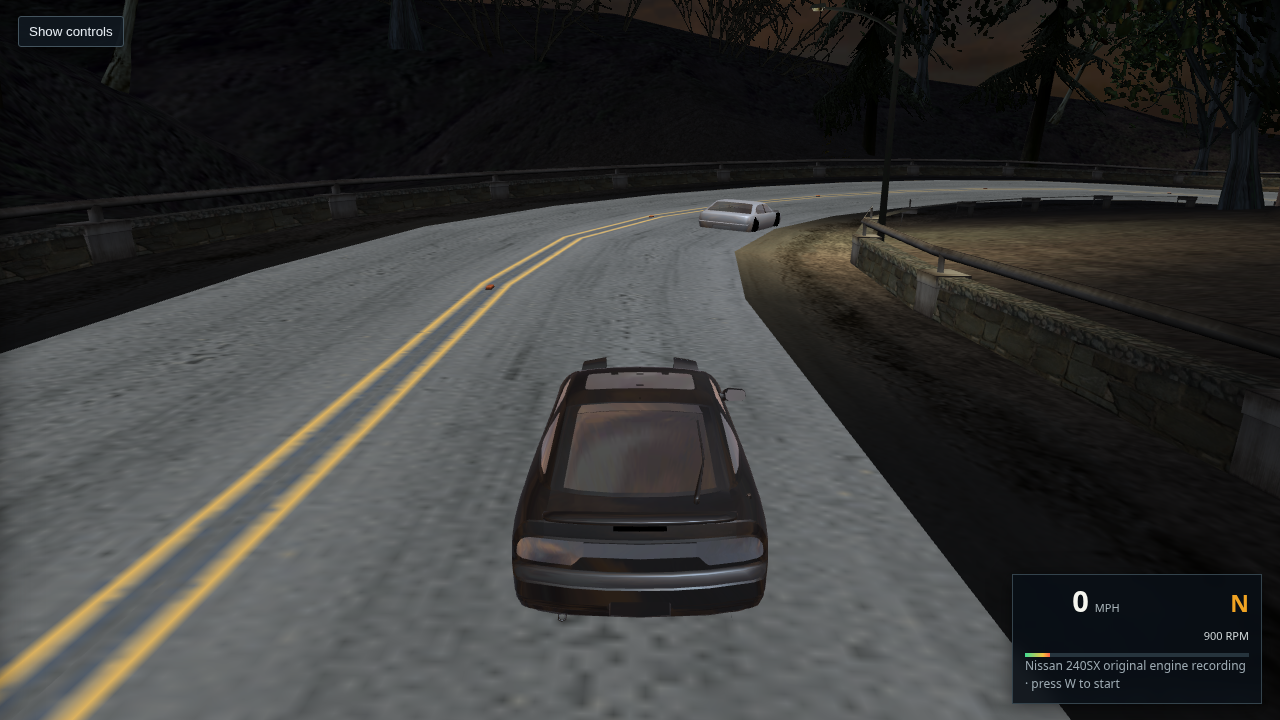
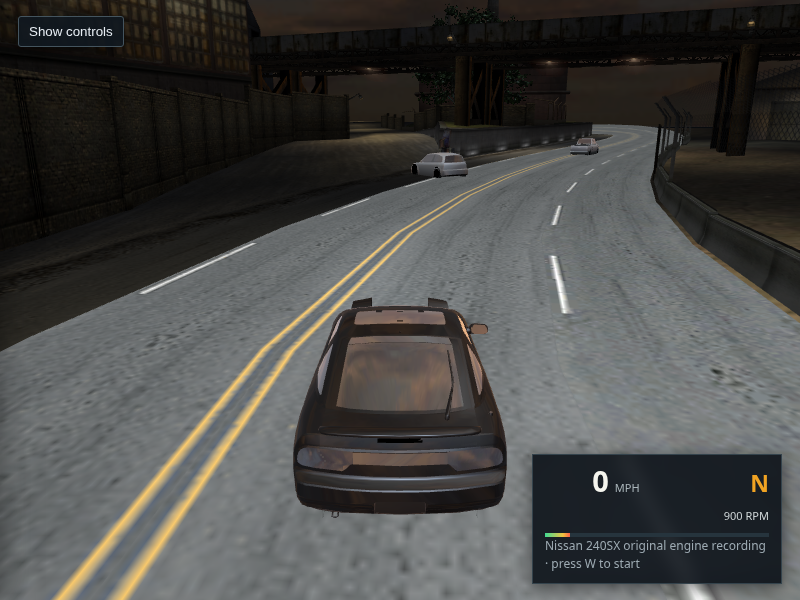
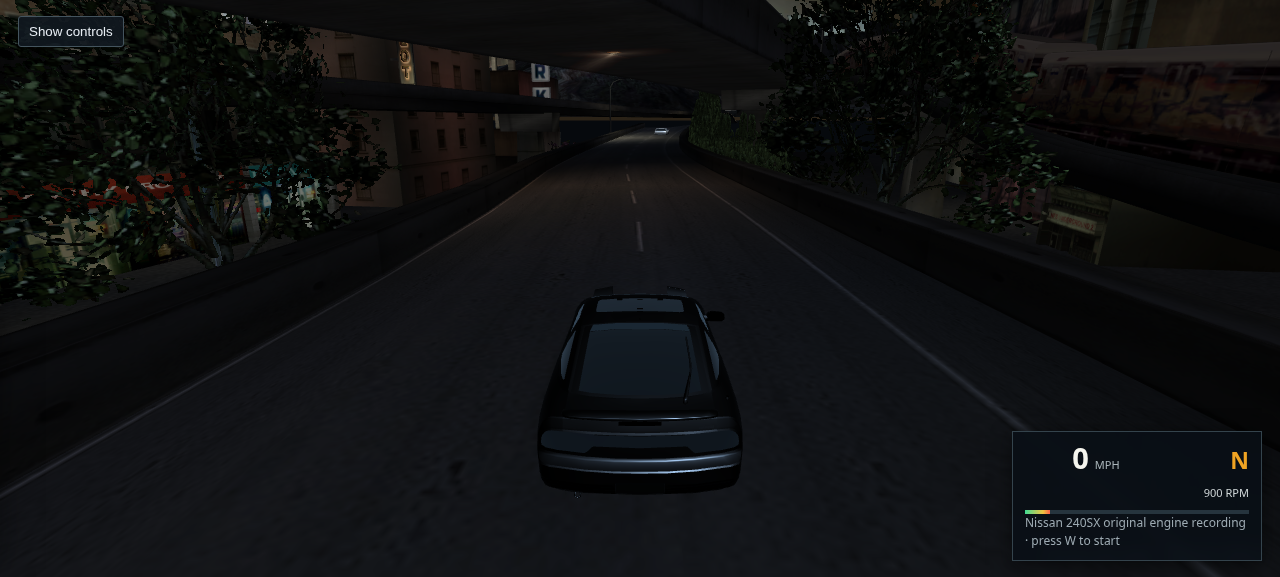
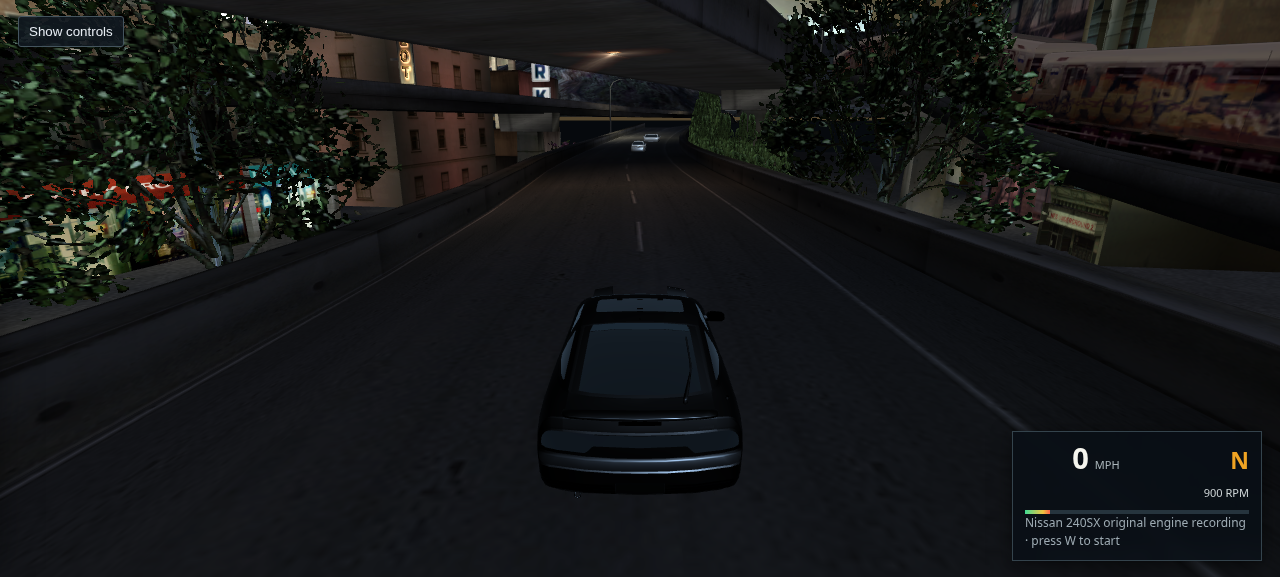
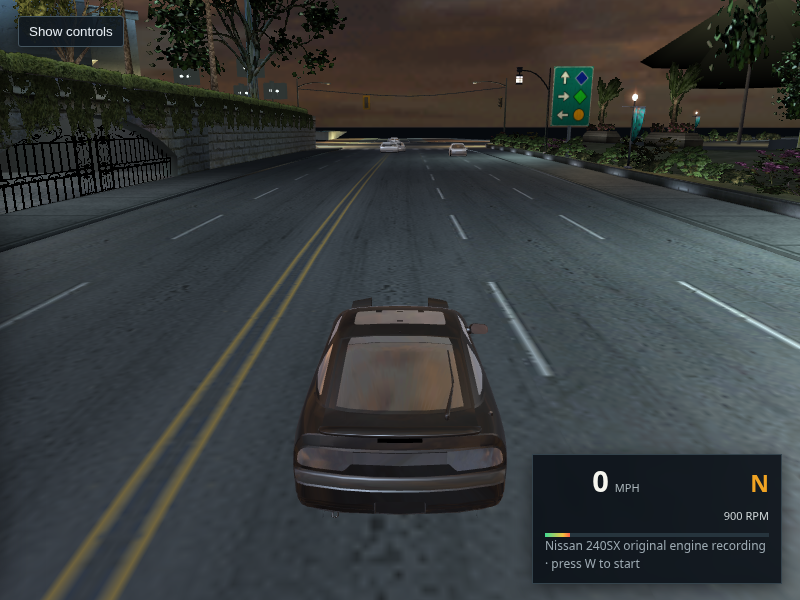
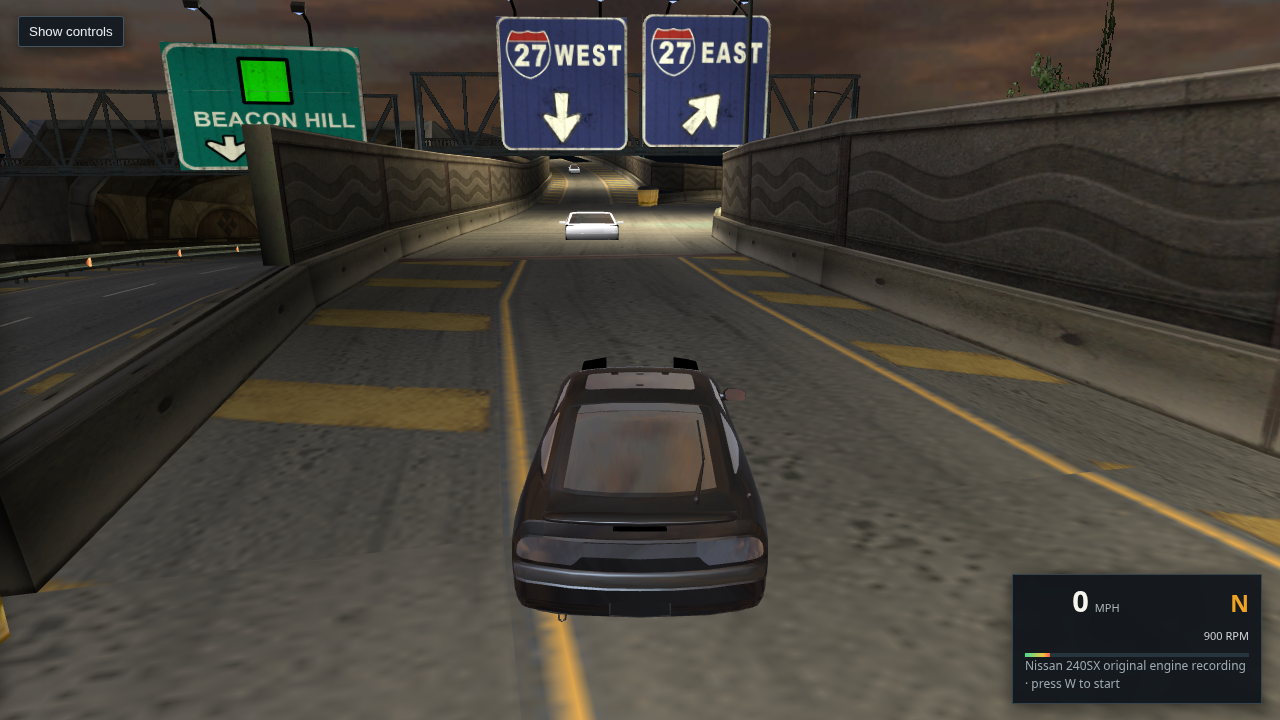
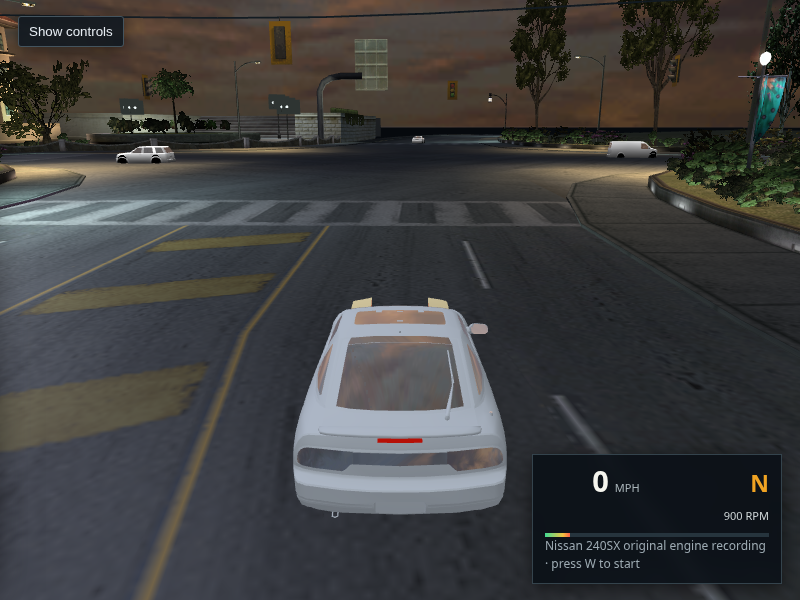
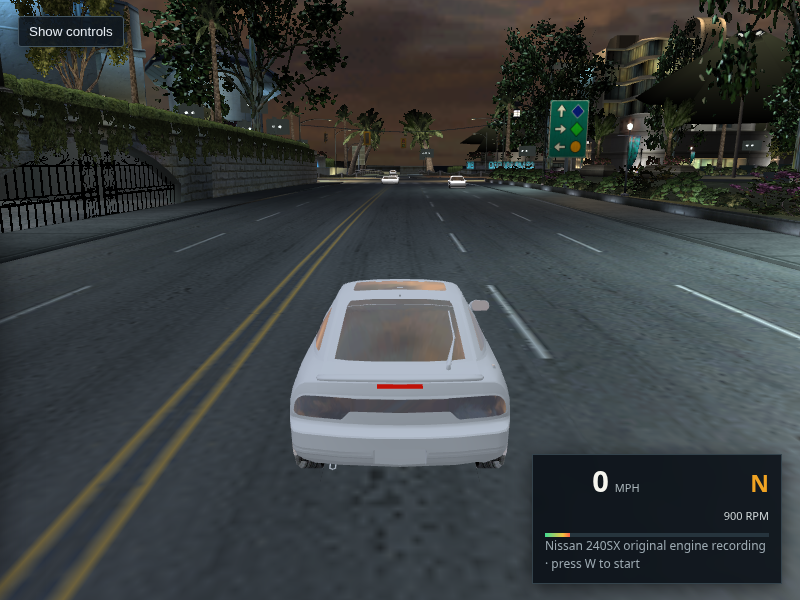
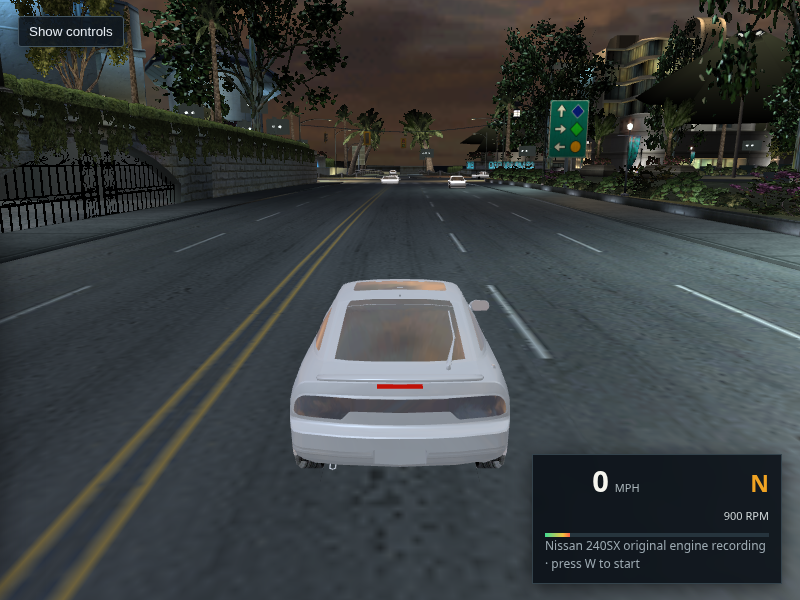
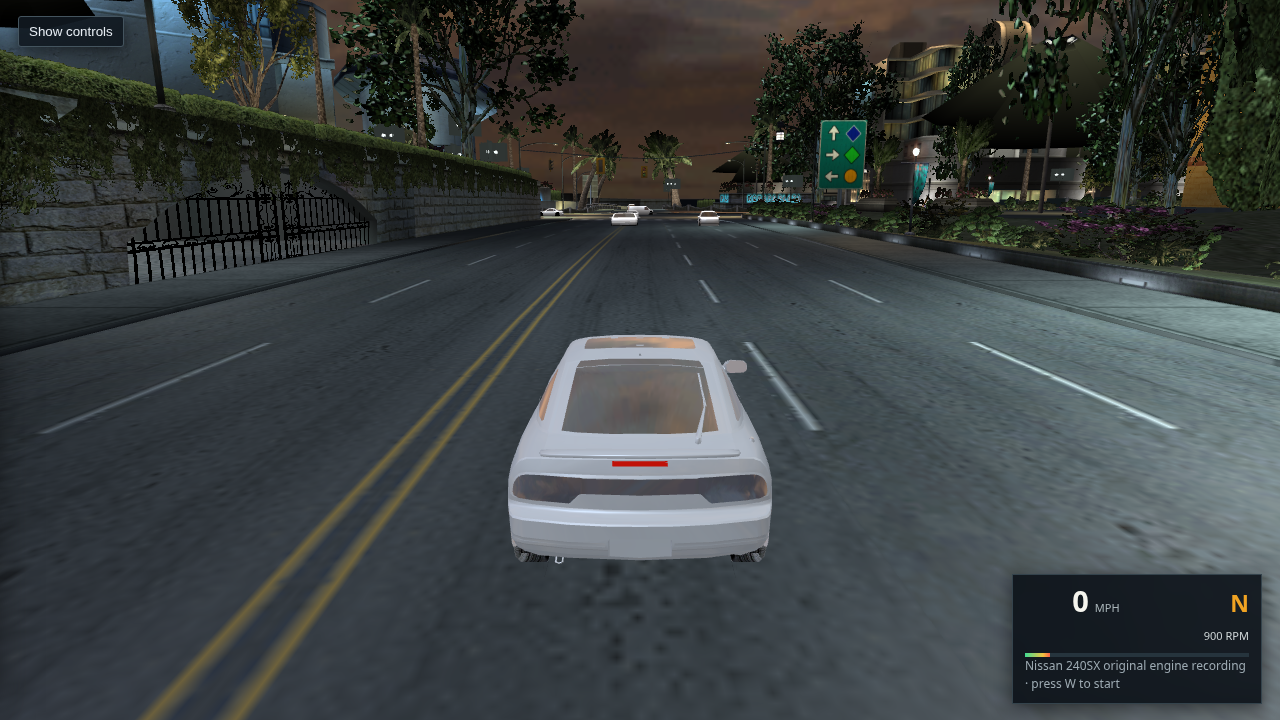
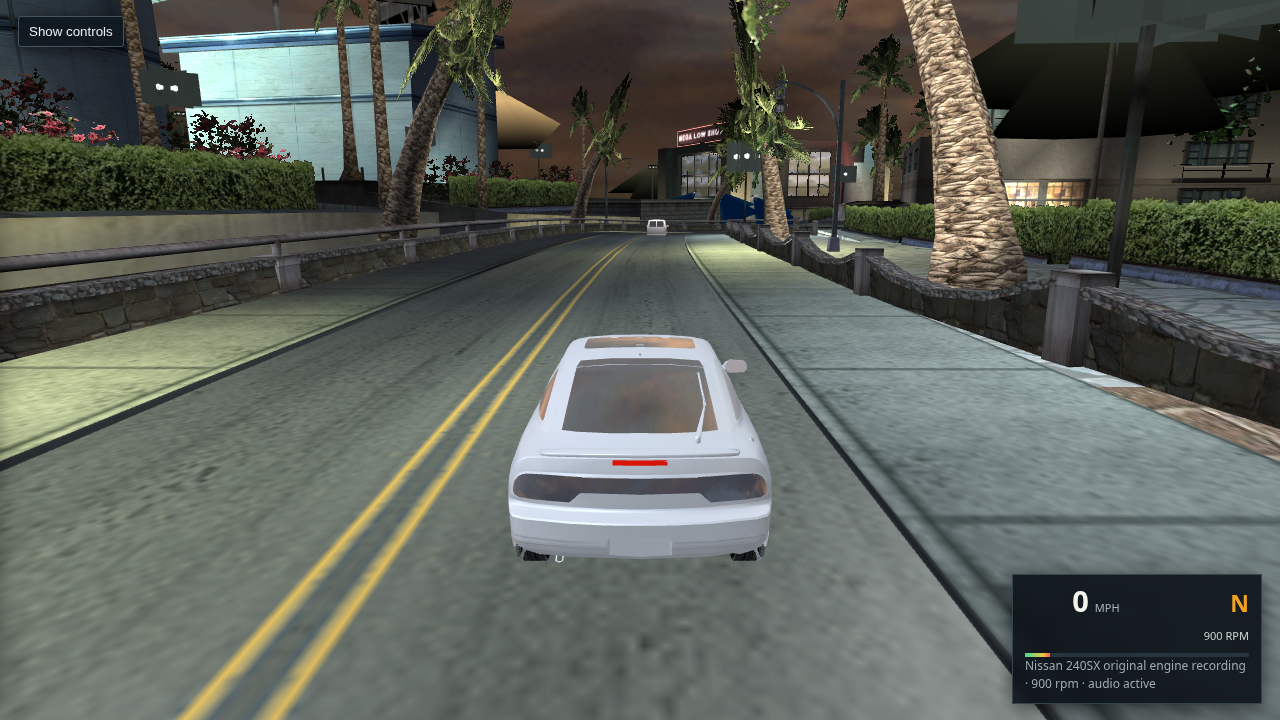
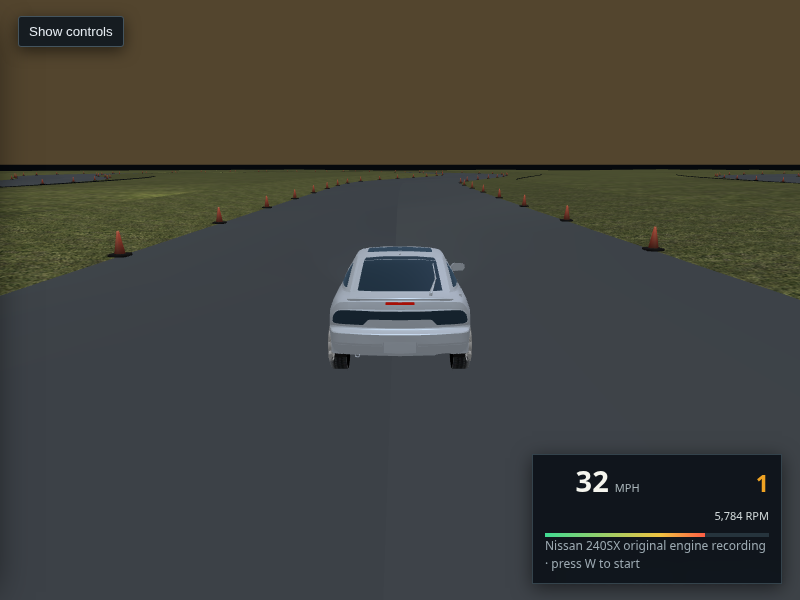
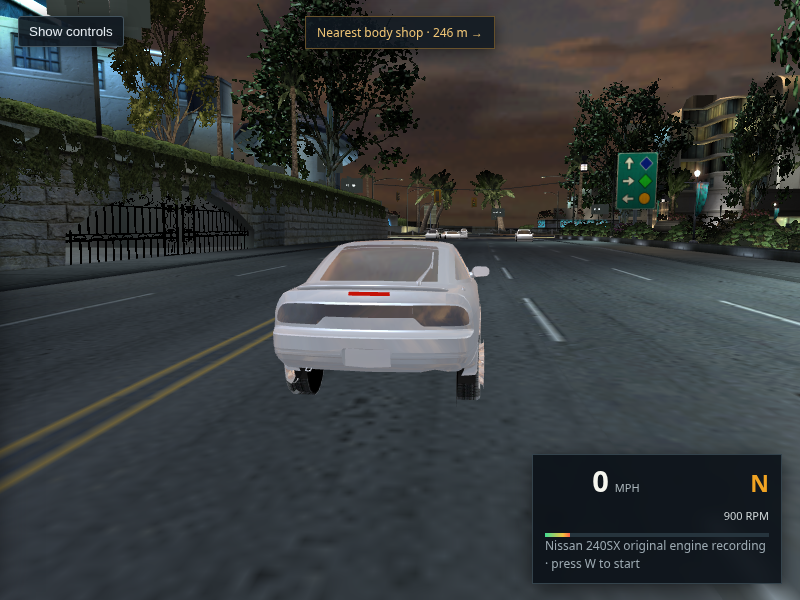
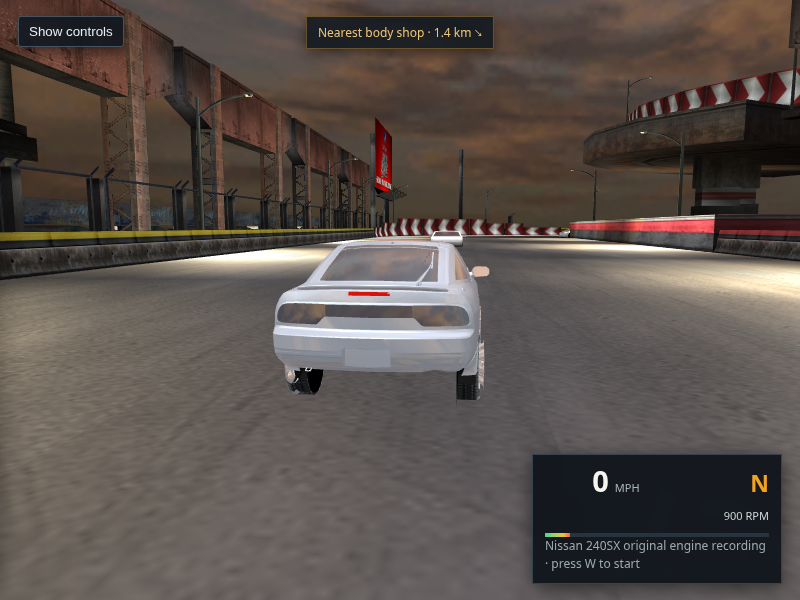
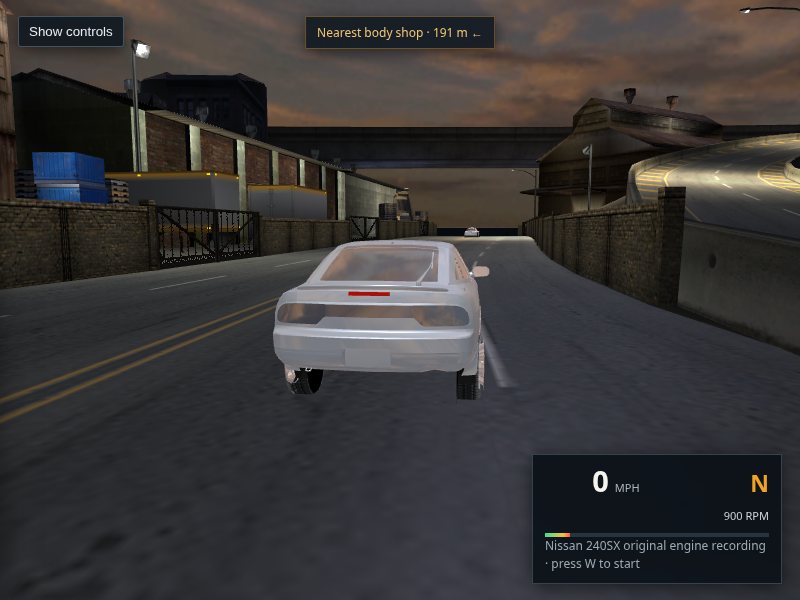
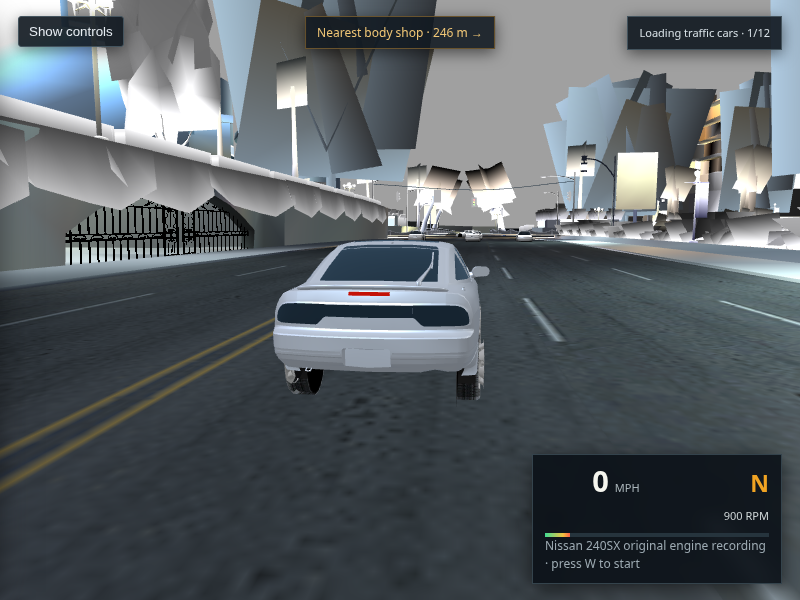
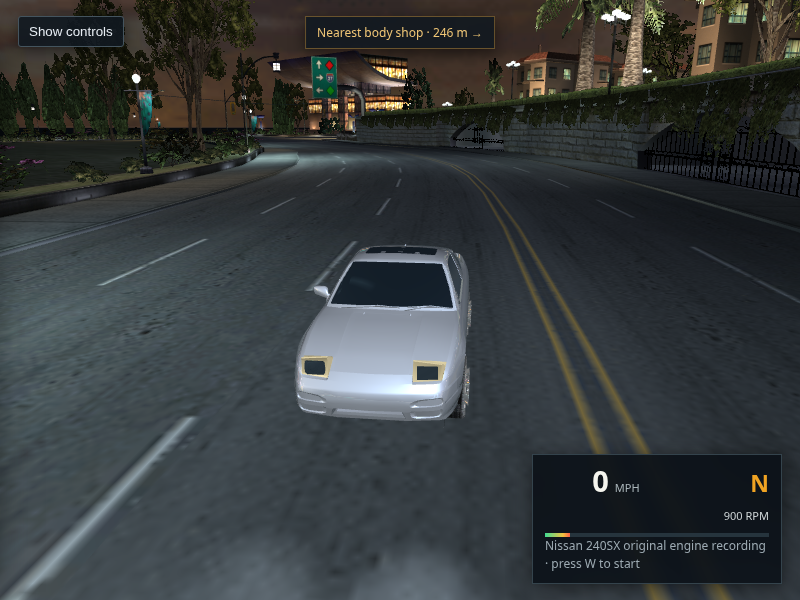
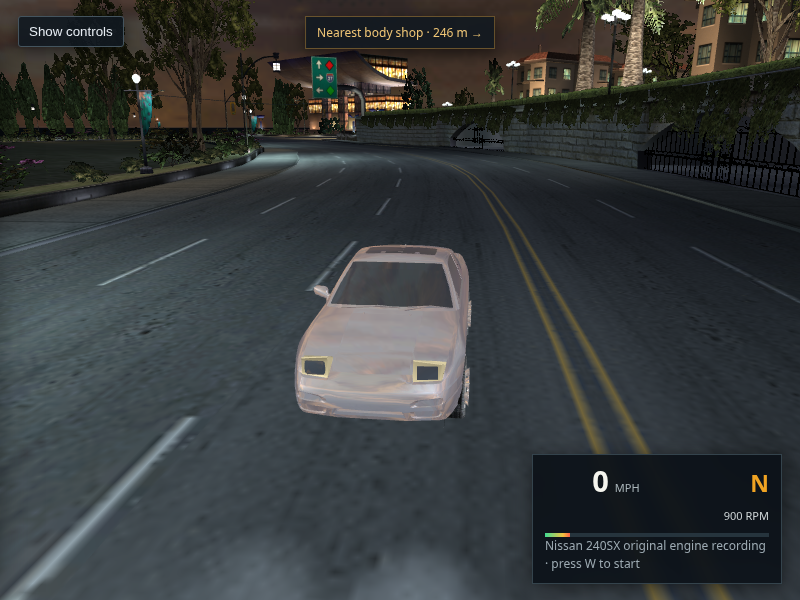
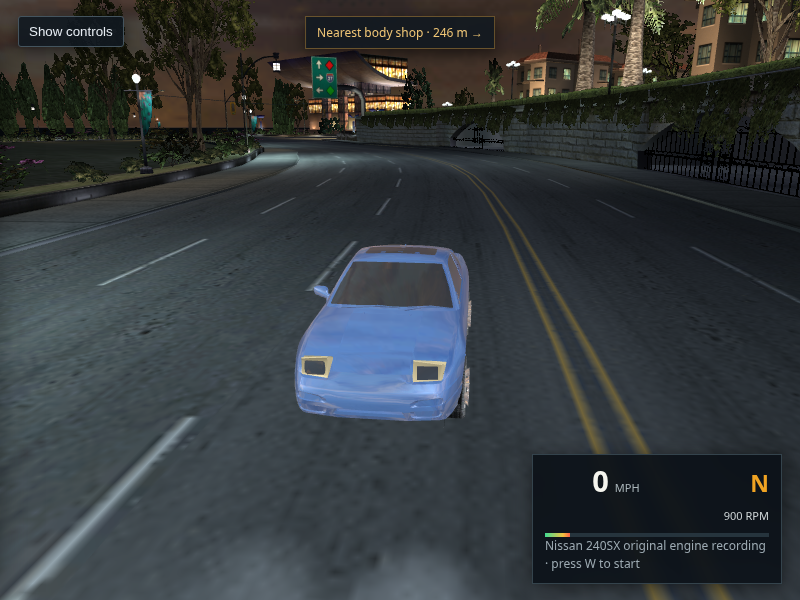
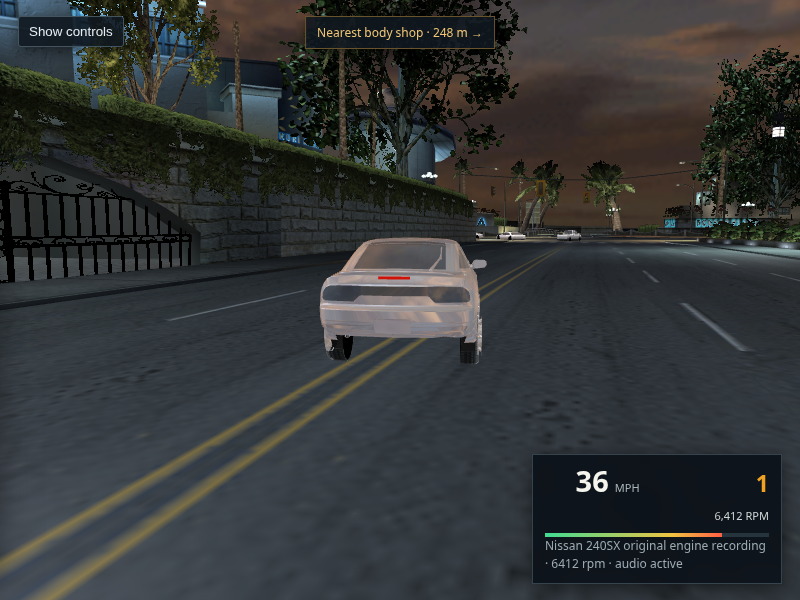
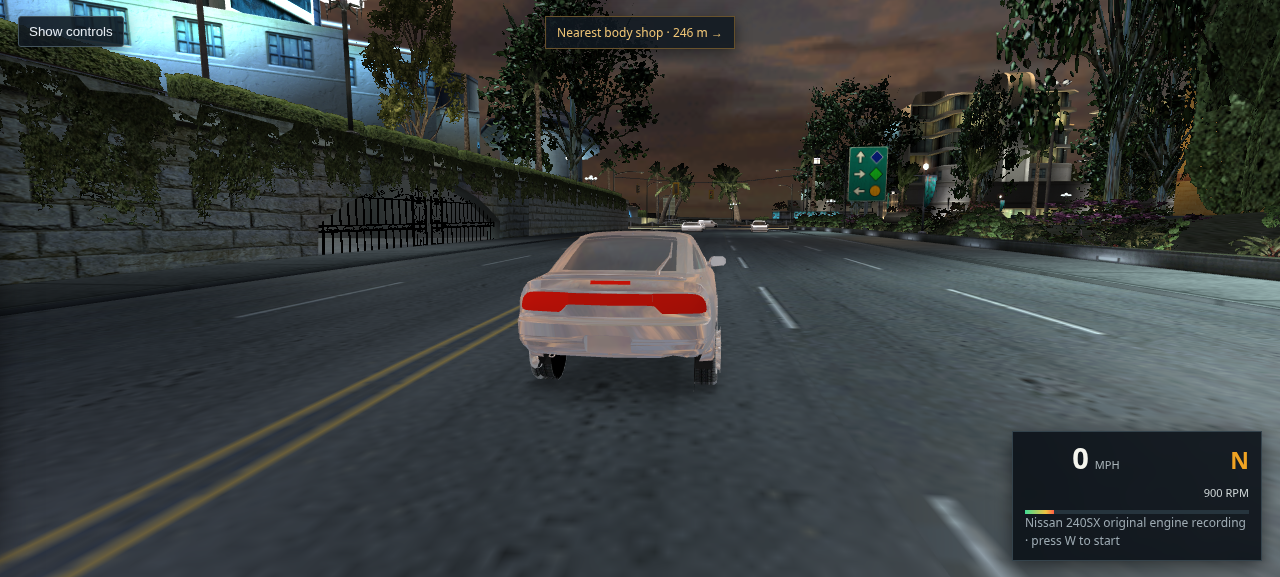
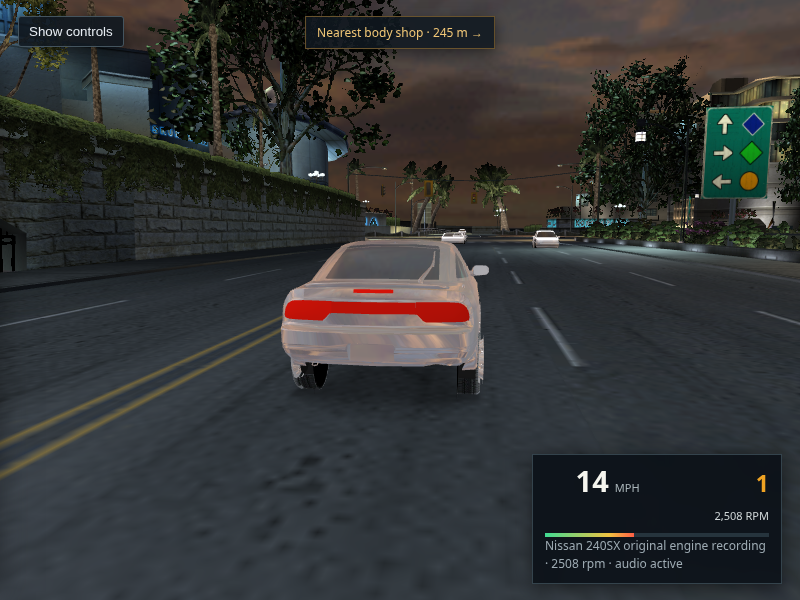
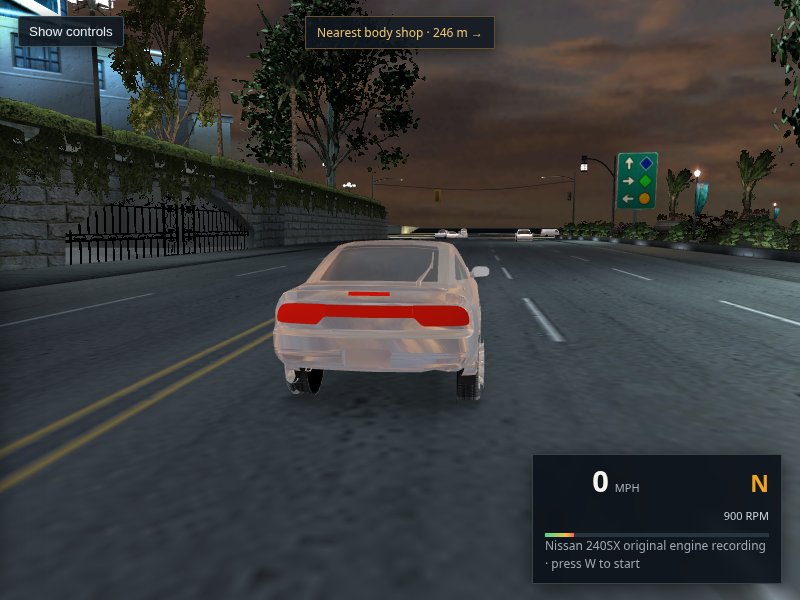
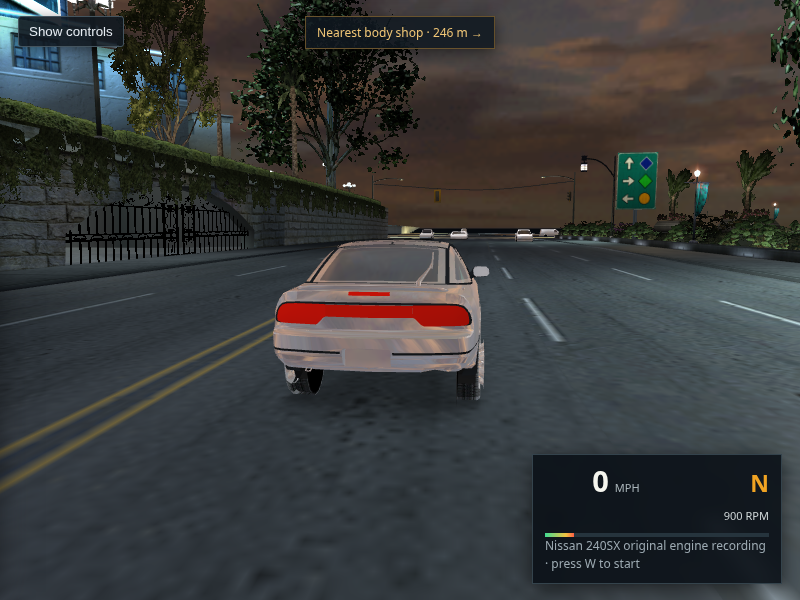
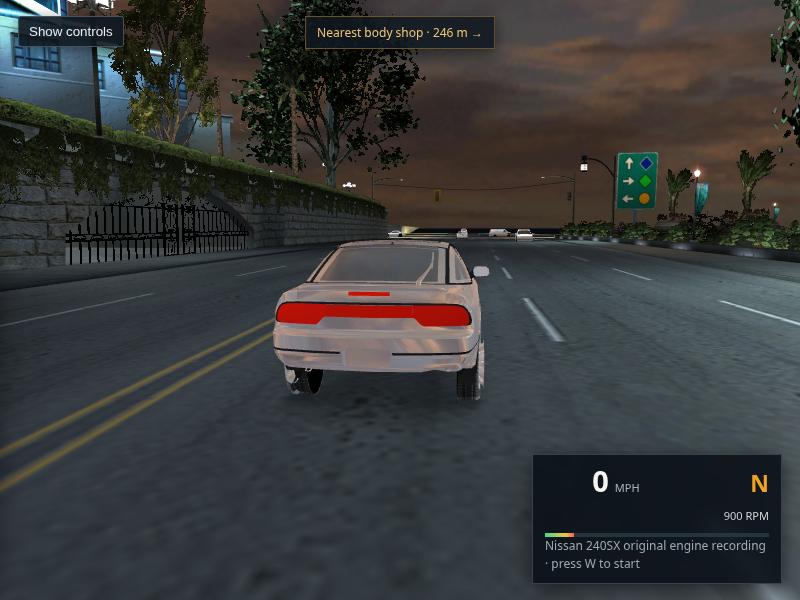
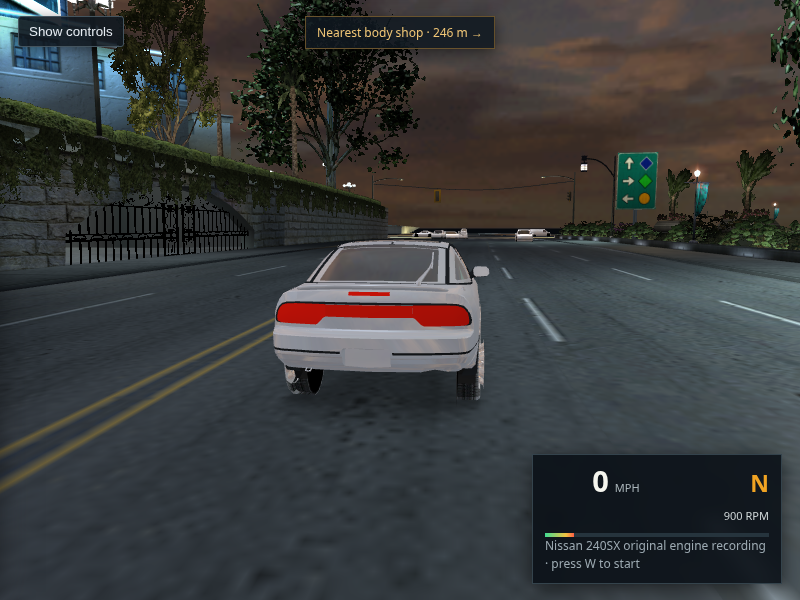
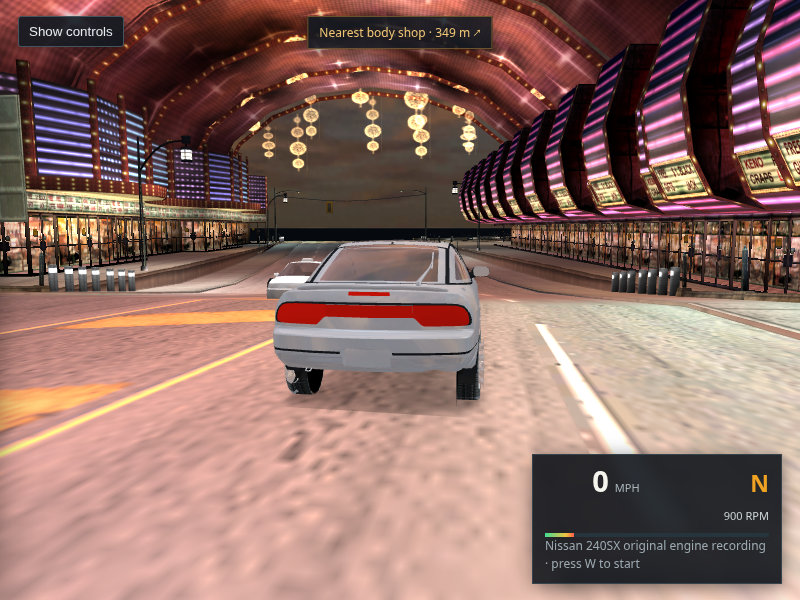
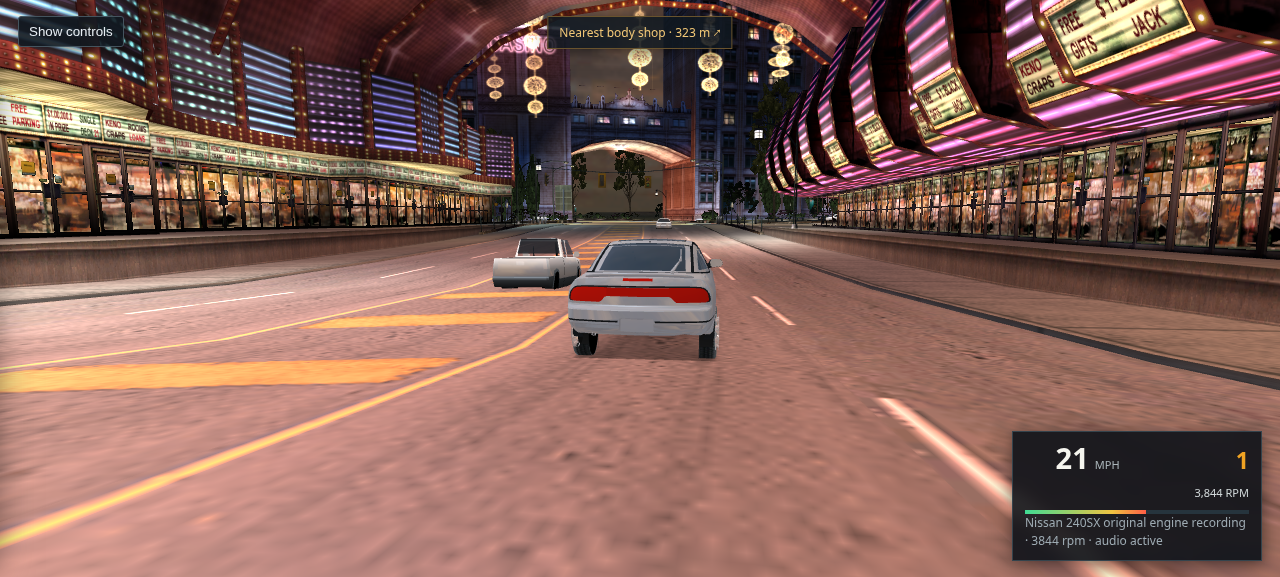
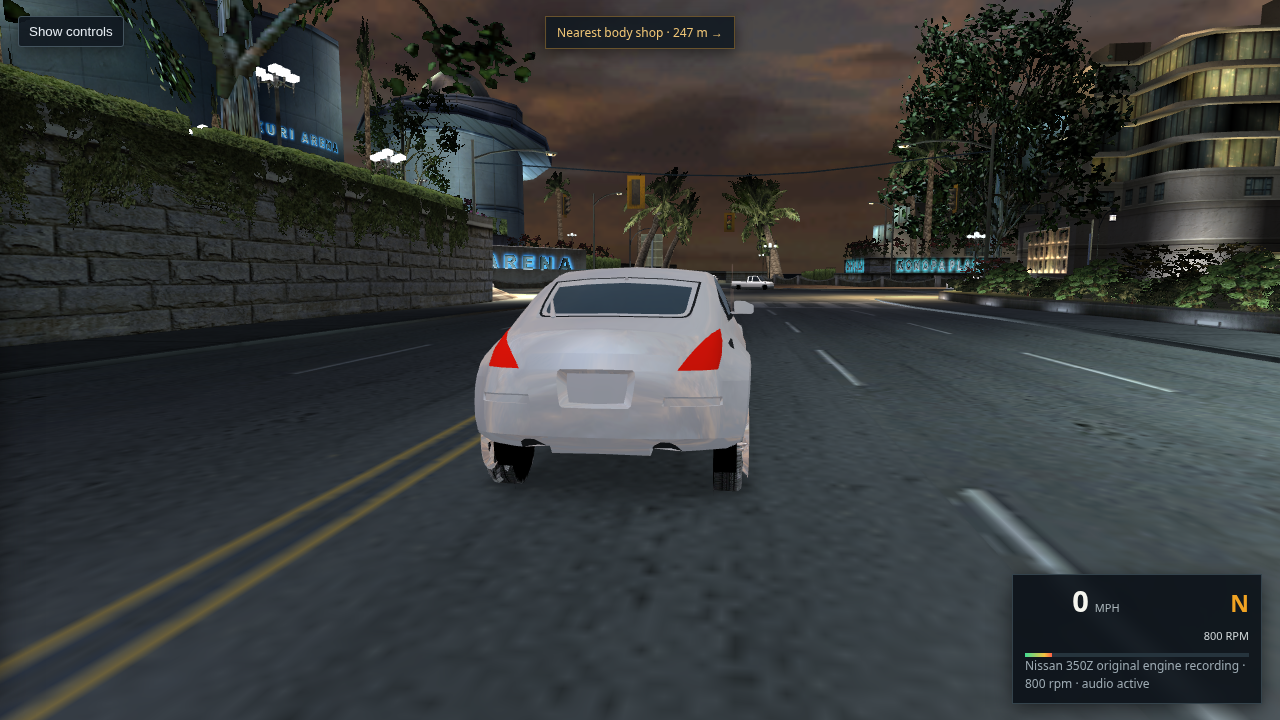
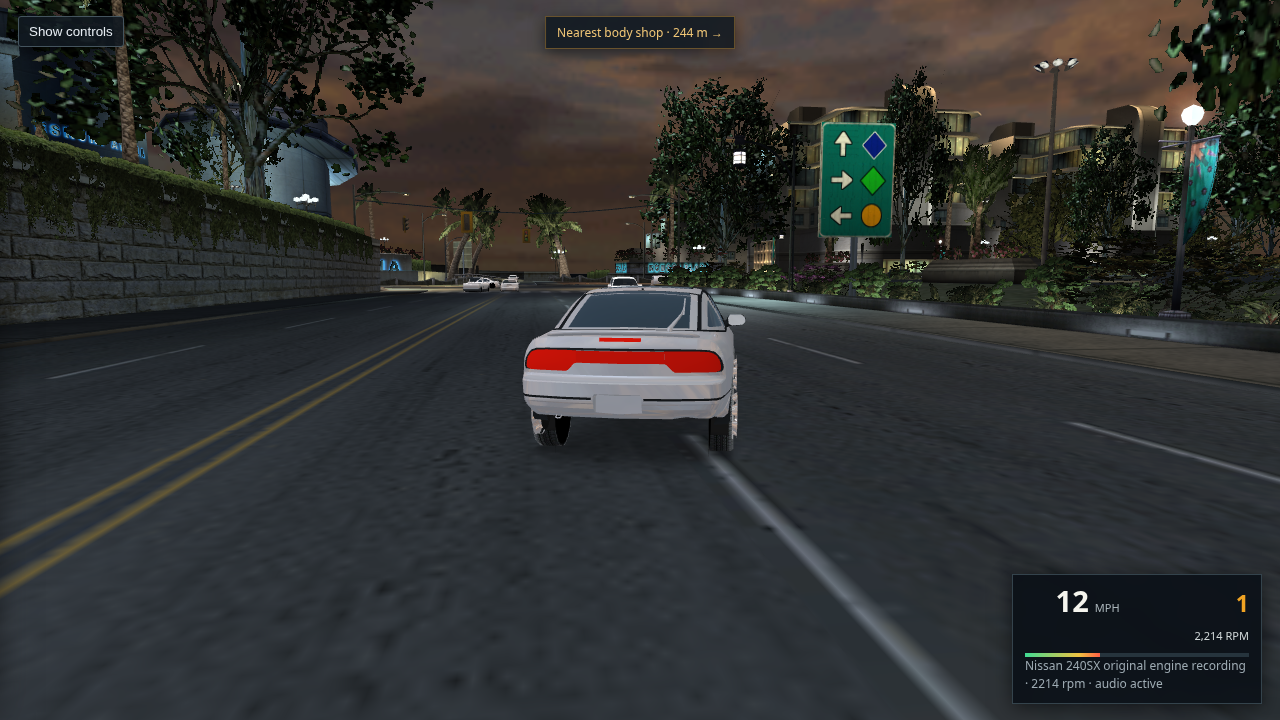
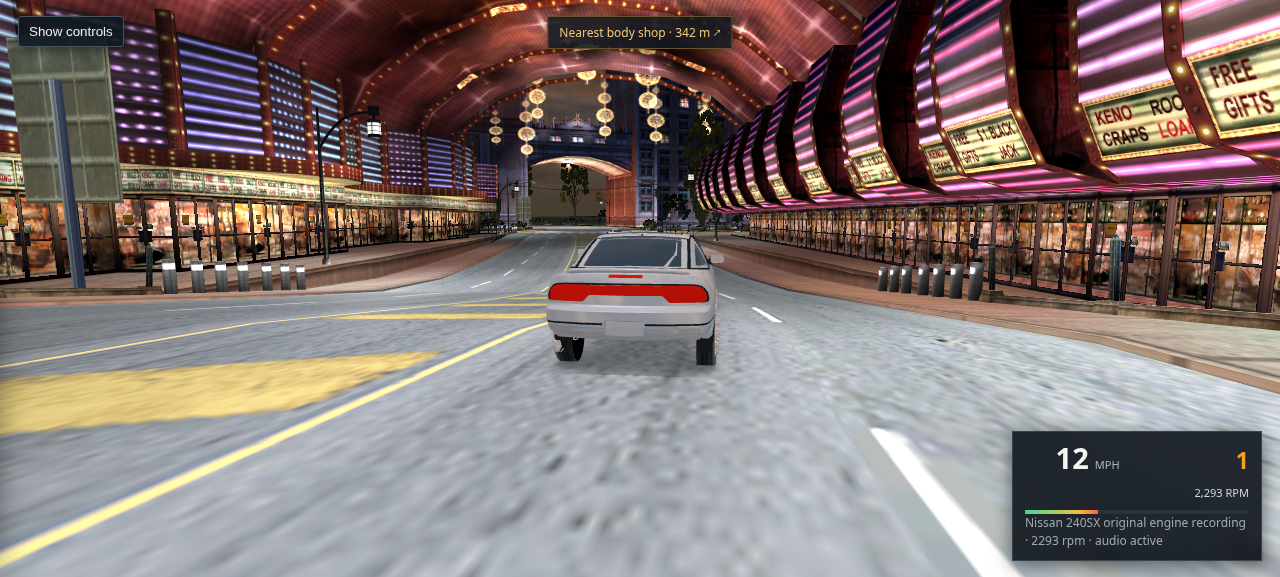
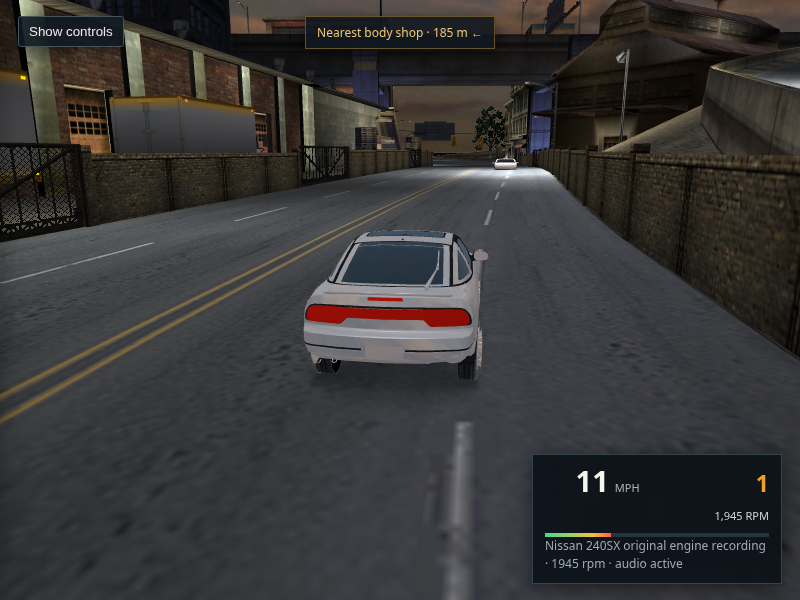
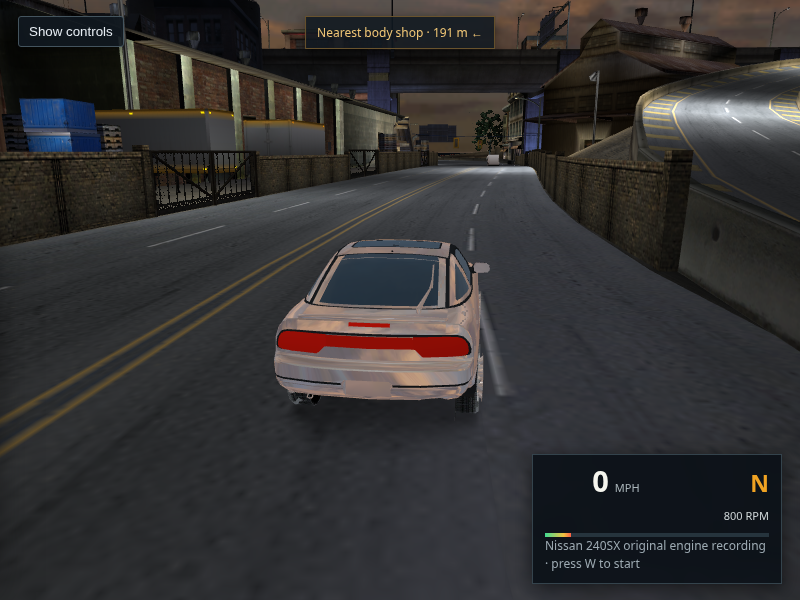
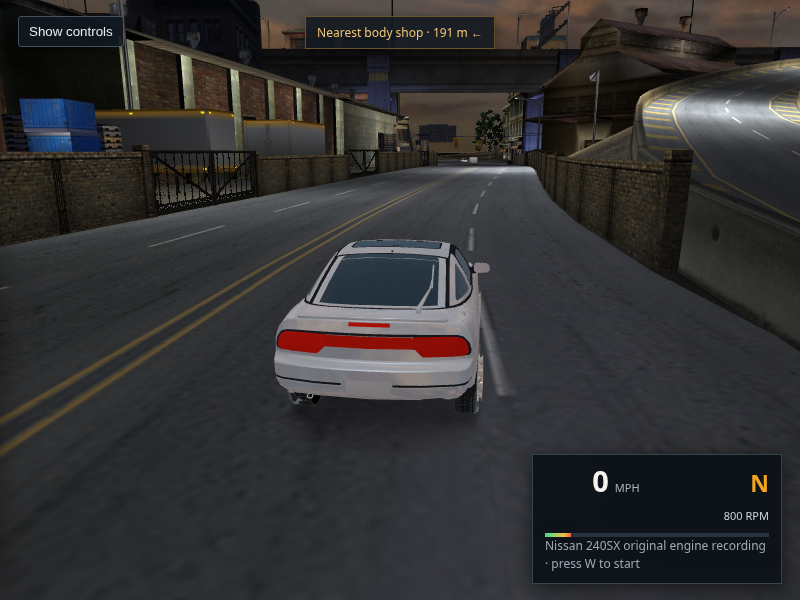
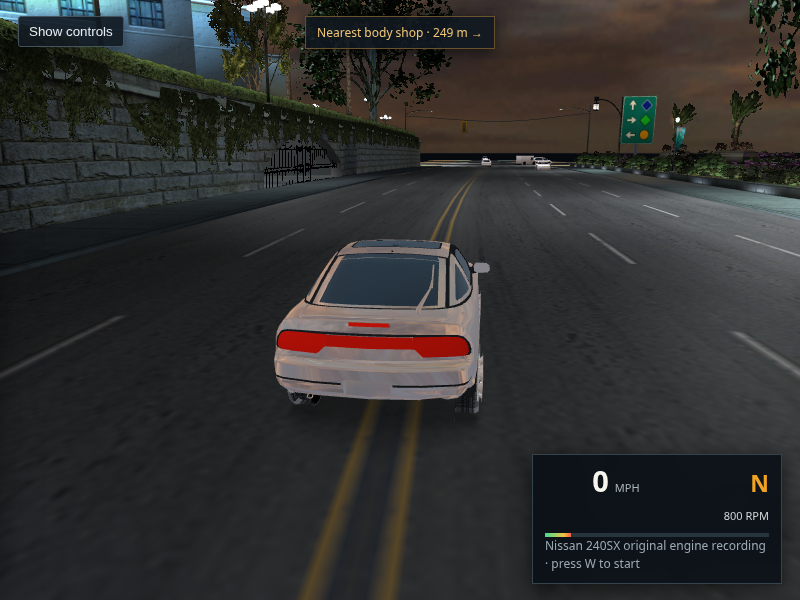
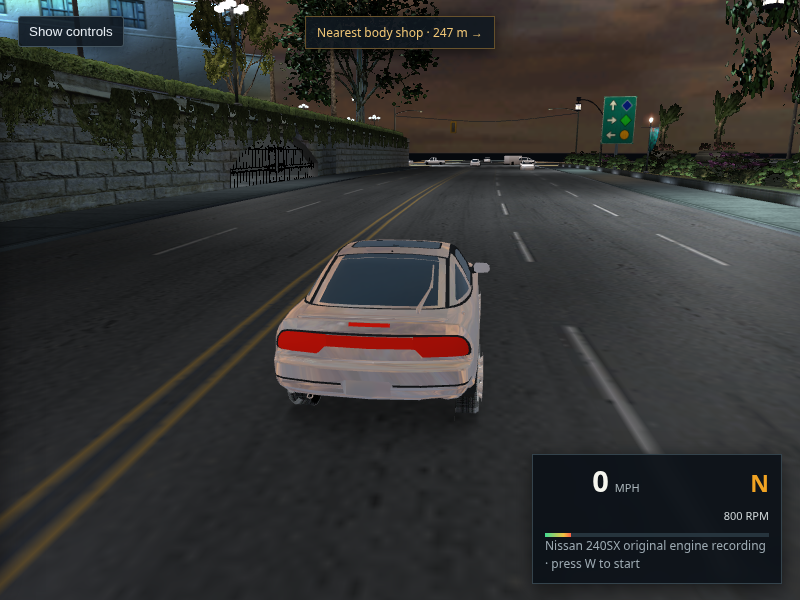
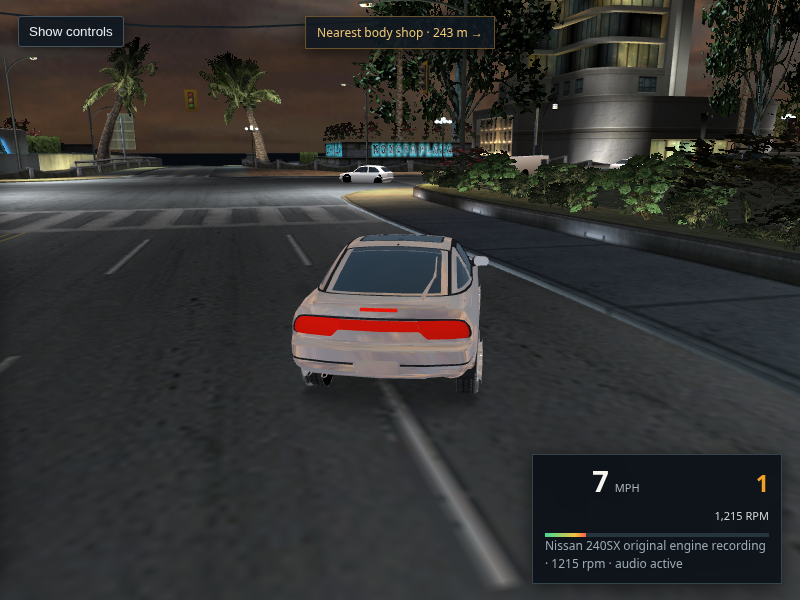
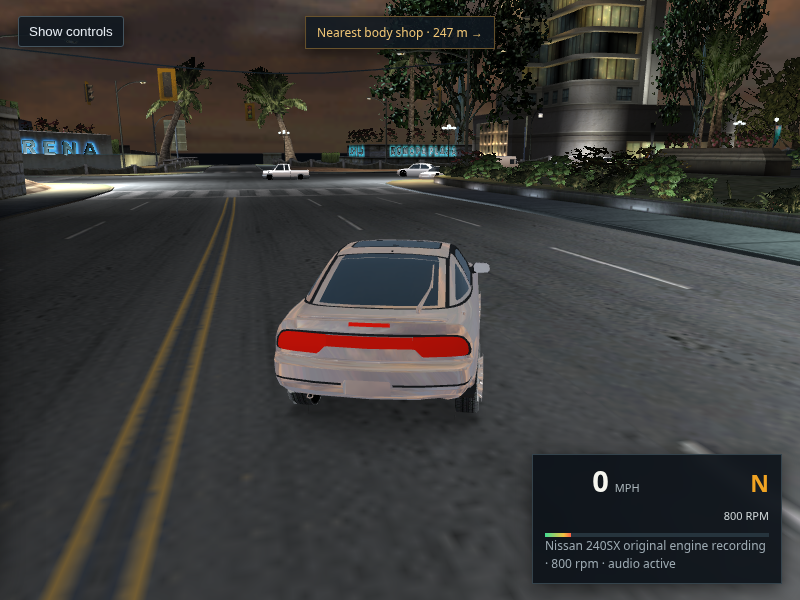
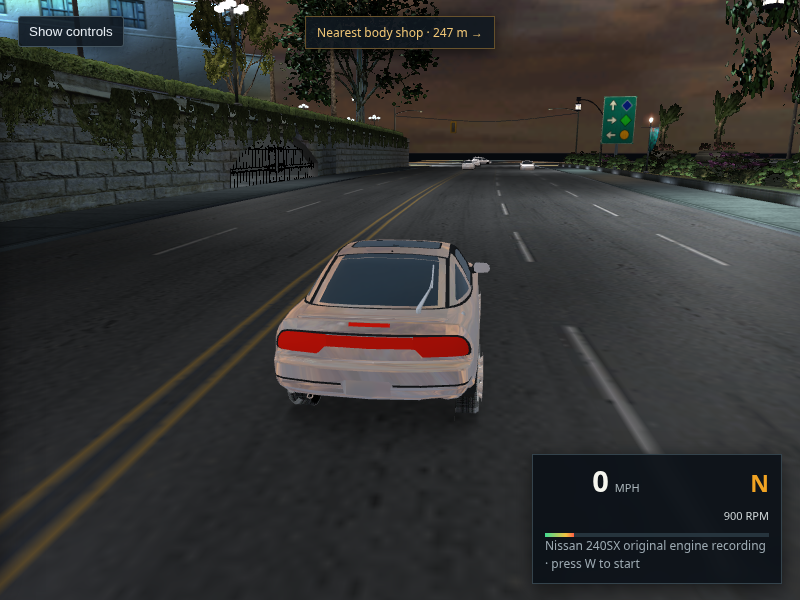
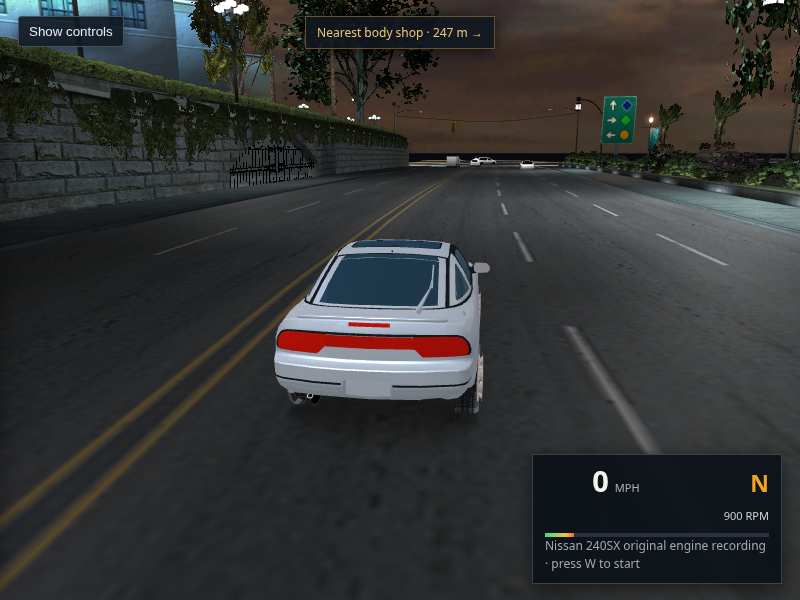
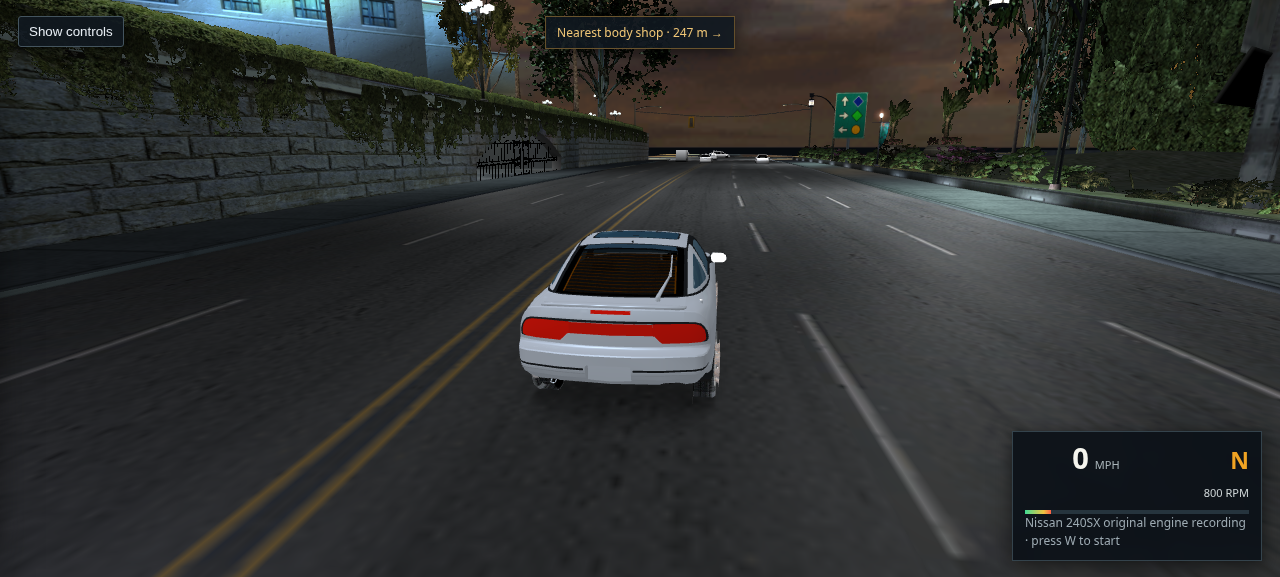
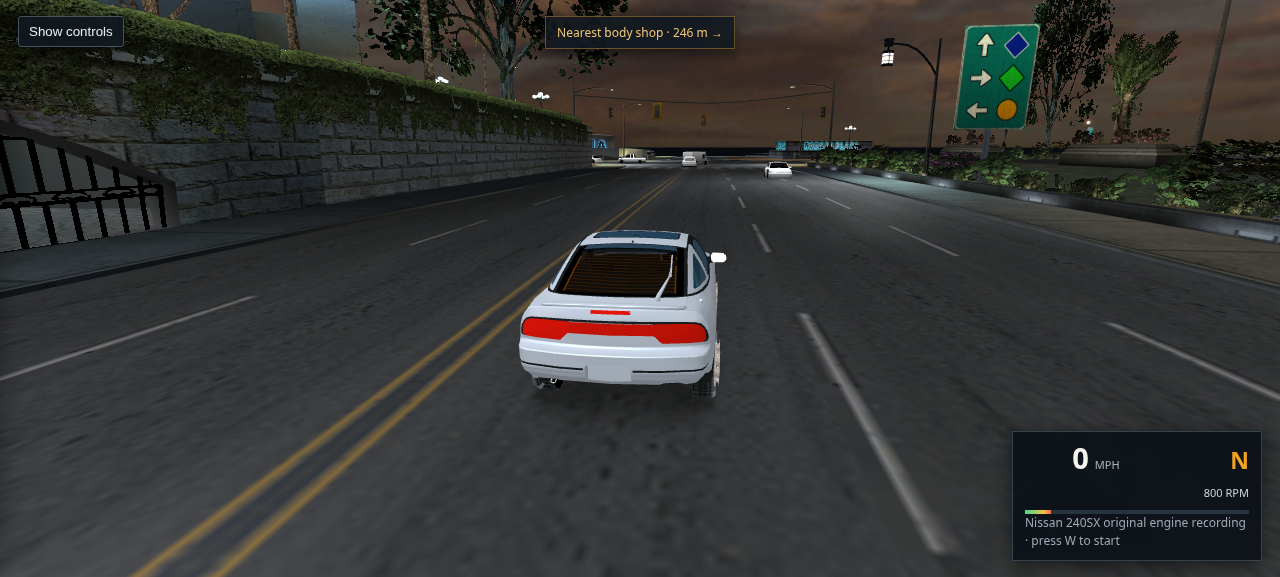
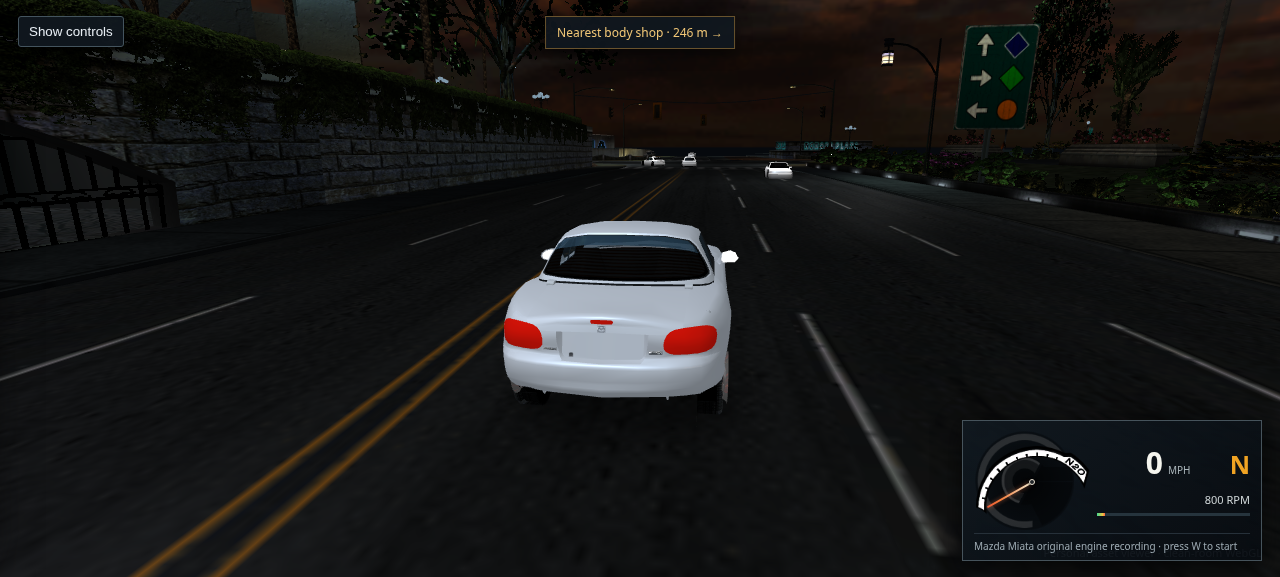
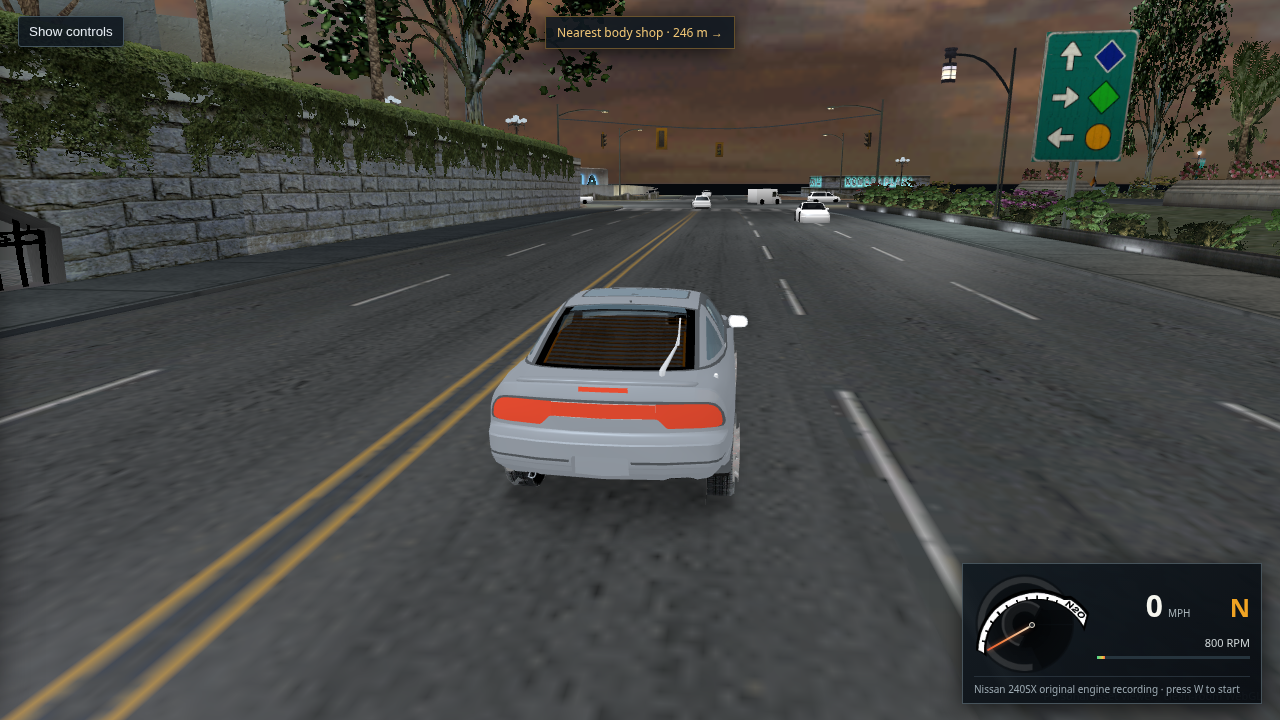
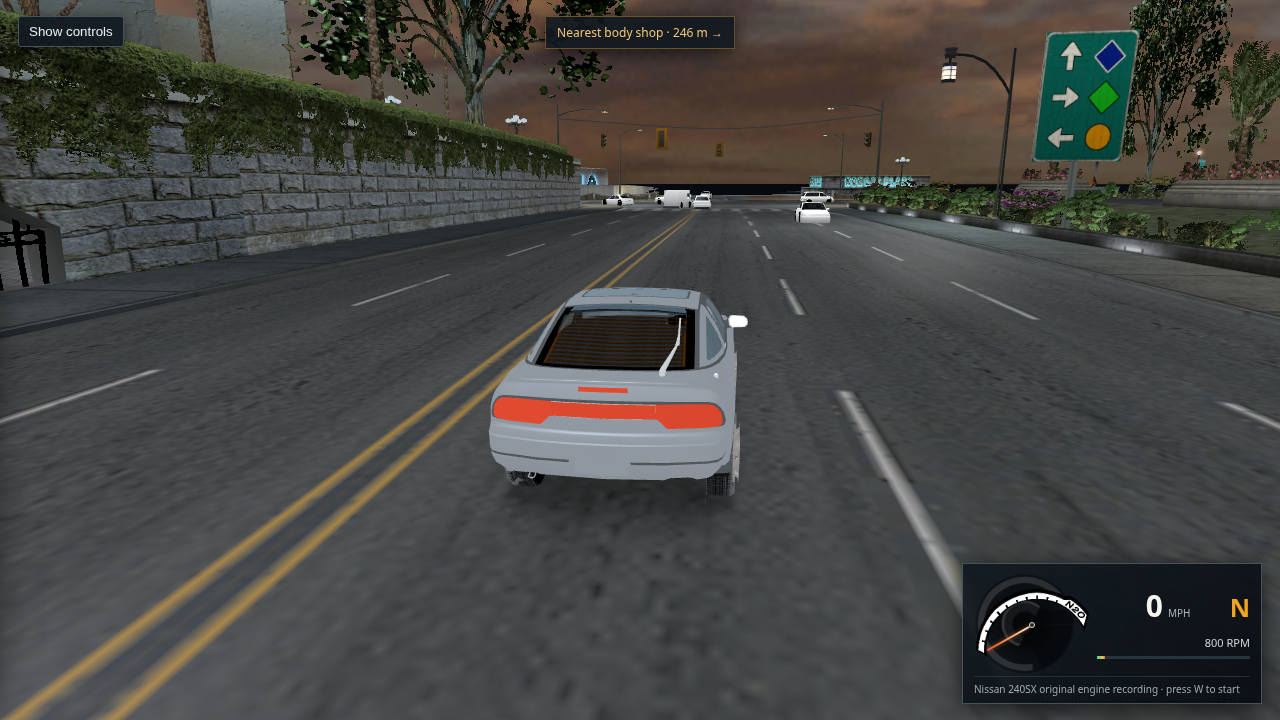
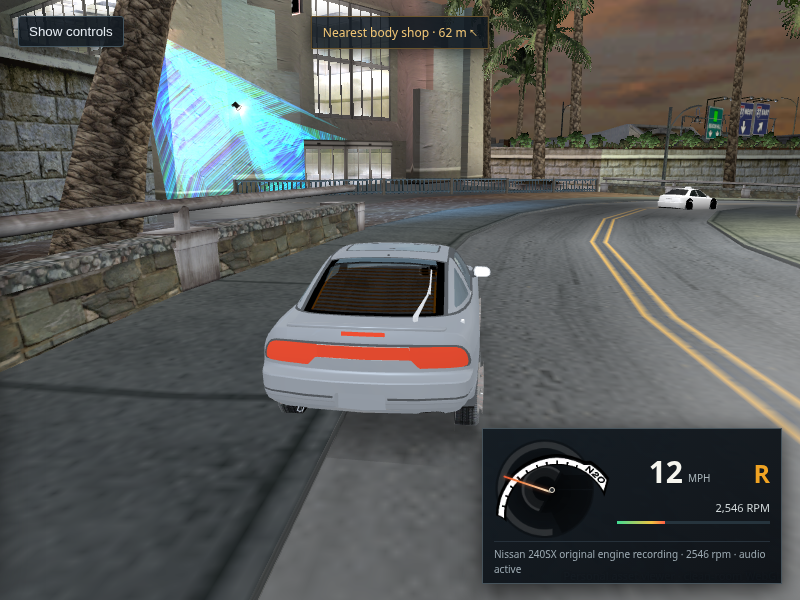
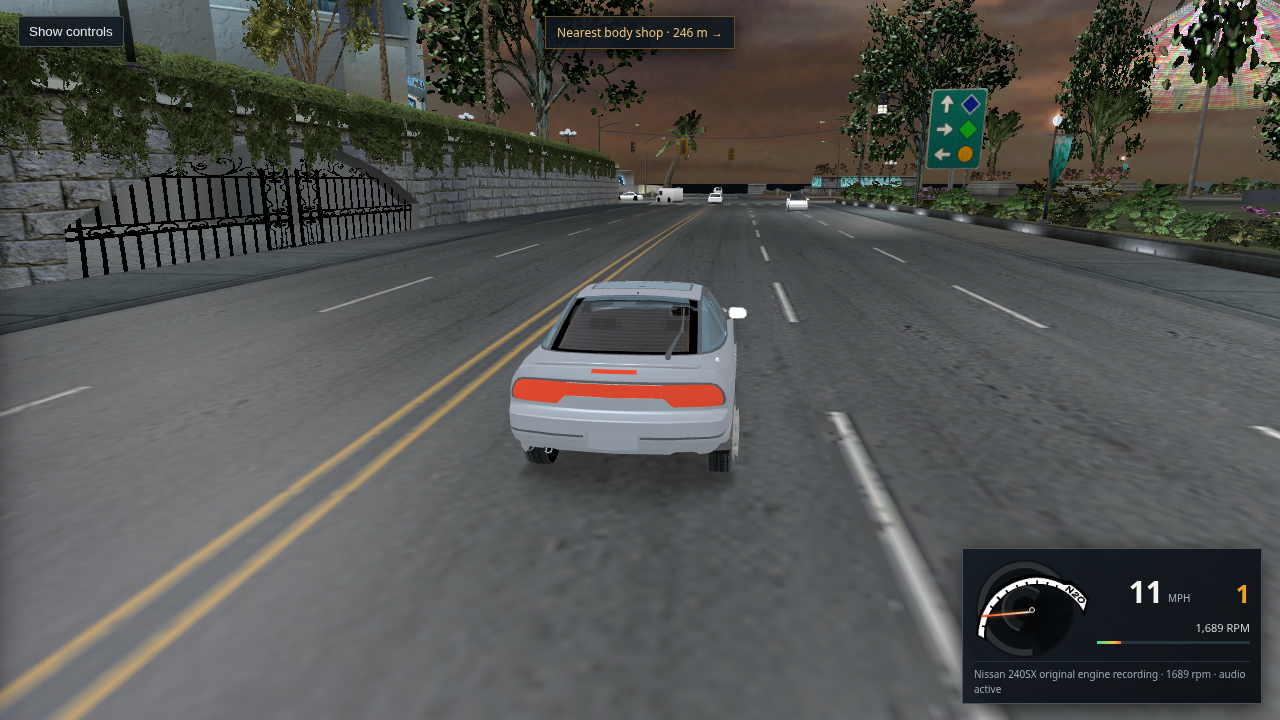
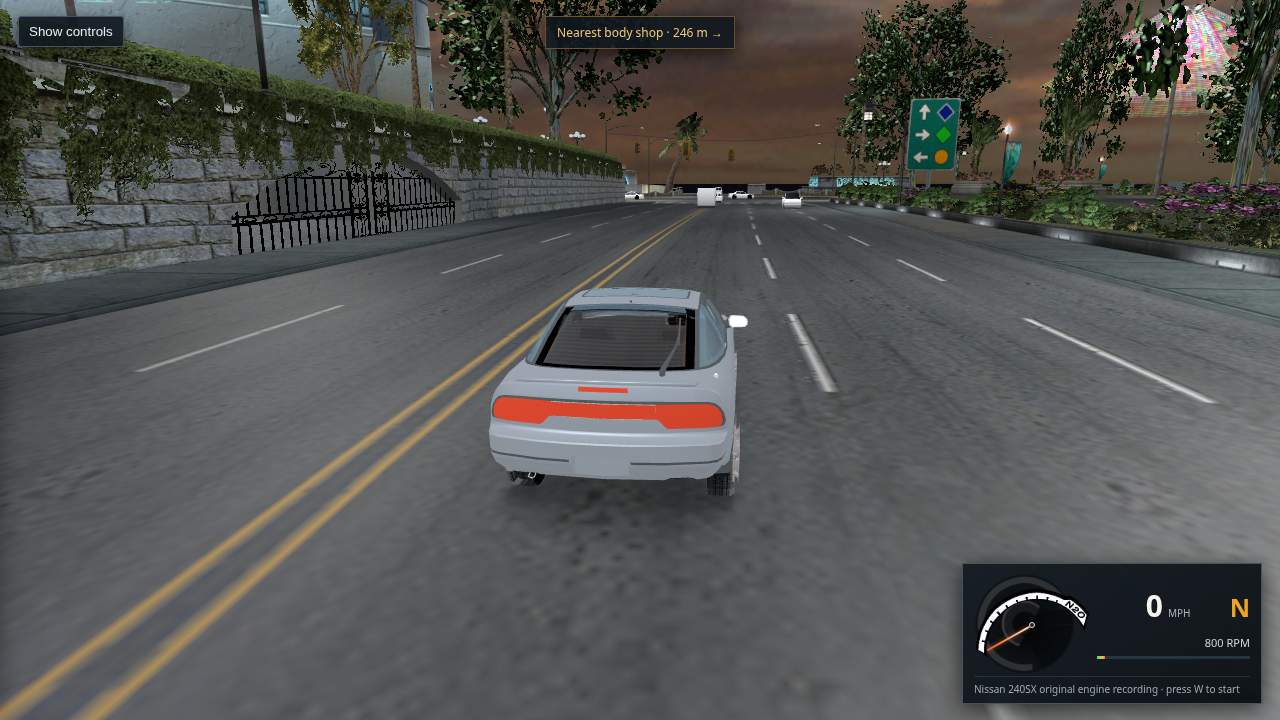
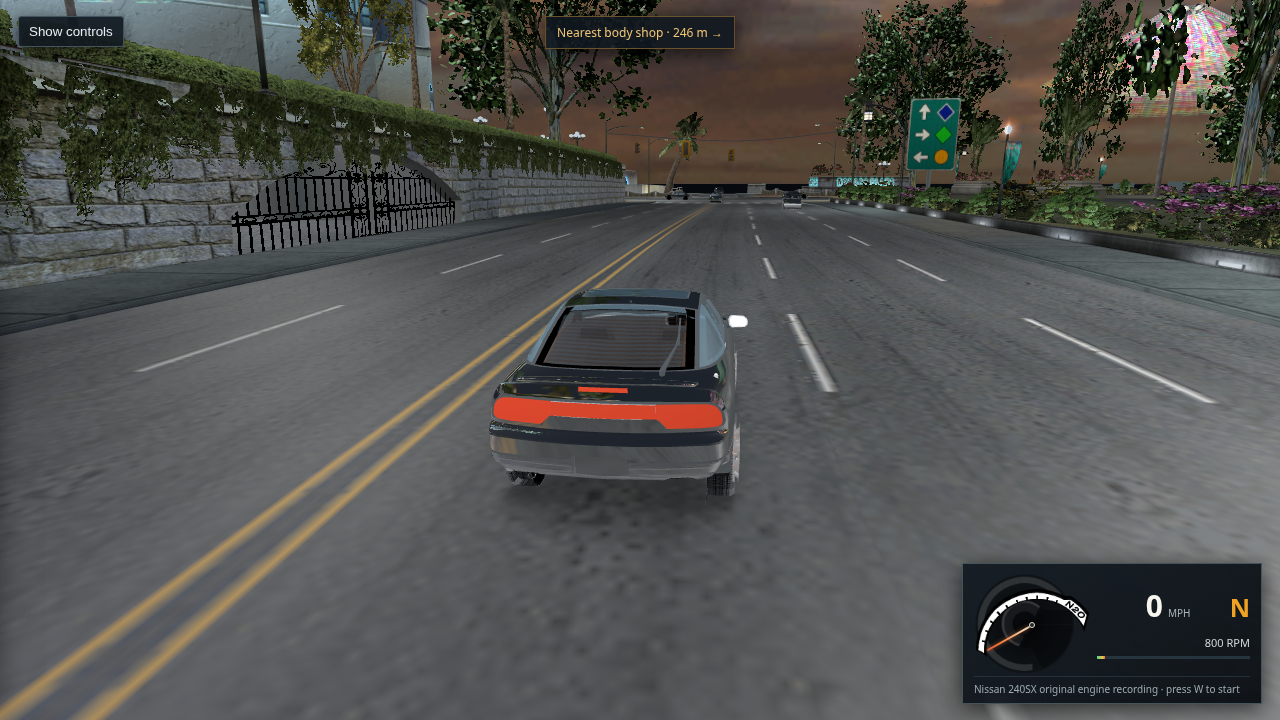
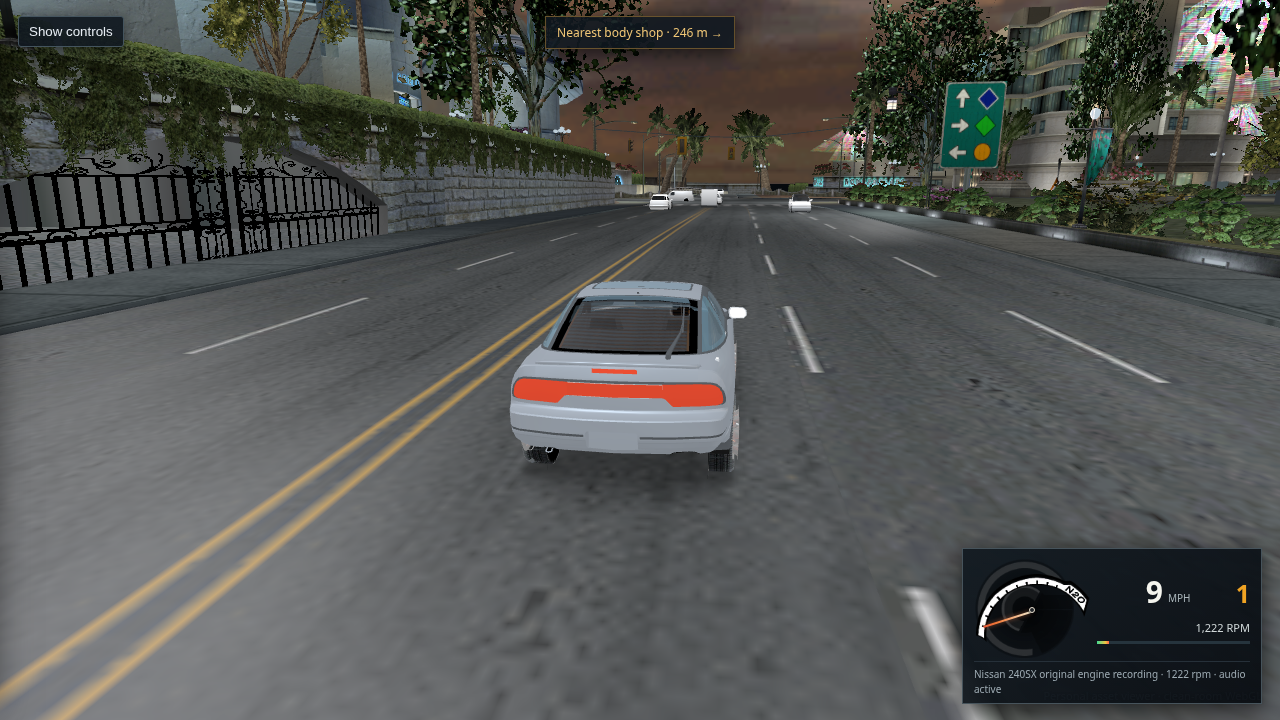
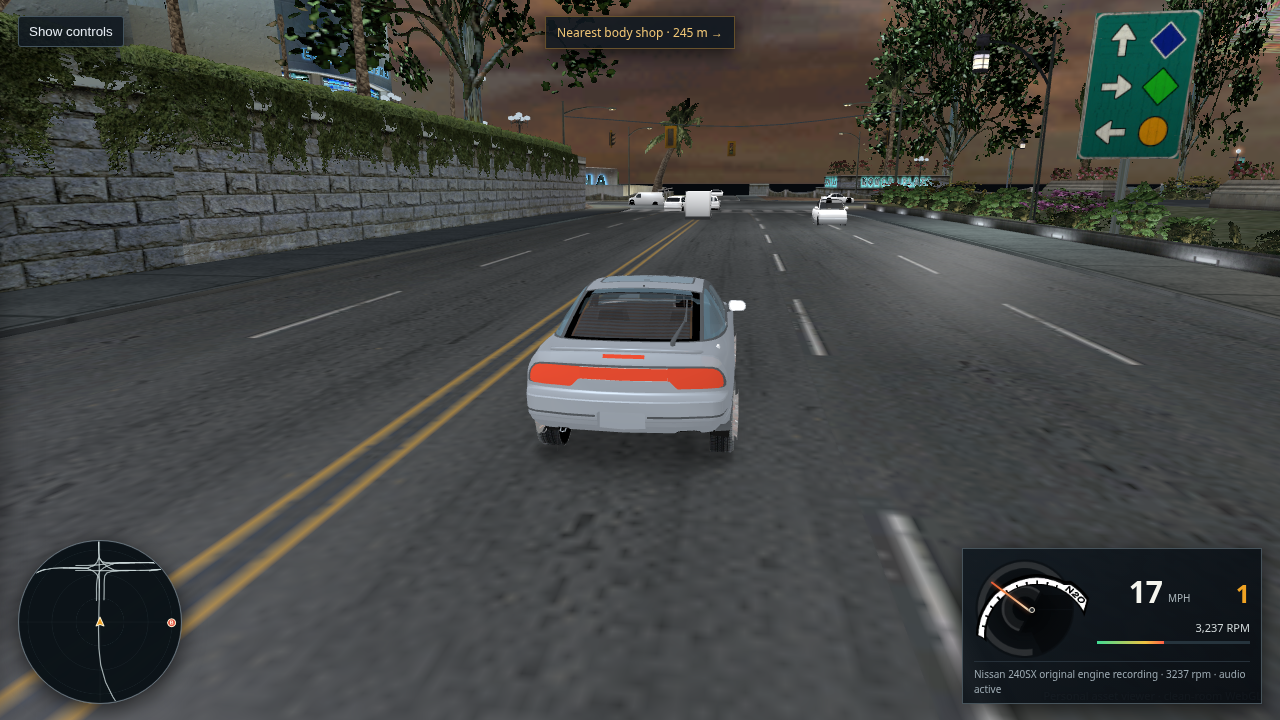
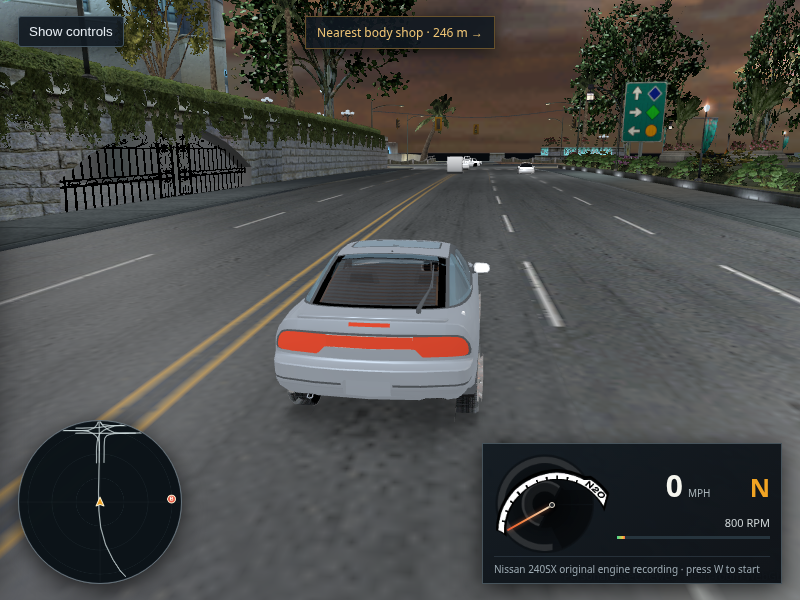
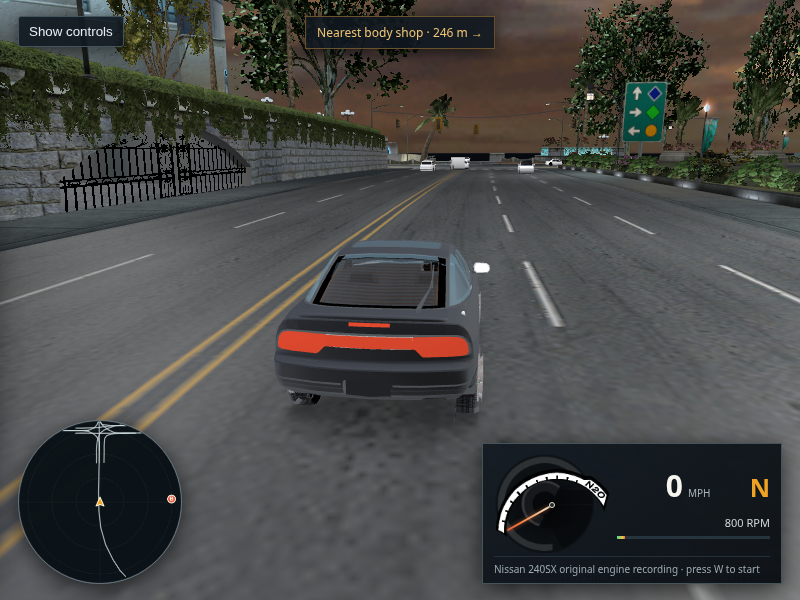
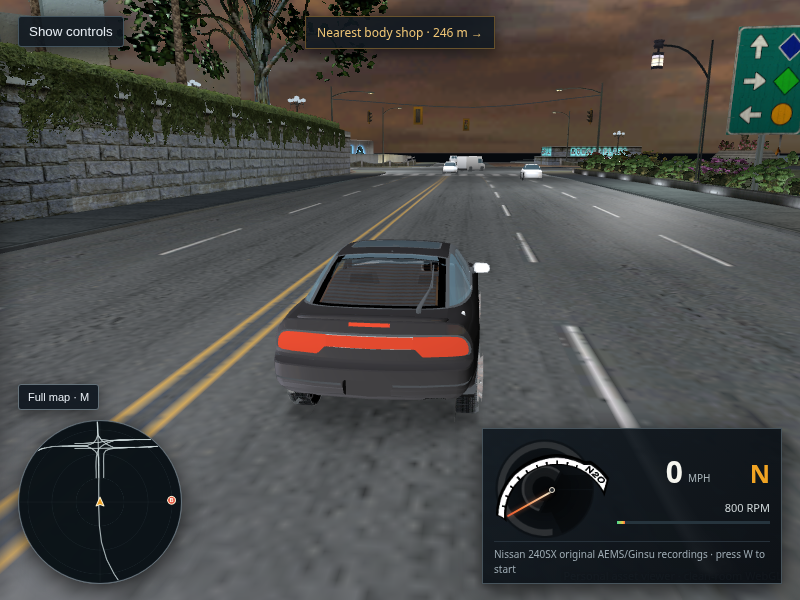
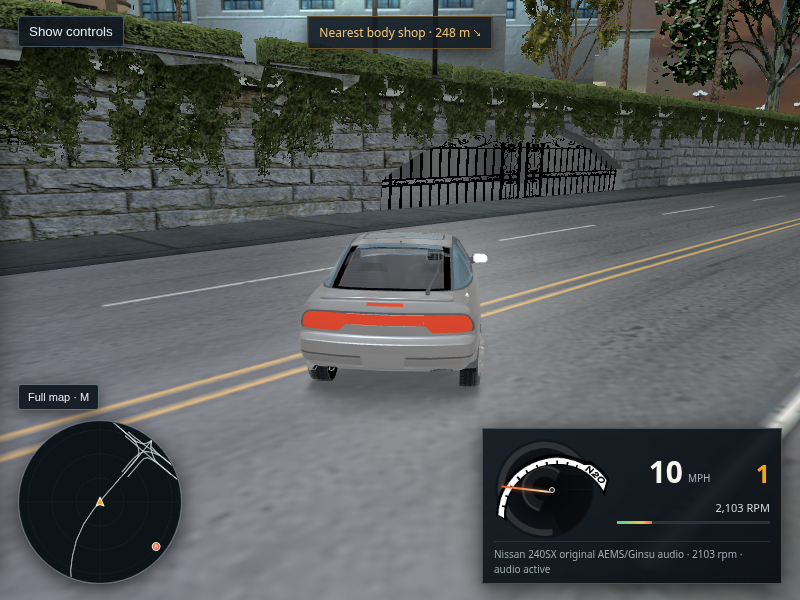
Current WebGL L4RA drive capture with the opt-in source-derived paint shader; the 240SX body appears darker than the normal renderer
Host Chrome · L4RA · 240SX · source-derived paint diagnostic

496 · Recheck the decompiled paint path in the current packaged viewer

The current 800×600 WebGL2 capture reached the rendered drive view with 12 ambient body models available and no page or console errors. The opt-in retail-fallback path renders, but the silver body is darker and still lacks convincing city reflections. I left the normal viewer shader as the default; the exact live paint selection, texture binding, and harmonic transform remain uncaptured. This is a current-build check, not a same-frame comparison; the earlier controlled A/B pair is r415.

Open full-size capture · Read the current shader check · Open the earlier default capture · Open the earlier fallback capture
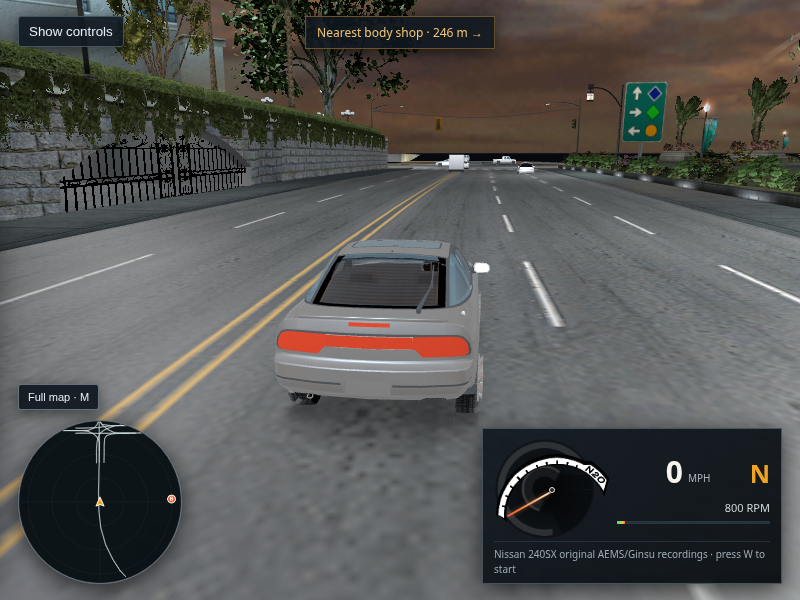
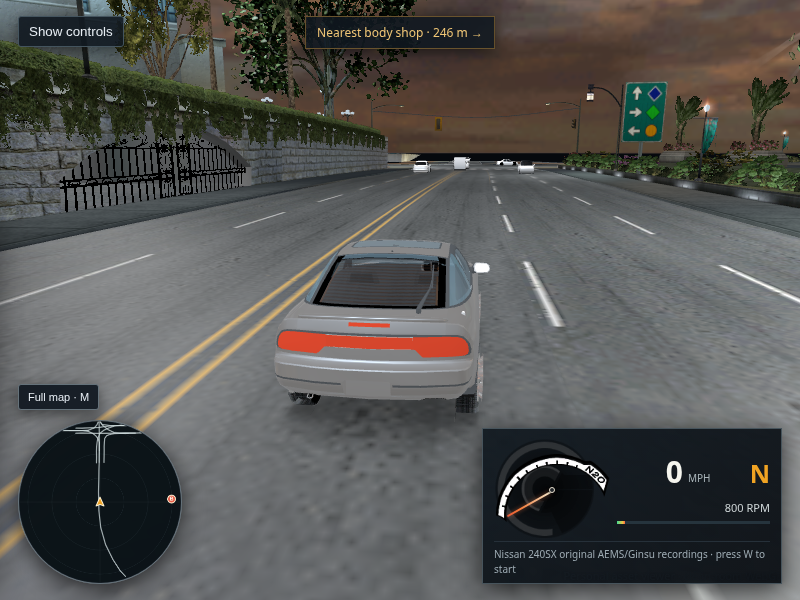
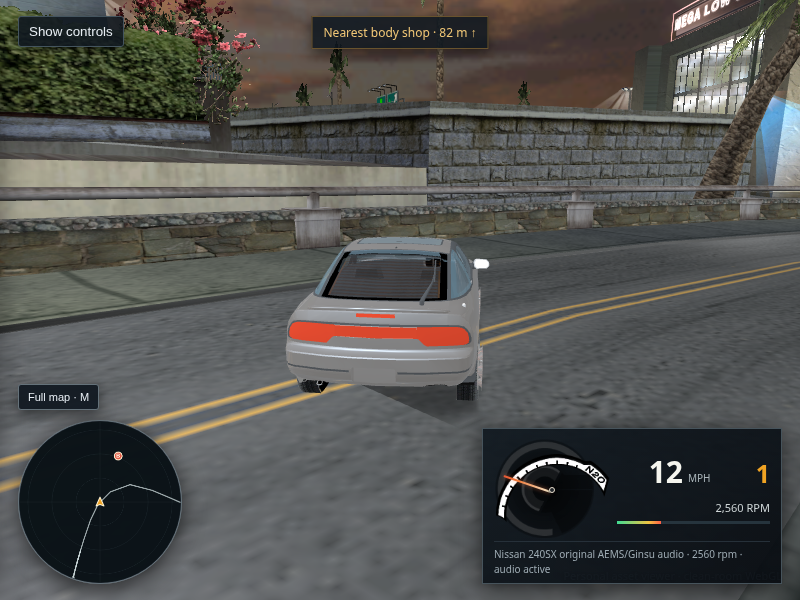
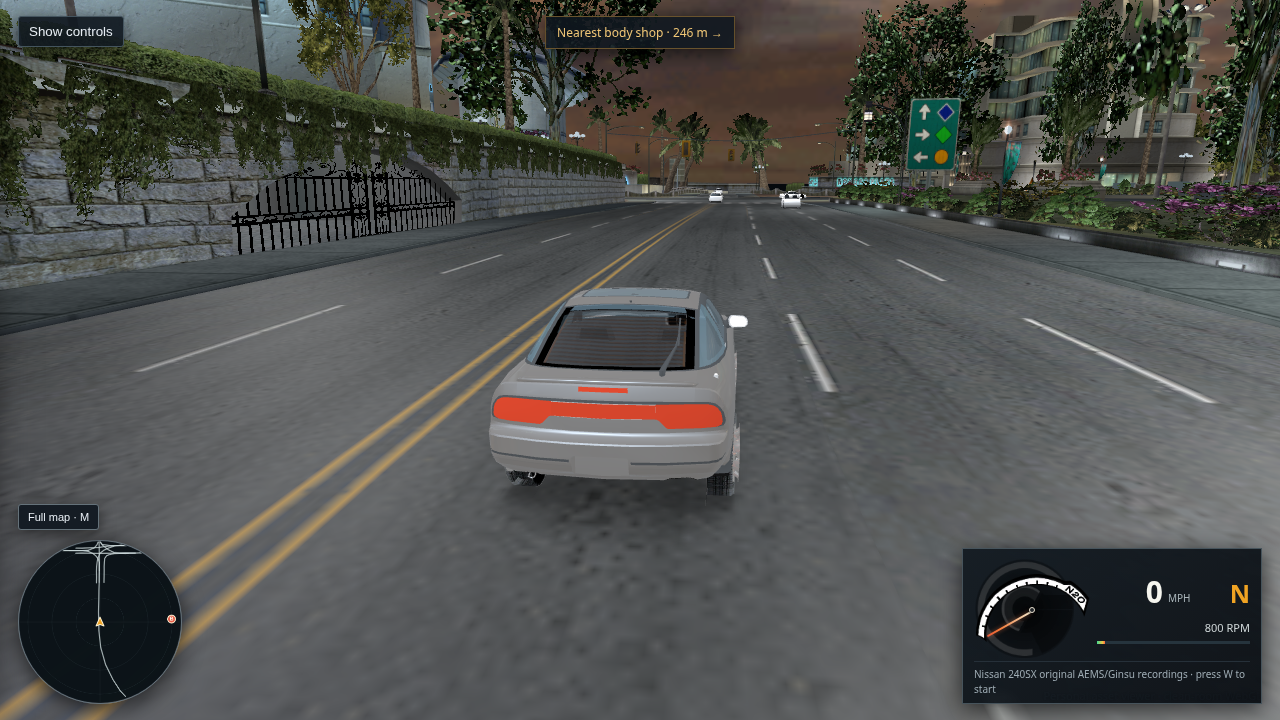
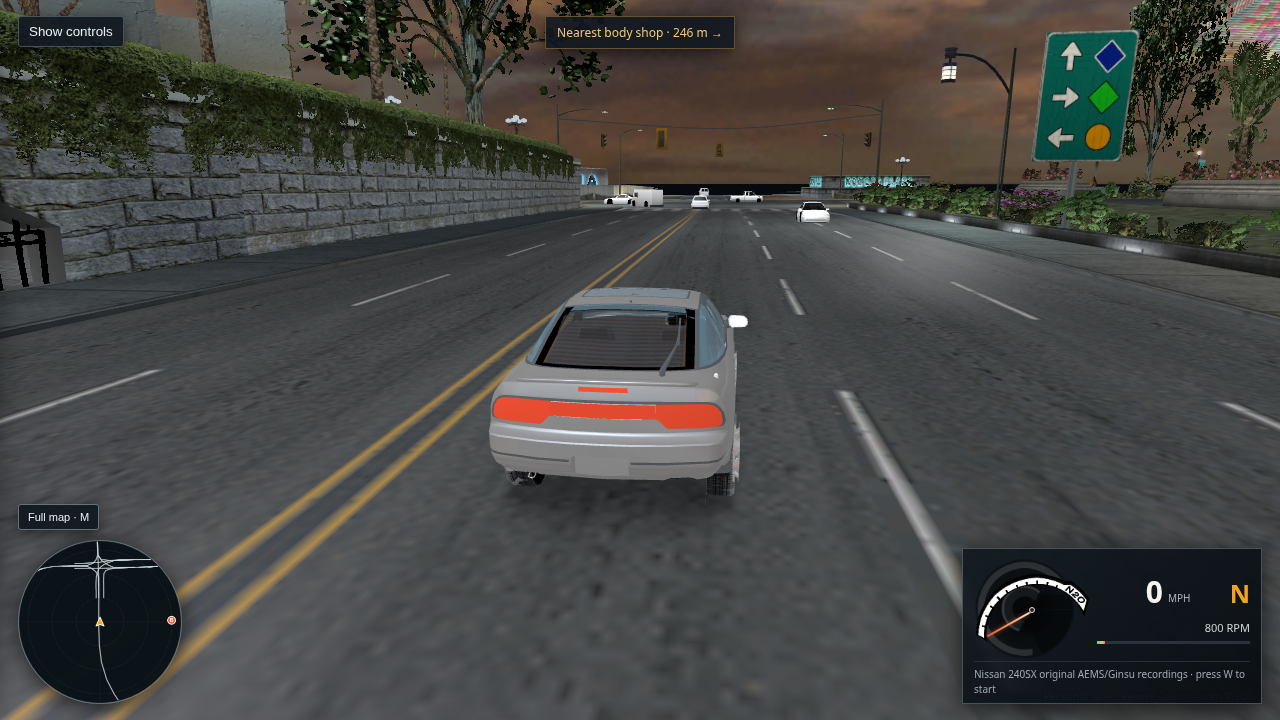
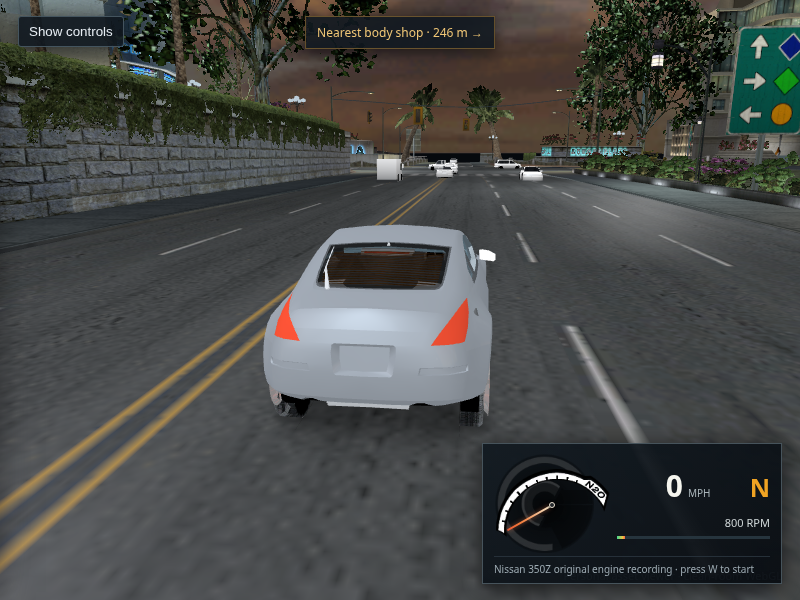
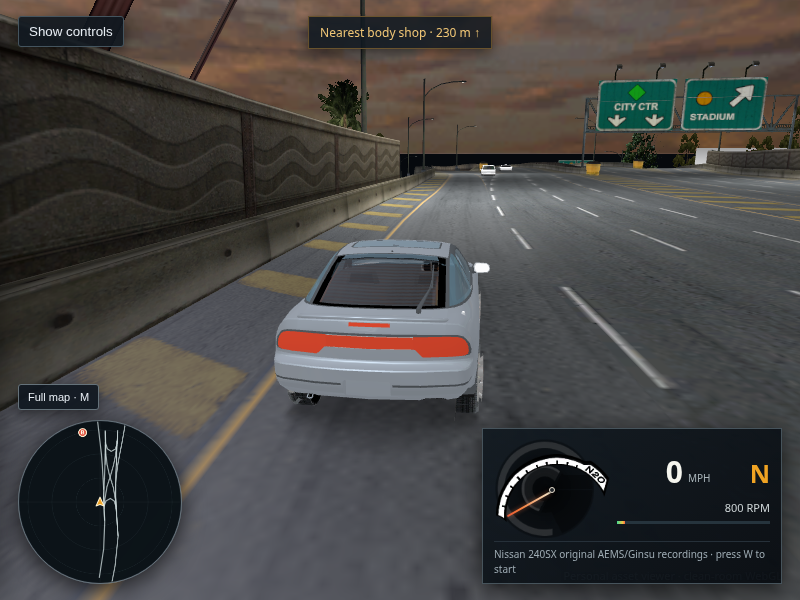
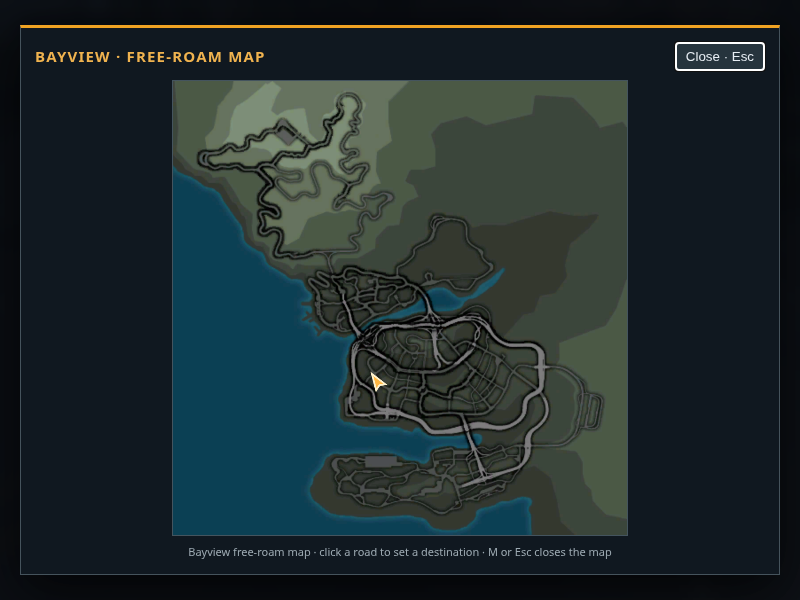
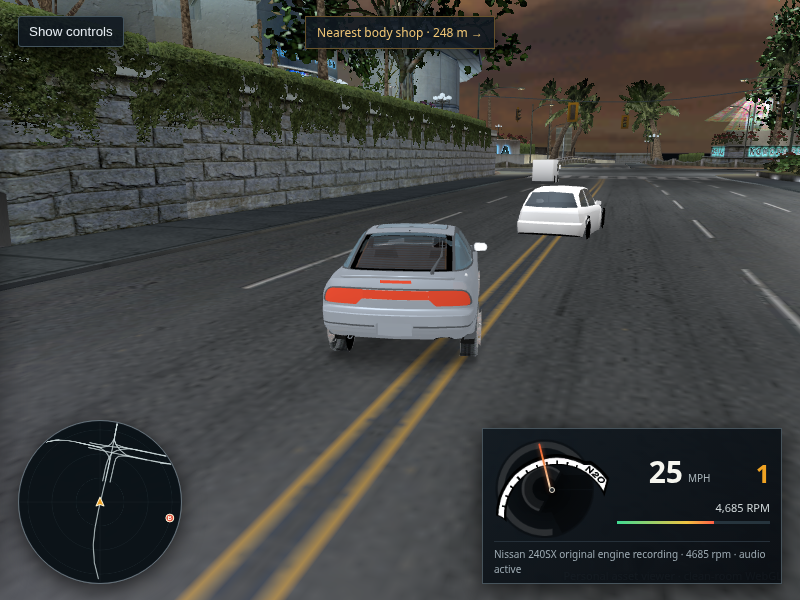
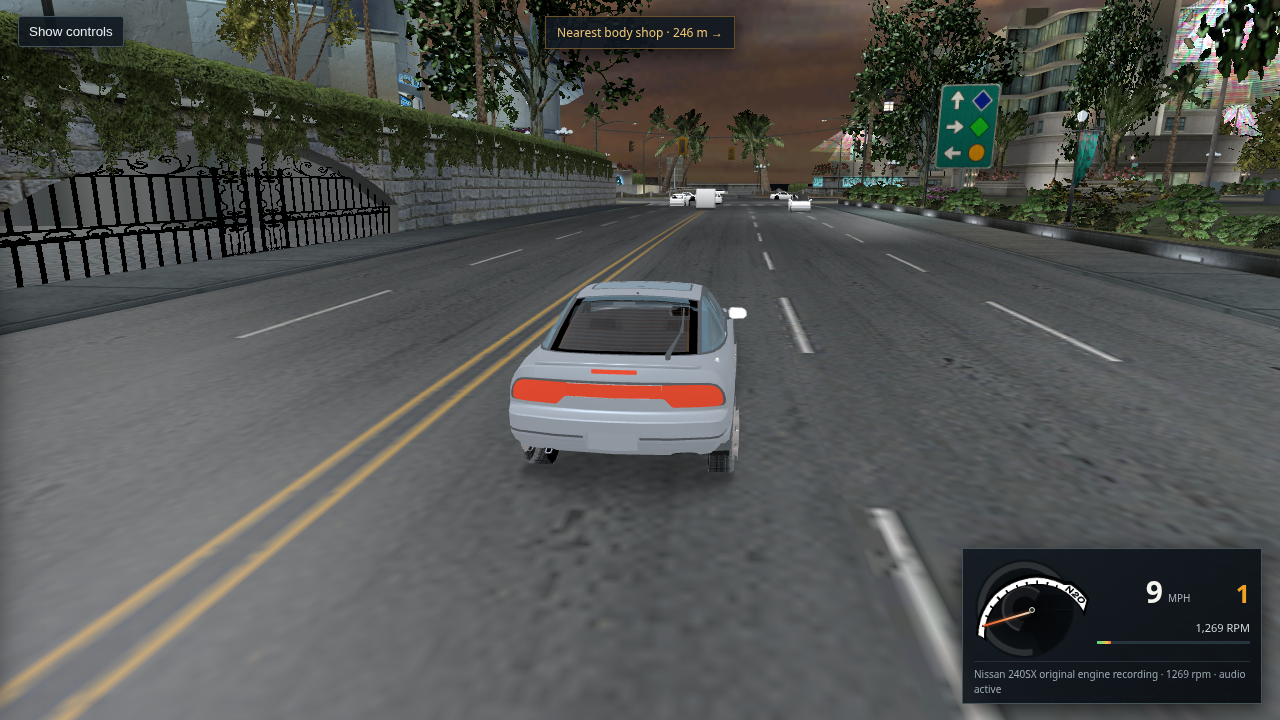
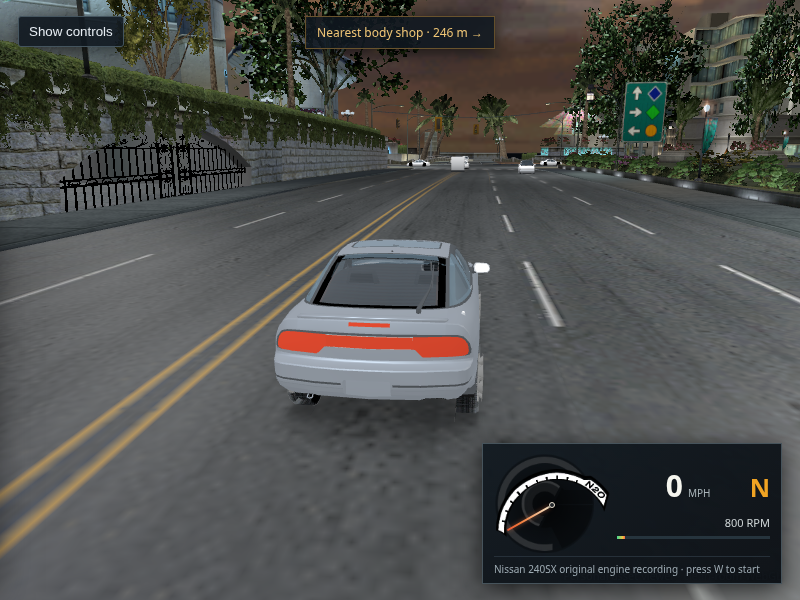
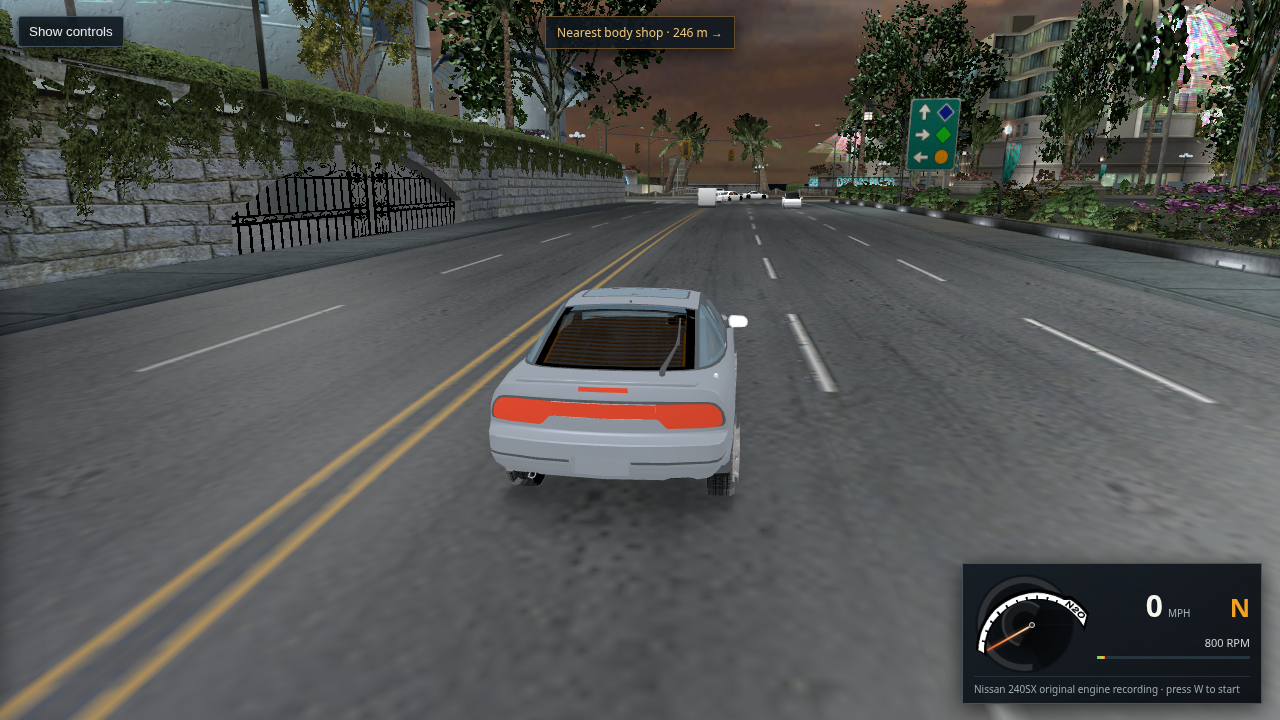
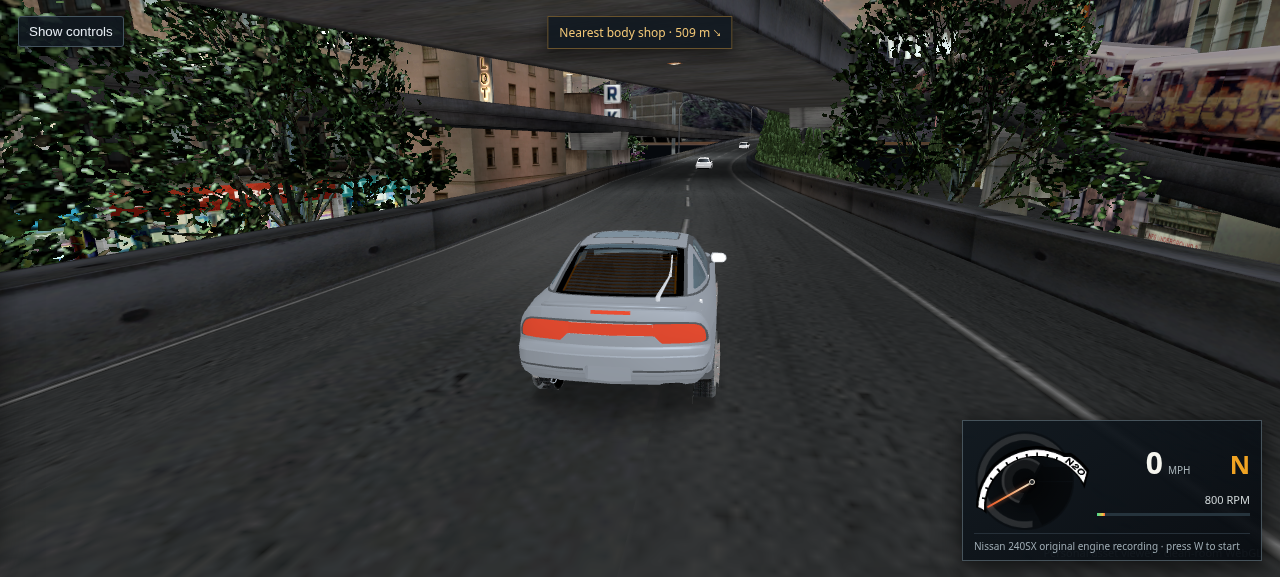
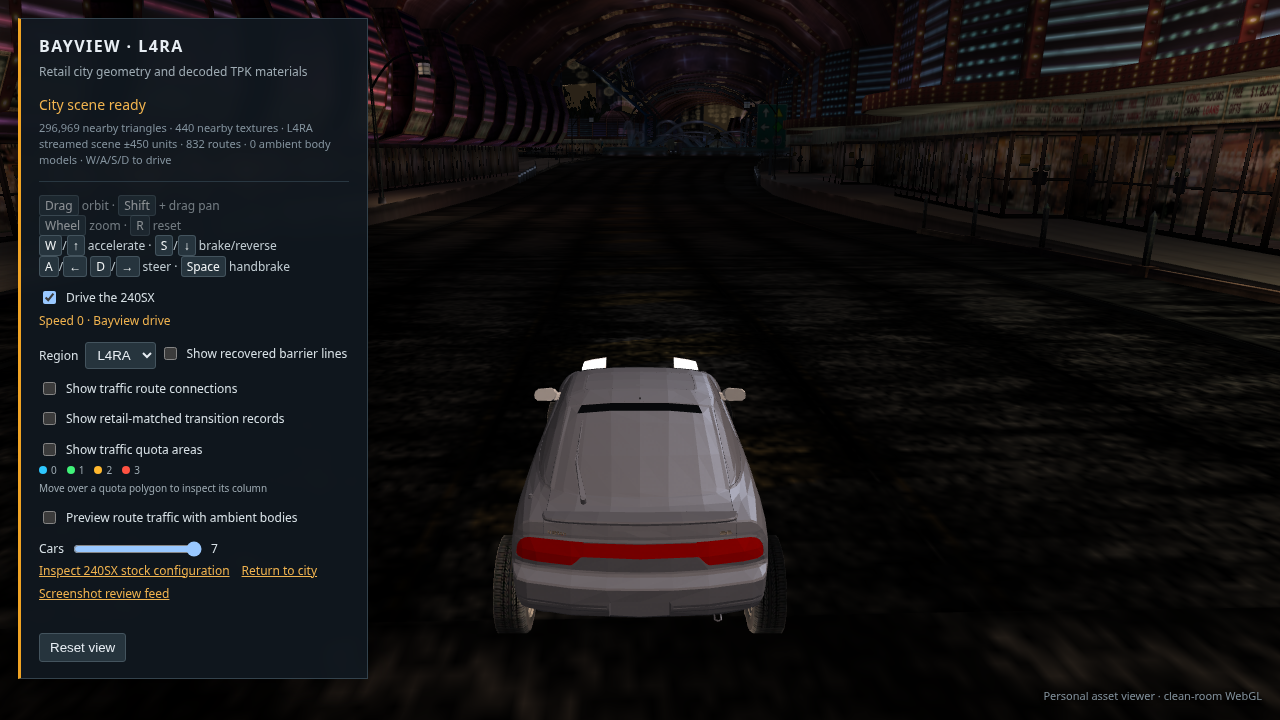
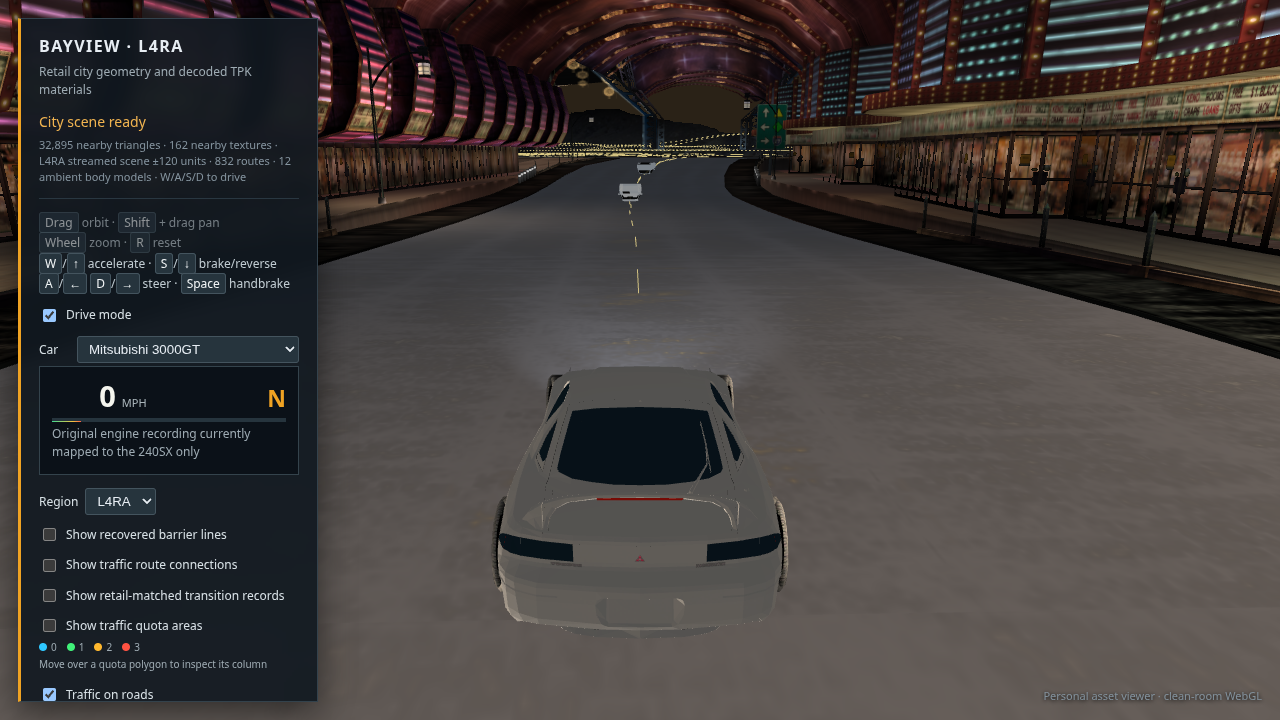
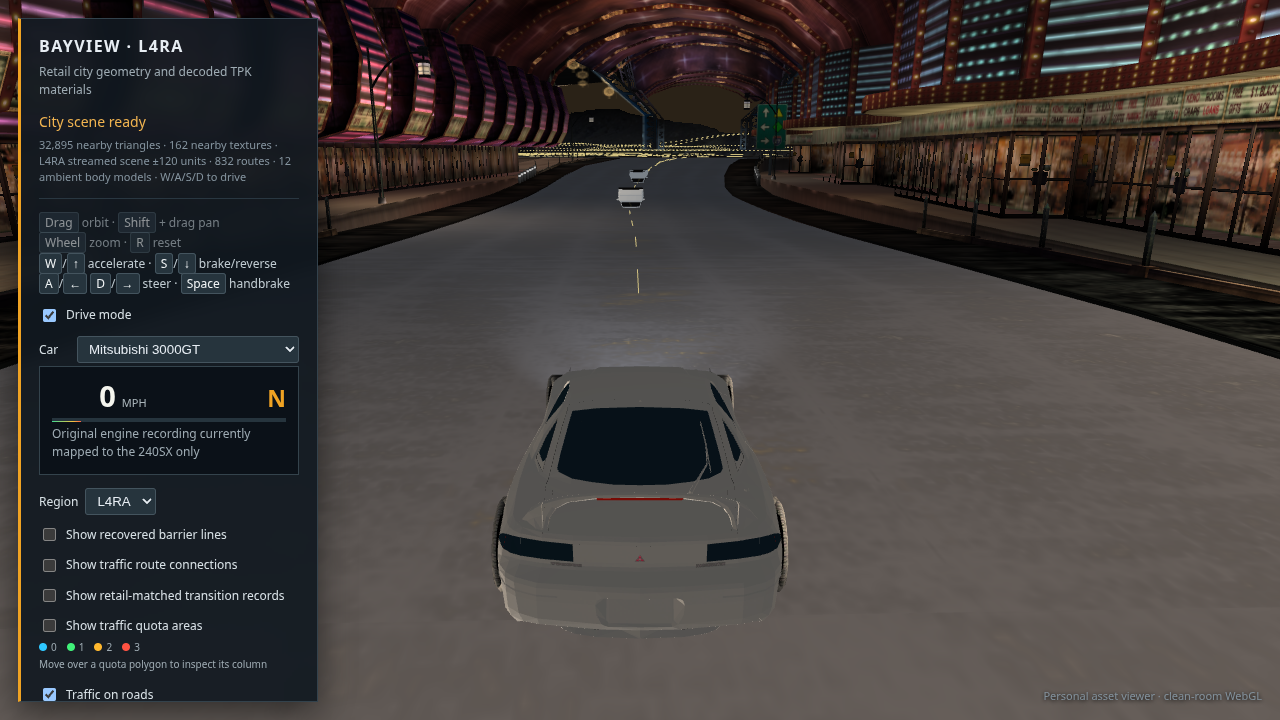
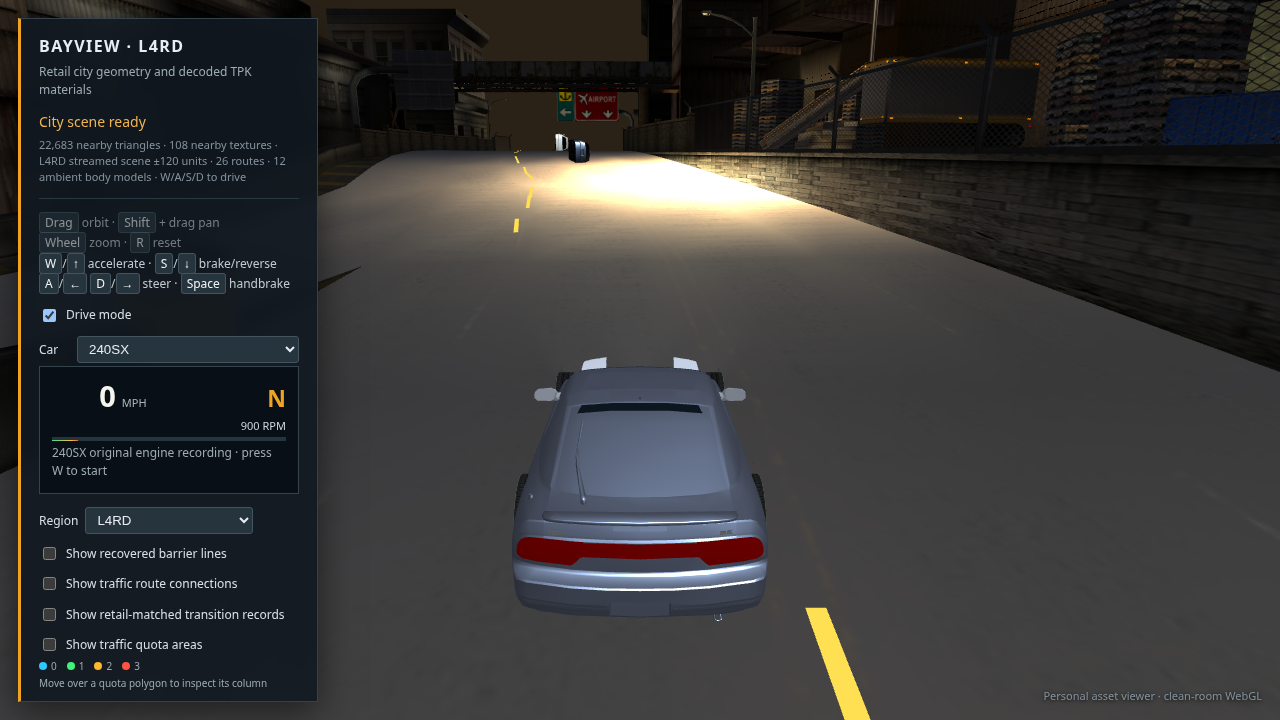
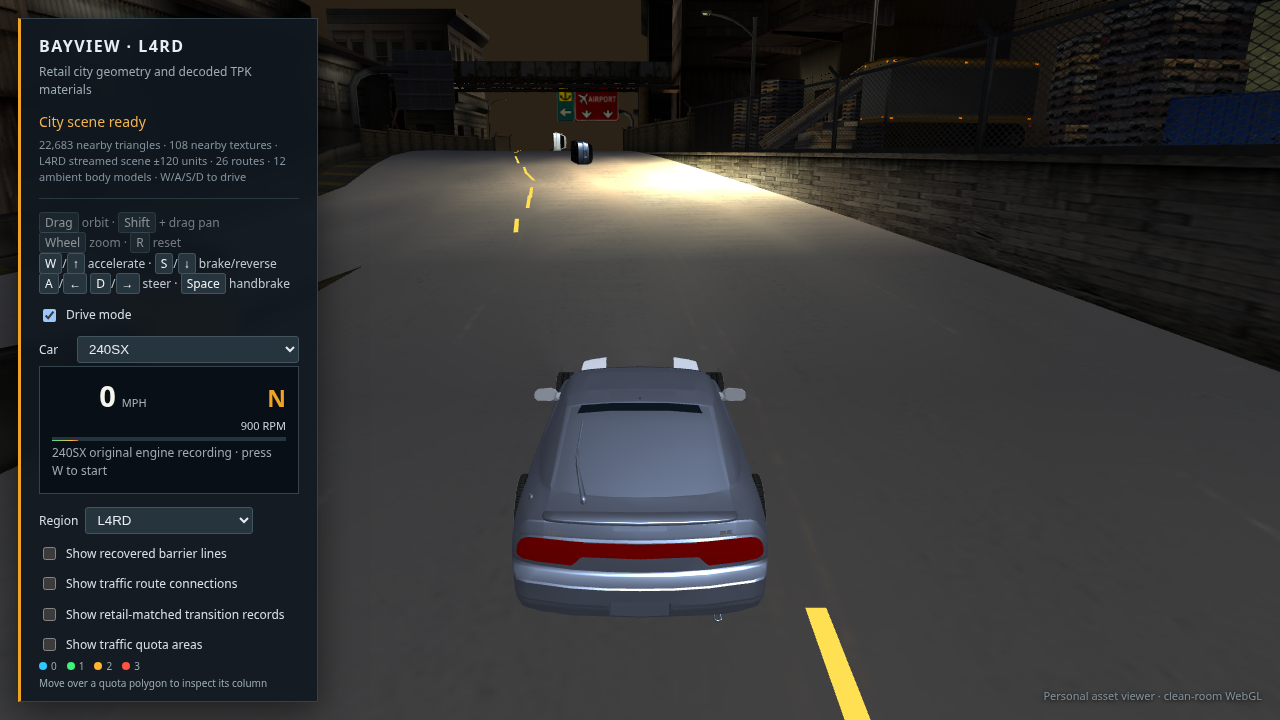
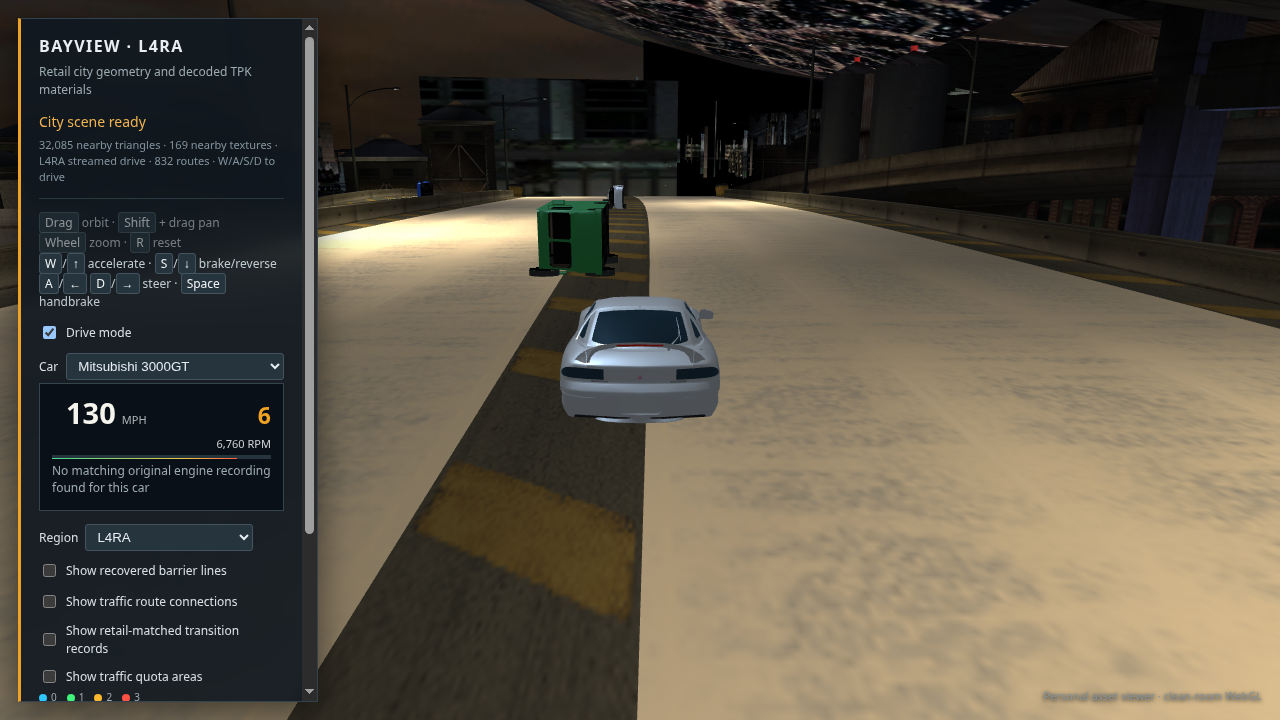
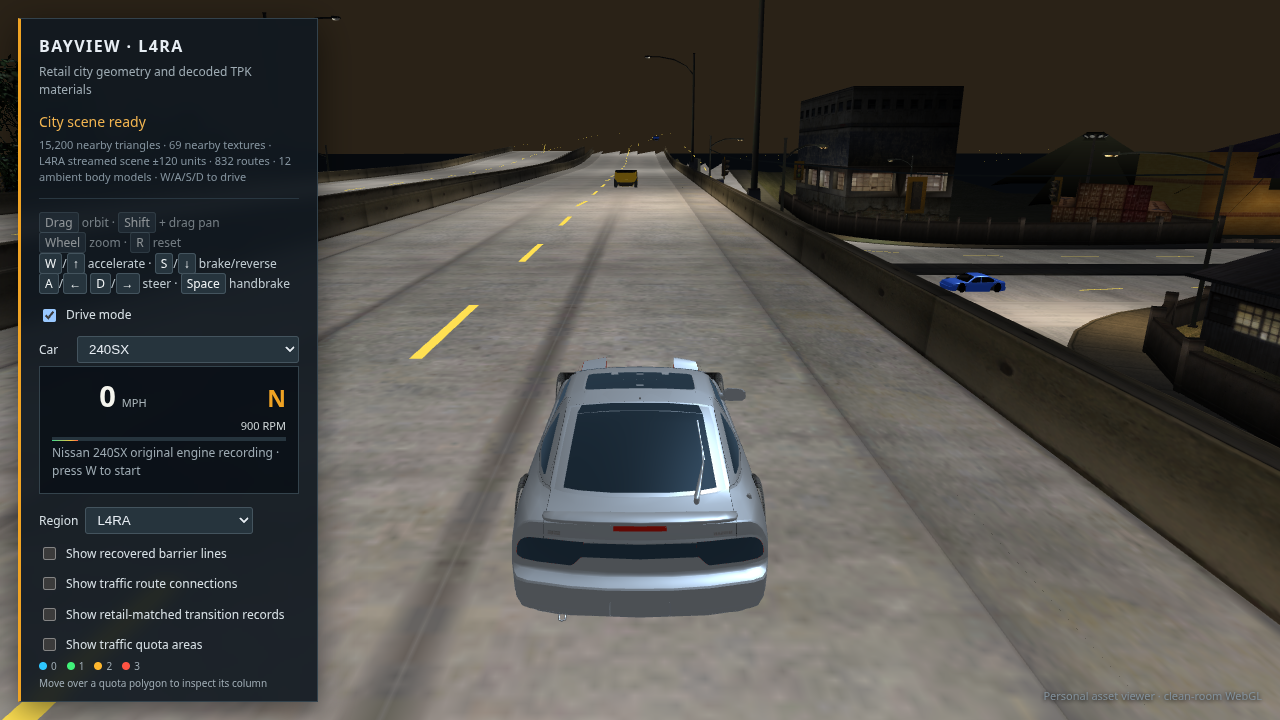
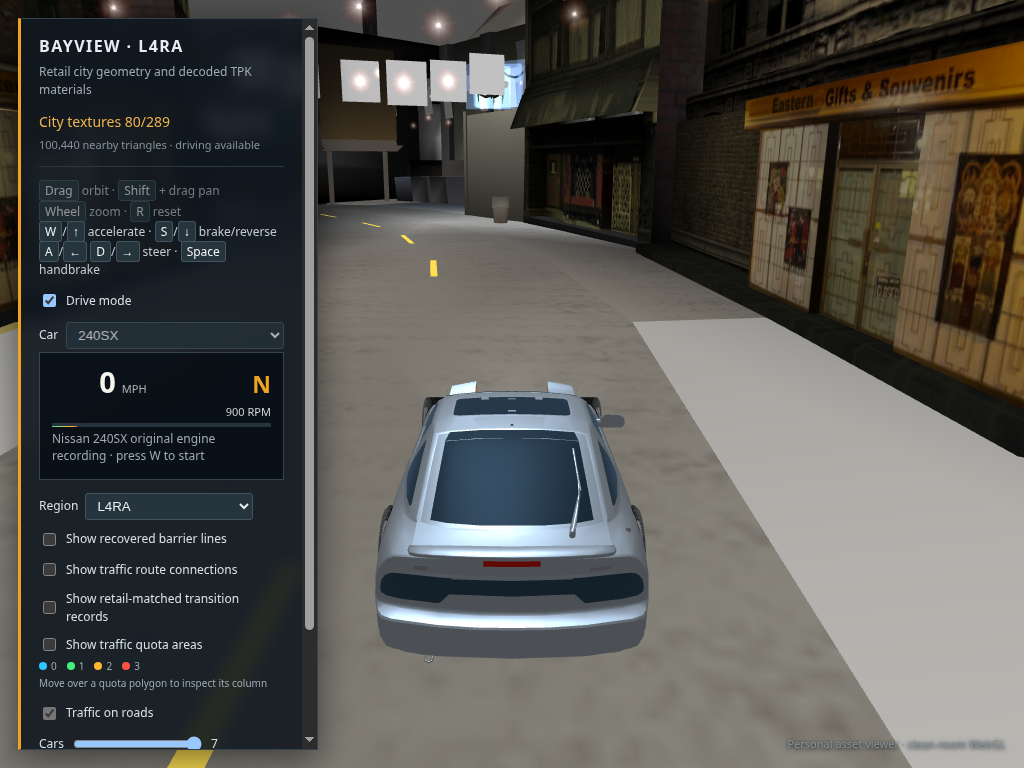
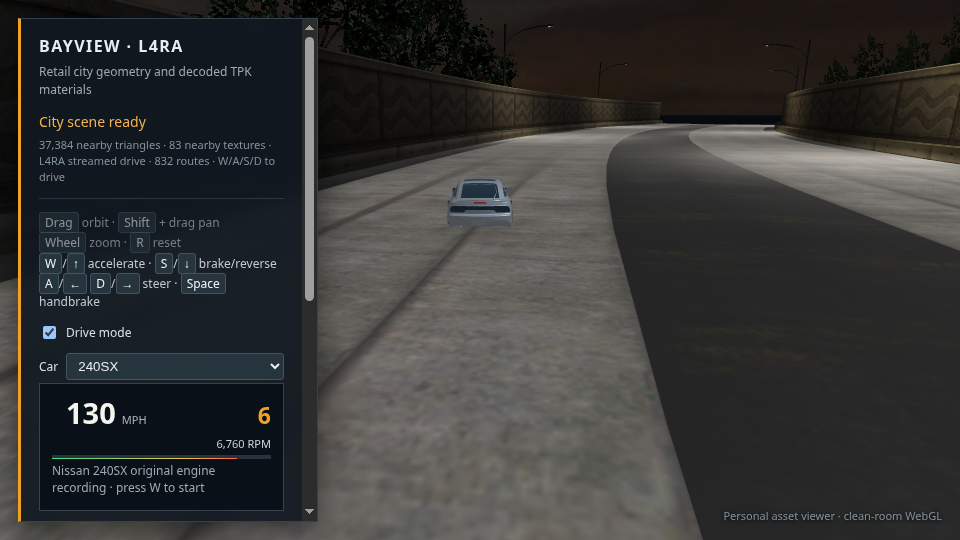
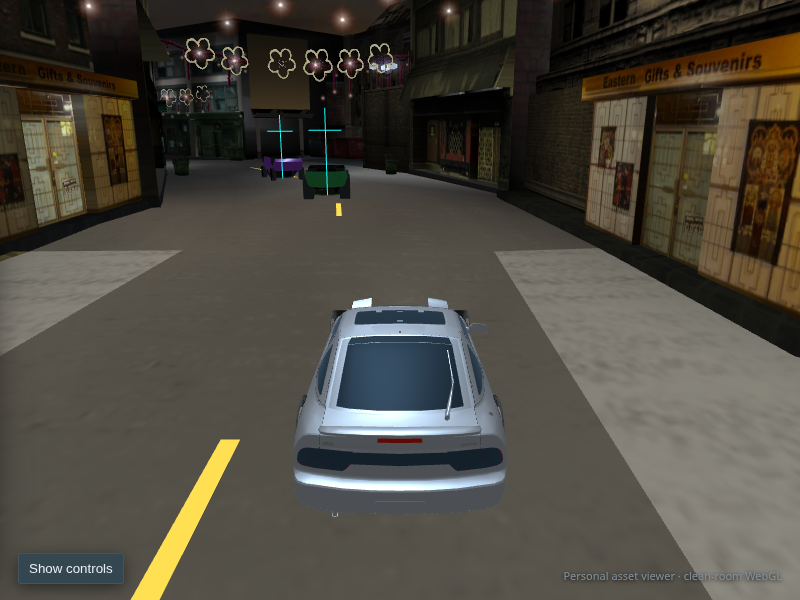
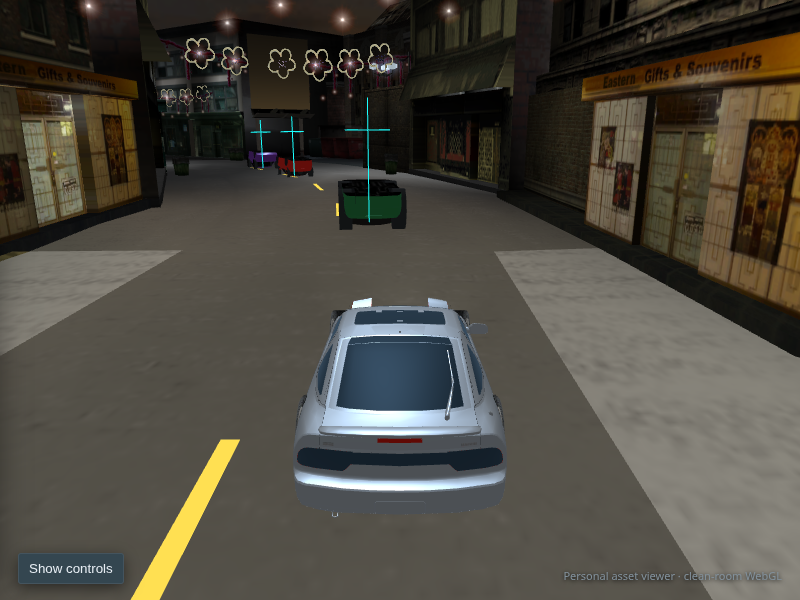
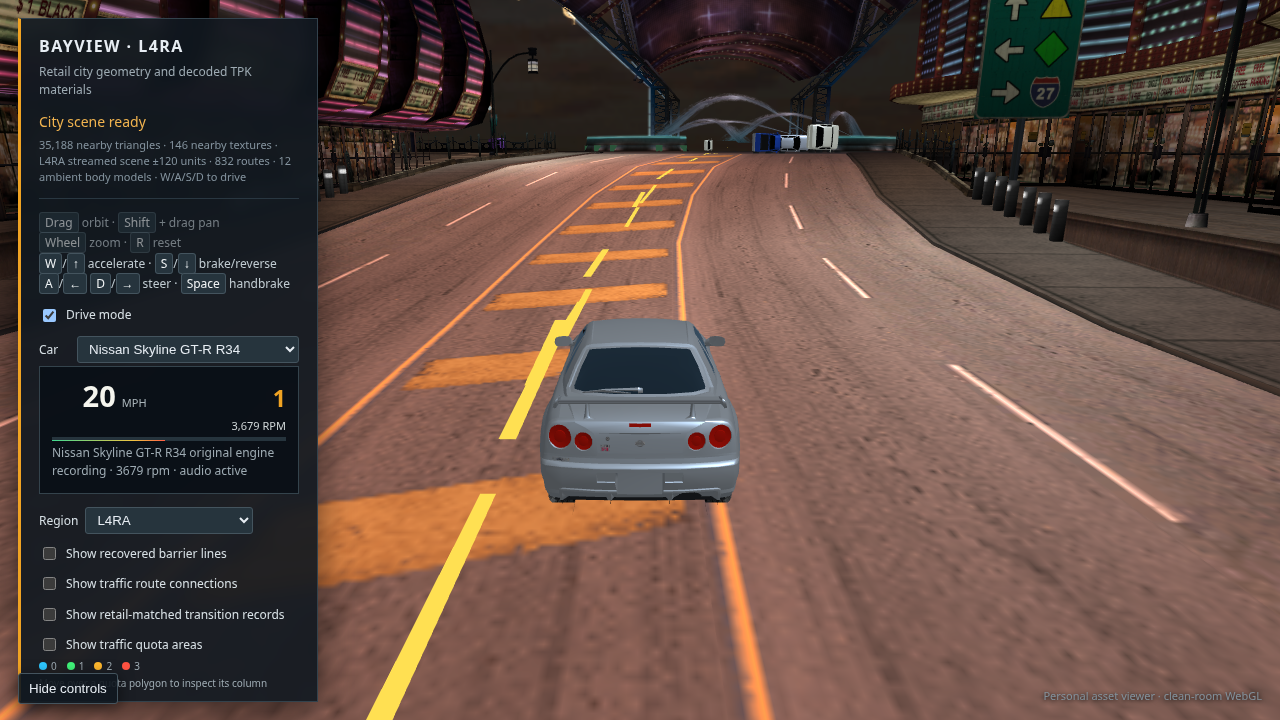
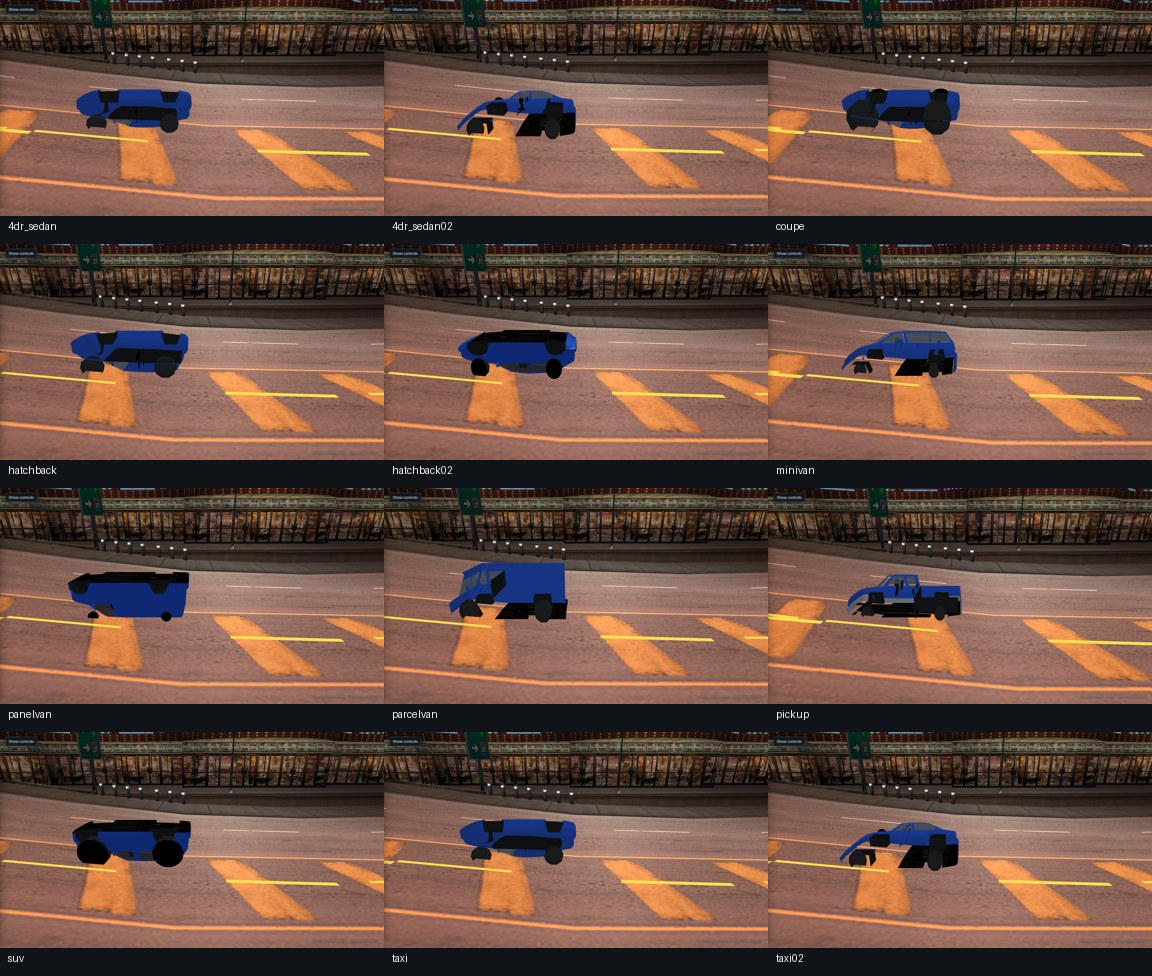
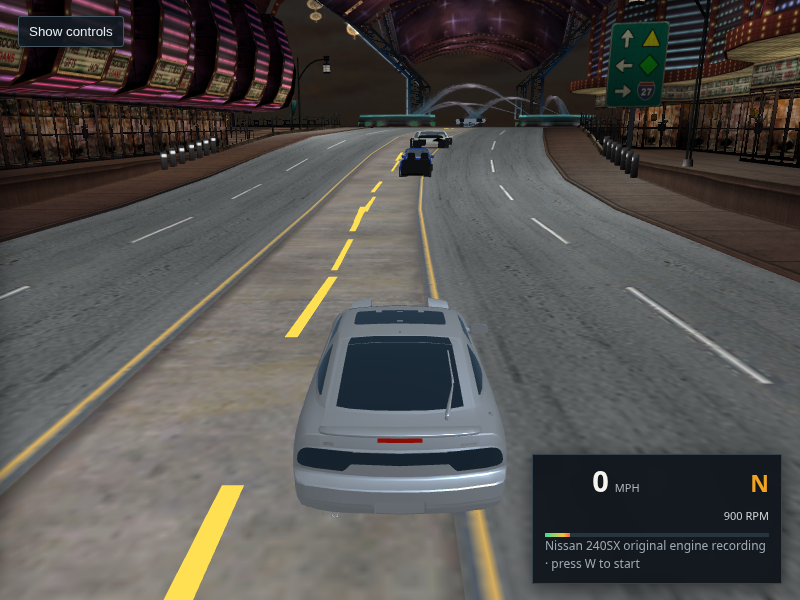
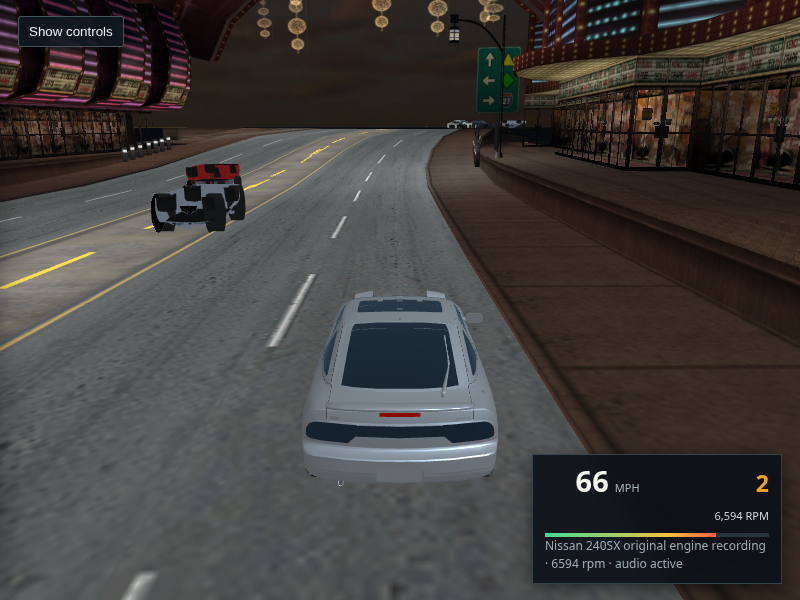
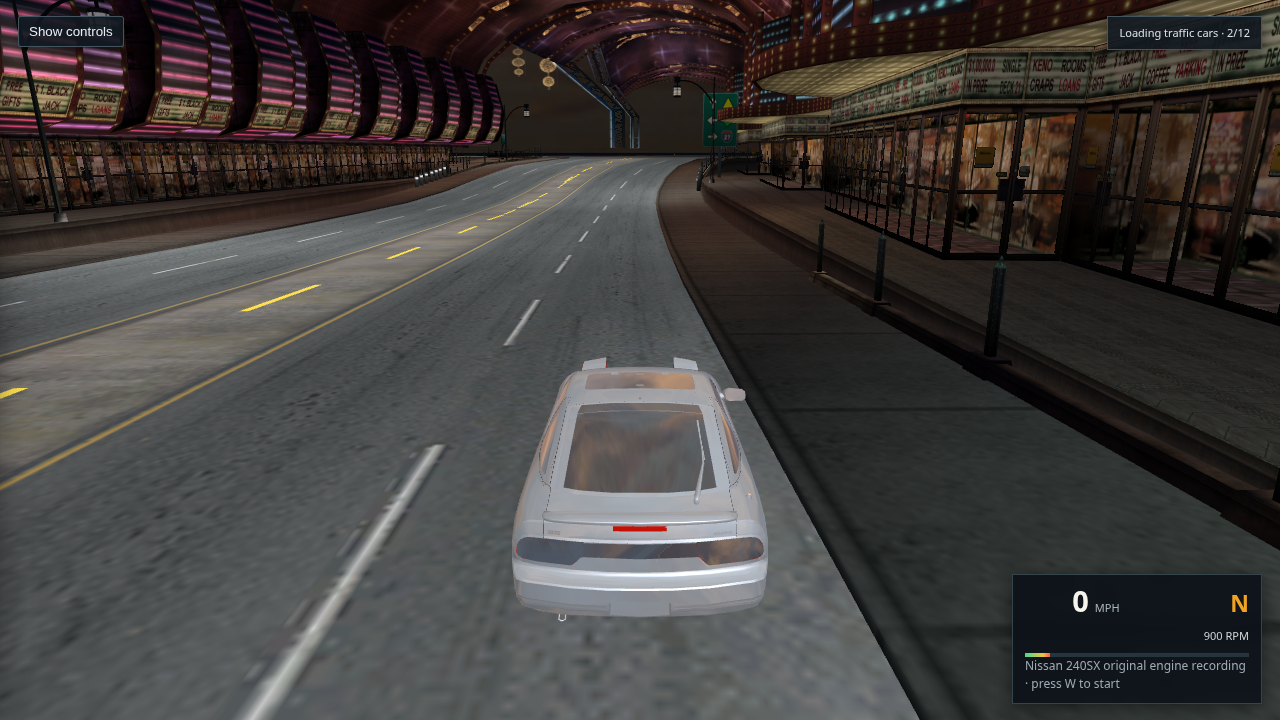
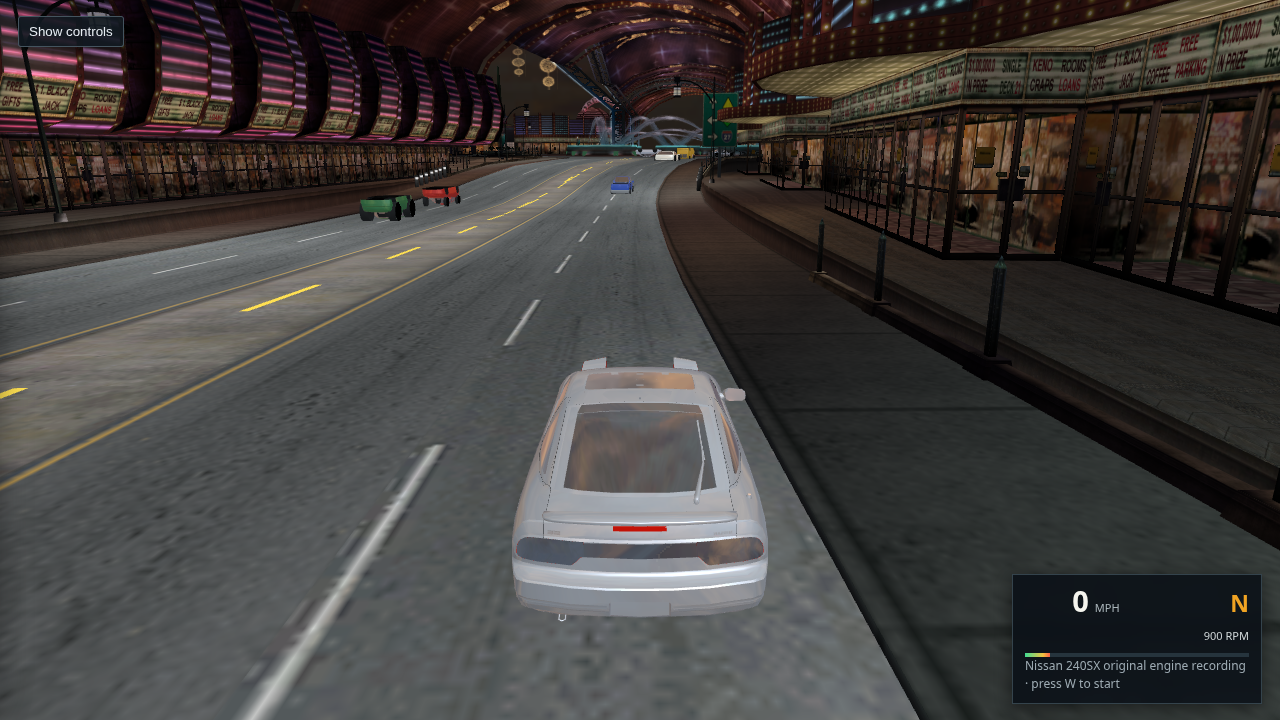
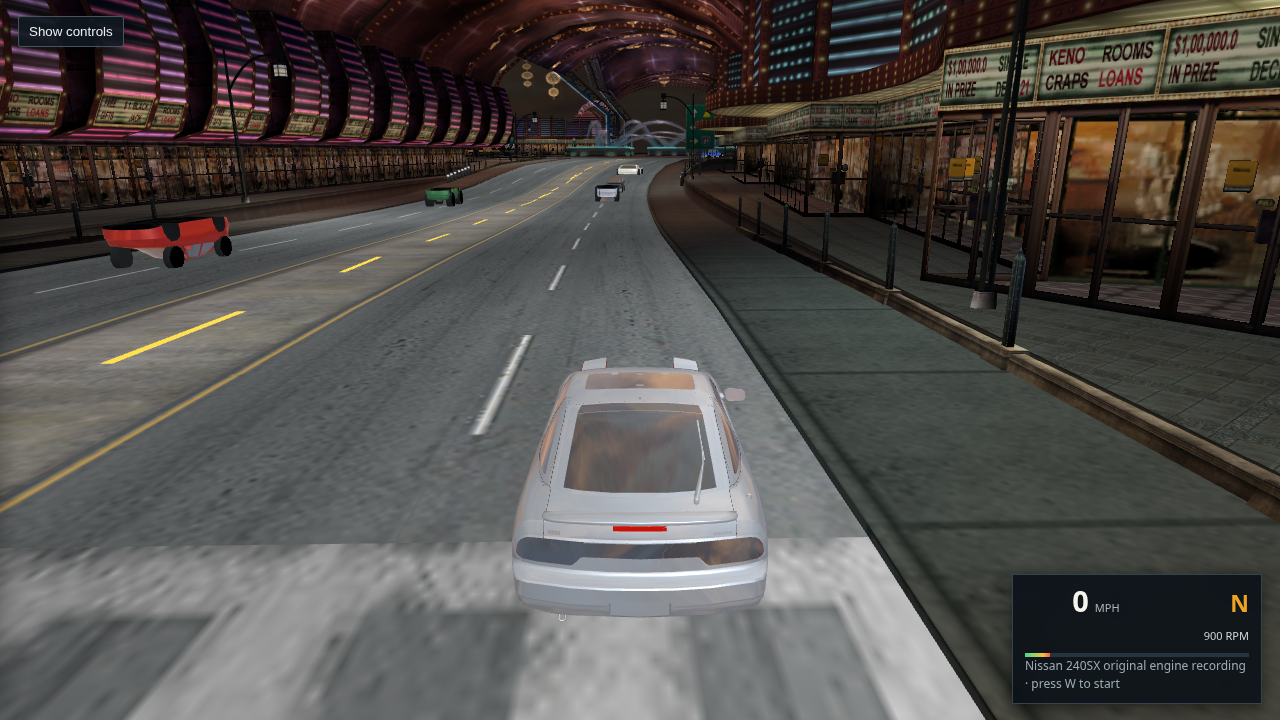
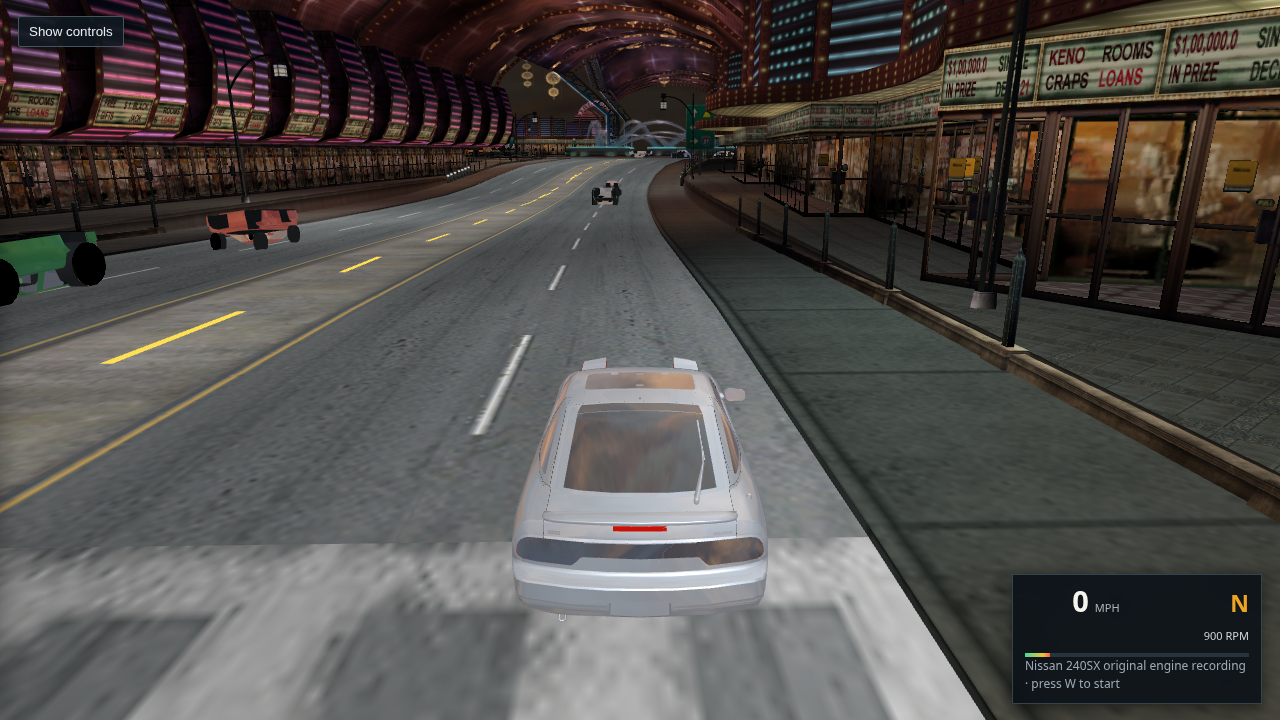
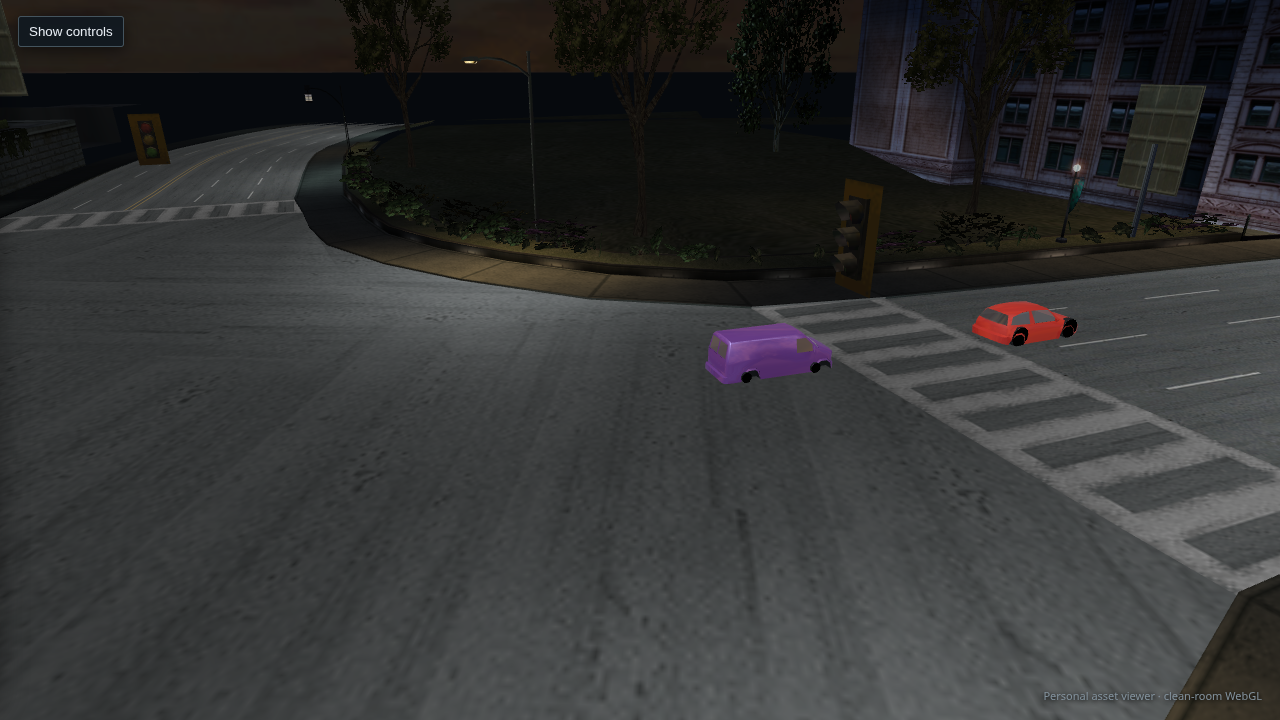
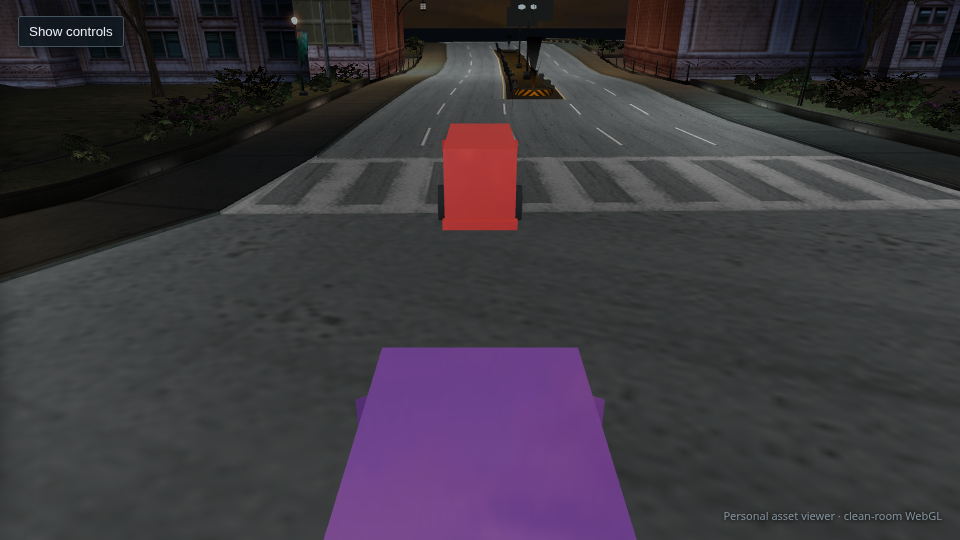
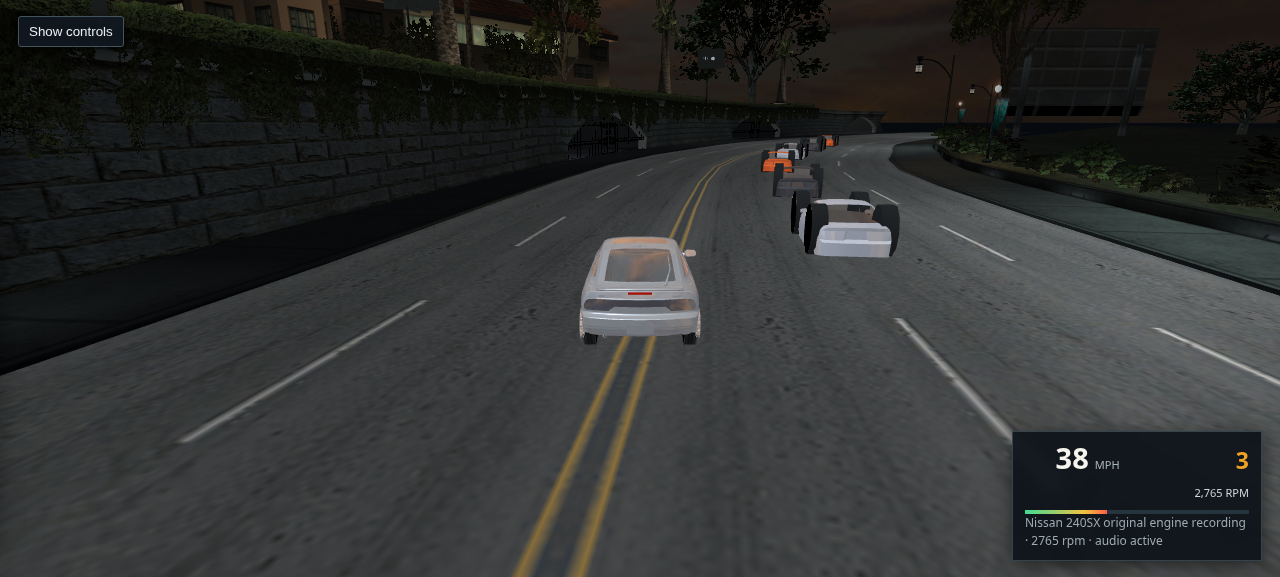
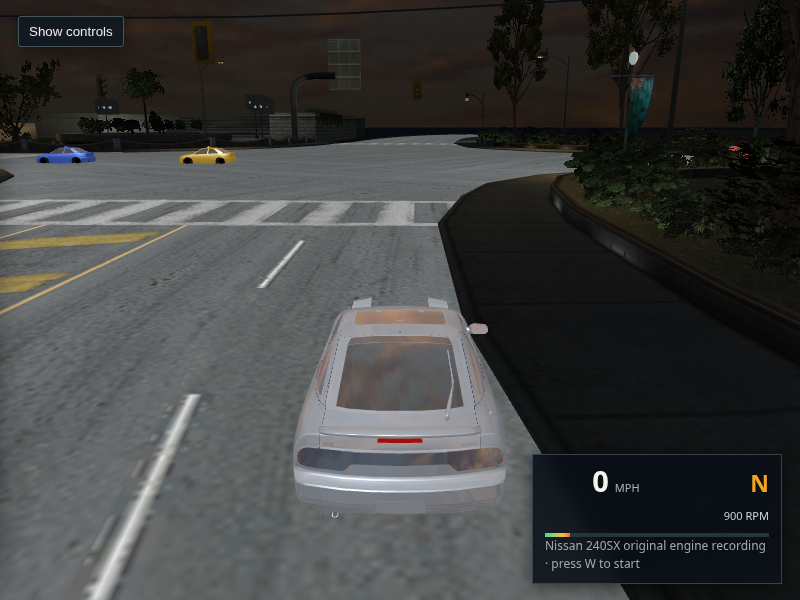
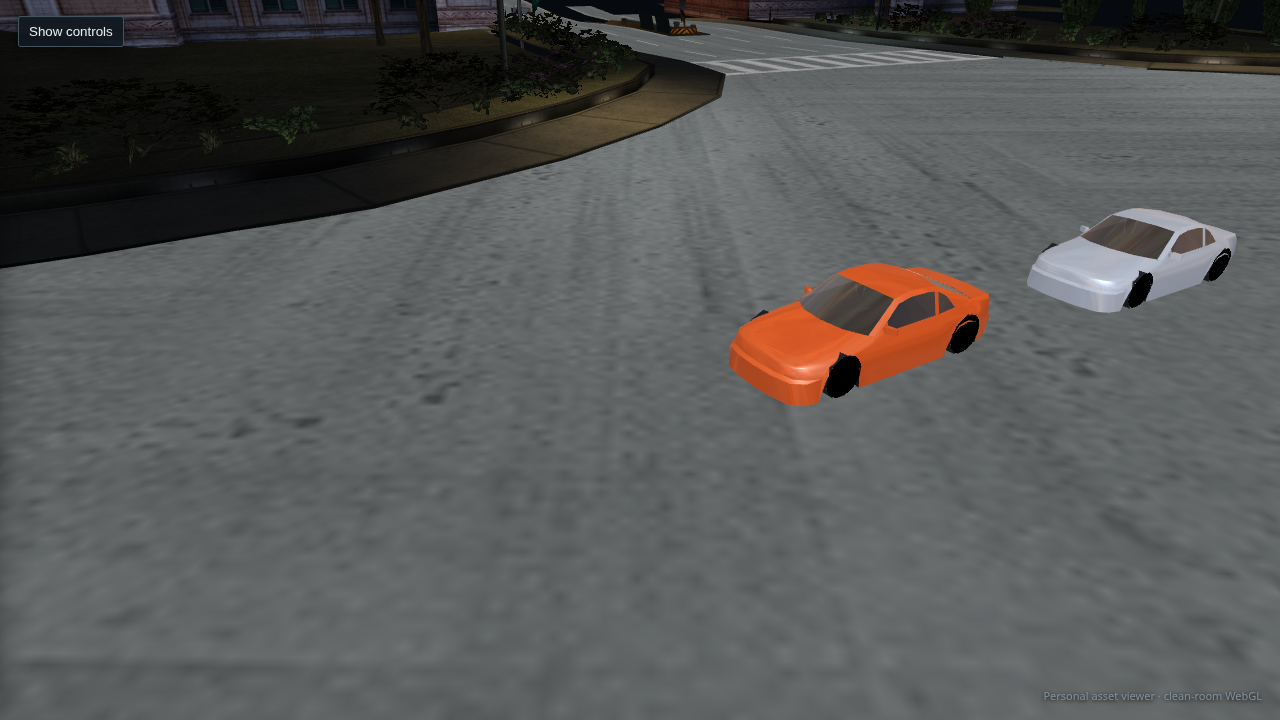
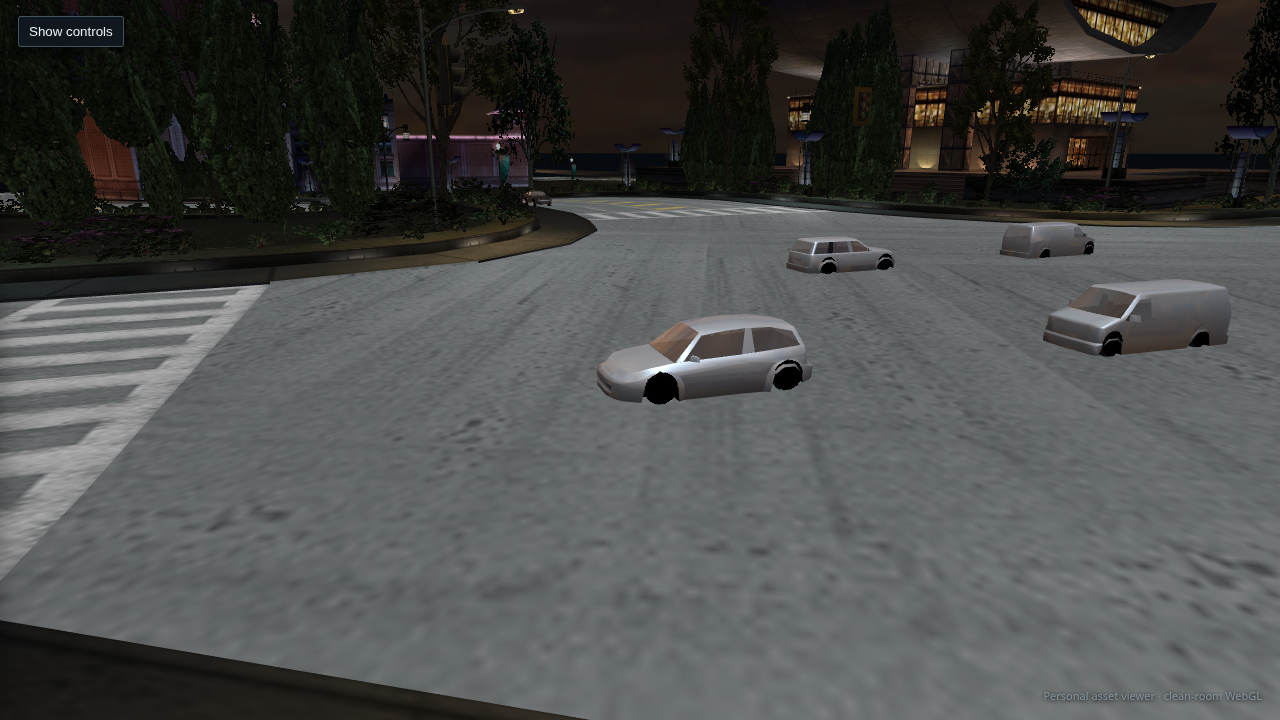
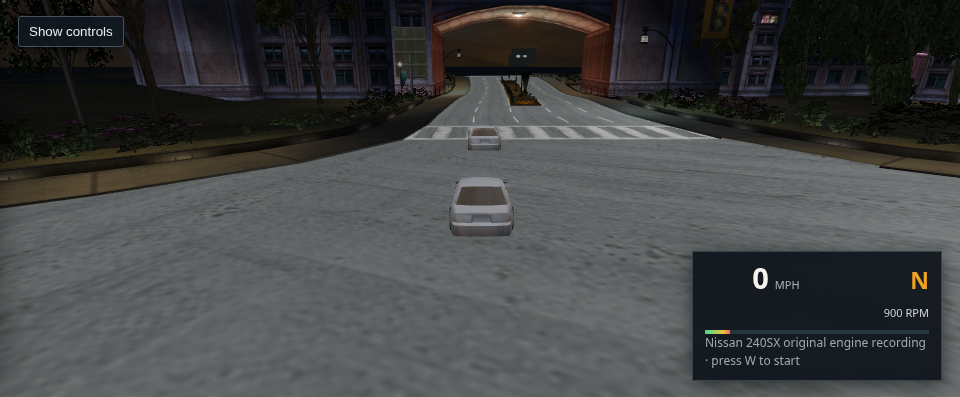
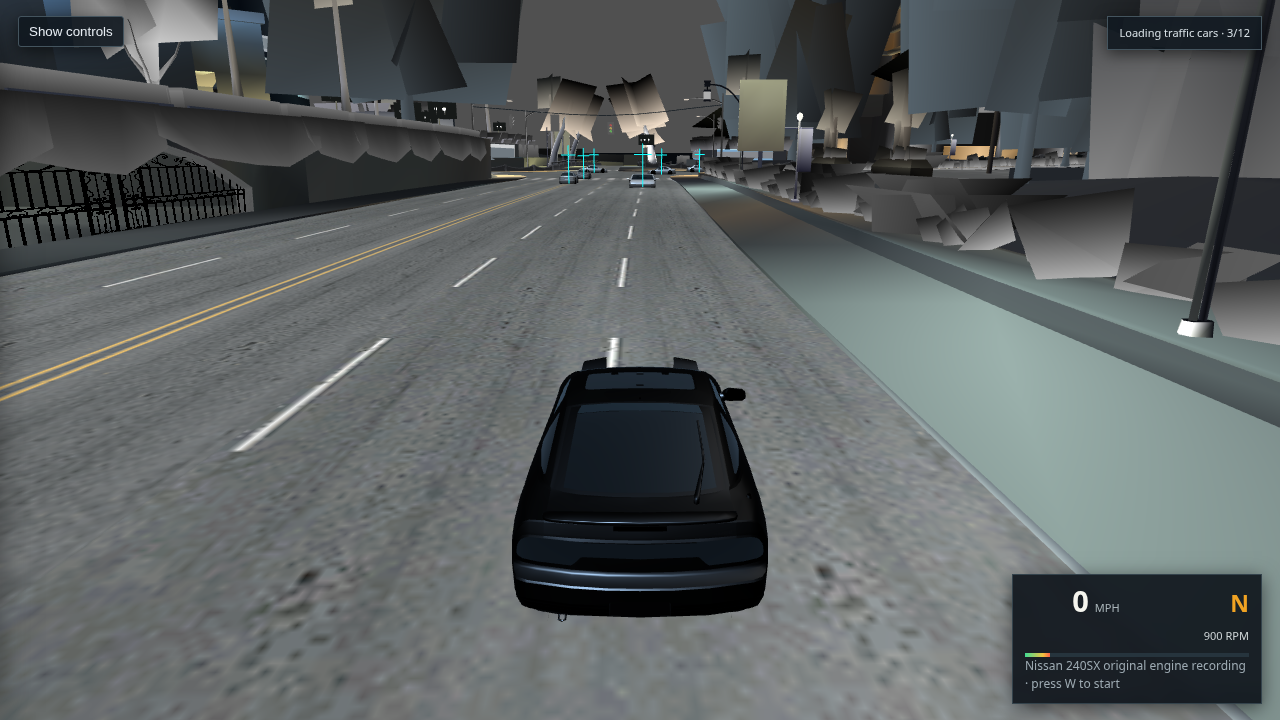
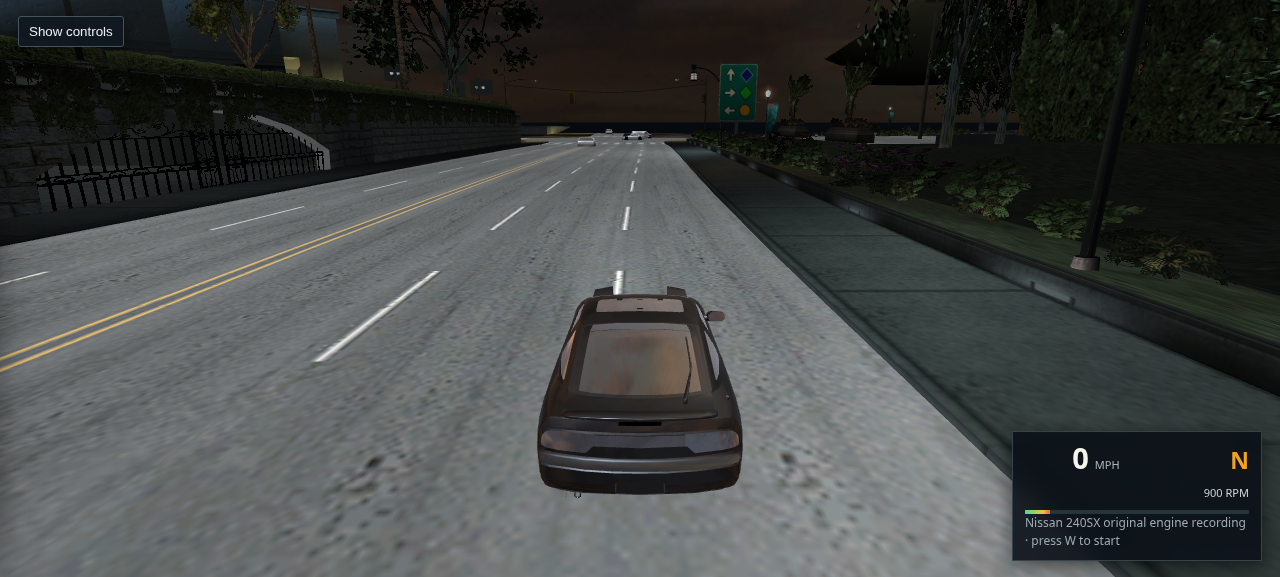
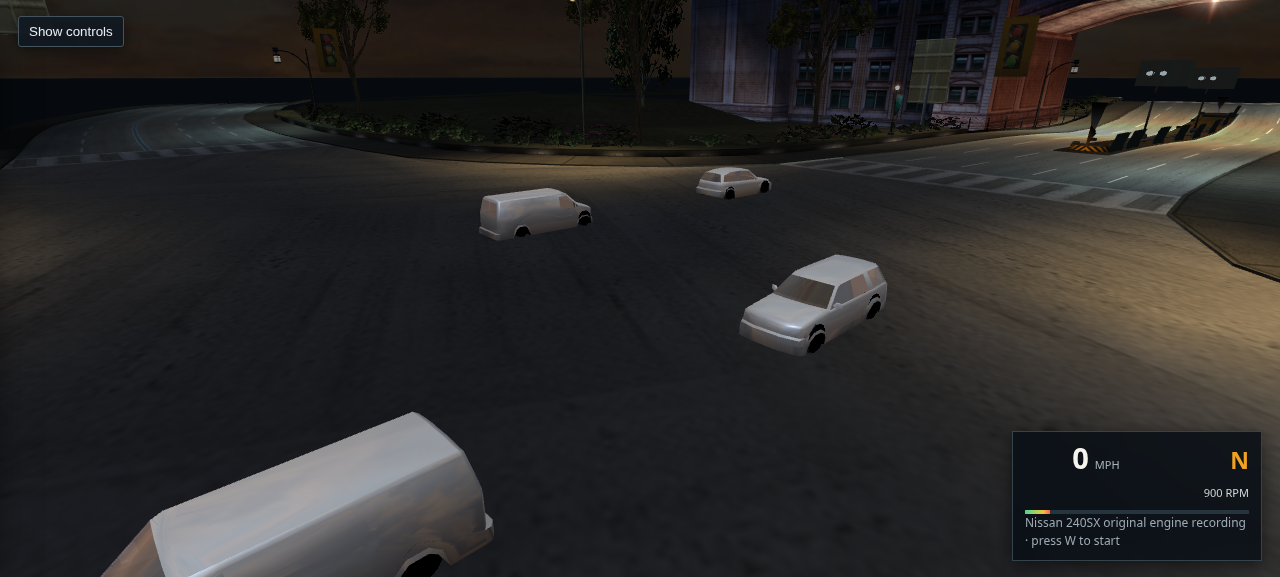
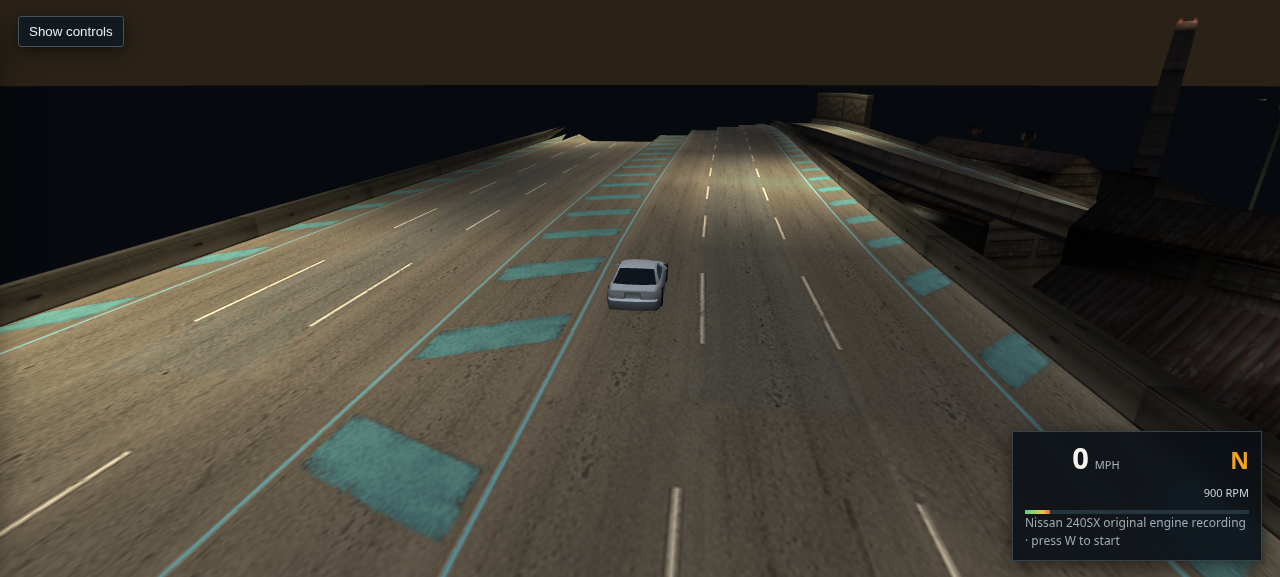
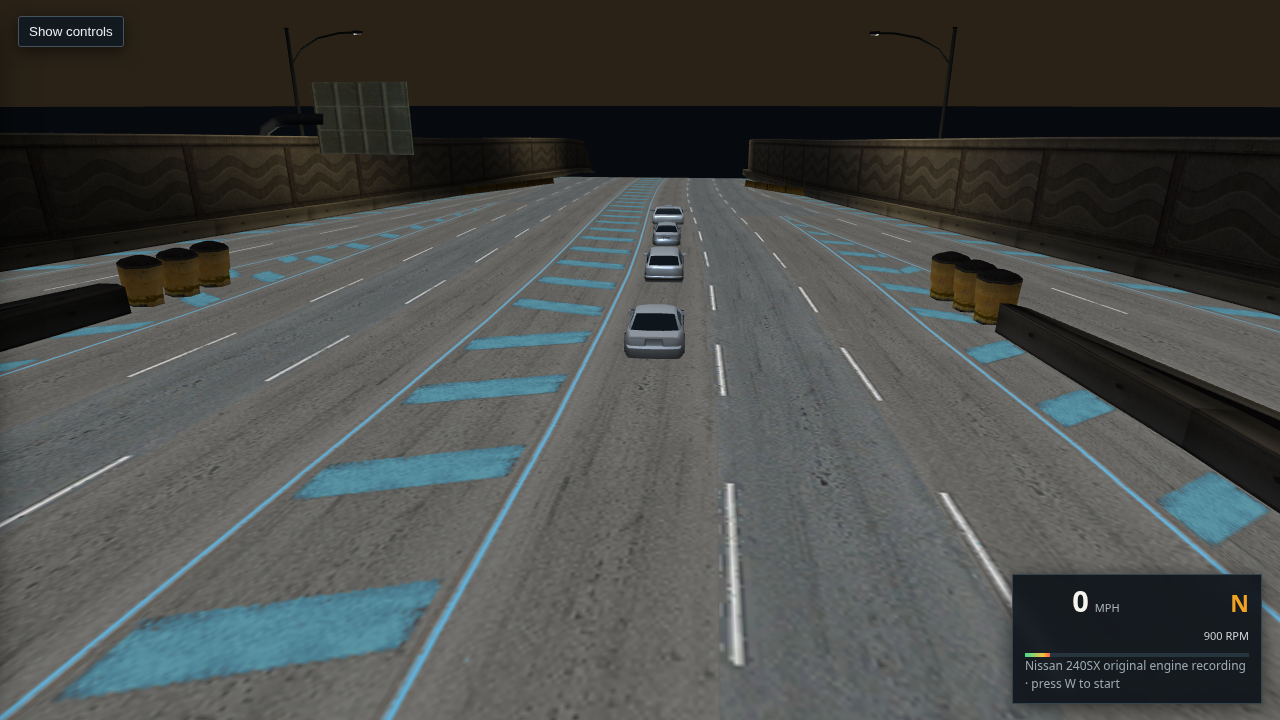
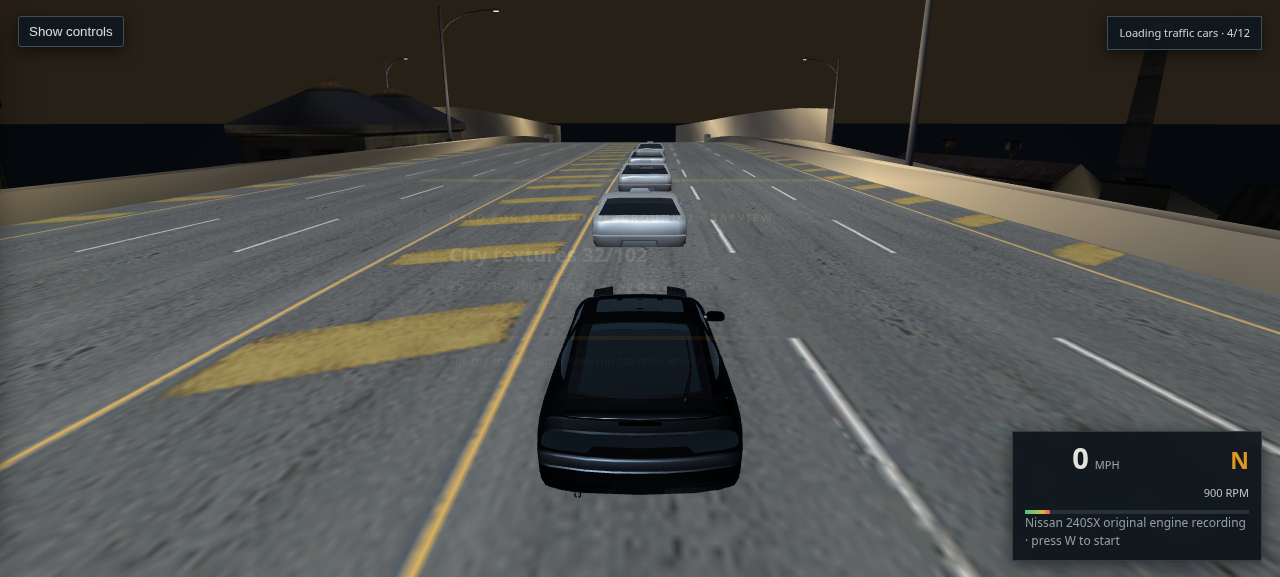
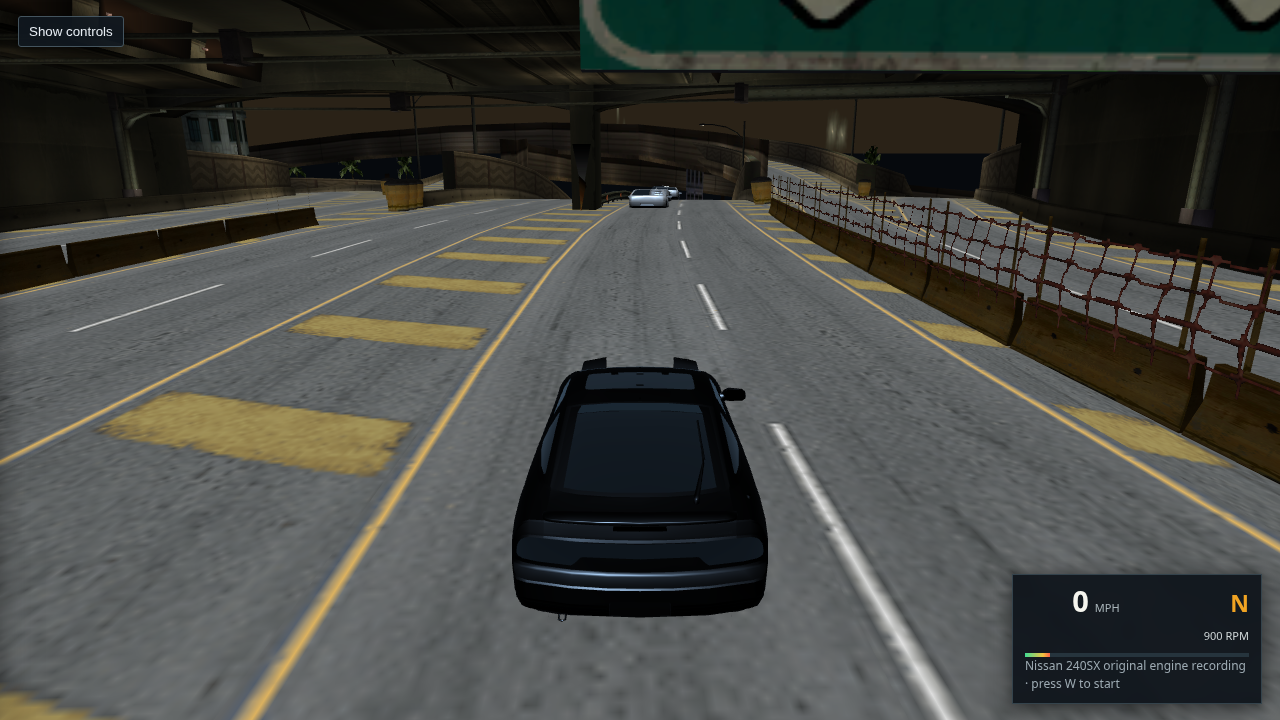
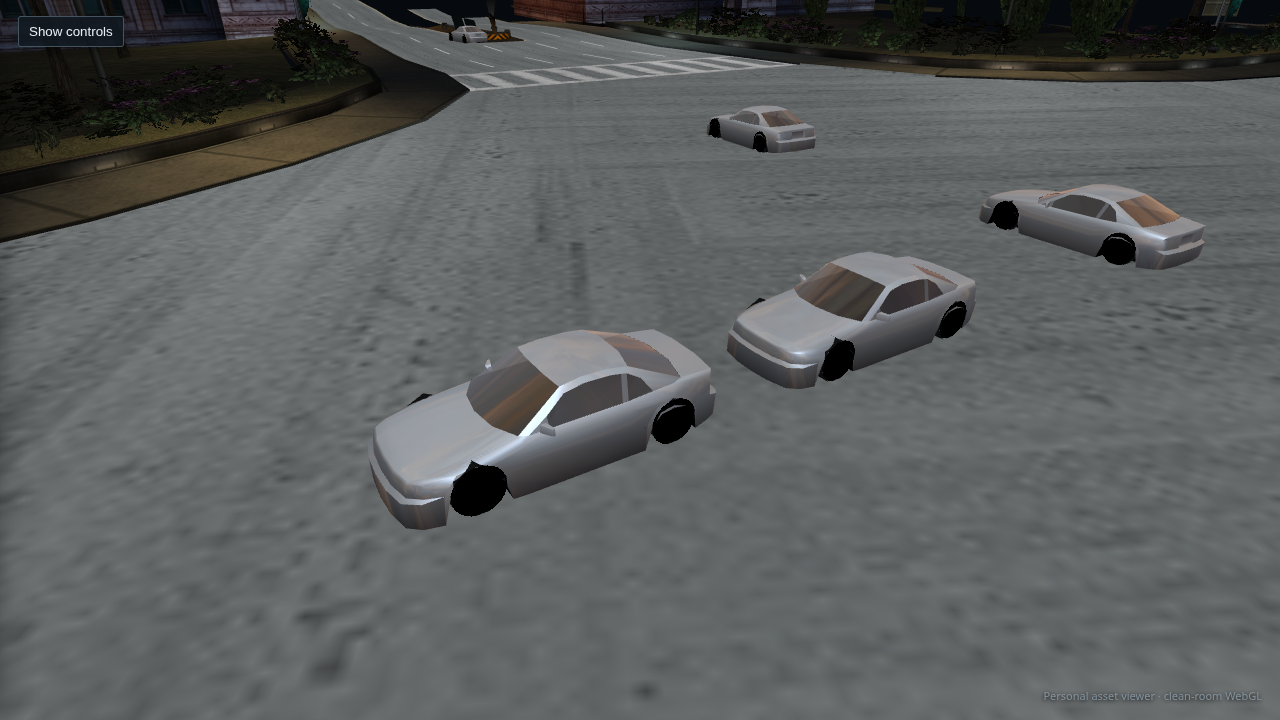
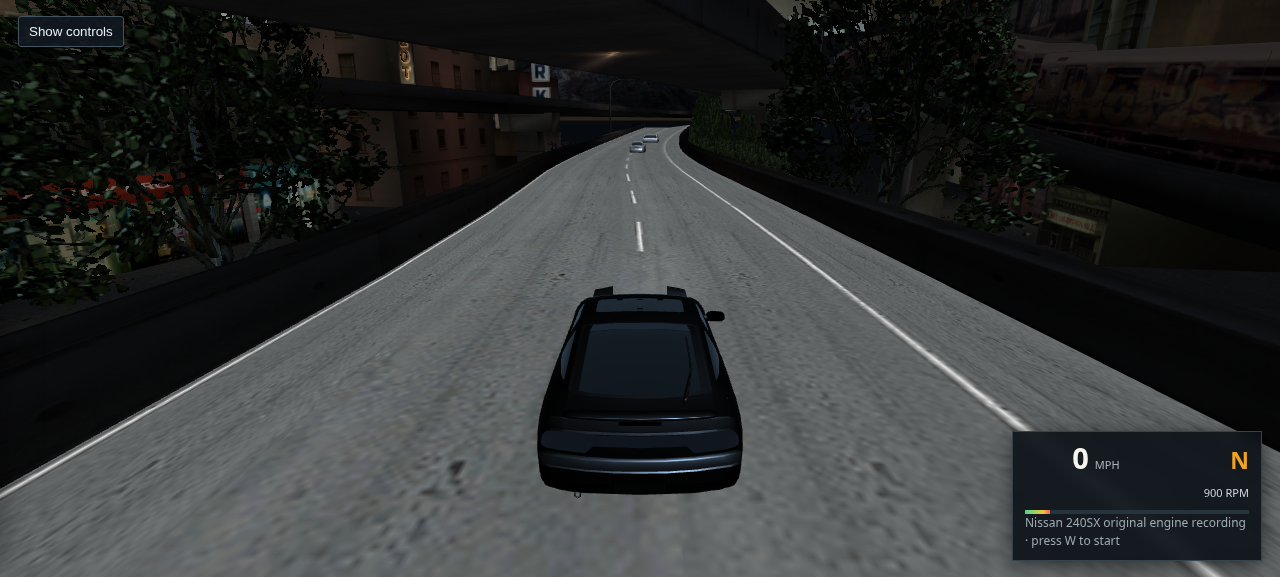
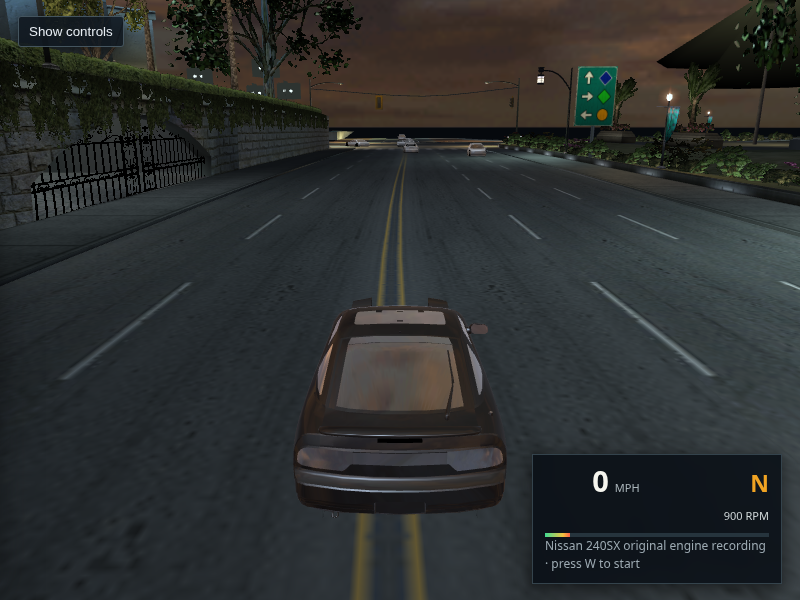
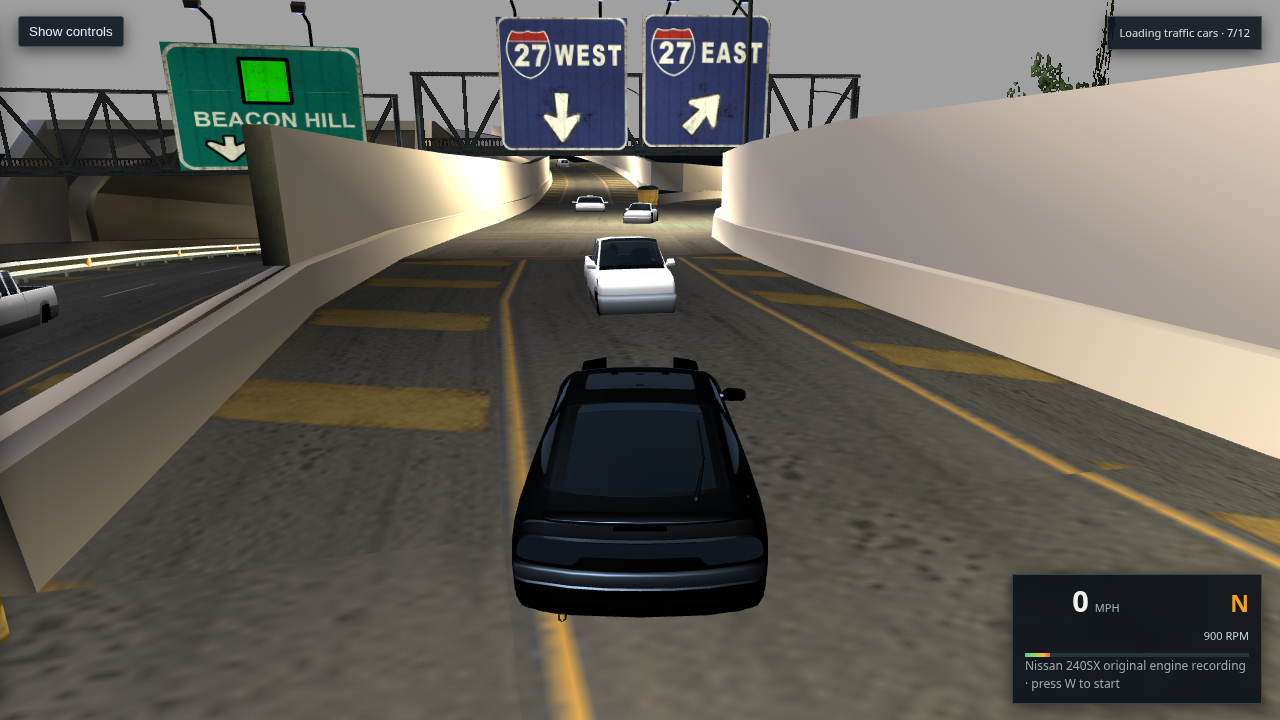
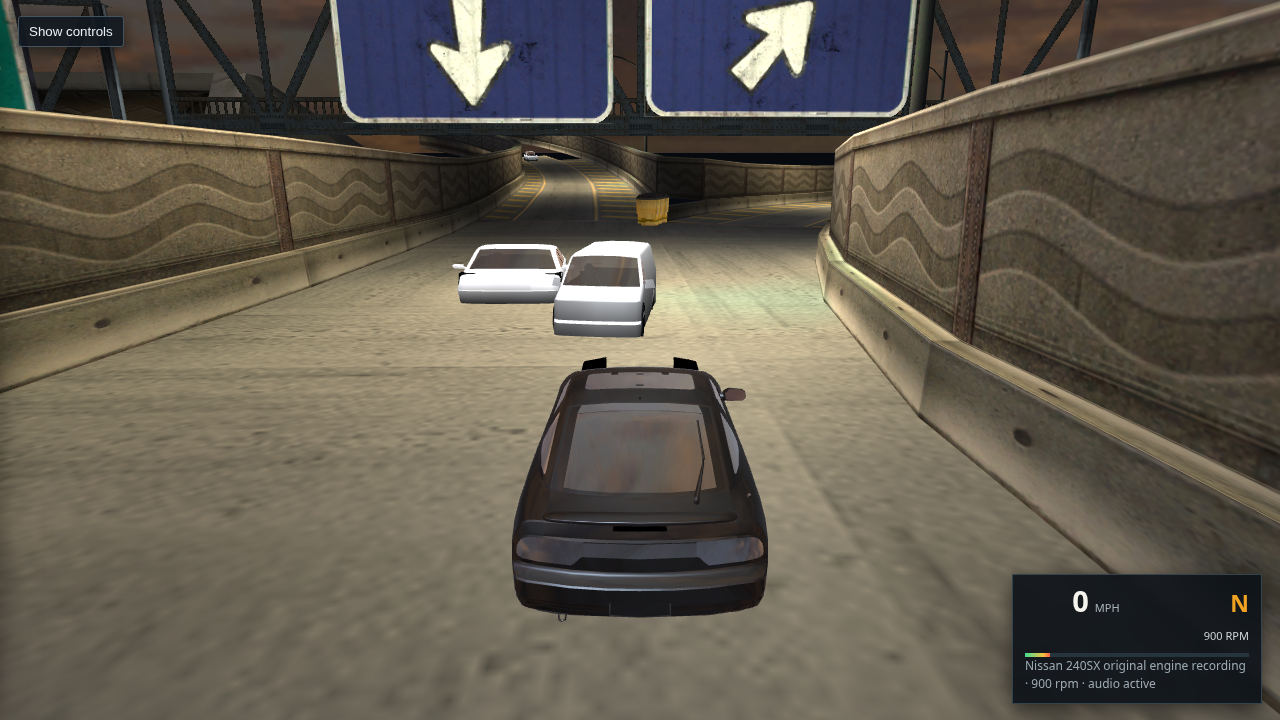
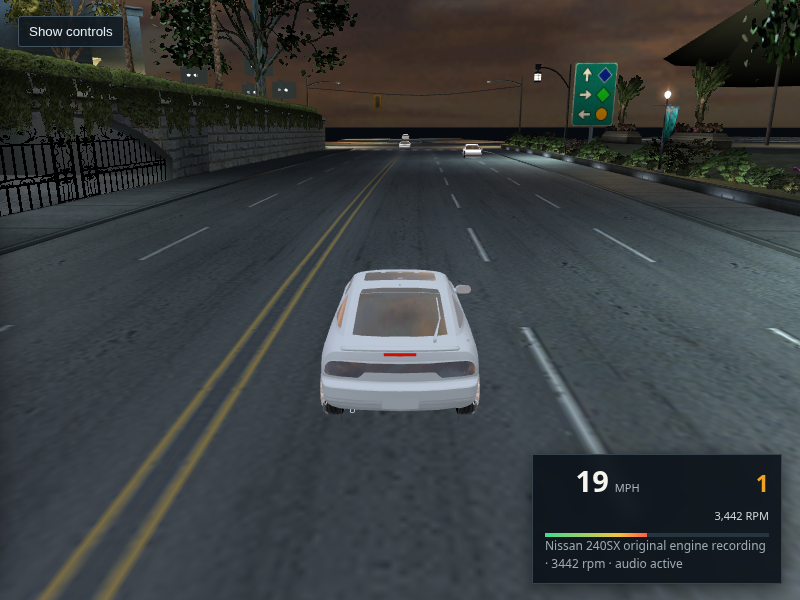
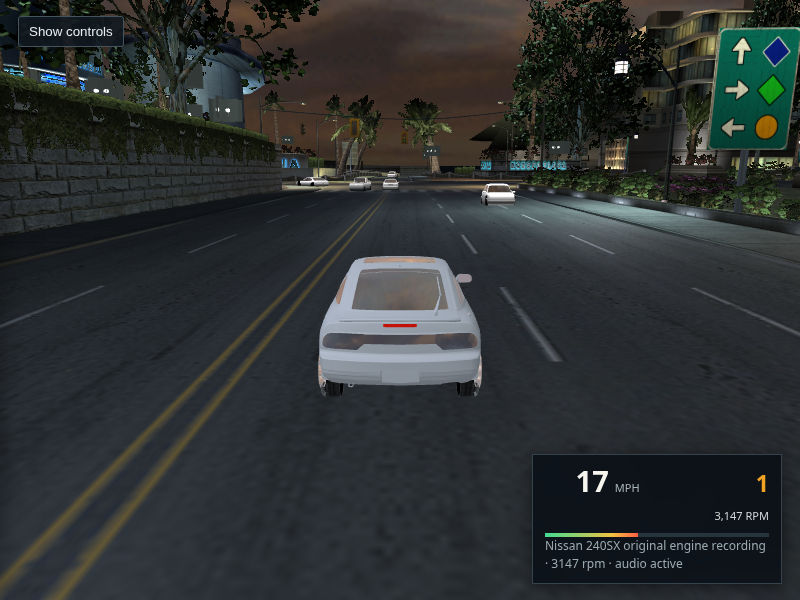
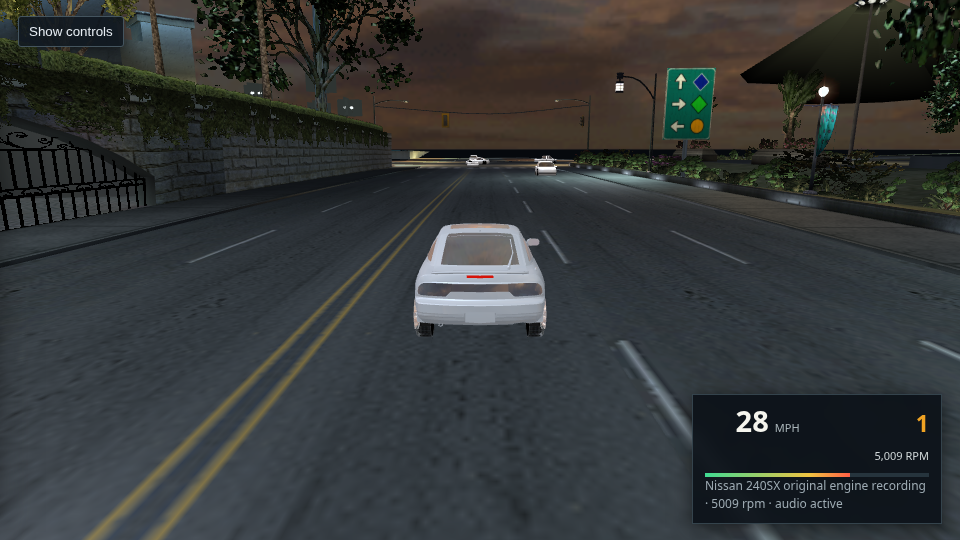
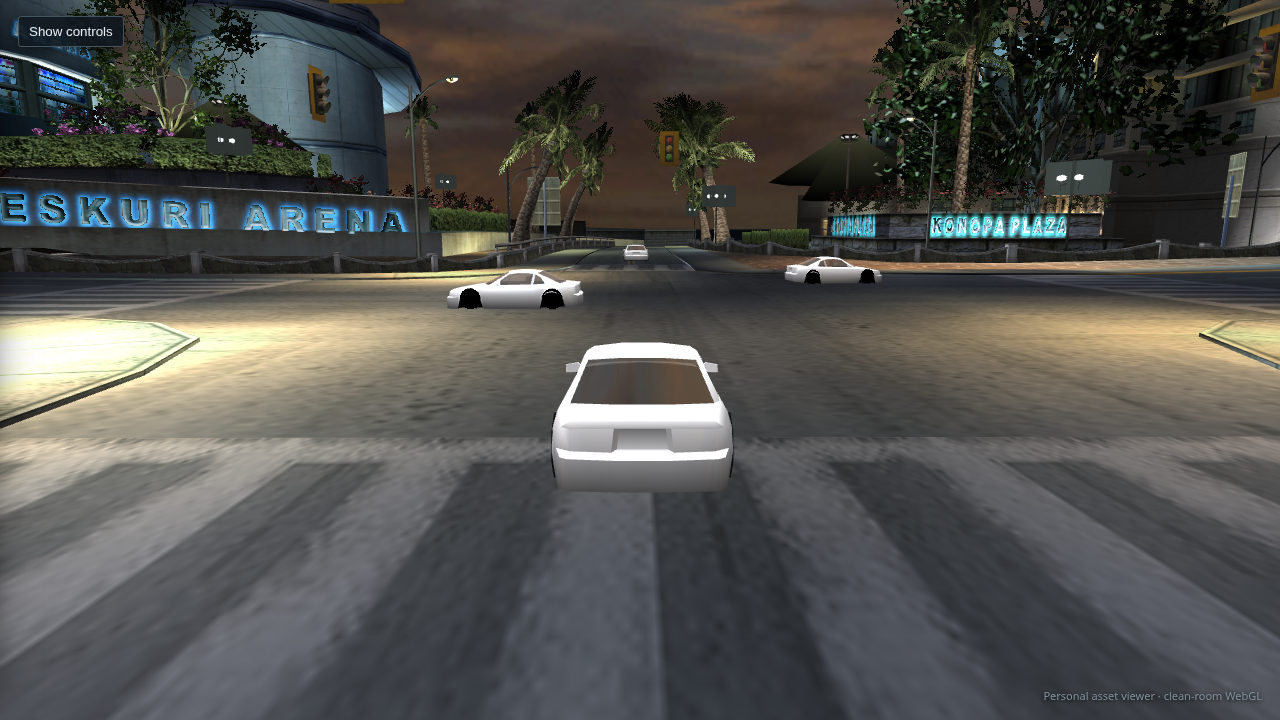
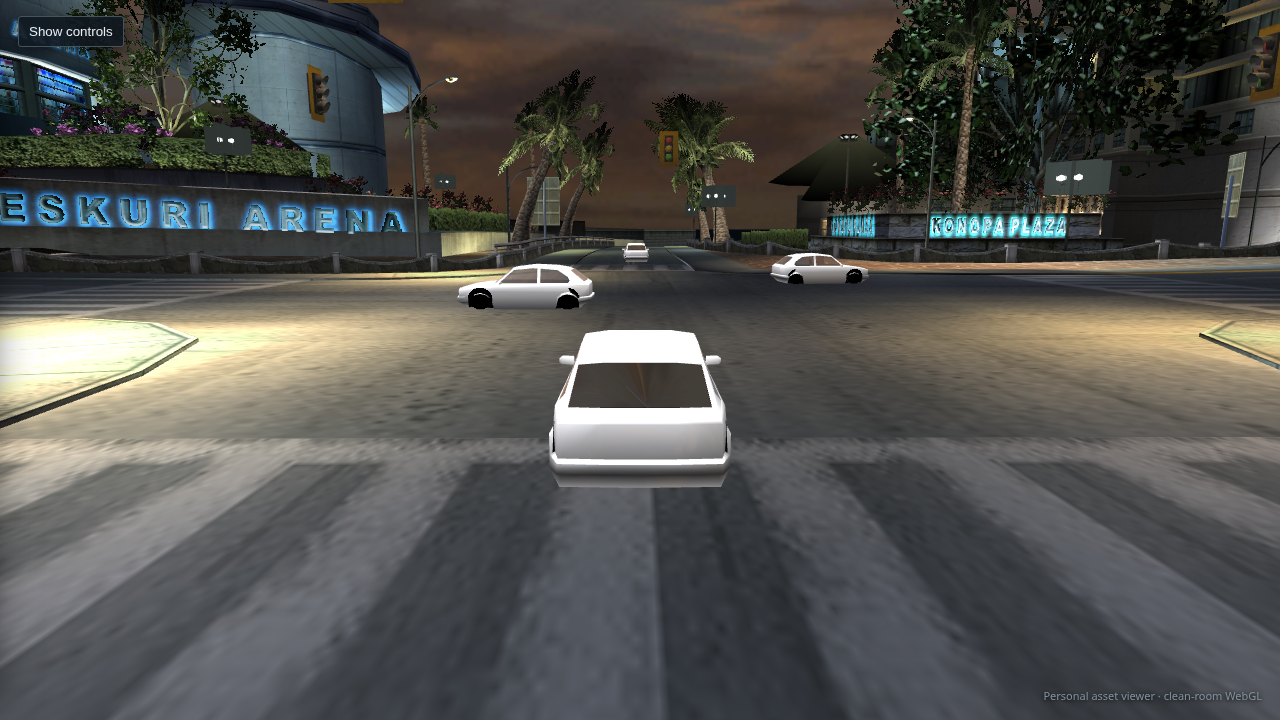
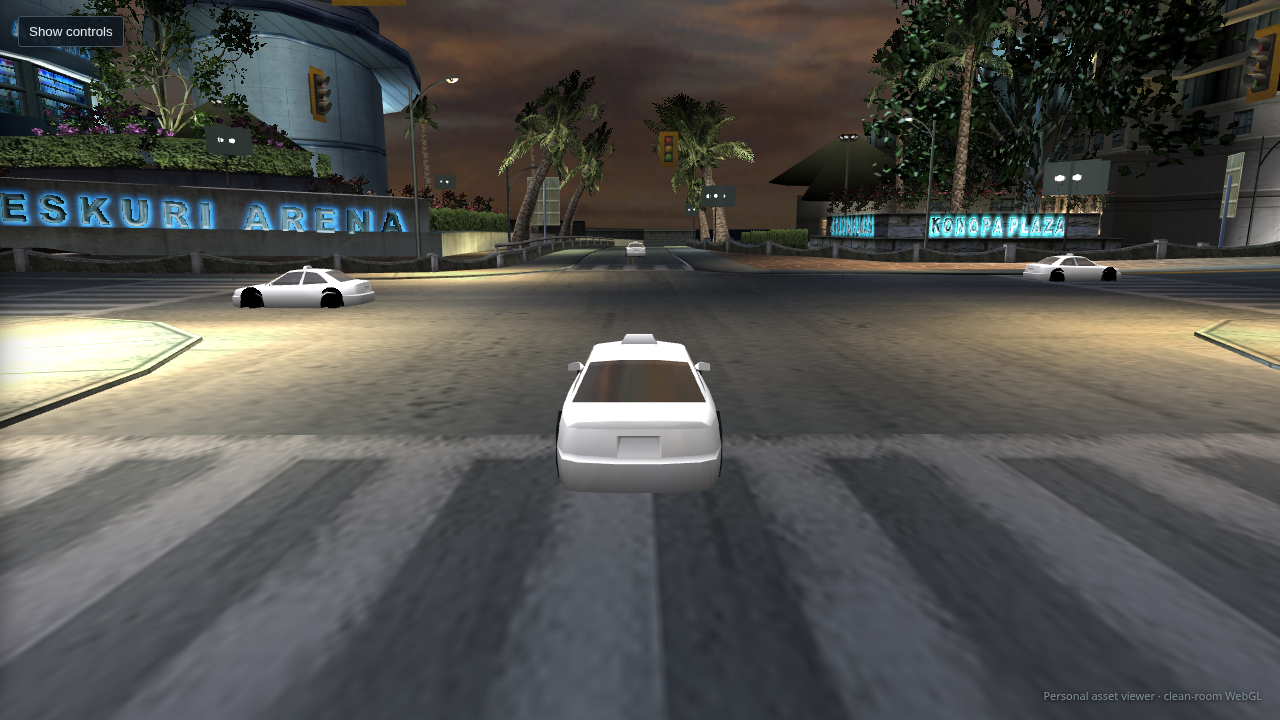
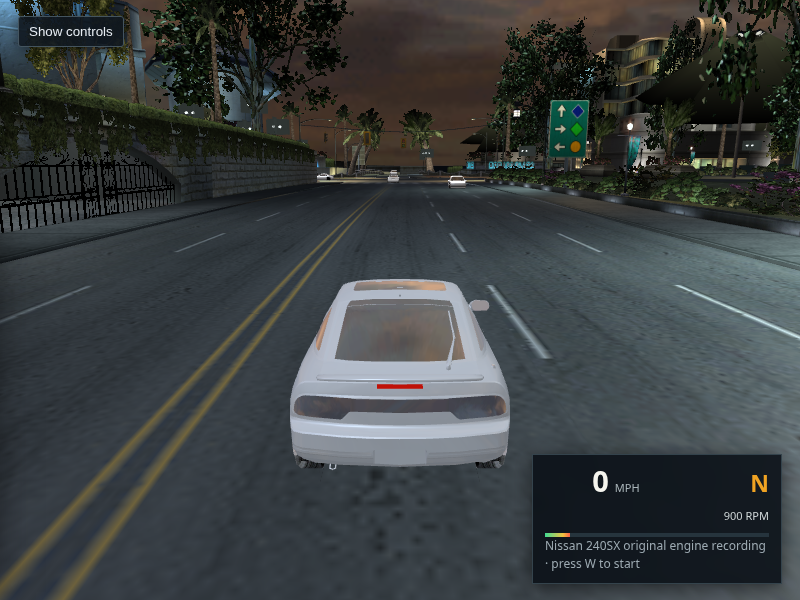
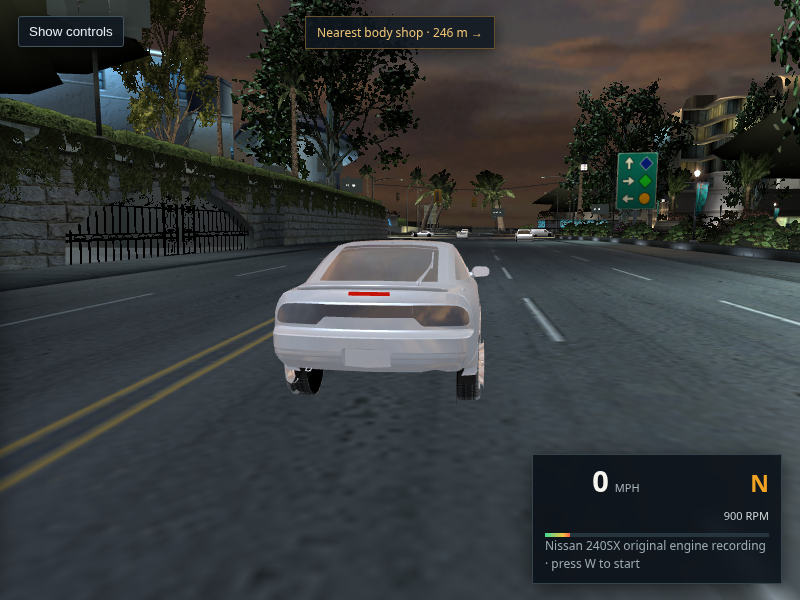
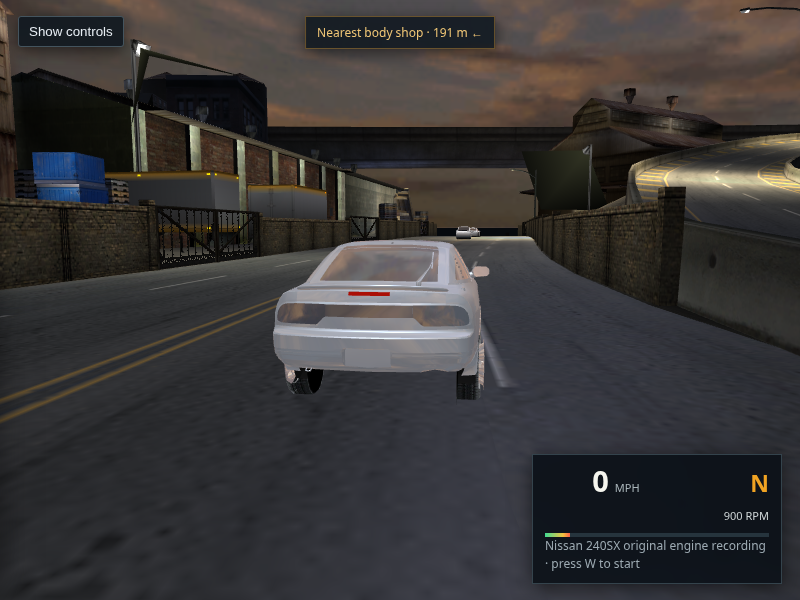
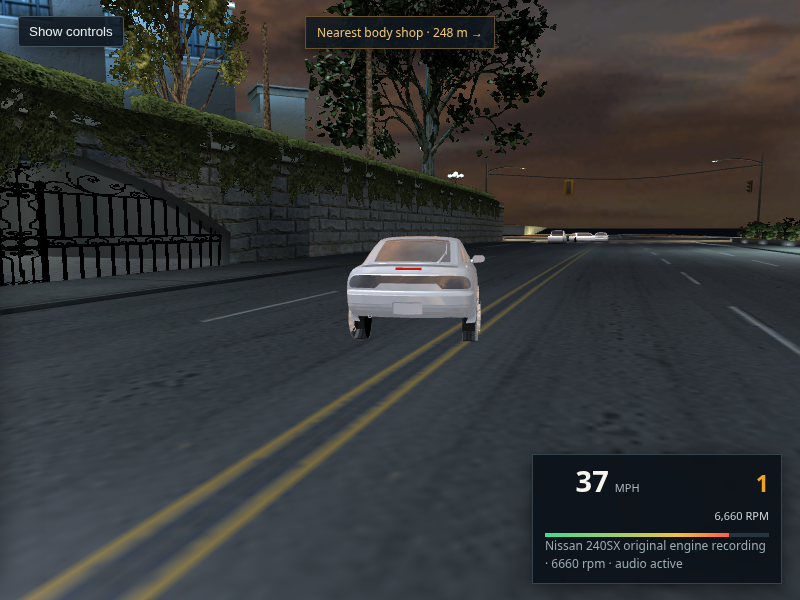
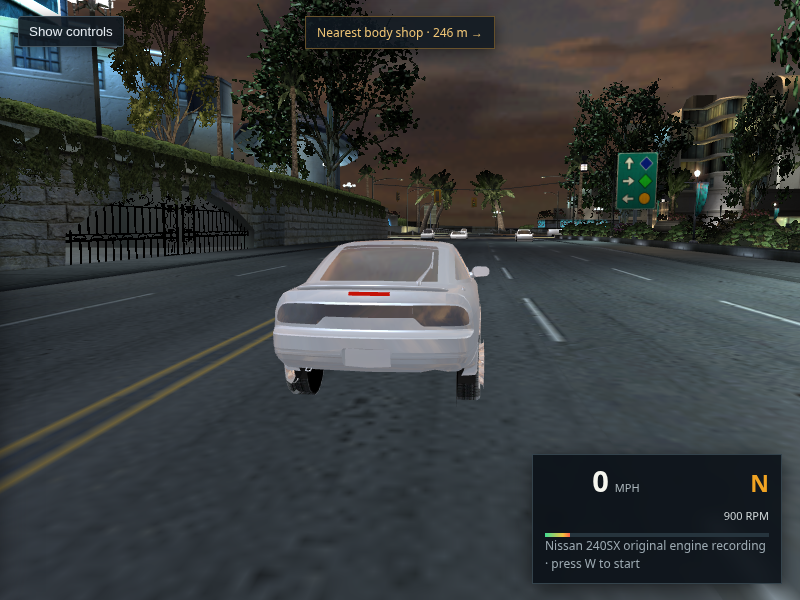
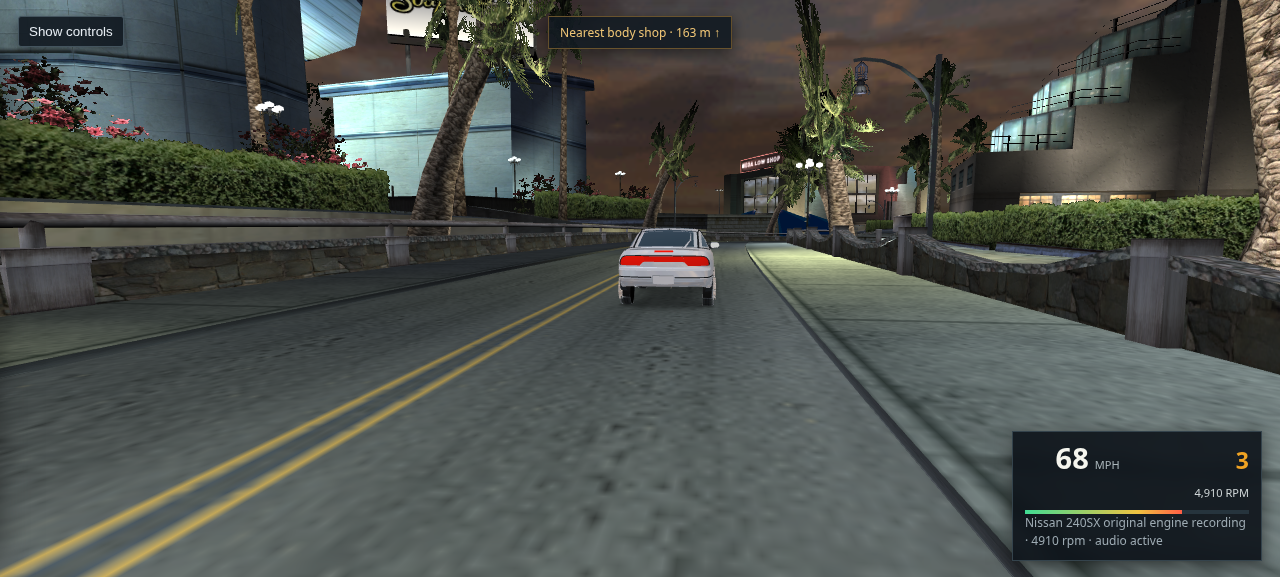
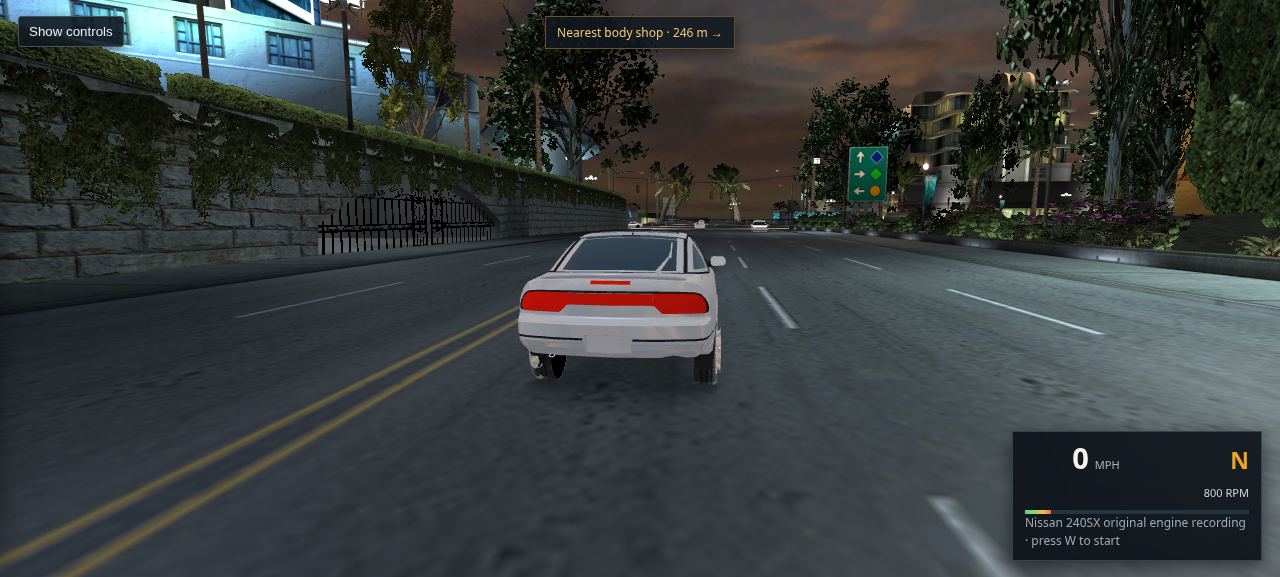
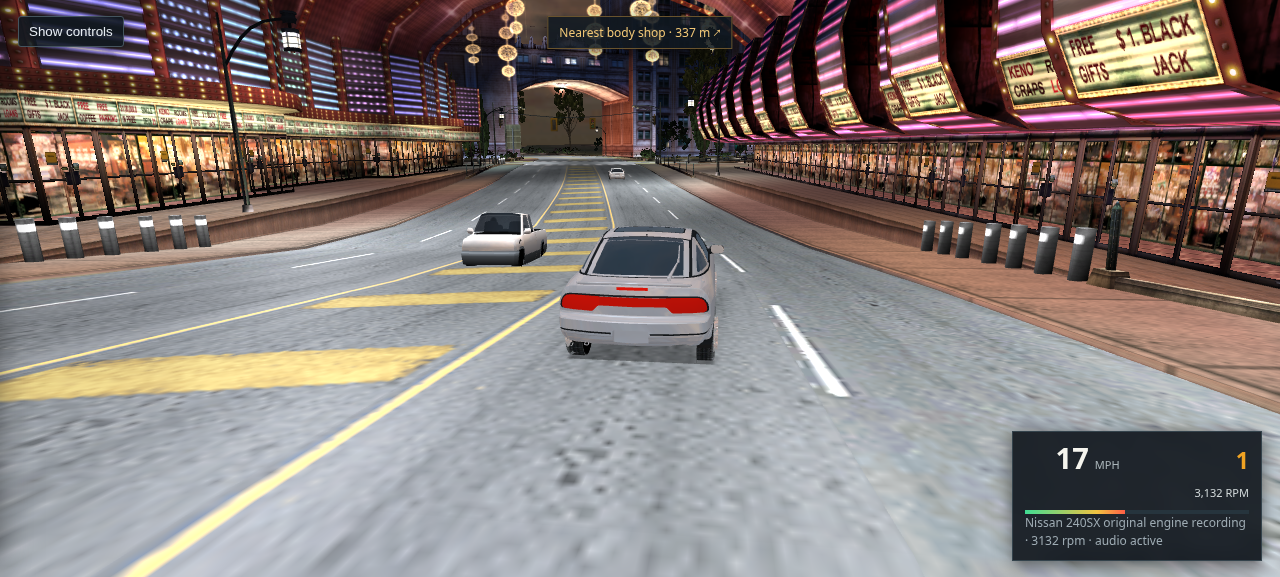
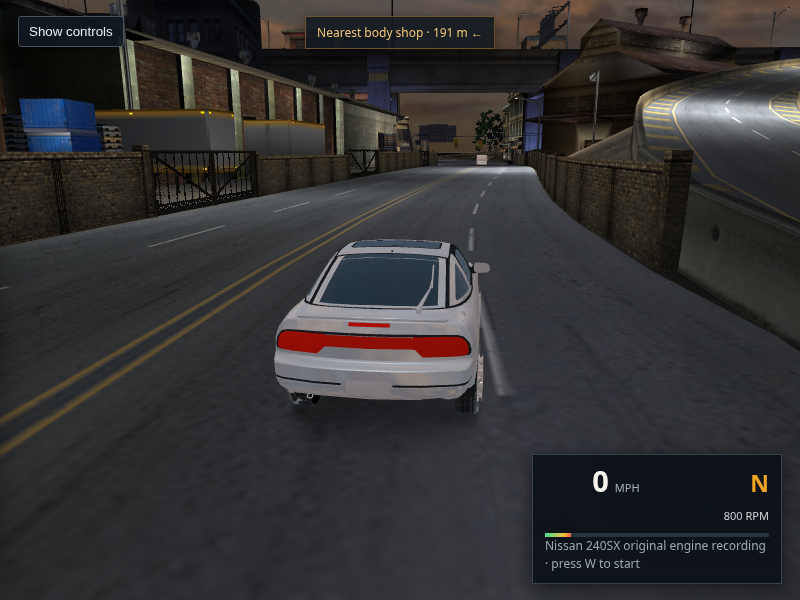
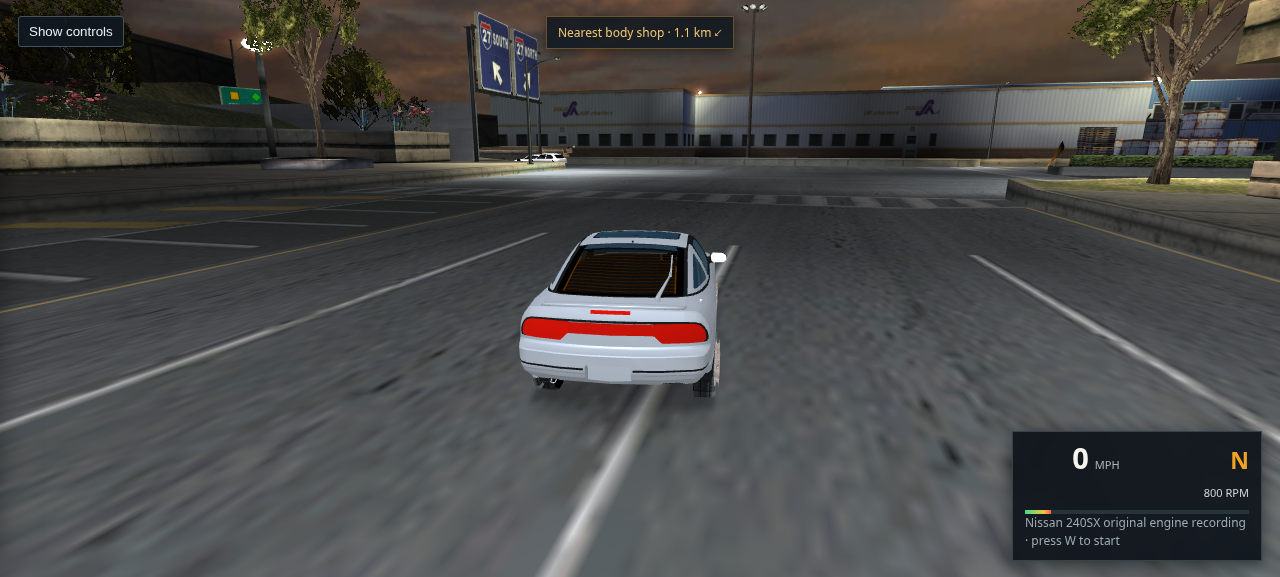
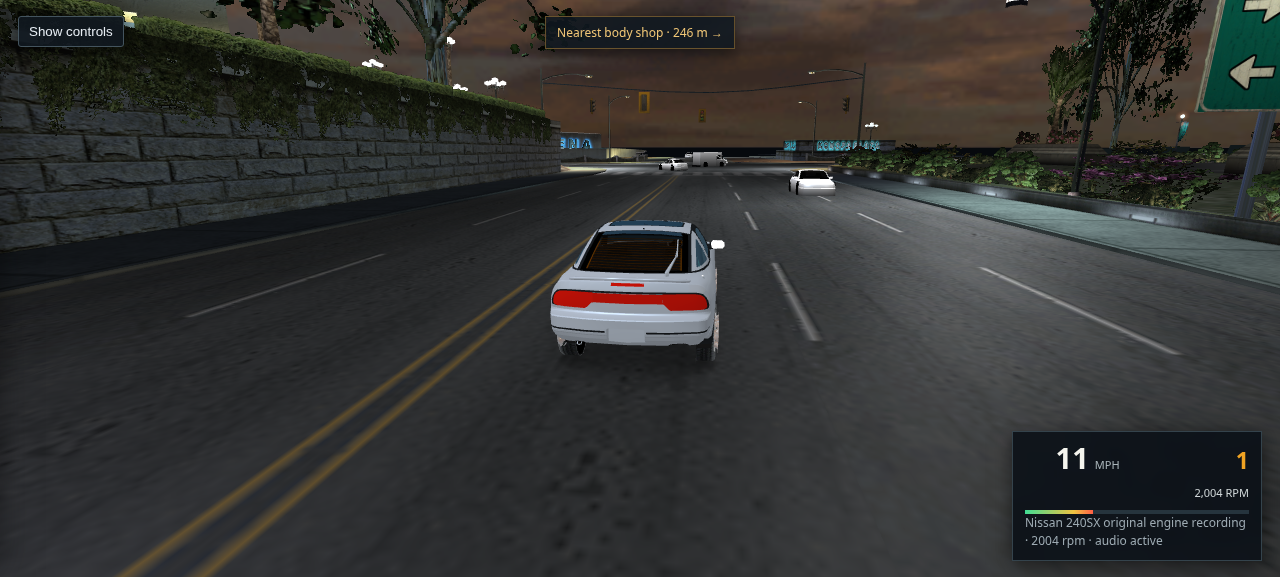
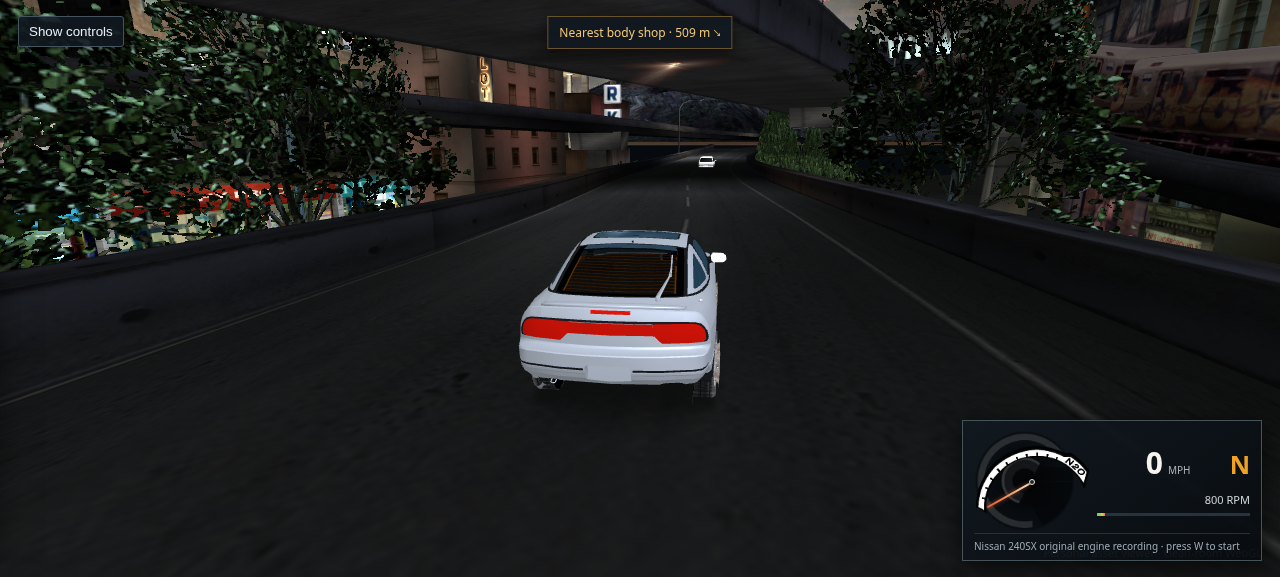
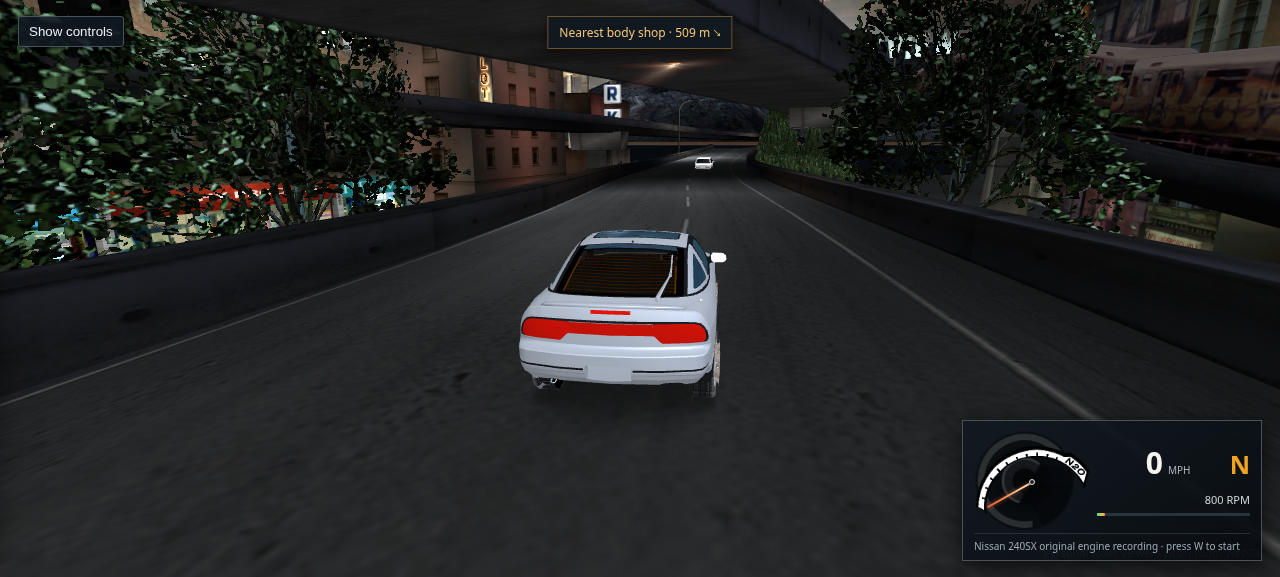
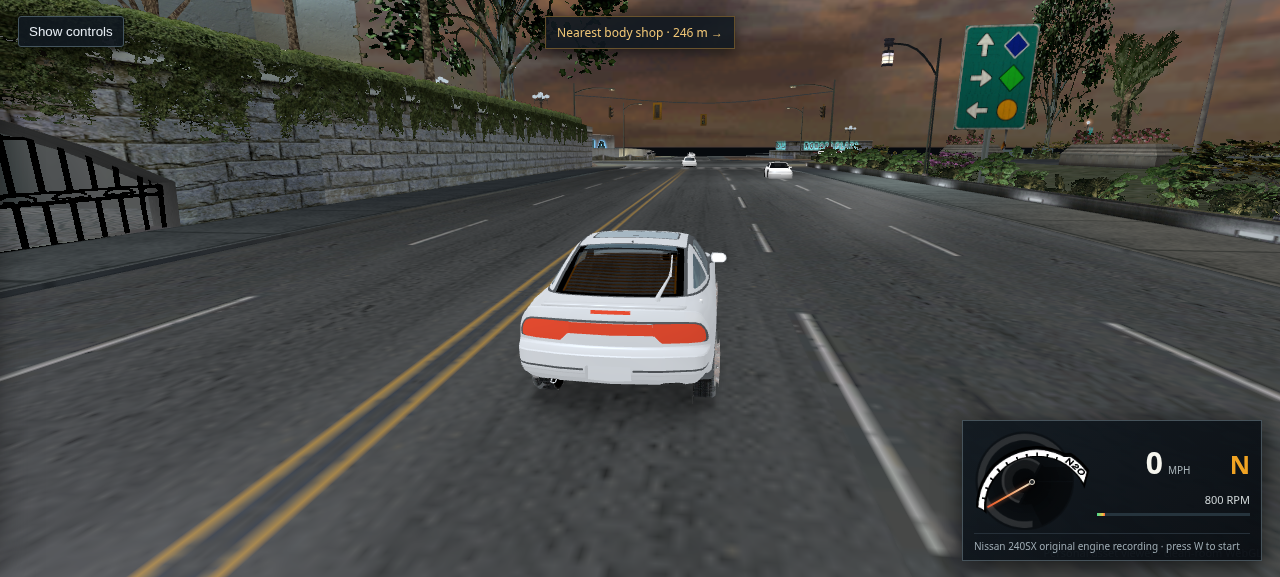
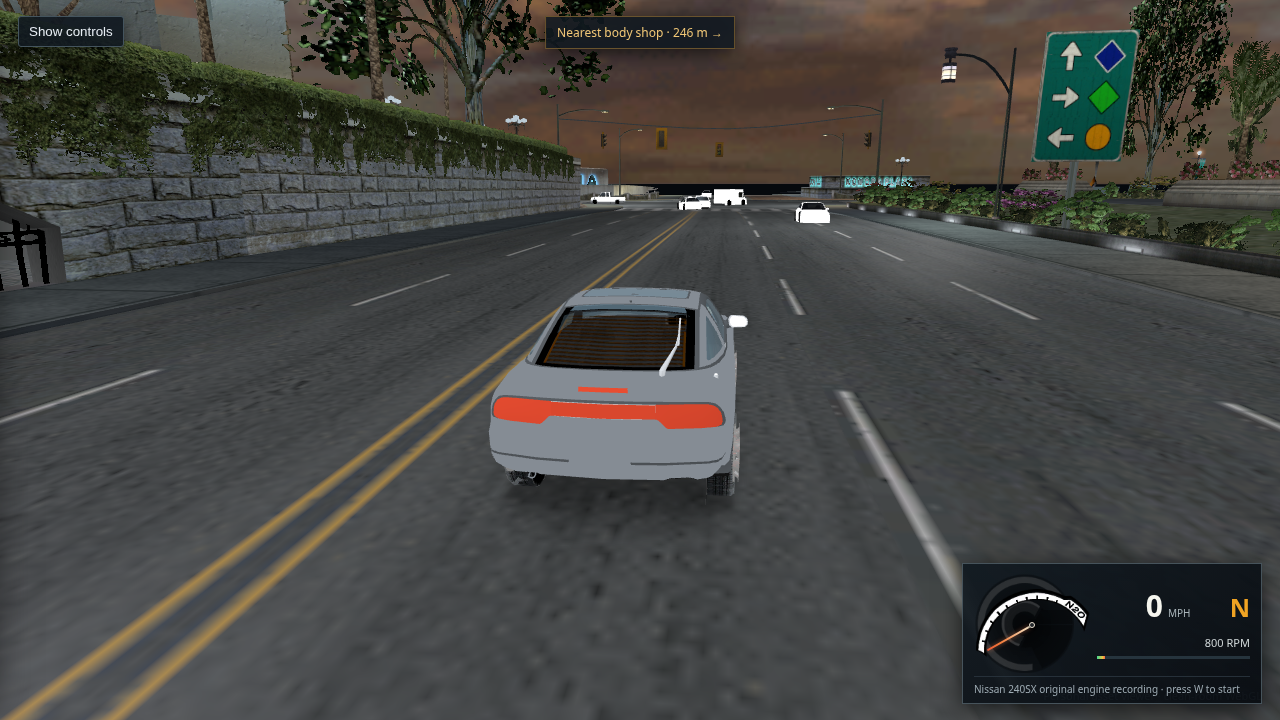
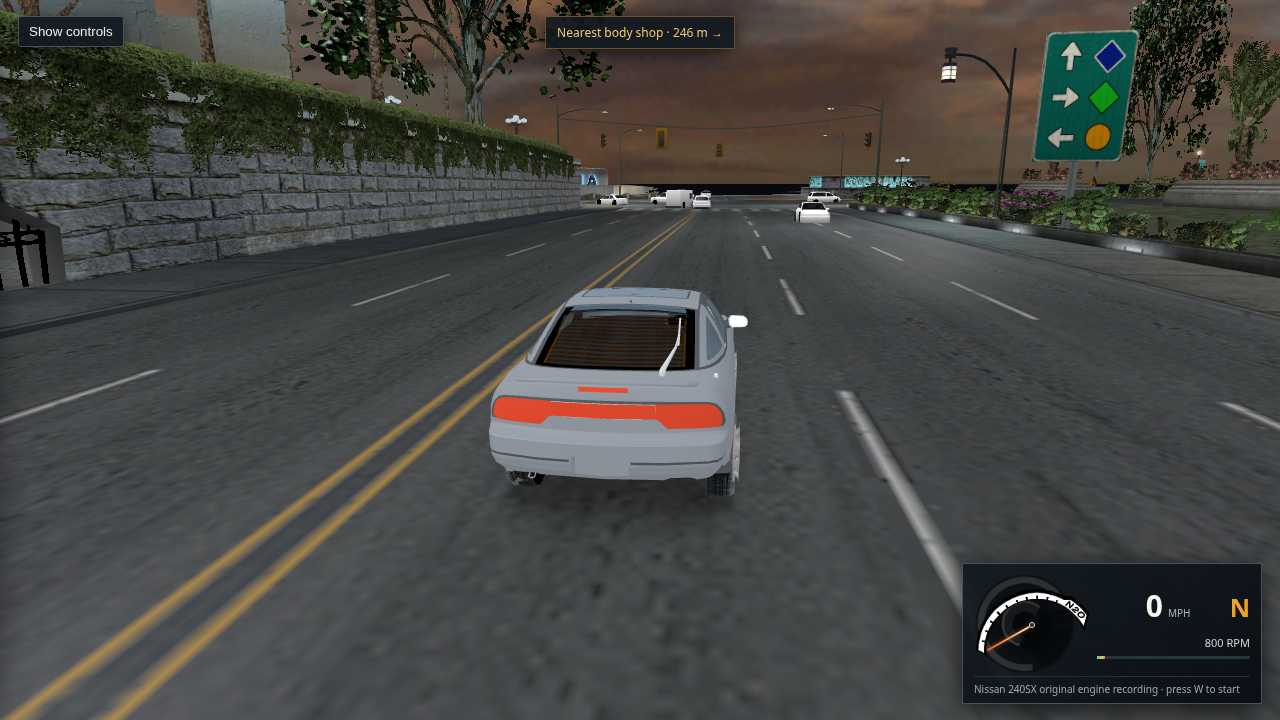
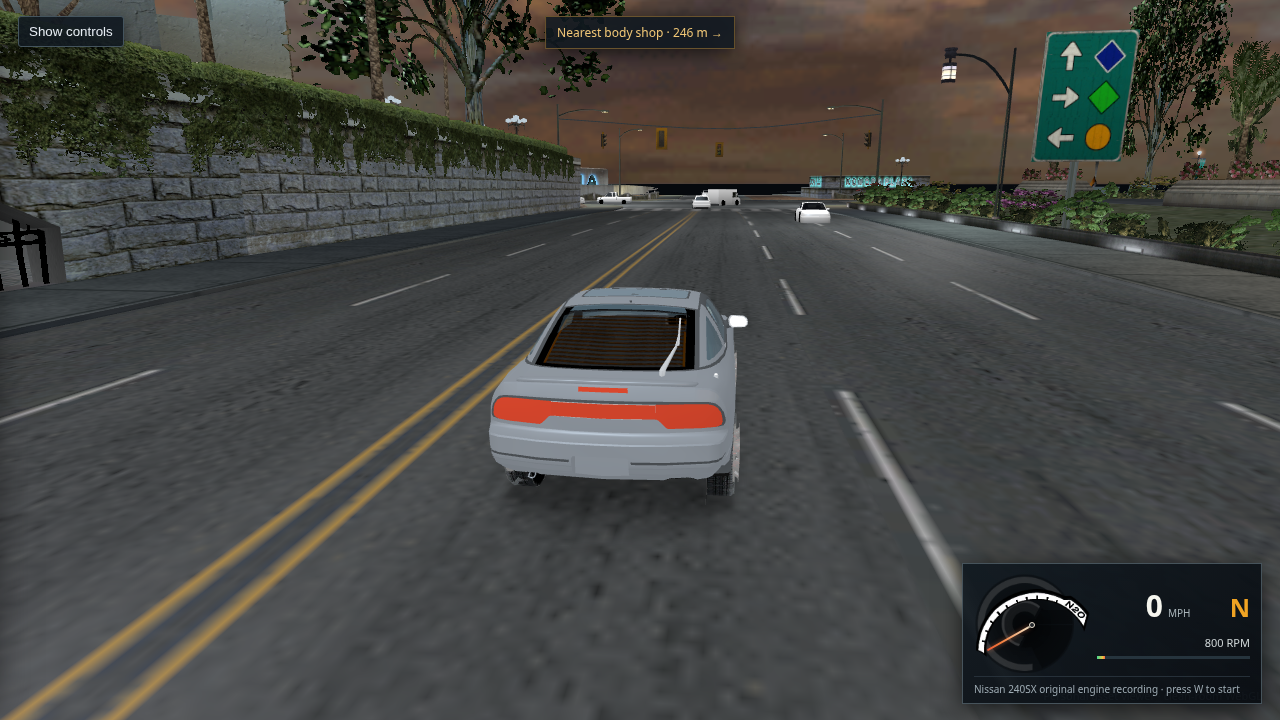
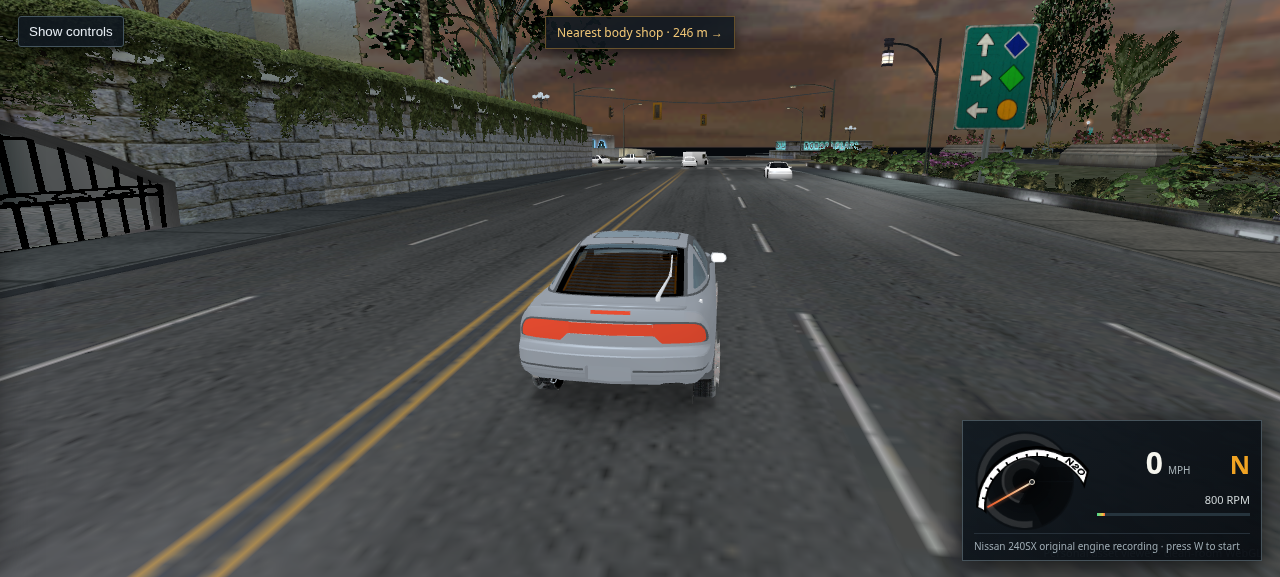
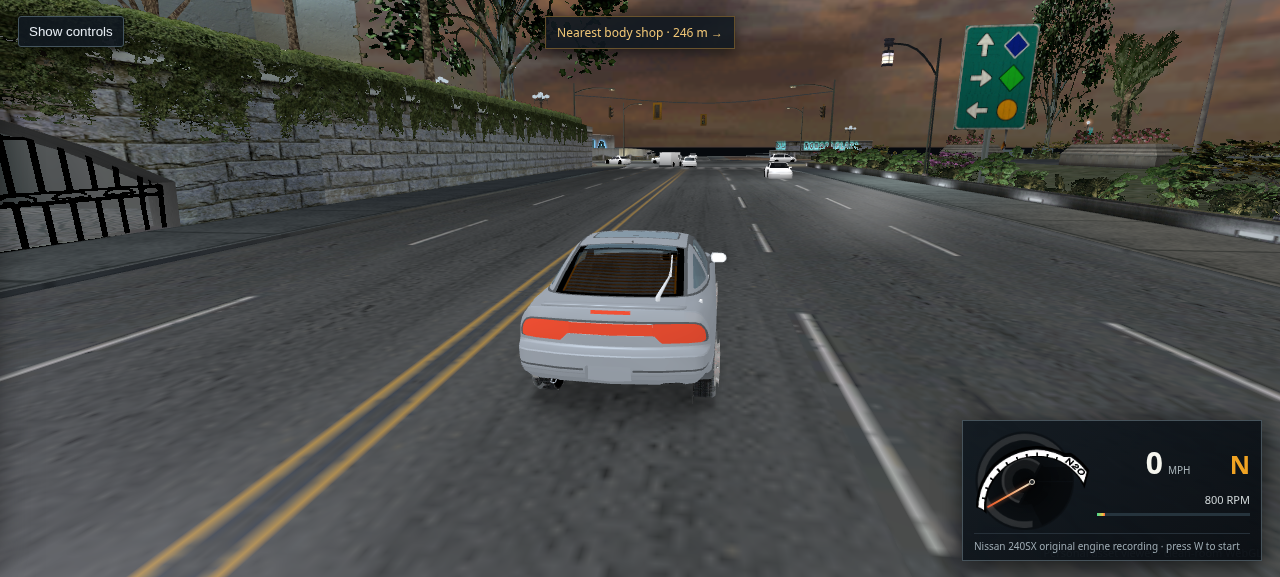
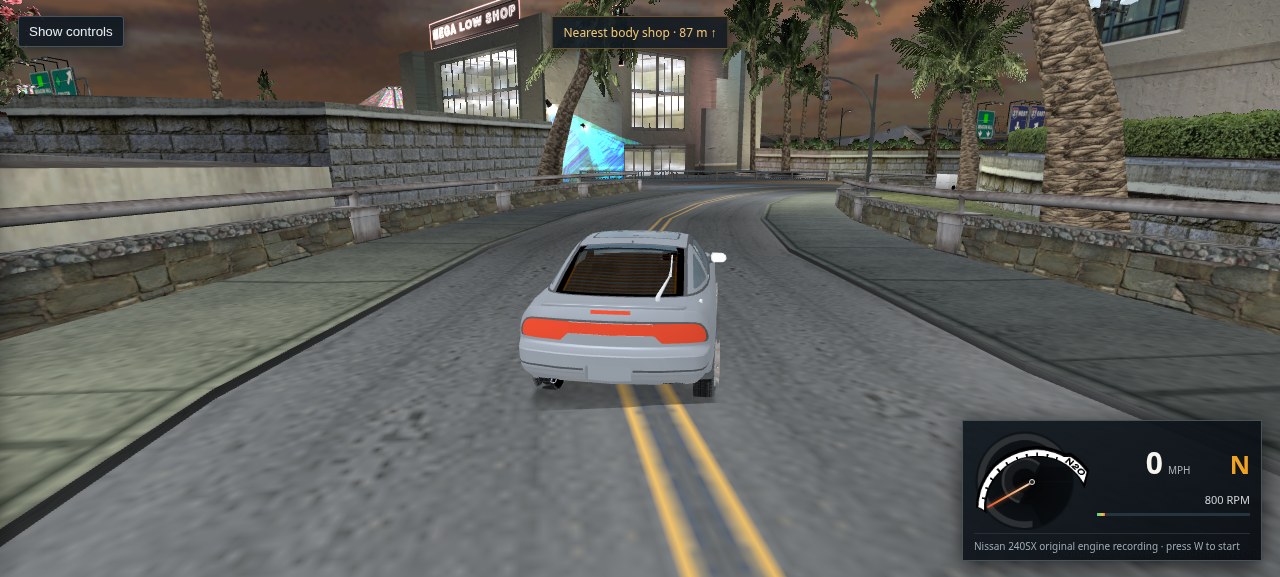
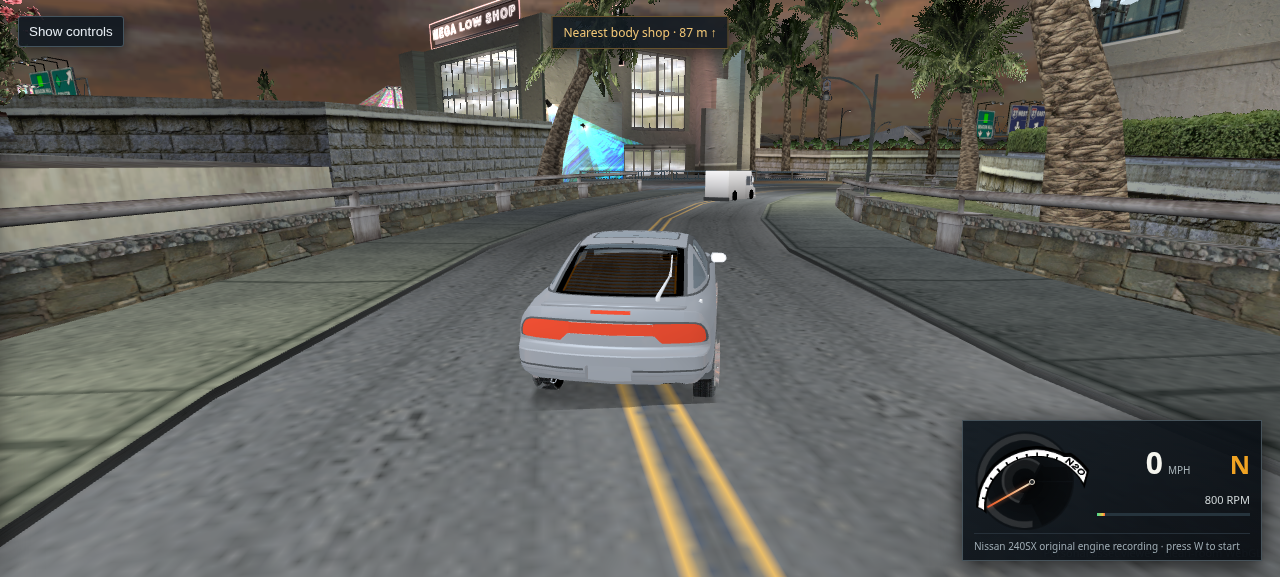
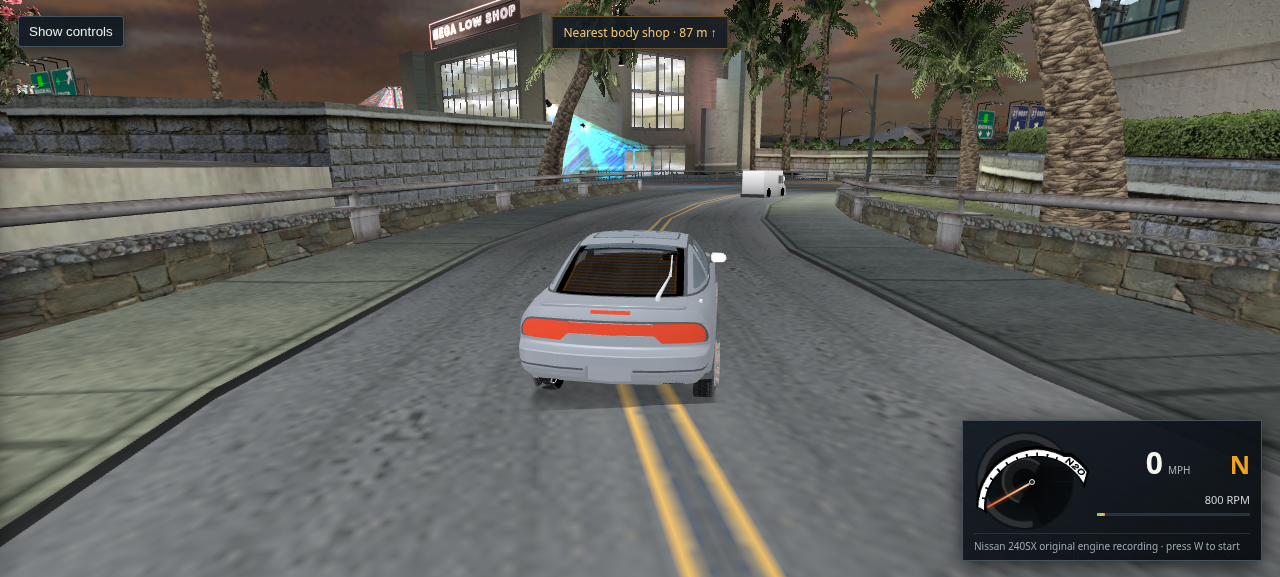
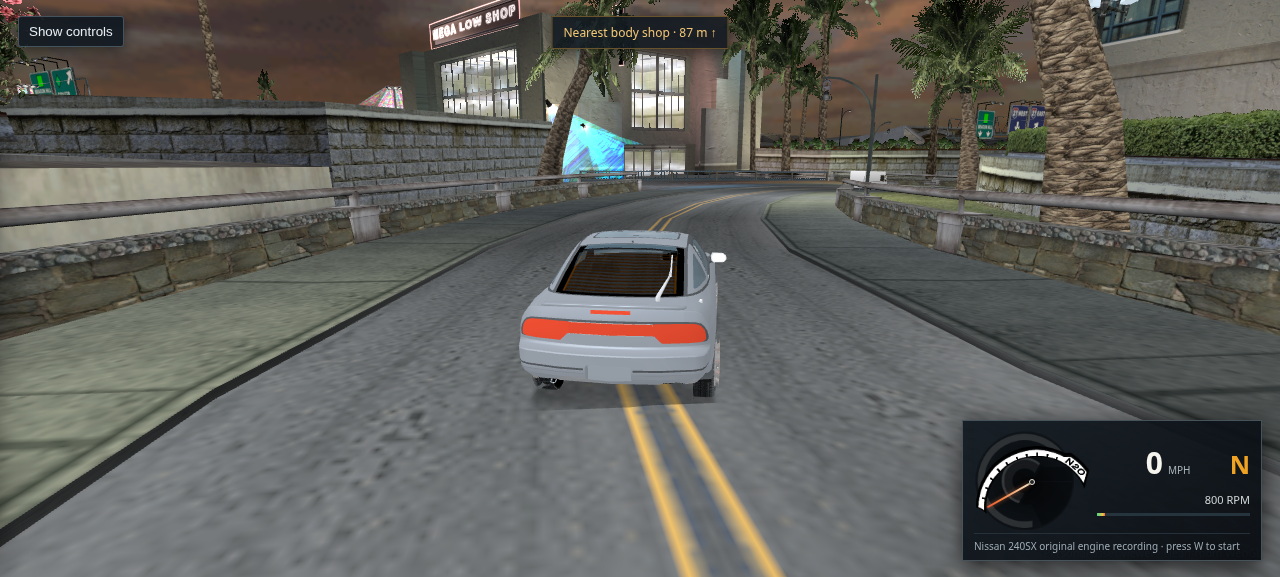
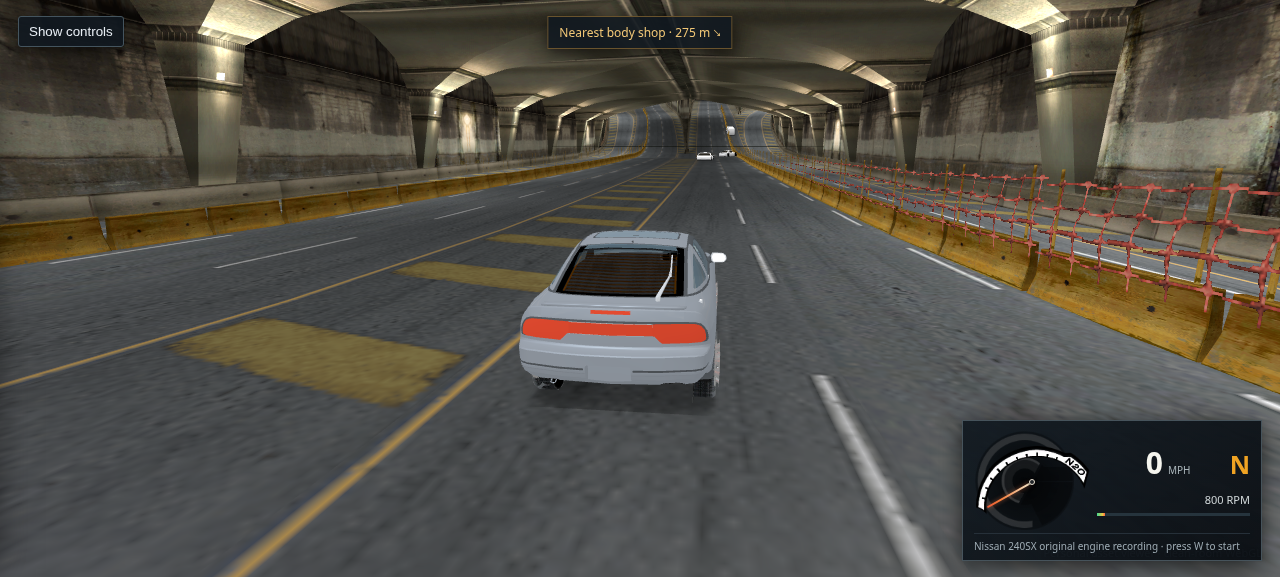
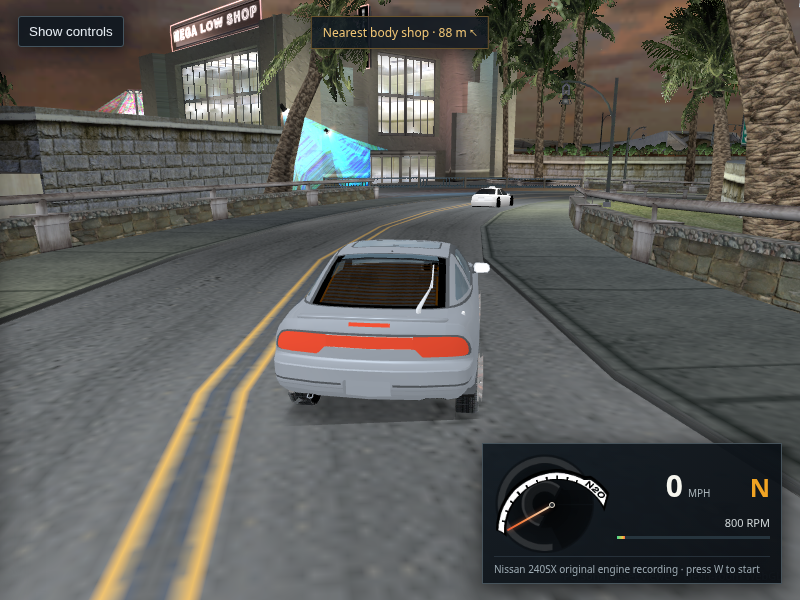
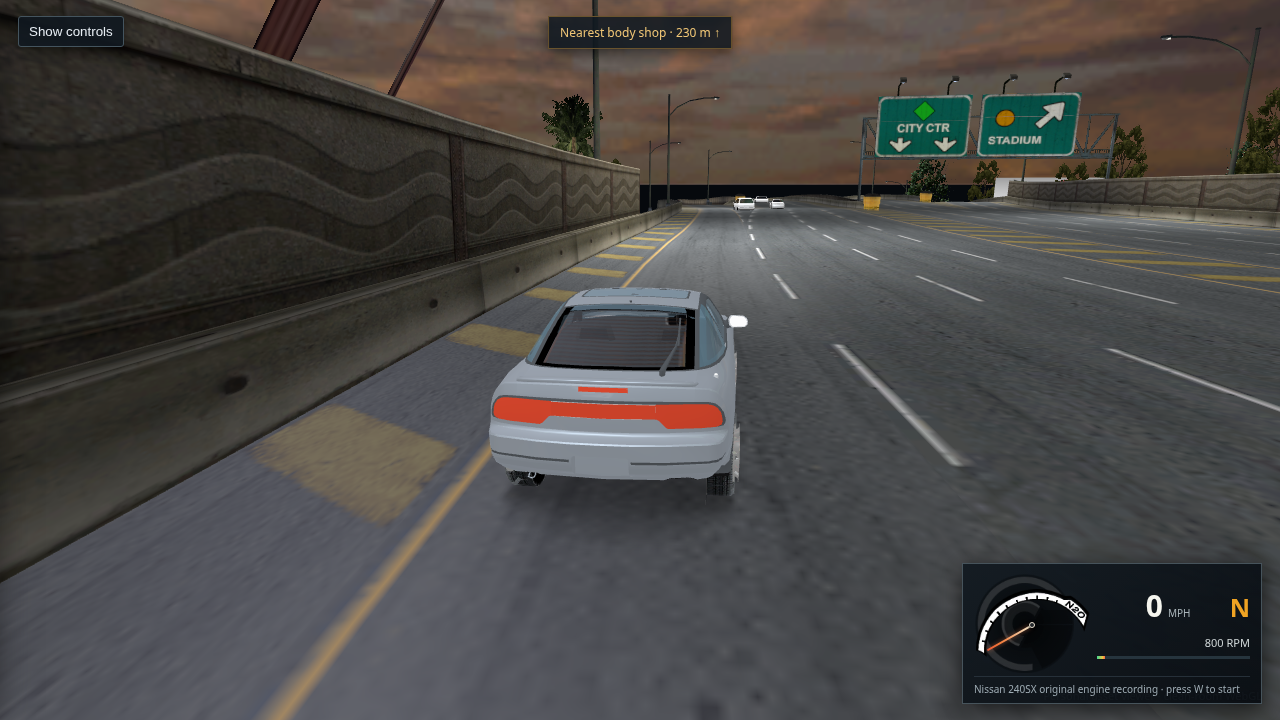
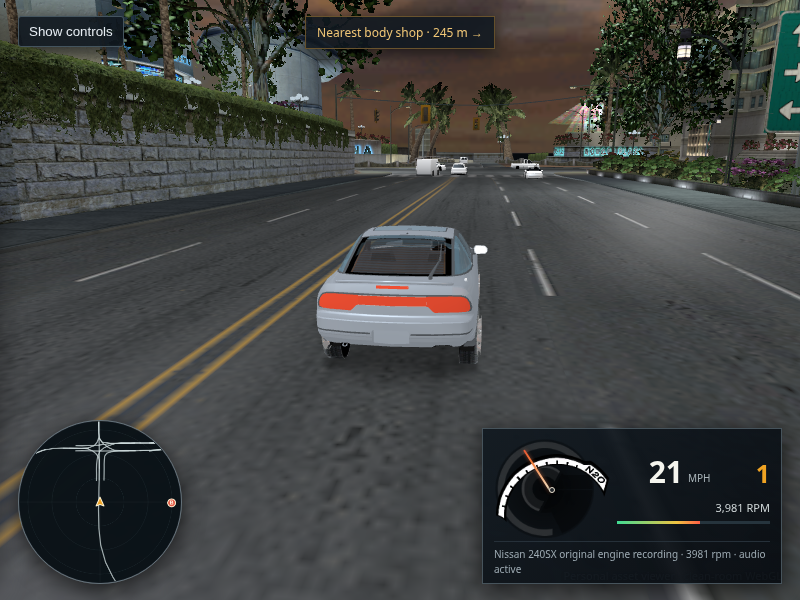
Bayview freeway drive view with small ambient traffic vehicles ahead
Packaged host Chrome · L4RA · six visible traffic models

495 · Correct the traffic LOD near-distance constant and expose the radius mismatch

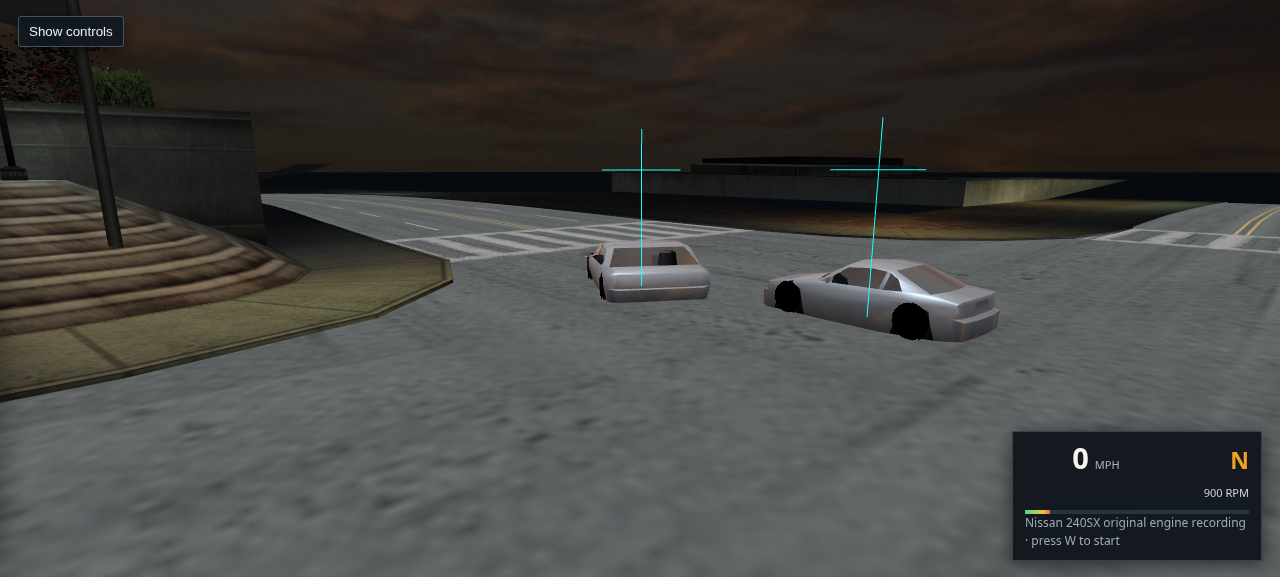
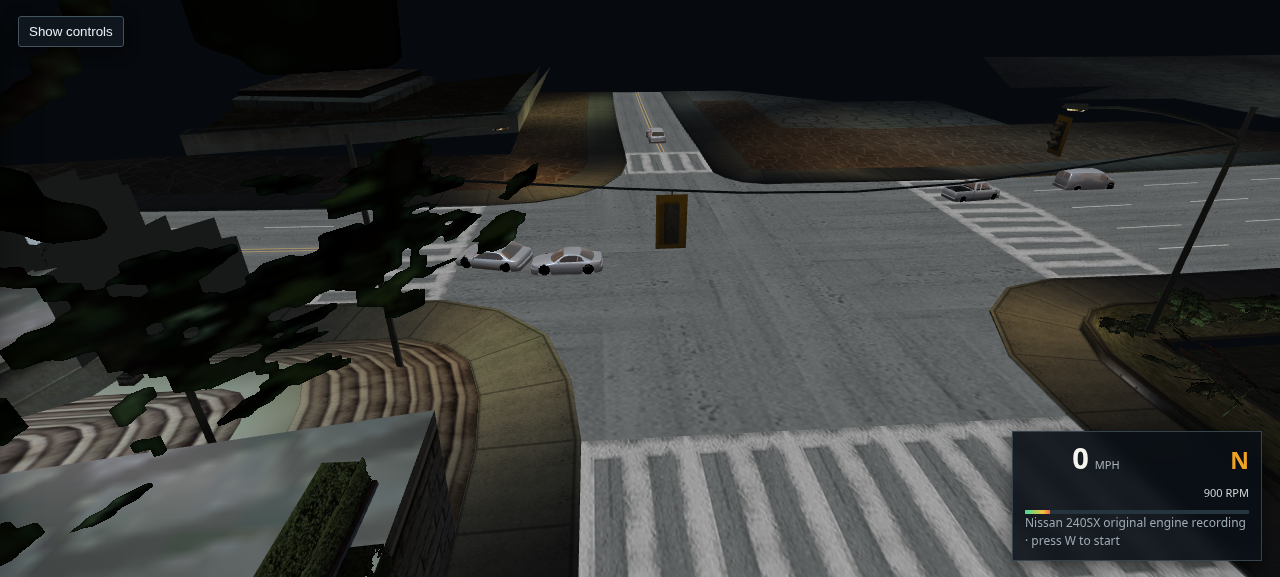
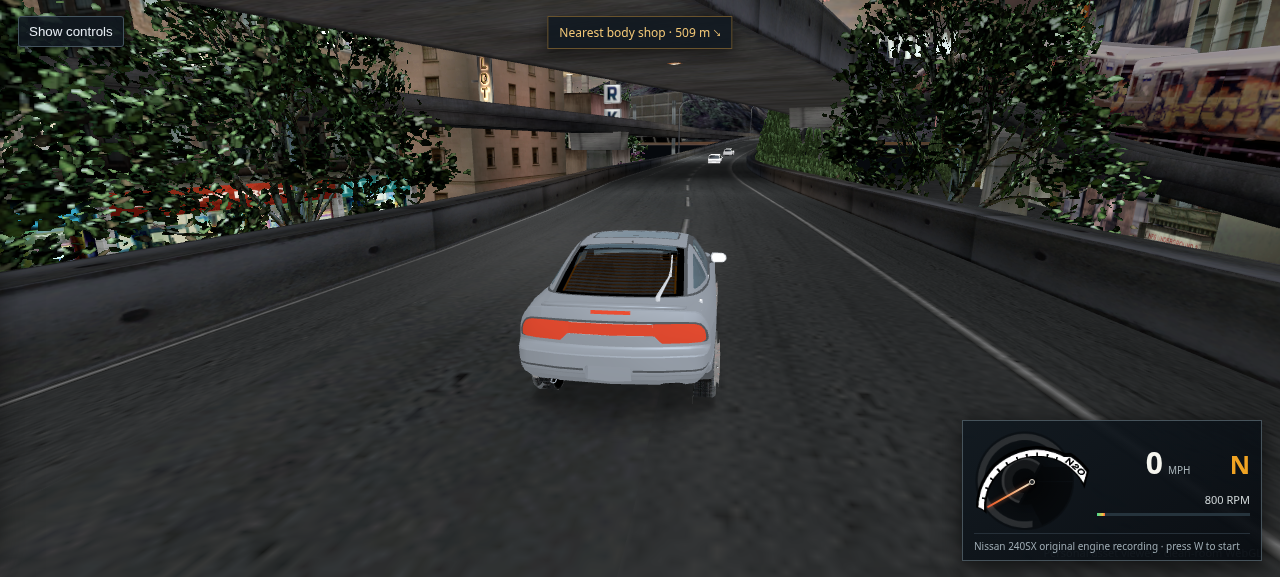
The draw wrapper passes 3.0 to the retail bounds helper, not 4.0. After updating the equation, all six visible preview cars still report a proxy metric of 0 and select the last detail level; the upright cars remain visible and Chrome reports no page or console errors. The retail wrapper culls metrics below 4, so this confirms the viewer's BODY_A bounds sphere and normalized scale are not enough to reproduce retail visibility. I have not added that cull because it would remove these currently visible cars. The live render radius and axis weights still need to be recovered.

Open full-size capture · Read the executable and geometry evidence
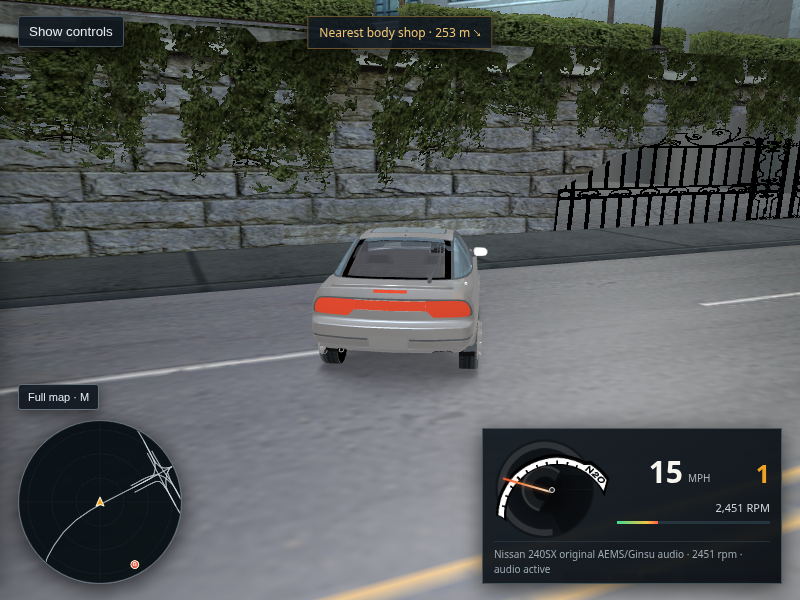
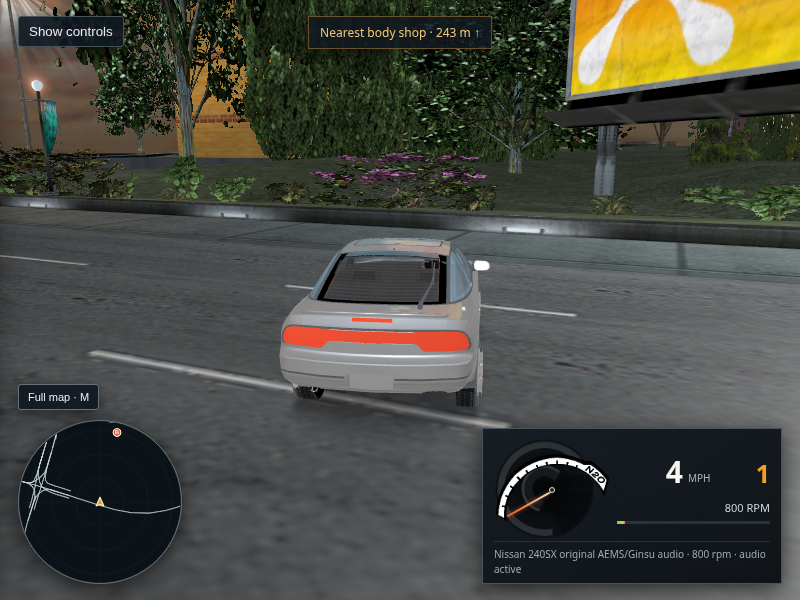
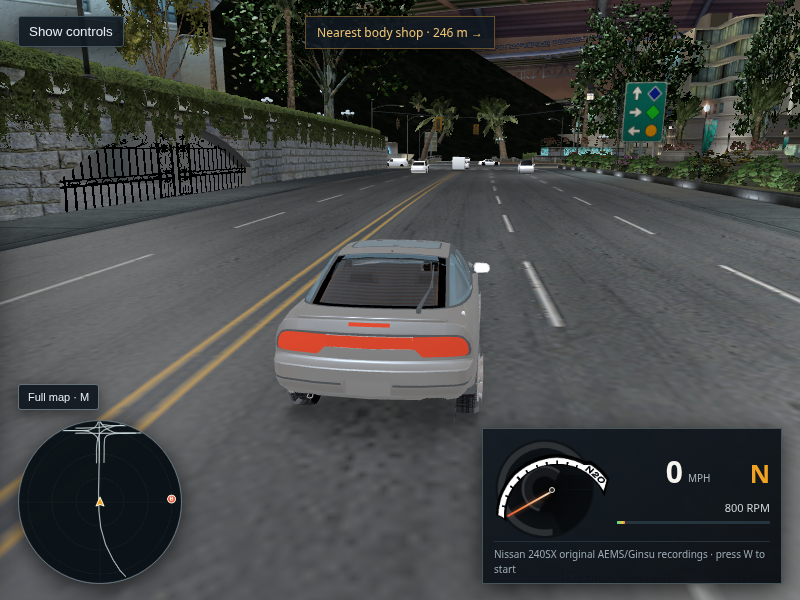
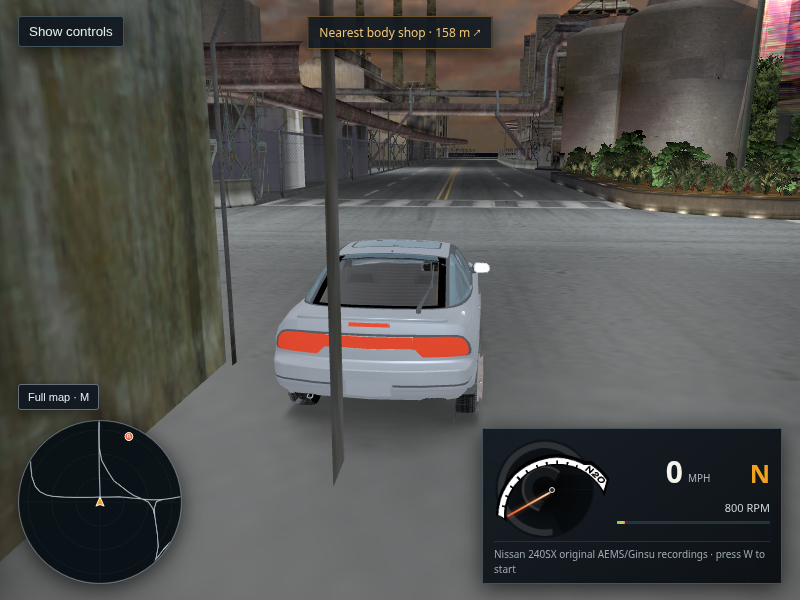
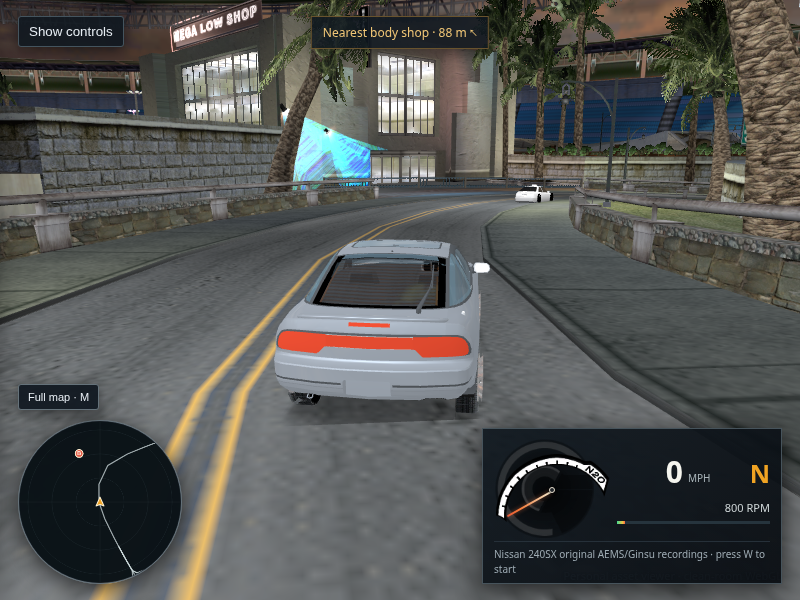
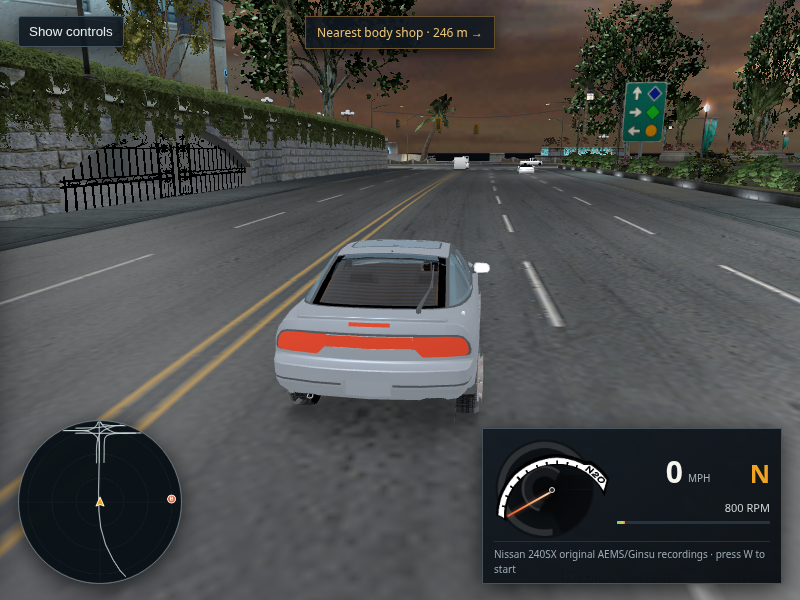
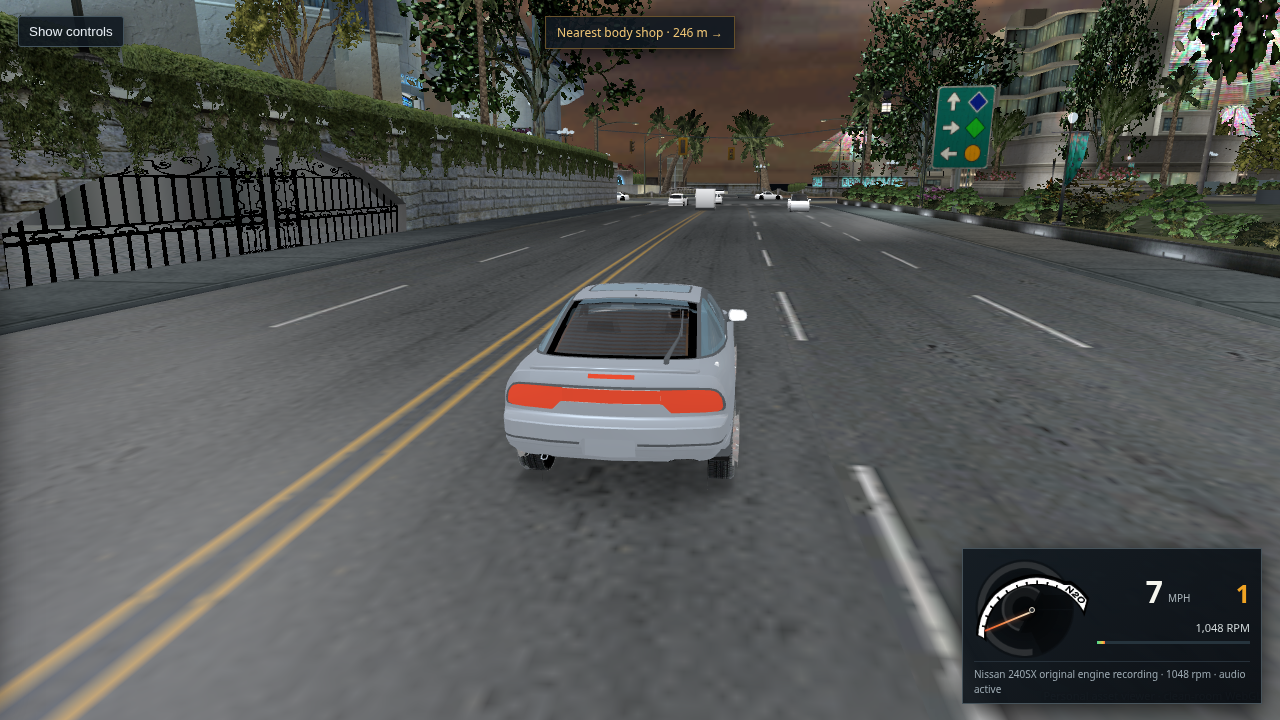
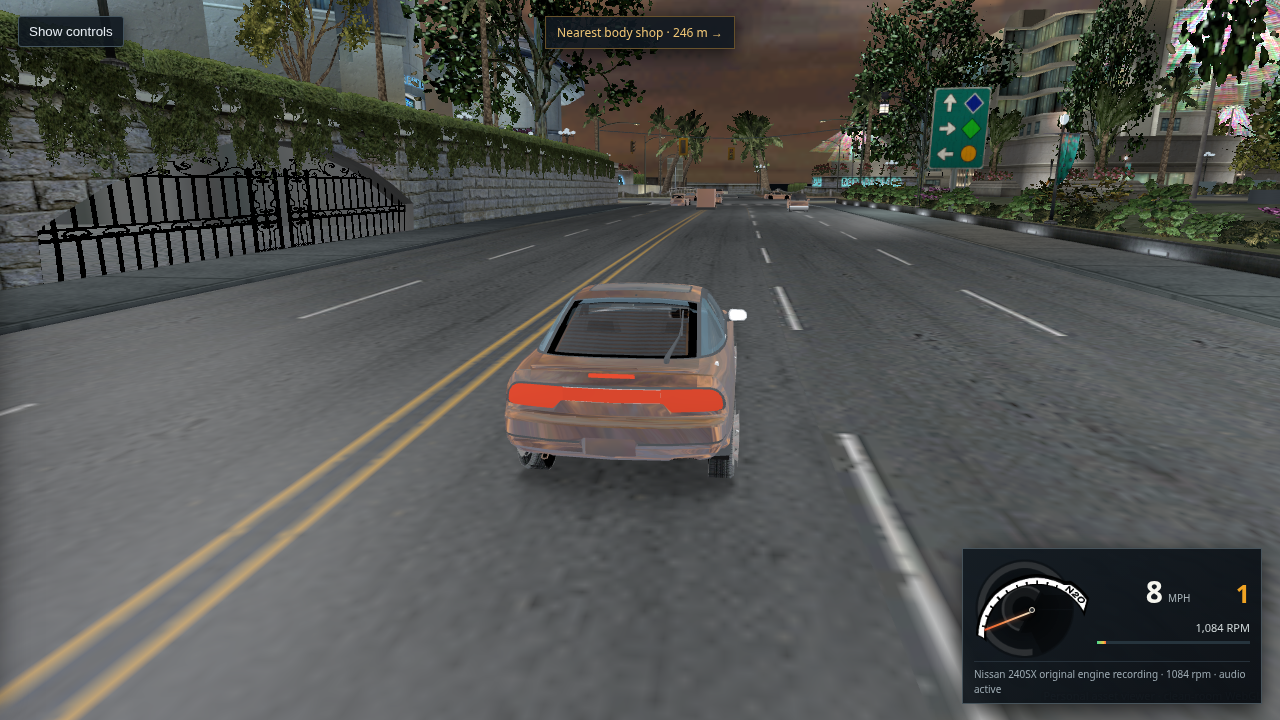
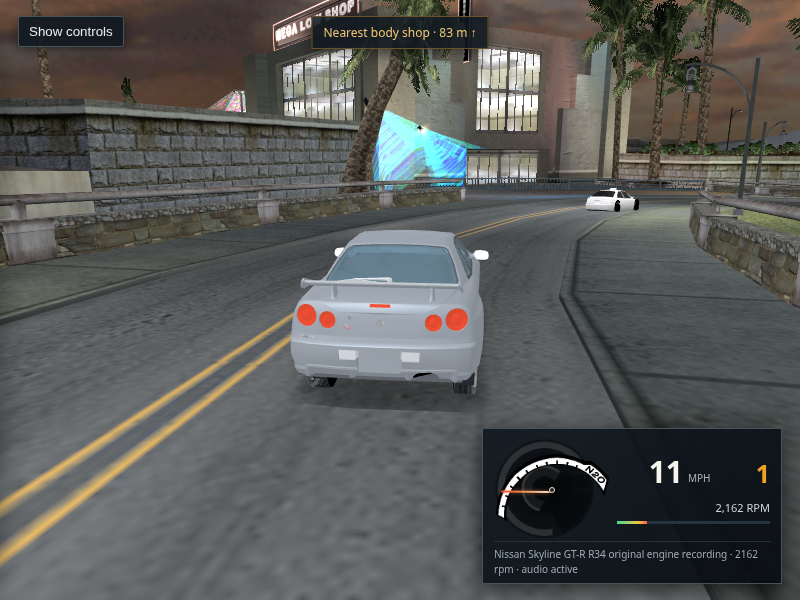
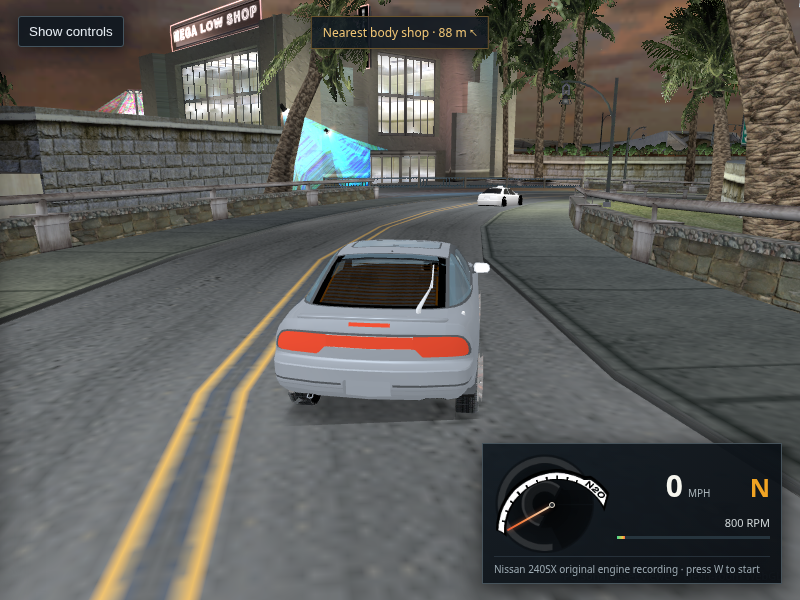
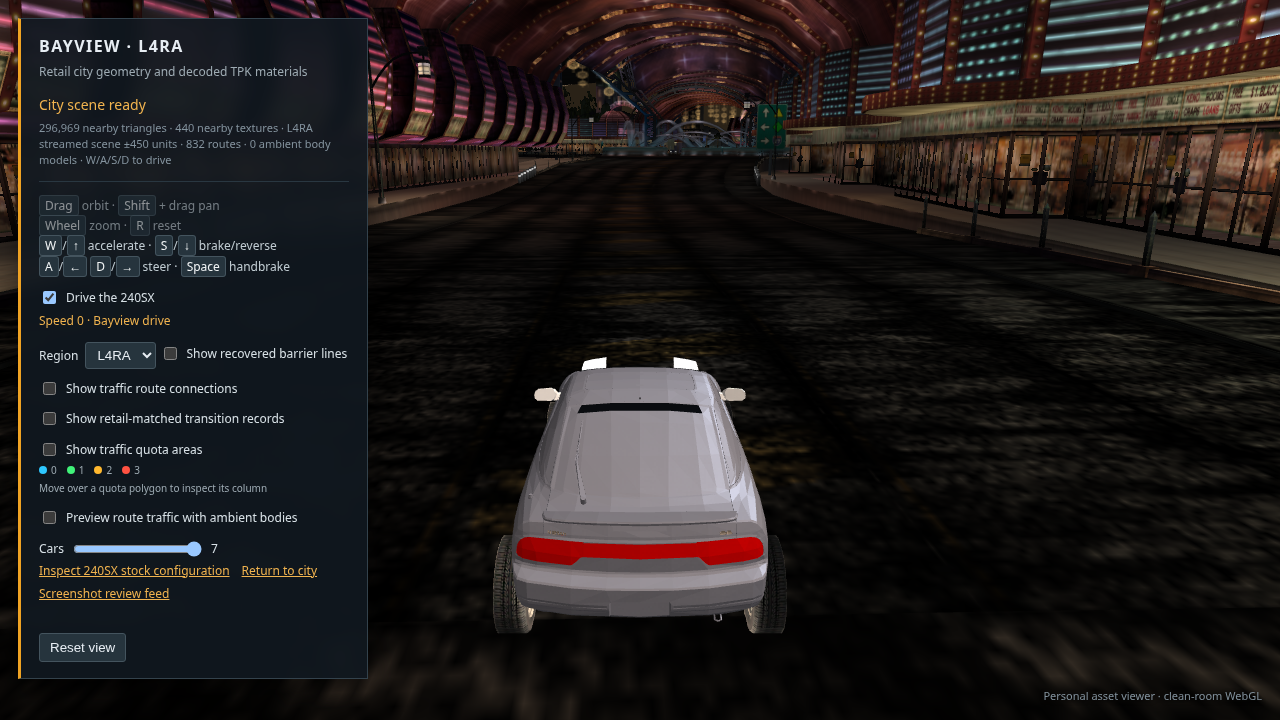
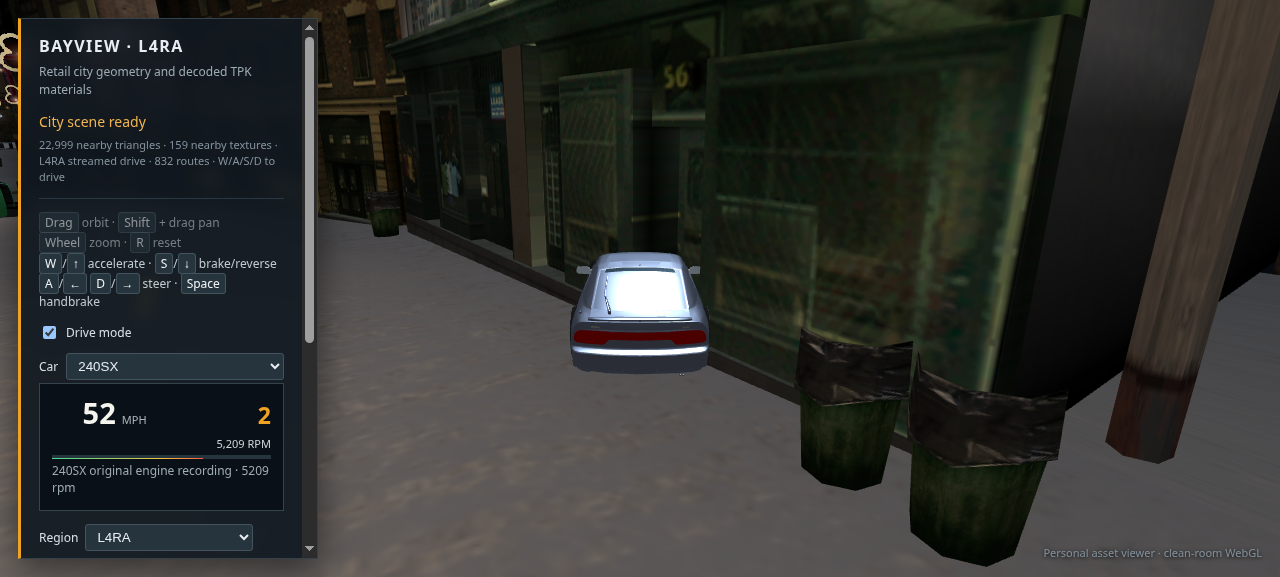
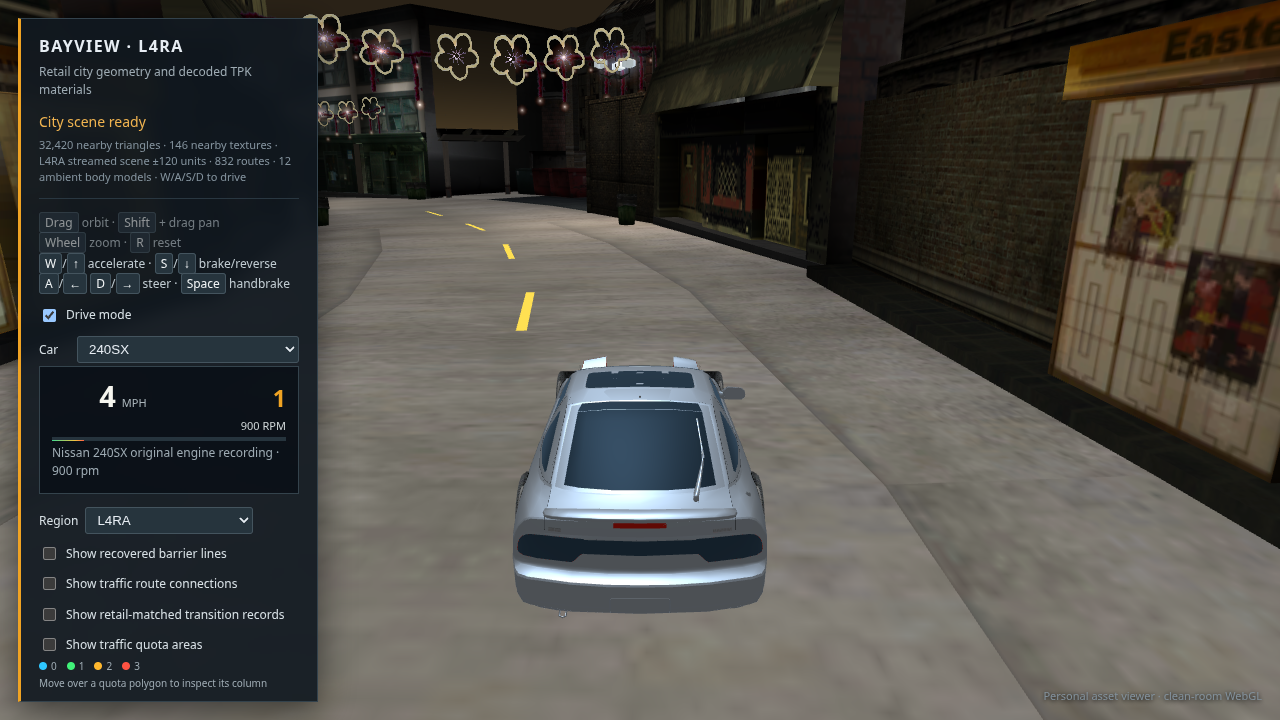
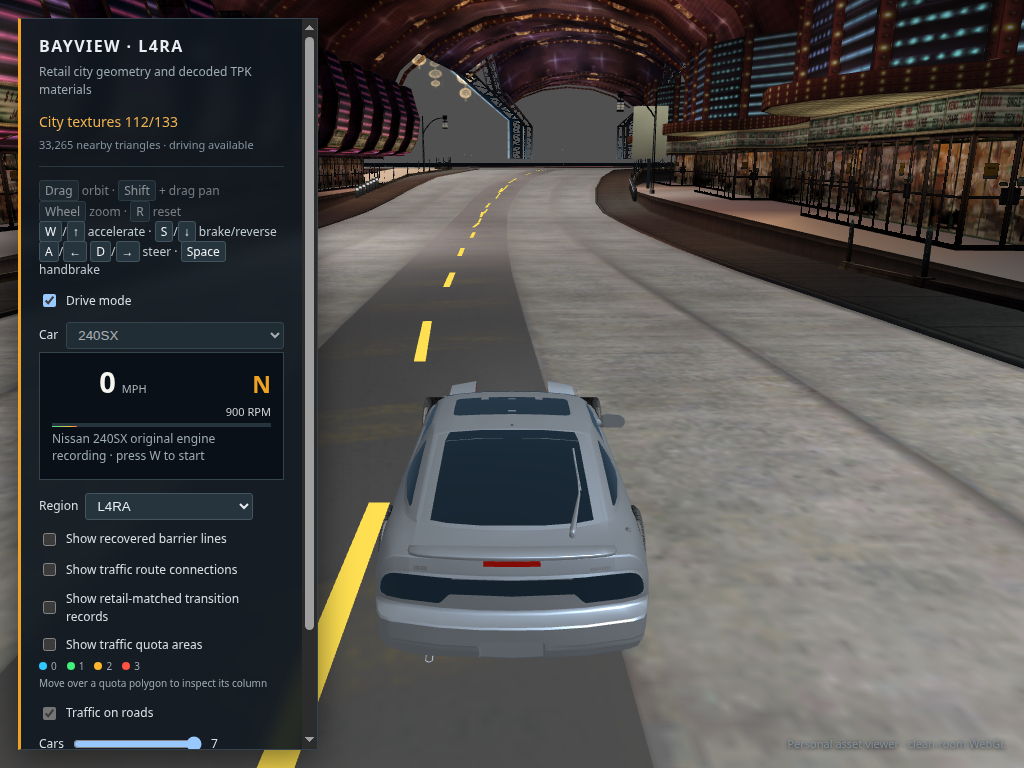
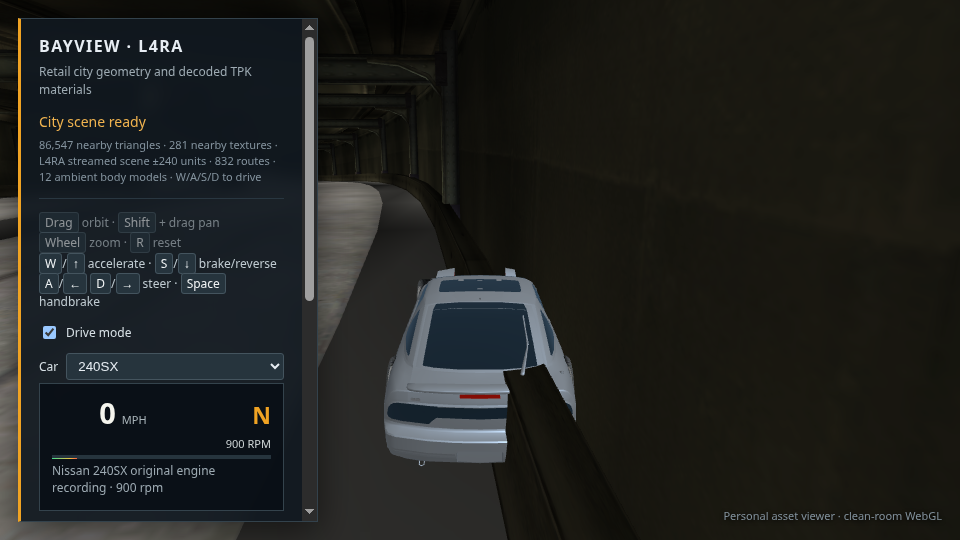
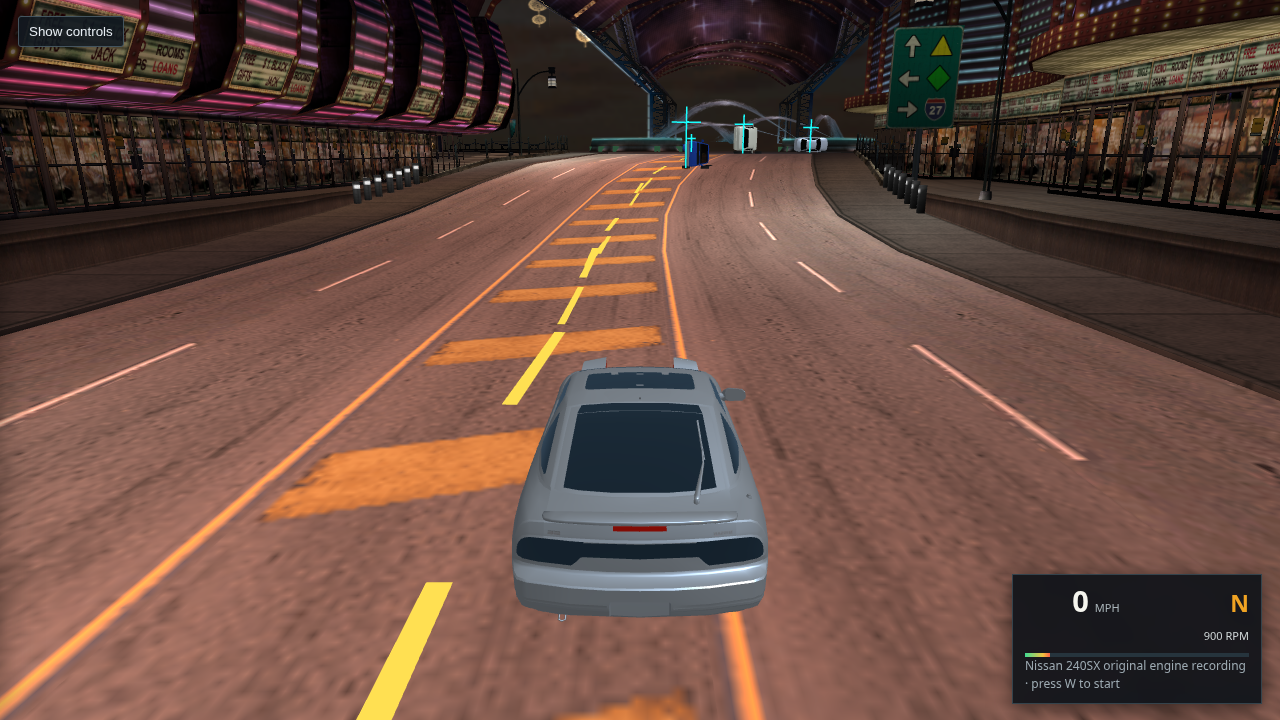
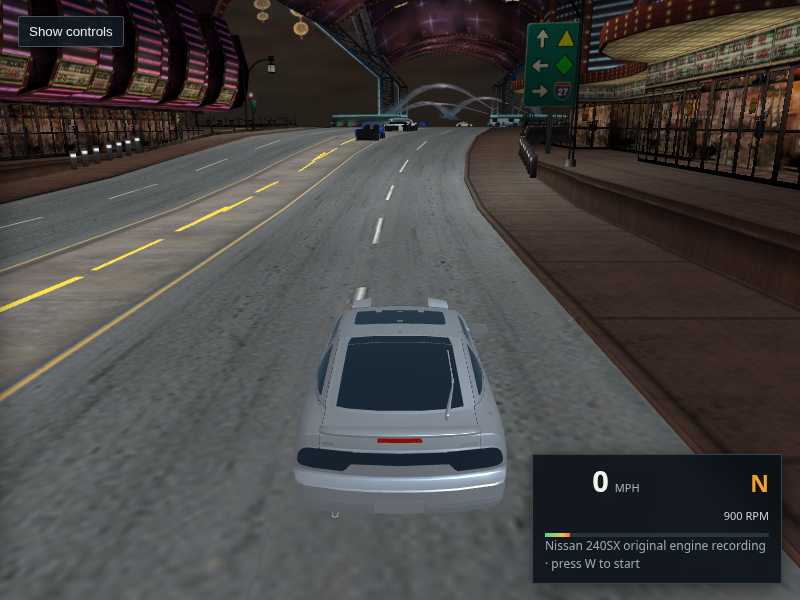
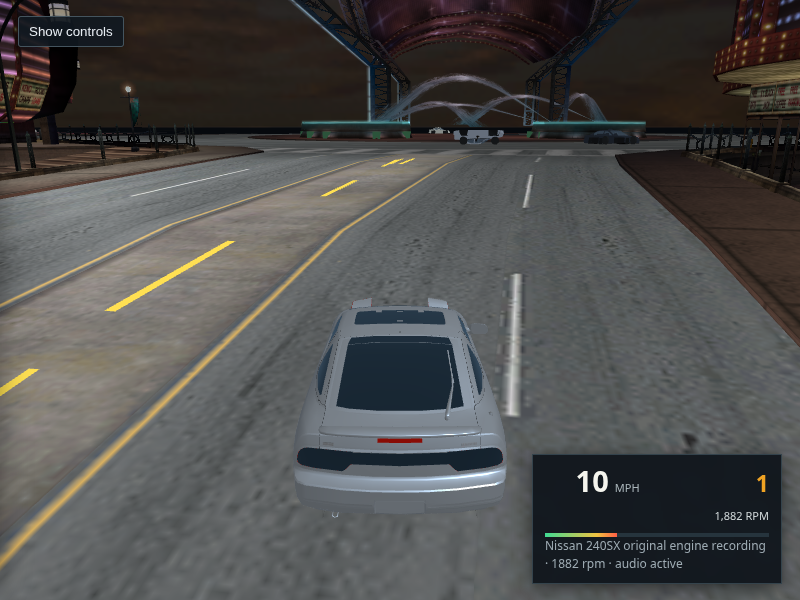
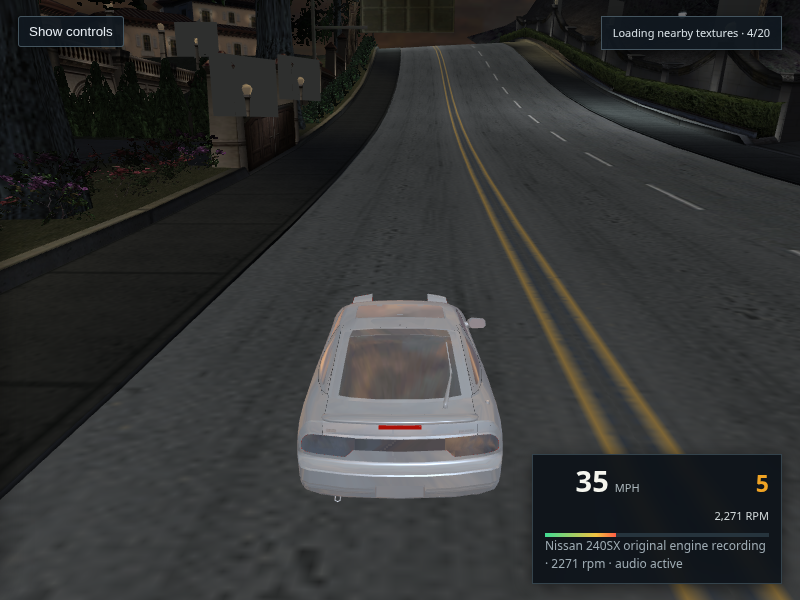
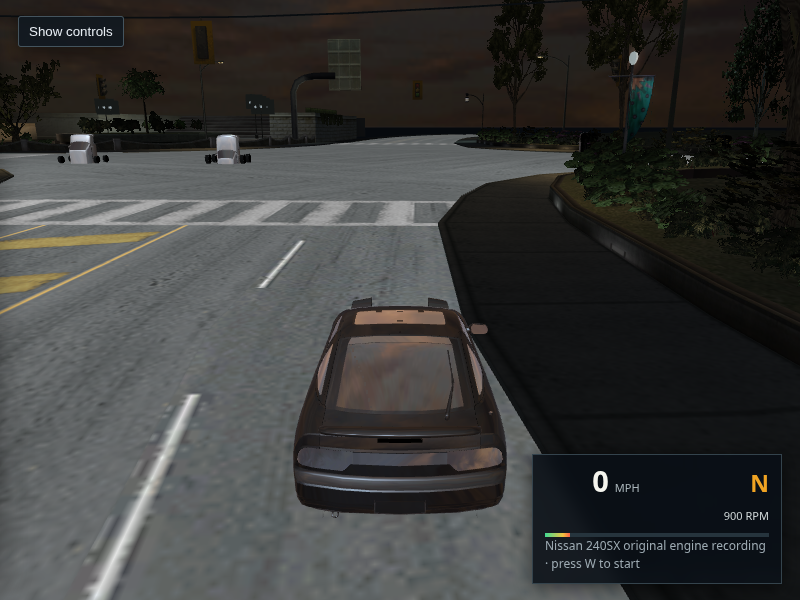
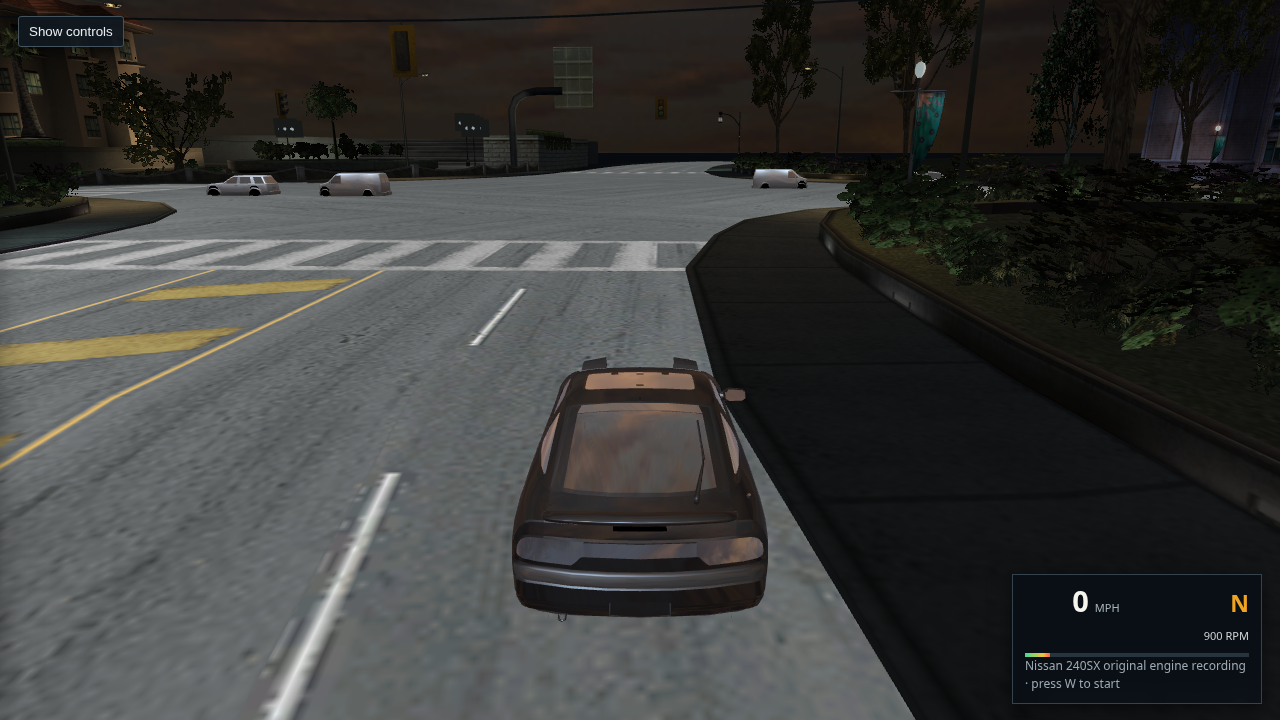
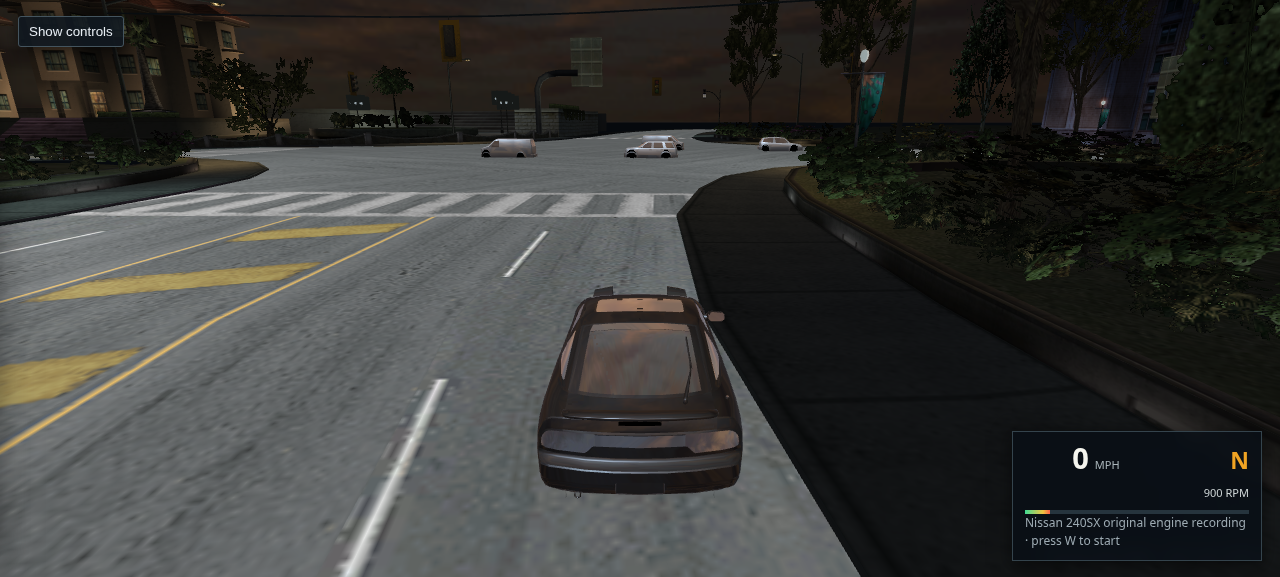
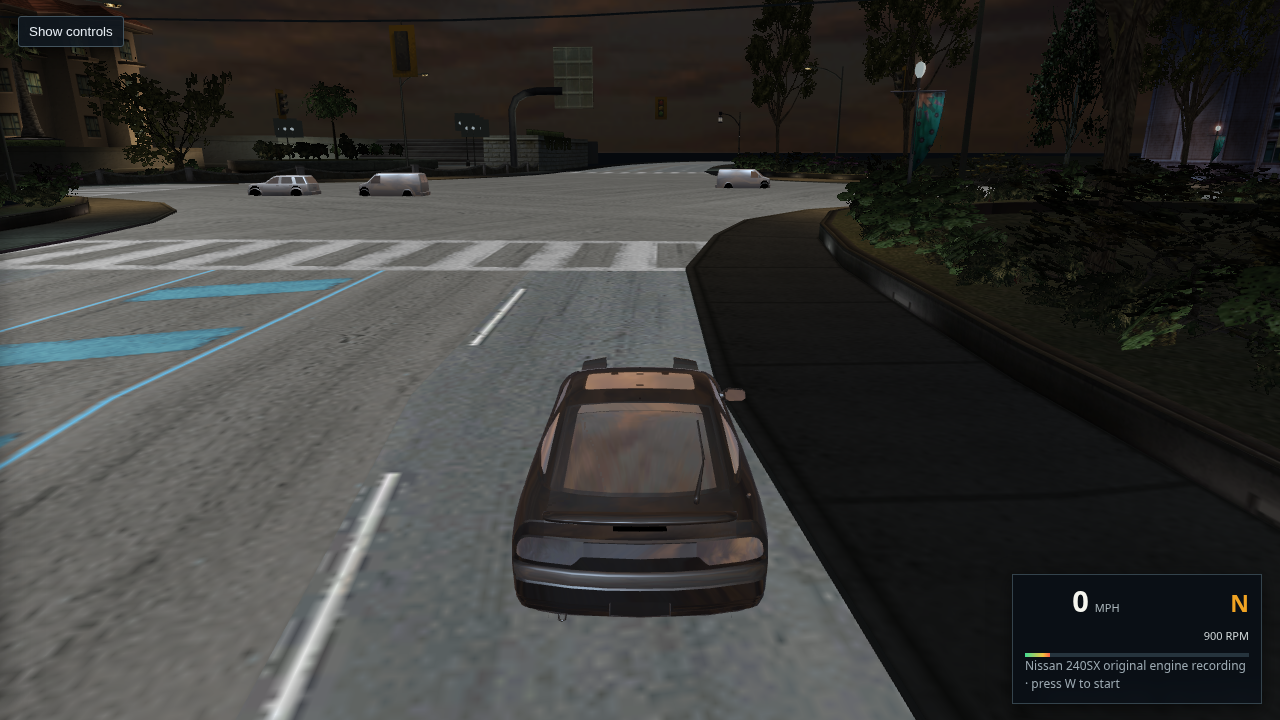
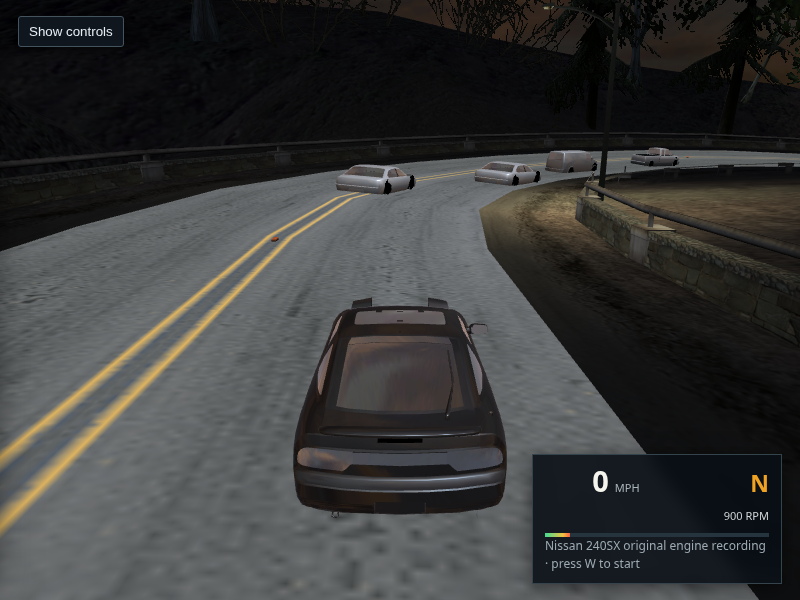
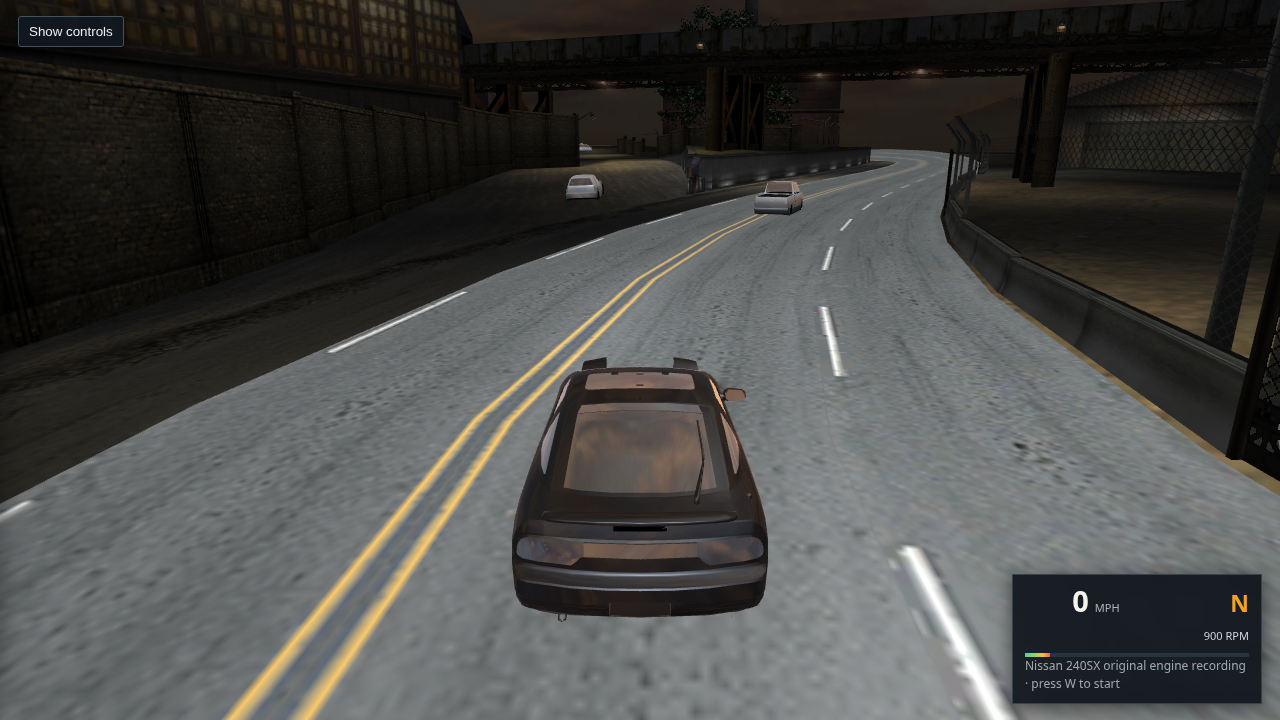
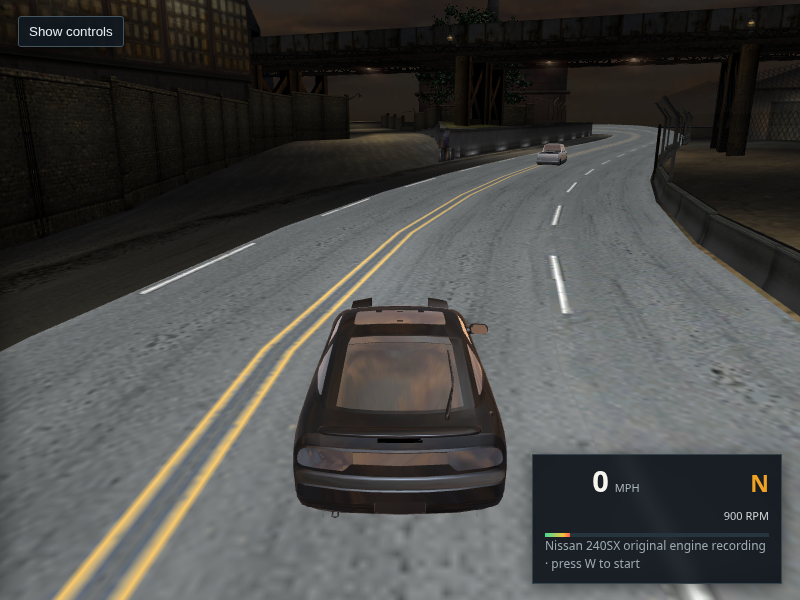
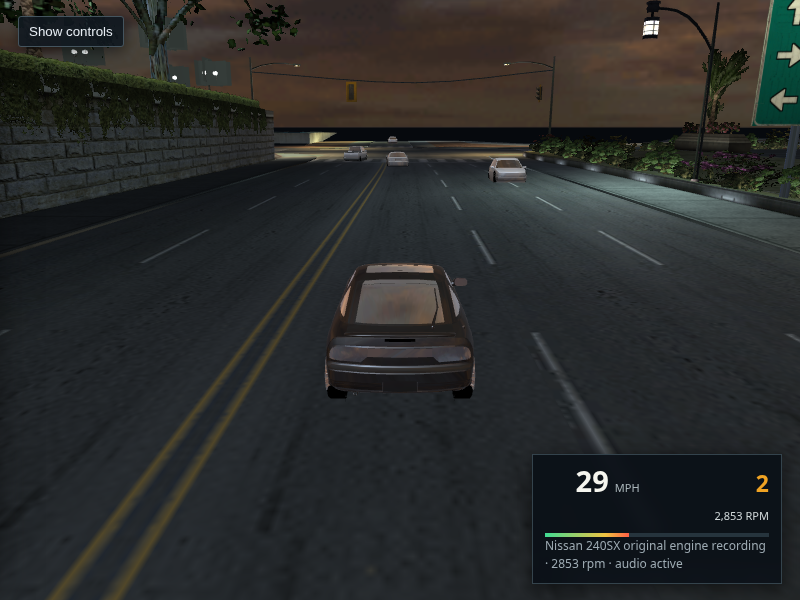
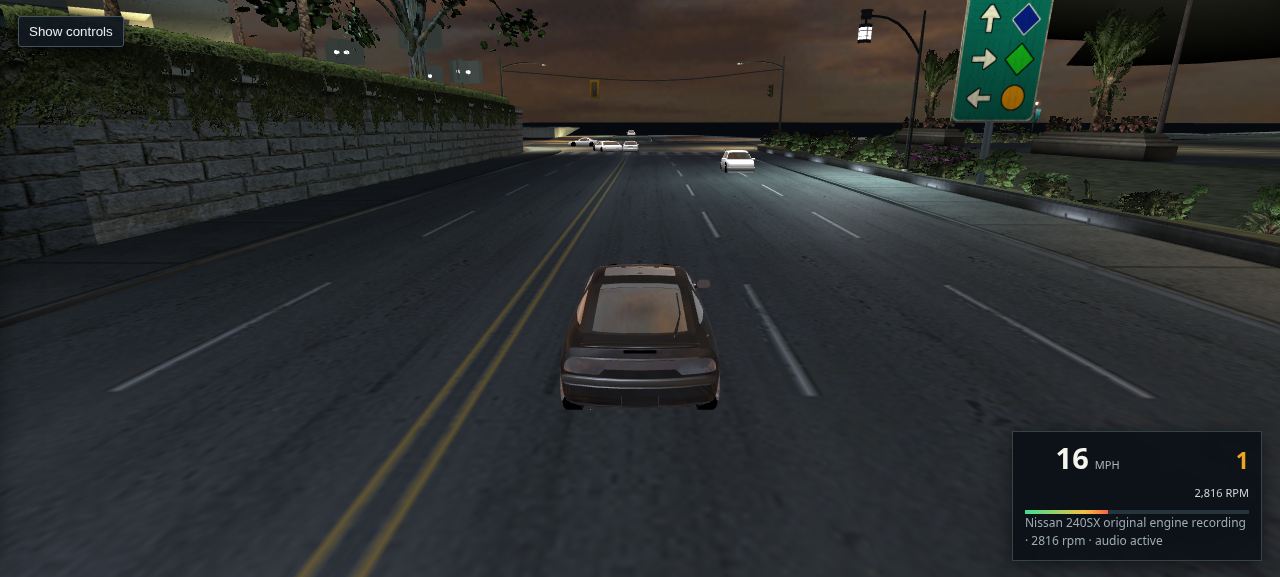
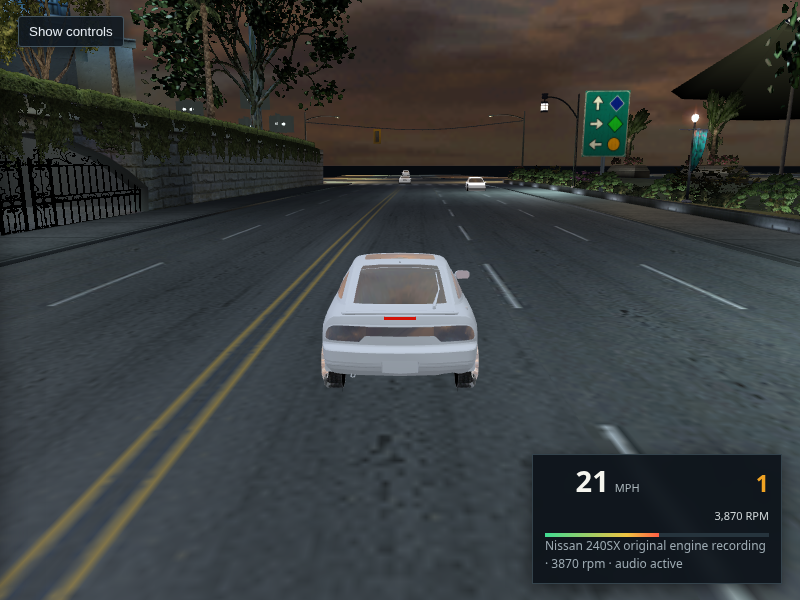
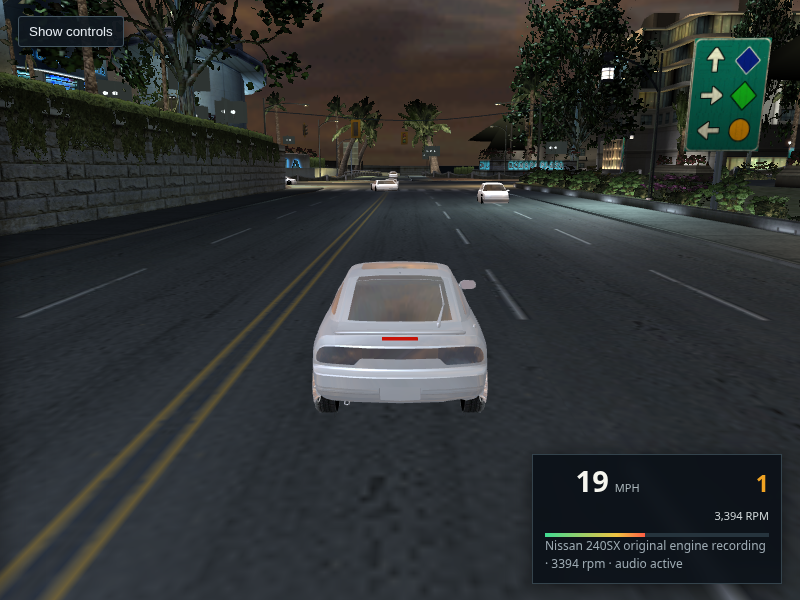
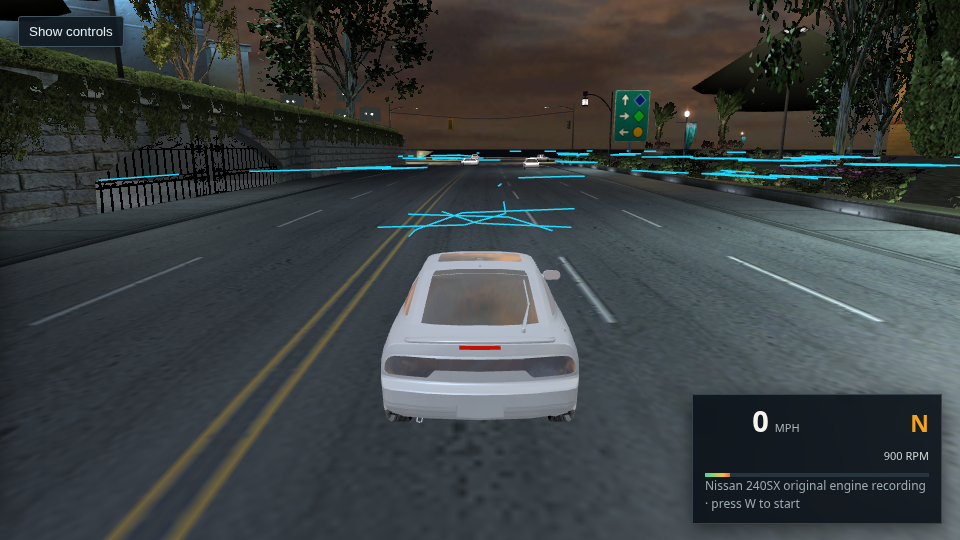
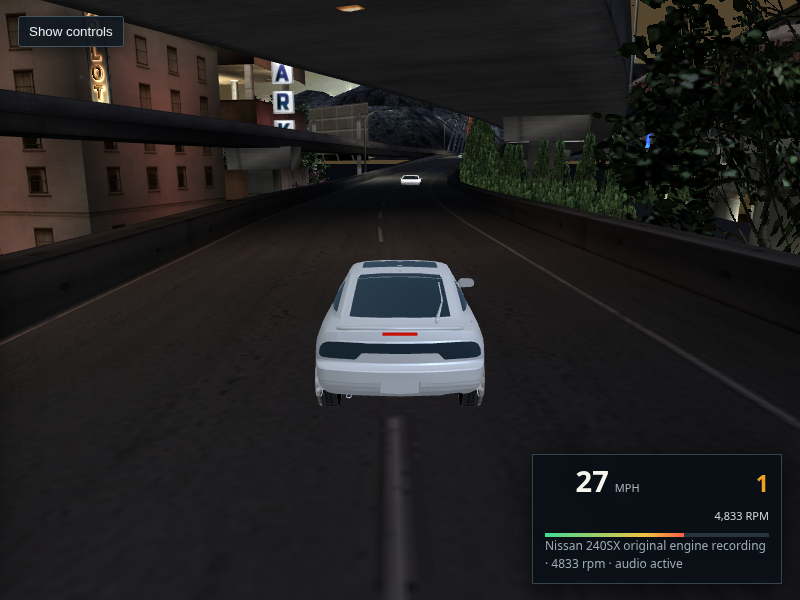
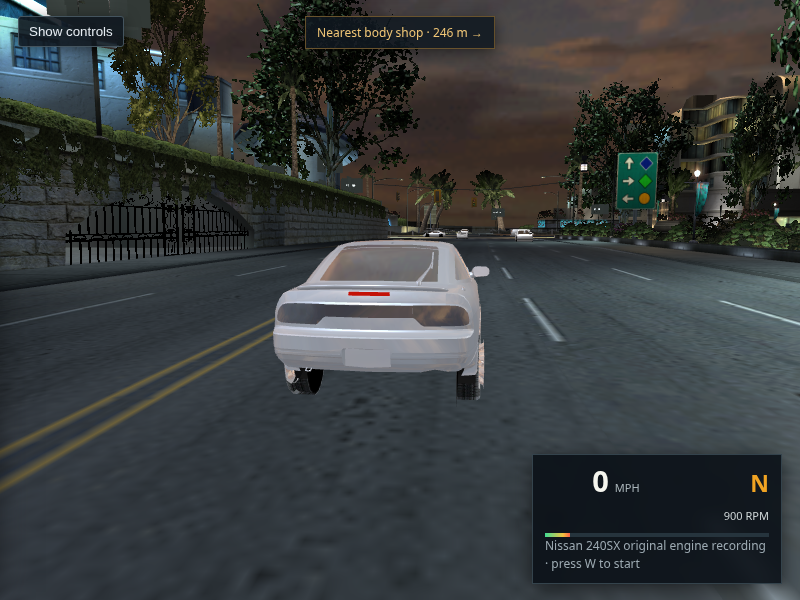
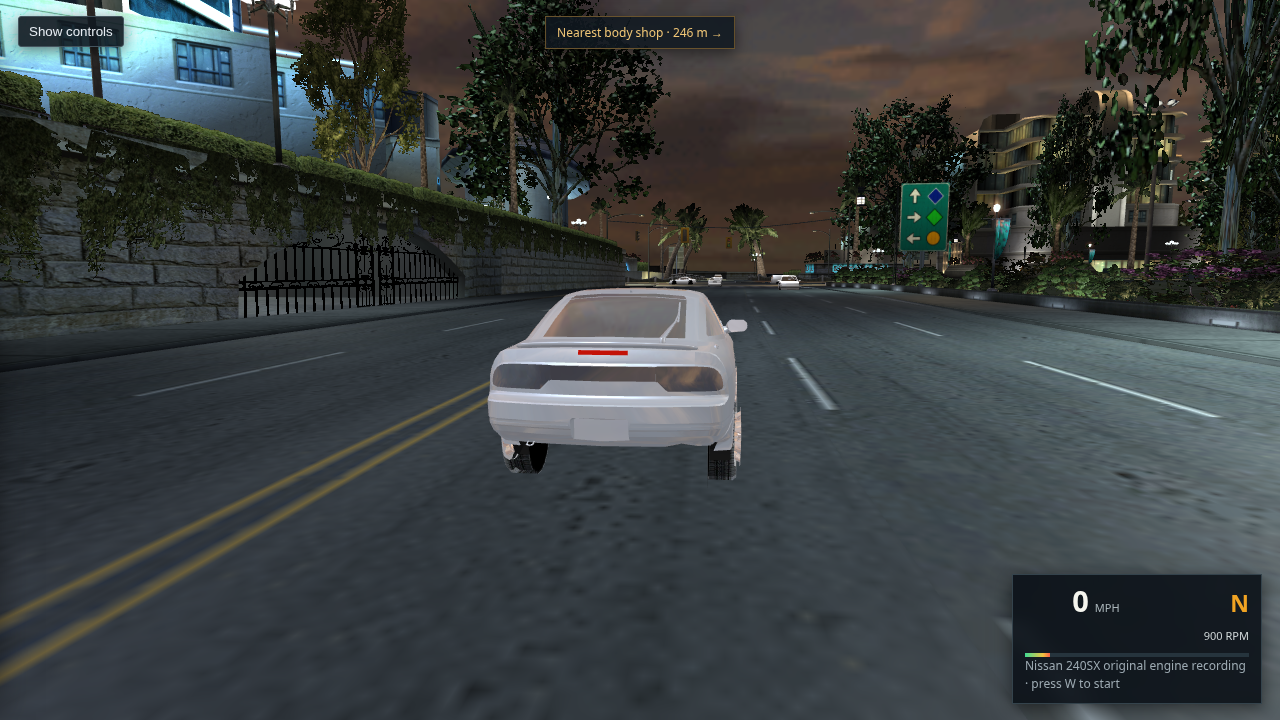
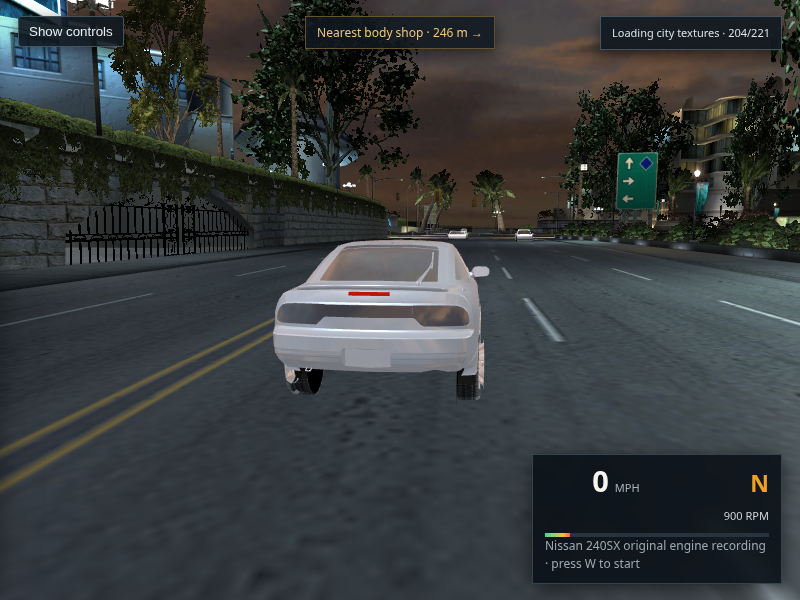
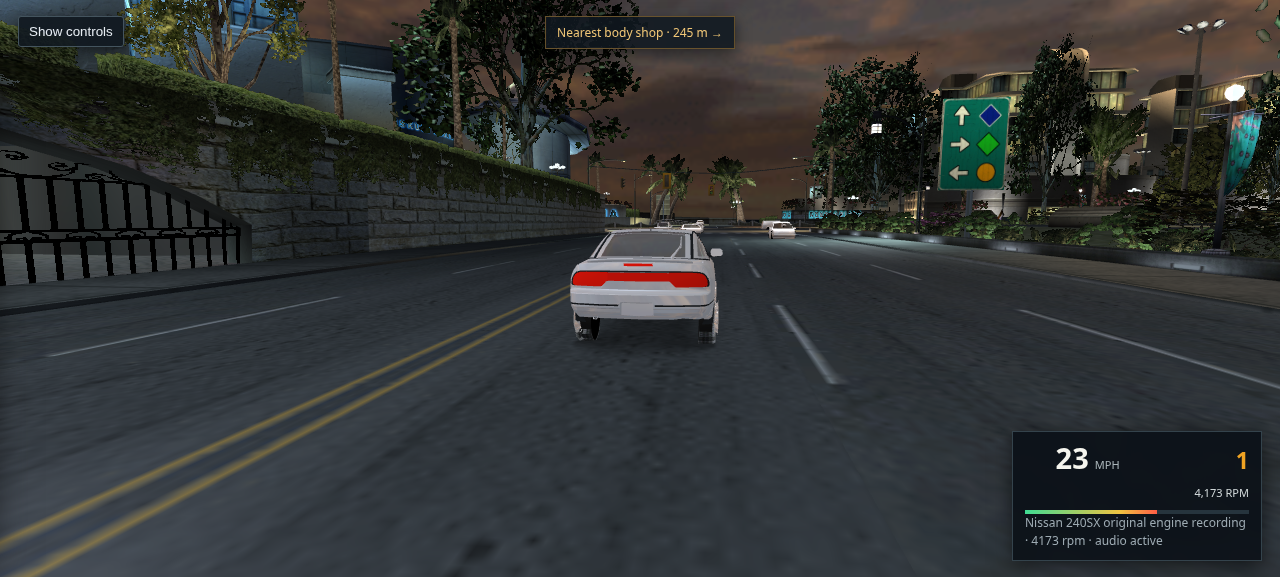
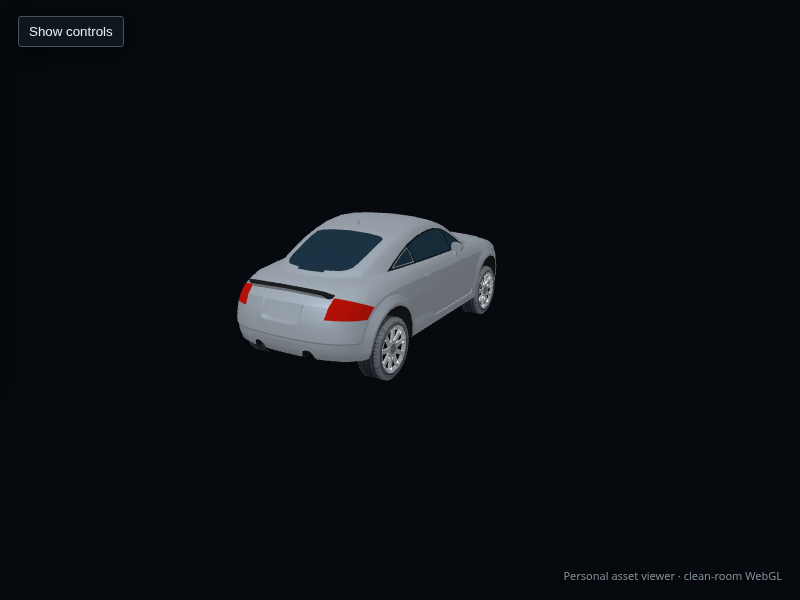
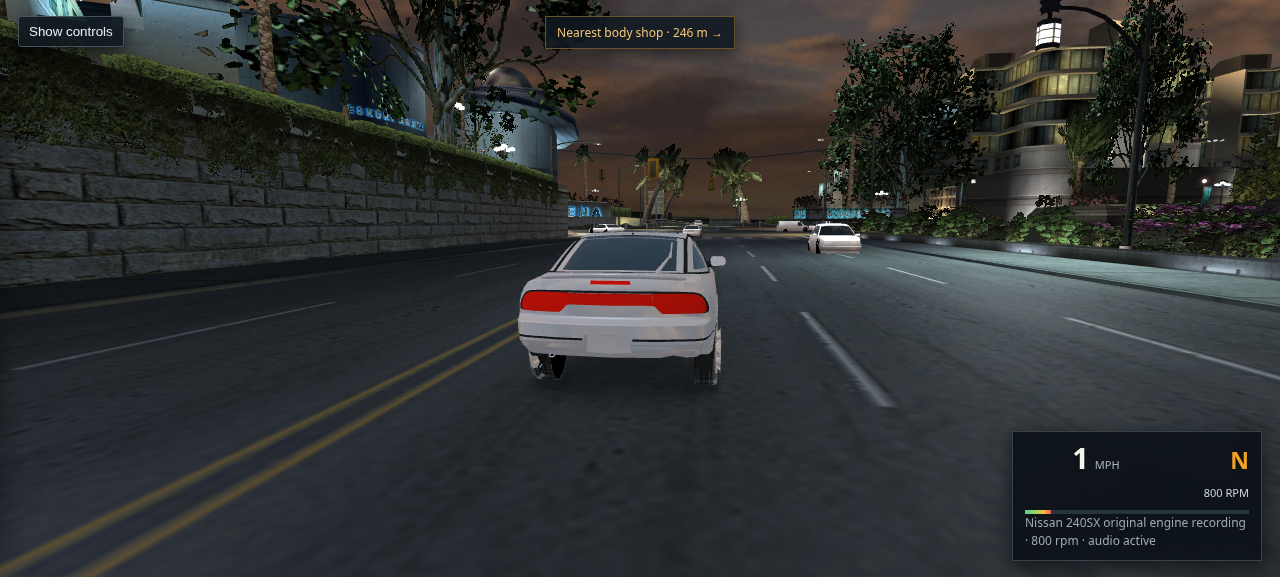
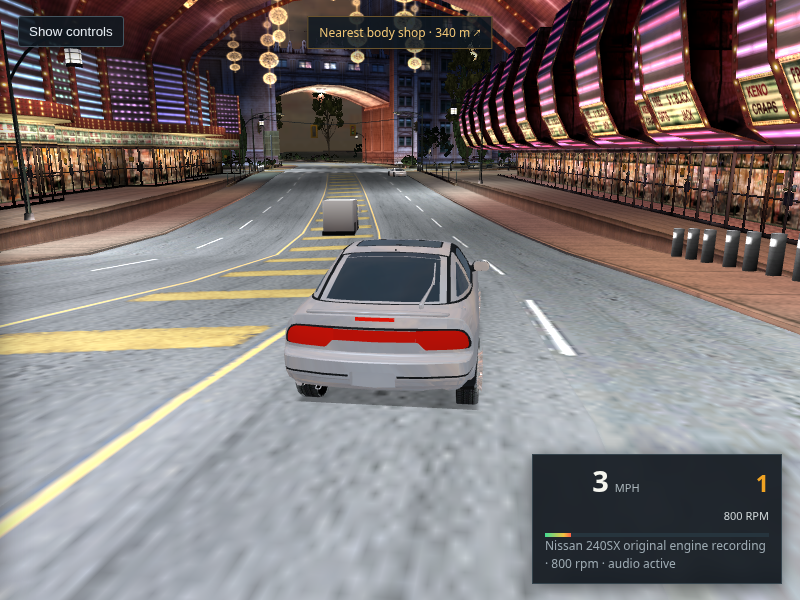
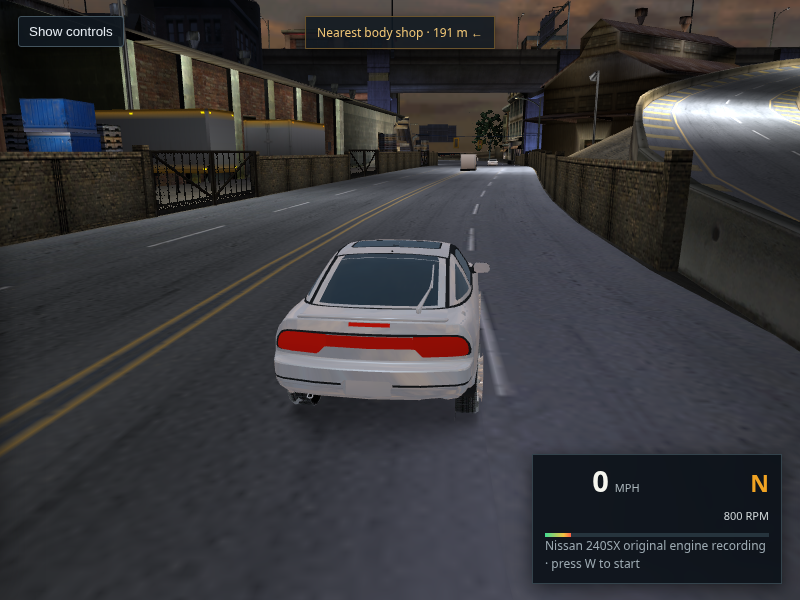
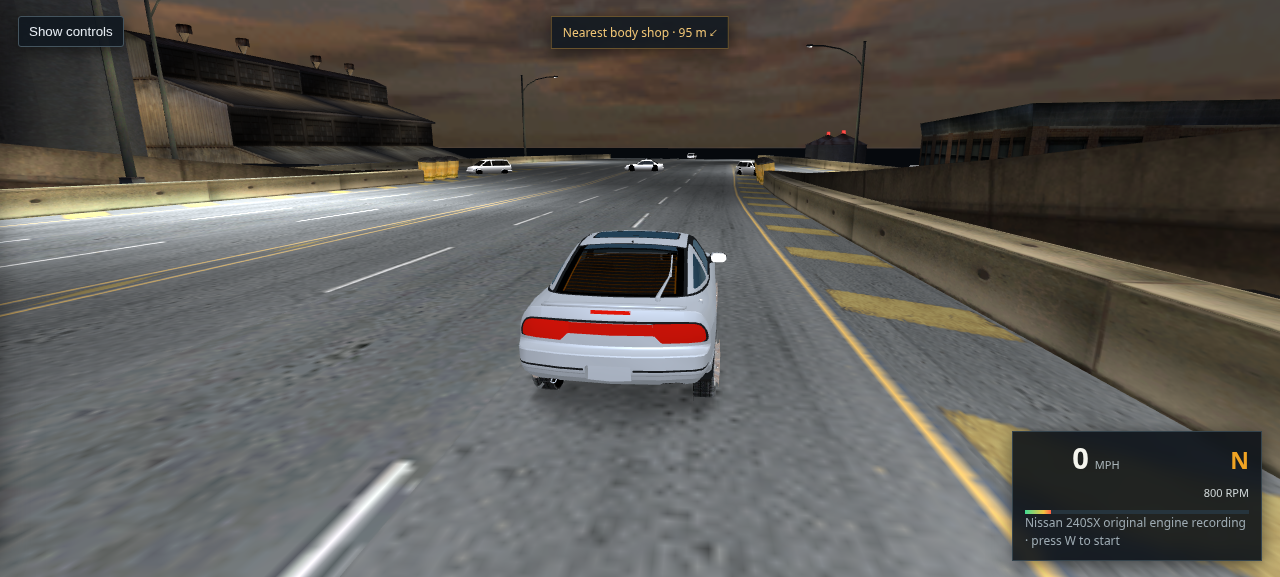
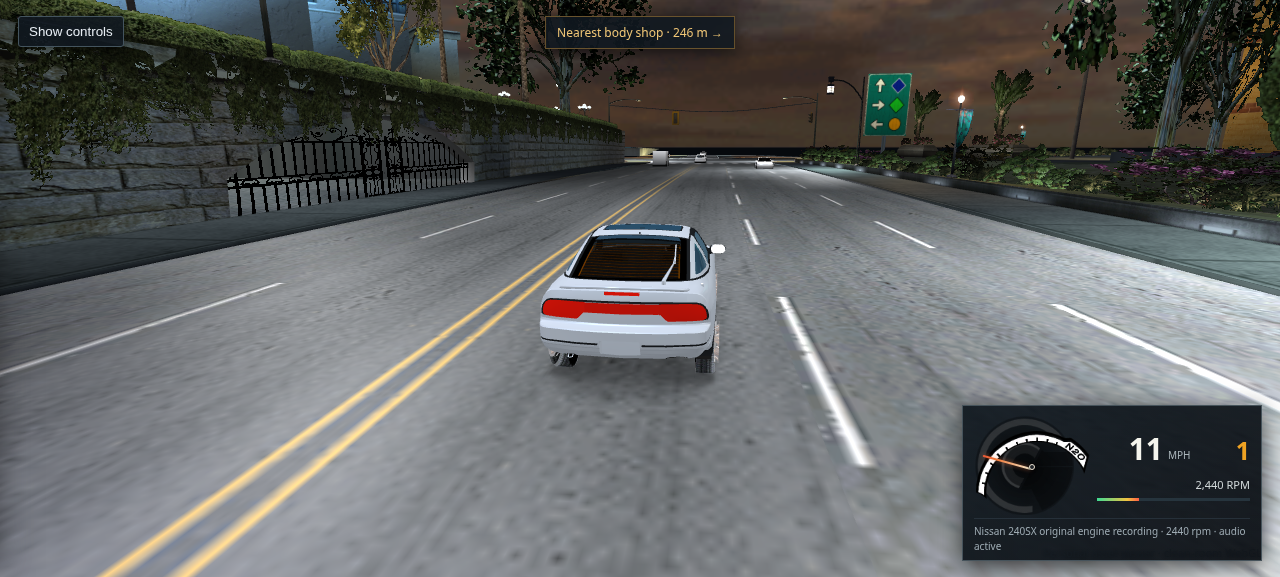
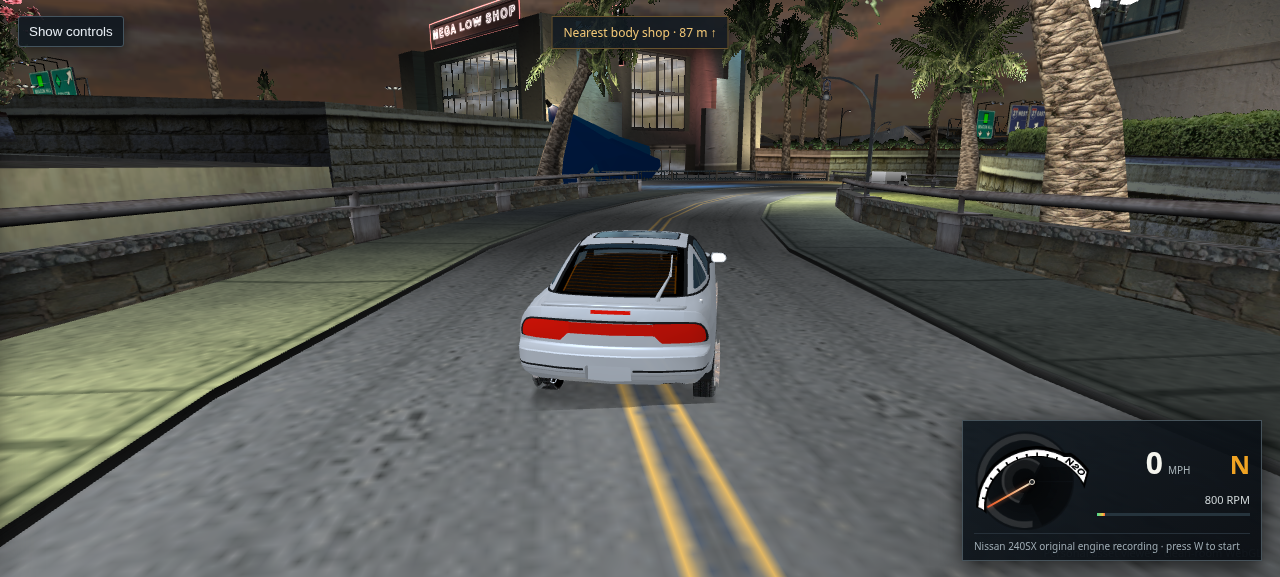
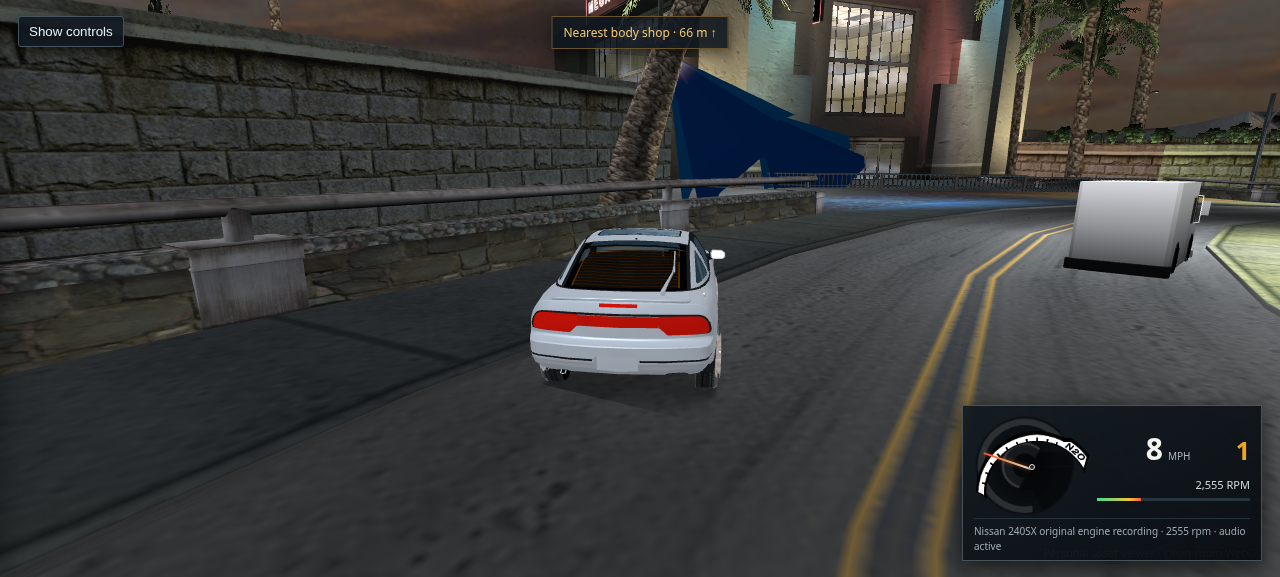
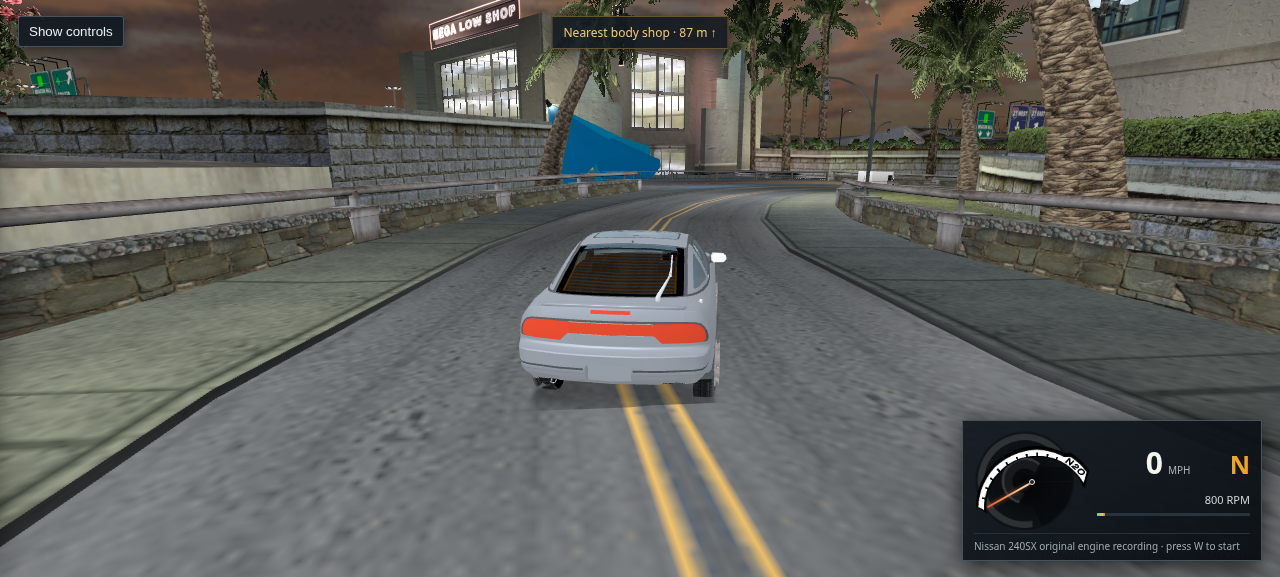
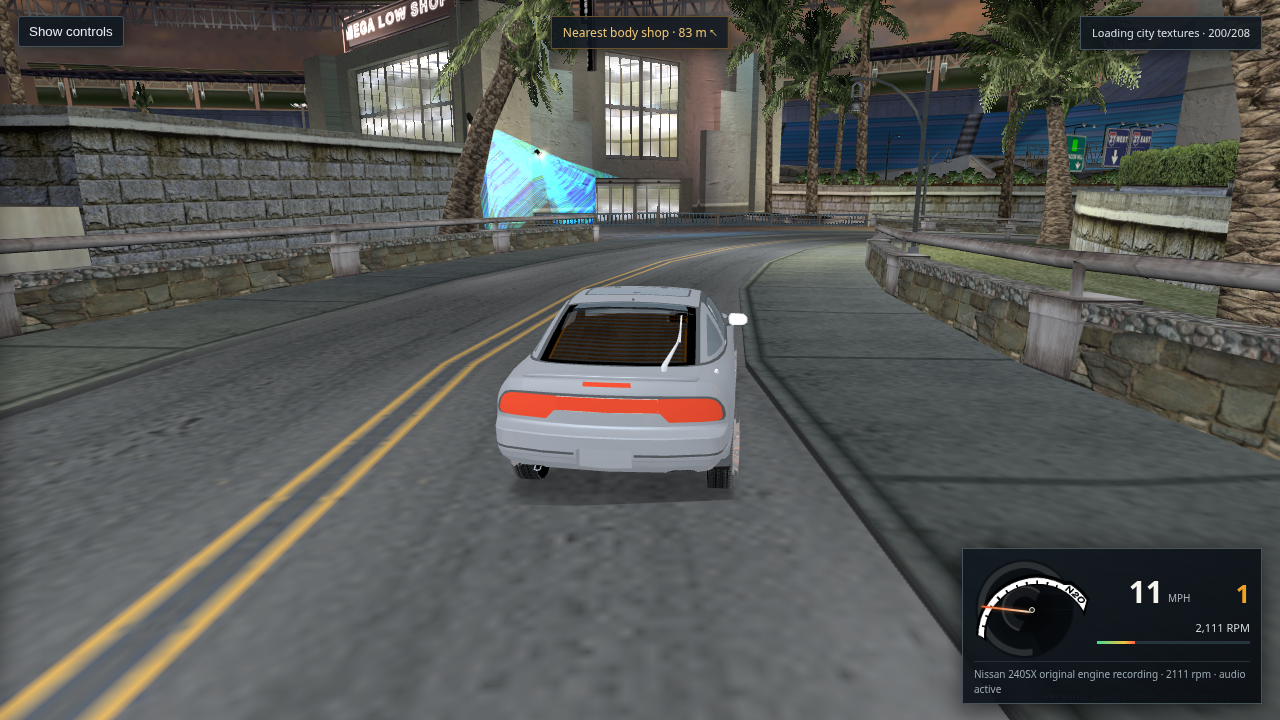
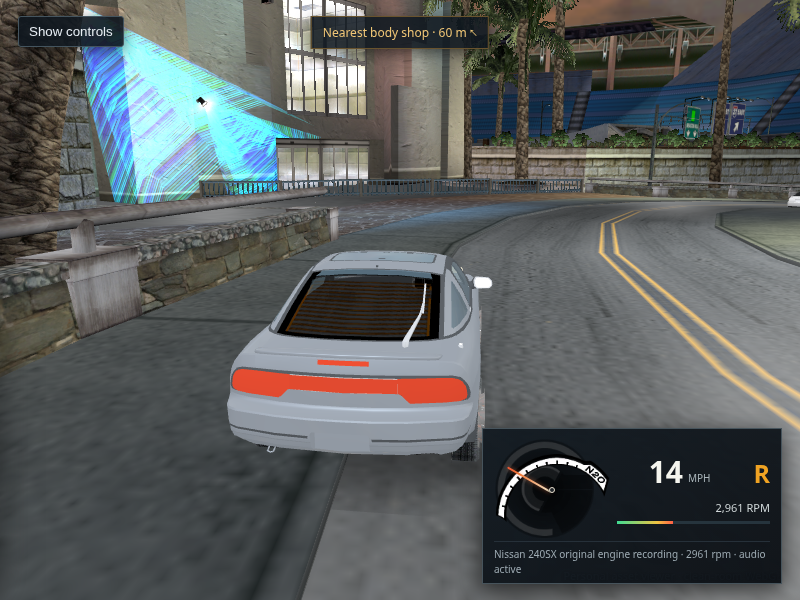
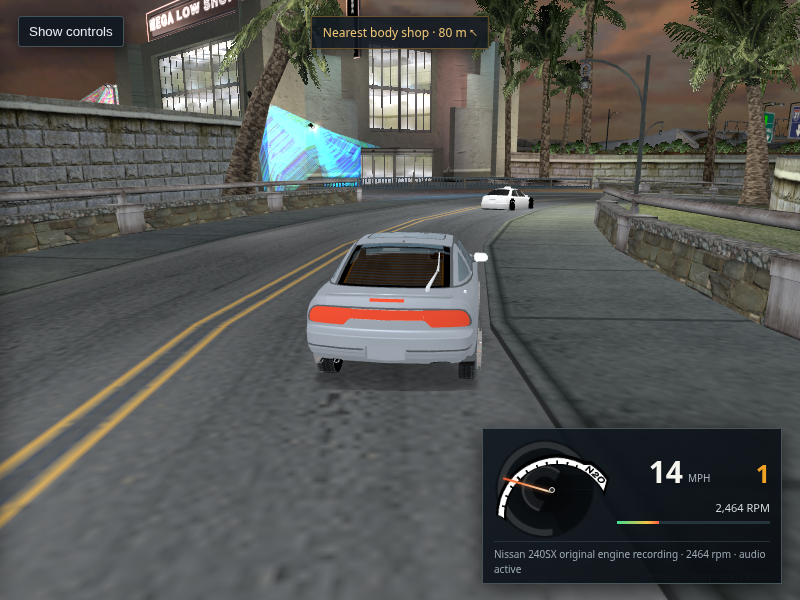
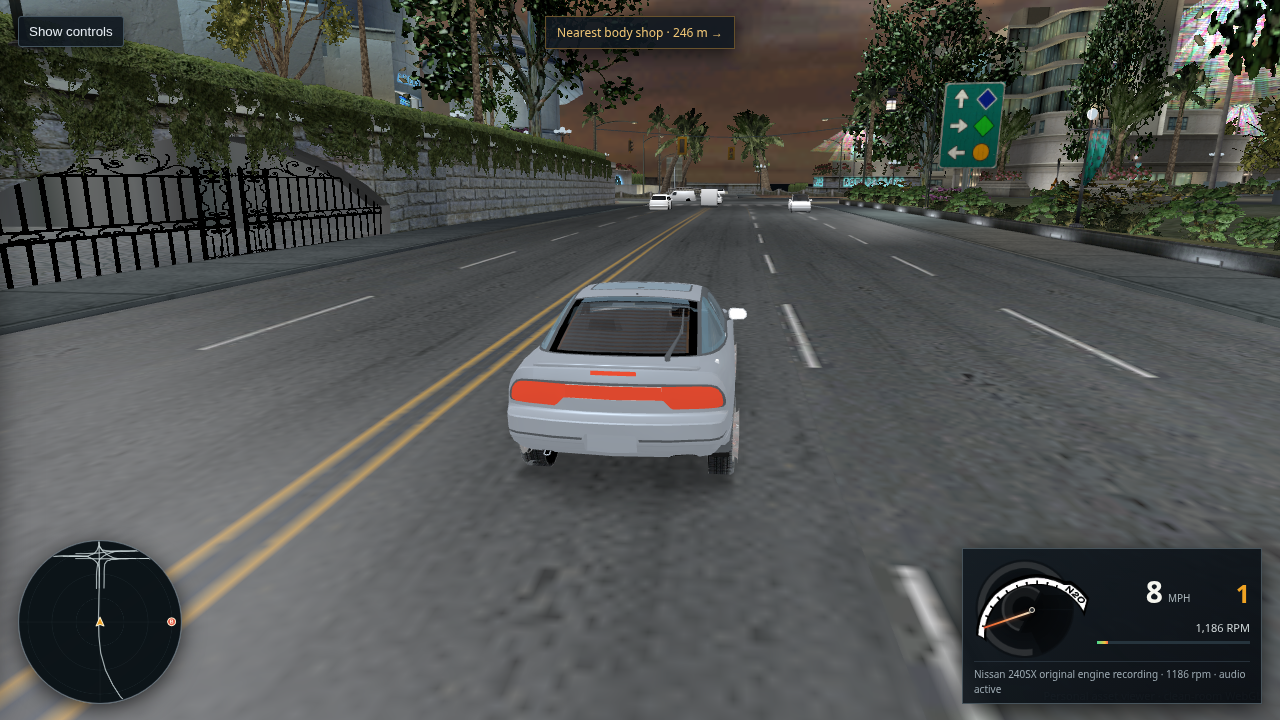
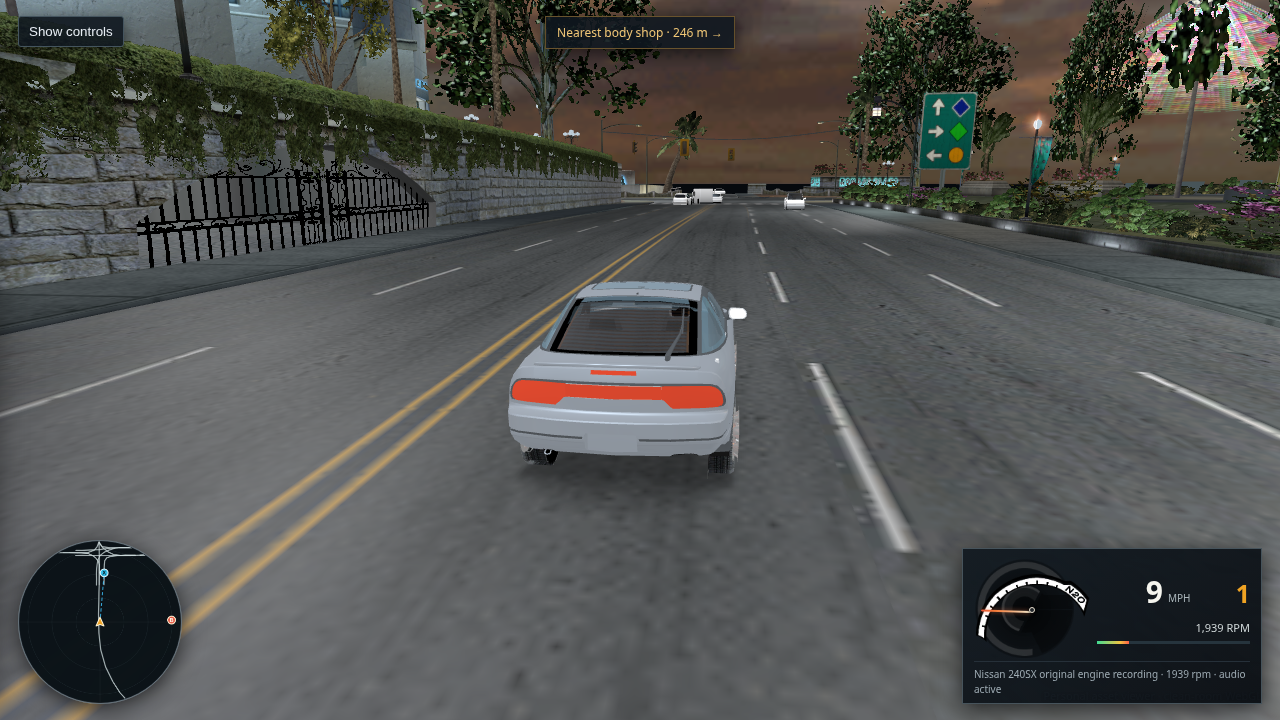
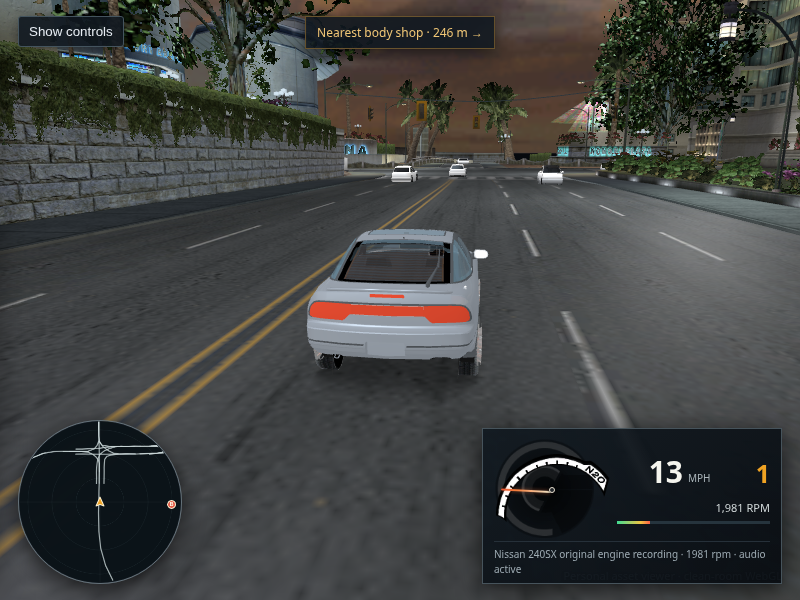
A Nissan 240SX midway through a tighter left turn on a marked Bayview road
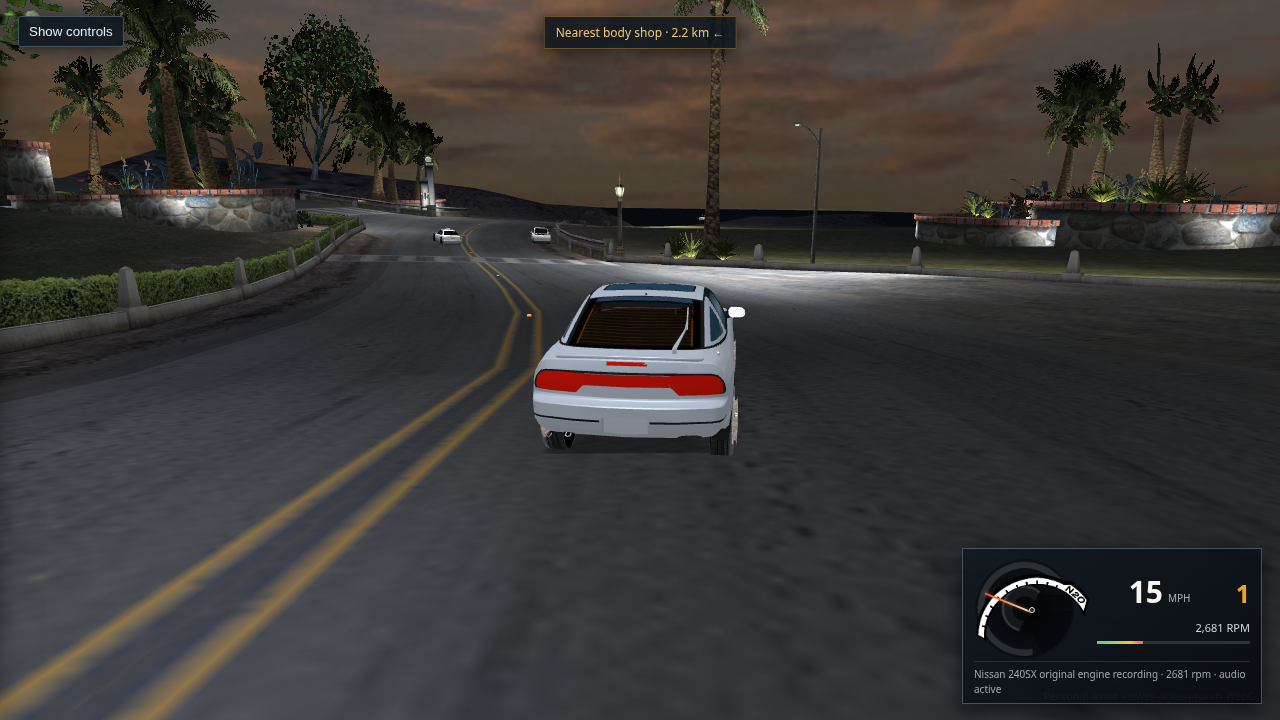
Packaged host Chrome · L4RA · 240SX · 1 second throttle and left input

494 · Confirm the tighter ordinary steering response

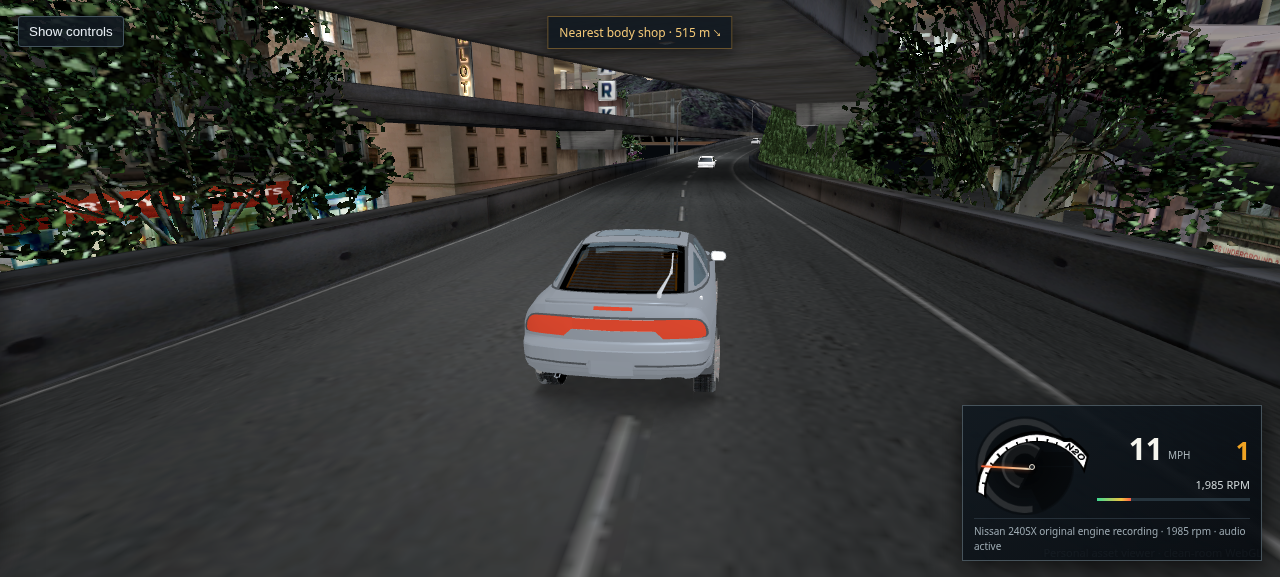
After raising the ordinary yaw cap to 0.95 rad/s, turn acceleration to 16, and visible wheel lock to 0.72 rad, a controlled one second throttle-and-left input changed heading by 0.70 radians over 3.0 metres, ending at about 10 mph. The car remained on the road in the inspected capture. Chrome reported no page or console errors. This is a viewer handling estimate, not a recovered retail turning curve.

Open full-size capture · Try the same city start
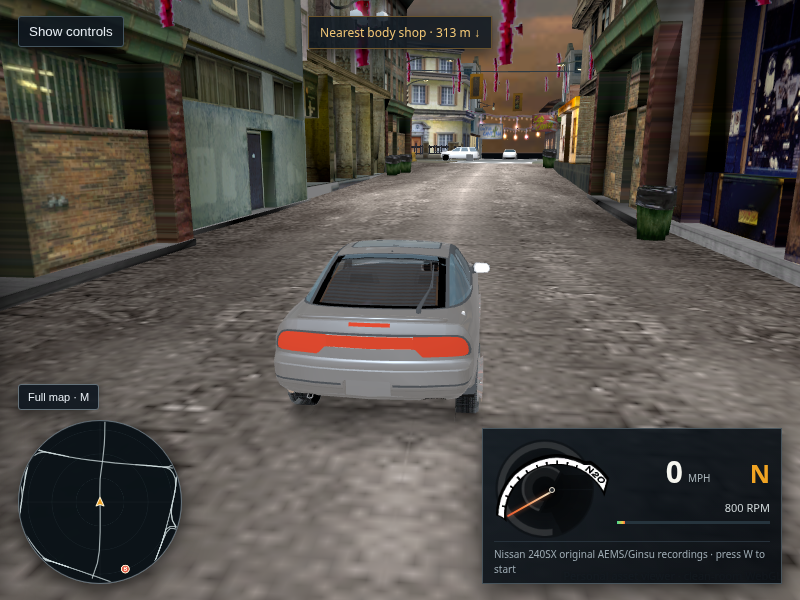
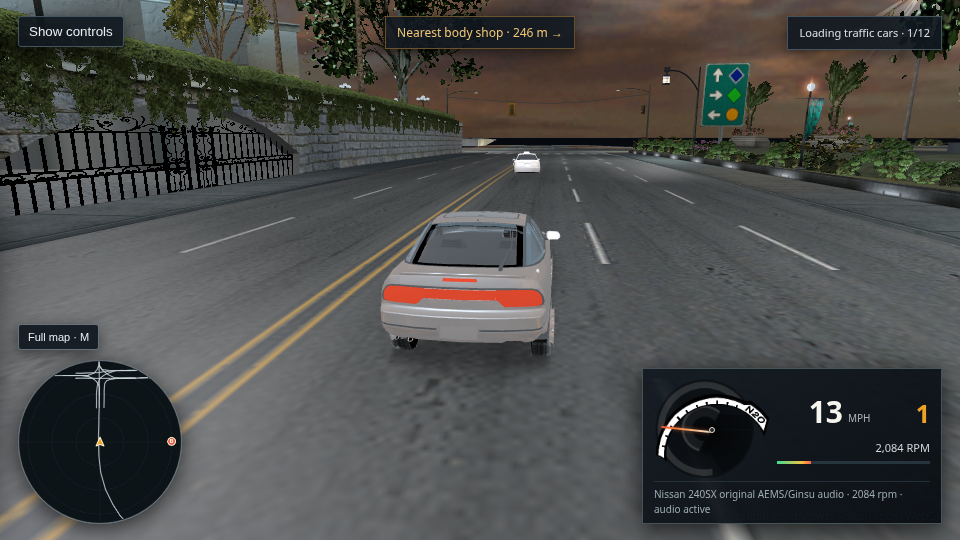
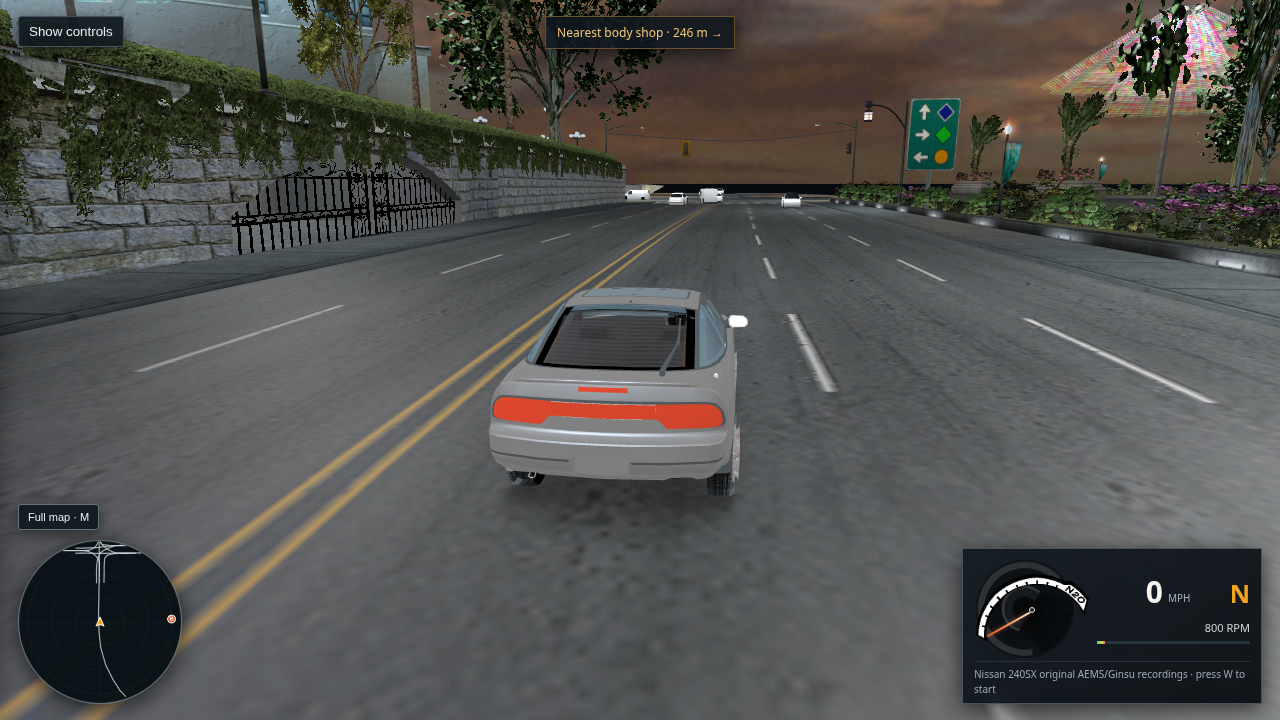
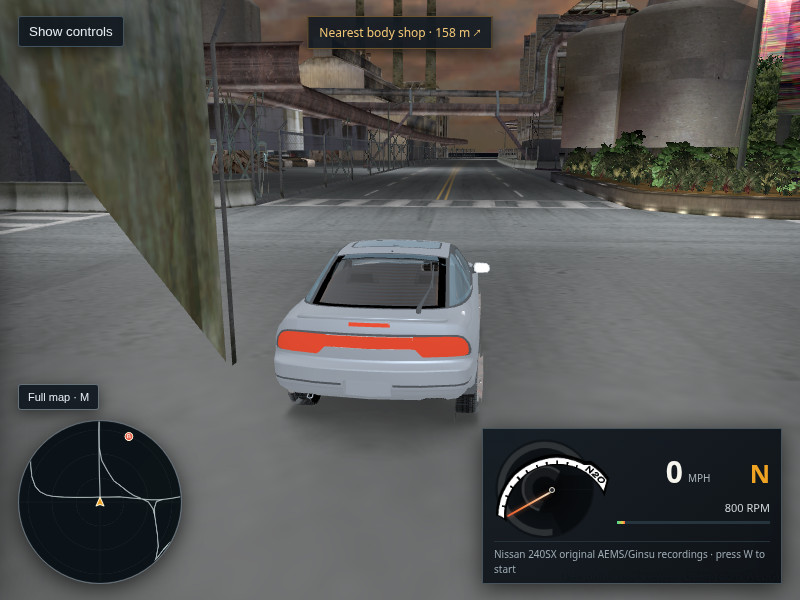
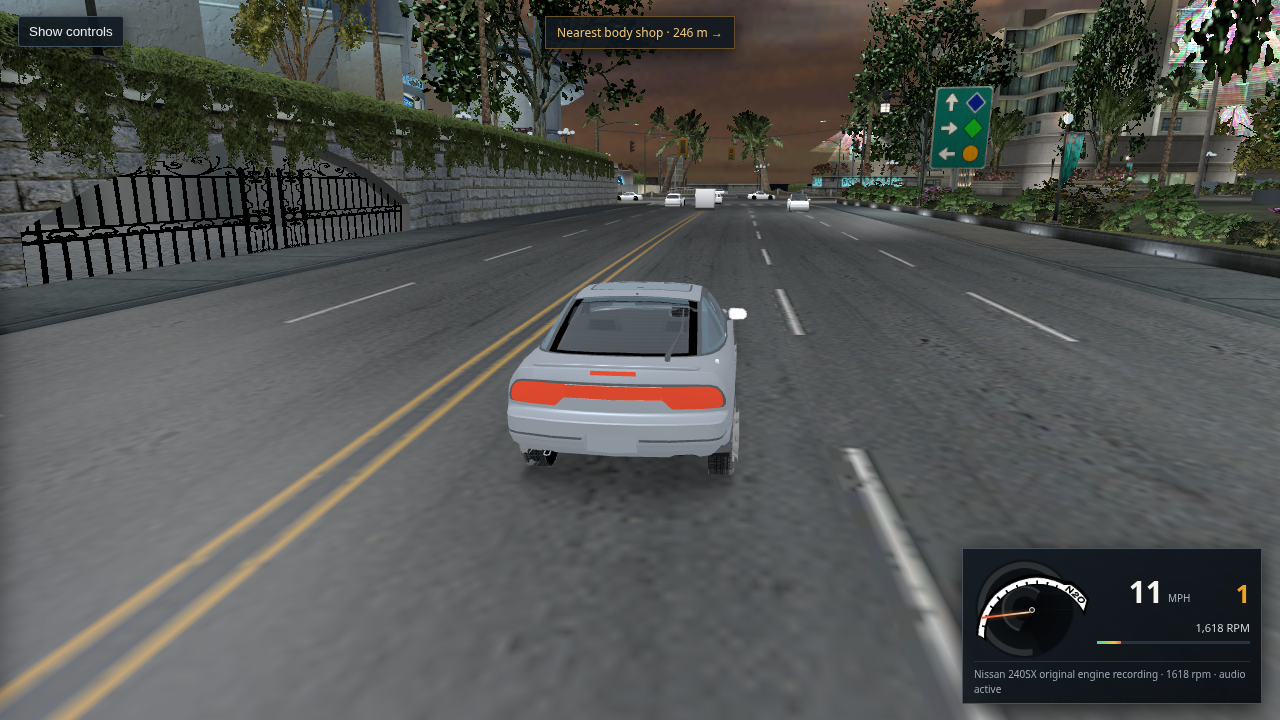
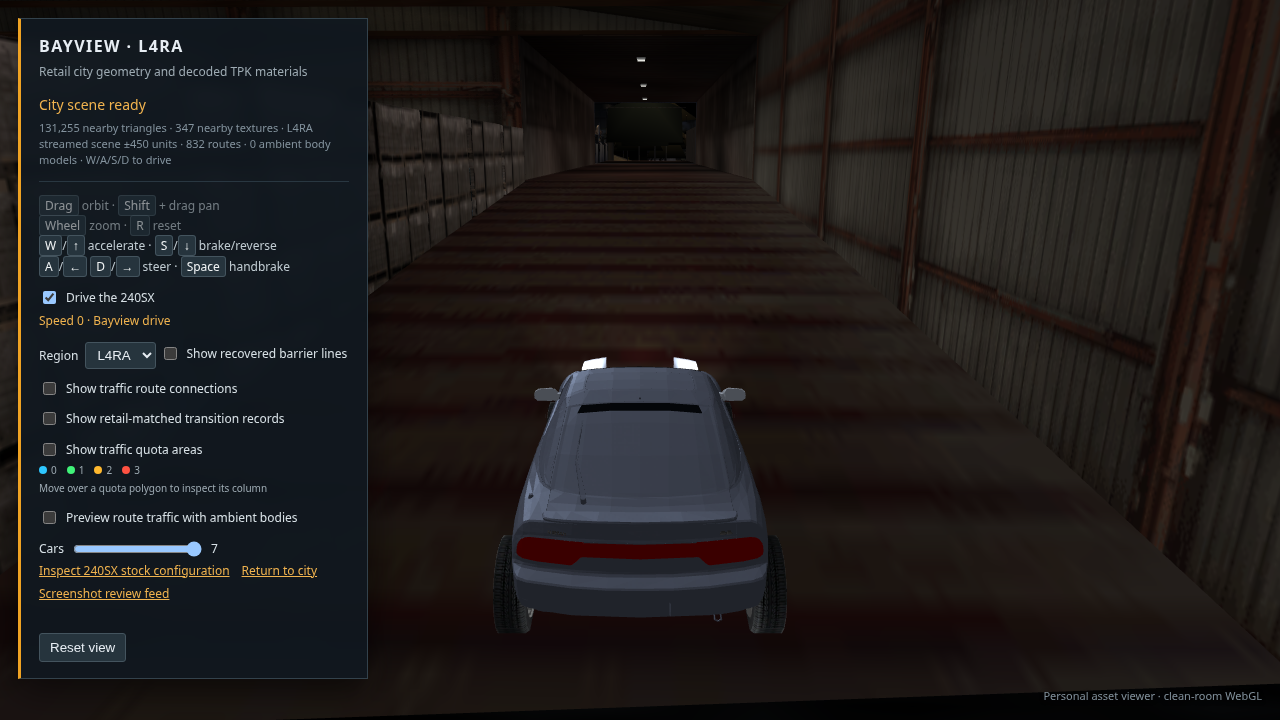
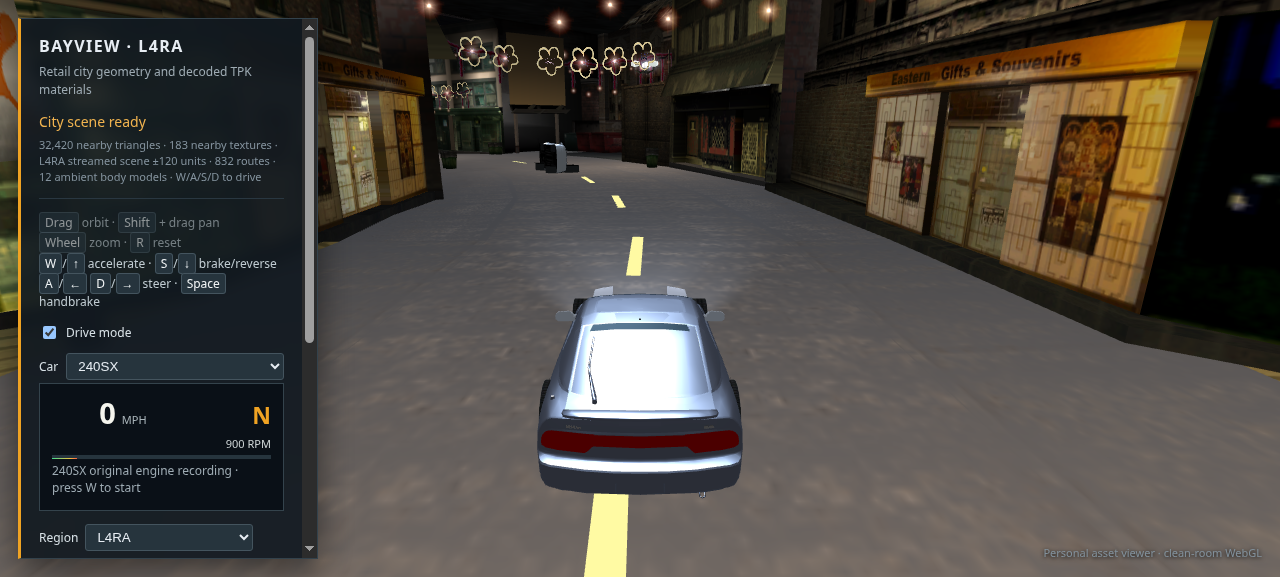
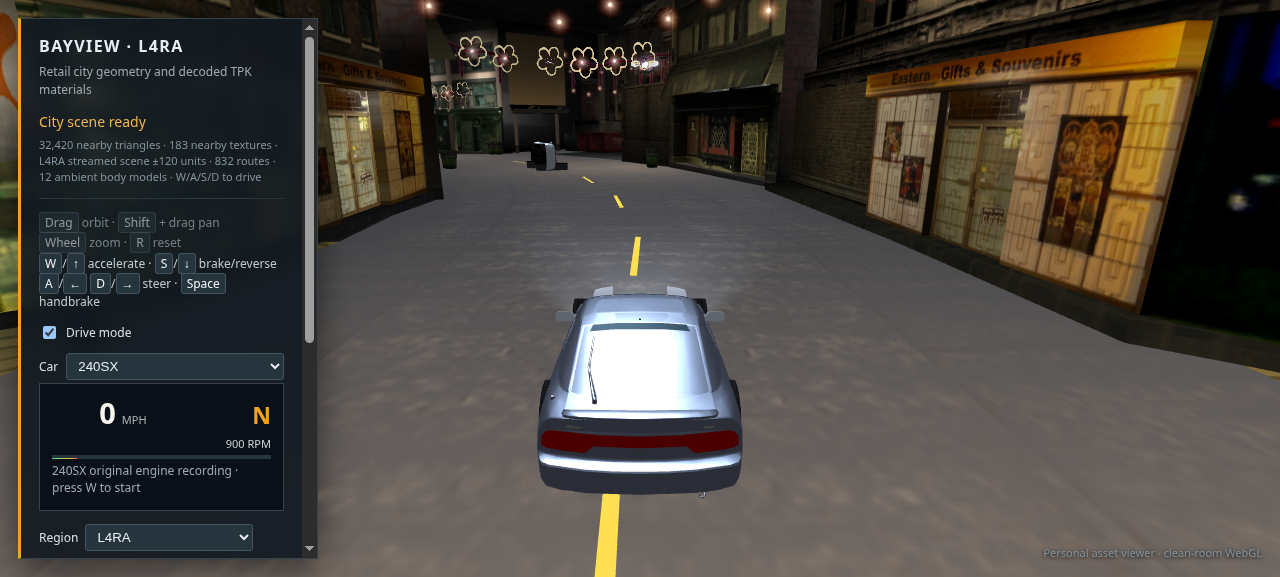
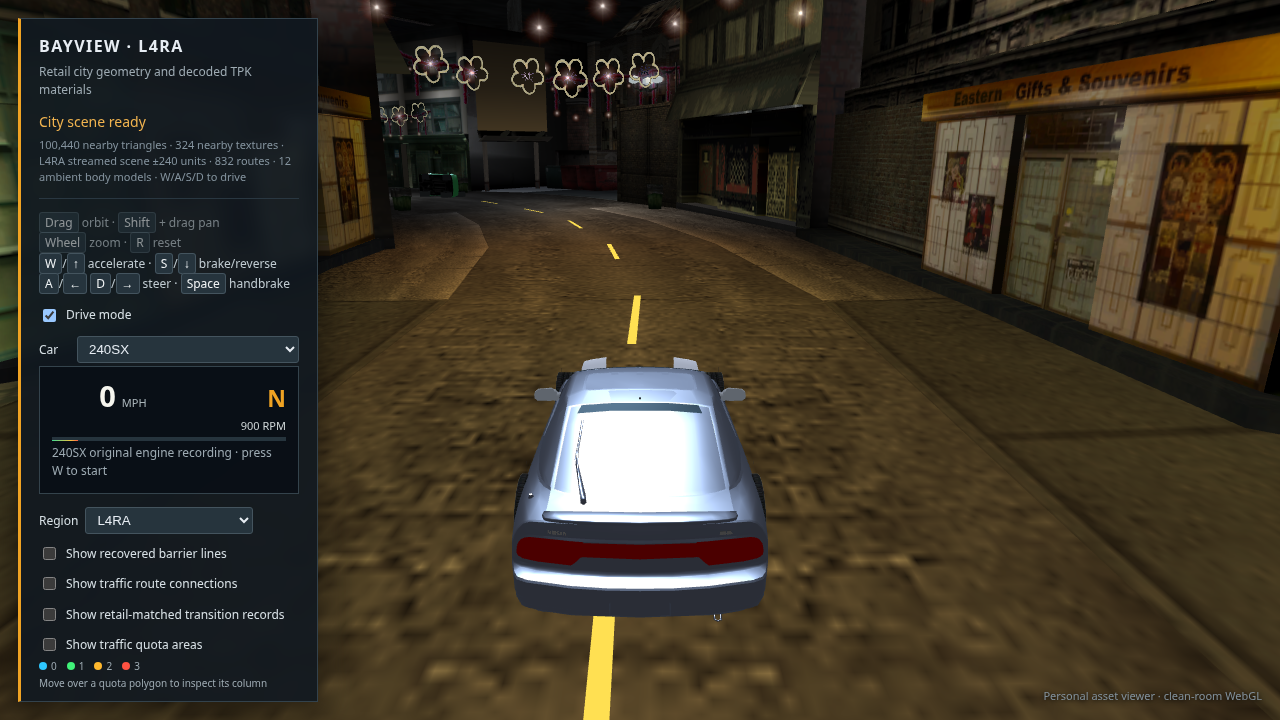
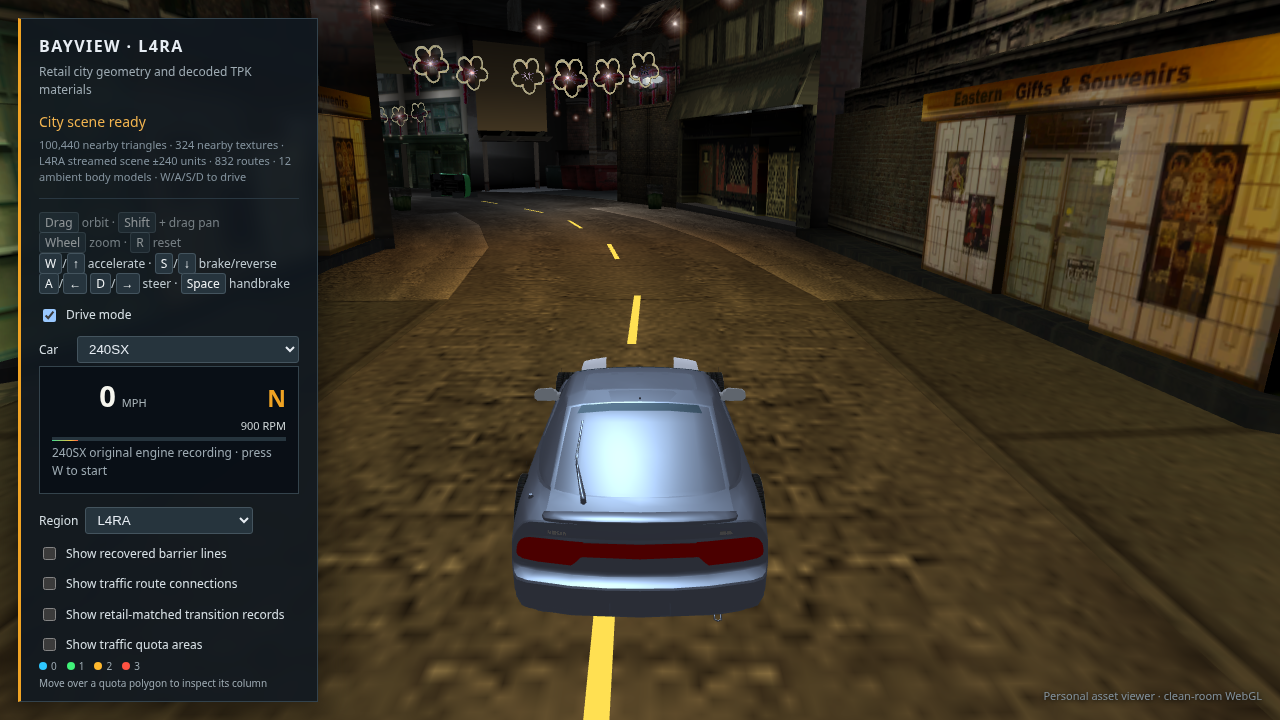
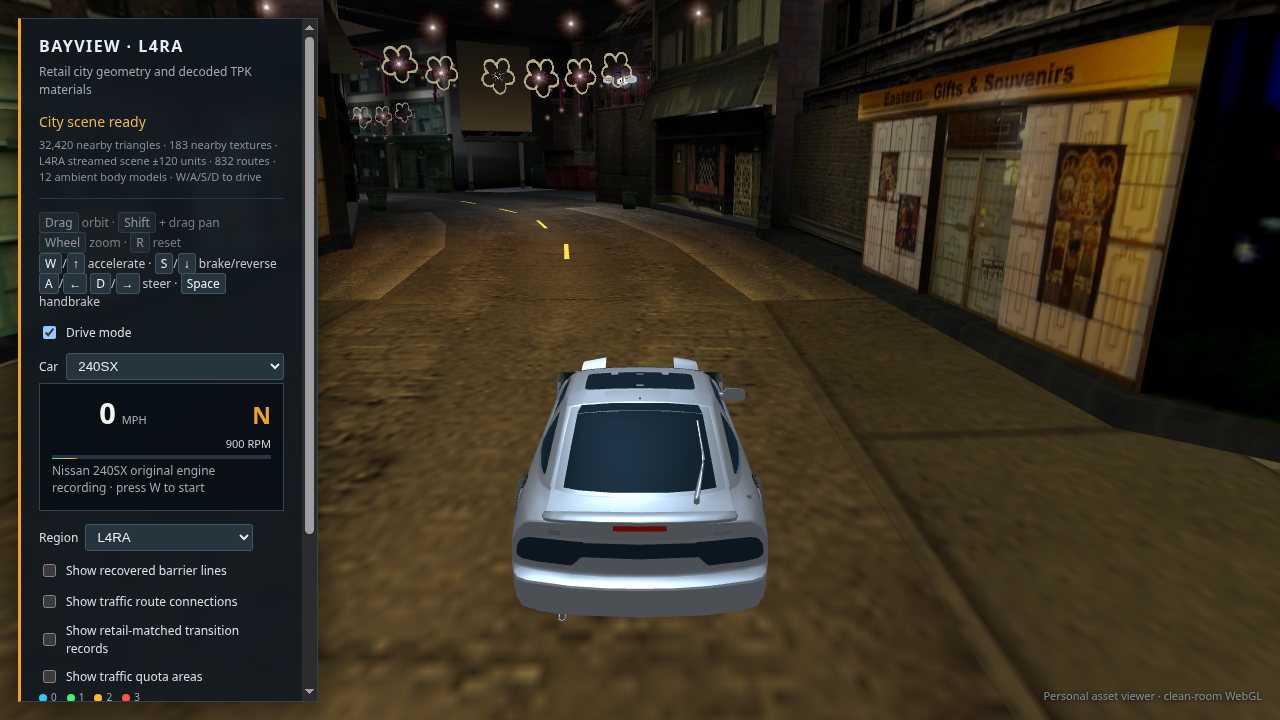
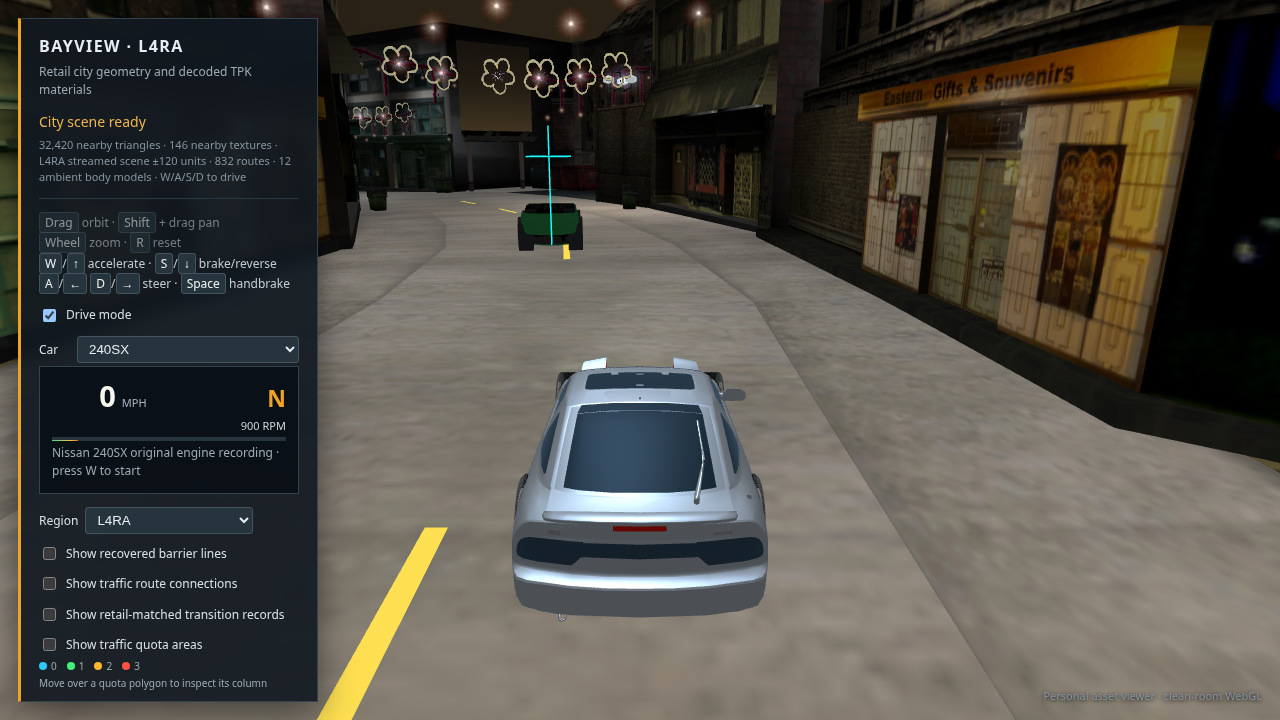
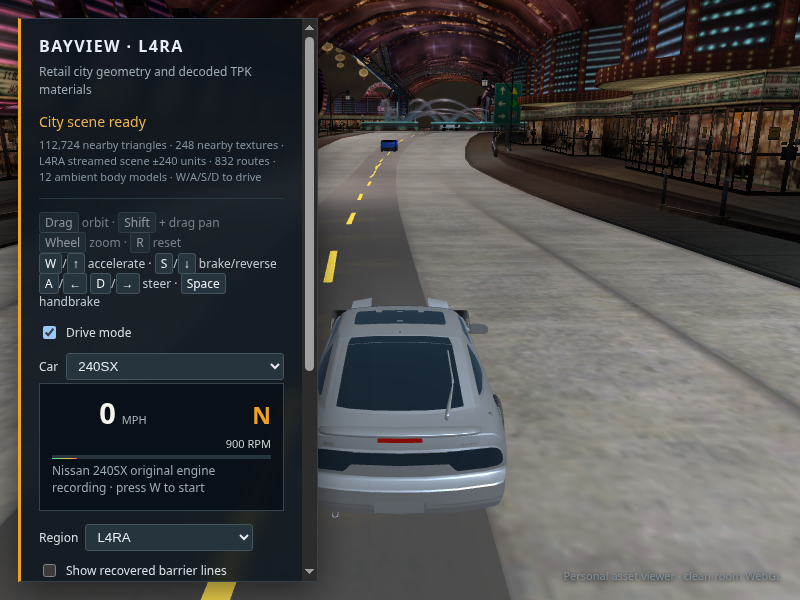
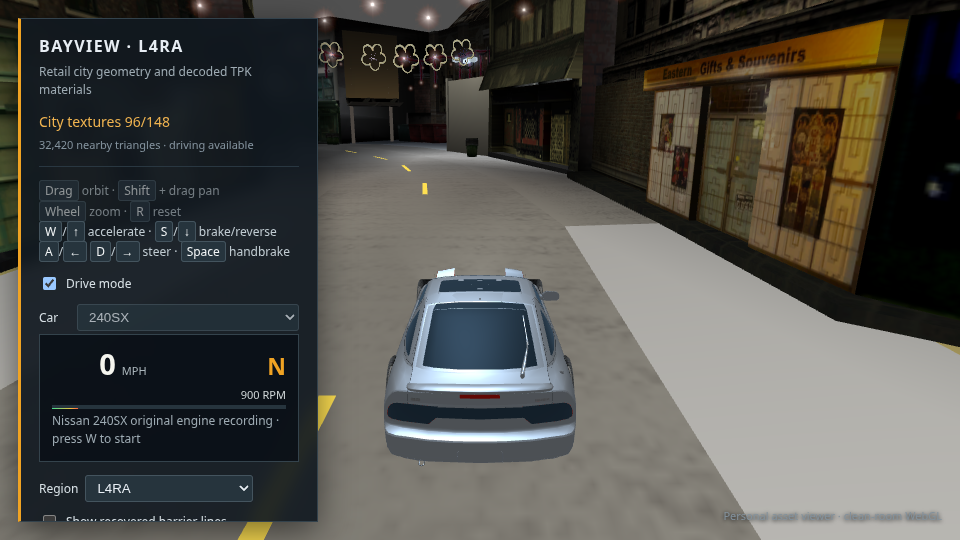
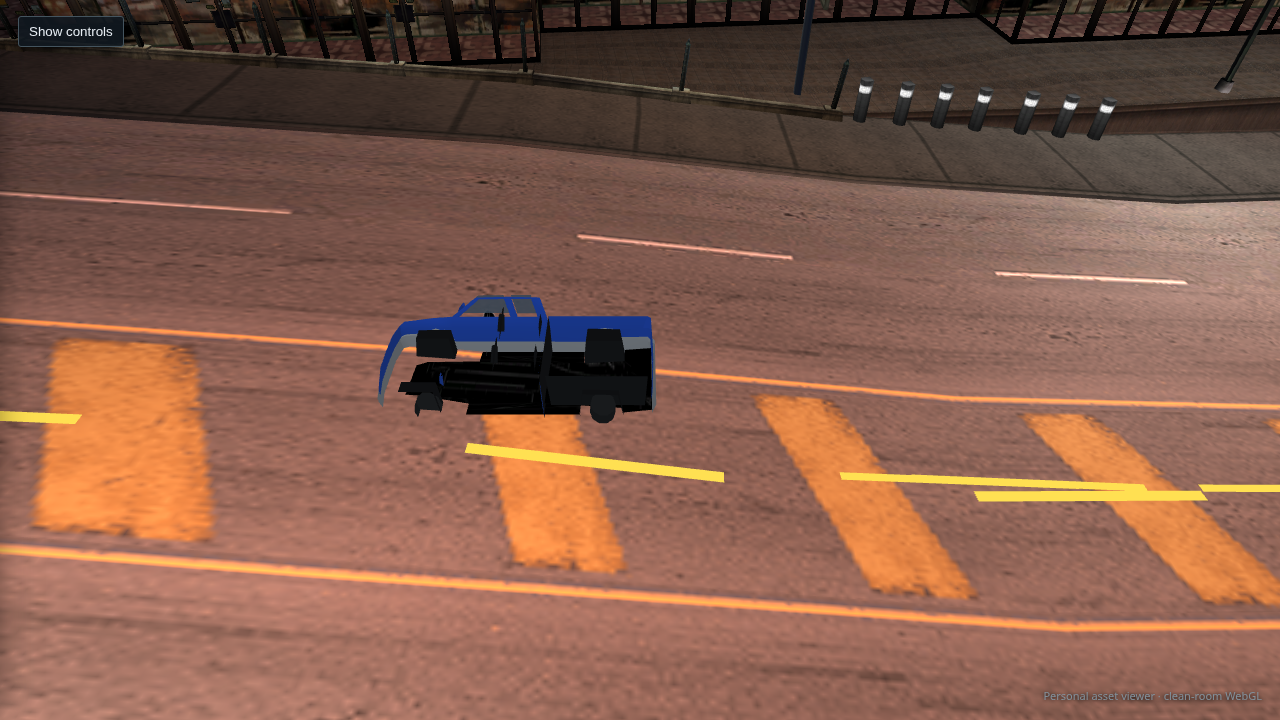
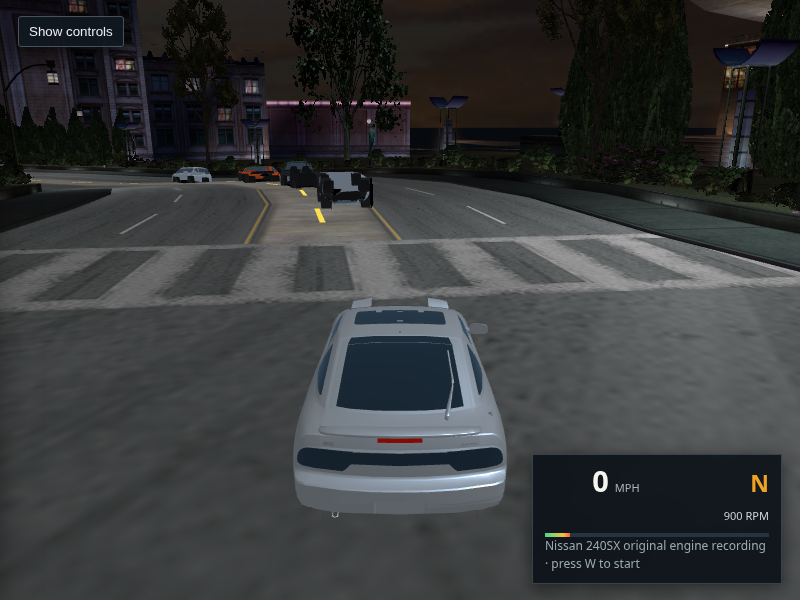
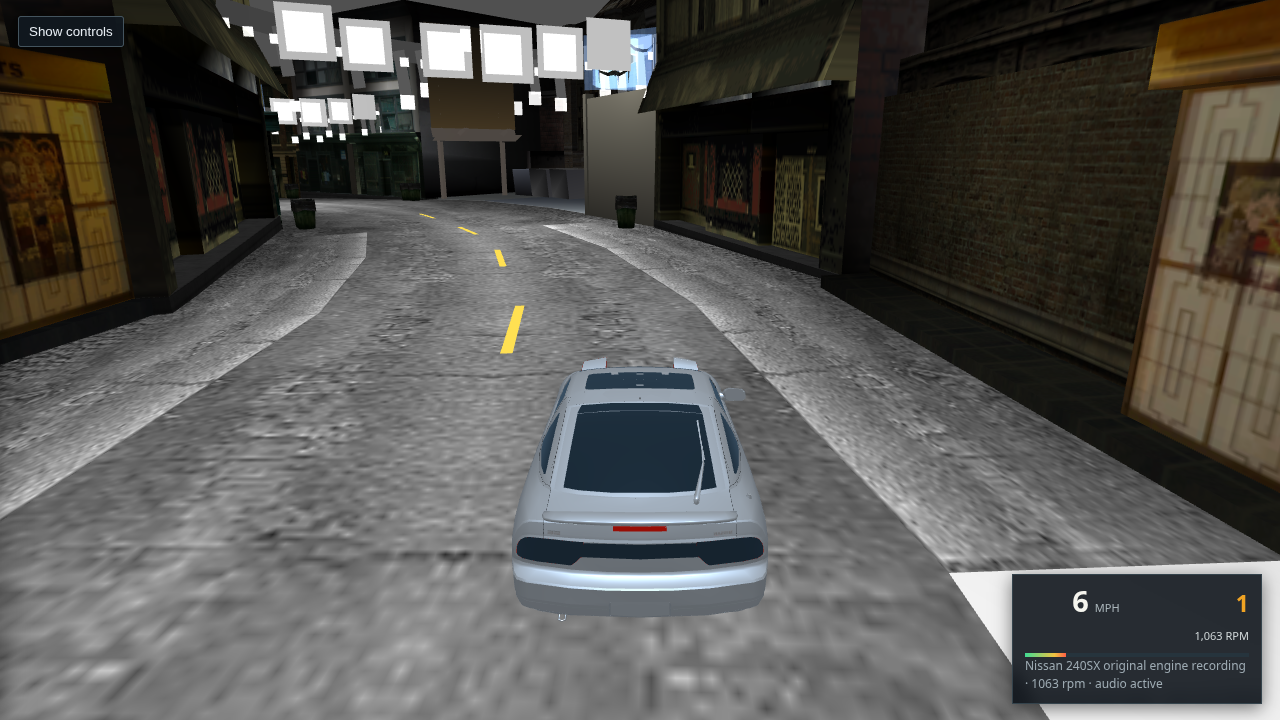
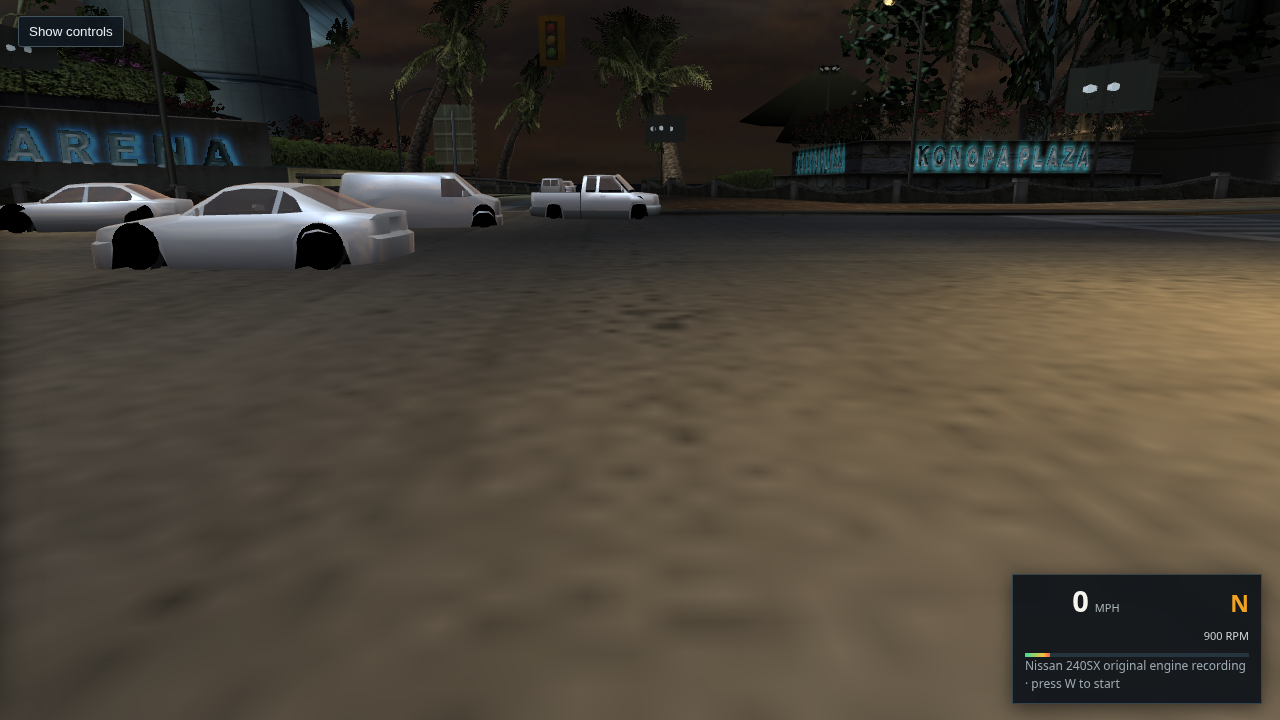
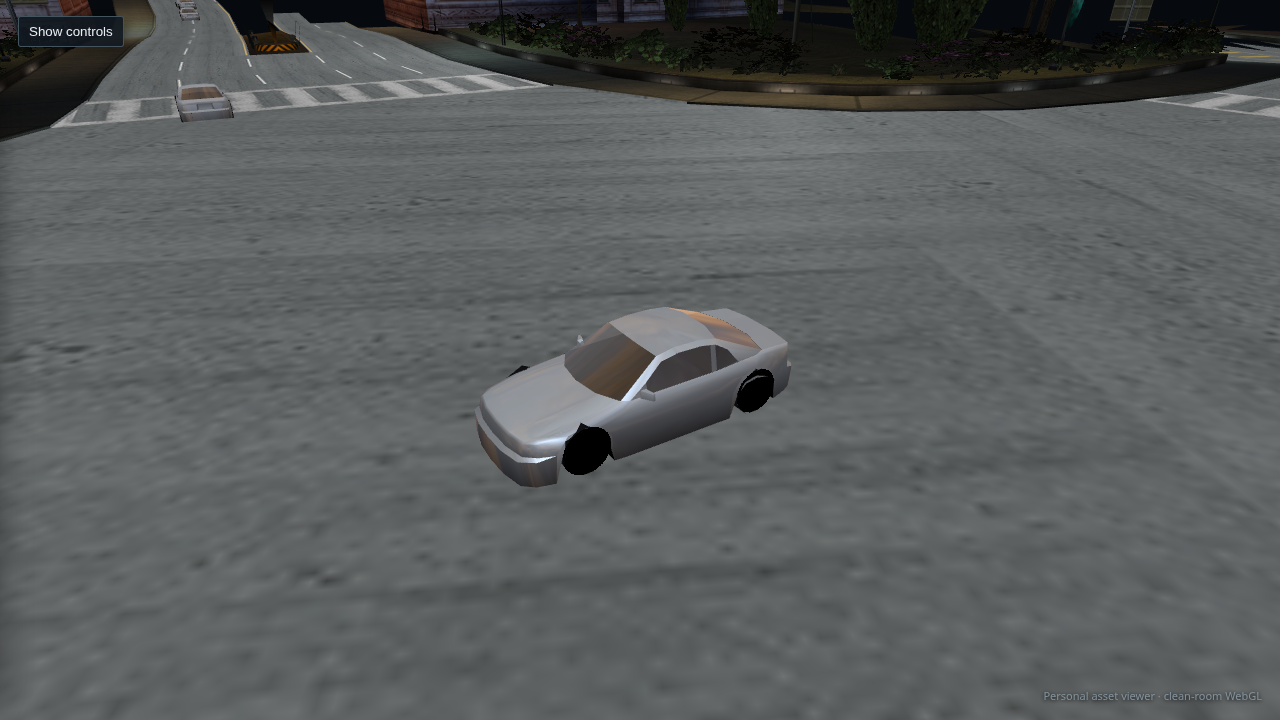
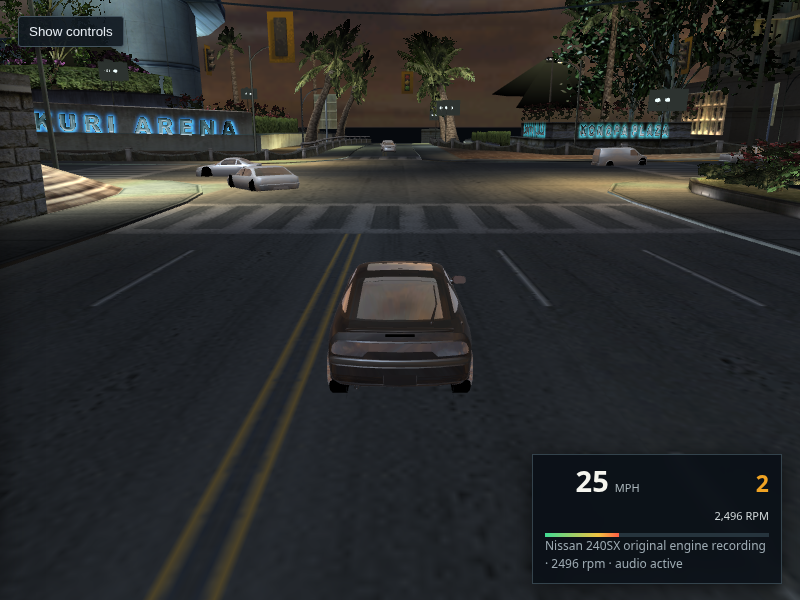
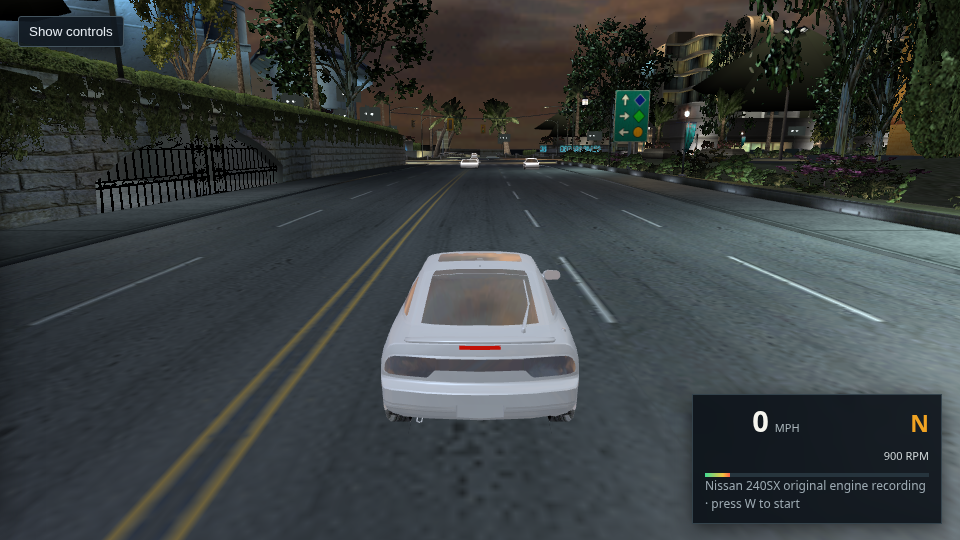
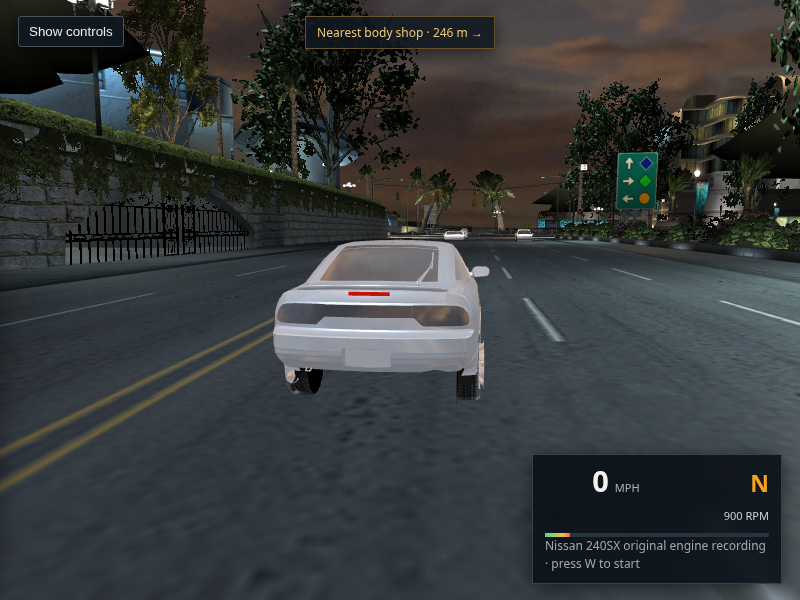
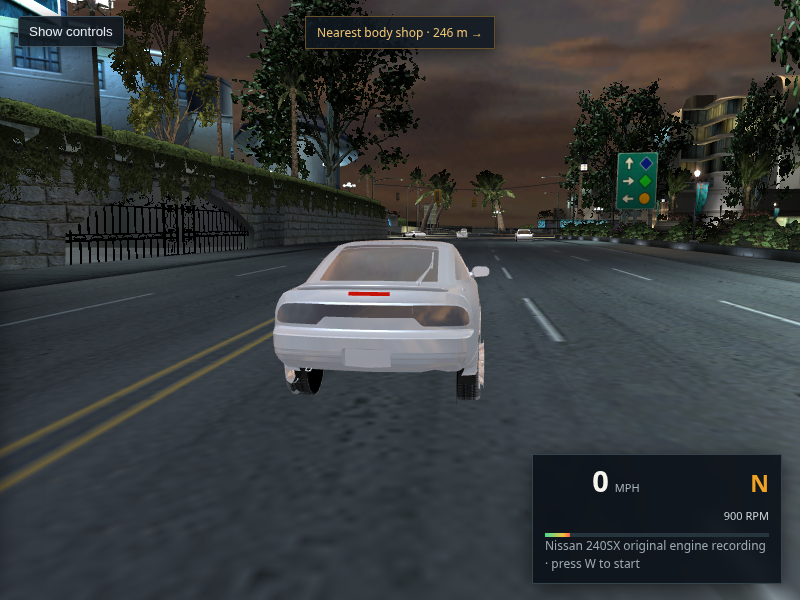
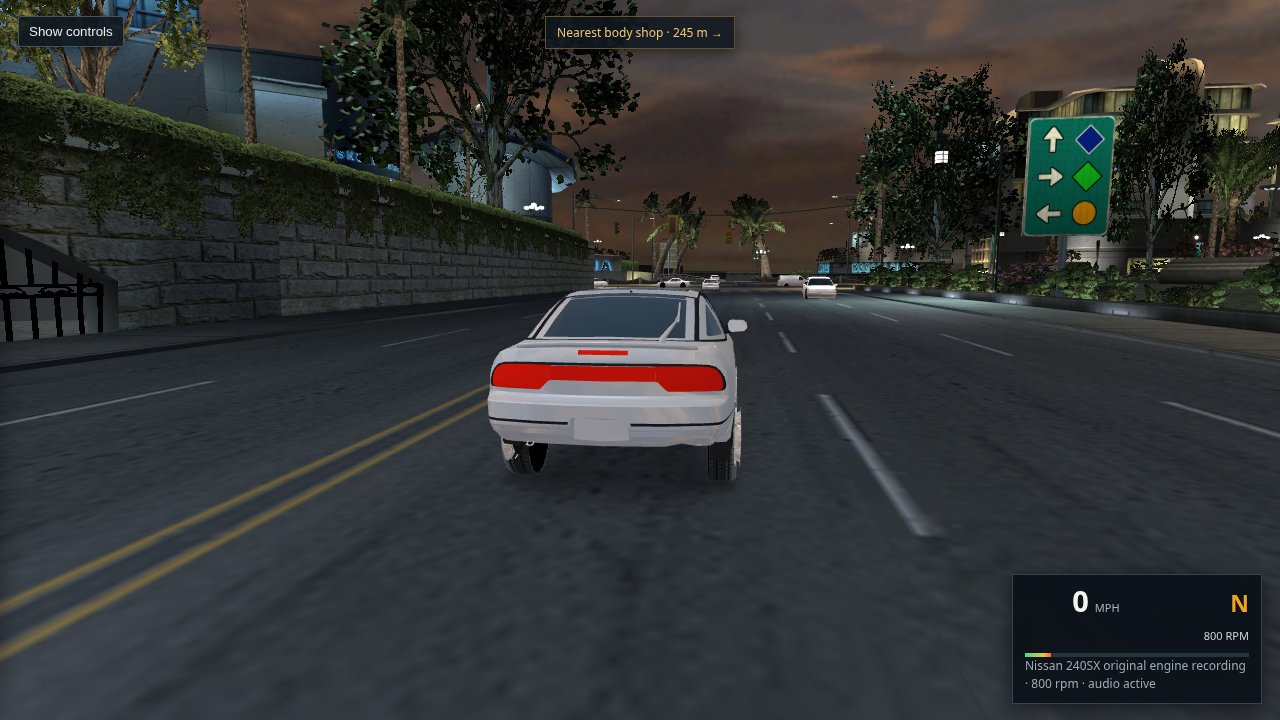
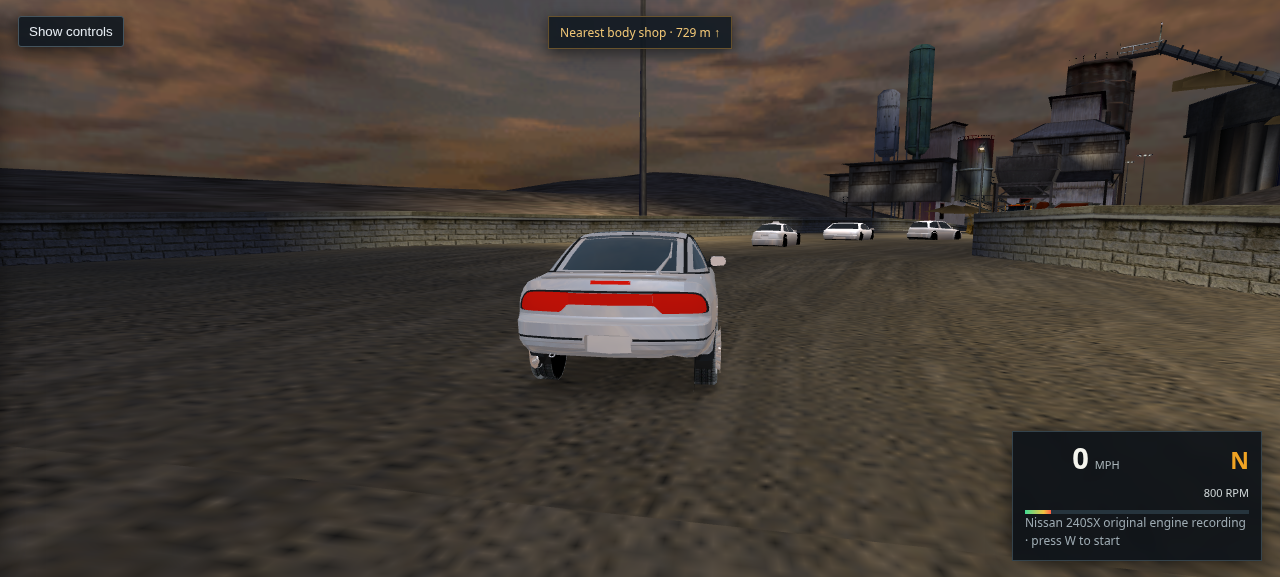
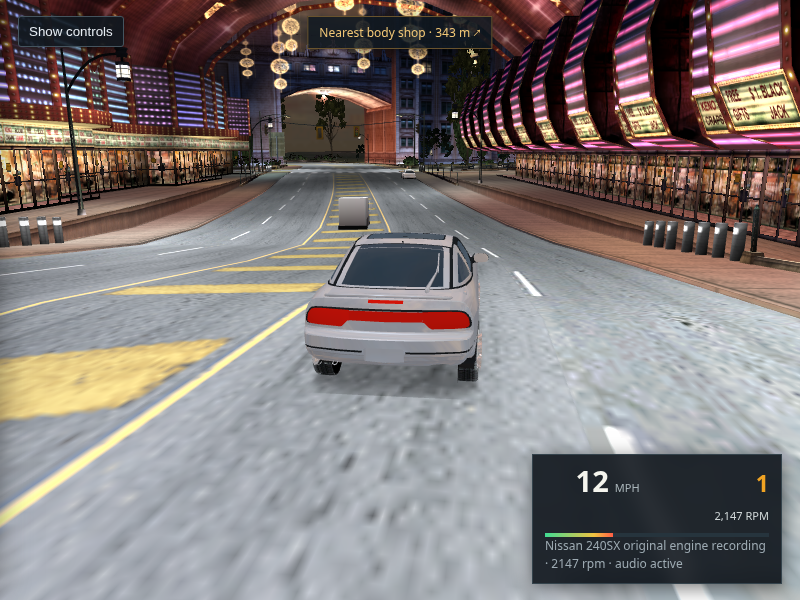
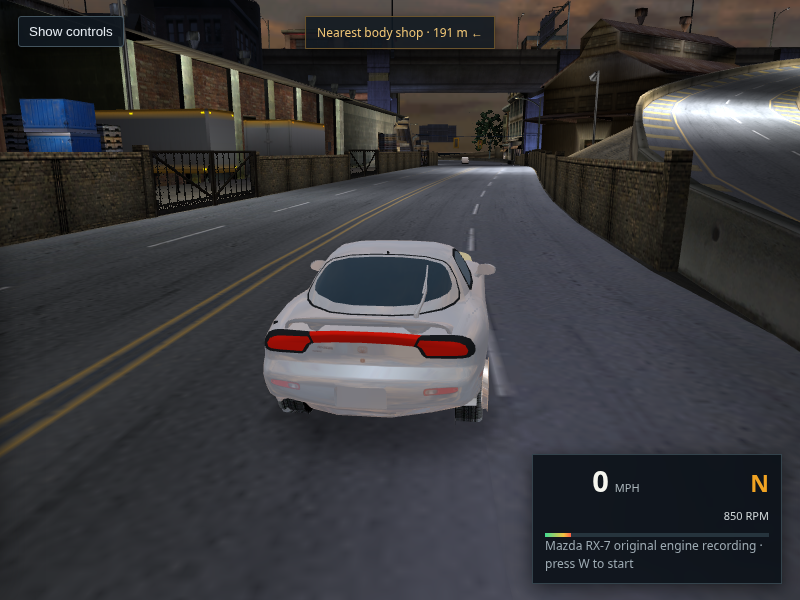
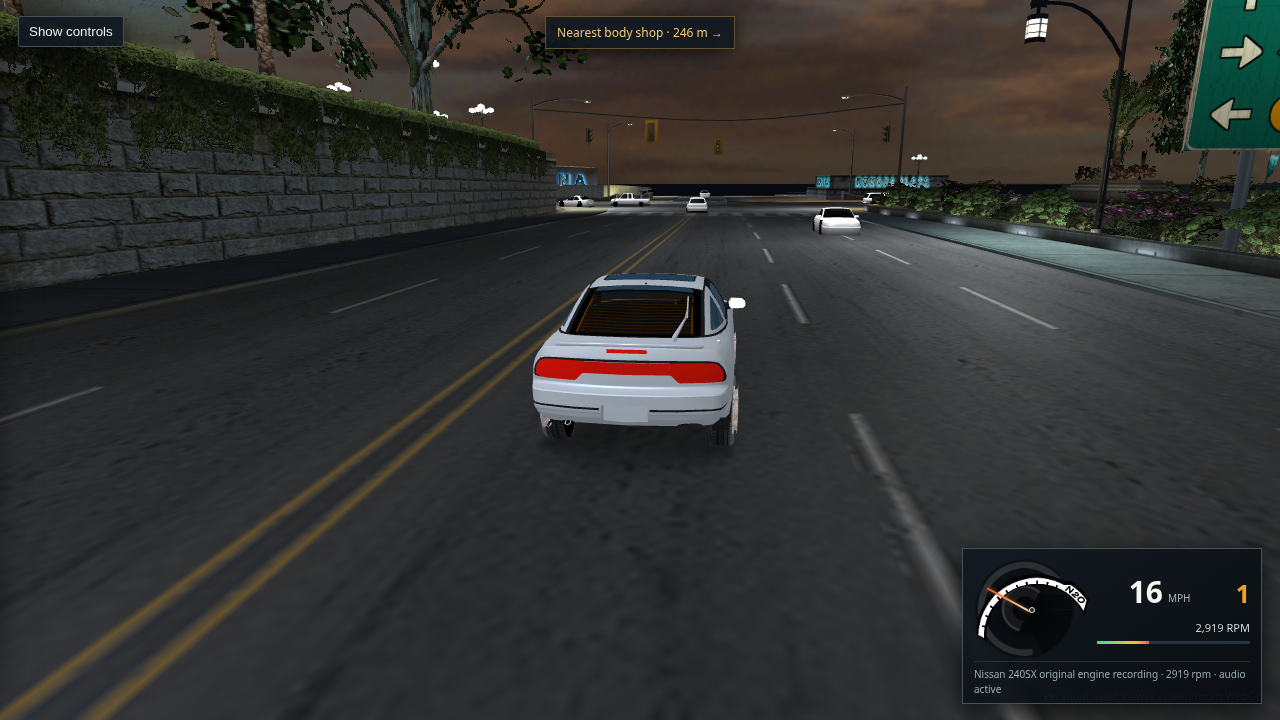
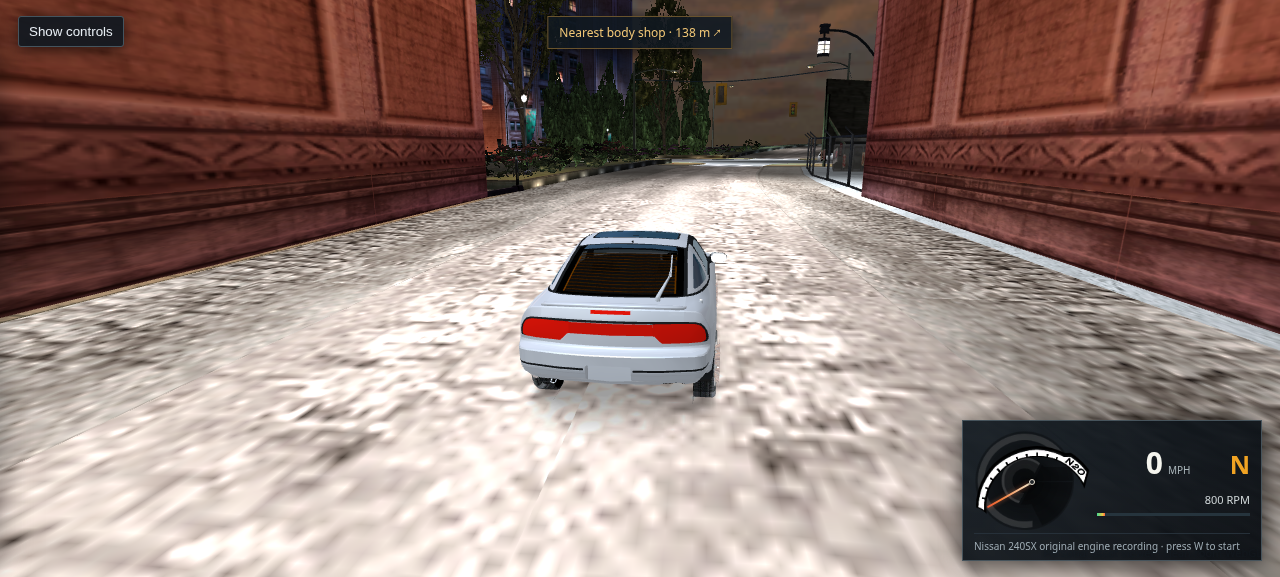
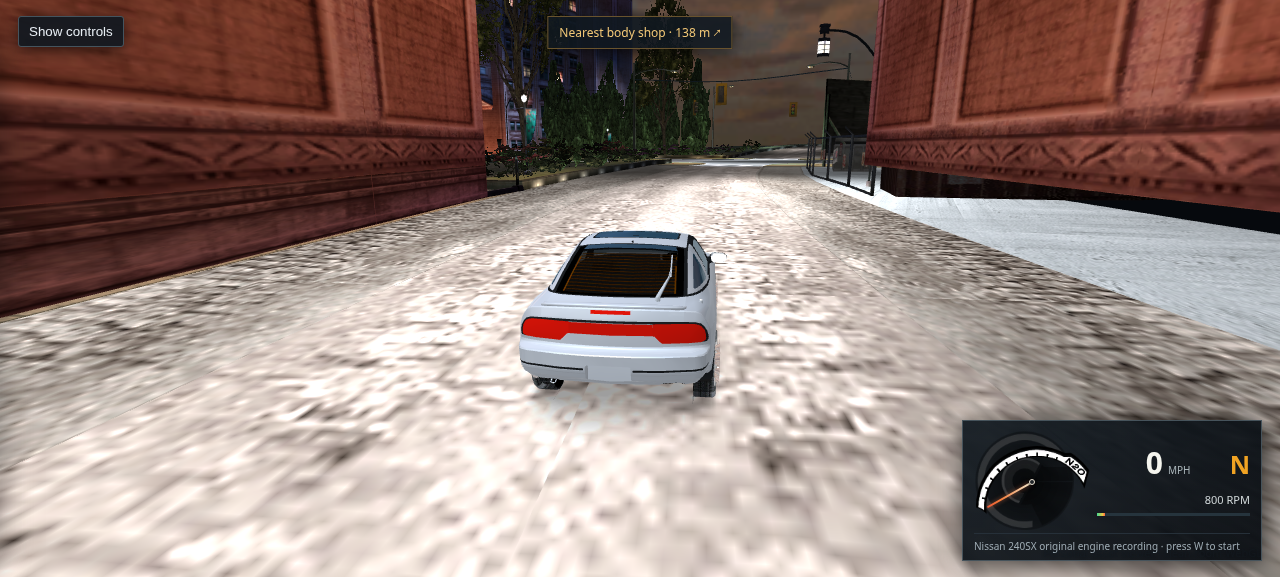
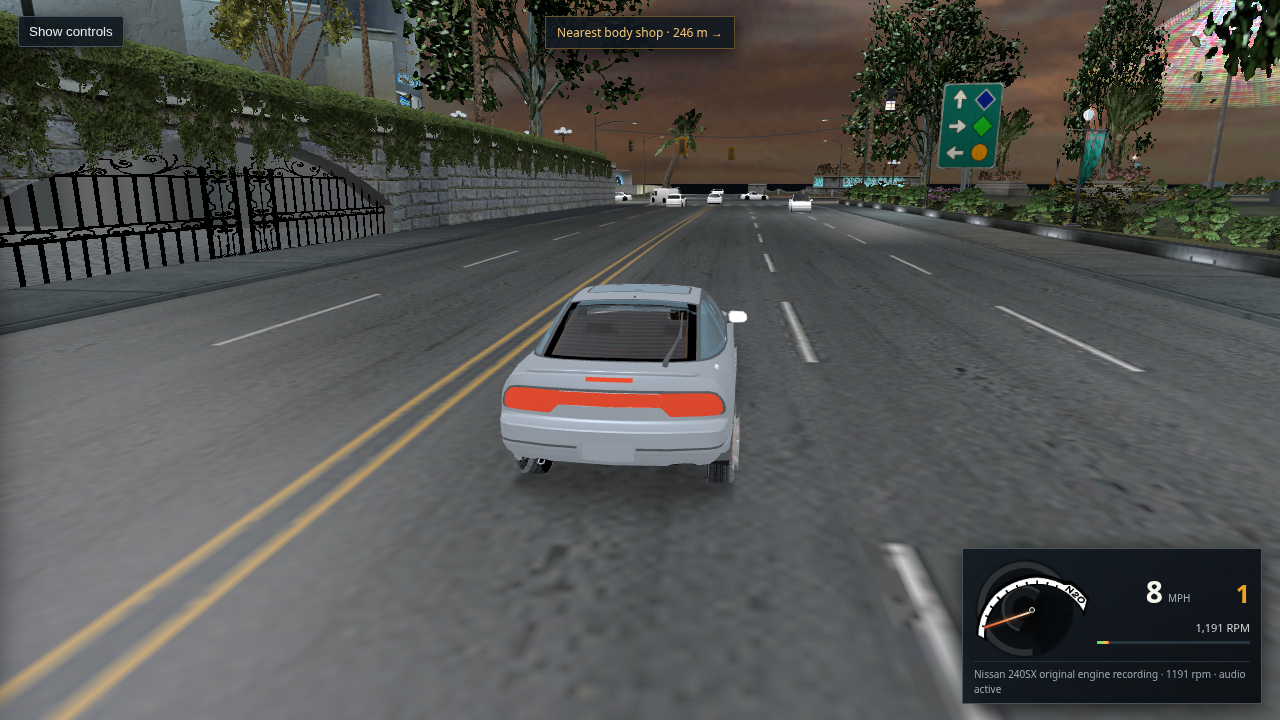
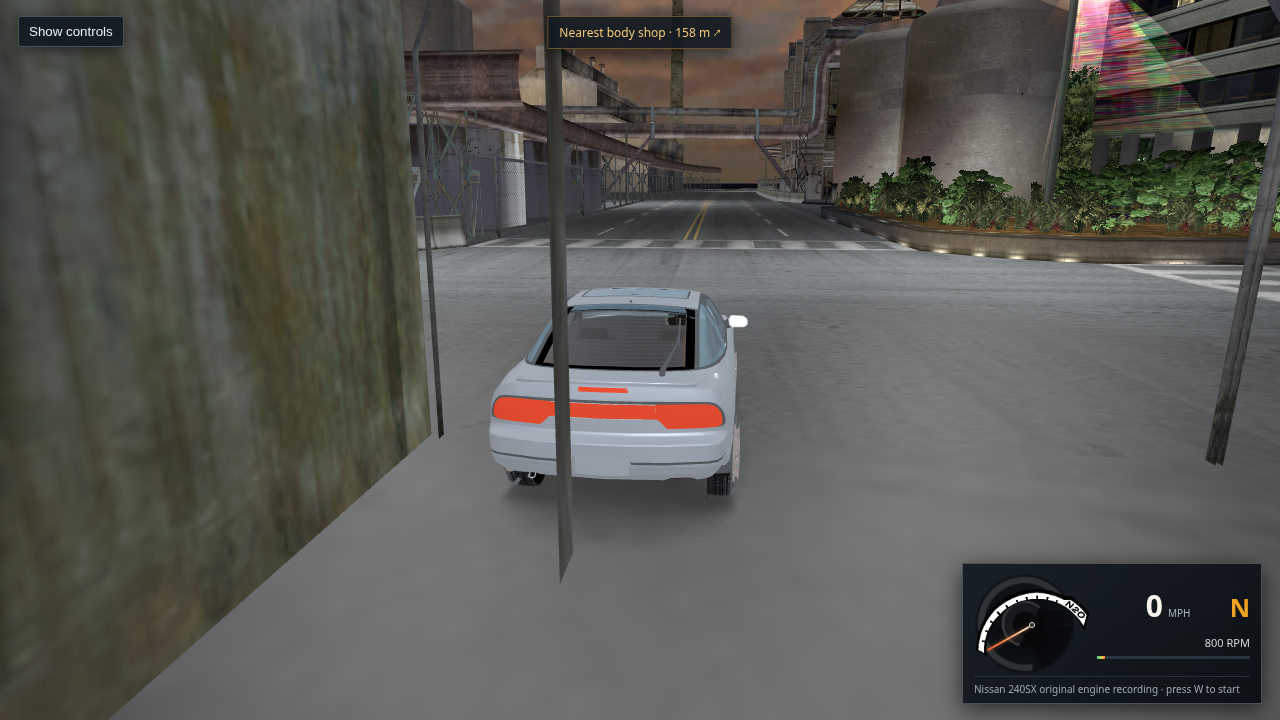
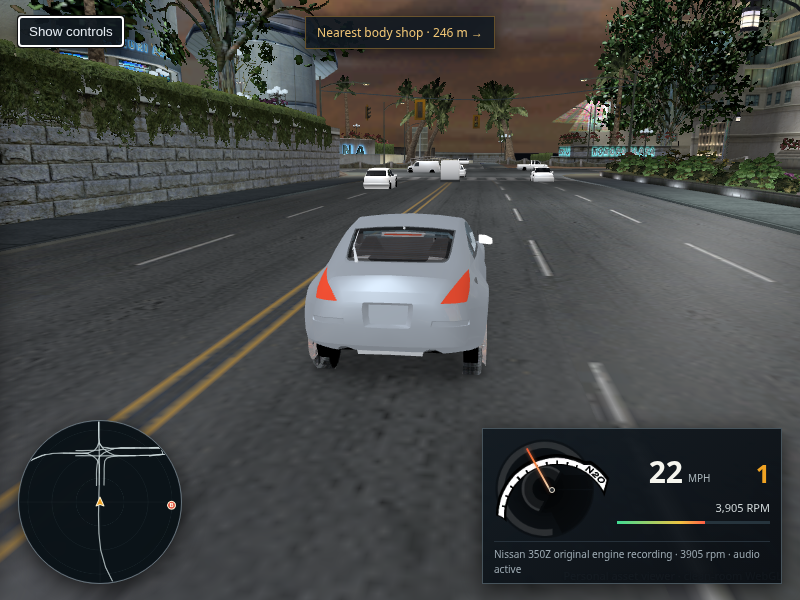
A Nissan 240SX stopped on a narrow cobbled L4RA street, with close shopfronts on both sides
Packaged host Chrome · L4RA · recovered route 716 · distance 424

493 · Inspect a dense building/road intersection cluster

The full L4RA triangle scan flags many road crossings, but its predicate also catches building edges and foundations at pavement boundaries. This focused route 716 view shows a narrow cobbled street with buildings close on both sides; it does not show an entire building across the drivable lane and does not prove citywide placement correctness. No source placements were changed. See the full-stream intersection counts and method limits.

Open full-size capture · Open this route view
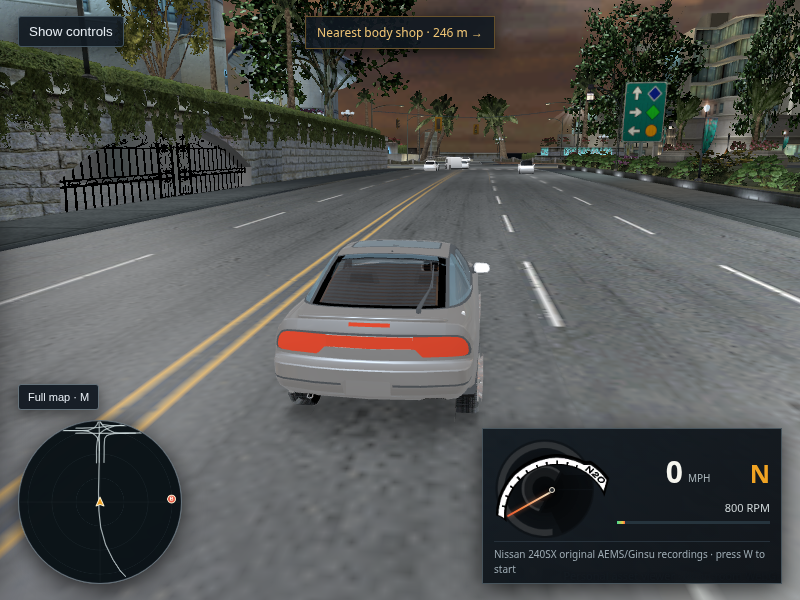
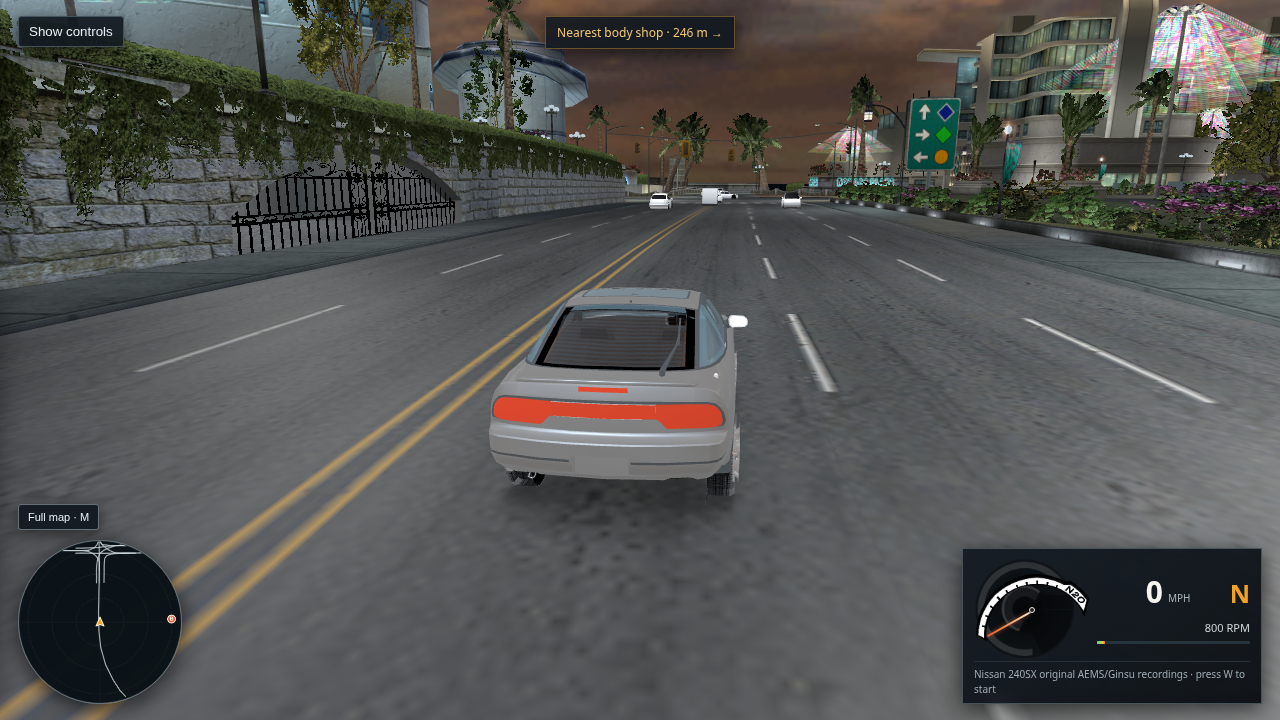
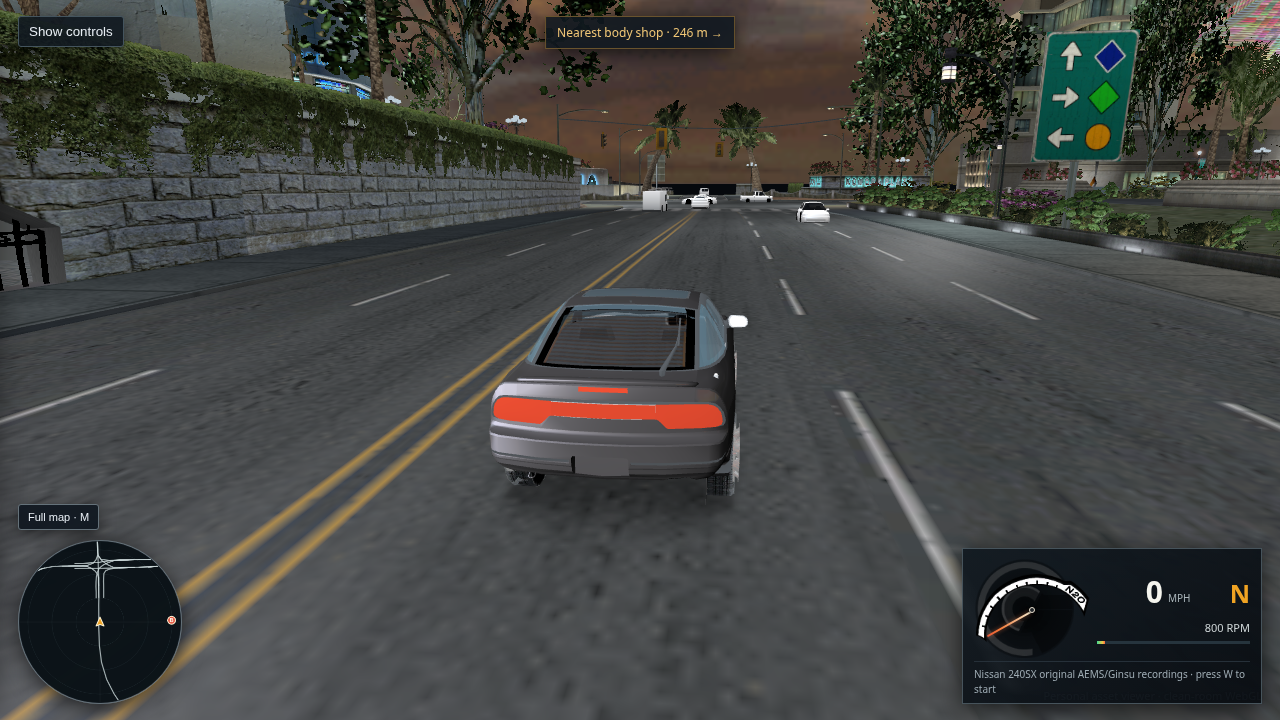
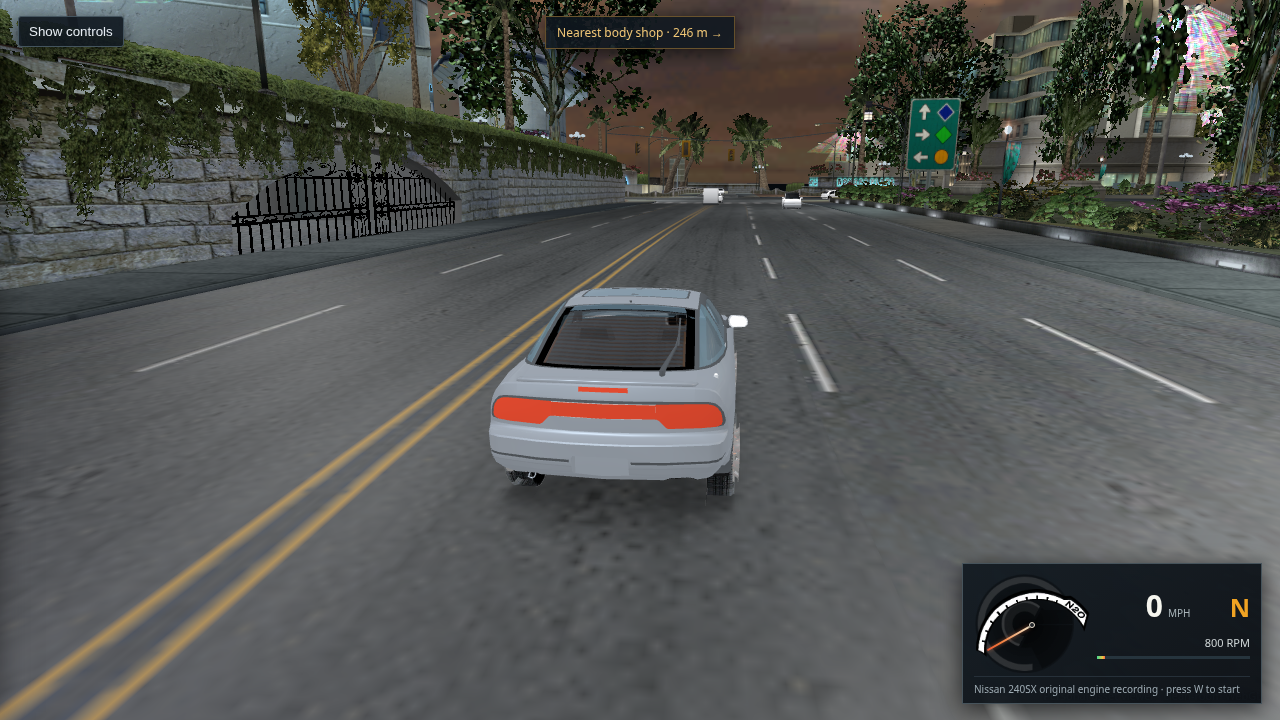
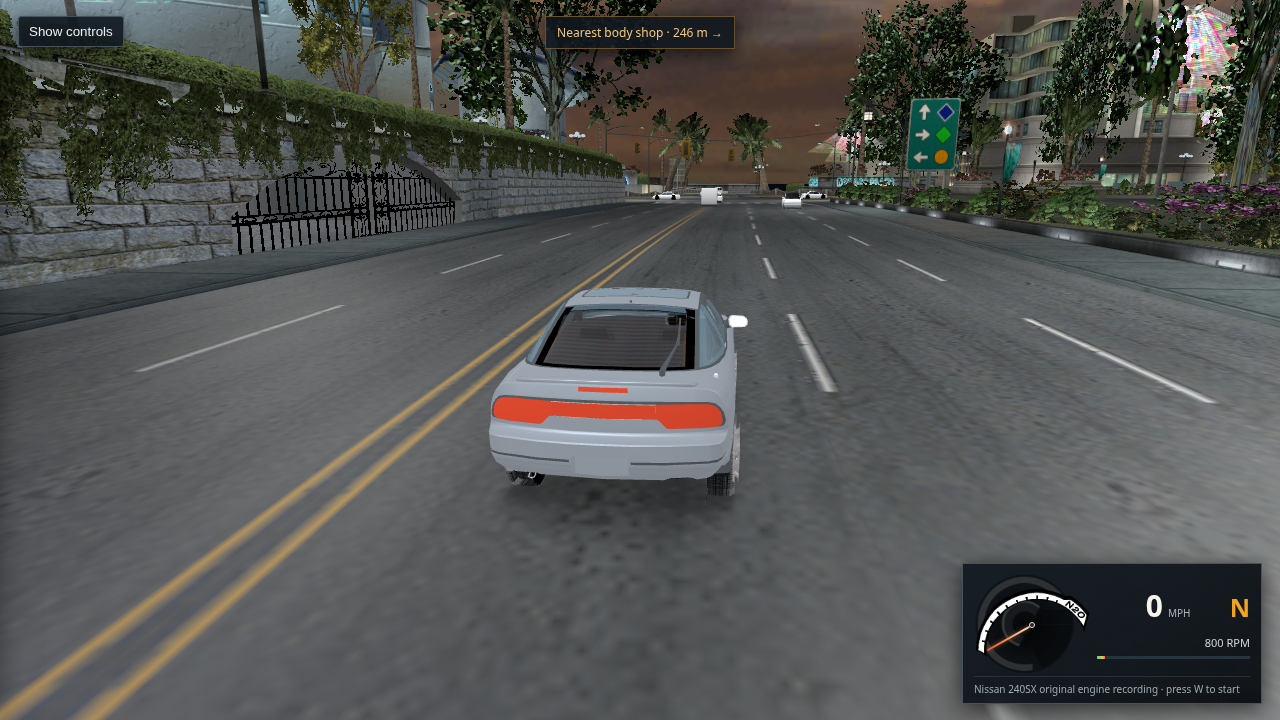
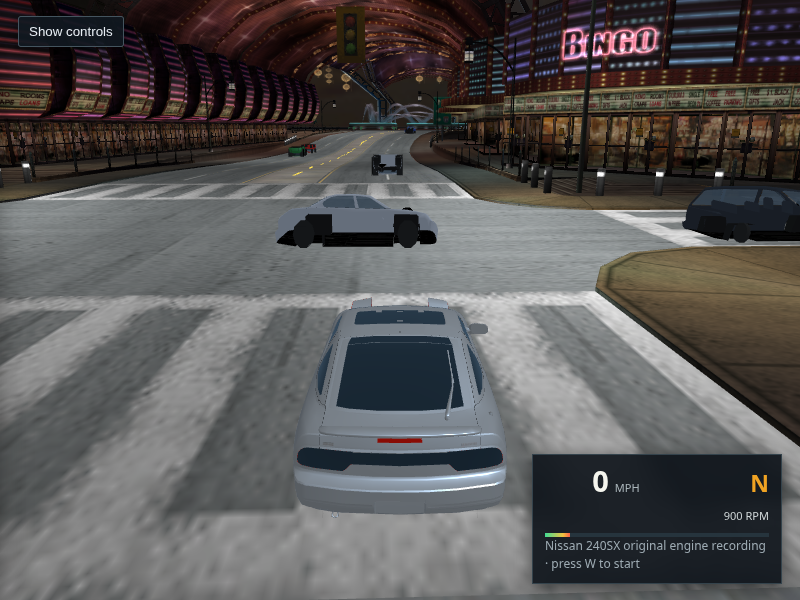
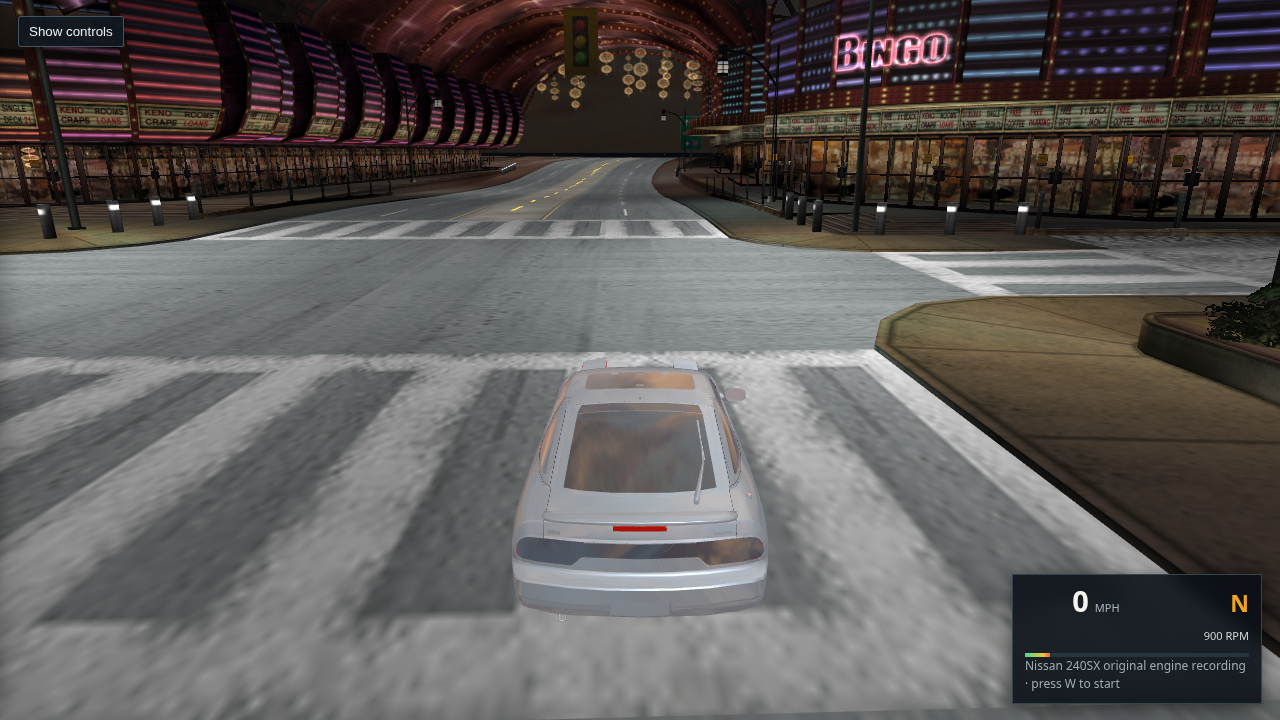
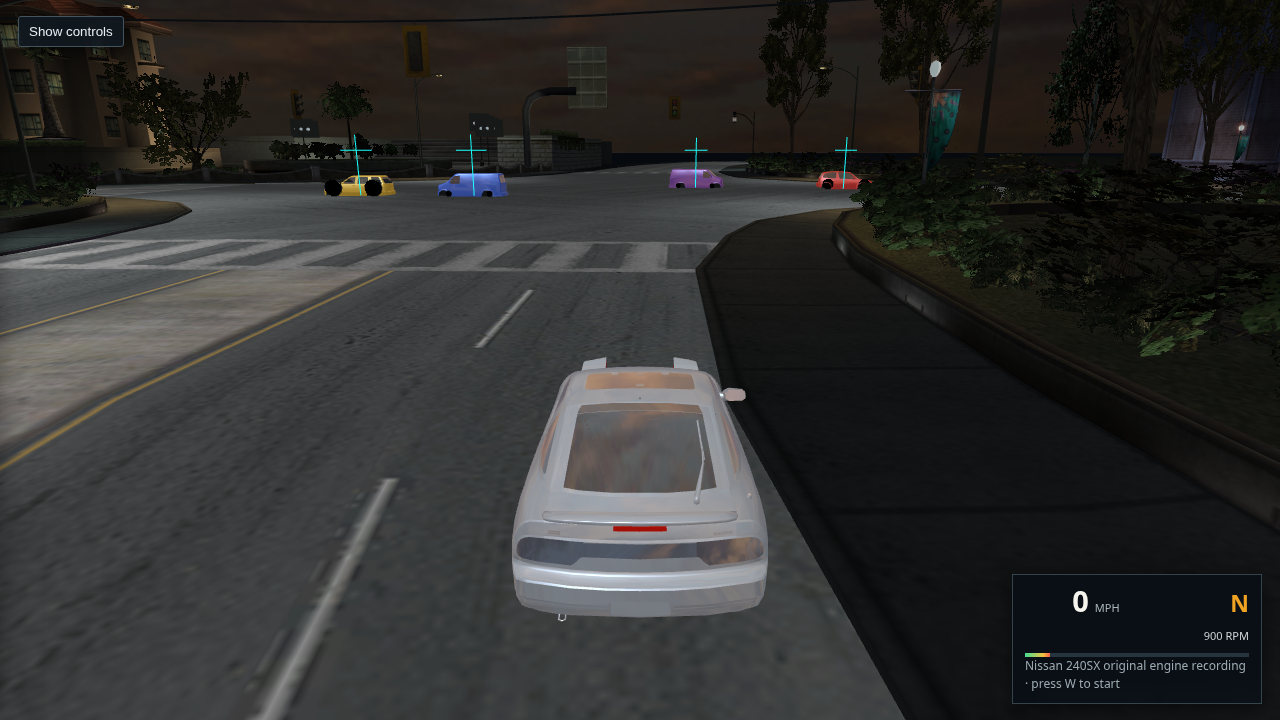
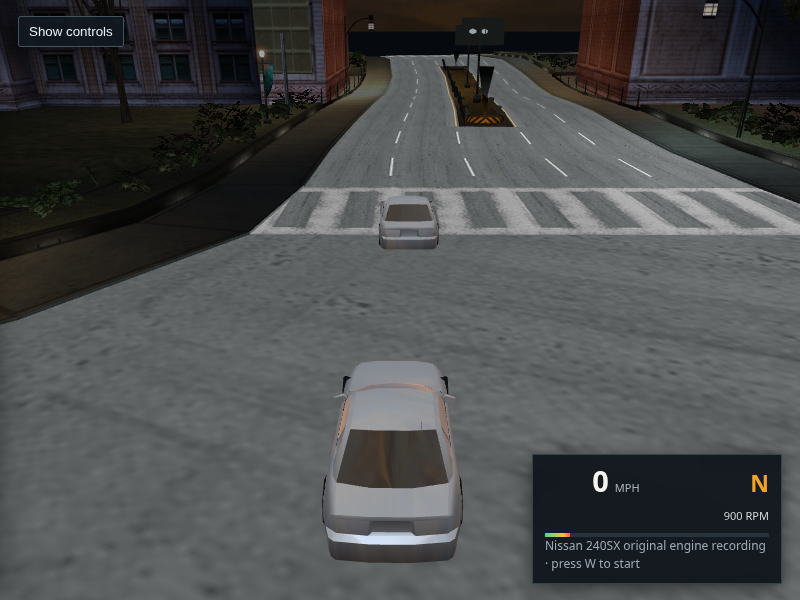
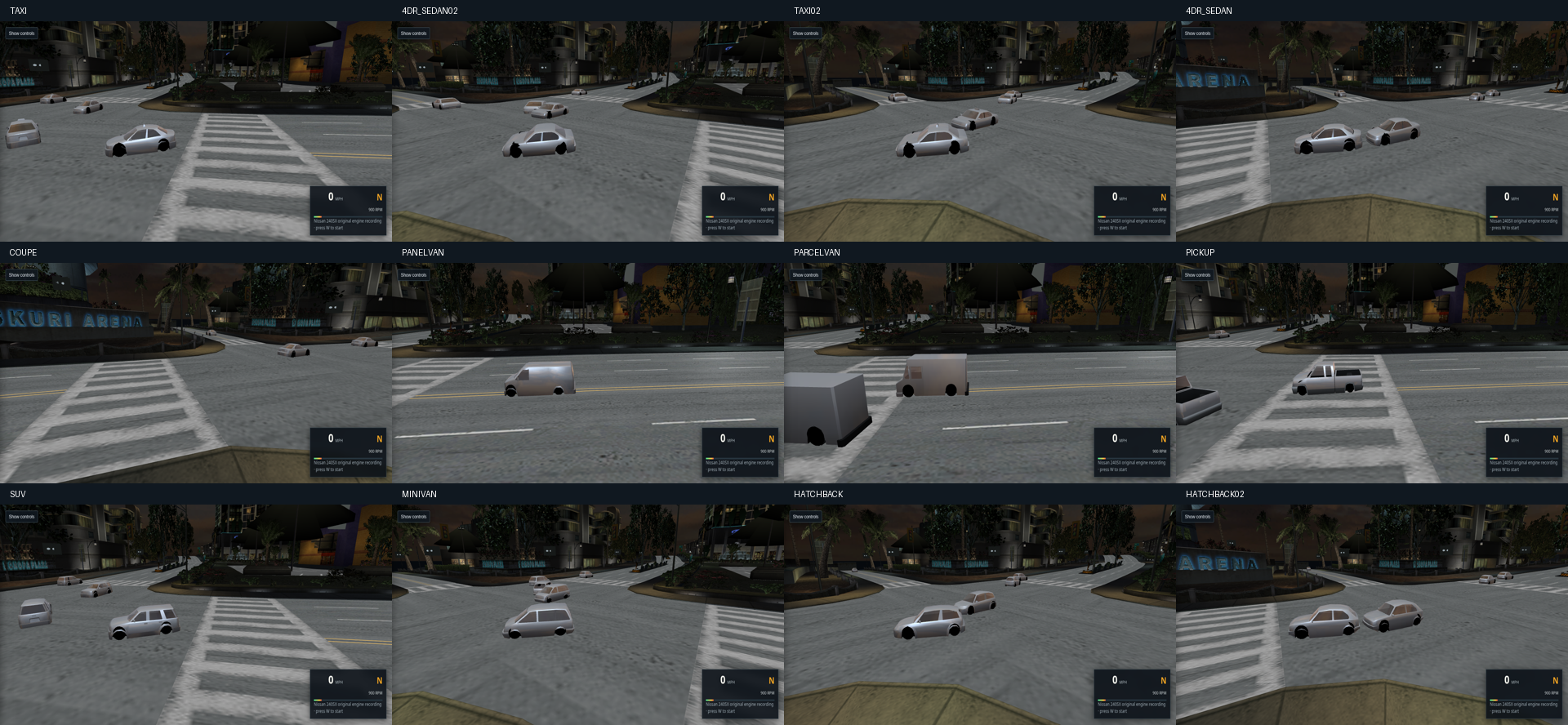
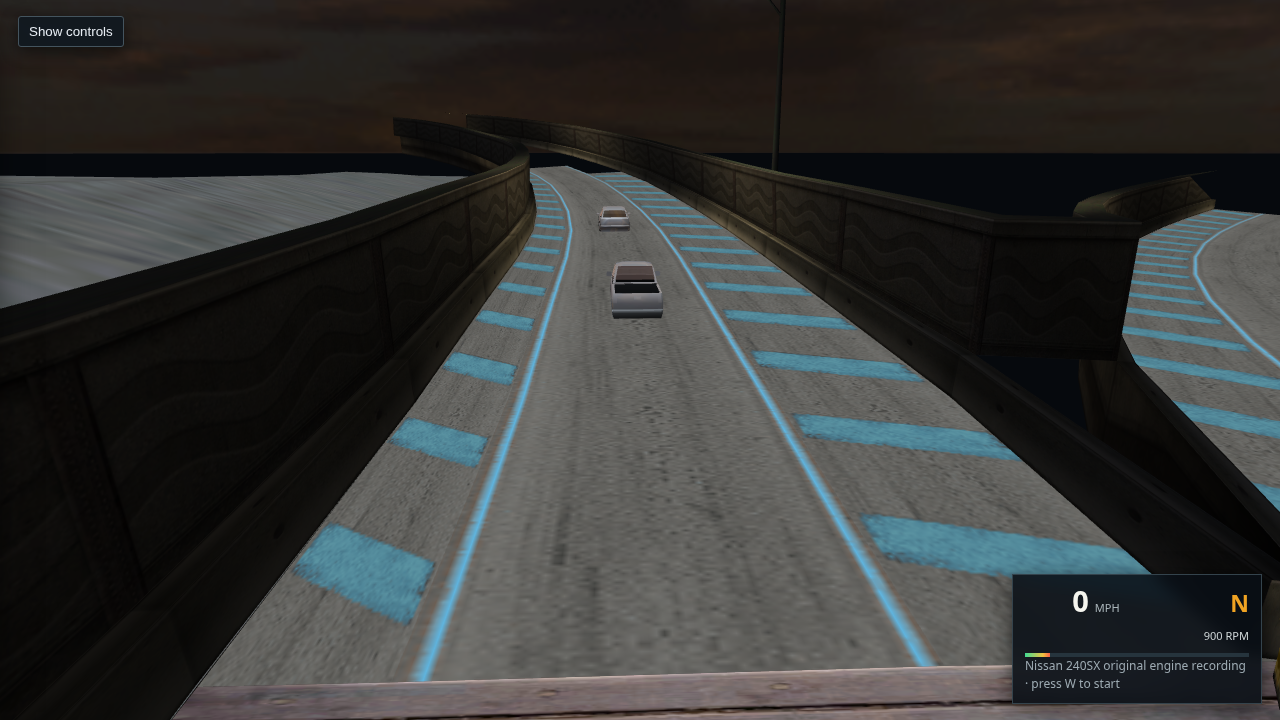
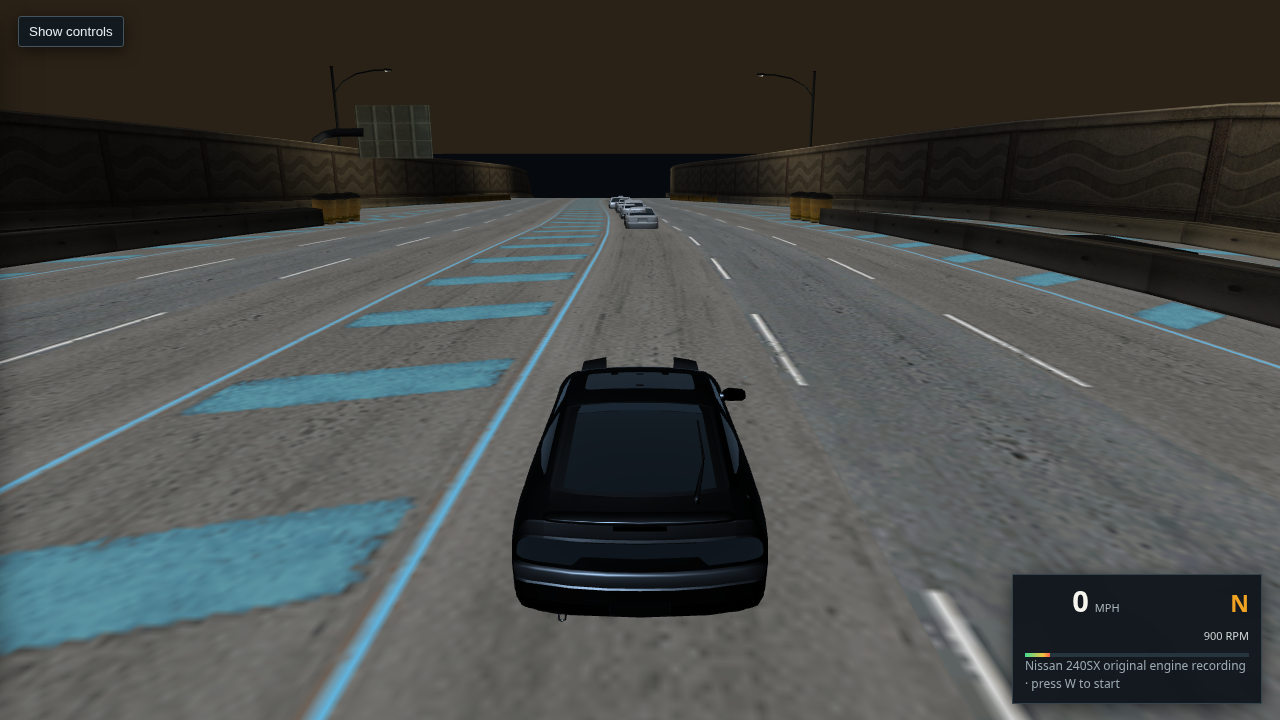
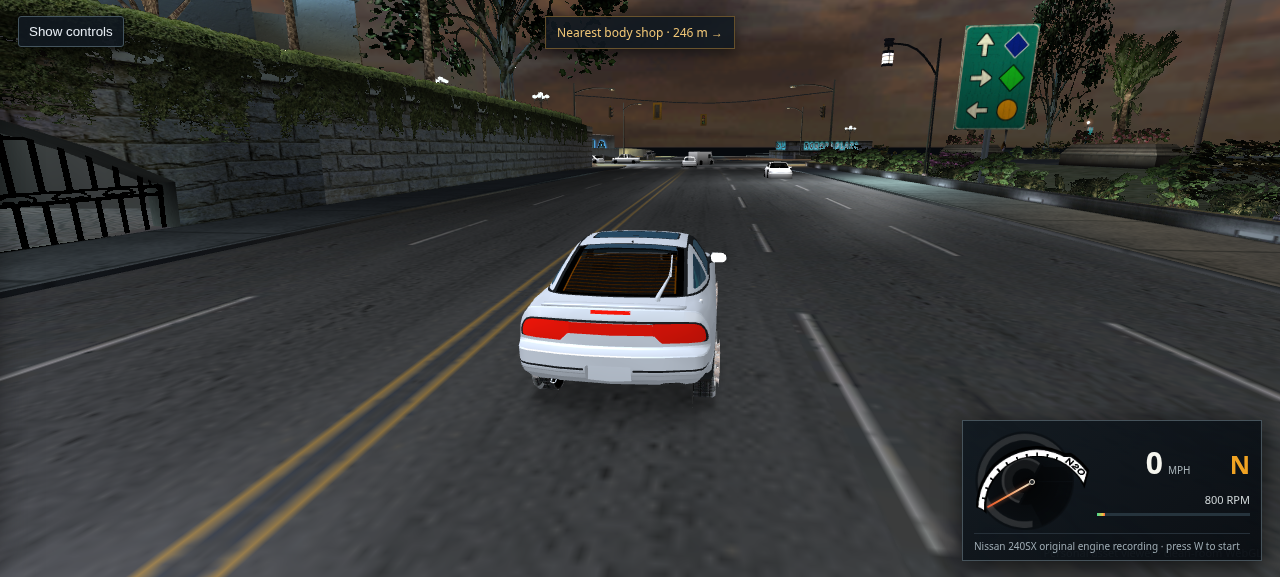
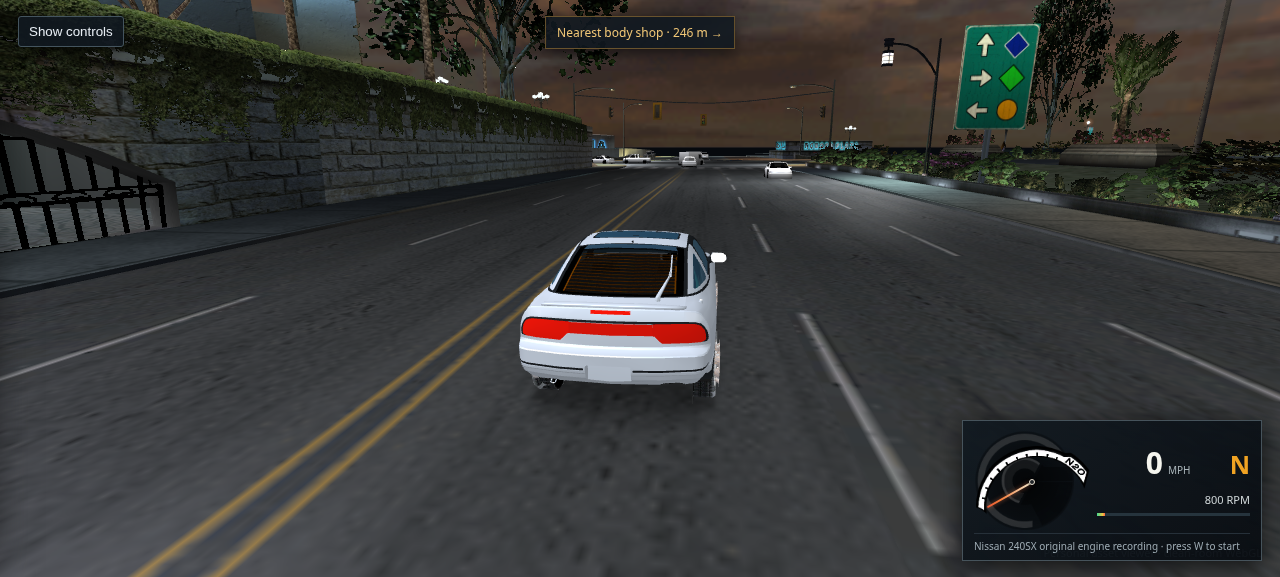
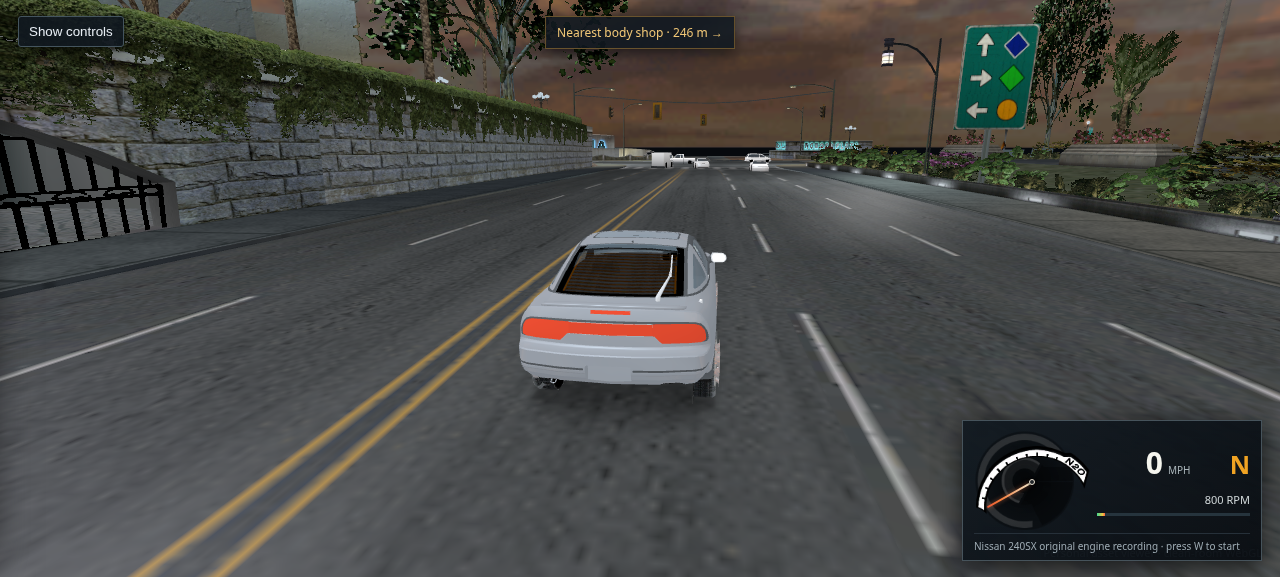
A stationary Nissan 240SX on a marked Bayview road with six upright ambient traffic cars ahead
Packaged host Chrome · L4RA · 240SX · six visible ambient cars

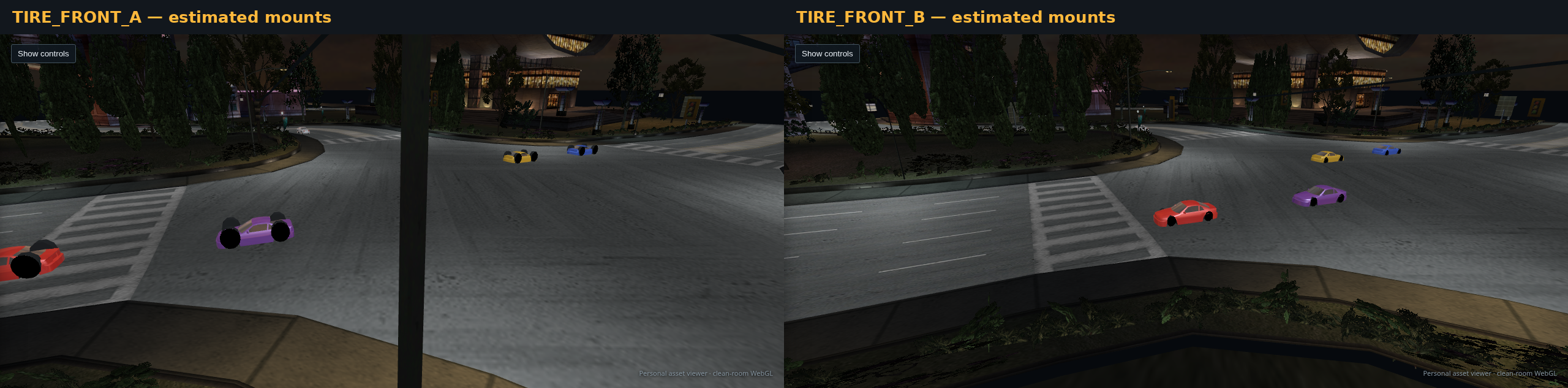
492 · Apply the executable's recovered traffic size equation

The draw wrapper passes a 3-unit near value to the helper: it returns twice the radius inside 5.25 units and otherwise floors radius × 3 / (distance − 3). In the usual wrapper branch it then applies a 0.7 scale before the 4-unit cull and the 40/20/10 detail thresholds. This capture predates correction of the near value and equation in the viewer. All 36 available A/B/C traffic bodies loaded, six visible cars selected BODY_C, and all six were upright and road-supported. The retail radius and weighted transform axes remain unknown, so this capture does not verify exact distance selection.

Open full-size capture · Read the executable and geometry evidence · Open this city drive
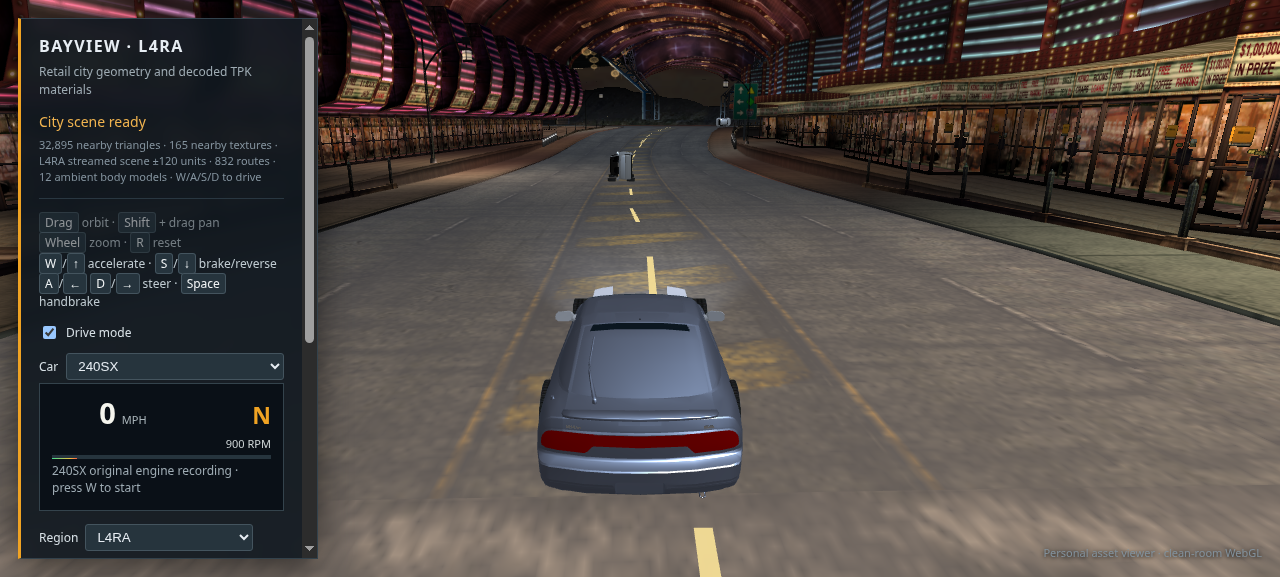
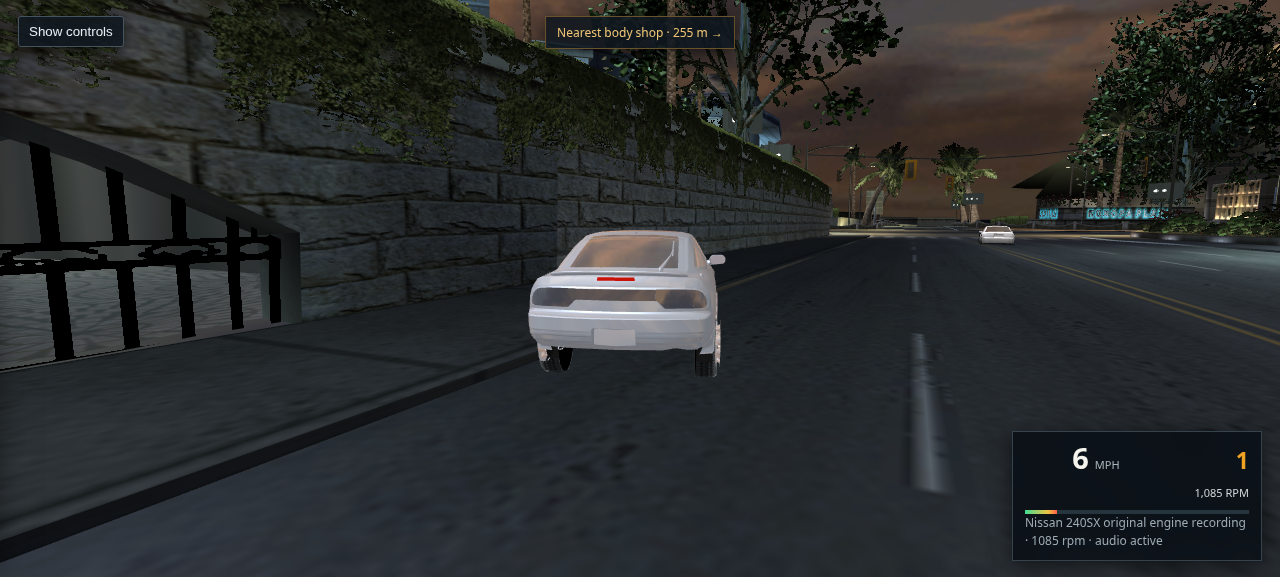
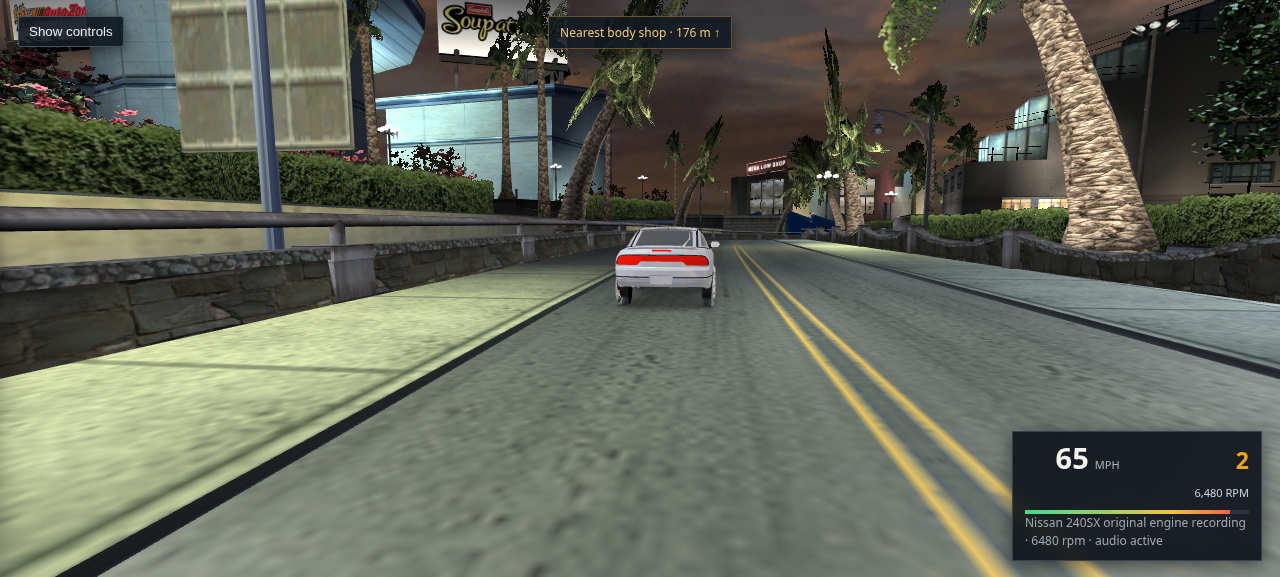
The Nissan 240SX after a short left turn on a marked Bayview road, with the driving HUD visible
Packaged host Chrome · 240SX · 1.8 second throttle and left input

491 · Reduce the excessive low speed steering rate

A controlled host Chrome drive exposed an overly abrupt previous tune: a 1.8 second throttle-and-left input changed heading by about 2.57 radians over 4.2 metres. I reduced the ordinary yaw cap to 0.7 rad/s and turn acceleration to 12. Repeating the same input changed heading by 0.94 radians over 5.6 metres; Chrome reported no page or console errors. This remains an approximate viewer handling model, not a retail physics match.

Open full-size capture · Try the same city start
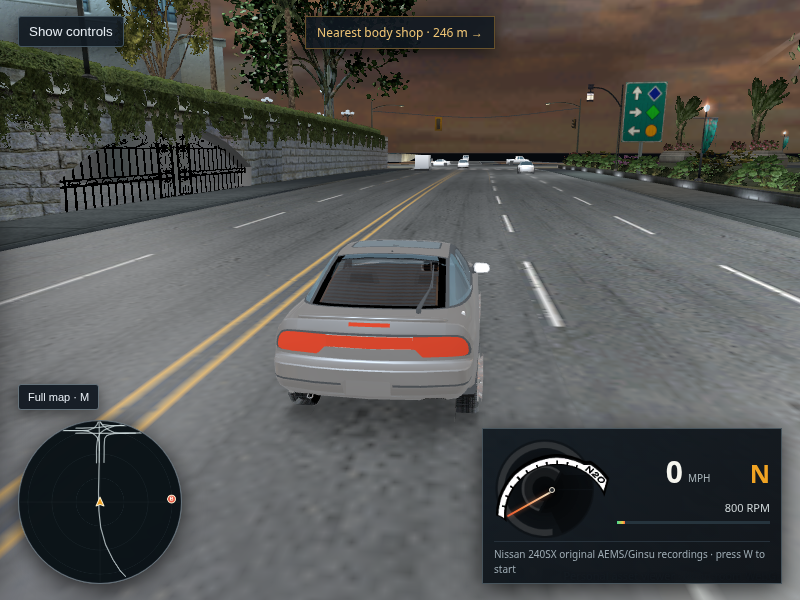
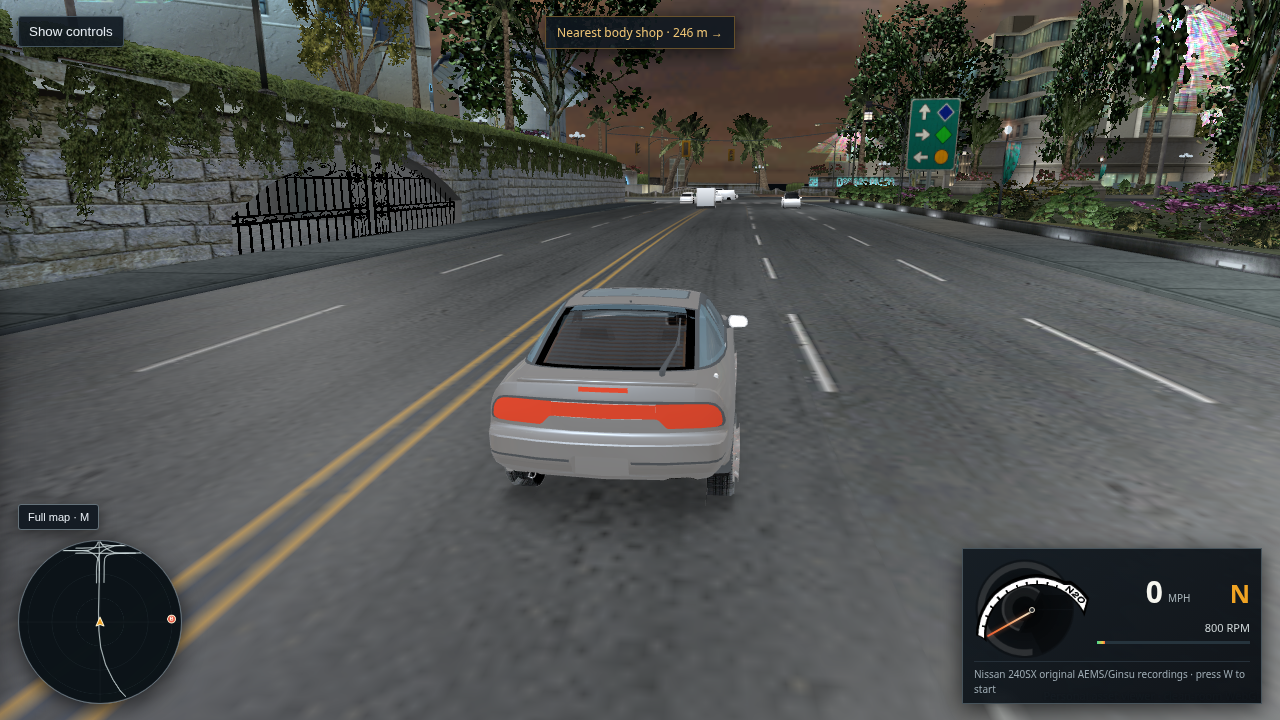
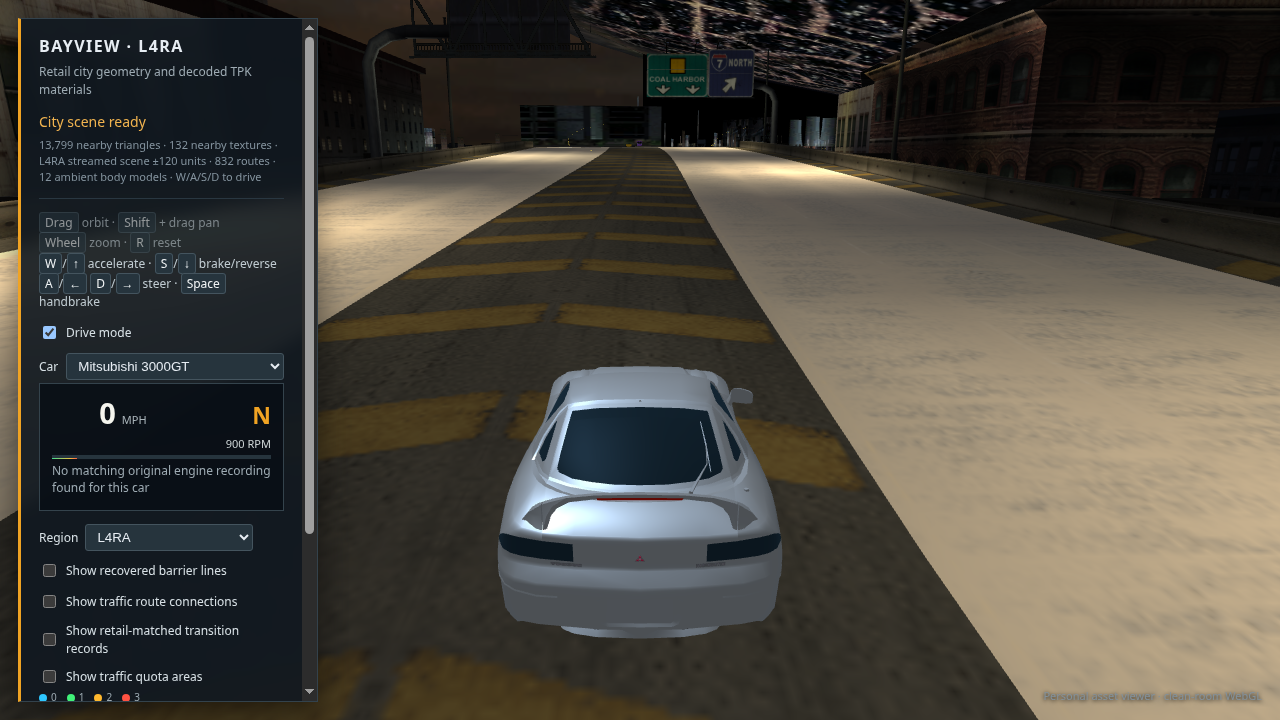
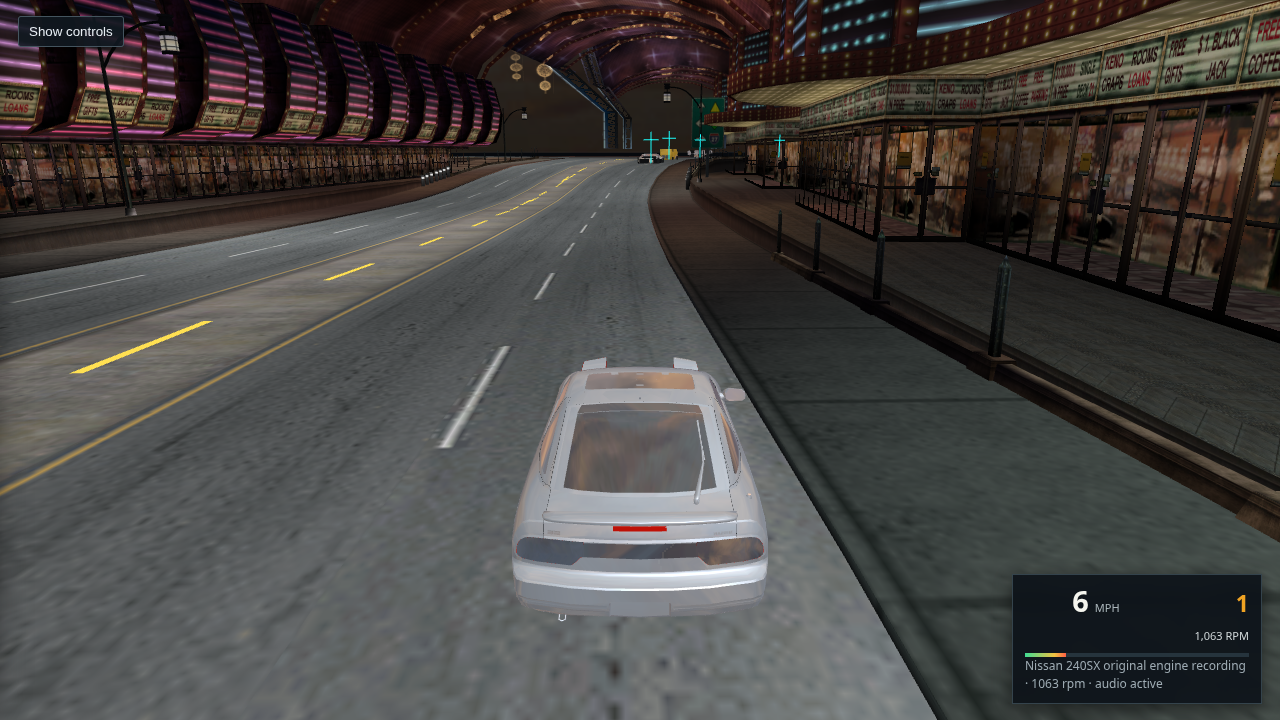
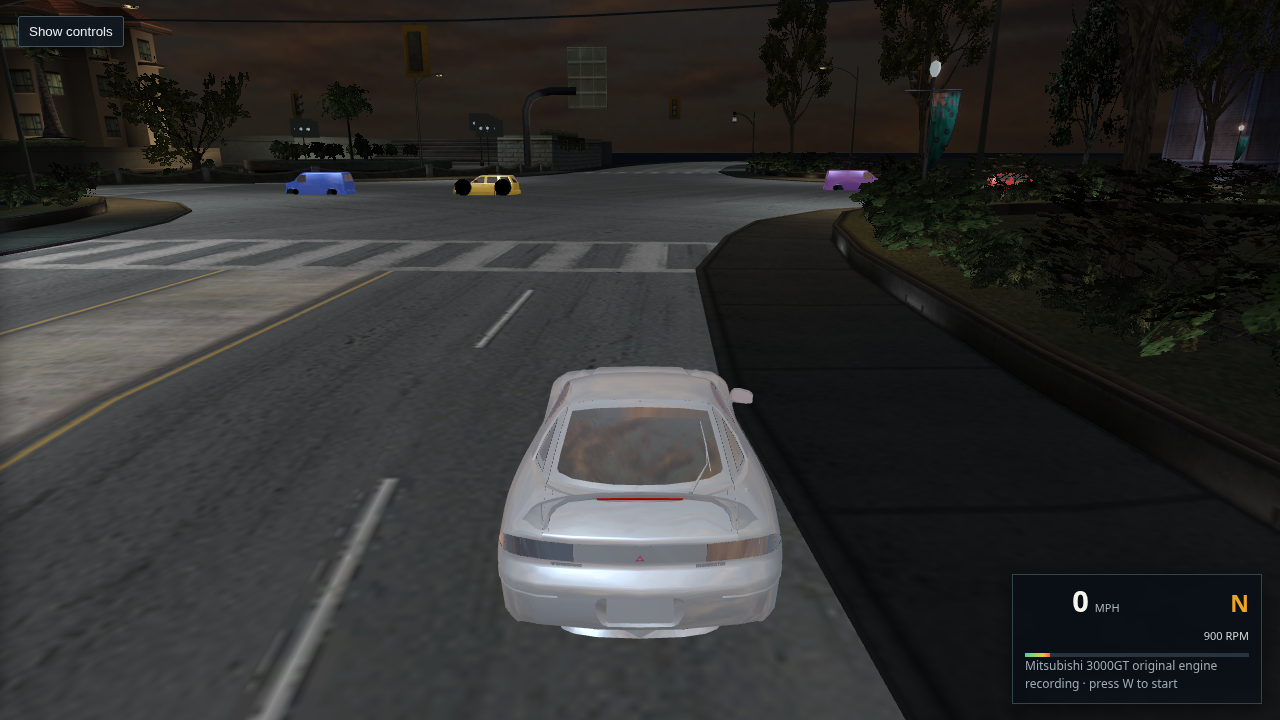
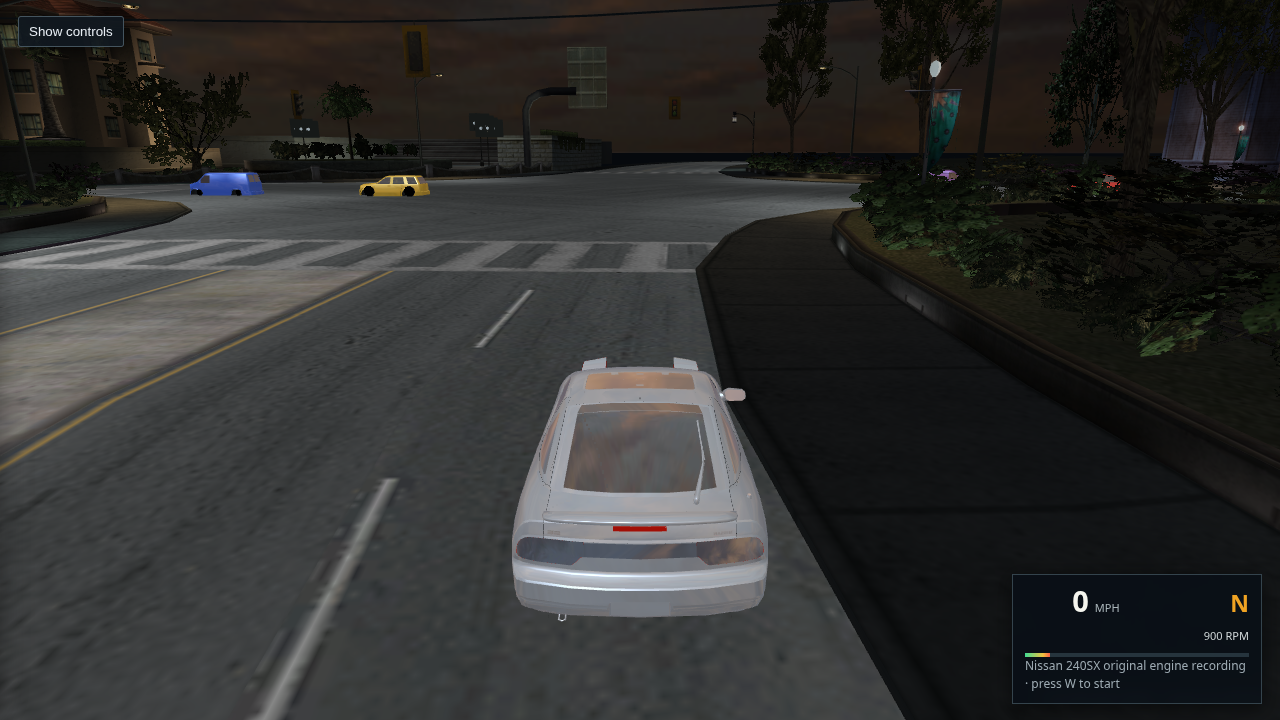
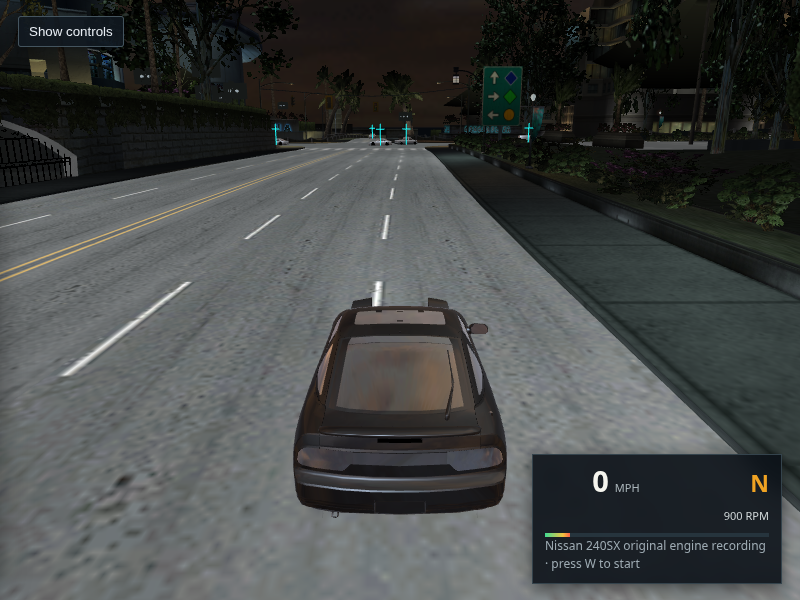
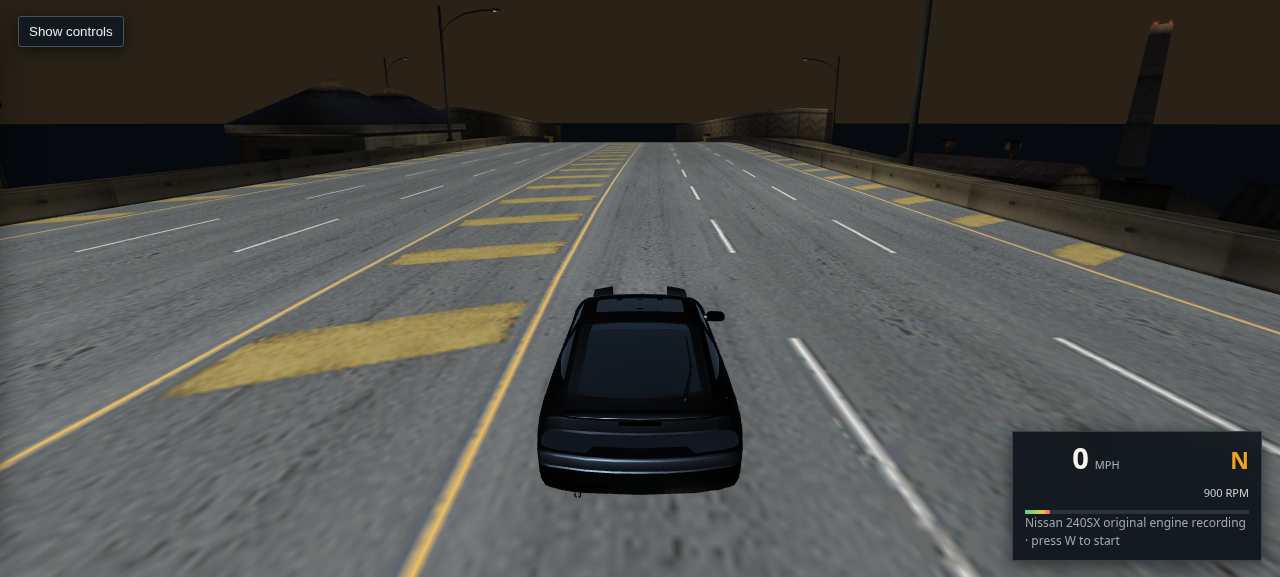
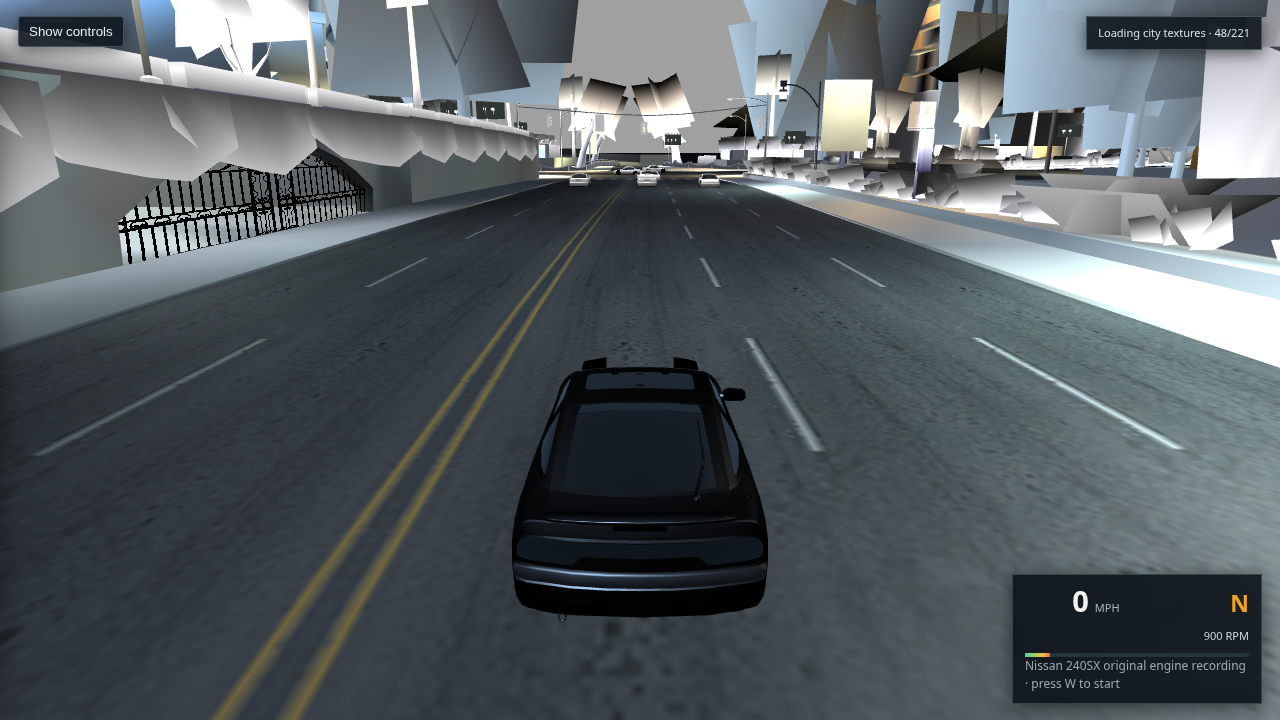
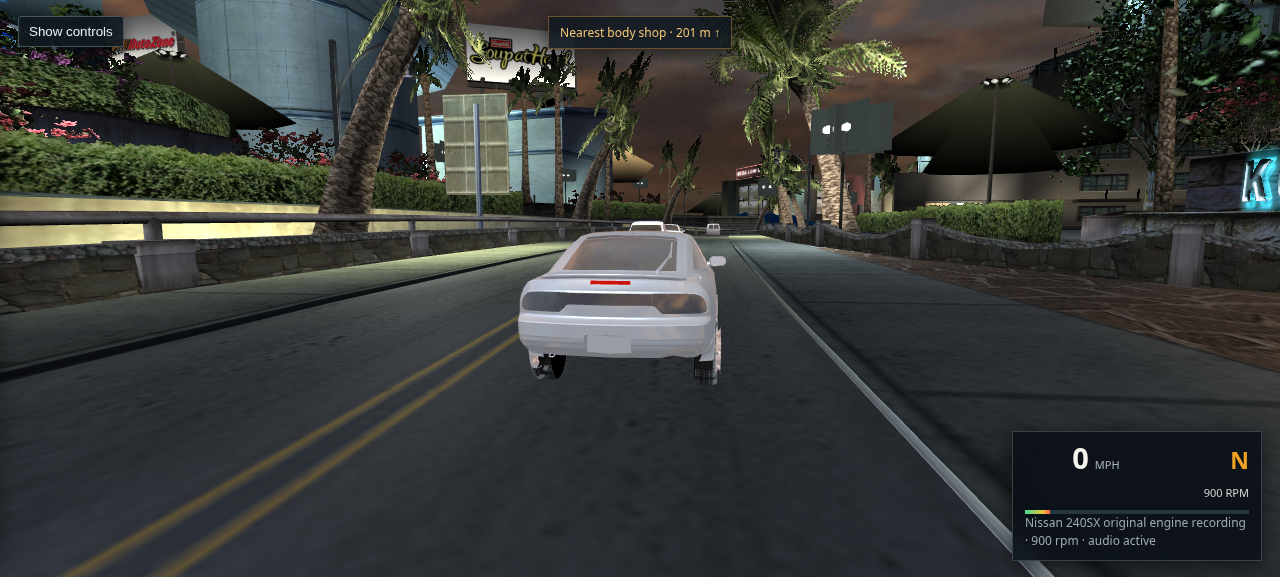
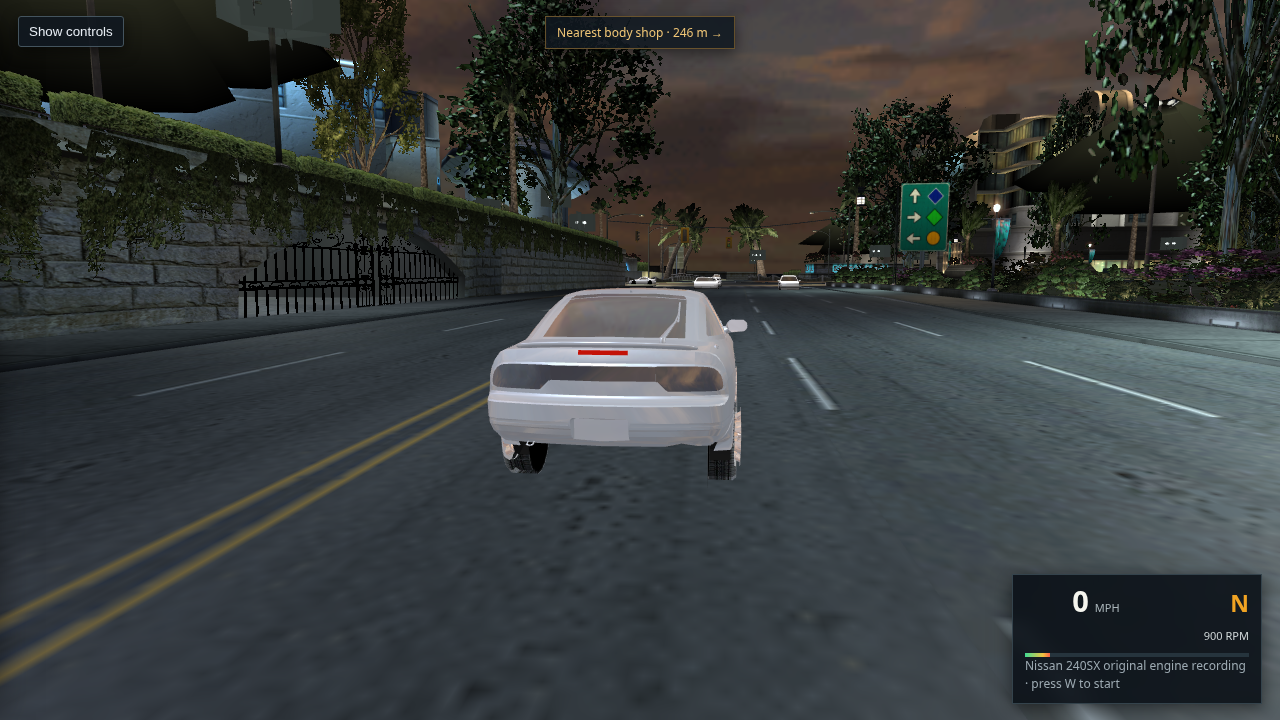
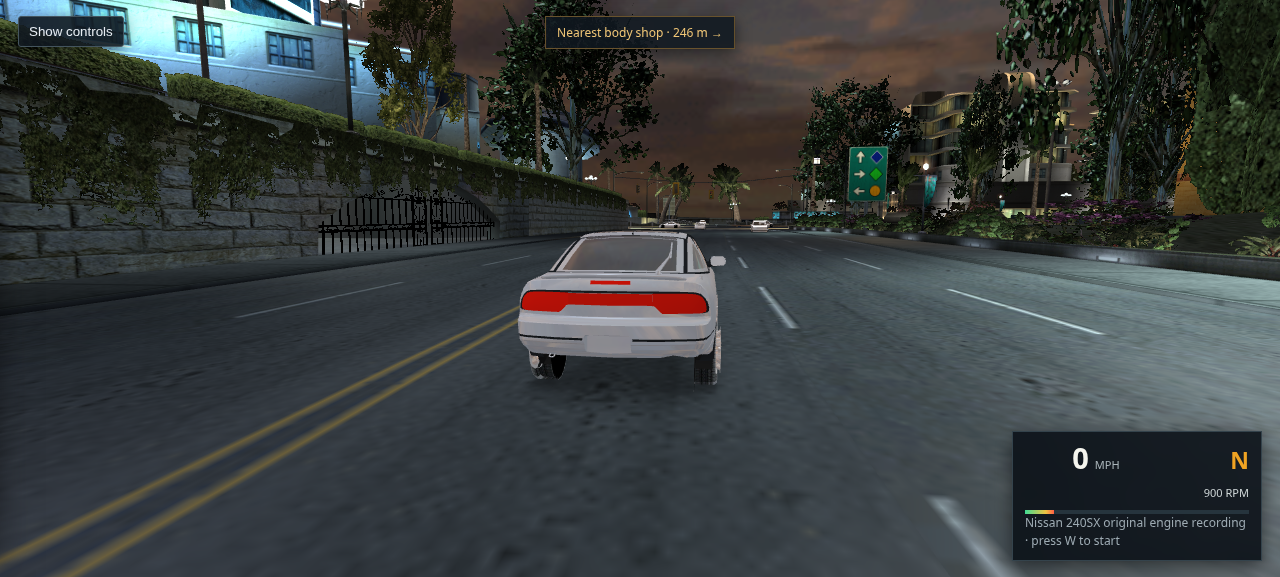
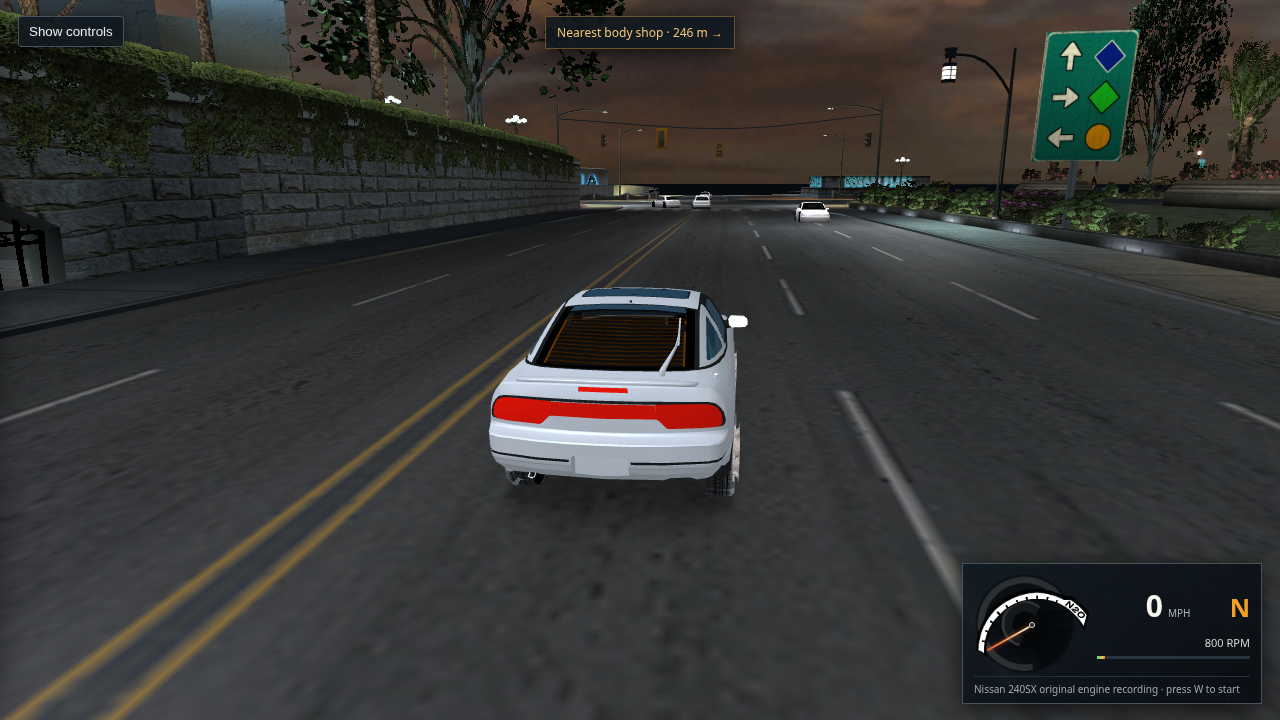
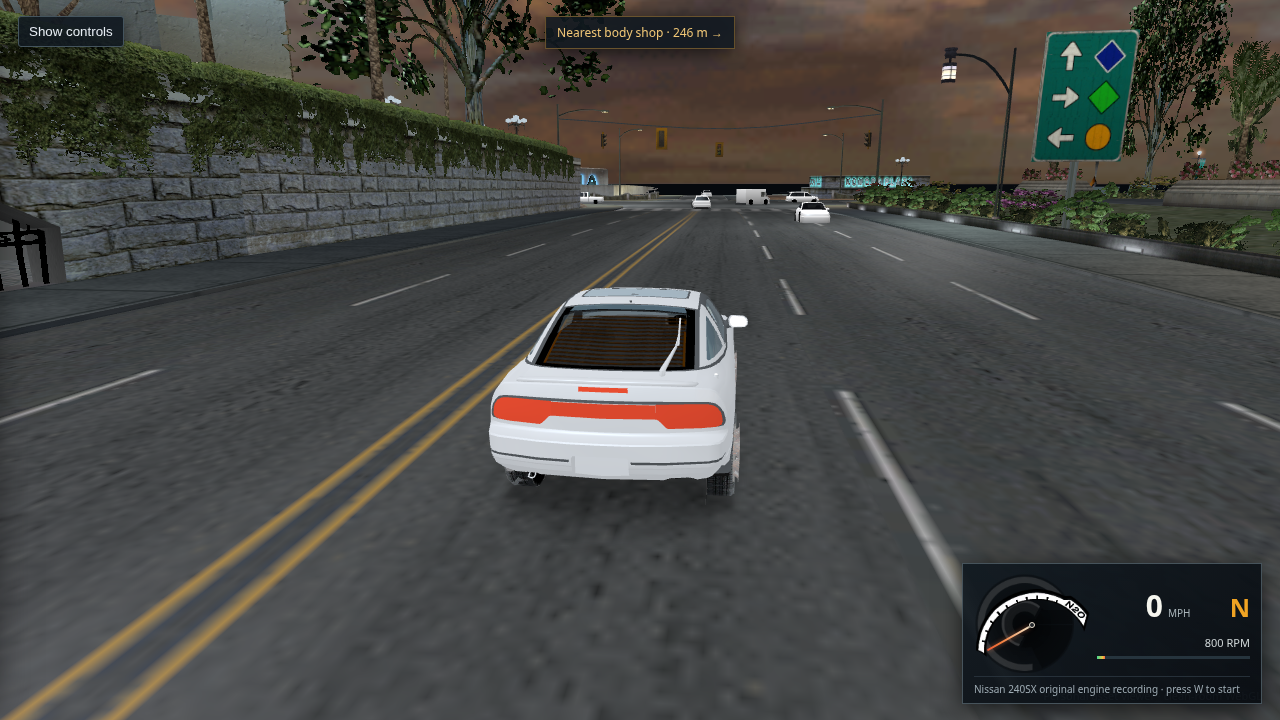
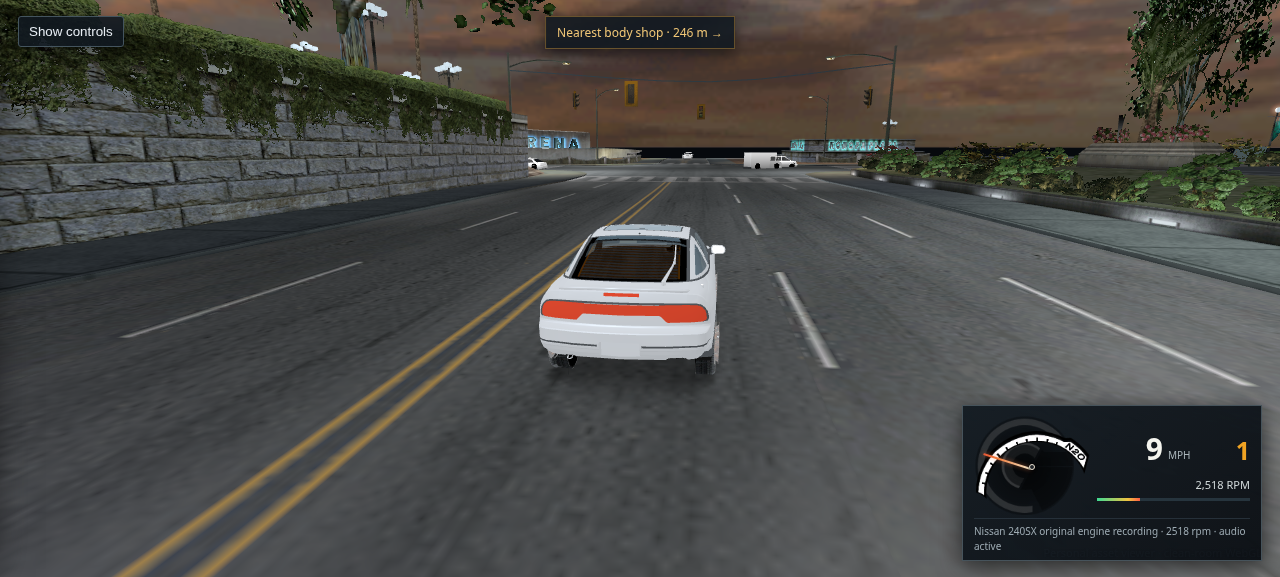
Packaged Bayview WebGL drive view after loading, showing the 240SX on a marked road with upright ambient traffic ahead
Packaged host Chrome · L4RA · Route 450 · scene ready

490 · Current drivable scene after the loading screen clears

Host Chrome uploaded all 223 nearby textures and reached “Traffic preview ready” in about 18 seconds, with no console errors or failed requests. This startup view shows the player car on the marked roadway and upright traffic. It is a single stationary view; it does not establish a match to retail driving or complete city fidelity. The ordinary steering tune is now tighter; the BODY_A/B/C mapping is verified, while exact retail LOD radius scaling remains open.

Open full-size capture · Open this city drive
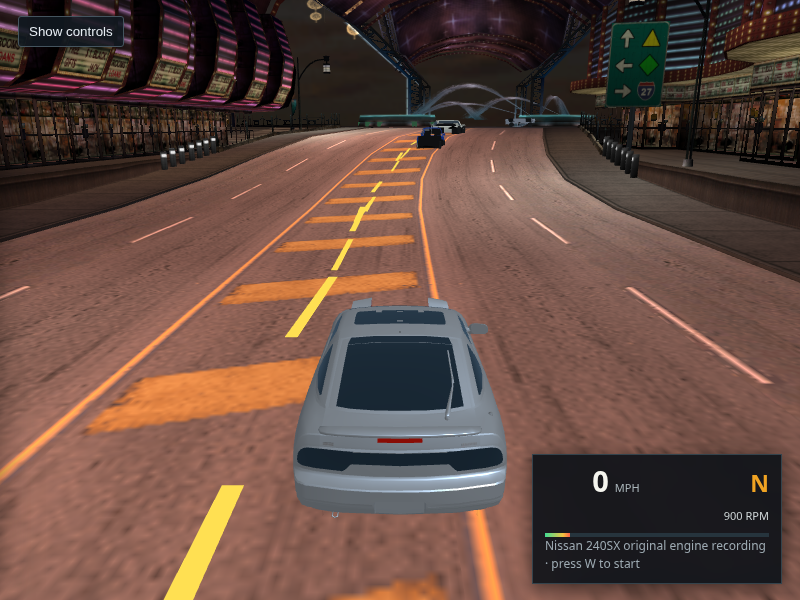
Baseline packaged Bayview road at pavement gain 1.0 with the 240SX, traffic, and source-textured markings
Baseline · cityRoadGain=1.0
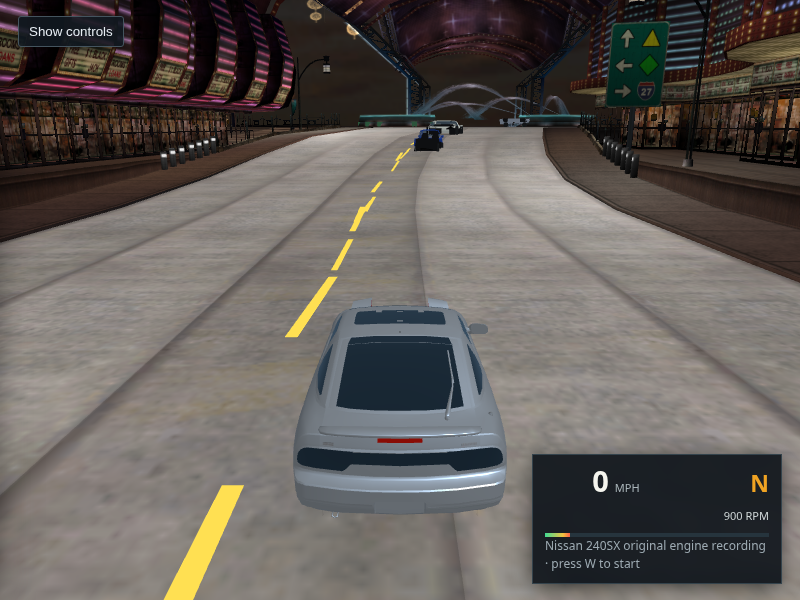
Same Bayview camera and road with pavement gain 1.6, brighter asphalt, and unchanged source-textured markings
Restored measured default · cityRoadGain=1.6

489 · Restore the measured road exposure

The packaged default had regressed to pavement gain 1.0 despite the earlier same-camera comparison documenting 1.6. The restored value brightens the mid-road crop from mean RGB 98/101/102 to 122/126/127; player and building materials are unaffected. The yellow double line and white lane dashes remain sampled from the original road textures. Chrome reported no page errors.

Open baseline · Open restored view · Read the comparison · Try the city drive
240SX after a tighter full-right turn input on a marked Bayview road, with the dashboard showing 4 mph
L4RA · 0.9 s full-right input · 13 mph before turn

488 · Tighter normal steering response

The viewer-side yaw cap increased from 1.2 to 1.4 rad/s and turn-acceleration cap from 11.5 to 13.5 m/s², reducing turn radius by about 15% where the acceleration cap applies. A 0.9-second full-right input changed heading by 73 degrees from 13 mph; the final capture shows the 240SX on the marked road at 4 mph. The road-support speed guard also affected the result, so this is a playability check rather than a retail handling match. No page or console errors were reported.

Open the full-size capture · Read the measurement and limits · Try this drive
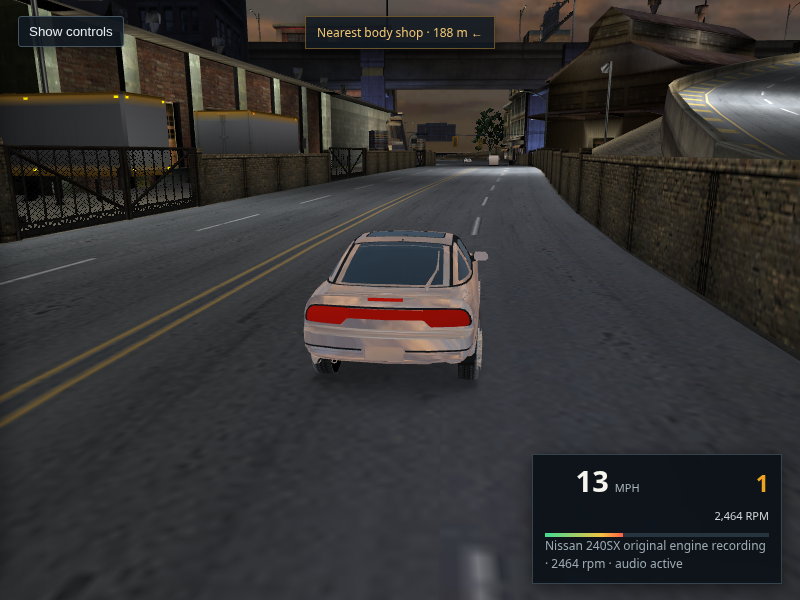
240SX driving on the marked L4RA road at 13 mph while an on-screen indicator shows ambient traffic models still loading, 1 of 12
Host Chrome · 13 mph · traffic-body requests delayed · 1/12 models loaded

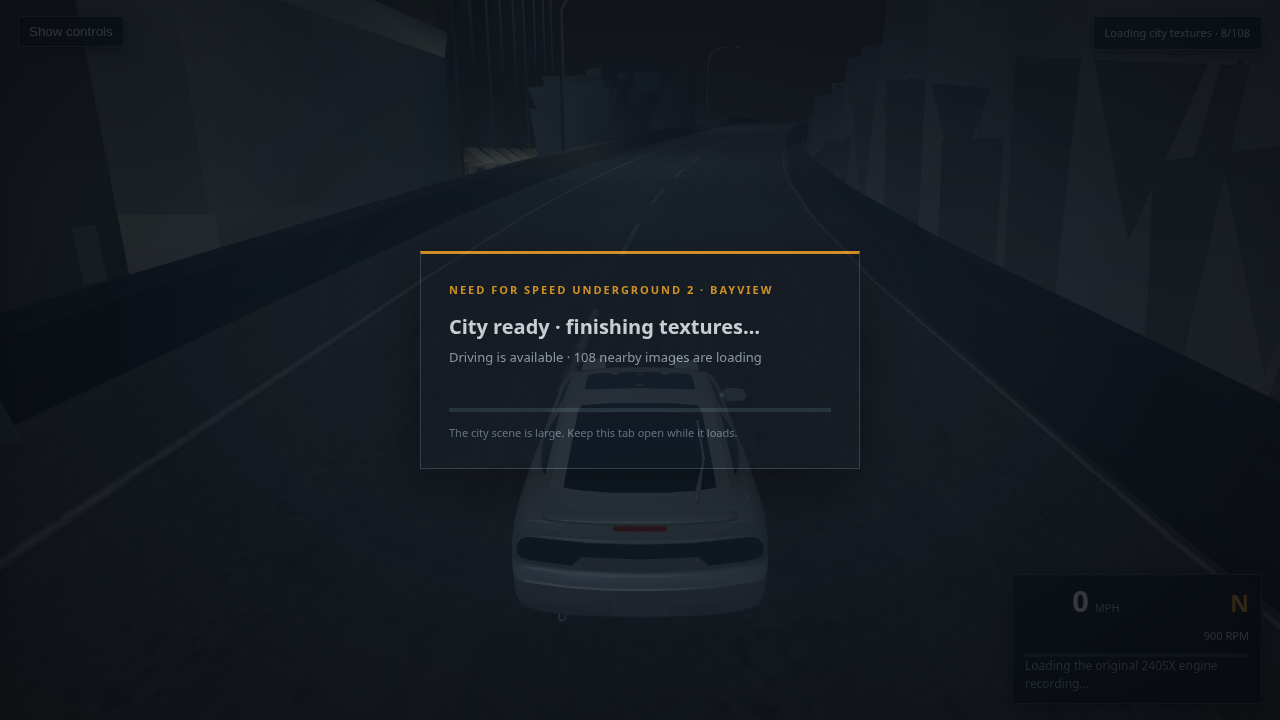
487 · You can drive as the ambient traffic roster loads

The road, 240SX, controls and route data now clear the loading cover without waiting for all 12 optional traffic bodies. With only traffic GLB requests slowed by five seconds each, the viewer reached “City scene ready” while traffic remained 0/12. After a two-second W hold, the car was moving at 13 mph with original AEMS/Ginsu audio active and the stream indicator at 1/12. City-texture and traffic progress no longer hide one another. Chrome reported no page errors or failed requests; traffic paint and retail AI remain unfinished.

Open the full-size capture · Read the startup trace · Open this drive
Host Chrome capture of the 240SX after a short steering input, still on the marked L4RA road
Route 450 · 1.3 s throttle, 0.45 s left steering · road material supported

486 · Slightly tighter full-lock response stays on the road in a short turn

The normal yaw cap increased from 1.1 to 1.2 rad/s and turn-acceleration cap from 10.5 to 11.5 m/s². In a host Chrome capture, the 240SX changed heading by 26 degrees during a short input and remained supported by the authored L4RA road surface; no road or building collision state was reported. These are viewer playability values, not retail physics. A separate live HUD readback confirmed the speed number tracks player speed (3.03 world units/s displayed as 7 mph) and the RPM readout updates. Body paint and the wider city placement review remain unresolved.

Open the full-size capture · Read the control check · Try the same drive start
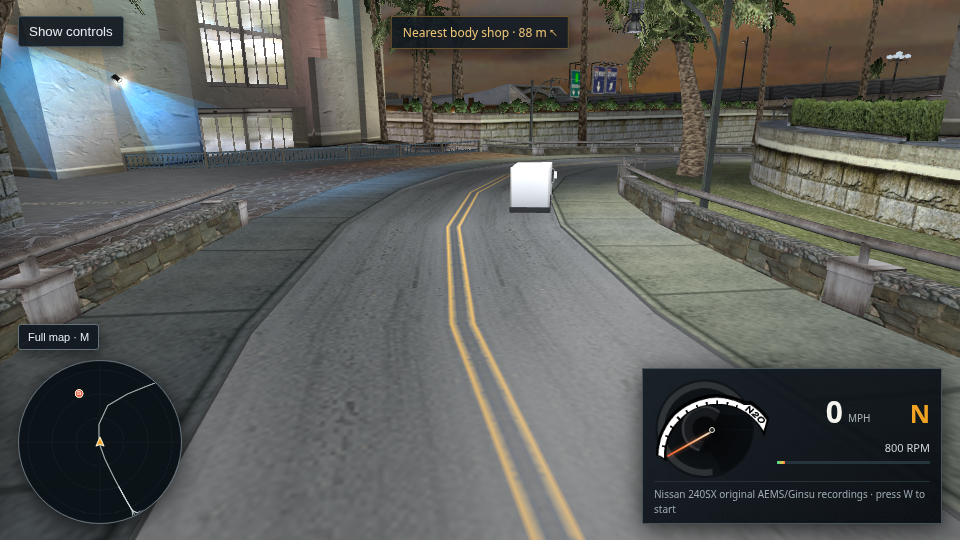
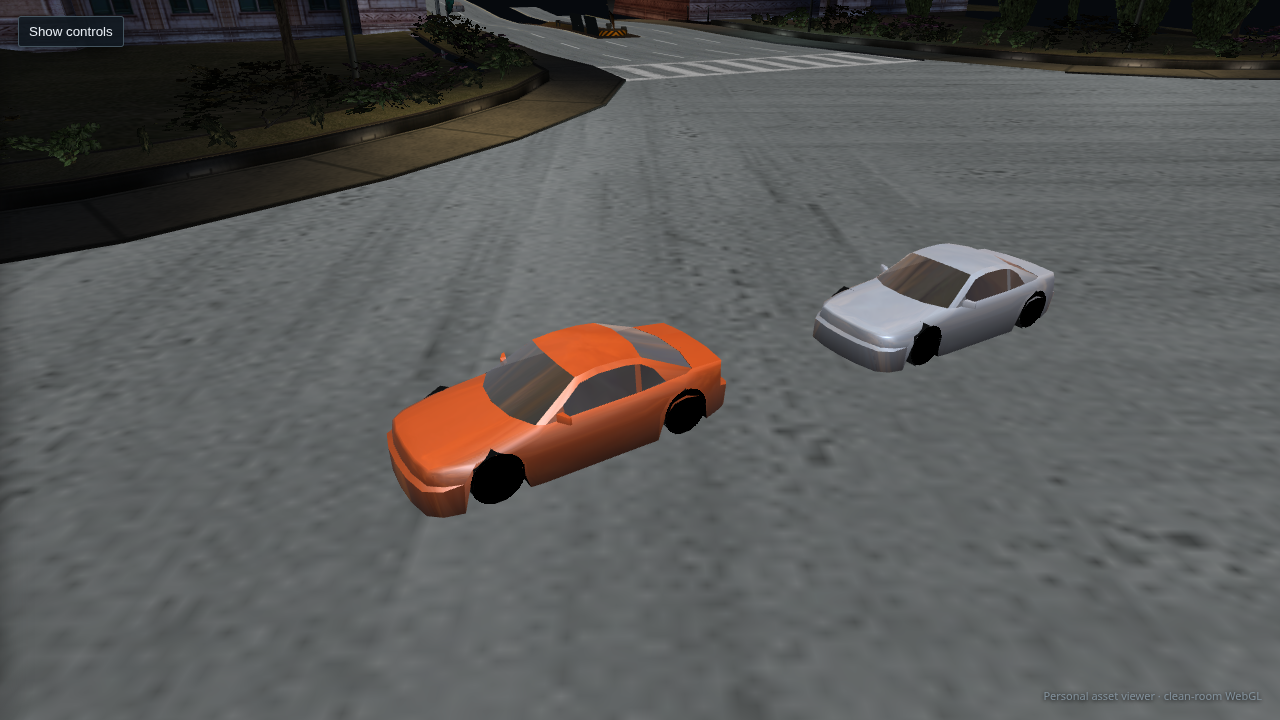
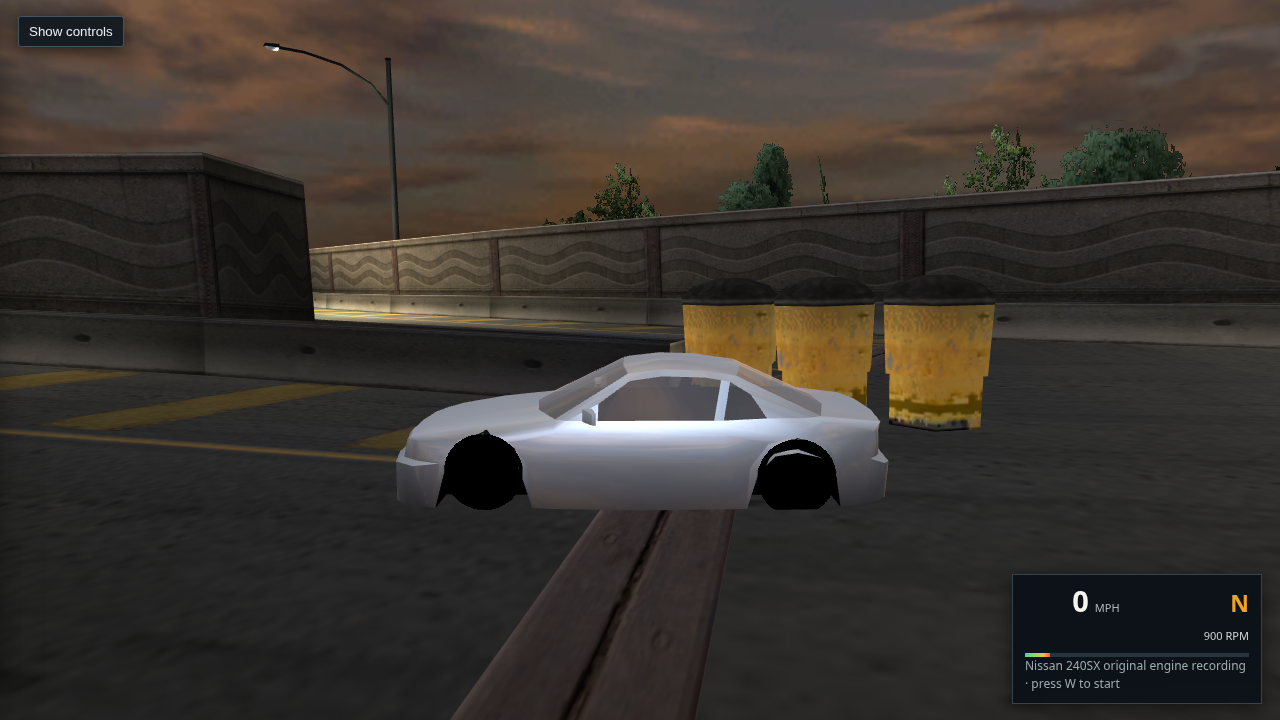
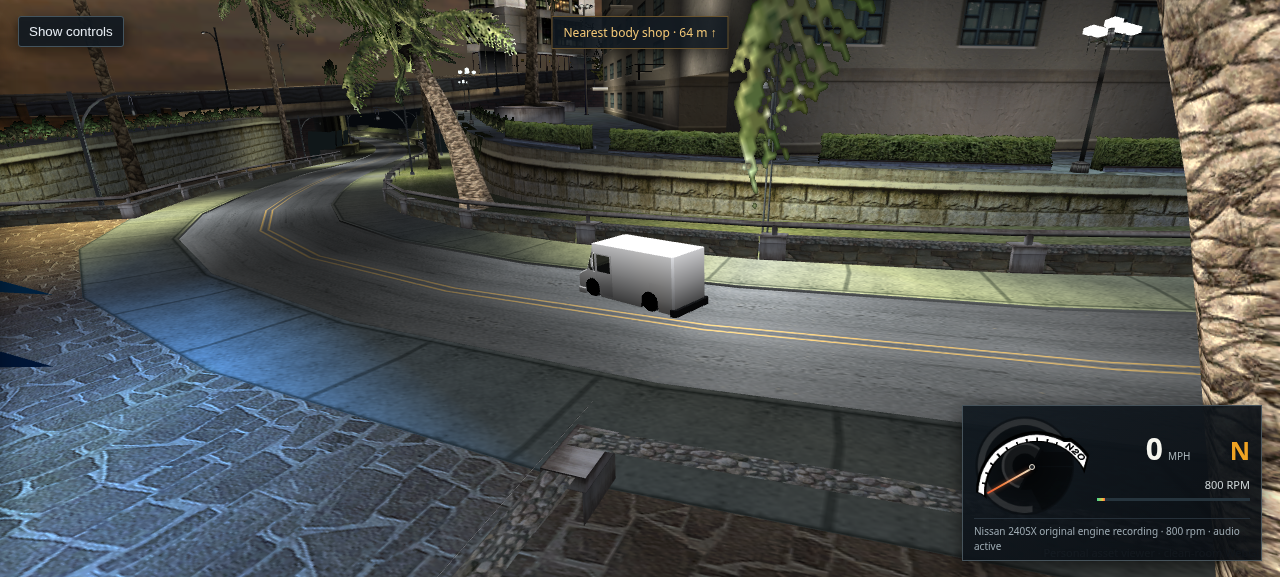
Close-up host Chrome view of a white parcel van using the normal traffic fallback
Normal traffic fallback · same vehicle and camera
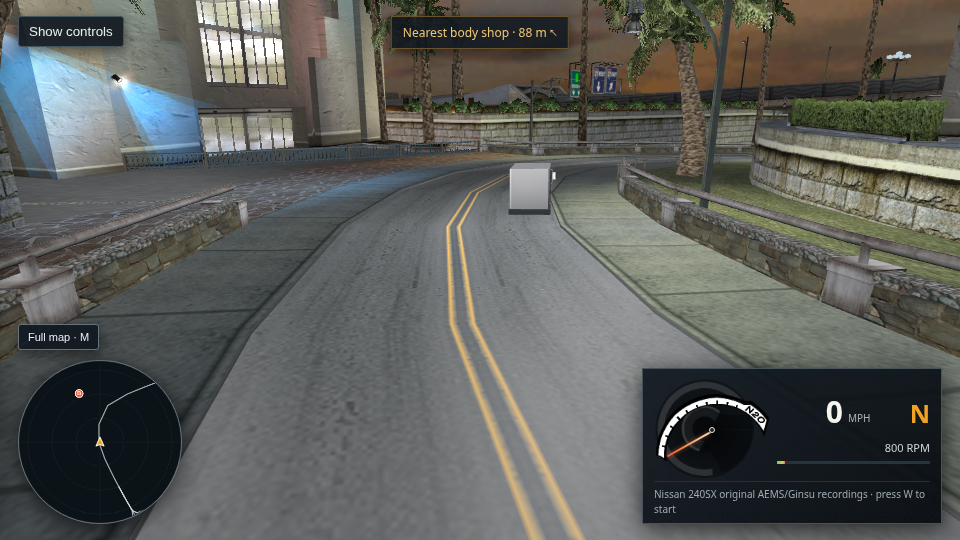
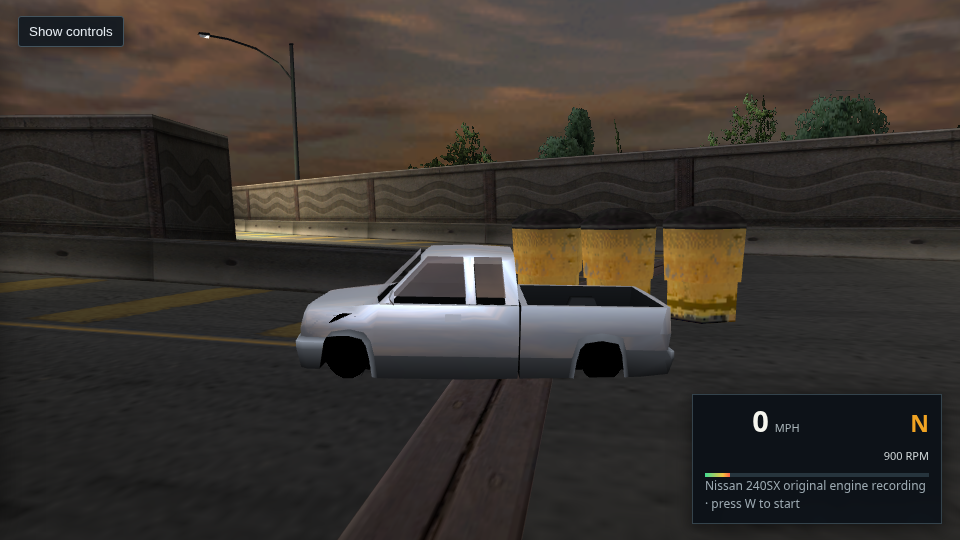
The same parcel van with extracted DEFAULT shader inputs; appearance is still nearly featureless
Opt-in DEFAULT inputs · only a slight shading change

452 · Extracted DEFAULT paint inputs do not recover traffic body detail

Host Chrome/WebGL2 captured the same Route 736 parcel van and camera with the normal fallback and the opt-in decompiled shader branch. The DEFAULT diffuse, specular and environment values only change shading slightly; the body remains an almost featureless white box. The missing explicit traffic descriptor state, material flags, paint mask and draw-time bindings are still required. The normal renderer is unchanged; this diagnostic is not a visual fix.

Open baseline · Open diagnostic · Read the result · Open the opt-in view
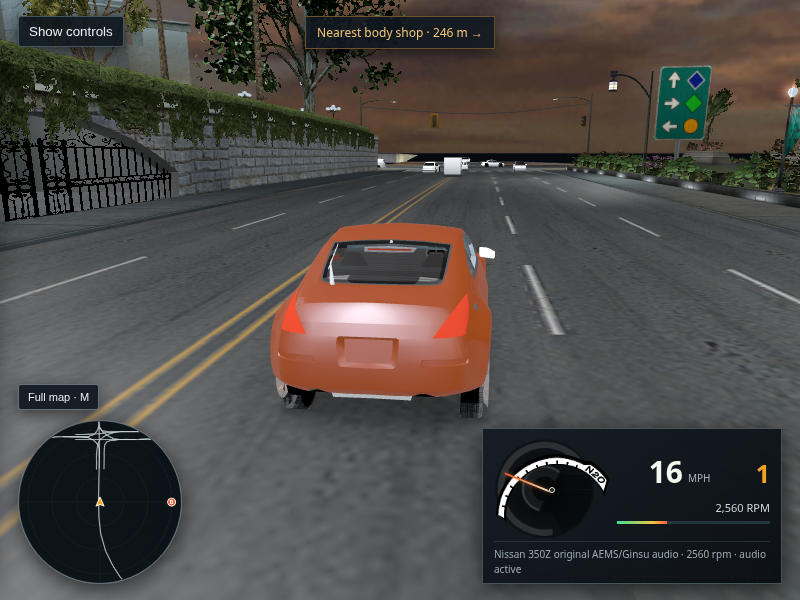
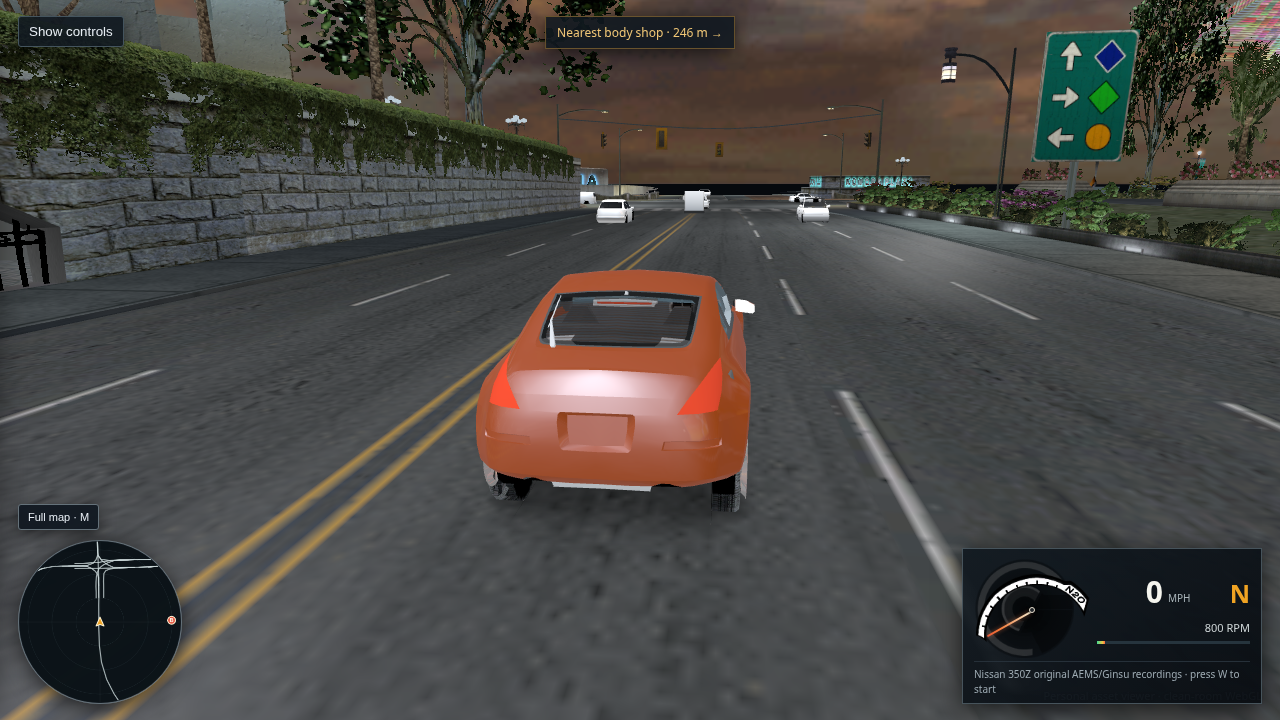
The selected orange Nissan 350Z moving on a marked L4RA road with its speedometer and original engine audio active
Live L4RA drive · Nissan 350Z · 16 mph

485 · Selected 350Z drives in the packaged city

The live selector exposed and loaded all 29 stock cars in one L4RA driving session. Each selection reached its ready state and showed that car’s matched original AEMS/Ginsu recordings; Chrome reported no page errors or failed requests. The pictured 350Z moved from rest to about 7.0 m/s (16 mph), reached 2,560 rpm, and reported audio active. This verifies runtime selection for the roster and driving for the pictured car, not a separate driving or appearance evaluation of every model. Retail handling and the flat traffic appearance remain unresolved.

Open or save the capture · Read the 29-car live selector audit · Drive the packaged city
Current packaged WebGL drive after a full-lock turn input, with the 240SX near the edge of a marked road
Live L4RA keyboard drive · full-lock turn · 9 mph

484 · Tighter ordinary steering tune

The current packaged build raises the viewer-side normal turn acceleration to 10.5 m/s² and yaw cap to 1.1 rad/s; reverse and handbrake settings are unchanged. In host Chrome, holding W for 3.2 seconds then A for 1.1 seconds changed the heading by 1.24 rad with no browser errors. This makes steering more responsive, but the full-lock capture puts the car at the road edge, so this check does not establish reliable cornering or retail handling. The vehicle force model remains approximate.
Open or save the capture · Drive the packaged city · Read the driving model gaps
Packaged L4RA city drive start in host Chrome with marked multilane road, traffic, the 240SX and dashboard
L4RA · 832 routes · city road scene
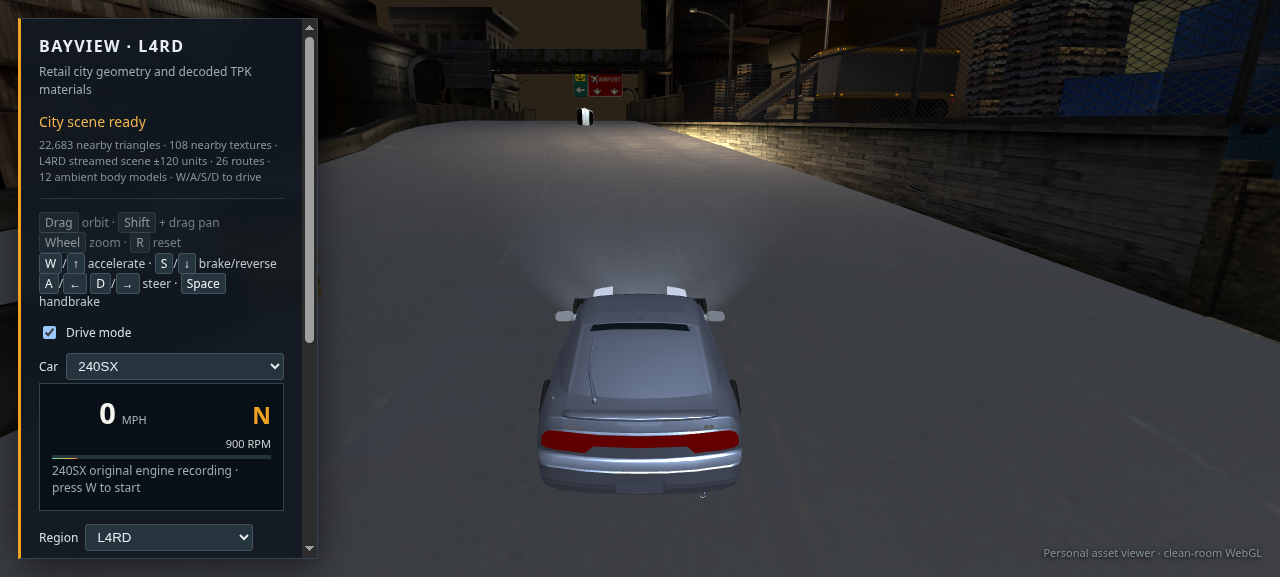
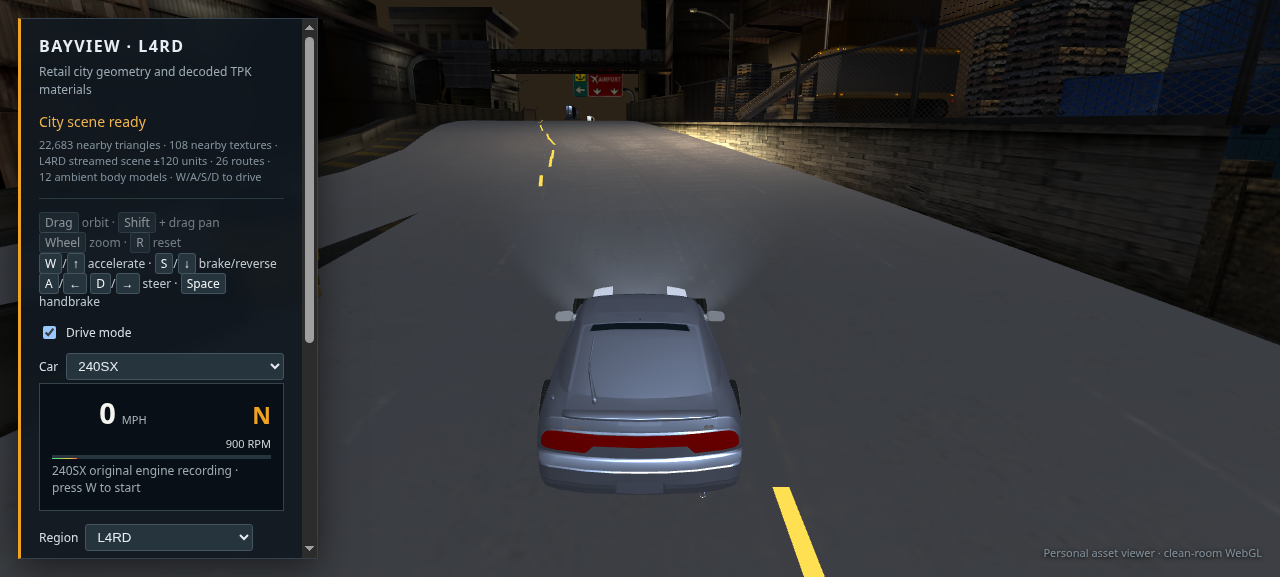
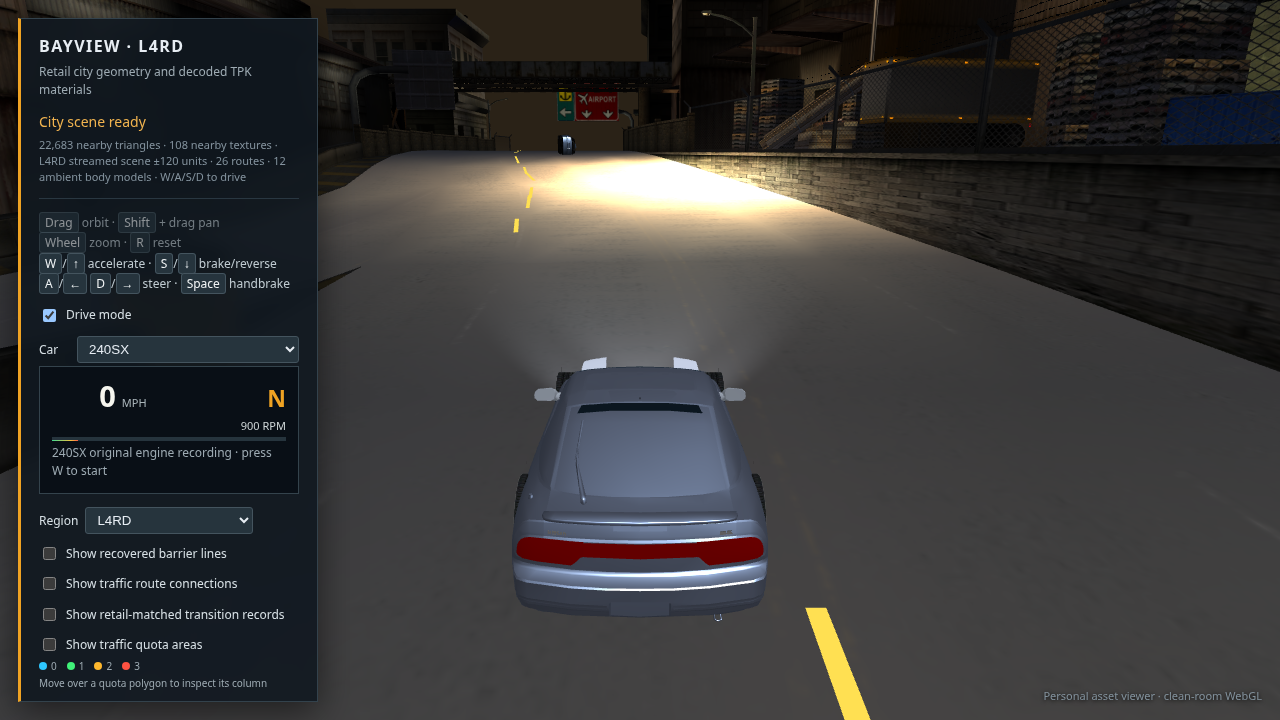
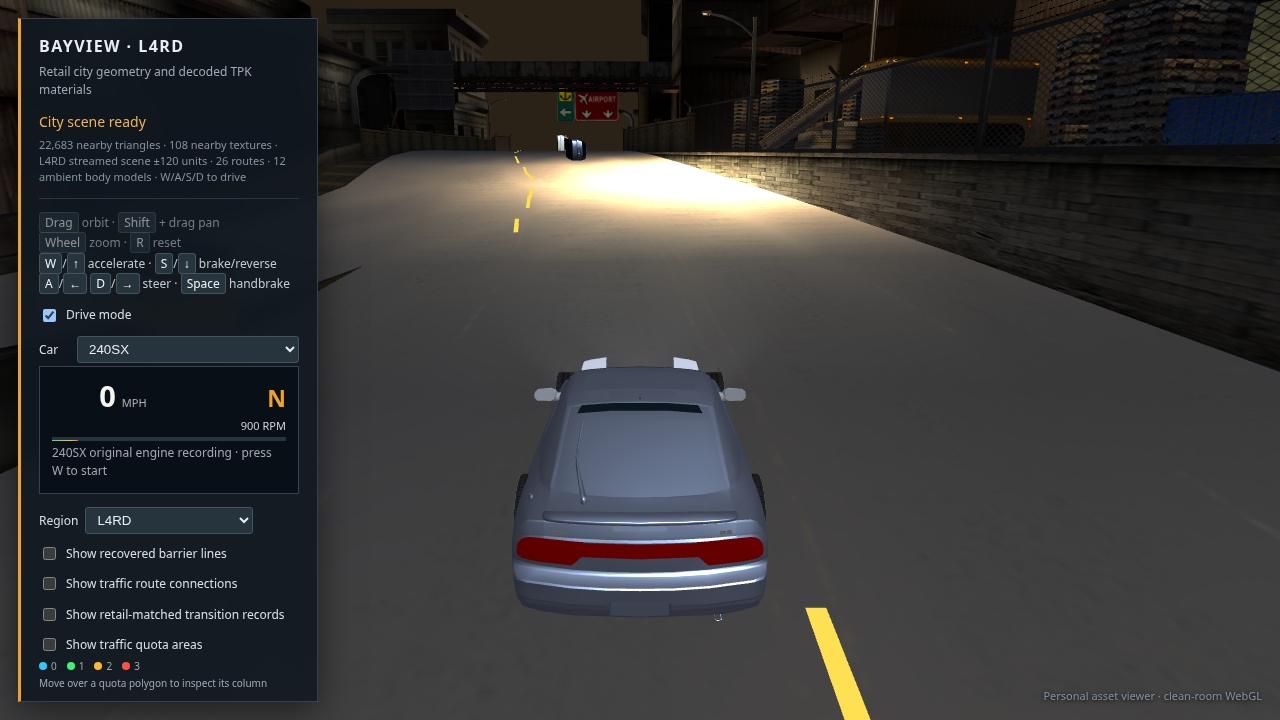
Packaged L4RD city drive start in host Chrome on a marked road between buildings
L4RD · 26 routes · industrial road scene
Packaged L4RH scene in host Chrome showing the car on a cone-lined test track next to grass
L4RH · authored track · no route graph
Packaged L4RR scene in host Chrome showing isolated airport pavement beneath the car
L4RR · isolated airport pavement · no route graph
Packaged 240SX driving view after a throttle and steering input, showing the car turning on the marked L4RA road
L4RA · tighter steering response · 12 mph

483 · Packaged region sweep and tighter steering check

A fresh host Chrome/WebGL2 load reached “City scene ready” in all eight packaged regions with no failed requests, page exceptions or console errors. Recovered route counts are L4RA 832, L4RB 99, L4RC 54, L4RD 26, L4RF 33 and L4RG 44; L4RH and L4RR have no free-roam route graph and render their authored test-track and airport pavement instead. The normal turn acceleration is now 9.0 m/s² and its yaw cap 1.0 rad/s; a short drive changed the 240SX heading by about 45 degrees. The turn tune is viewer-side, and these captures do not verify retail handling or citywide placement.

Open the packaged WebGL viewer · Read the driving model gaps
Combined Bayview WebGL drive after keeping one correctly bound source sky dome instead of duplicate coincident sky layers
Combined city · host Chrome WebGL2 · L4RA routes

482 · The combined city now draws one source-bound sky pair

The geometry-aware region audit found 96,008 coincident placements between L4RA and L4RD: 96,006 had identical render data; the two different payloads were the global sky shells. Those same shells repeat across all eight regional streams. The combined merger now retains L4RA’s explicit `LOC4DYNTEX` bindings once and skips the seven duplicate sky pairs. The combined GLB loses two nodes; its city geometry and route data are unchanged. The host view loaded with 108,111 nearby triangles, 257 textures and no browser errors. The visual change is subtle in this view; the 240SX remains flat gray, and this does not prove citywide placement.

Open full-size capture · Read the geometry-aware audit · Open the combined drive
Before: L4RA host Chrome drive with the light beam's colored DXT3 block corruption visible at the upper-right edge
Before · greedy filler skip misaligned DXT3 blocks
After: same L4RA host Chrome drive after correcting the shared TPK pixel base; the colored fragment is gone
After · corrected 0x80-aligned TPK payload base
Correctly decoded SFX_LIGHT_BEAMA 32 by 256 grayscale DXT3 light beam
`SFX_LIGHT_BEAMA` · 32×256 DXT3
Correctly decoded SFX_LIGHT_BEAMB 32 by 256 grayscale DXT3 light beam
`SFX_LIGHT_BEAMB` · 32×256 DXT3

481 · The common light texture was decoded from the wrong byte offset

The common pack pads its pixel data with 0x11 bytes to a 0x80 boundary. Greedy skipping advanced three bytes beyond the aligned base for `SFX_LIGHT_BEAMA` and `SFX_LIGHT_BEAMB`, scrambling the DXT3 blocks. The parser now backs over the padding run and restores the aligned payload base. Both images decode as smooth grayscale light beams. All eight regional scenes and the combined scene were rebuilt from that correction. This matches the pack layout evidence; retail GPU output for the effect blend is still unverified. The 240SX remains flat gray, and no change was made to car paint or lighting.

Open before · Open after · Read the offset findings · Open the rebuilt L4RA drive
Host Chrome drive with only the XO_MEGALIGHTA light beam slice hidden; the bright colored fragment is gone while the housing and city remain
Temporary source-slice isolation · `XO_MEGALIGHTA_1A_00_0_2` hidden

480 · The bright sky-edge fragment is the MegaLight beam texture

Hiding only the MegaLight's `SFX_LIGHT_BEAMB` mesh removes the fragment. Its exact 32×256 DXT3 source texture is recovered; the remaining gap is the retail effect's draw-state and activation. The default scene still includes it while that behavior is traced.

Open full-size diagnostic · Read the source findings · Open this diagnostic
Current packaged WebGL drive in host Chrome: silver-gray 240SX on a marked L4RA road with traffic ahead; a bright fragmented shape is visible at the right edge of the sky
Packaged host Chrome · WebGL2 · L4RA · 240SX · ready with 23,405 nearby triangles and 115 textures

478 · Current packaged drive appearance

The scene reached City scene ready with 832 free-roam routes and no uncaught page exceptions. The capture confirms the car is on marked pavement and traffic is present. It also shows the unresolved silver-gray body, pale distant traffic paint, and a bright fragmented shape at the upper-right sky edge. This records the current state; it does not establish a retail visual match.

Open full-size capture · Read the capture notes · Open this scene
L4RA host Chrome drive with the nearby magnolia tree family hidden; bright upper-right fragment remains
Nearby magnolia family hidden
Same L4RA host Chrome drive with the nearby juniper row hidden; bright upper-right fragment remains
Nearby juniper row family hidden

479 · The sky-edge fragment is not either nearby tree family

Host Chrome isolation captures show the bright upper-right fragment remains with the magnolia and juniper row hidden individually. Hiding the nearby condo also leaves it present. The decoded cloud panoramas look normal. The source object/material combination is still unresolved; no city meshes were removed from the default scene.

Open magnolia diagnostic · Open juniper diagnostic · Read the isolation notes
240SX WebGL drive with a 64 pixel per face local reflection probe
64×64 per face · default
Same 240SX WebGL drive with a 128 pixel per face local reflection probe; body detail remains similar
128×128 per face · diagnostic

477 · More reflection pixels do not fix the flat body

Host Chrome / WebGL2 rendered the L4RA scene with a 128×128 local cube probe. It reached City scene ready with 129 nearby textures and no browser errors. Compared with the 64×64 capture, the 240SX gains no clear body-reflection detail. The default stays at 64; the remaining appearance gap lies in the retail material and environment inputs rather than probe resolution.

Open 64×64 capture · Open 128×128 capture · Read the comparison note
Host Chrome WebGL L4RA drive with the 240SX factory silver-gray pigment and recovered GLOSS 128 applied
240SX · stock pigment #747270 · GLOSS 128
Host Chrome WebGL L4RA drive with the 350Z factory orange pigment and recovered GLOSS 128 applied
350Z · stock pigment #913f10 · GLOSS 128

476 · Factory paint gloss now reaches the normal driving shader

The viewer now uses the recovered per-car GLOSS alpha to set the factory-finish lighting amplitude. Clean-context host captures confirm the 240SX silver-gray and 350Z orange stock pigments are selected independently. Both reached City scene ready with 129 nearby textures and no browser errors. The paint reads more clearly, but reflections still use the WebGL approximation and traffic paint remains pale.

Open 240SX capture · Open 350Z capture · Read the source linkage and limits
240SX under the camera-relative gameplay-profile diagnostic without local fixture harmonics; body is very dark
r440 · profile only
Same host Chrome L4RA drive with three nearby authored type-2 city lights projected into the car harmonics; body remains flat gray
r441 · profile plus three nearby authored type-2 lights

475 · Nearby authored lights brighten the diagnostic, but do not solve the paint

The host capture shows the opt-in shader using the explicit gameplay profile, live chase-camera basis, and three nearby authored type-2 fixtures. Compared with r440’s profile-only result, the 240SX is more readable, but the body still lacks convincing paint reflections and traffic cars remain pale. The game’s exact spatial-pack traversal, active material flags, and environment bindings are still missing. This nearest-fixture selection is an experiment and remains out of the default renderer. Both captures were rendered in host Chrome; XP was used only to extract static game data.

Open full-size r441 capture · Open r440 profile-only capture · Open the opt-in diagnostic
Host Chrome WebGL L4RA driving view with the camera-relative gameplay profile diagnostic enabled; the road is visible, while the 240SX remains too dark and traffic cars are washed out
Host Chrome · Quadro P2000 · L4RA Route 450 · camera-relative profile diagnostic

474 · Live profile follows the chase camera; car appearance remains unresolved

The opt-in decompiled shader now recomputes the recovered explicit gameplay profile against the live chase-camera basis instead of reusing coefficients frozen at one camera pose. This capture rendered through host Chrome on the Quadro; the XP guest was used only for static data extraction. It confirms the scene loads, and also shows the diagnostic body is still too dark while traffic remains pale. Retail dynamic light-pack selection and material state are missing, so this profile-only path stays diagnostic and does not replace the normal driving renderer.

Open full-size host capture · Open the diagnostic drive
Current host Chrome WebGL drive: silver-gray 240SX on a marked L4RA road with ambient cars ahead, showing 11 mph
Packaged host Chrome · L4RA route 450 · short throttle and right-steer input · 11 mph

473 · Current packaged build is drivable on the host GPU

The current packaged L4RA scene reached “City scene ready” in host Chrome with the 240SX selected. A short W hold followed by D moved the car to 11 mph and changed its heading on the marked road. The view has ambient traffic and no obvious building-over-road intersection at this start. The capture also makes remaining visual gaps plain: body paint is still a flat gray fallback, distant traffic paint is pale, and this one viewpoint does not verify the rest of the city's placements. The XP guest was not used for rendering.

Open full-size drive capture · Open the same L4RA drive
Conditional gameplay harmonic shader without coefficient normalization; 240SX remains flat
Conditional projection · no normalization
Same conditional gameplay harmonic shader with file-backed fourth-channel normalization; visible difference is small
Same projection · file-backed fourth-channel target 0.8

472 · File-backed harmonic normalization barely changes the diagnostic

The executable's file-backed fourth-channel normalization scales this projection by about 1.0224; the RGB normalization enable is a zero-filled global. Identical 960×540 host Chrome views show little visible difference, and both remain far from retail. The experiment stays opt-in. This rules out that small coefficient adjustment as the cause of the missing body shading.

Open unnormalized capture · Open file-default capture · Read the source inputs and limits
Host Chrome capture after a short throttle and right-steer input; the 240SX remains on the asphalt at 21 miles per hour
Short steering input · still on asphalt · 21 mph
Host Chrome capture after holding the turn for three seconds; the 240SX reaches unsupported pavement and stops
Three-second hold · reaches road edge and stops

471 · Tightened the ordinary steering response

The viewer-only low-speed yaw cap is now 0.65 rad/s with a 5.5 m/s² lateral limit; higher speed still reduces yaw. The shorter right-steering input keeps the 240SX on the asphalt, while holding the turn for three seconds carries it to the road edge and the support check stops it. The first capture demonstrates the requested tighter response; the second records the remaining edge limit.

Open short-turn capture · Open long-hold capture · Try the driving view
Normal 240SX driving view in host Chrome; body and windows are visible but still lack the original game's material richness
Normal driving shader · 240SX factory silver
Opt-in gameplay-profile shader experiment, darker than the normal driving shader
Opt-in decompiled-shader experiment · darker and still incomplete

470 · Host GPU comparison confirms the normal shader remains the better driving view

Both packaged views reached City scene ready in Chrome with no browser errors. The normal shader uses the extracted factory 240SX color (#747270), distinct paint, glass, interior and wheel batches, and a live local city reflection probe. The decompiled shader experiment still lacks the retail light packet and is visibly too dark, so it remains diagnostic only. The XP guest is not used for rendering.

Open normal capture · Open experiment capture
Host Chrome WebGL capture after applying the camera-basis light direction transform; car remains visually flat
Host Chrome · Quadro P2000 · opt-in shader · corrected camera basis and direction mapping

469 · Camera-space light directions now follow the traced transform

The diagnostic now applies the statically recovered gameplay profile direction transform through the current chase-camera basis. The car is upright and traffic is present, but the 240SX still reads as flat and the overall lighting does not match the original. This is an opt-in experiment; the normal driving shader remains unchanged, and the XP VM is used only for extraction because its virtual GPU cannot render the game.

Open diagnostic capture · Read the conditional profile inputs · Open normal driving view
Host Chrome WebGL diagnostic using the statically confirmed gameplay light profile; 240SX remains too dark
Host Chrome · Quadro P2000 · opt-in shader · explicit gameplay profile

468 · Gameplay profile selection is resolved; lighting match is not

Static executable tracing now proves the gameplay actor renderer passes profile 0x7f3f00; the older 0x7f3e10 field belongs to frontend preview wrappers. The opt-in shader now uses the selected factory METPAINTSILVER effect/GLOSS and a conditional CPU projection of that gameplay profile. Chrome reached City scene ready without errors. The body remains too dark because the offline reference still uses identity experiment bases and cannot reproduce loaded light-pack traversal, dynamic lights, or runtime normalization. The normal driving path is unchanged.

Open diagnostic capture · Read the static call-path evidence and limits · Open normal driving view
Normal WebGL driving shader with the 240SX factory silver tint on the Bayview road
Normal driving shader · factory silver tint
Opt-in decompiled shader experiment using the 240SX factory paint effect and GLOSS input; the car is still much too dark
Opt-in shader experiment · still much too dark

467 · Factory GLOSS and named paint effect now reach the shader experiment

The XP files statically identify 240SX RGB/GLOSS and its METPAINTSILVER uniform set. The exporter now joins those source inputs per car; the opt-in decompiled shader path uses the factory effect and GLOSS alpha while leaving the normal driving shader unchanged. Host Chrome reached City scene ready with no page or console errors. The experimental body is visibly too dark, so this is not promoted as a rendering fix. The player’s live lighting harmonics, material flags and technique remain unconfirmed; XP is not used as a runtime graphics reference.

Open normal capture · Open diagnostic capture · Read source linkage and limitations · Open normal driving view
Host Chrome WebGL L4RA drive view showing the 240SX with its source-derived factory silver paint tint
Packaged L4RA drive · 240SX factory paint setup · host Chrome / Quadro

466 · 240SX factory paint setup is source-linked

The 240SX definition’s primary paint descriptor resolves to RGB 116/114/112, GLOSS 128 and METPAINTSILVER. The viewer now uses that factory tint when no saved paint customization exists; saved choices still override it. Packaged Chrome reports the source setup on the paint batches and reached City scene ready without page errors. The screenshot shows the resulting tint, while the body still looks flat: the retail effect technique, lighting selection, normalization and cube bindings are not yet reproduced.

Open or save this host capture · Read the executable/data trace and limits · Open this packaged view
350Z before the decal material correction, parked on the marked L4RA road with its flat gray preview body
Before · badge/detail atlas incorrectly receives paint clearcoat
Same 350Z chase view after classifying the badge atlas as a decal; the body paint remains a flat gray preview
After · source DECAL role · body paint still unresolved

465 · Badge atlas belongs to DECAL, not body paint

The source hash identifies the 350Z badge/detail atlas as DECAL. Its six small material slices now retain their texture and alpha while avoiding the body-paint clearcoat path. A focused rebuild changed only this material name; geometry, normals, UVs and embedded images are byte-identical. Both host Chrome captures reached City scene ready on the NVIDIA Quadro P2000 with 170 city textures and a ready reflection cube. The visual difference is subtle at this distance, and the flat body paint remains unresolved: the badge image cannot replace the missing retail body material state.

Open before · Open after · Read the source comparison and remaining inputs · Open the same 350Z view
Loaded L4RA WebGL drive frame from Chrome using the NVIDIA Quadro P2000: marked road and traffic render, while the 350Z body remains flat gray
Host Chrome · WebGL2 · NVIDIA Quadro P2000 · L4RA · 350Z

464 · Host GPU confirmed; appearance still needs work

This frame came from the already-loaded L4RA viewer on host Chrome. The WebGL renderer string reports ANGLE on the NVIDIA Quadro P2000; the XP guest was not used. Road markings and traffic render, while the 350Z paint still appears flat and the traffic cars are mostly white. An earlier fresh browser capture was still uploading textures, so it was not treated as a load failure.

Open or save this full-size capture
L4RA route 1020 junction in the regular WebGL renderer: the 240SX is parked on the industrial apron with the marked road continuing ahead
Normal renderer · route 1020 at the industrial junction
Same L4RA camera with experimental road-intersection clipping enabled; a nearby foreground object has a large wedge removed
Clipping diagnostic · 1,117 building triangles removed · visible wedge damage
L4RA route 415 drive view of the 240SX on a marked multilane highway with barriers and road signs
Route 415 · marked multilane highway · normal renderer

463 · Route scan isolates two road-edge candidates; broad clipping damages scenery

A 2 m scan of all 832 L4RA routes checked 258,833 car-width positions where the route center had road support. Fifteen positions touched two placed groups at an industrial junction and a Harbor route edge. Host Chrome screenshots show the junction and highway. The renderer’s broad triangle-clipping experiment removed 1,117 building triangles and cut a foreground object into a wedge, so the normal scene remains unchanged. This scan is local to recovered route corridors and does not certify the whole city. Read the pairwise stream and corridor audit.

Open baseline · Open clipping diagnostic
Host Chrome WebGL combined Bayview view at L4RA route 736, with the 240SX on a curving road and nearby buildings and traffic
Combined eight-region world · L4RA Route 736 · host Chrome
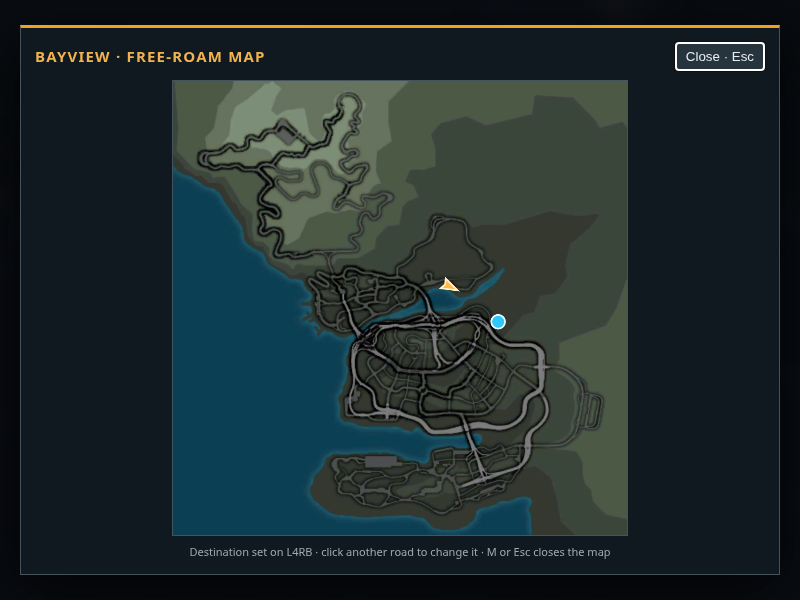
Full Bayview map in the combined world, with current car position near the north coast and a blue destination marker on an L4RB route
Map destination snapped to L4RB route 1 from the L4RB drive page
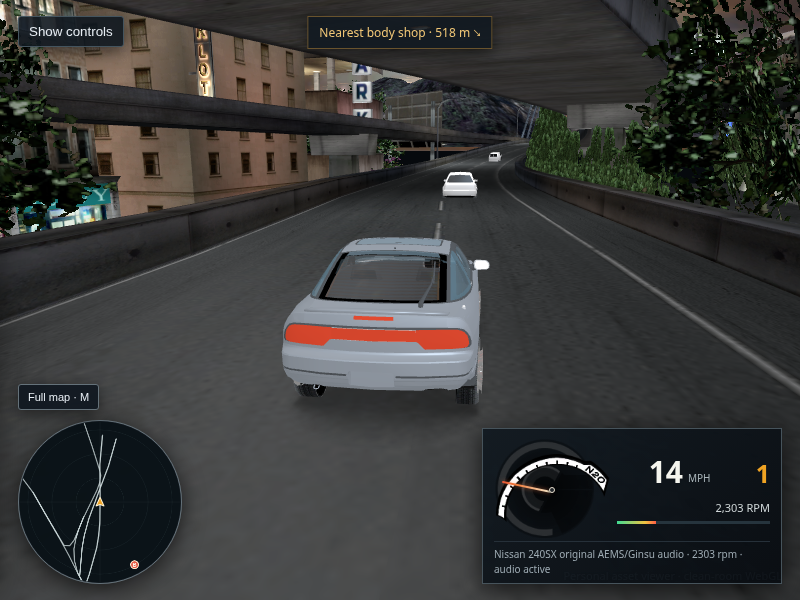
L4RB combined-world WebGL drive capture after throttle: the 240SX is moving at 14 mph beneath an overpass with traffic ahead
L4RB combined-world short drive · 14 mph after 2.2 seconds of throttle · no collision debug flags

462 · Combined-world map marks destinations on the selected stream routes

The combined export loaded all eight source regions and 1,088 recovered routes in host Chrome/WebGL2. On an L4RB drive page, clicking a map road selected route L4RB:1, checked its lane against the combined road surface, and displayed the destination marker. Route snapping stays within the selected stream because the retail executable loads one regional stream and the recovered graph has no cross-export continuation. This is destination marking, not automatic navigation. The whole-world union remains experimental pending citywide overlap and transition checks. Read the region-scoped selection and limitations.

Open the combined drive capture · Open the L4RB map capture
Host Chrome WebGL screenshot from the L4RA Bayview drive view, with the selected 240SX on a multilane road and the minimap and speedometer visible
Host Chrome · WebGL2 · Quadro P2000 · L4RA drive view
Extracted Bayview overview map in the WebGL viewer, with the current car position and heading marked near the city center
Derived retail TRACKMAP overview · car position and heading shown

461 · Full Bayview overview recovered from retail TRACKMAP textures

The XP guest is a read-only source because its virtual GPU cannot run the retail game. Host Chrome/WebGL2 rendered the drivable L4RA scene and the new full map. The viewer reached City scene ready with 89,205 nearby triangles, 223 nearby textures, 832 routes, and 12 ambient vehicle body models. Click the map or press M while driving L4RA to open it; map clicks use the existing nearest-route destination logic. The alignment is approximate and the wider reconstruction still has known visual and traffic gaps. Read the source and alignment notes.

Open or save the map · Open or save the drive capture
Default WebGL shader render: silver gray 240SX on an extracted Bayview road
Default WebGL shader · host Chrome · XP guest not rendering
Corrected retail shader experiment render: same 240SX and camera, with the body much darker
Corrected shader experiment · still too dark · not promoted

460 · Corrected shader math still does not recover retail paint

The XP guest’s virtual GPU cannot run the retail game, so it was used only as a read-only source. Host Chrome/WebGL2 rendered both images on the Quadro. Correcting the reflected-vector input, diffuse alpha, and extracted environment range did not produce convincing paint: the opt-in result is much darker than the default. The experiment remains diagnostic-only pending the live retail paint binding and material state. Both captures loaded without browser errors or failed requests. Read what changed and what is still missing.

Default capture · Experimental capture
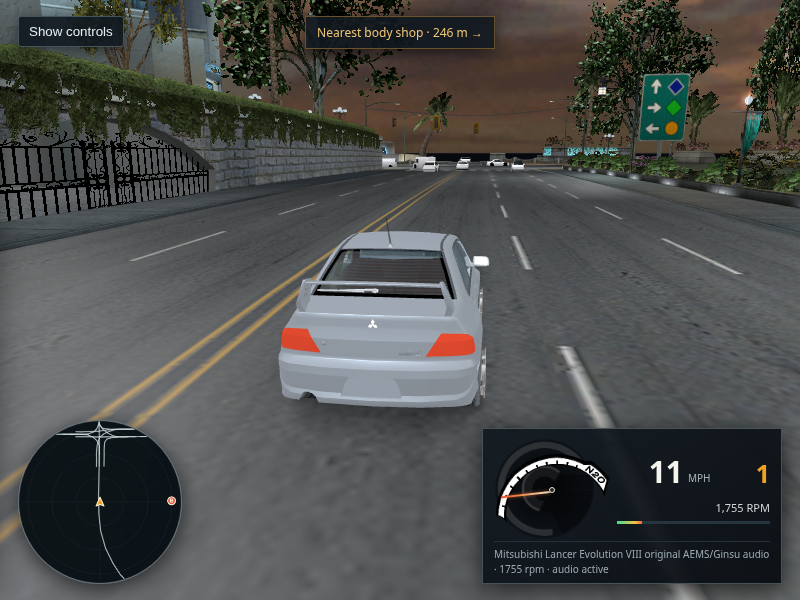
Lancer Evolution VIII driving on a marked Bayview road in host Chrome, with traffic ahead and the 11 mph HUD
Host Chrome · WebGL2 · Lancer Evolution VIII · 11 mph

459 · Retail shared chrome atlas now resolves in the stock Lancer export

The read-only XP disk supplied all 29 playable car geometry/texture pairs. Rebuilding from those sources reproduced the existing GLBs byte-for-byte for 28 cars. The Lancer gained the shared CHROME atlas for its stock chrome material; its body paint remains flat because the retail paint state is runtime-driven. Host Chrome loaded the city and drove this car to 11 mph with no browser errors or failed requests. This is a WebGL reconstruction capture, not retail-game footage. Read the source extraction and texture audit.

Open or save the capture
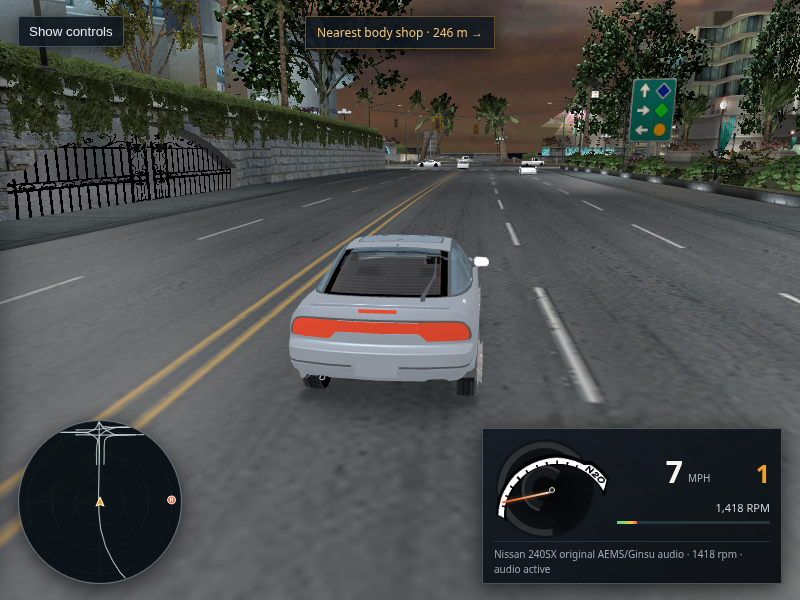
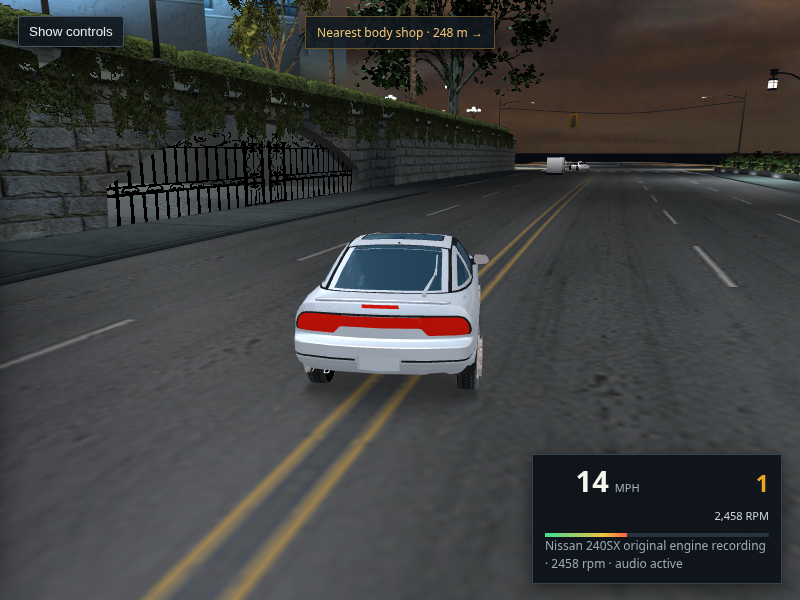
Host Chrome WebGL drive capture with the 240SX at 7 mph and the engine HUD reporting original AEMS/Ginsu audio active
Host Chrome · AudioWorklet active · 240SX · 7 mph

458 · Extracted AEMS/Ginsu mixer · stock banks active in WebGL

The viewer now loads the selected car’s extracted AEMS loops alongside its stock Ginsu acceleration/coast pair, and uses the executable’s per-car channel mix points, volume fields, and RPM-change thresholds. Host Chrome loaded all seven 240SX AEMS streams with AudioWorklet active. A first all-car pass found and fixed a leading-zero path bug for four banks; the corrected packaged viewer reached the AEMS/Ginsu-ready state for all 29 selectable cars with no failed requests or browser errors. RPM-band selection remains approximate, and the screenshot itself contains no audio. Read the mixer trace and limits · Read the all-car bank check.

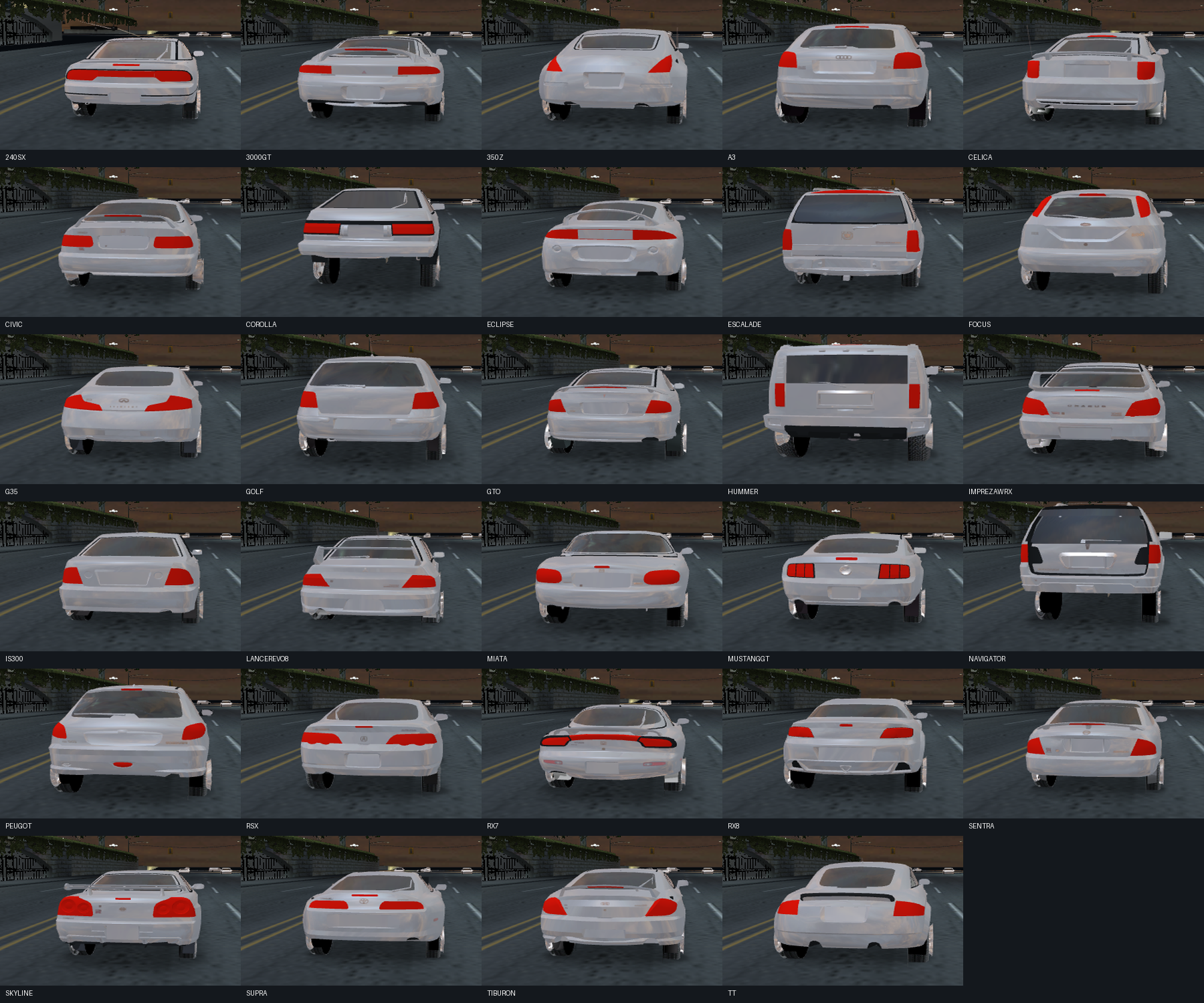
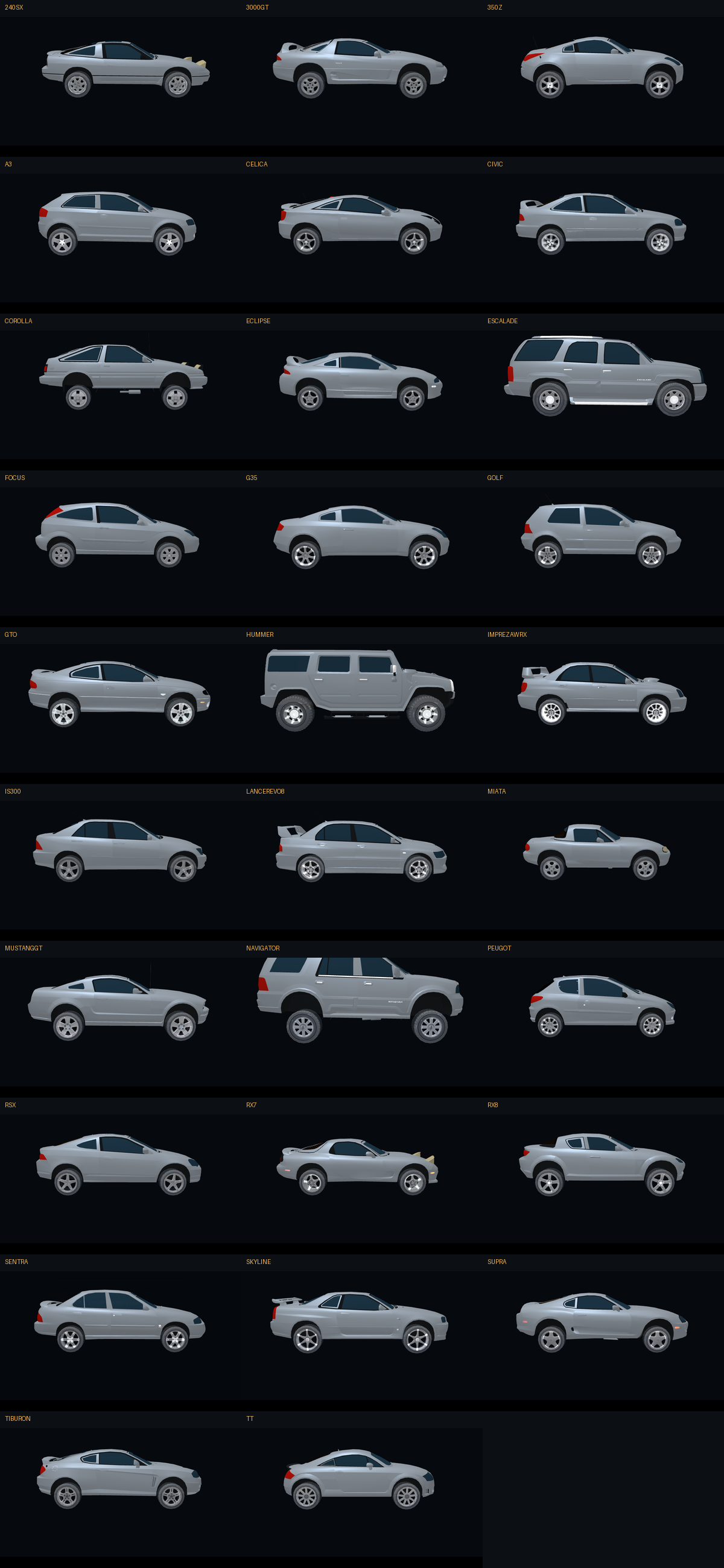
Open or save the capture
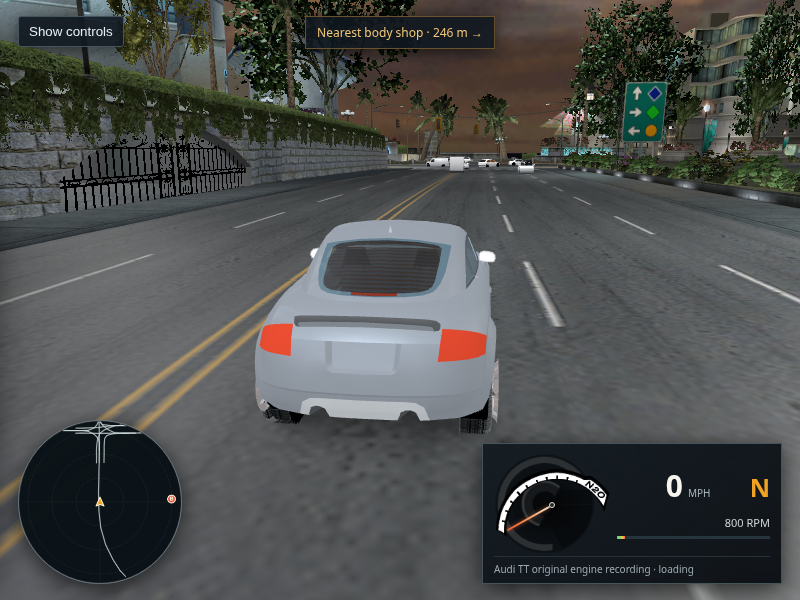
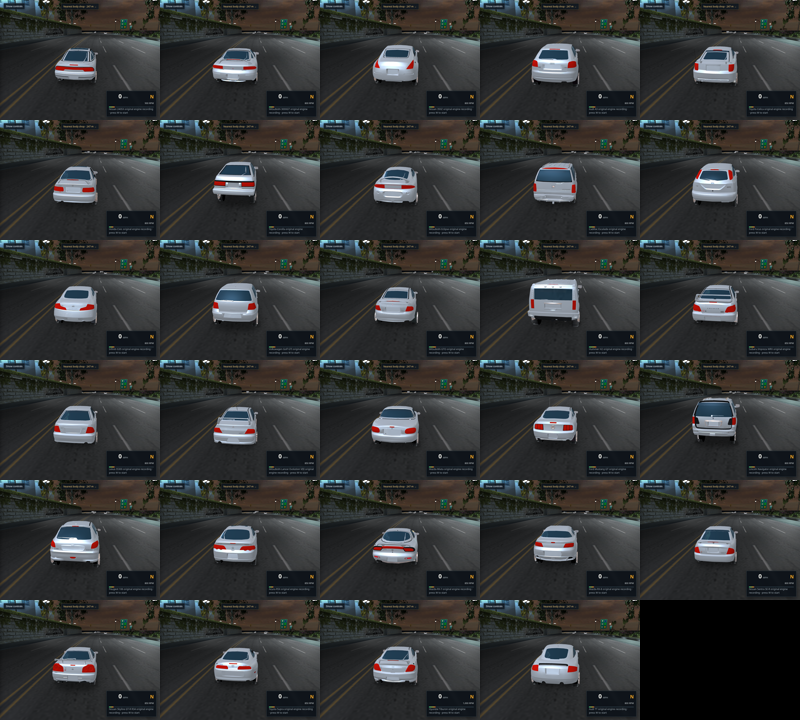
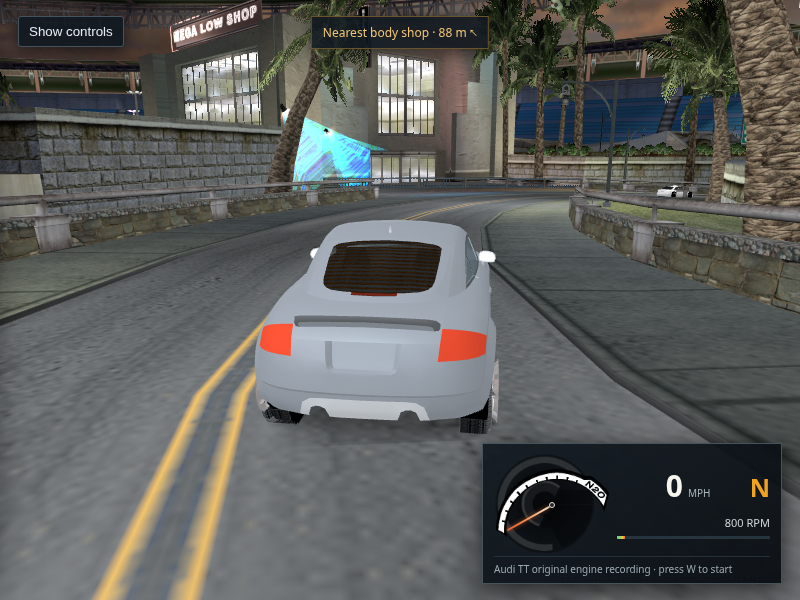
Audi TT selected in the packaged WebGL city viewer; the car and driving HUD render on the roadway with traffic ahead
Host Chrome · packaged viewer · final selection in the sequential 29-car check

457 · Stock car selector · 29 of 29 models reached the renderer

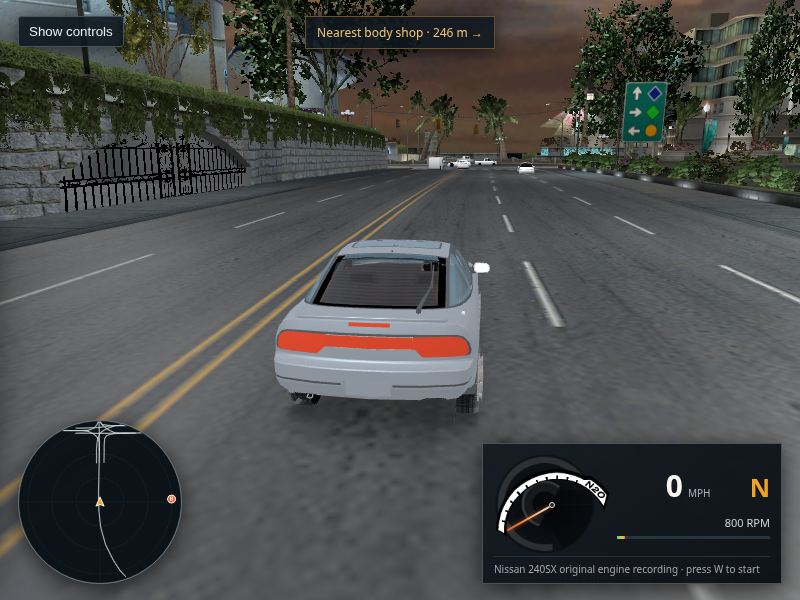
The packaged dropdown contains all 29 stock car keys. I selected each sequentially and waited for the rendered-car debug key to match; every key matched, with no failed requests, HTTP errors, page exceptions, or console errors. This checks model selection and loading, not the visual quality or orientation of every car, and it does not validate every engine sound. Read the capture scope.

Open the Audi TT capture
240SX in the packaged WebGL viewer using default finish and the saved gray paint color
Default finish · saved color #858c94
Same 240SX and camera using the explicit gloss finish; the body remains pale gray
Explicit gloss · same body color and missing body texture

456 · Player paint audit · finish toggle does not restore the retail look

Host Chrome debug data confirms that all four 240SX body batches use the saved fallback color, have no body base-color texture, and do have both city and local environment textures available. Changing default finish to gloss changes the finish mode but makes little visible difference. No shader change was promoted from this check; the unresolved part is the original runtime paint binding/state. Read the live material audit.

Open the gloss capture
Host Chrome capture during a short WebGL drive: the gray 240SX is moving at 25 mph with gear 1 and 4,685 rpm, a traffic car ahead, and the minimap and speedometer visible.
Host Chrome · WebGL · 1280 × 720 · 240SX · after W acceleration and A steering

455 · Short drive check · controls and audio active

In the packaged L4RA build, a 3.2-second W hold followed by a one-second A hold brought the 240SX to 25 mph. The game selected first gear, displayed 4,685 rpm, played the original engine recording, and rendered four ambient traffic vehicles. The runtime reported no road failure, building or traffic collision, page exception, or console error. The car still has unresolved flat gray paint; this capture does not establish a match for retail handling or citywide placement.

Open or save the full-size capture · Open the packaged city viewer
Current packaged WebGL drive view captured in host Chrome. A pale gray 240SX sits on a marked city road with traffic ahead and the driving HUD visible.
Host Chrome · WebGL · 1280 × 720 · L4RA packaged page · 223 nearby textures

454 · Current packaged drive render · car appearance still unfinished

This capture is from the current server build after the loading screen reached ready. Browser inspection found 223/223 nearby textures uploaded, no failed requests, and no page or console errors. The 240SX is on the road and traffic is visible ahead. The body still reads as flat pale gray, so the car appearance is not complete. The XP VM was not used to render this view.

Open or save the full-size capture · Open the packaged city viewer
Default WebGL car shader; the 240SX body is pale gray
Default viewer shader · current packaged drive
Experimental decompiled car shader using conditional fallback inputs; the 240SX body renders much darker
Decompiled shader equations · conditional fallback light/material data

452 · Car shader reconstruction experiment · not promoted

Both captures use host Chrome/WebGL2 with the XP guest out of the render path. The experimental URL path ran without browser errors, but its result is substantially darker than the default and still does not produce convincing paint. Its harmonic inputs are conditional offline L4RA fallback coefficients at the spawn, and it uses the DEFAULT paint state because the live player material selection is not captured. This comparison shows the decompiled equations are not enough to reconstruct the car appearance without the actual runtime state and paint texture. The experiment remains opt-in at this URL; the normal renderer is unchanged.

Default screenshot · Experimental screenshot · Read this experiment's limits · Read shader analysis · Read paint-state audit
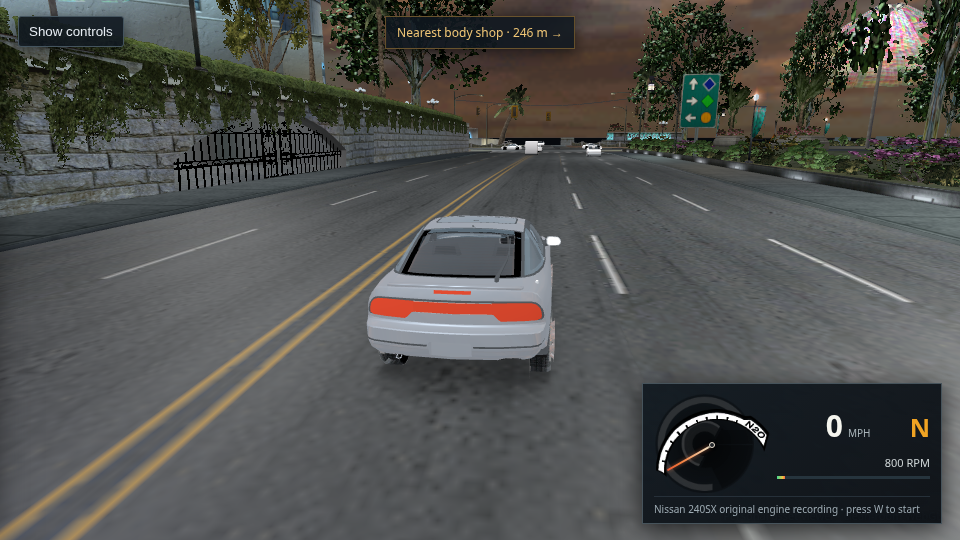
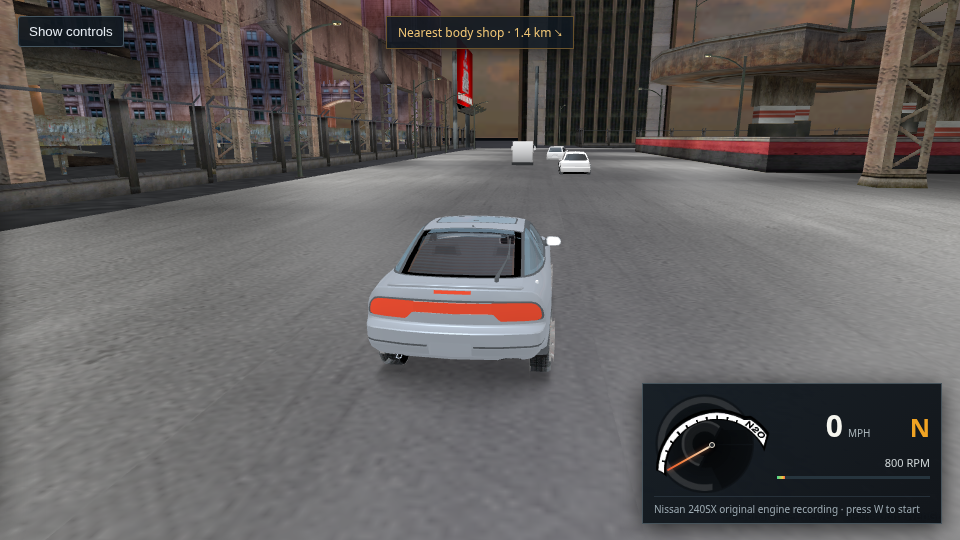
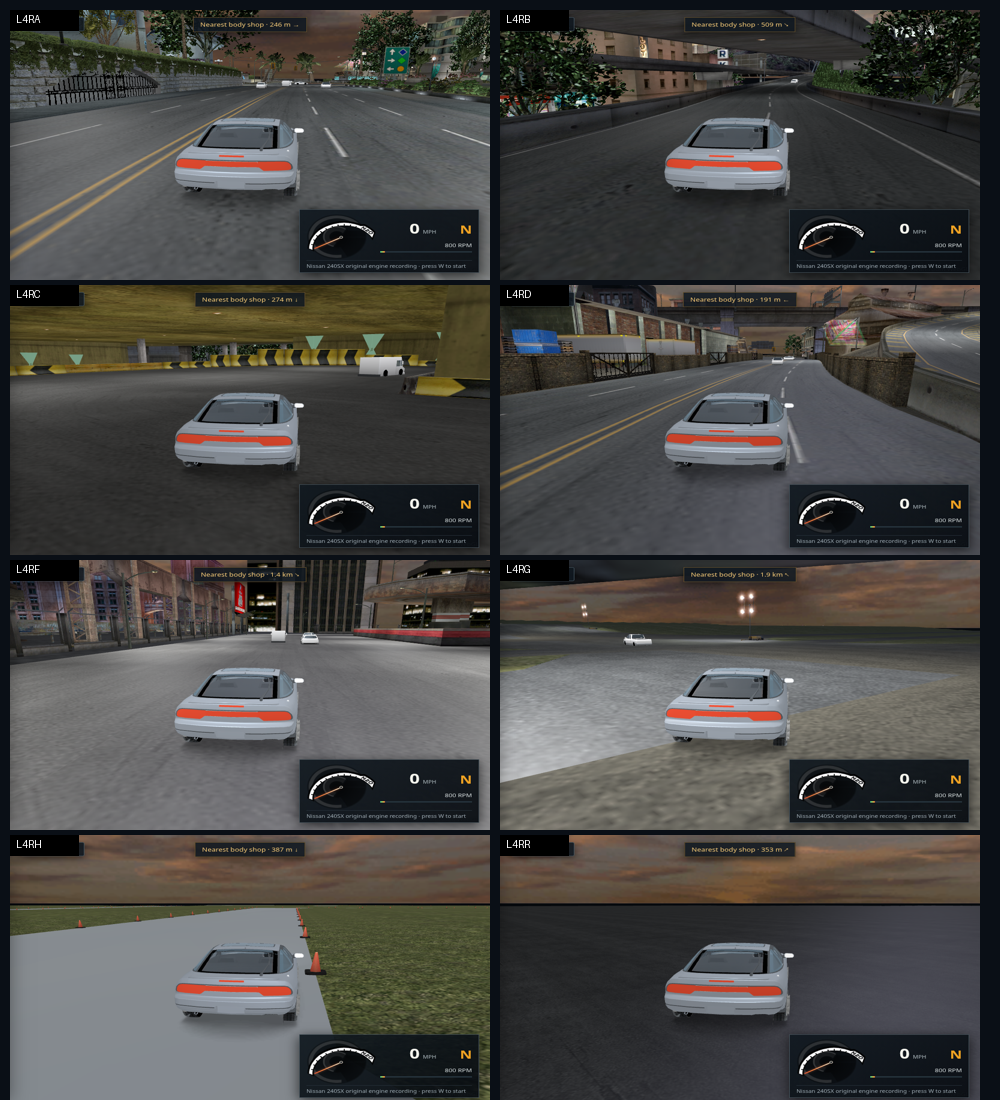
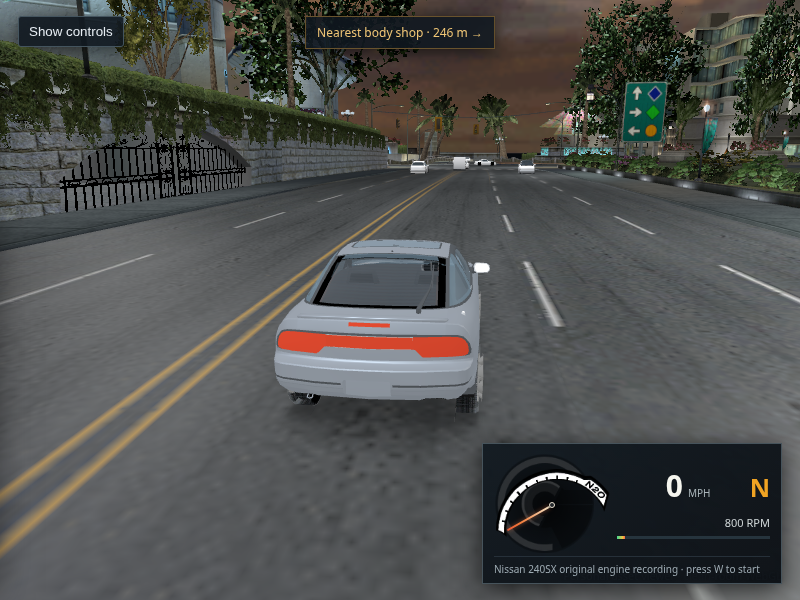
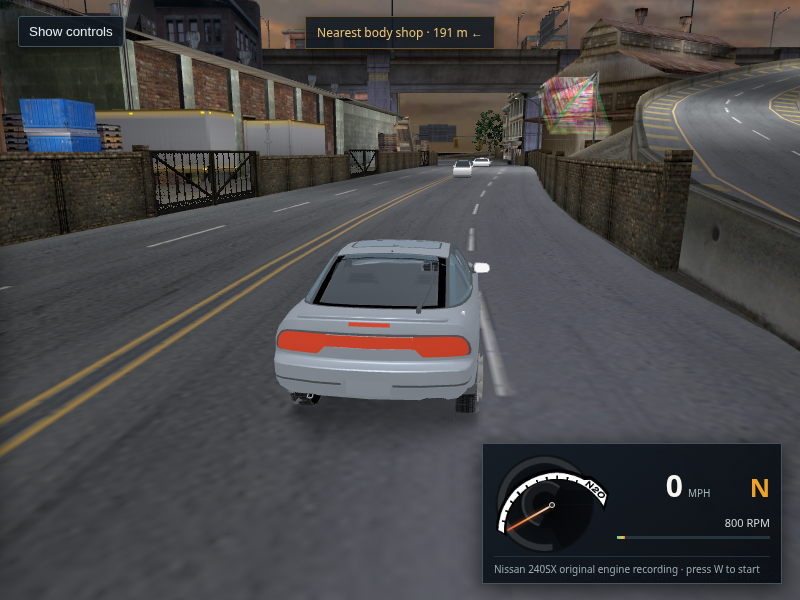
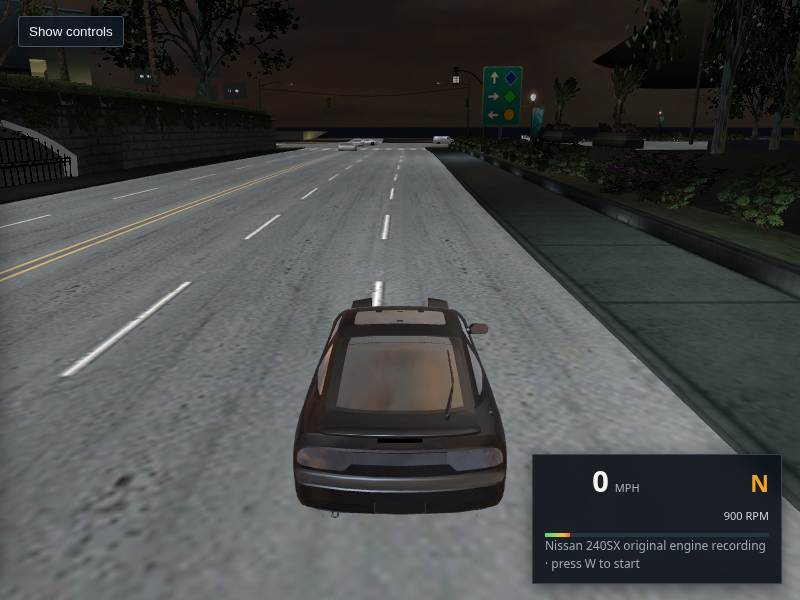
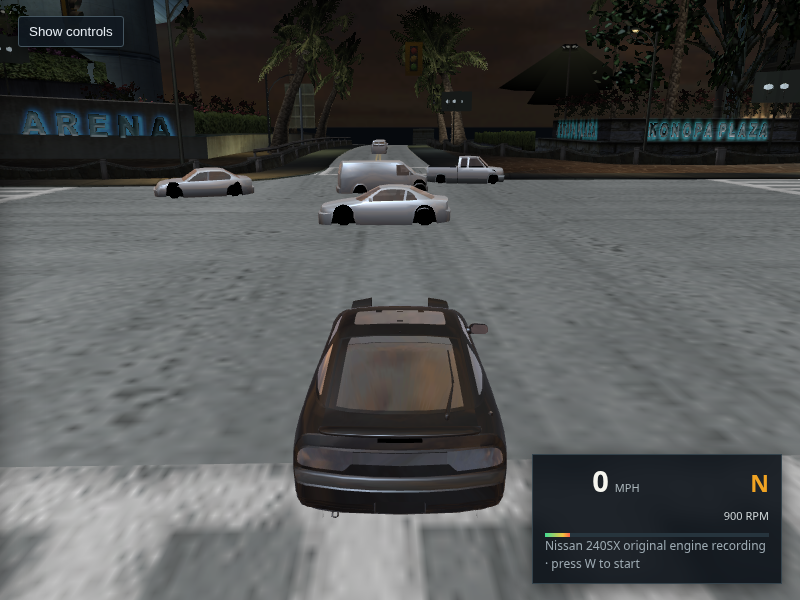
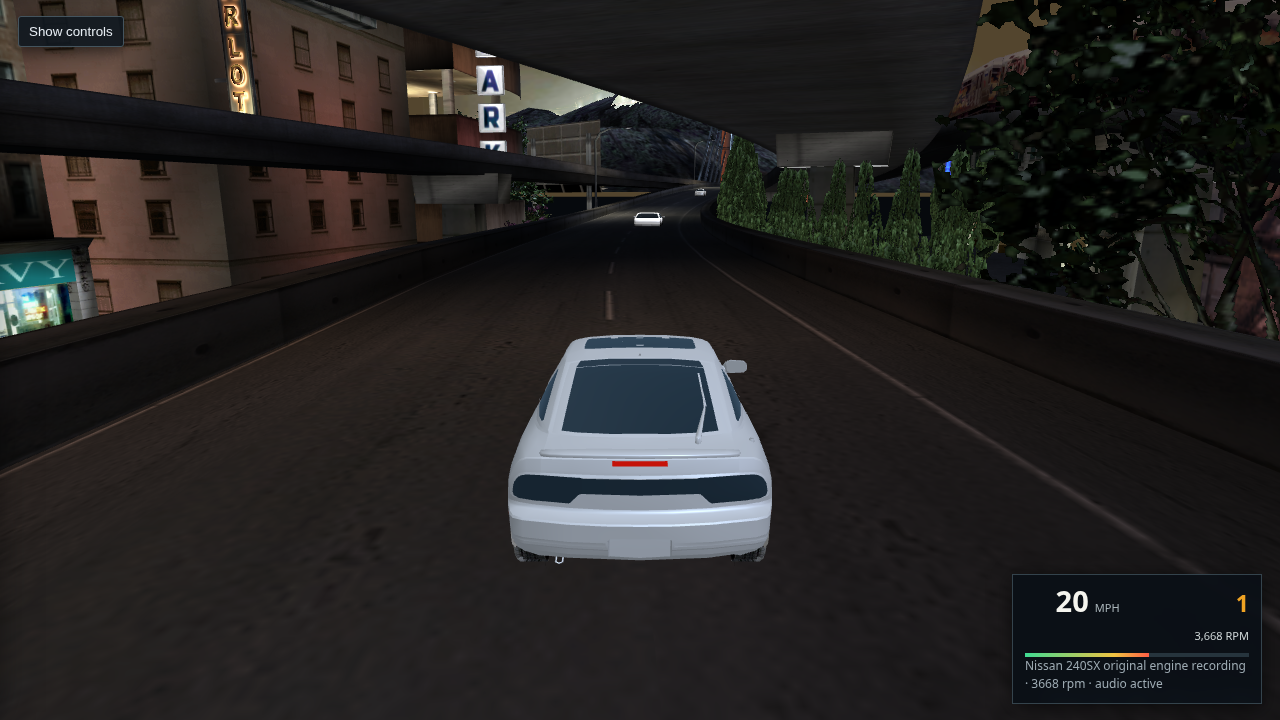
L4RA start on a marked multilane city street

L4RA · 832 routes

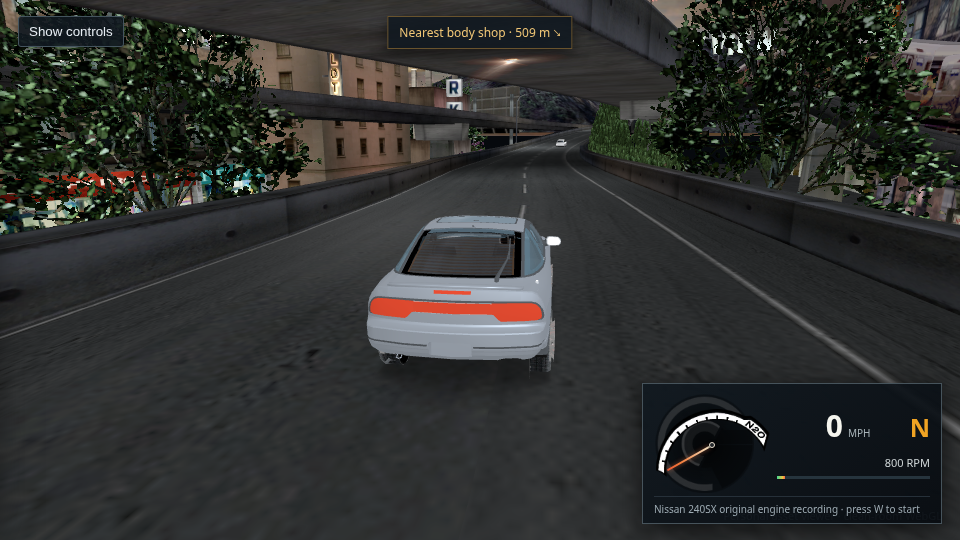
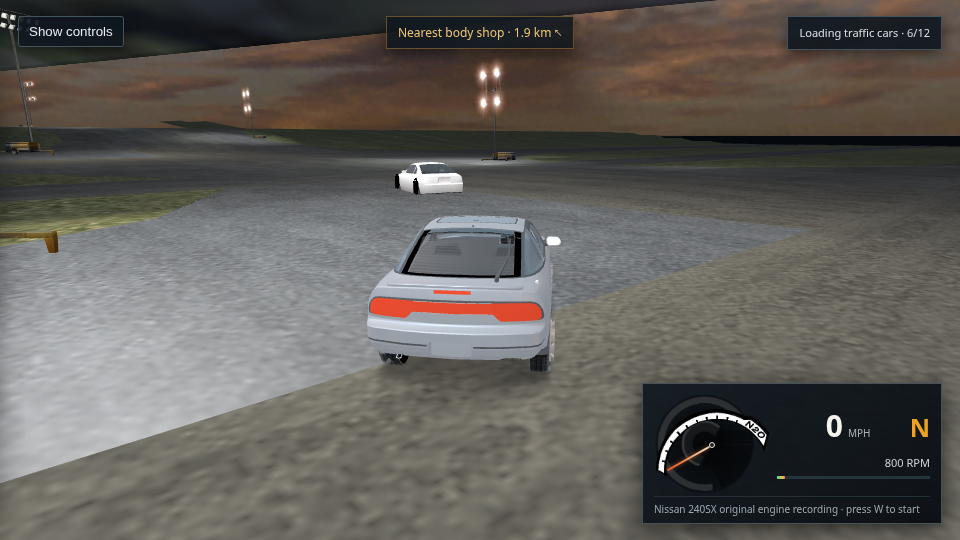
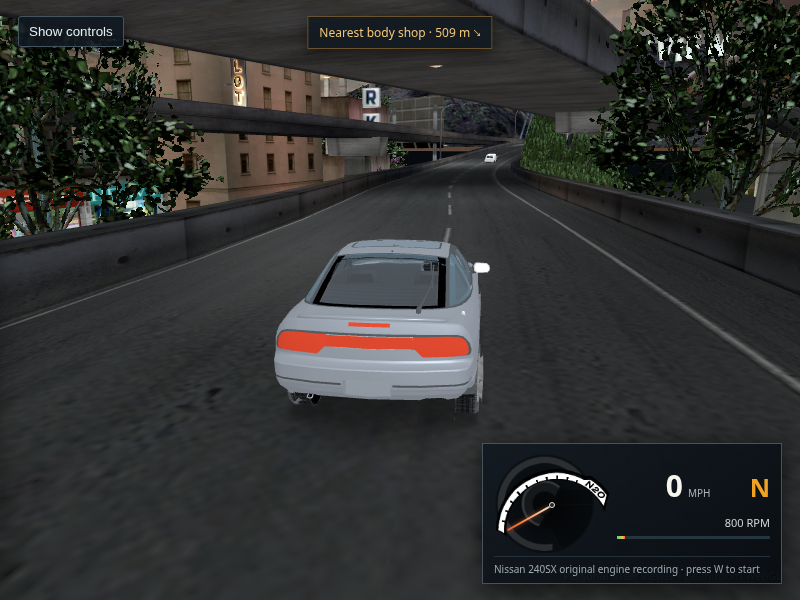
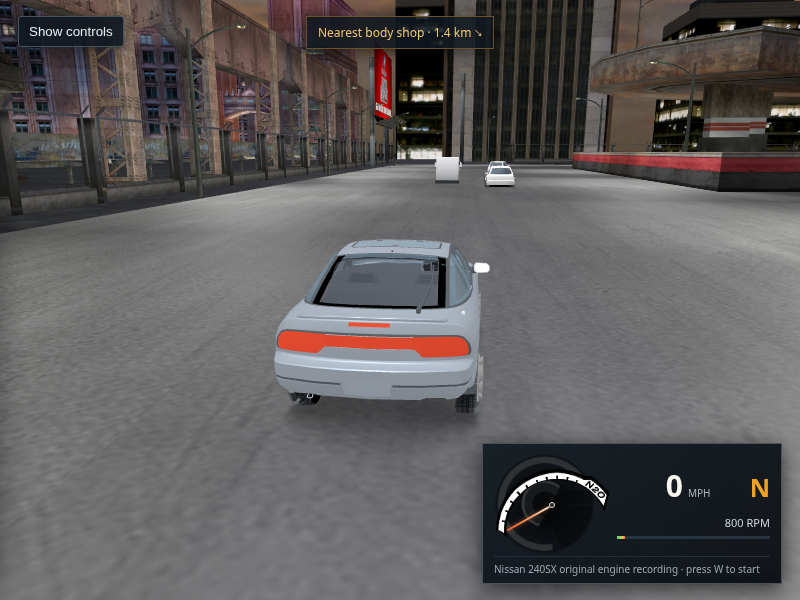
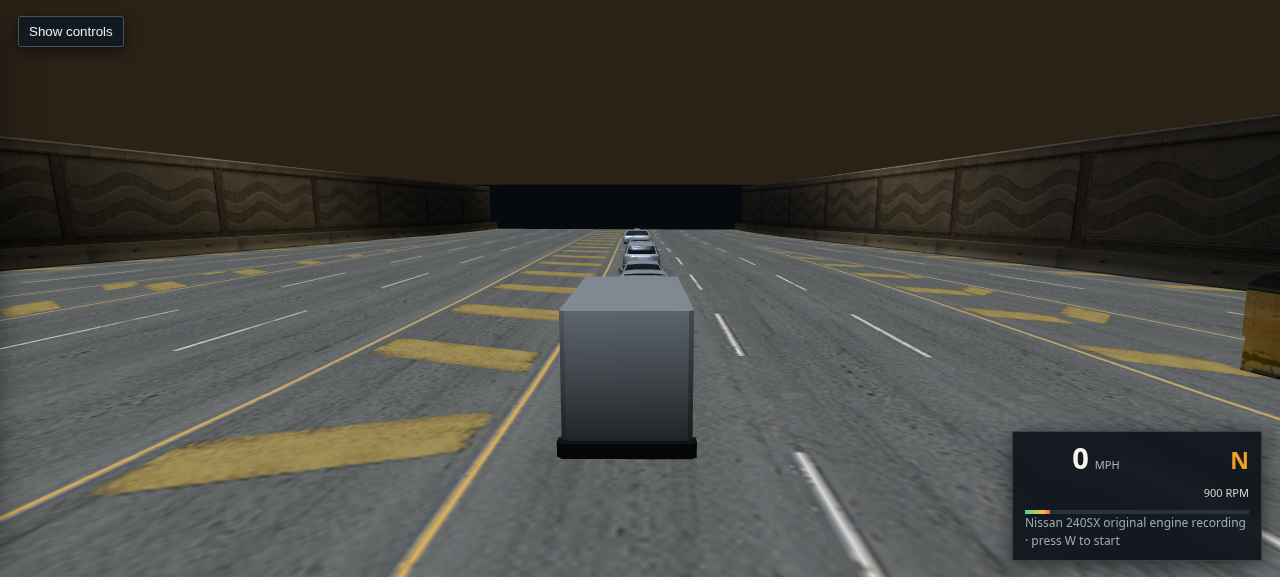
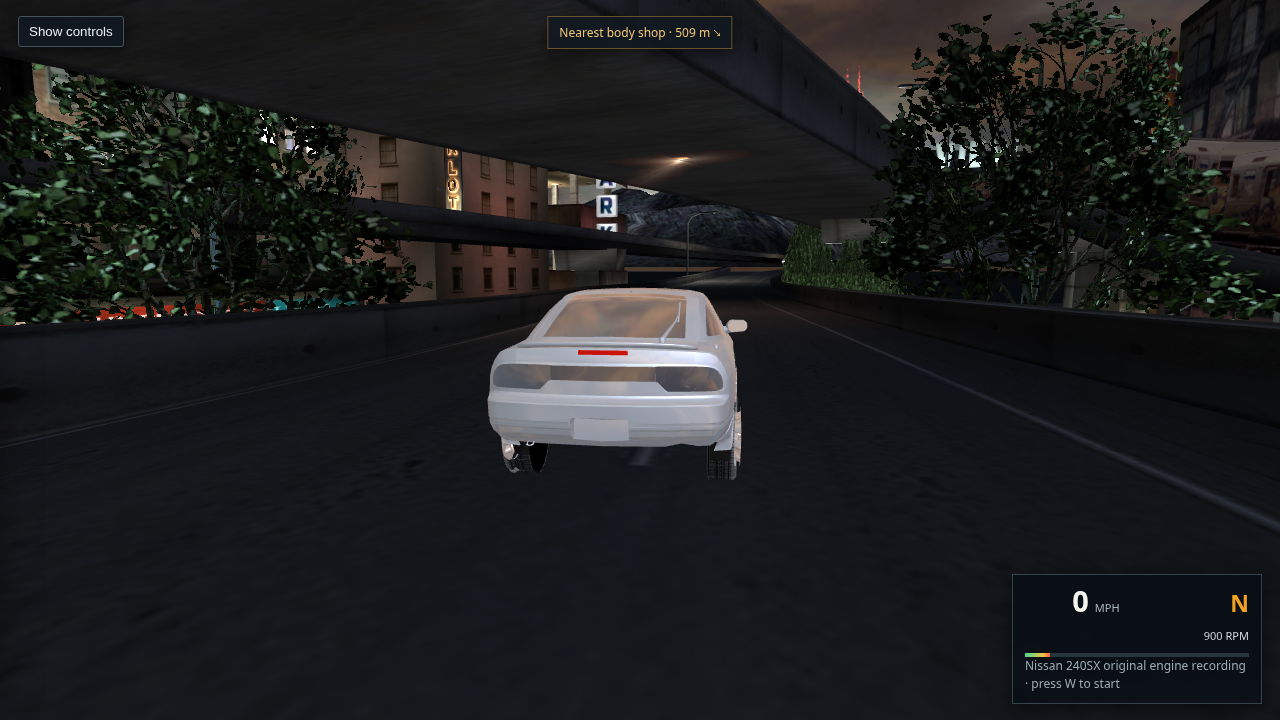
L4RB start on an urban road beneath an overpass

L4RB · 99 routes

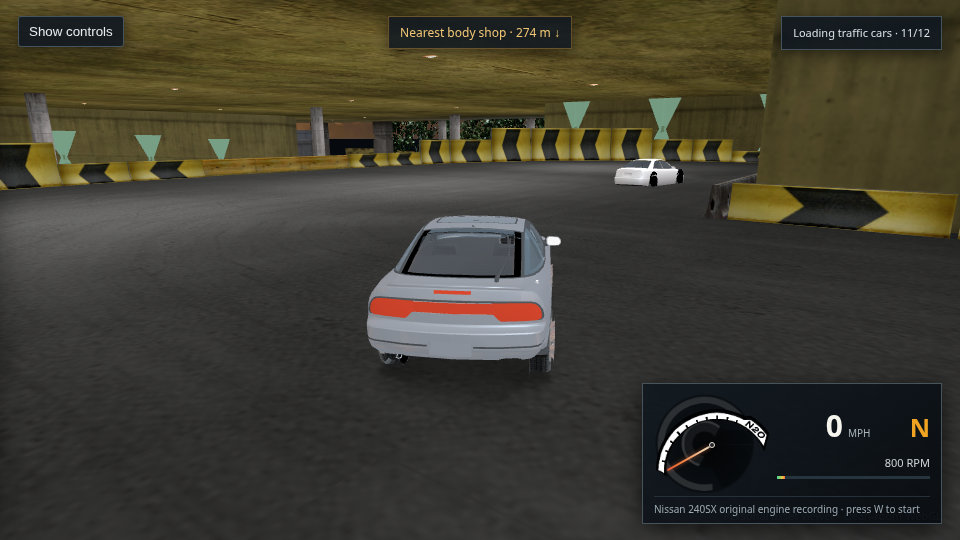
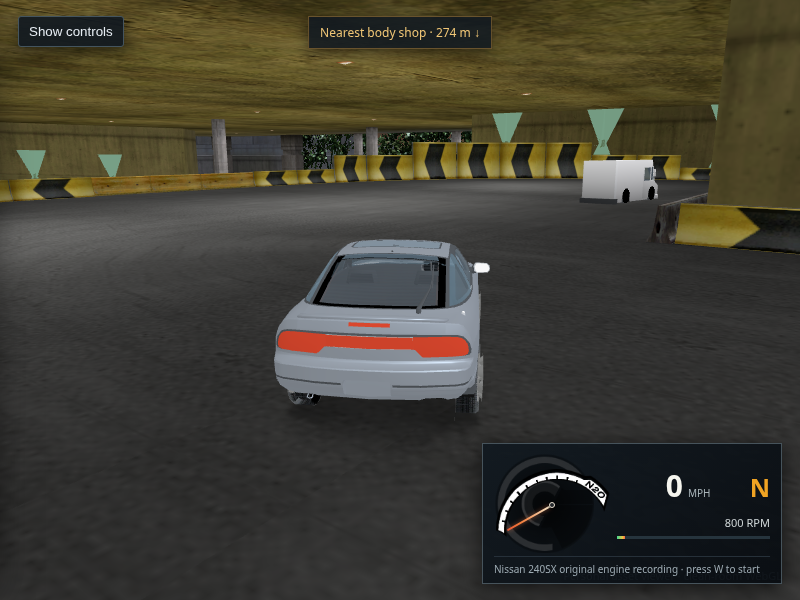
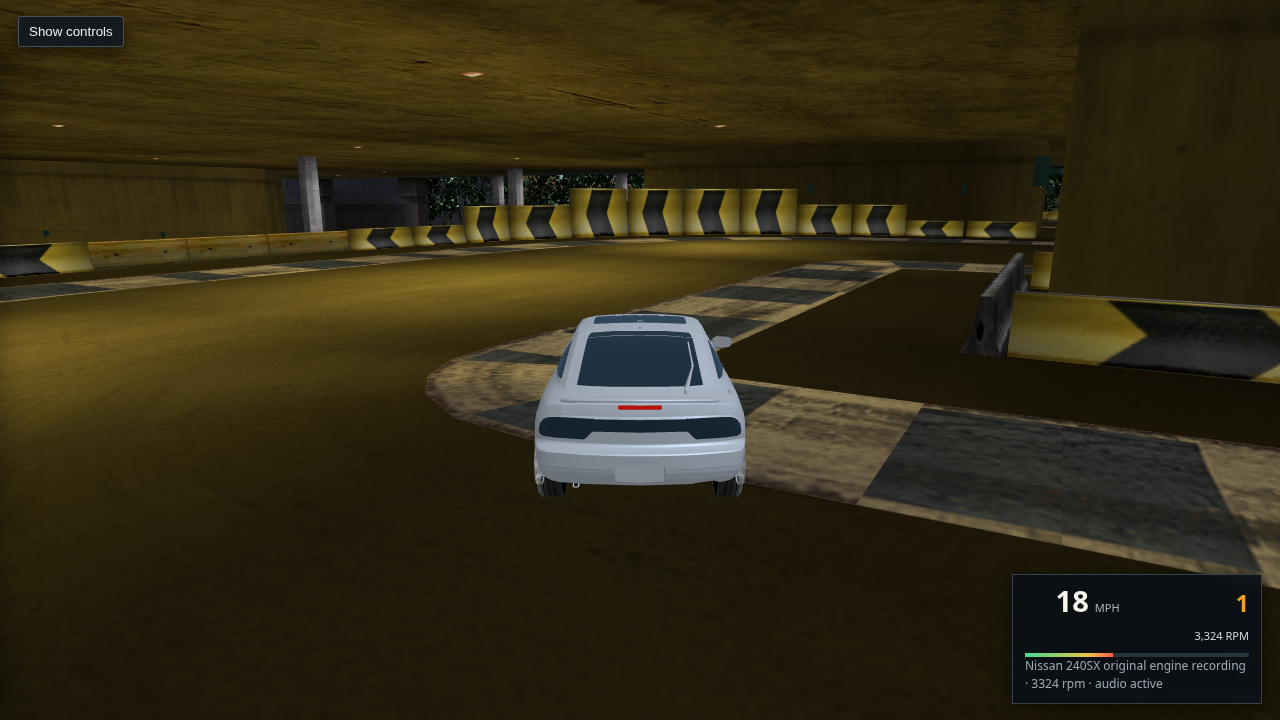
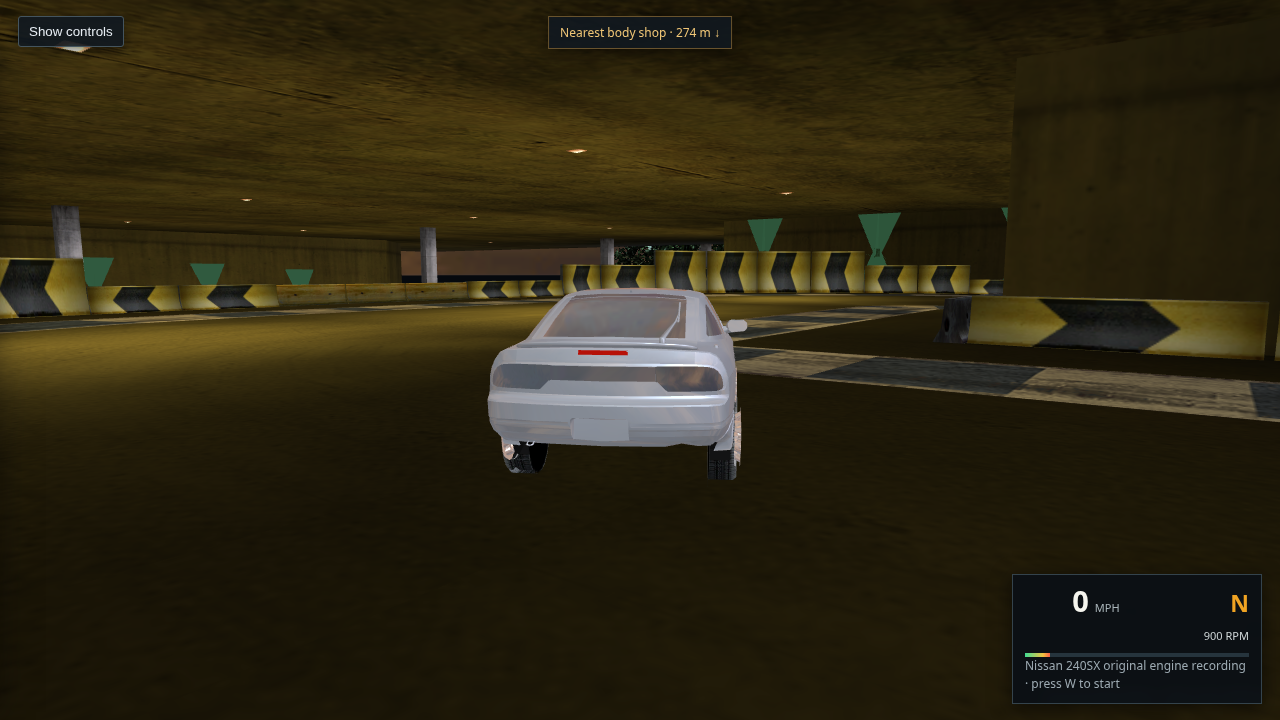
L4RC start in a covered garage-like scene

L4RC · 54 routes

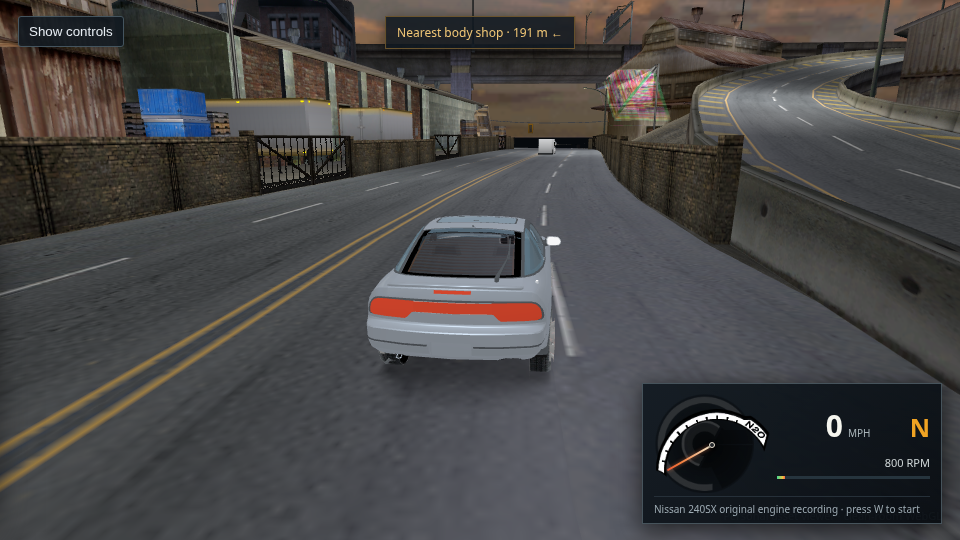
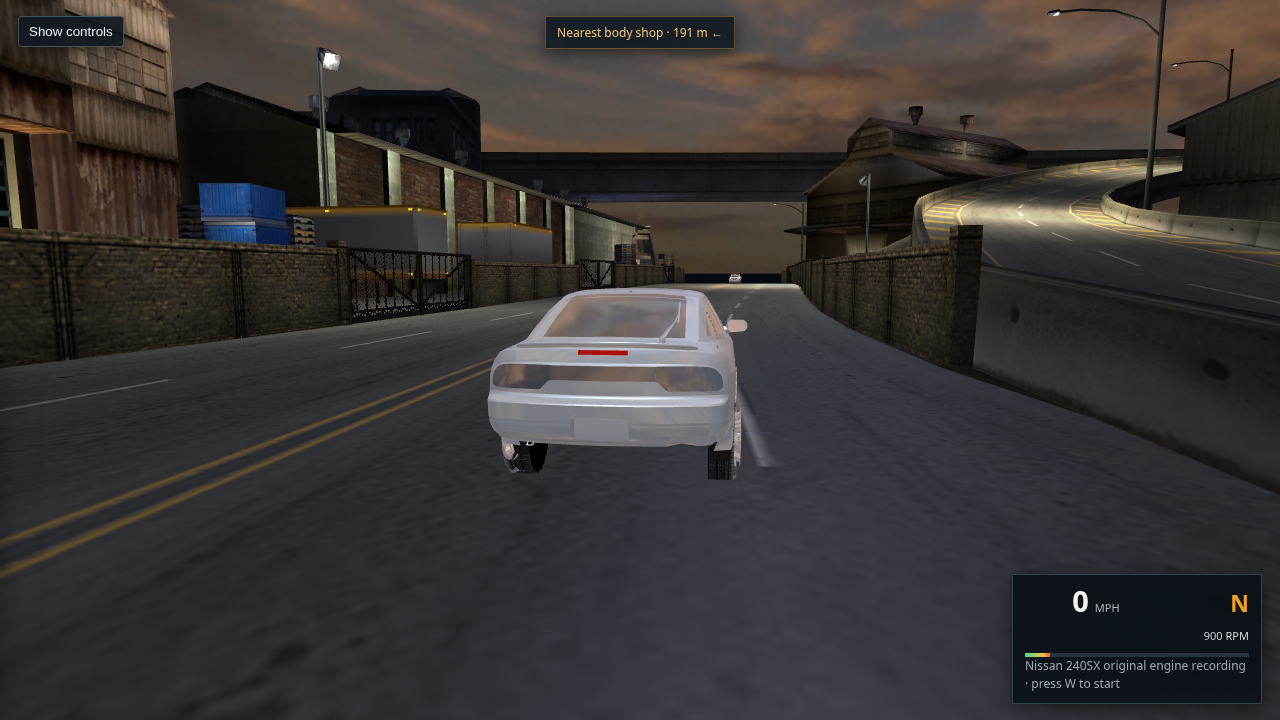
L4RD start on a city road beside elevated highway geometry

L4RD · 26 routes

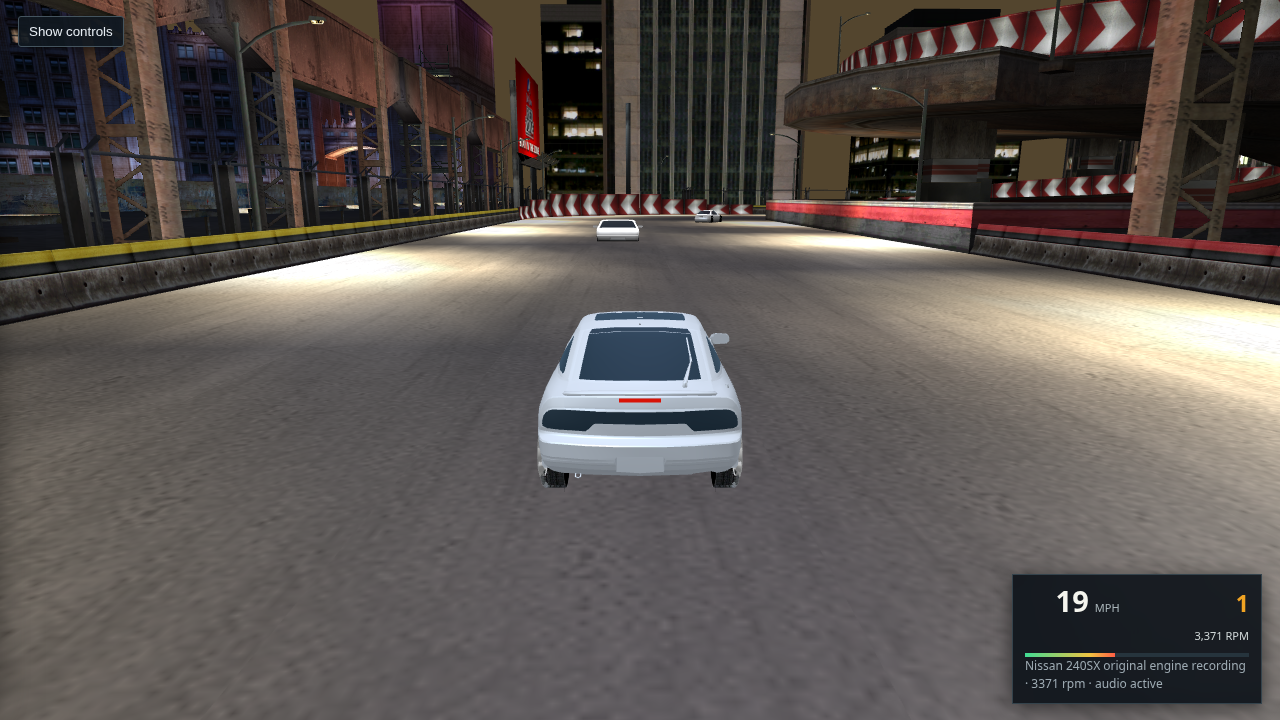
L4RF start in a broad paved city plaza

L4RF · 33 routes

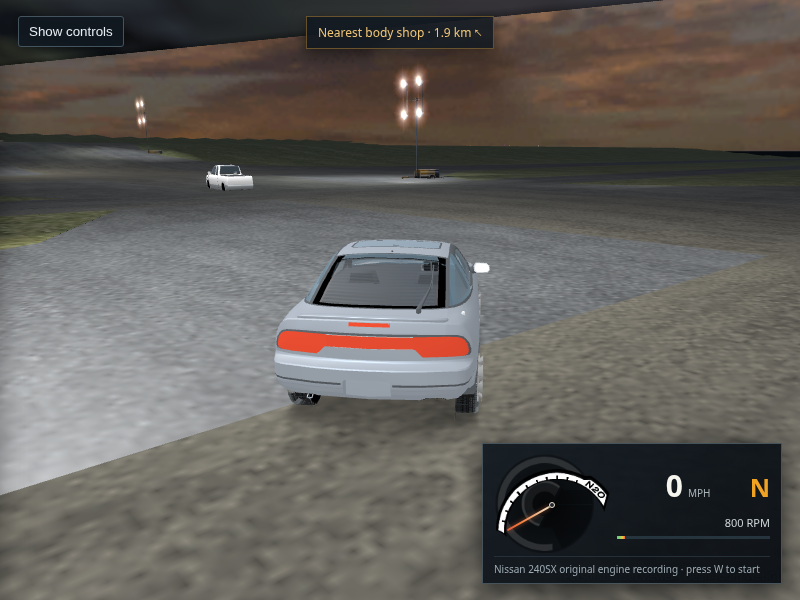
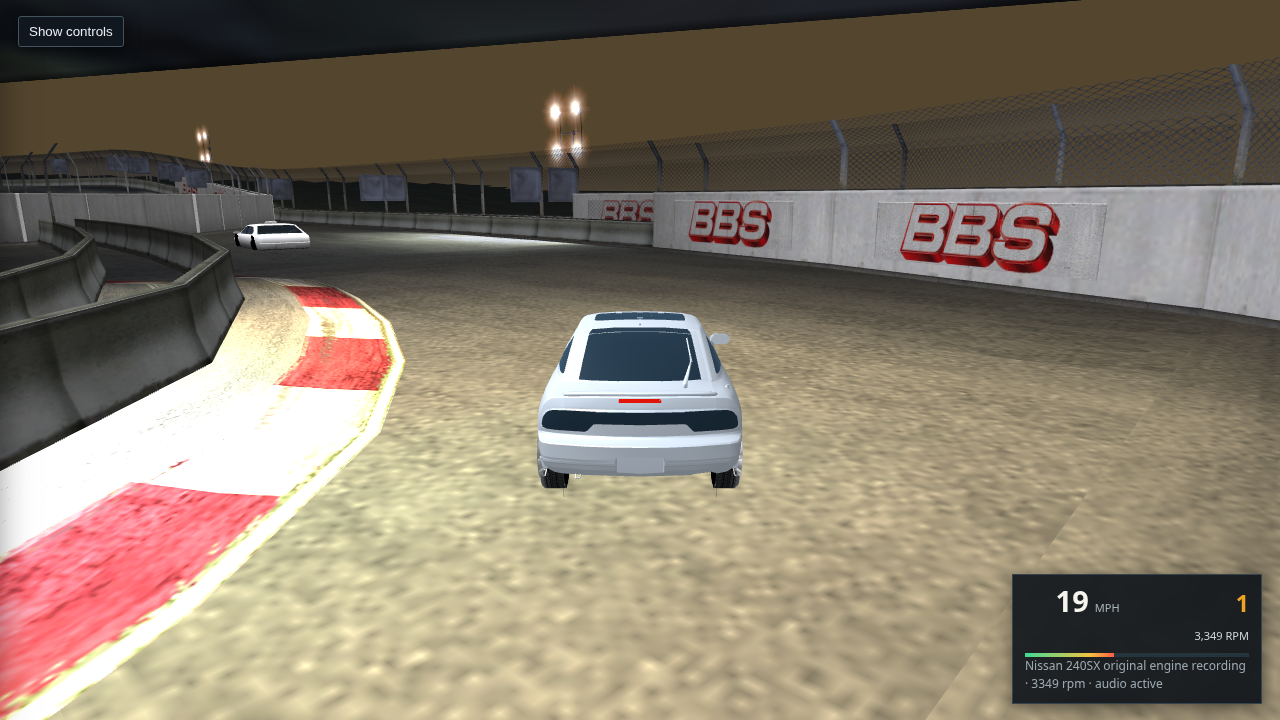
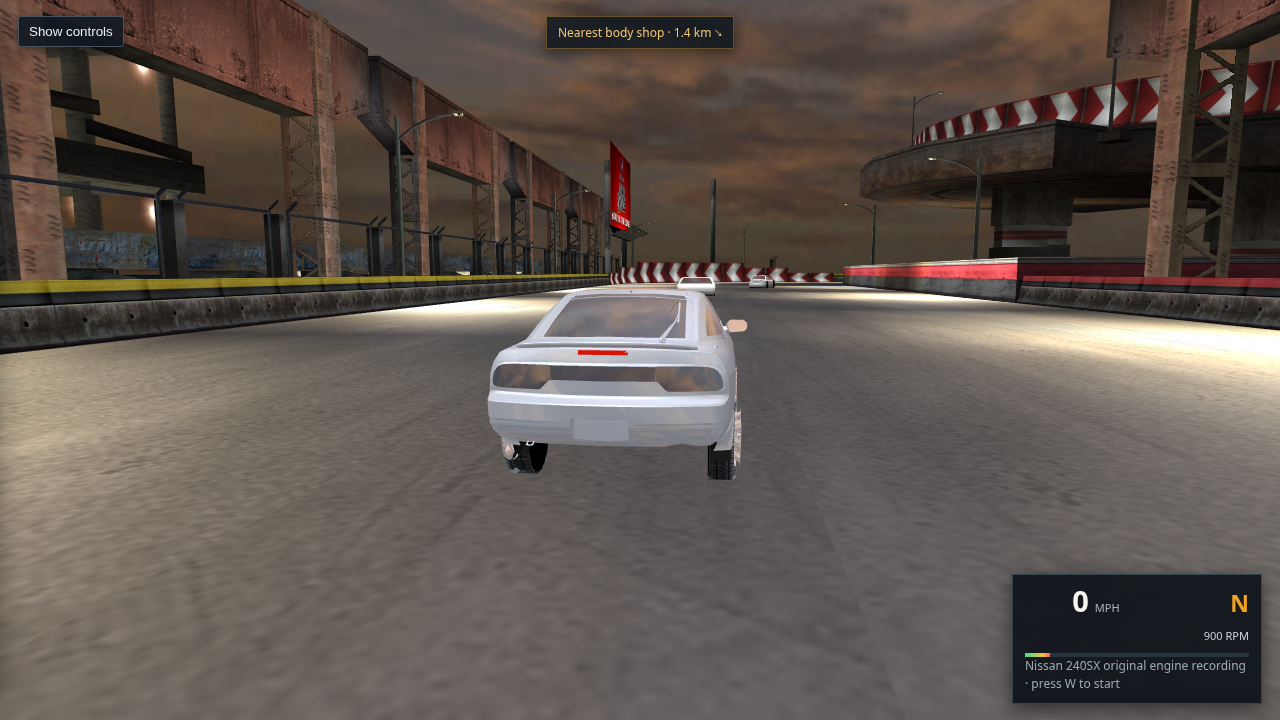
L4RG start on broad airport-like pavement

L4RG · 44 routes

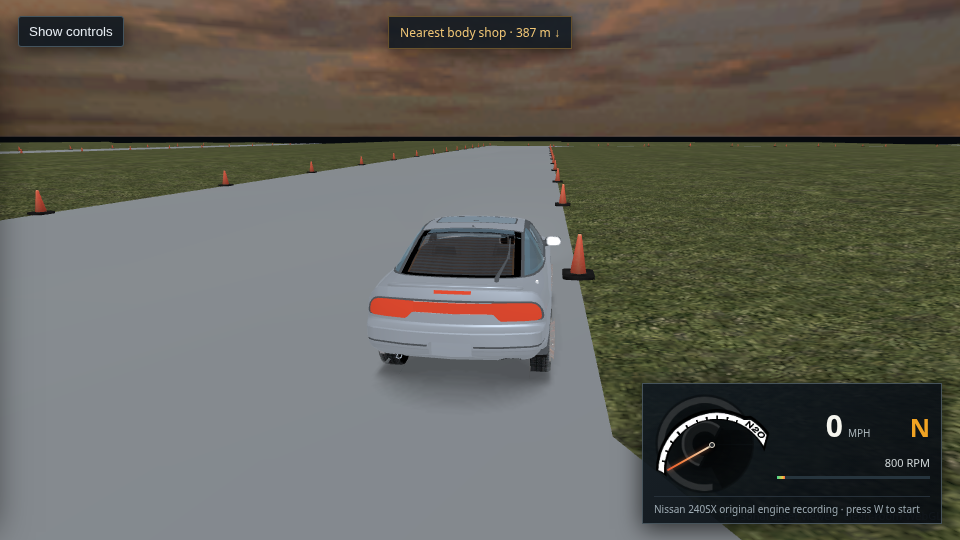
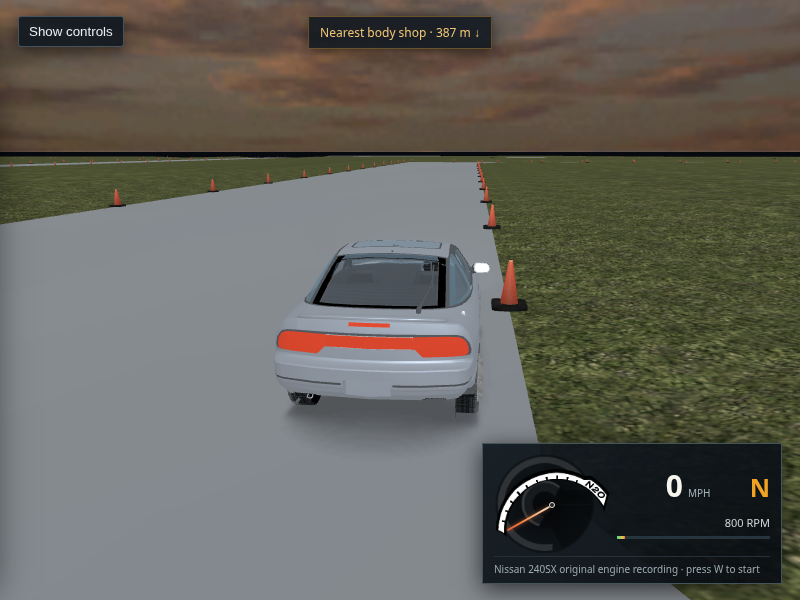
L4RH isolated narrow track with traffic cones

L4RH · no routes

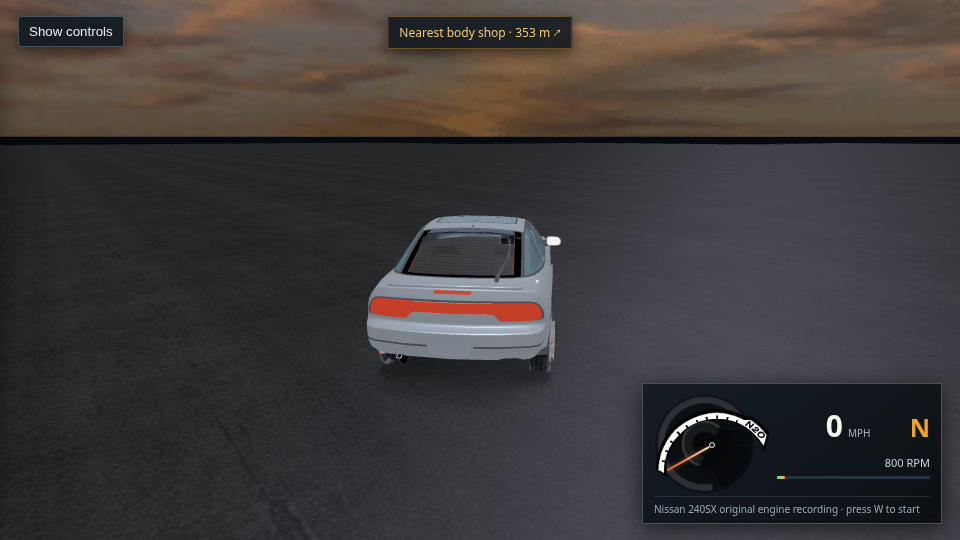
L4RR isolated airport pavement without city buildings

L4RR · no routes

453 · Eight region starts reviewed · citywide placement remains open

Fresh 960×540 captures from host Chrome/WebGL2 after the loading fade. The diagnostic found zero placed XB_ building groups with a 3D triangle crossing the road within 12 m of each selected start. This only checks each start area. The images also show why the region selector is not a complete Bayview map: garage, plaza, airport, and isolated-track contexts are mixed with city-road scenes. XP guest graphics were not used.

Read the eight-start audit and limits · Open L4RA capture · Open L4RB capture
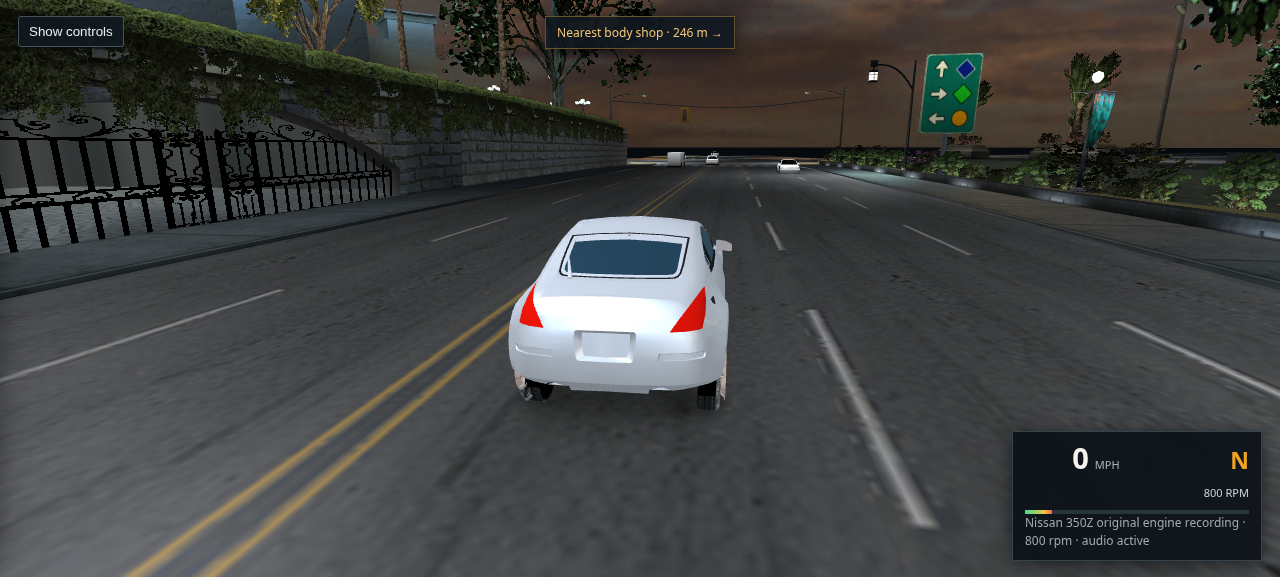
Current L4RA WebGL drive capture from host Chrome showing the 240SX on the marked road; its body remains flat gray
Host Chrome · WebGL2 · 1280 × 720 · 223/223 textures · short W hold

451 · Current drive recheck · appearance still unresolved

The packaged page reached “City scene ready” with 89,205 nearby triangles, 223/223 uploaded textures, 832 L4RA routes and 12 ambient vehicle models. A short W hold moved the player car about 4.3 m; the browser reported no page exceptions or console errors. The road markings come from the source road materials. This frame still shows flat gray body paint and dark glass, and it is one start point rather than proof of citywide placement. The XP guest was not used for rendering.

Open or save the full-size capture · Open this packaged drive
Normal L4RA WebGL drive view after connecting the source sky panorama to the player's environment fallback; 240SX at 9 mph
Normal drive · local city reflection probe preferred
Diagnostic capture forcing the extracted retail cloud panorama onto the 240SX body and glass
Diagnostic only · forced source panorama reflection

450 · r402 player environment fallback now resolves to the retail sky mesh

The current clean GLB stores the dynamic sky under source meshes SKYDOME_0_0/SKYDOME_0_1, so the old name-based lookup missed it. The viewer now binds the 512×128 TRACKS_2414a01e cloud panorama from LOC4DYNTEX.BIN; Chrome confirms texture 781 loaded and keeps it resident while driving. The normal view still has pale flat paint and dark windows. The forced reflection image is a shader diagnostic, not a claimed retail match.

Normal drive capture · Forced sky diagnostic · Read the source mapping and limits · Open the packaged drive
Host Chrome capture of the L4RA WebGL drive view with the 240SX moving at 11 mph on a marked multilane road and ambient traffic ahead
Packaged host Chrome · WebGL2 · 1280 × 720 · L4RA · 11 mph

449 · Current packaged drive reaches the road with all nearby textures loaded

A fresh host Chrome capture reached “City scene ready” after uploading all 223 nearby city textures. A brief W hold moved the 240SX to 11 mph in first gear; ambient traffic and source road markings are visible, with no page exceptions or console errors. The XP guest GPU was not used. The body still looks pale and flat, the windows remain dark, and this single L4RA view does not prove complete city coverage or retail handling.

Open or save the full-size capture · Read why the body paint is unresolved · Open this drive view
Contact sheet showing the start view from each of the eight separately exported regional streams
Eight regional starts · packaged Linux Chrome · rebuilt event-group filtered GLBs
L4RA street start with road markings and roadside buildings

L4RA · city street

Open full capture
L4RB elevated roadway beneath overhead structure

L4RB · elevated roadway

Open full capture
L4RC parking garage or enclosed race area

L4RC · enclosed area

Open full capture
L4RD street beside layered roadside structures and an elevated curve

L4RD · street and elevated curve

Open full capture
L4RF downtown street start surrounded by tall buildings

L4RF · downtown street

Open full capture
L4RG sparse start with broad empty ground and distant structures

L4RG · sparse scene

Open full capture
L4RH start on a narrow cone-marked track with grass and no ambient routes

L4RH · narrow track · 0 routes

Open full capture
L4RR start on a dark flat surface with no visible city streets or ambient routes

L4RR · empty surface · 0 routes

Open full capture

448 · Regional exports load, but they do not form a complete drivable city

All eight region selections reached “City scene ready” in Chrome with no JavaScript errors. The captures show why that is only a load check: L4RA and L4RF have street-like starts, L4RC looks like an enclosed garage area, while L4RG is sparse and L4RH/L4RR have no ambient routes and little or no city context. L4RB and L4RD show elevated structures that still need route-by-route placement review. The sidecar filter removes event-only scenery; it does not make these streams adjoining map tiles or validate their start locations. The XP GPU is not involved in any of these captures.

Open or save the contact sheet · Read the placement-group audit · Read the world-entry track-ID cross-check
Packaged L4RA free-drive scene after excluding scenery assigned only to numeric event barrier groups
Packaged Linux Chrome · 1280 × 720 · L4RA · all 223 nearby textures loaded · no page errors

447 · L4RA event-only scenery filtered · broader city review remains open

The matching retail companion bundle identifies 5,697 placements that belong only to numeric BARRIERS_* or PLAYER_BARRIERS_* groups. Those rows are now omitted from the L4RA free-roam export; shared and free-roam groups are retained. Chrome loaded the rebuilt scene with all nearby textures and no page errors. This start view looks coherent, but it does not show the filtered barrier locations or verify other streets. The 240SX body still looks flat and the recreation remains unfinished.

Open or save full-size capture · Read the source table audit · Open the L4RA drive view
Current packaged WebGL drive view captured in Linux Chrome with the Quadro GPU
Packaged Linux Chrome · Quadro GPU · 1280 × 720 · L4RA

444 · Current drive view · Linux GPU capture

This is a screenshot of the WebGL recreation running in Linux Chrome; the XP guest was not used to render it. The city is loaded with road markings, roadside structures, and traffic visible ahead. The capture also makes the current shortcomings clear: the player car’s body and windows still read as flat, traffic is distant, and the road’s color and lighting remain unlike the retail game. It is one start viewpoint, not proof of full city placement or driving fidelity.

Open or save full-size capture
240SX drive view using the existing 64-pixel reflection probe
64-pixel probe · baseline
Same 240SX drive view using a temporary 128-pixel reflection probe
128-pixel probe · same materials
Same 240SX drive view using a temporary stronger reflection weight
Stronger reflection weight · same 64-pixel probe

445 · Car reflection trial · no useful visual gain

Linux Chrome reached a ready 64-pixel local reflection probe. Doubling it to 128 pixels, then temporarily raising the local reflection weight, did not make the body read materially more like a painted car from this view. Both shader trials were reverted. This points the next car-fidelity work toward the missing retail paint and lighting inputs, rather than probe resolution. These are WebGL diagnostics, not retail screenshots.

Open the 128-pixel probe capture · Open the reflection-weight capture
Combined eight-region candidate showing an overhead structure above the L4RA road
Combined eight-region candidate · Route 450
Same combined city view with nearby building groups that intersect road triangles omitted
Diagnostic omission of six road-intersecting building groups

446 · Combined-region overlap · keep regional scenes separate for now

The L4RA-only start reports zero building/road triangle intersections in its local scene. The eight-region candidate reports six building groups crossing authored road triangles, and this same start gains an overhead structure absent from L4RA alone. Omitting the six groups removes that structure, but the filter can also remove valid architecture. A debug query now records exact triangle pairs with ?debugRoadIntersectionSamples; it is diagnostic evidence, not a safe cleanup rule. The combined candidate stays optional while regional scene membership is resolved.

Open the combined capture · Open the filtered capture
Packaged WebGL city drive at 22 mph with six rendered ambient cars on the road
Packaged Chrome · 1280 × 720 · L4RA · six ambient cars rendered

443 · Traffic remains rendered in the drive view

The player-contact distance check remains separate from rendering. The previous render cull hid cars at the same 4.2 m center radius that stops the player, creating an invisible obstacle. The cull is removed. Chrome loaded the city and rendered six ambient cars without page errors; this capture does not sample a close-contact collision.

Open or save full-size capture
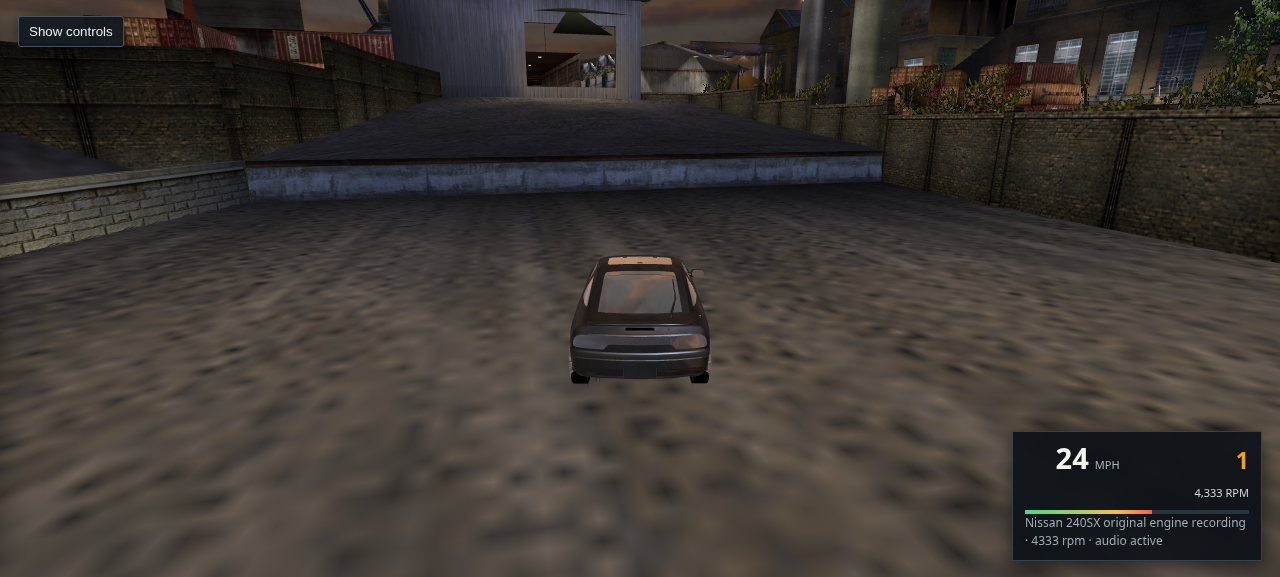
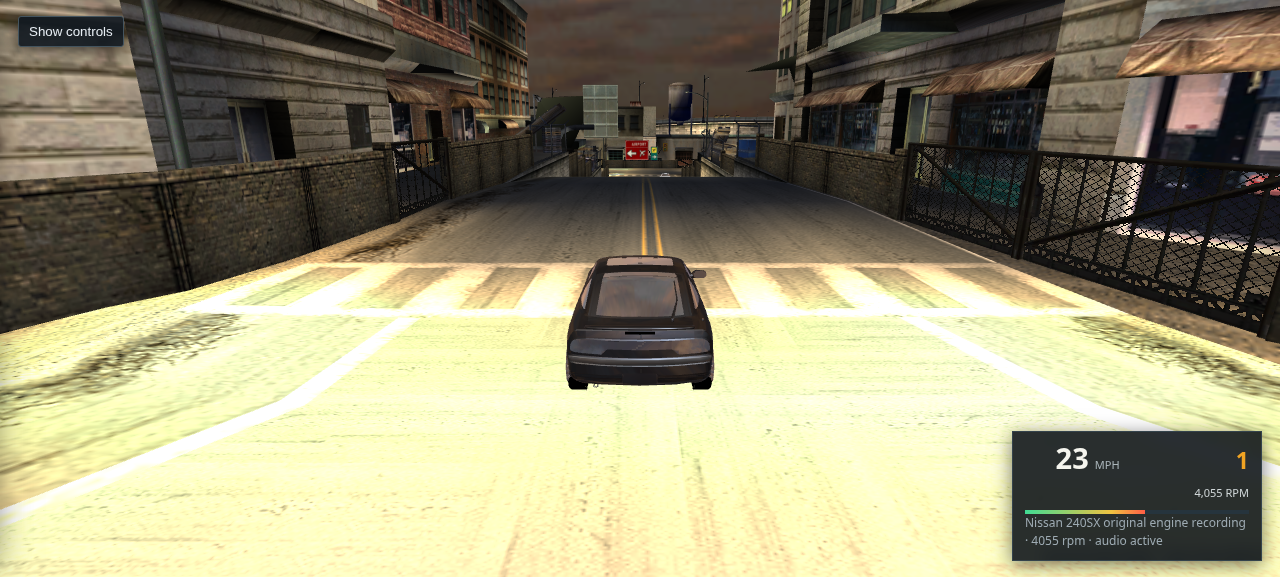
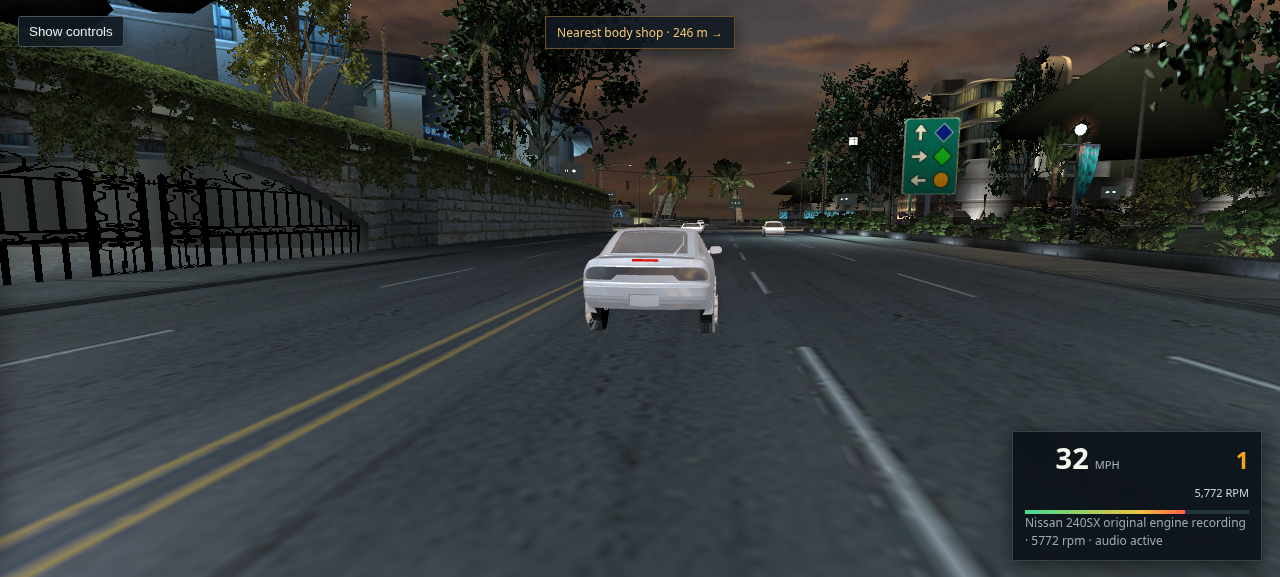
Unedited 1280 by 720 Chrome screenshot of the 240SX driving on the marked Bayview road at 23 mph with traffic, city buildings, and speedometer visible
Packaged Chrome · 1280 × 720 · L4RA · 223 nearby textures uploaded · no page errors

442 · Fresh packaged city drive

Chrome loaded 89,205 nearby triangles, 223 nearby textures, and 12 ambient body models. A 4-second W input moved the 240SX to 23 mph in first gear with the assigned engine recording active; the car remained on the paved road in this straight sample. The capture is an unedited browser render, not a retail-game comparison. The body paint still looks flat and distant traffic still appears pale.

Open or save full-size capture
The 240SX driving on Bayview pavement at 62 mph in third gear, with road markings and the curve ahead visible
Packaged Chrome · 1280 × 720 · traffic disabled for the run · engine audio active

441 · Sustained throttle on the L4RA city road

After about 11 seconds of W with no steering input, the car reached 62 mph in third at 4,976 rpm and remained on the pavement; the roadway curves ahead, so this capture stops before that turn. A separate run sampled 61 mph at 6,396 rpm in second before the 3rd-gear shift. The small run-to-run timing difference makes this a browser control/gearbox check, not a retail handling comparison. The 130 mph cap was not reached or verified.

Open or save full-size capture
Normal city drive view with the colored light-beam artifact visible near the right skyline
Normal drive view
Same city drive view with only the MegaLight beam mesh slice hidden; the colored patch is gone
Diagnostic with `XO_MEGALIGHTA_1A_00_0_2` hidden
Recovered 32 by 256 SFX_LIGHT_BEAMB texture from the shared game texture pack
Exact shared-pack texture · 32 × 256 · DXT3

440 · Upper-right color patch identified as a light effect

A projected scene-object check and a one-slice hide confirm the patch is `XO_MEGALIGHTA_1A_00_0_2`, using the recovered `SFX_LIGHT_BEAMB` texture key `0x2e95ce7d`. The shared pack marks it usage 2 / blend 2, and the viewer currently renders blend 2 additively. The source pixels themselves contain the saturated colors seen in the drive view. Hiding the slice removes the patch but also removes this authored light beam; I have not hidden it in the normal scene because the guest cannot provide a retail GPU comparison. This is not evidence of a condo placement error.

Open the hidden-slice capture · Open the source texture · Read the shared-pack extraction note
Diagnostic view showing only the local city cubemap reflected on the 240SX body; the reflection is mostly dark
Local reflection only · 1280 × 720
Diagnostic view showing only the panorama reflected on the 240SX body, creating broad warm streaks
Sky panorama reflection only · 1280 × 720

439 · Paint reflection comparison · diagnostic only

Both views use the same packaged 240SX drive start. Isolating the local environment makes the body very dark; isolating the sky panorama produces broad warm streaks. Raising the local reflection multiplier from 0.45 to 1.20 changed the body by less than one average RGB code over the car crop, so I did not keep that experiment. This confirms the current environment inputs cannot supply a convincing retail paint finish on their own; the game's selected paint state, bound environment and harmonic-light data are still missing. These diagnostic modes do not alter the default viewer.

Open local-reflection capture · Open sky-reflection capture · Open the normal drive view
The 240SX rear driving view after restoring the source-identified windshield glass treatment to the rear pane
Packaged Chrome · 1280 × 720 · L4RA · city ready · no page errors

438 · Rear pane now follows its source glass role

The exported trunk pane had been renamed after its shared REAR_DEFROSTER texture, causing the viewer to miss the original WINDSHIELD material role. The viewer now recognizes that exact source hash, applies its existing glass response, and keeps the authored defroster texture and blend mode. I reverted the unrelated global opacity experiment. The pane is brighter and reflective, but still does not match retail tint; the body remains flat gray and the distant facade artifact remains visible.

Open or save full-size capture · Compare with the previous capture · Open the same L4RA start view
Current packaged L4RA drive view with road markings, traffic ahead, and the 240SX rear body visible
Fresh packaged Chrome capture · L4RA · 89,205 nearby triangles · 223 textures · seven traffic cars assigned · no console errors

437 · Current city and car appearance review

This is the scene after all 223 nearby textures uploaded. The marked roadway is clear at this viewpoint and the visible traffic is upright. The 240SX body still reads as flat gray, its rear pane is too dark, and a distant facade shows a distracting color artifact. One viewpoint does not prove citywide building placement or traffic correctness, and this is not a finished game export.

Open or save full-size capture · Open the same L4RA start view
Skyline driving along Bayview's marked curve at 11 mph with original engine audio active
Packaged Chrome · Skyline · L4RA route 736 · 11 mph · original engine recording active

374 · Short drive on a marked Bayview bend

A brief W+A input moved the Skyline along the curved road; it ended at 11 mph with the original Skyline engine recording active. Chrome reported no page errors. This checks the packaged drive still runs after the steering and material changes. It does not validate retail handling or show the car under load at speed.

Open or save full-size capture
Rear view of the Skyline on Bayview road, with the rear surround matching the gray body and four red lamp lenses retained
Packaged Chrome capture · Skyline · L4RA route 736 · 67,700 nearby triangles · no page errors

373 · CARSKIN body surfaces inside lamp assemblies

Eight source-identified CARSKIN primitives across the 240SX, Corolla, RX7 and Skyline now use the body-paint role instead of the enclosing assembly’s lamp fallback. The Skyline shows a gray rear surround with all four red lenses intact. The capture verifies this material-role correction; the body finish and pale rear glass still do not match the retail game.

Open or save full-size capture · Read the source and material note
Rear driving view of a silver 350Z on Bayview's marked road, with dark rear glass and defroster lines
Packaged Chrome capture · 350Z · L4RA route 450 · city loaded without page errors

370 · WINDOWMASK material role fixed across the car selection

All 29 stock cars now classify the shared WINDOWMASK material hash as glass; 82 active body pieces use that glass material, while separately named rear defrosters remain separate. This 350Z capture confirms it loads in the packaged viewer. The windows still appear dark and the body is flat gray, so matching the retail glass blend and car paint remains unfinished.

Open or save full-size capture · Read the fleet material note
Bayview route 400 driving view with the 240SX and upright ambient traffic cars on the road
Packaged Chrome capture · L4RA route 400 · five ambient cars · no page errors

367 · Signed traffic lane candidates · static preview update

The route data’s corridor adjustment is signed; the viewer now checks negative offsets as well as positive ones while retaining pavement and road-texture checks. Browser telemetry found a supported −5.740 m candidate at this route start. The cars shown here selected zero offset, so this image checks scene loading and vehicle orientation but does not show the changed lane candidate.

Open or save full-size capture · Read the traffic note
Rear driving view at Bayview route 450 with center and lane markings, retaining walls along the sides, and ambient vehicles ahead
Packaged Chrome capture · L4RA route 450 · 43,493 triangles · 170 textures

366 · Route 450 road and placement check · one viewpoint

The center and lane markings are visible, and no building crosses the paved roadway in this frame. Retaining walls and storefronts line the sides; several ambient cars are ahead. This local view does not establish citywide placement or retail traffic behavior.

Open or save full-size capture · Read the viewpoint note
Rear view of the 240SX on Bayview's marked road, showing the dark gray rear wiper, tinted glass, and orange defroster lines
Packaged Chrome capture · 240SX · city ready · rear-wiper material preview

365 · Rear wiper fallback corrected · preview

The bright diagonal across the rear glass was the authored rear wiper, using a missing DULLPLASTIC texture. Only that identified primitive now receives a dark neutral trim fallback. The rear pane and source-textured defroster are unchanged. The exact retail wiper material remains unresolved.

Open or save full-size capture · Read the material note
Rear driving view of the 240SX on Bayview's marked road, with dark rear glass and the rear defroster overlay visible
Packaged Chrome capture · 240SX · city ready · rear-window material correction

364 · 240SX WINDOWMASK material correction · preview still unresolved

The three active stock body slices using retail hash 0x3ed70c43 now enter the viewer’s glass path instead of opaque paint. The separate source-textured REAR_DEFROSTER overlay remains visible. In this capture the rear and side glass still read very dark; this only fixes the material role and retains the viewer’s 0.76 glass-opacity preview, not the retail blend state.

Open or save full-size capture · Read the material note
Packaged combined Bayview scene with the 240SX on an L4RB raised road and ambient cars ahead after all 229 city textures uploaded
Chrome capture · combined mesh · all 229 nearby city textures uploaded

428 · Combined-world authored route union · implementation check

The combined scene now loads each region’s recovered ambient routes, with traffic state keyed by region and route ID. Chrome loaded 1,088 filtered routes across L4RA, L4RB, L4RC, L4RD, L4RF and L4RG, and remained ready at an L4RB route start with all 229 nearby textures uploaded. Three ambient cars were rendered ahead/nearby in the checked frame. Transition records are matched only inside their source region; no cross-region joins are inferred. Player start selection and density polygons remain selected-region-specific. An offline 5 m route sampling audit found zero cross-region route pairs with more than 50% mutual XY coverage within 0.8 m and aligned tangents. This checks that the route union runs on the packaged combined scene; the traffic preview still does not reproduce retail traffic control.

Open full-size L4RB capture · Open combined L4RB drive · Read route counts, dedupe rule, and limits
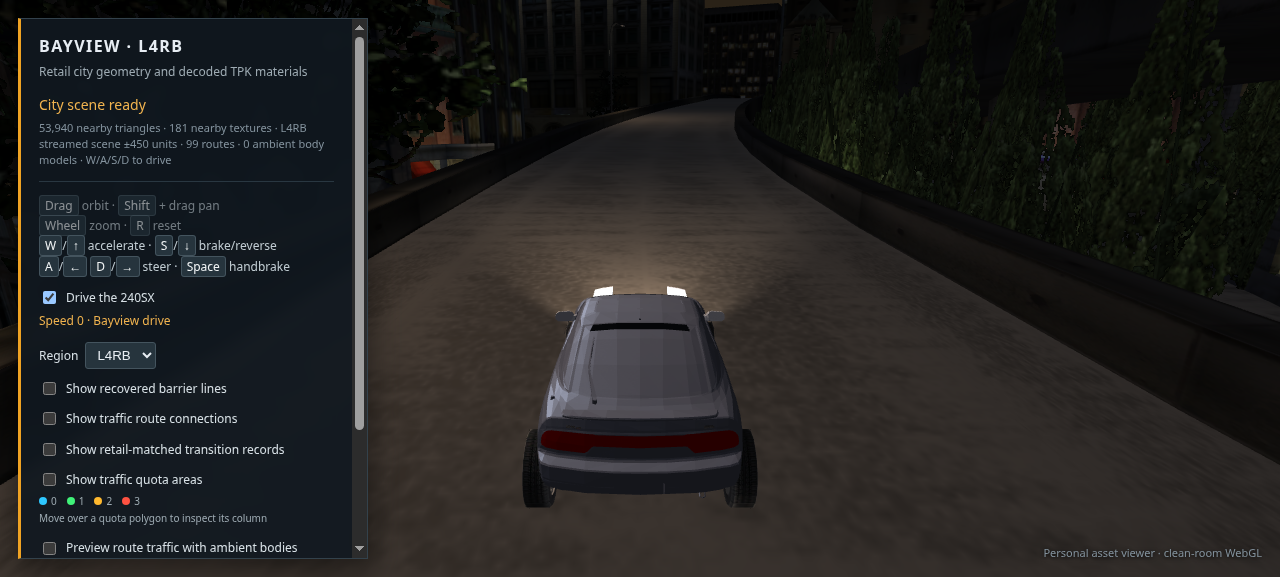
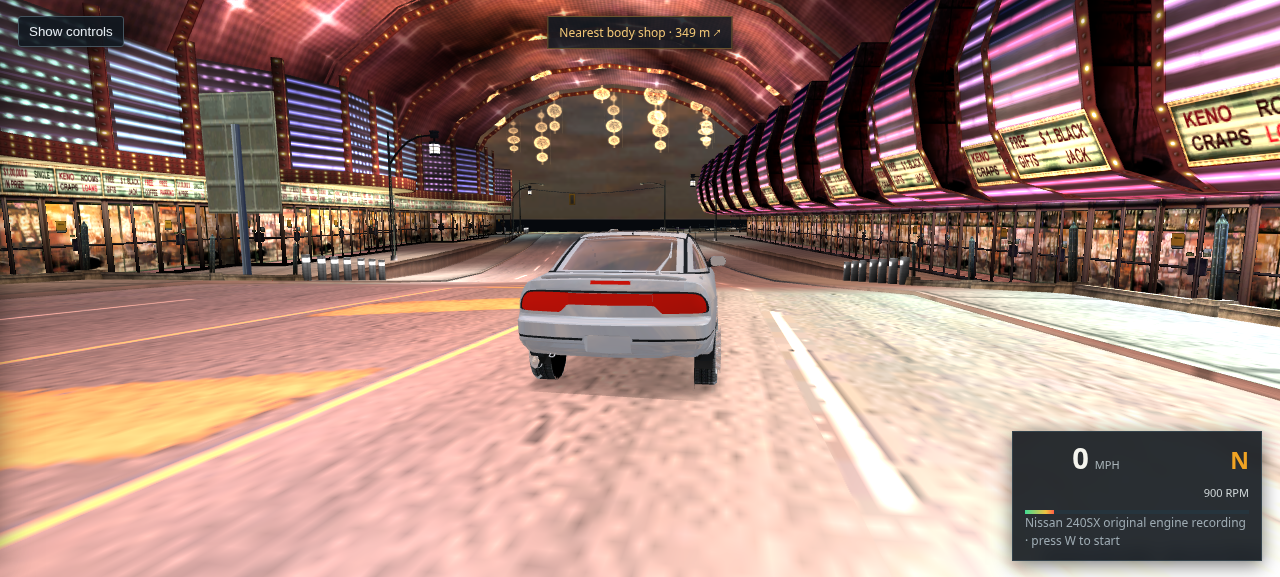
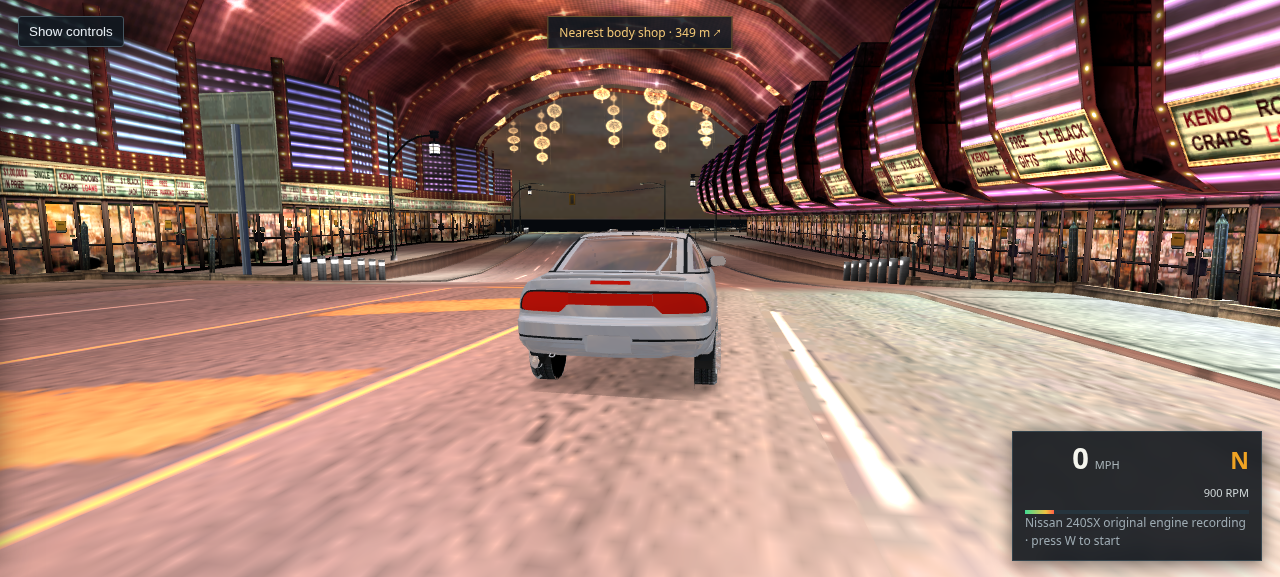
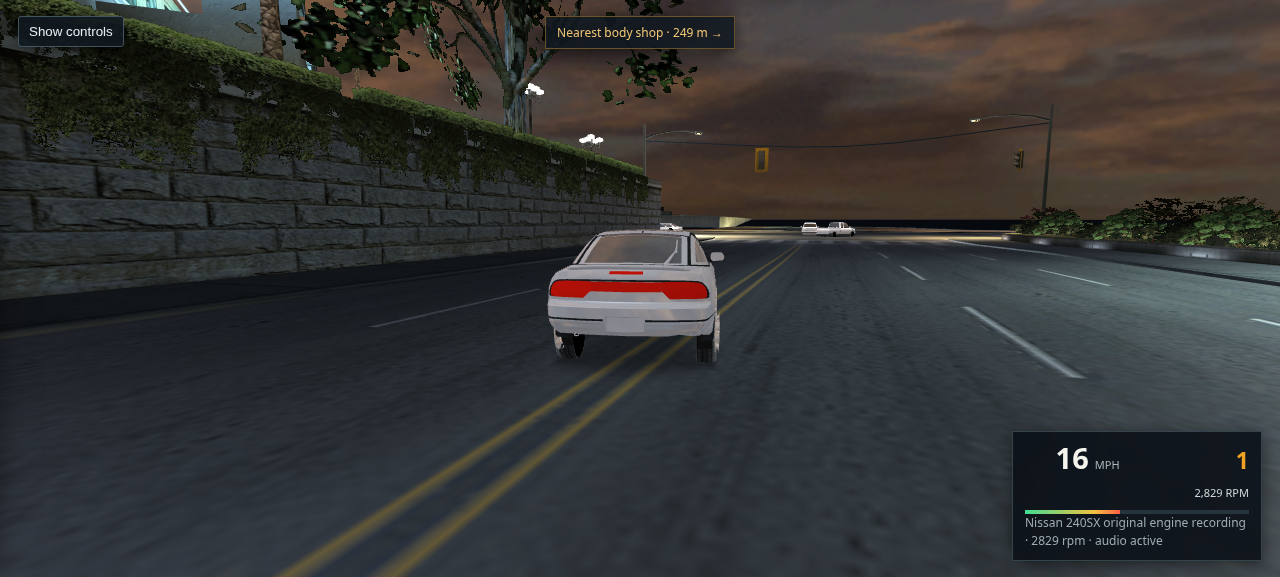
Third-person view behind the 240SX on a Bayview road curving between barriers

01 · L4RA night drive · pre-fix

Older capture. Its building rotations are wrong and it is kept here as evidence of the defect being corrected.

Open or save full-size capture
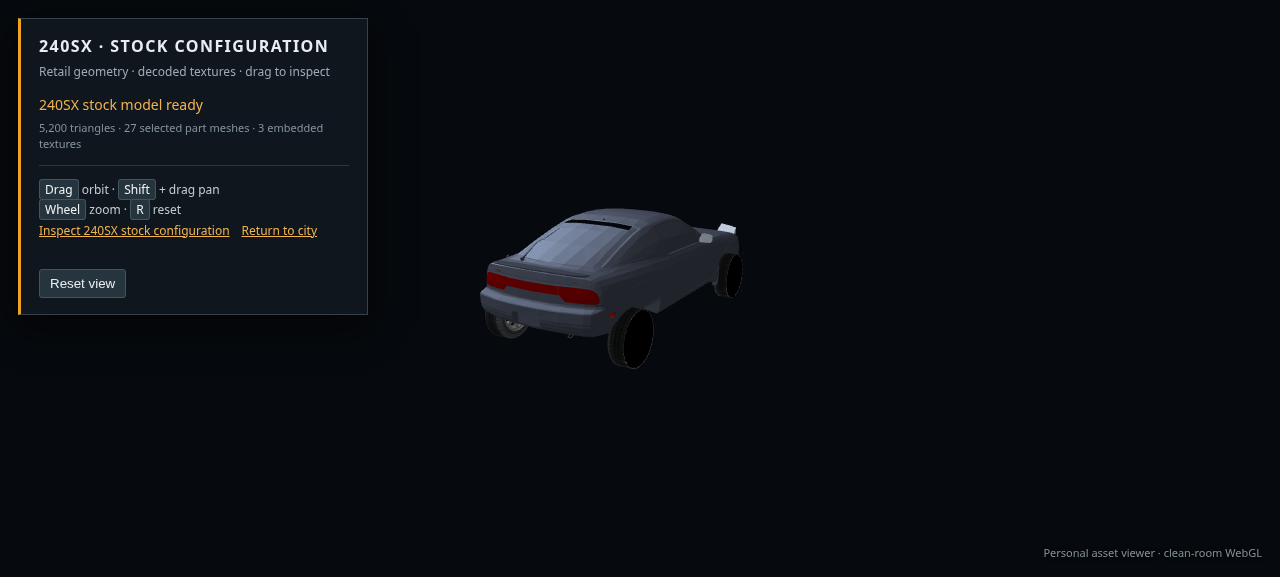
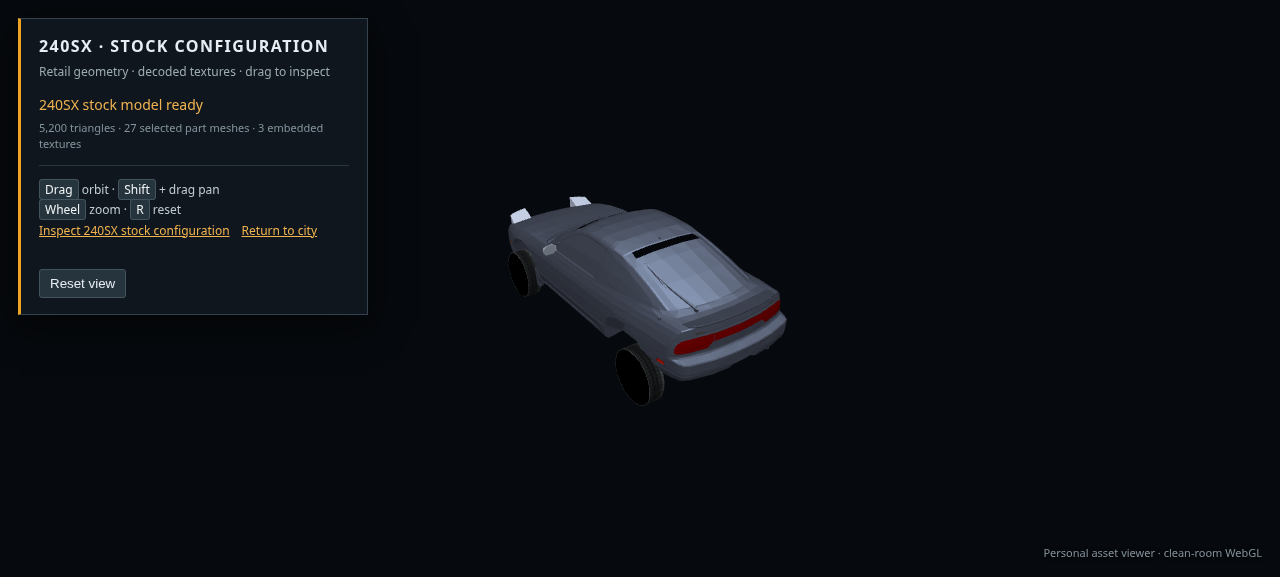
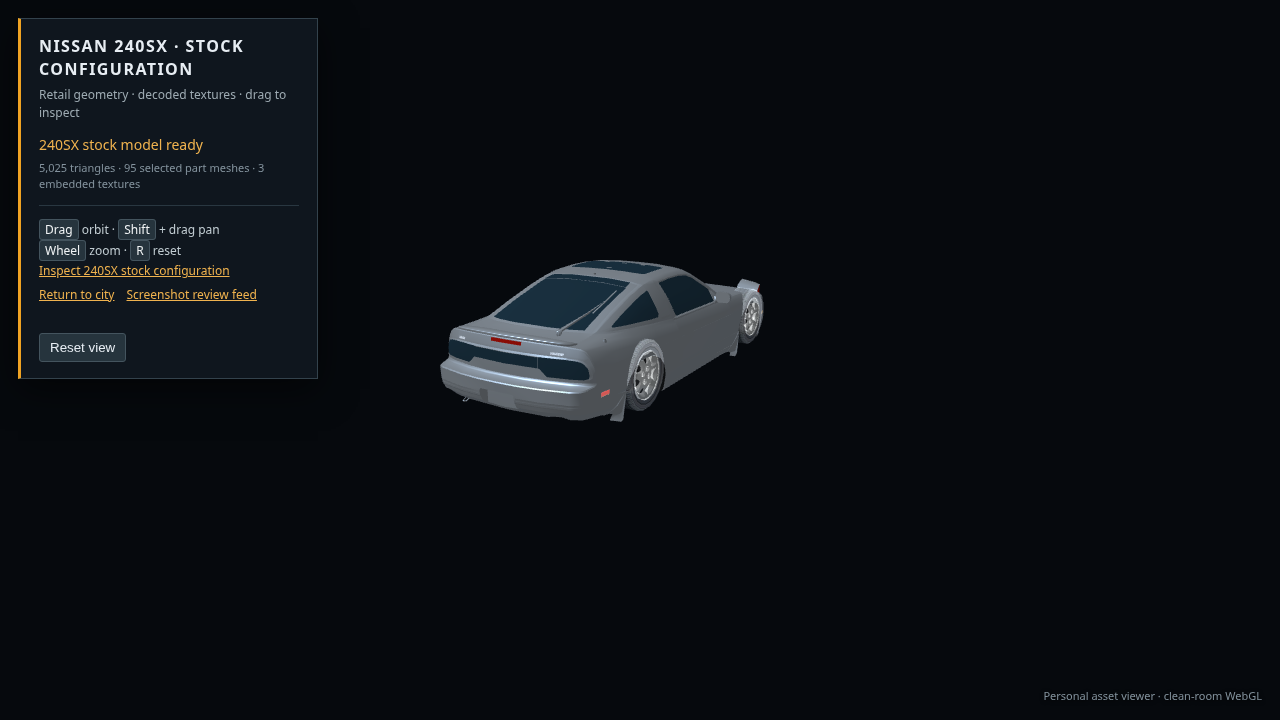
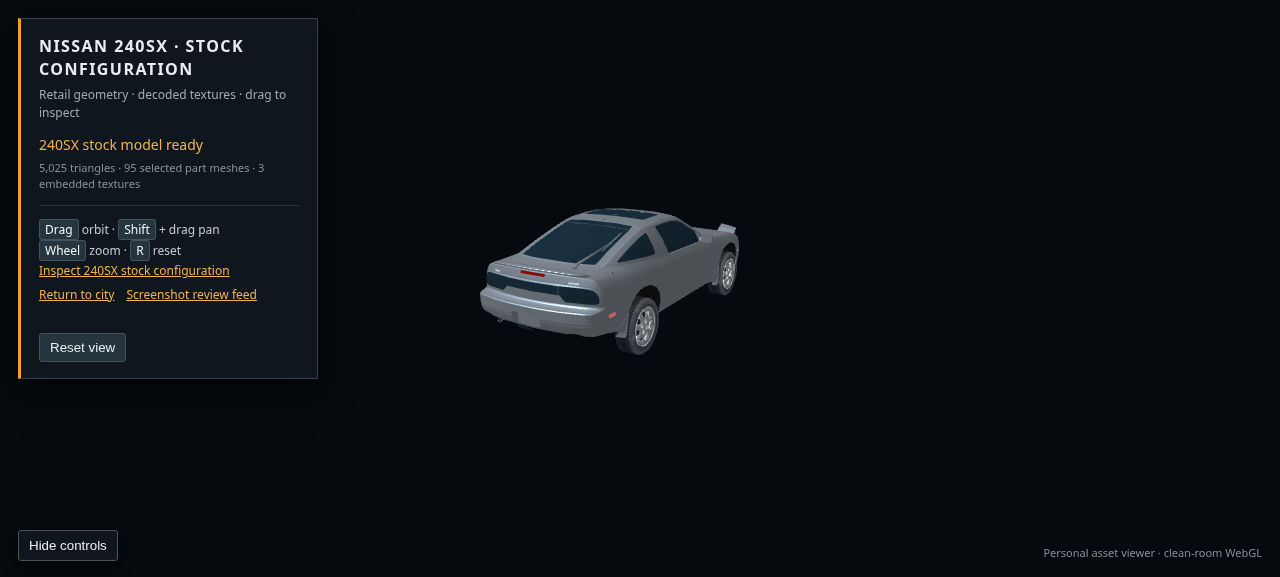
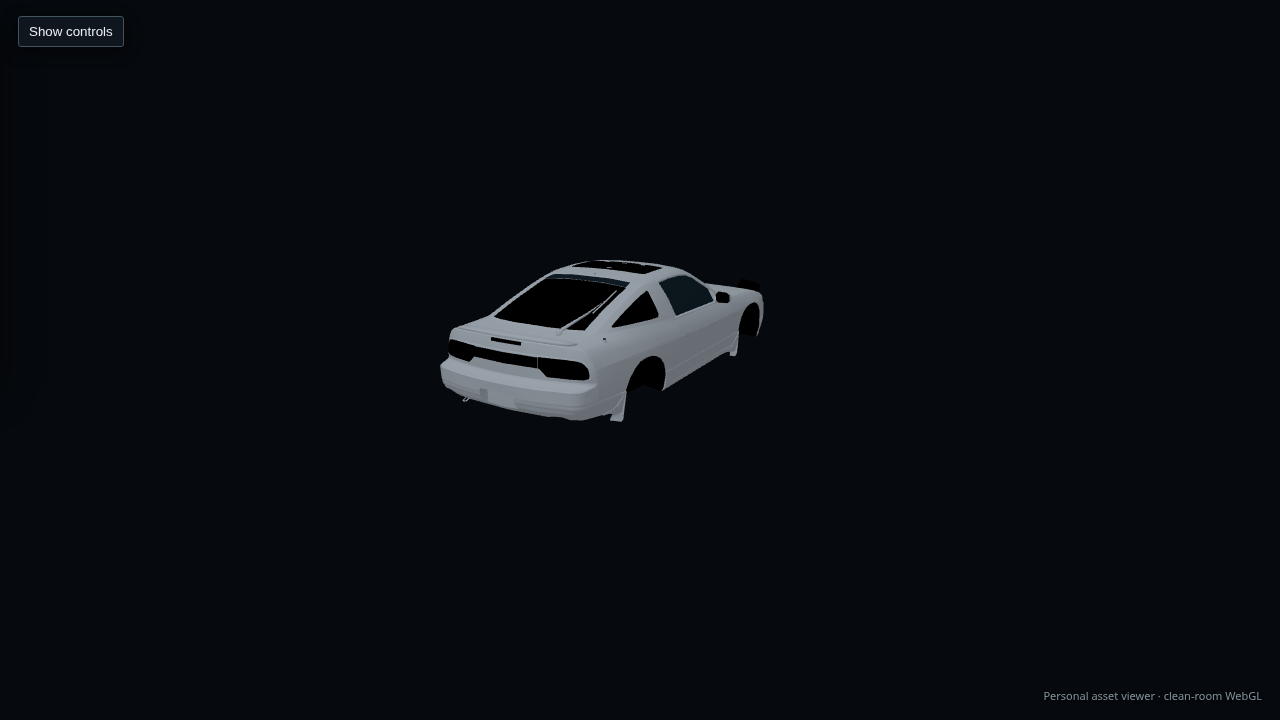
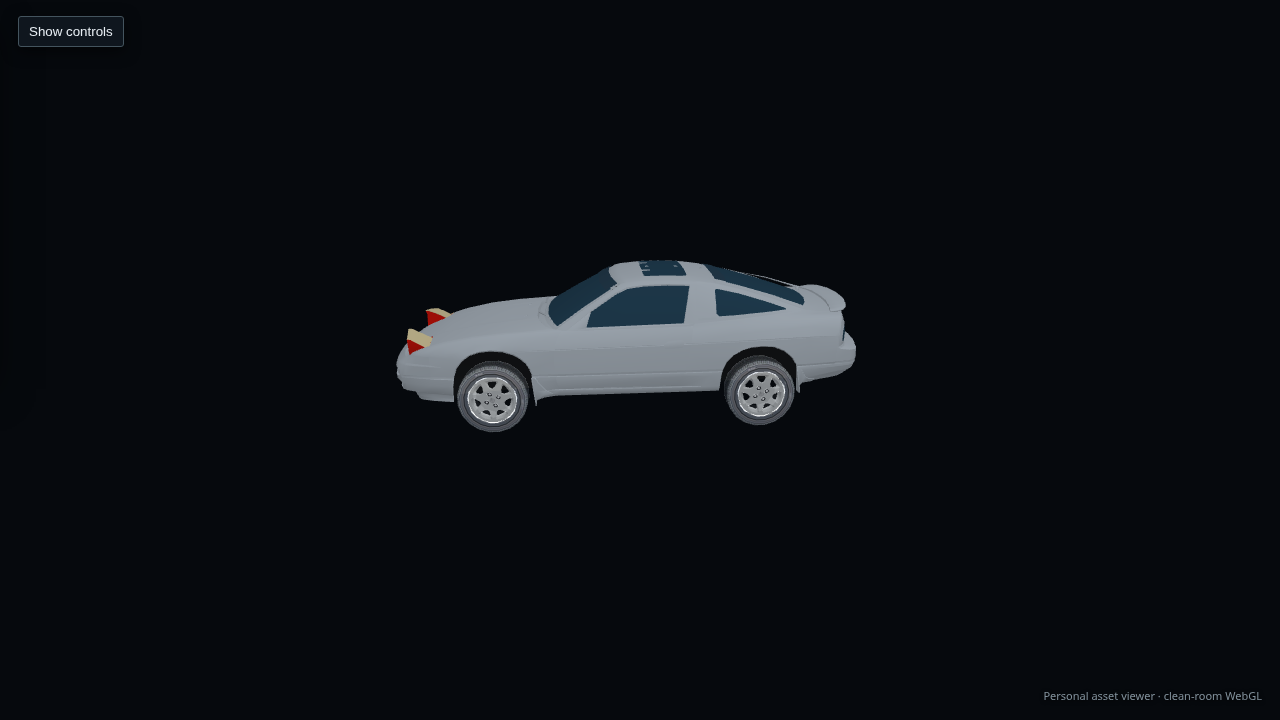
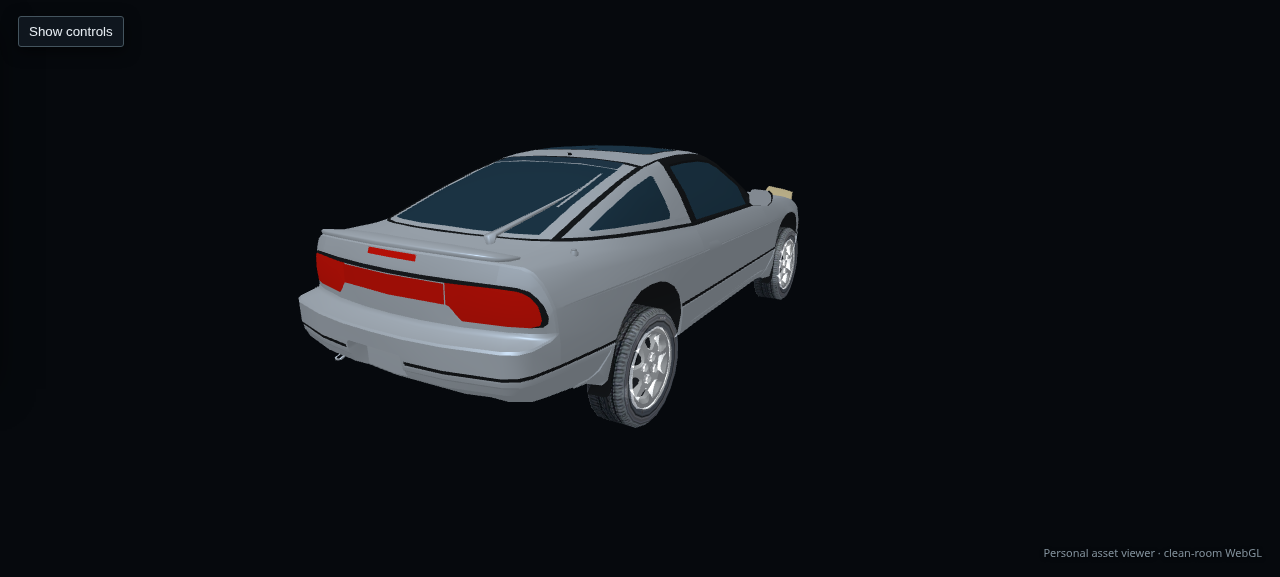
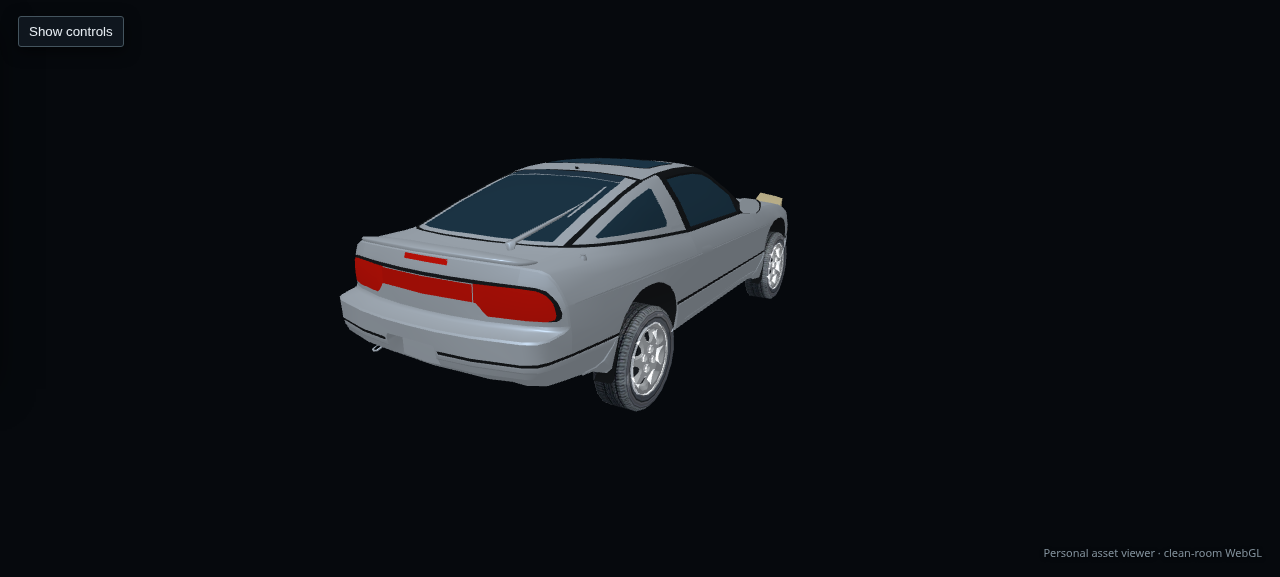
Rear three-quarter view of the recovered stock 240SX model

02 · 240SX rear quarter

Current inspection capture of the assembled body, tail lights, glass, and placed wheels. The body geometry remains visibly coarse.

Open or save full-size capture
Third-person view driving along a curved L4RB road with buildings and trees on each side

04 · L4RB night drive · pre-fix

Older capture with the same transposed scenery rotations as L4RA; the currently served GLB has the corrected placement matrices.

Open or save full-size capture
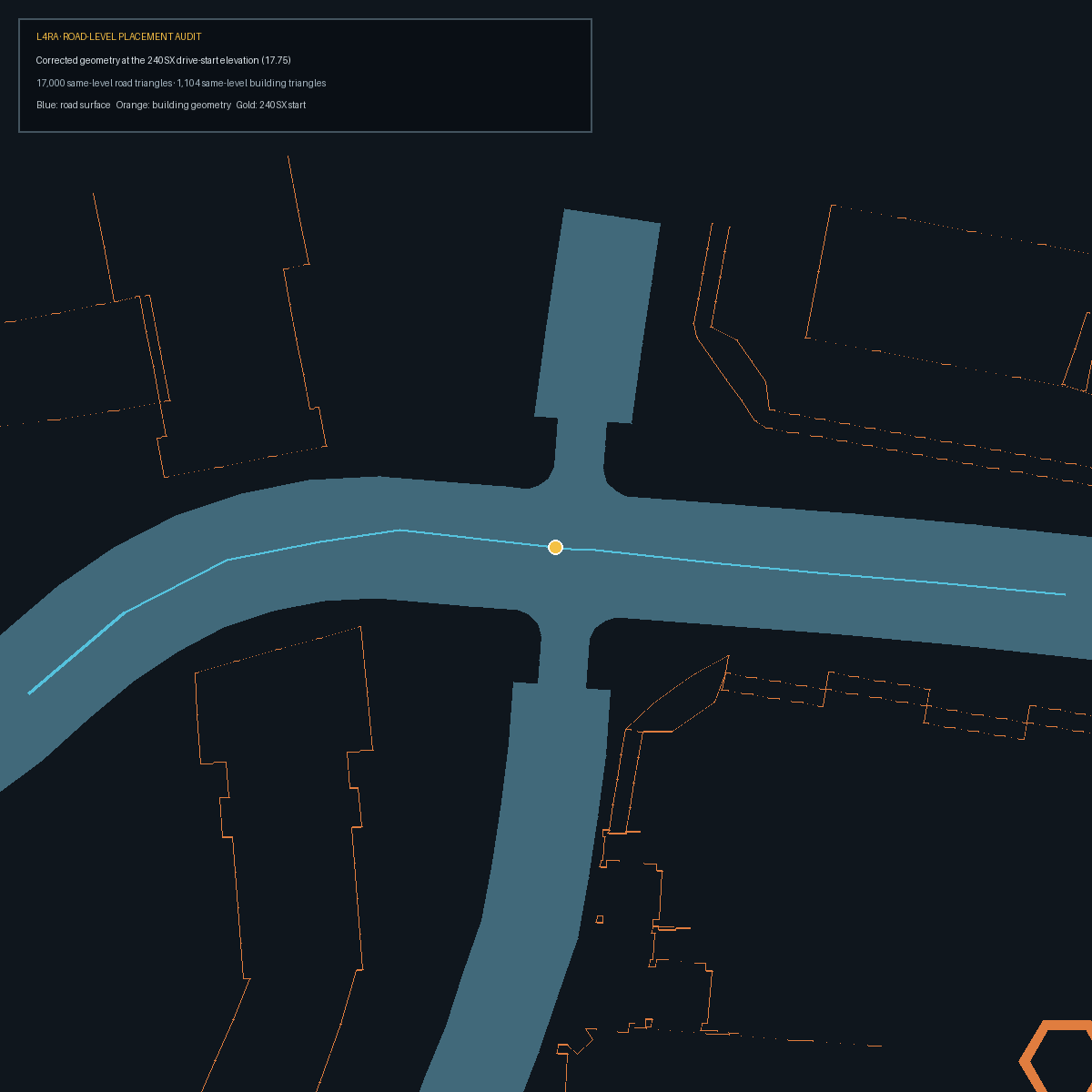
Top-down view of L4RA road triangles and nearby corrected building geometry, with the drive start marked on the road

05 · L4RA placement audit

Top-down diagnostic from the corrected GLB, showing 17,000 pavement triangles and building triangles within one metre of the drive-start elevation. The selected start sits on the traffic route centerline; nearest building bound is 16.64 m away.

Open or save full-size audit
Earlier driving view behind the 240SX on a curved L4RA road

06 · L4RA drive view · earlier matrix pass

Earlier 1280 × 720 capture after changing the scenery transforms. The screenshot did not verify full scene placement; the current review below records that problem as unresolved.

Open or save full-size capture
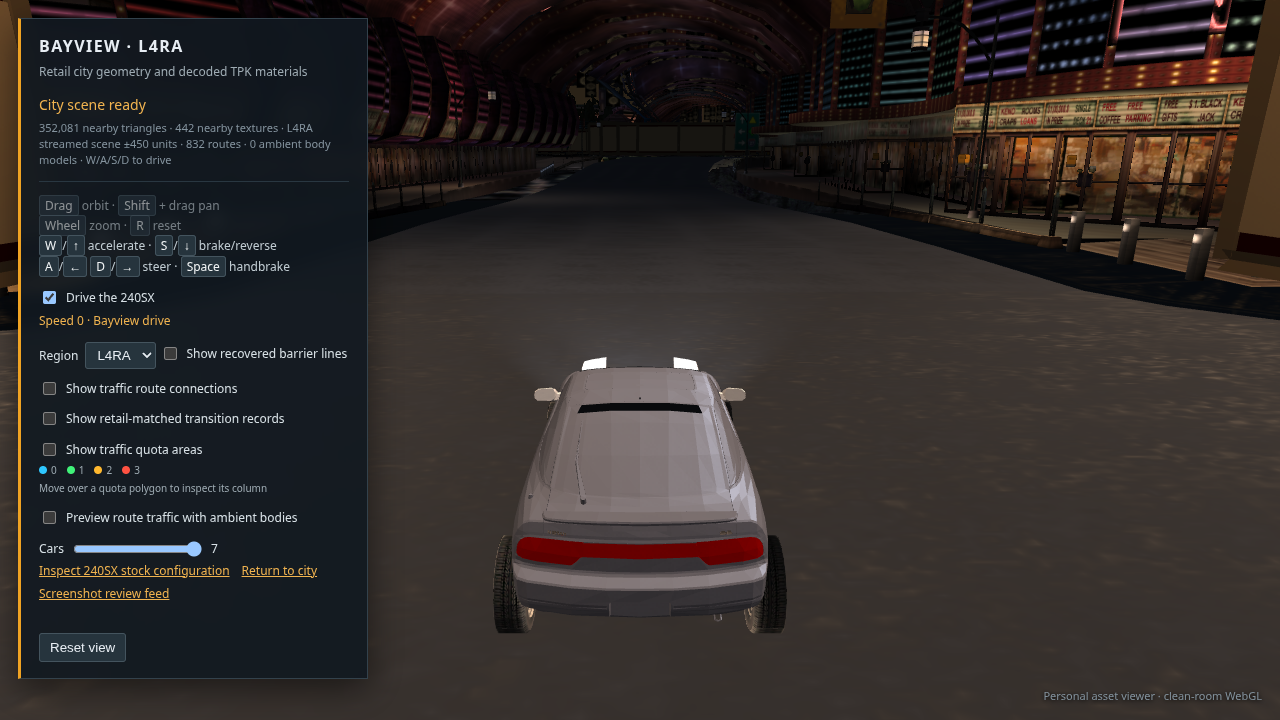
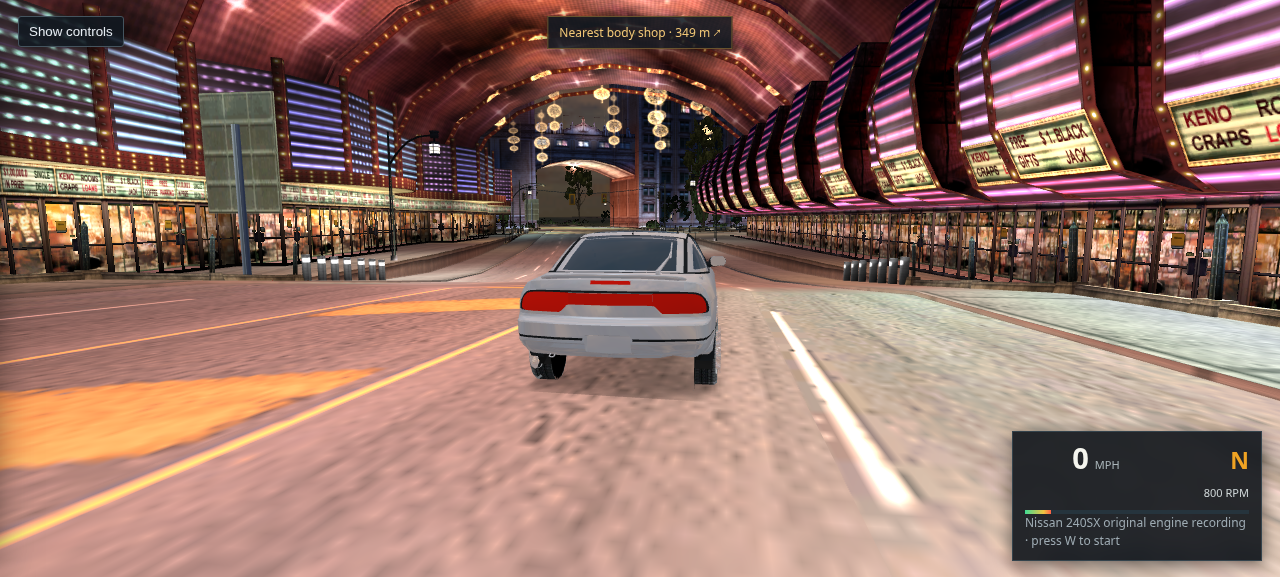
Current L4RA driving view showing the casino and roadside structures crowding the road

07 · Current placement review · unresolved

Fresh 1280 × 720 capture of the live viewer. The stored placement bounds match the corrected transforms, but the rendered road and structures still do not read as a clean, correctly assembled street scene. This is not a completion image.

Open or save full-size capture
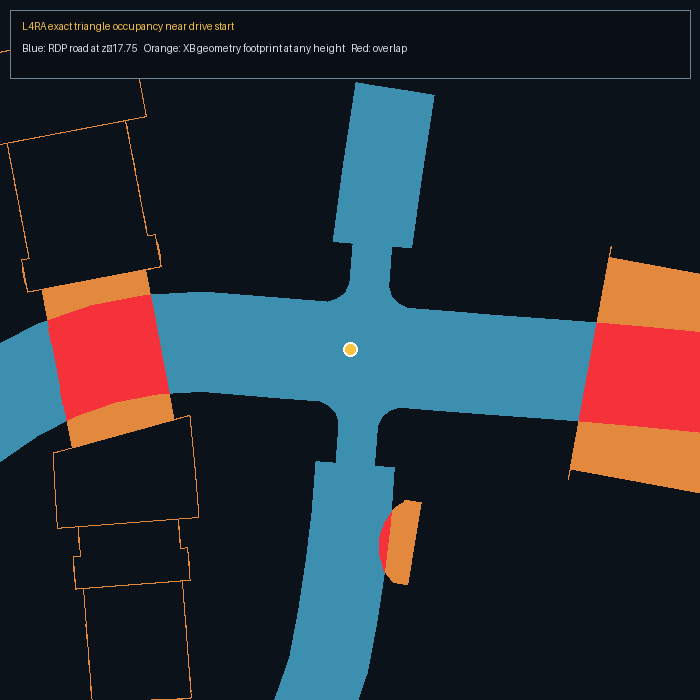
Top-down triangle projection showing retail road surfaces in blue and building geometry in orange and red where their XY projections overlap

08 · Road and building projection audit · L4RA start

Triangle-level top-down projection at the current start. Red means a building triangle projects over road space at some height; this is not proof of a ground-level collision. A separate height-band sample found no XB surface crossing the road between pavement height and 2.2 m above it within this local crop. The elevated projections explain the imposing overhead structure in the driving view, but their intended retail placement is still unverified.

Open or save full-size audit · Read the placement audit
L4RA drive view at the same start after omitting race track closure props; casino and arcade structures still appear crowded around the road

09 · Same start with the first closure family omitted

Fresh SwiftShader capture after filtering the authored XO_TRACKBARRIER_PLAYER_00 meshes. This removes 18,720 nearby triangles. A second closure family remained farther along the street and is shown in the next comparison.

Open or save full-size capture
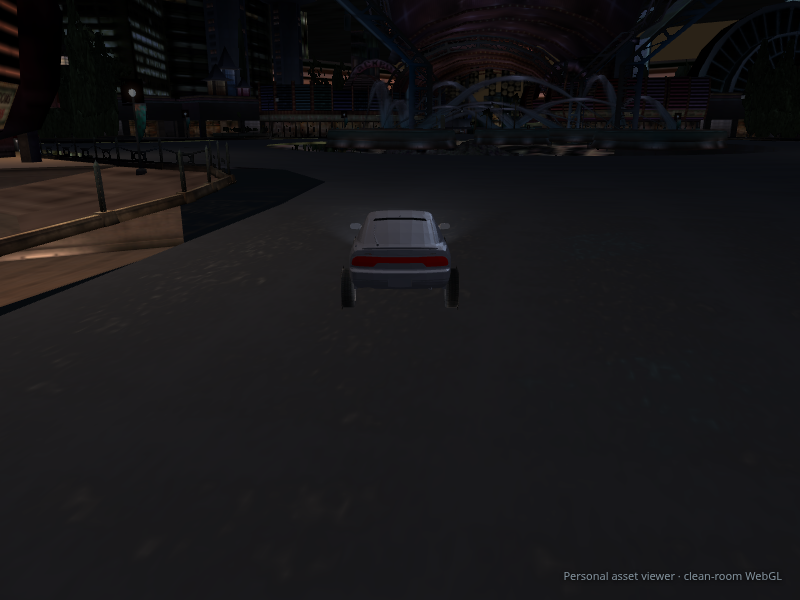
The 240SX farther down the same street after both race closure families are hidden; the blank wall across the road is gone

10 · Drive view after filtering both race closure families

Quadro backed Chrome capture after driving along the selected route. The blank panel wall in the earlier view was authored XO_TRACKBARRIERB_A_1A_00 geometry intersecting the road, not a casino building. It is now filtered along with XO_TRACKBARRIER_PLAYER_00 in free-roam mode. The Keno/Craps casino storefront and overhead arcade are also present in this retail-game screenshot. This fixes the identified blocker; full city placement and lighting still need broader review.

Open or save full-size capture · Read the placement audit
Updated L4RA drive view after the cleanup and exclusion of two panorama shells from the depth-cleared background pass

11 · Current view after panorama visibility filter · unresolved

Fresh 1280 × 720 SwiftShader capture after the name-safe duplicate cleanup and suppression of PAN_HOTELS and PAN_ENTERTAINMENT in the background pass. The distant silhouette clutter is reduced, but the broad road and overall city composition still look wrong. This is an in-progress diagnostic, not a completion image.

Open or save full-size capture · Read the placement audit
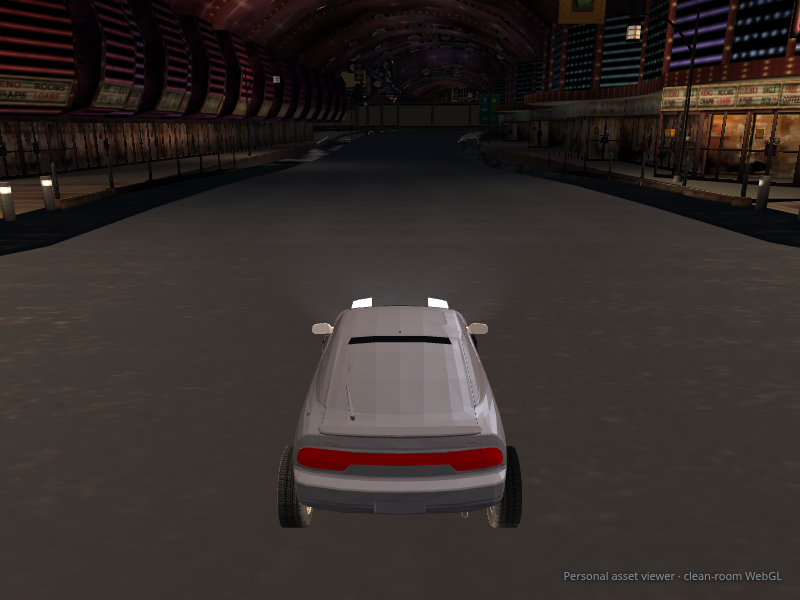
Latest L4RA driving capture after road alpha correction, with the casino arcade spanning the street

12 · Current road and casino placement review · unresolved

1280 × 720 capture of the latest cleaned scene, at route 450 position (−505.68, −513.28). The road texture now renders opaque. The casino overhang is 5–6 m above pavement, matching the kind of arcade visible in the retail reference; this capture does not prove all surrounding building placements or LODs are correct. The buildings still need targeted review, so this is not a completion image.

Open or save full-size capture · Read the placement audit
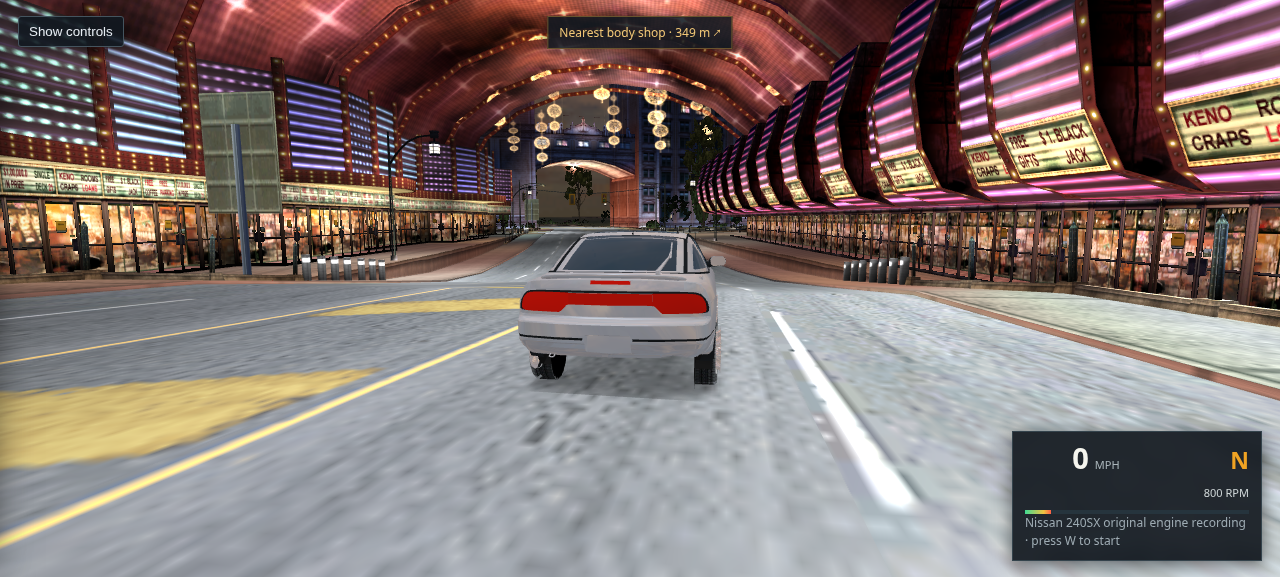
Casino street capture with the extra ambient dimming removed from authored vertex lighting

13 · Source prelighting capture · in progress

1280 × 720 view after removing the second ambient dimming pass from the game's baked vertex colors. Façade and arcade details read more clearly, while the lane surface remains too dark; dynamic light behavior still needs calibration. The capture helps inspect placement but does not verify the rest of Bayview.

Open or save full-size capture
Driving view inside the authored shortcut tunnel on route 1055

14 · Route 1055 tunnel placement check · unresolved

Fresh 1280 × 720 capture at route 1055, distance 78. The car is passing through the authored XB_SHORTCUTTUNNEL area; this explains the metal enclosure at this spot but does not account for the reported misplaced city buildings. Open this exact view.

Open or save full-size capture
Casino strip driving view after correcting source asset names

15 · Casino strip after source-name correction · still unresolved

Fresh capture after the exporter began reading asset names from the fixed source-header field. The scene pixels in this casino view are effectively unchanged, so that correction does not explain the buildings the user reports as misplaced. It does correct panorama and source-family classification elsewhere in L4RA. Open a nearby route at the corrected hotel panorama. This is not completion evidence.

Open or save full-size capture
Route 534 driving view near Hotel Plaza after removing an overlapping panorama shell

16 · Hotel cloverleaf route after panorama suppression

Fresh capture at route 534, distance 72.3, with a 200-unit scene radius for this diagnostic. The source panorama’s ground triangles crossed the authored road at car height; it is now excluded from the nearby background pass. Nearby hotel buildings and road remain visible. Open this exact view.

Open or save full-size capture
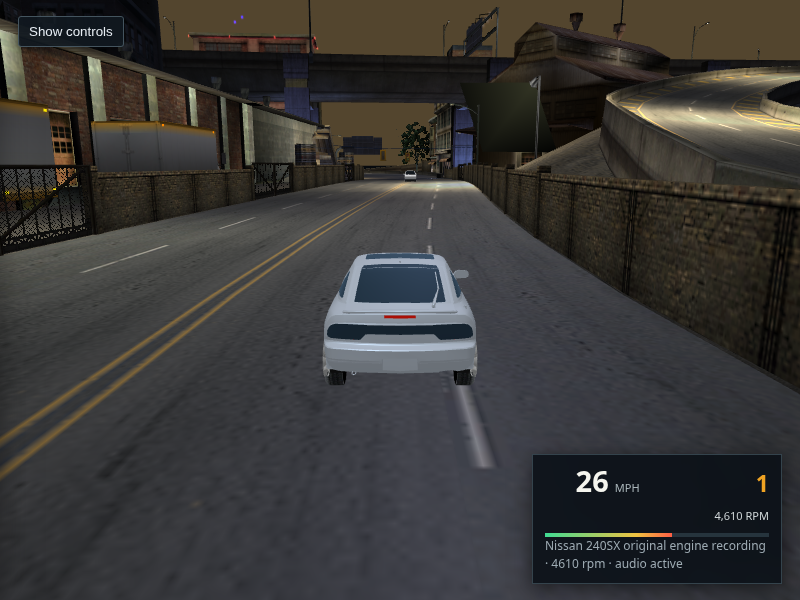
Bayview drive view with a traffic-route lane stripe and speedometer

17 · Road composite and speedometer · in progress

Older SwiftShader capture at L4RA radius 120. The road lines shown here came from a prior generated-marking experiment and are not representative of the current viewer. Current road paint samples the decoded RDP textures and UVs directly; the asphalt detail and car glass still need work. The 240SX engine recordings were extracted later; see capture 19.

Open or save the older capture · Open the current scene
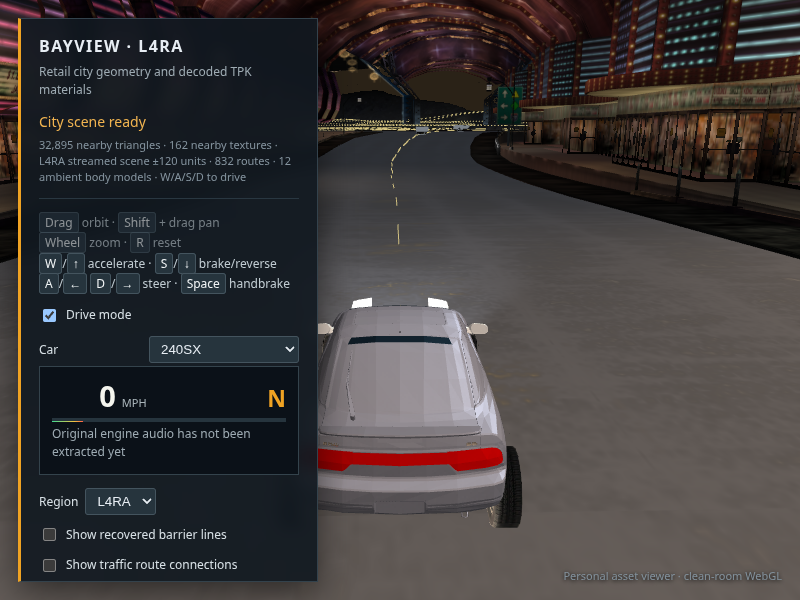
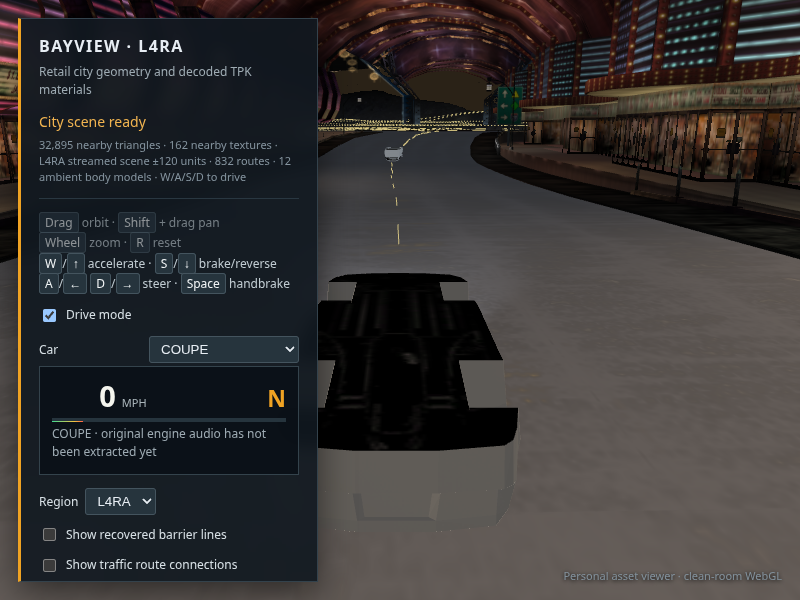
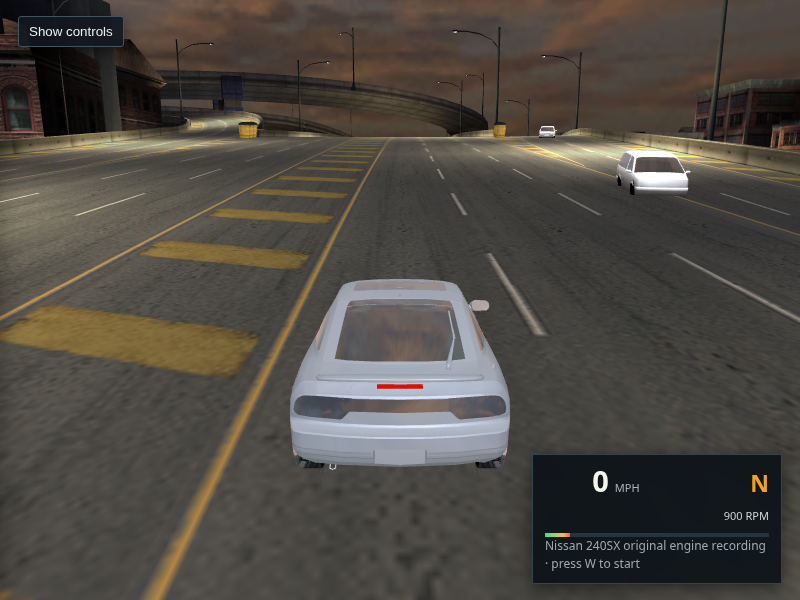
Drive view with the extracted Coupe body selected from the car menu

18 · Car selection check · body quality still unresolved

The selector switches to the extracted Coupe traffic body and keeps it on the road. Its body-only extraction is visibly rougher than the 240SX, so this is functional selection evidence, not a finished garage roster.

Open or save full-size capture
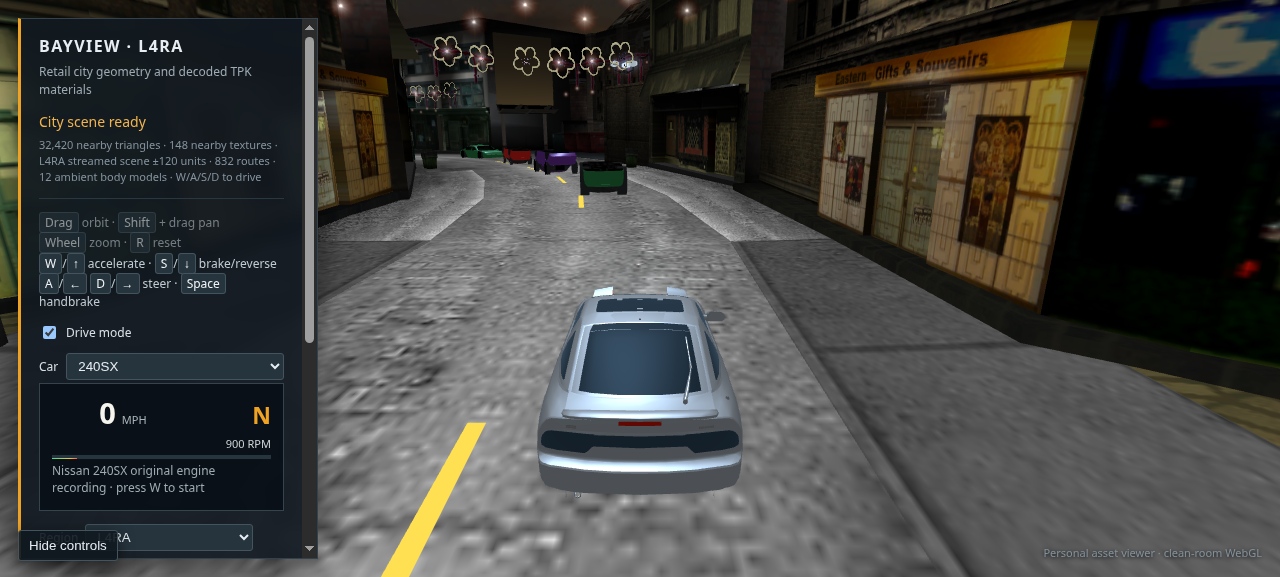
240SX driving view with original engine recording and RPM HUD active

19 · Original 240SX engine recording · audio wired

The Ginsu recordings were recovered from the XP install. Chrome decodes the original EA-XAS recording, switches between acceleration and coast samples, and updates the RPM loop while driving. This screenshot records the active sound state; it cannot demonstrate speaker output. Other selected bodies still need their matching player audio mapped.

Open or save full-size capture · Open the scene and press W
Live drive view after removing ambient traffic body shells from player car selector

20 · Traffic transform and honest garage selector · in progress

Fresh 1280 × 720 browser capture after replacing the guessed traffic axis mapping with the recovered X-forward, Y-up, Z-lateral basis, and removing incomplete traffic shells from the player-car menu. Only the exported 240SX is currently a player vehicle. Its visible wheel placement and the remaining city presentation still need work; this is not completion evidence.

Open or save full-size capture · Open this scene
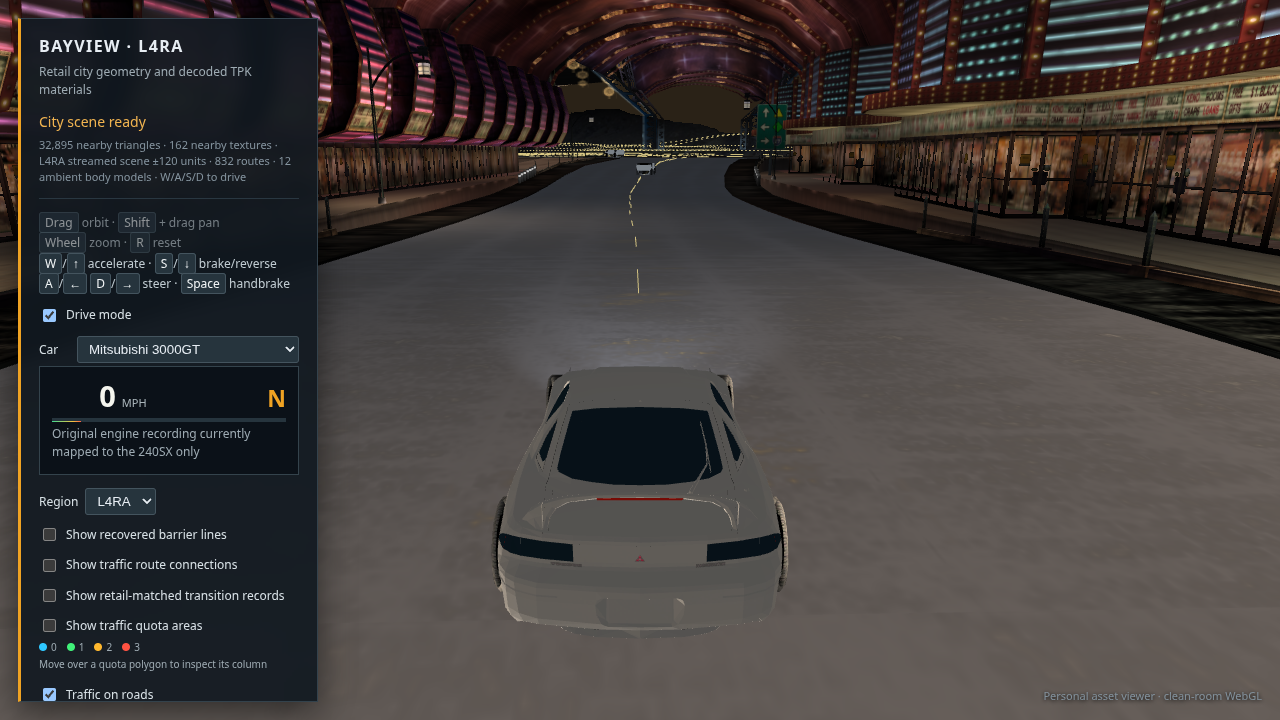
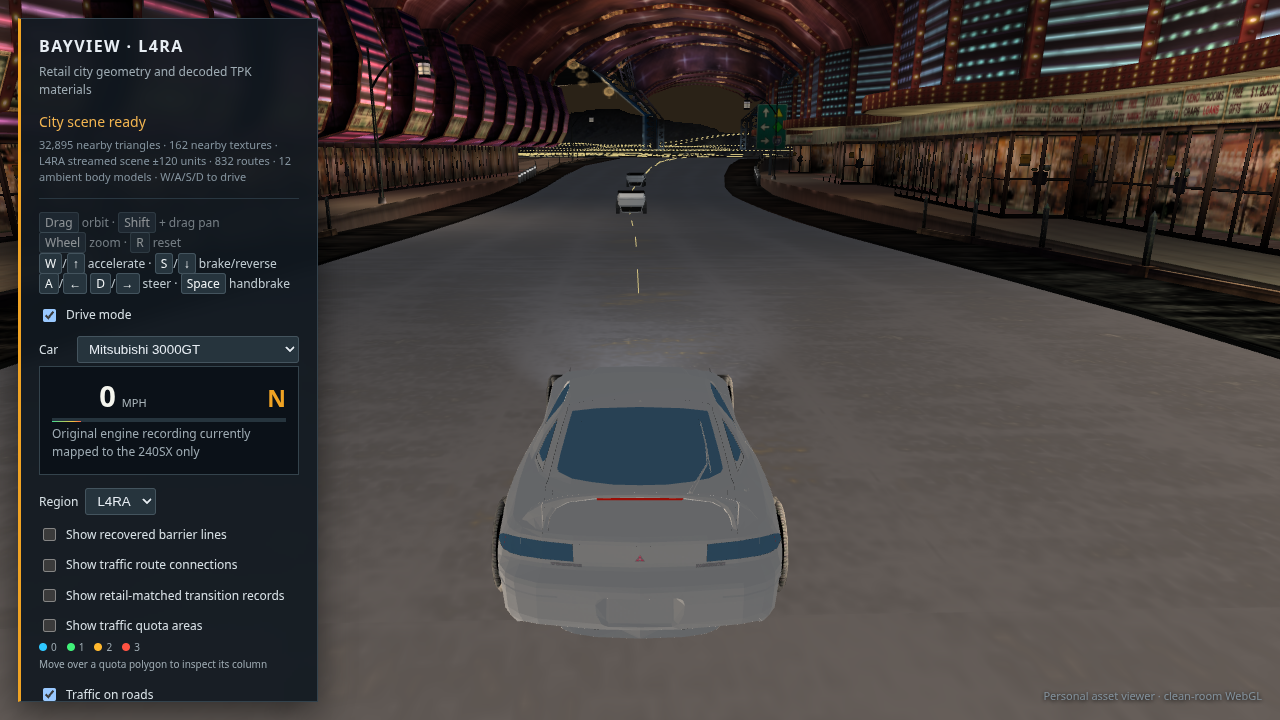
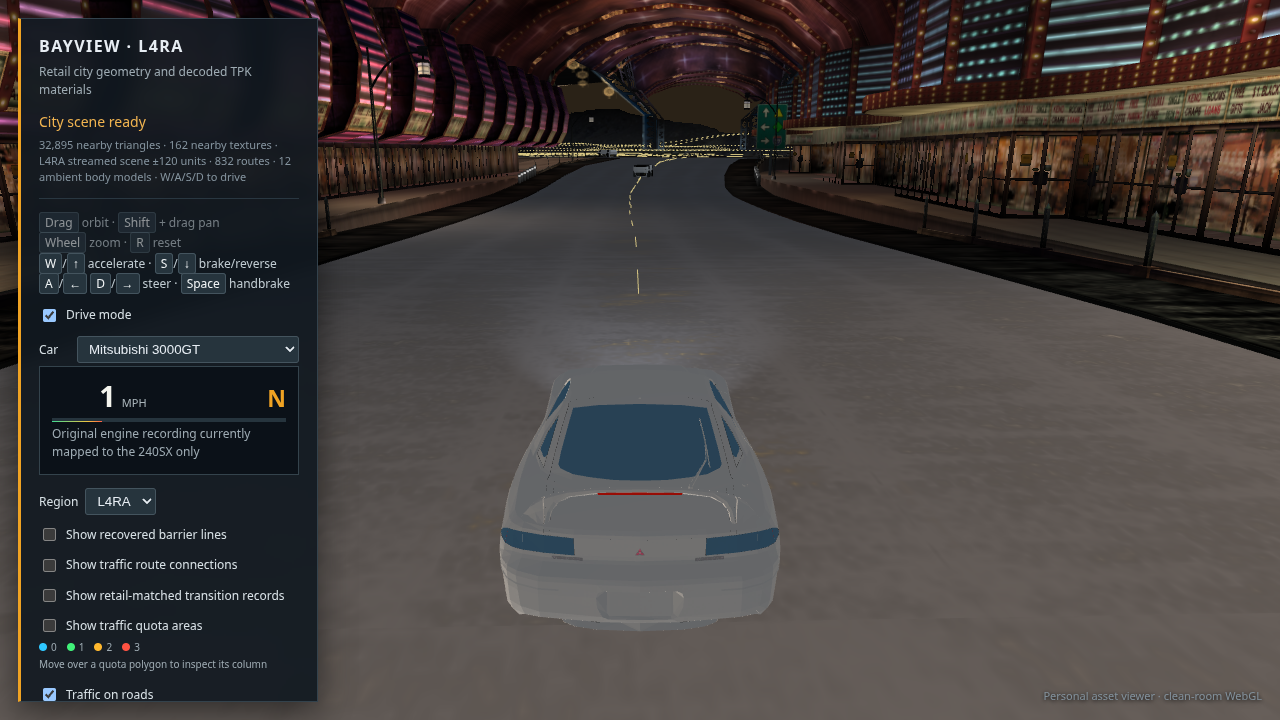
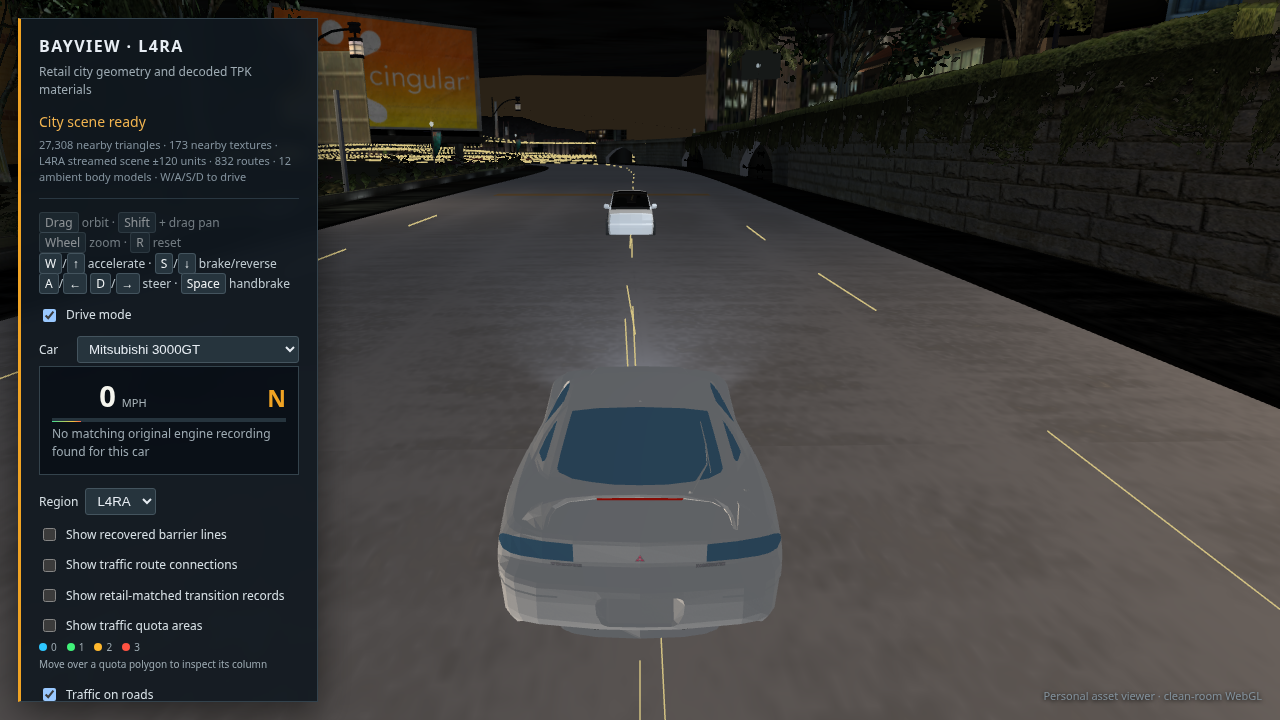
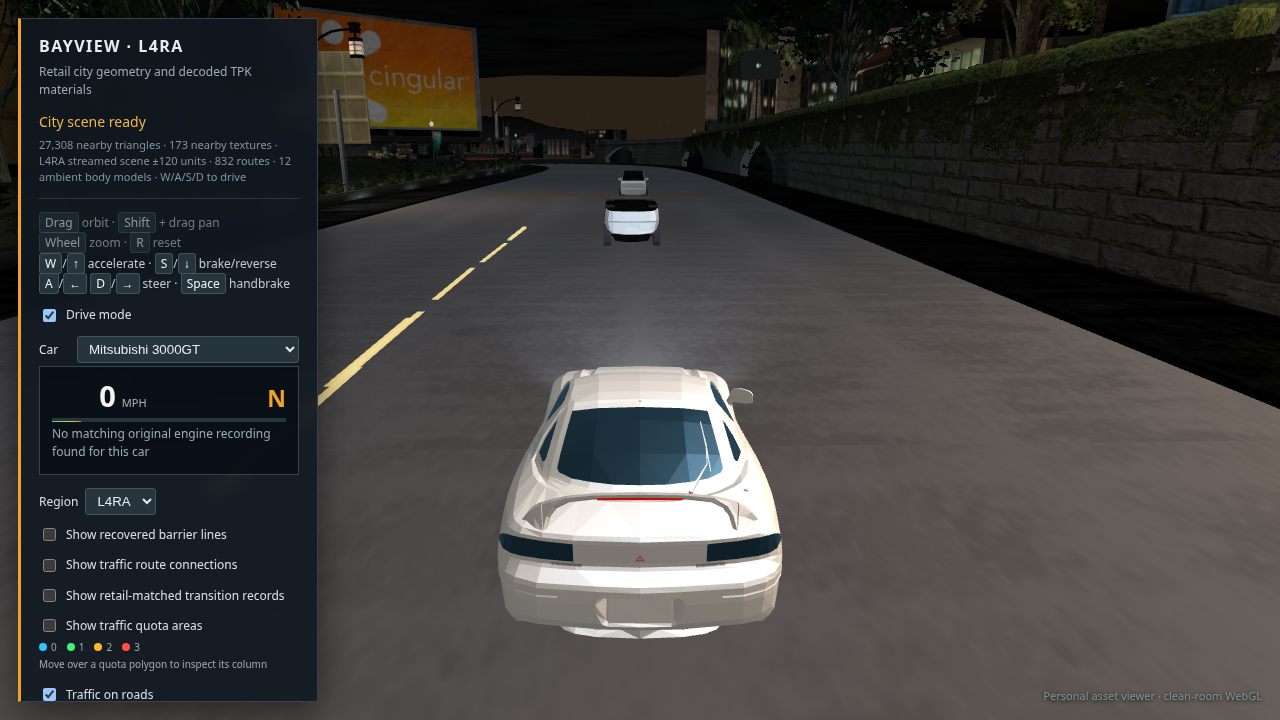
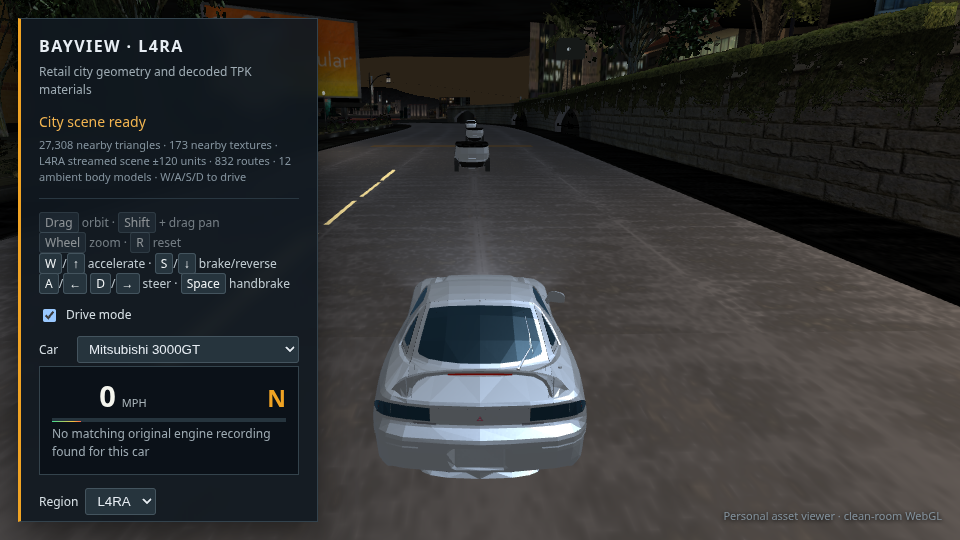
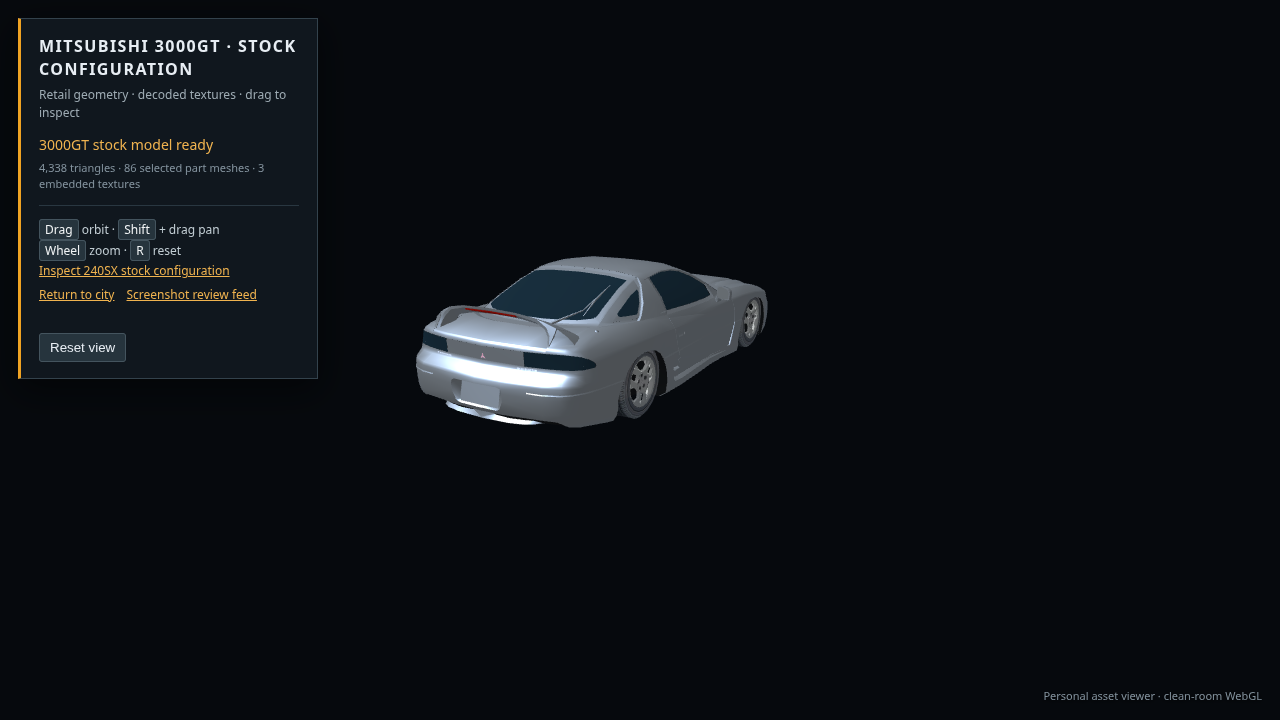
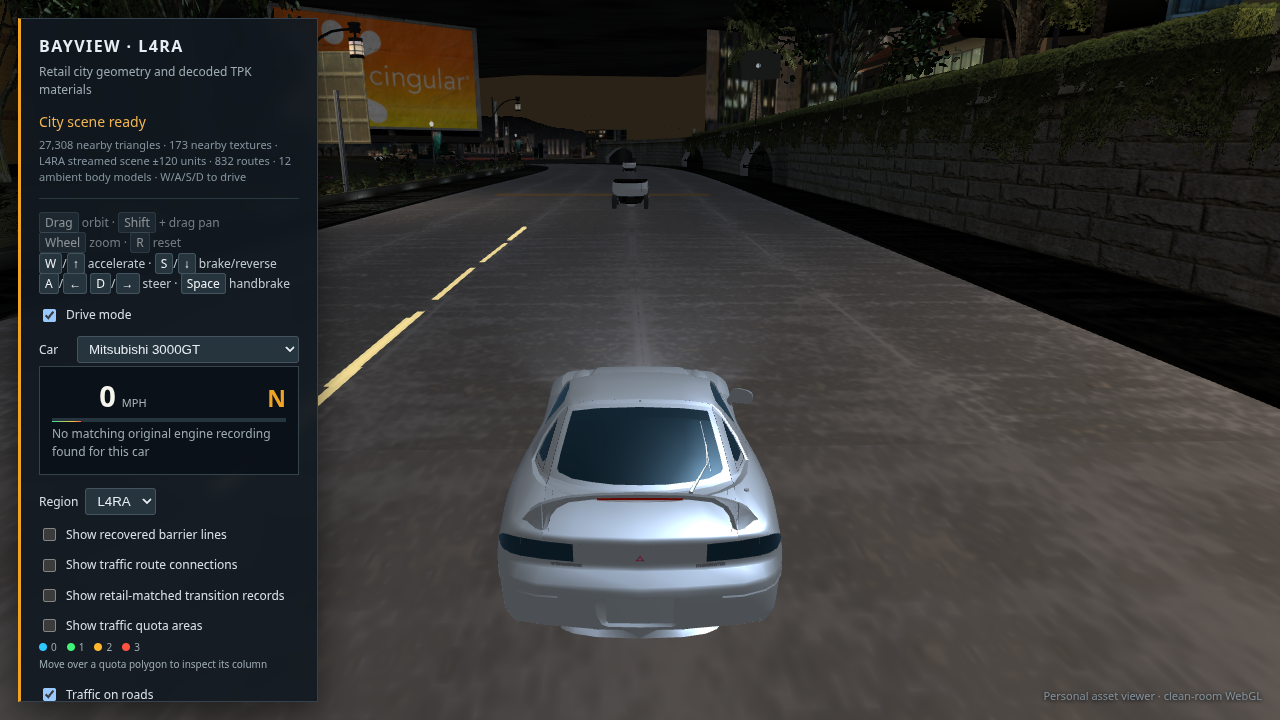
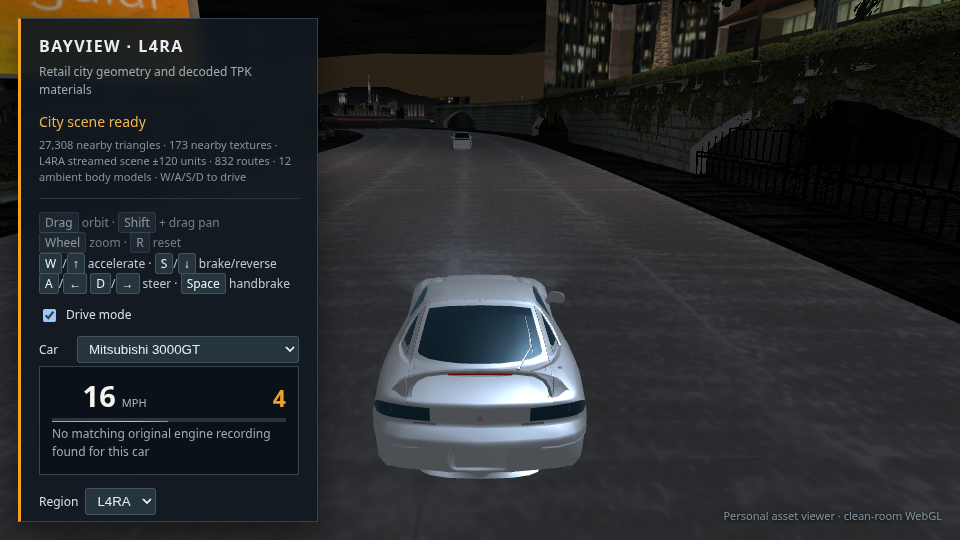
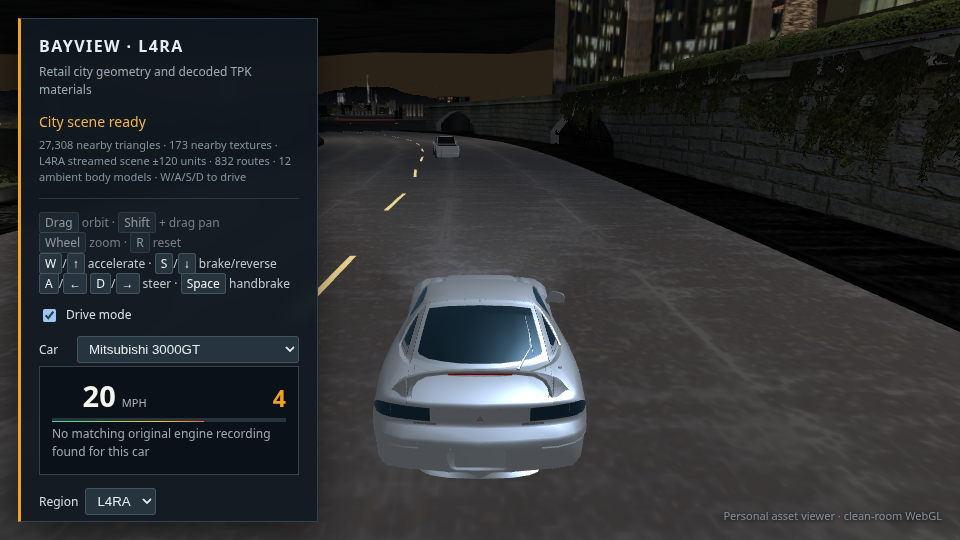
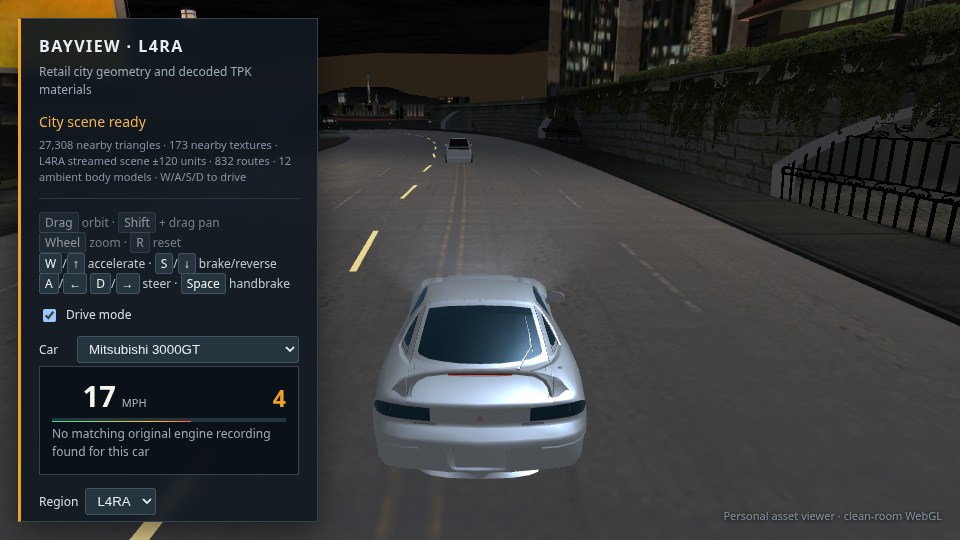
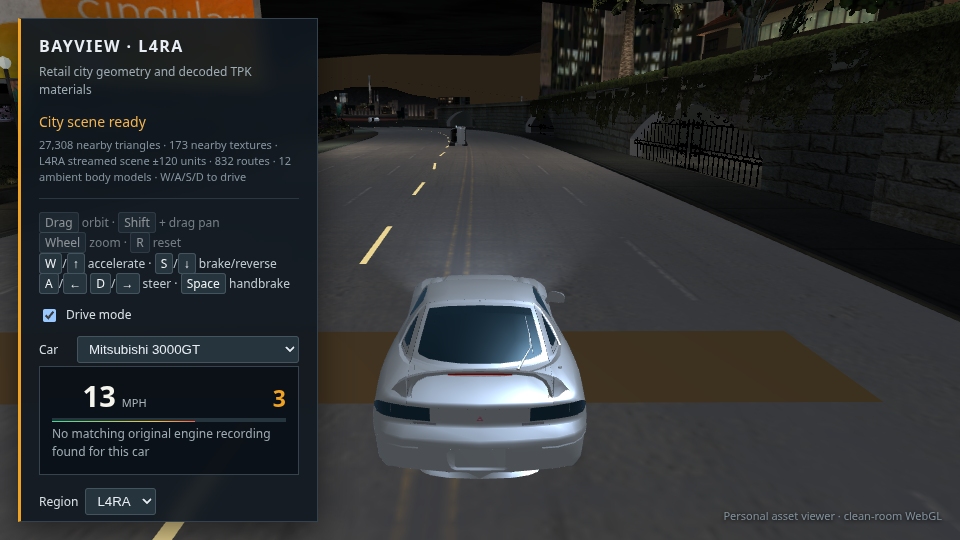
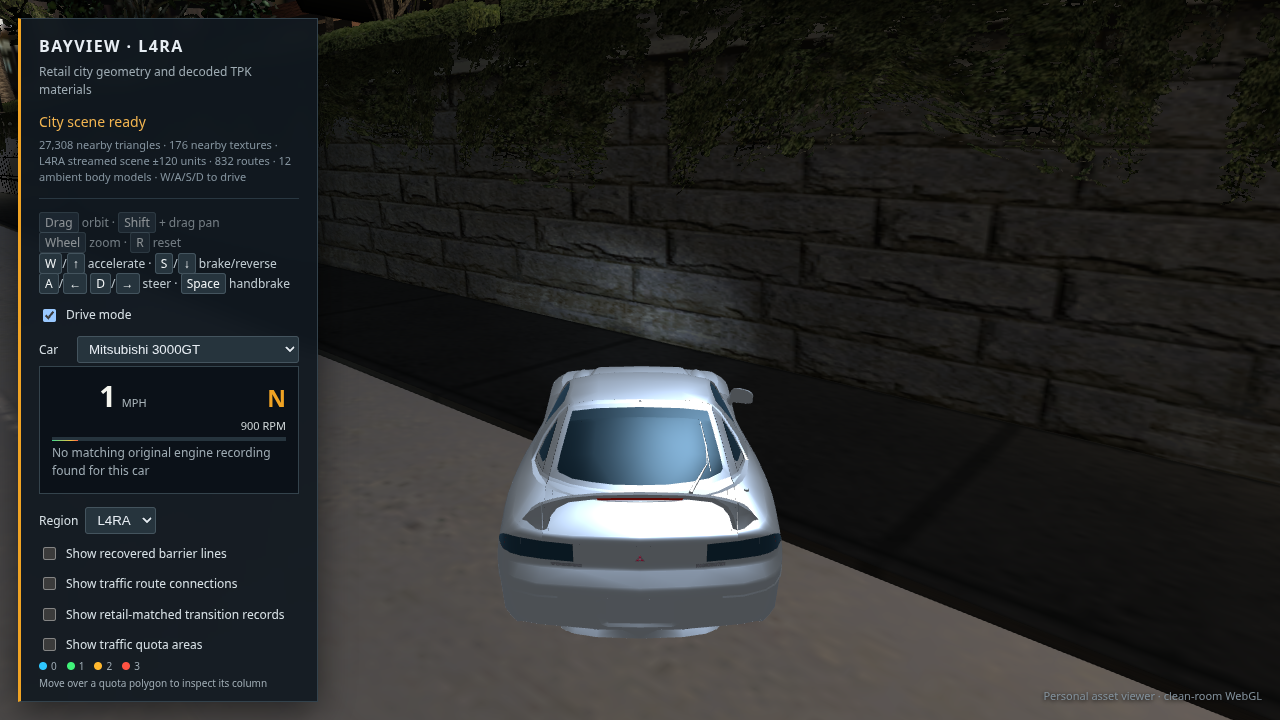
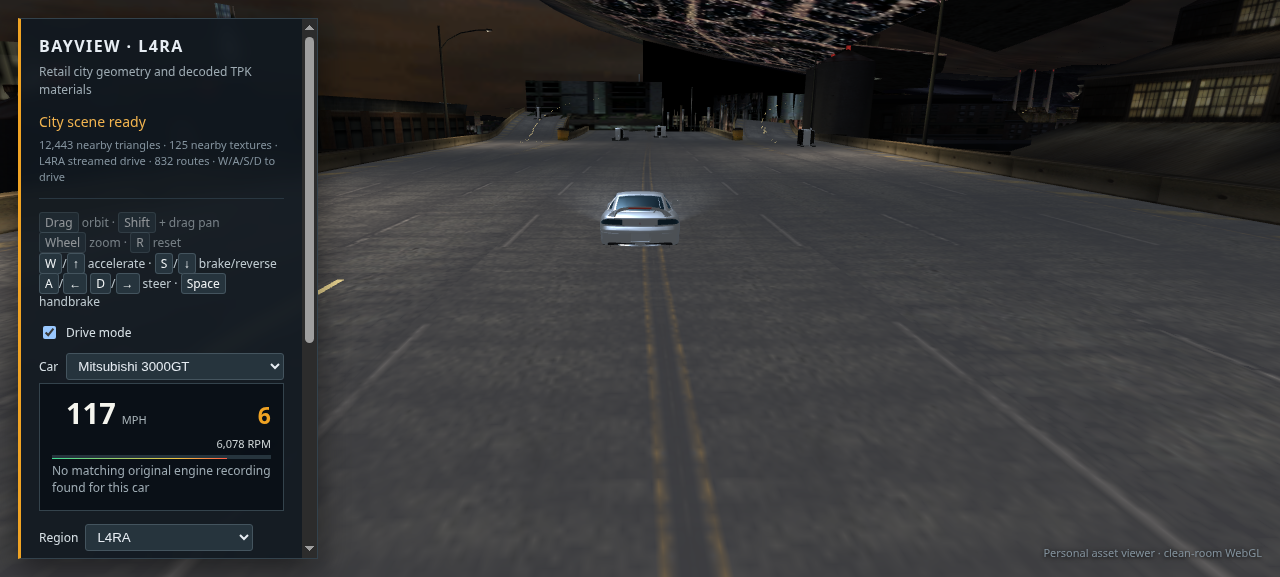
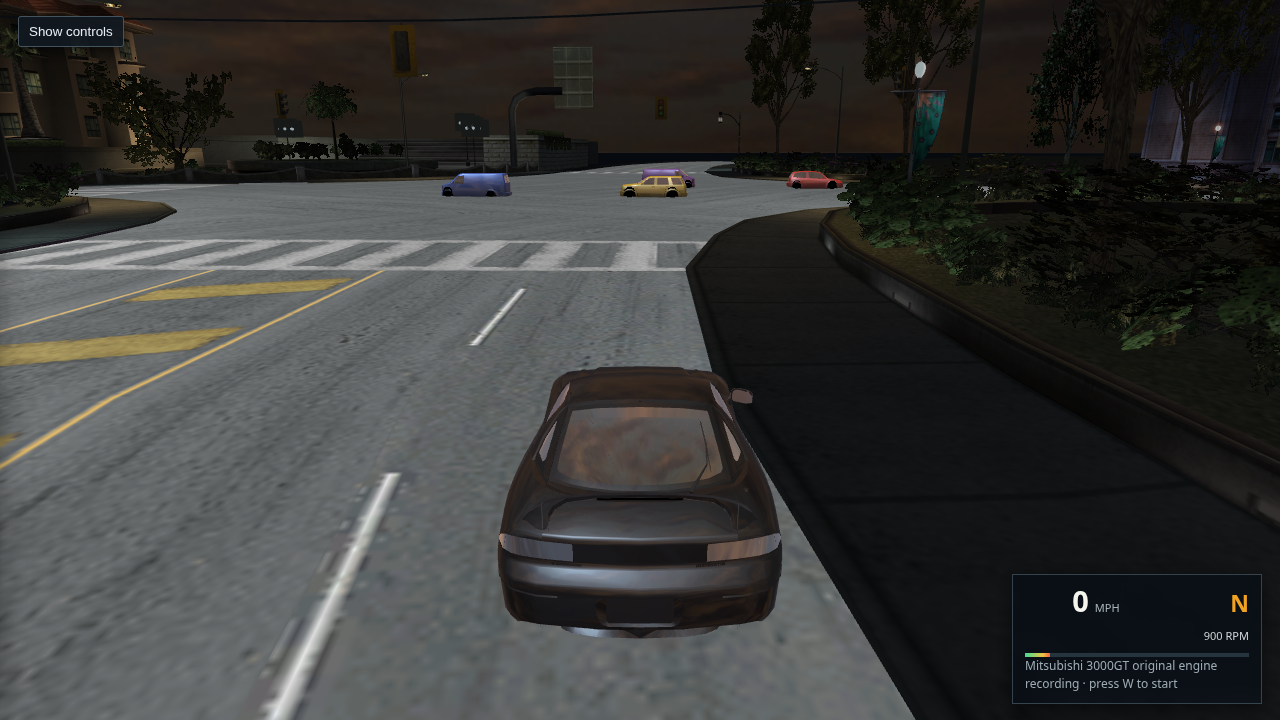
WebGL drive view with the recovered Mitsubishi 3000GT selected from the 29-car garage

21 · Retail stock garage · 29 cars selectable

Fresh 1280 × 720 SwiftShader capture after loading the 3000GT from its default KIT00 parts in the XP install. The selector now lists all 29 retail player-car folders; traffic-only shells are excluded. The tire locations are still approximated from model bounds and the car body remains too flat, so the model needs more visual work. The Vulkan capture attempt lost its WebGL context during city texture upload on this machine. Only the 240SX has its original engine recording wired. This does not claim the full city reconstruction is complete.

Open or save full-size capture · Drive this 3000GT view
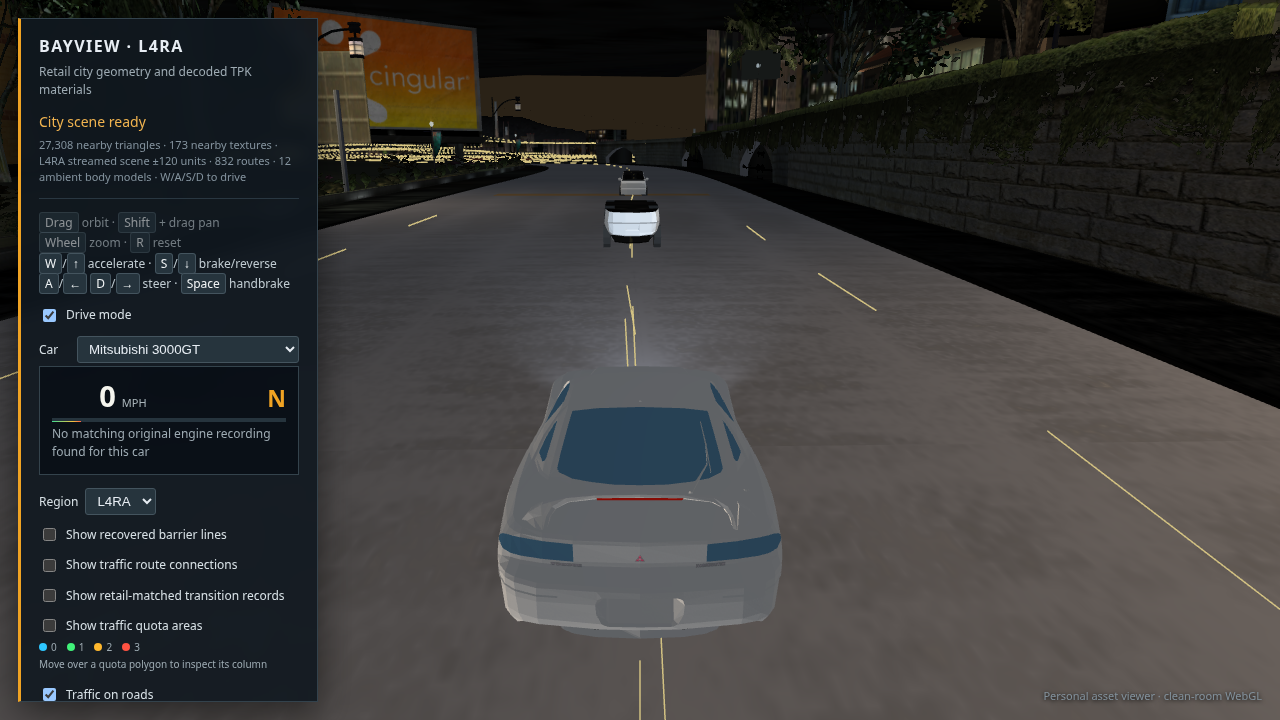
Current drive view after correcting reflected traffic body winding

22 · Traffic body winding and start phase · in progress

Fresh 1280 × 720 SwiftShader capture. The normal traffic roster now skips zero-quota assets, reverses triangles for the three bodies with reflected source transforms, and begins route motion after the traffic meshes finish loading. The cars in this chase view remain distant, so this capture does not prove every model's direction or assembly. Traffic still lacks its retail tire attachment transforms.

Open or save full-size capture · Open the current drive view
Current 3000GT drive screenshot after adding authored tire meshes to traffic exports

23 · Authored traffic tires exported · visual check still incomplete

This is the latest 1280 × 720 SwiftShader capture with the 3000GT selected. All 15 traffic exports now include their authored BODY_A and TIRE_FRONT_A geometry, and the viewer estimates four tire positions from body bounds. Traffic is too far away in this view to verify wheel placement, orientation, or direction. The player car remains visibly flat and the road presentation still needs work; this is diagnostic evidence, not a finished result.

Open or save full-size capture · Open the current drive view
3000GT driving view after adding view-dependent paint and glass highlights

24 · View dependent car finish · in progress

Fresh Chrome capture with the 3000GT selected. The car shader now adds view-dependent clear coat and blue glass reflections, and the same finish path is applied to traffic. The windows read more clearly, but the body is still too flat and its surface detail is low compared with the original game. This does not validate traffic orientation or wheel positions.

Open or save full-size capture · Open this drive view
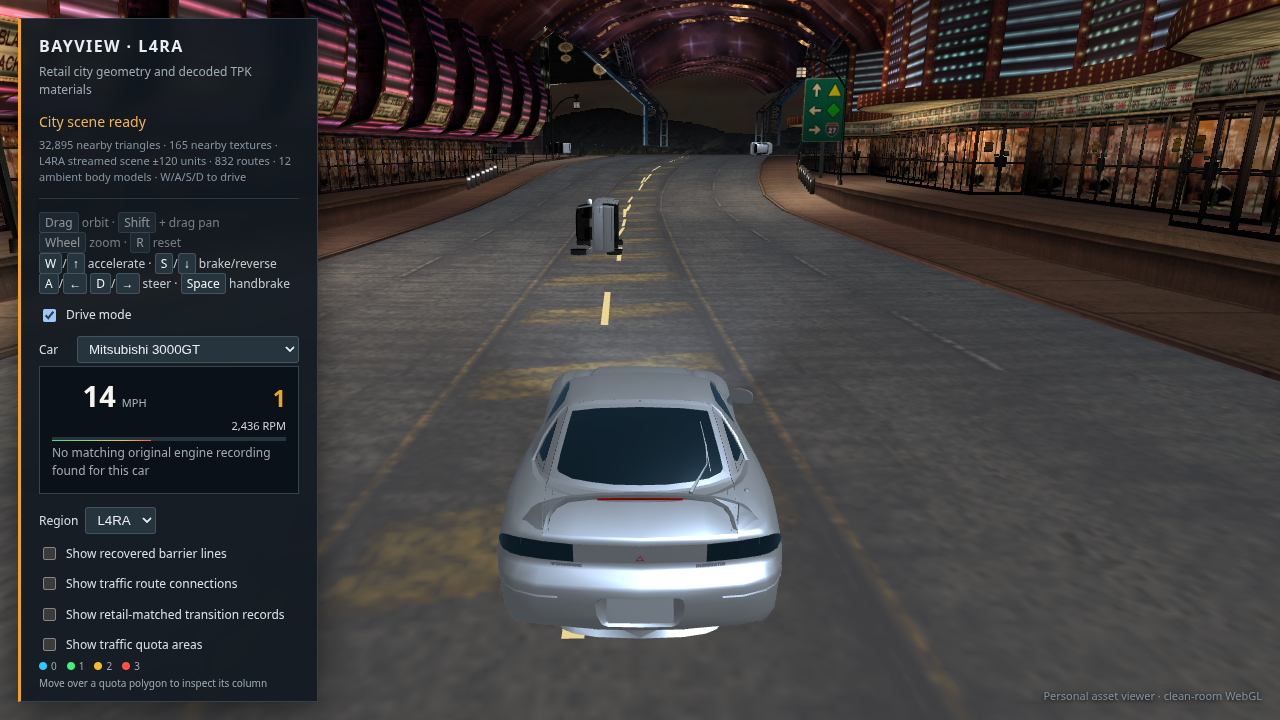
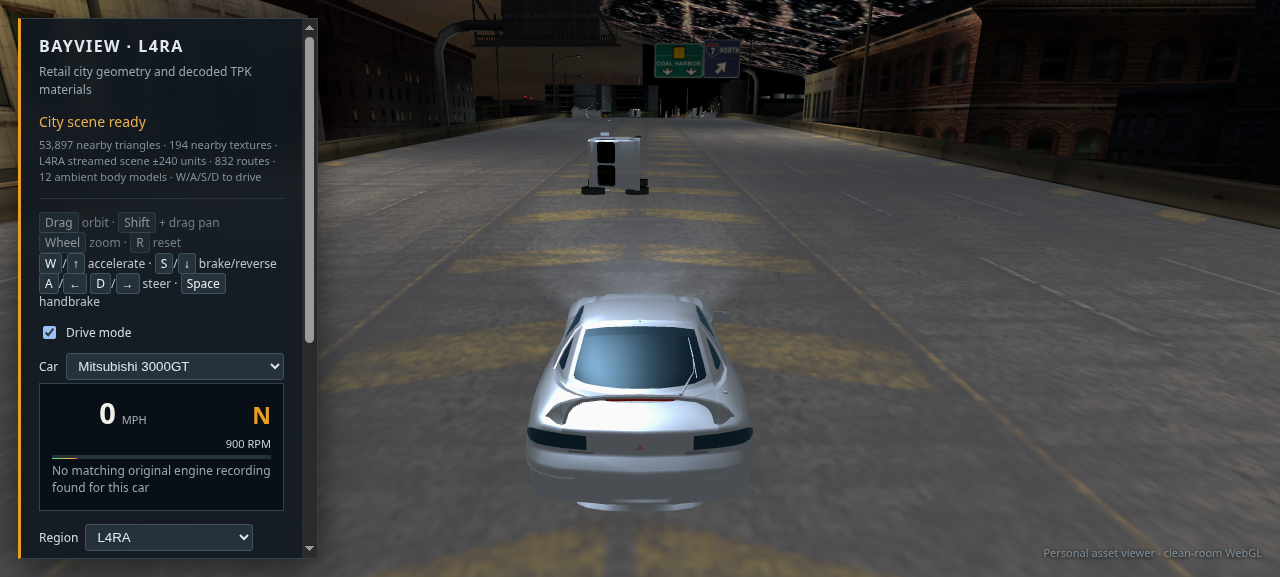
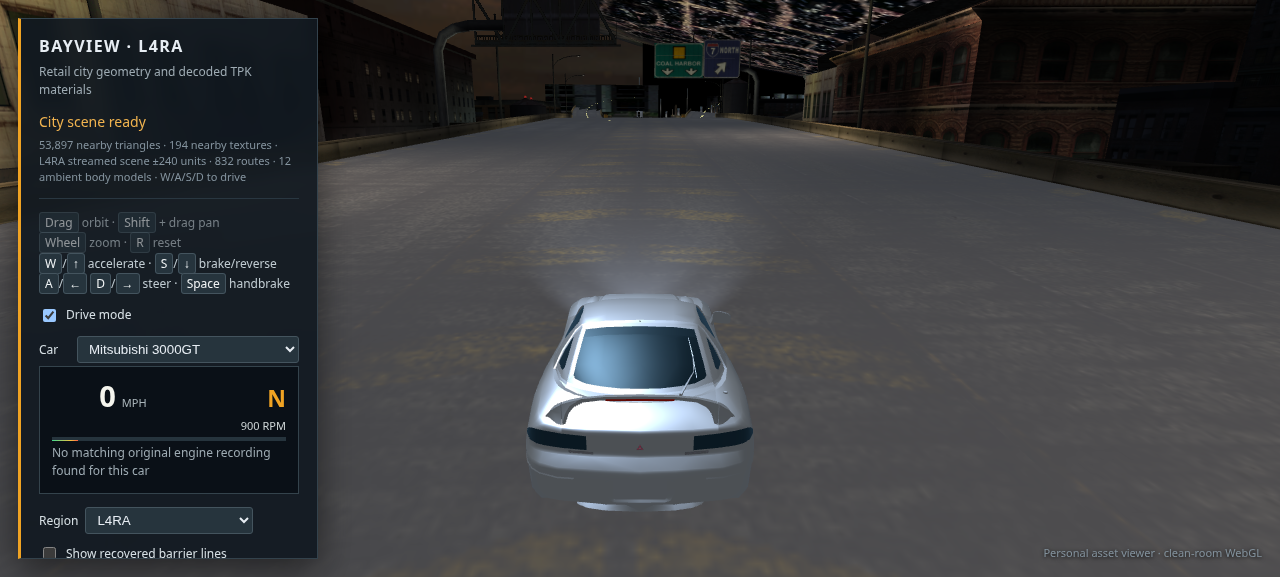
3000GT drive HUD after loading exact retail wheel anchors and suppressing the unrelated 240SX engine recording

25 · Retail wheel anchors and wrong-engine guard · checked

The garage manifest now carries all four stock axle/track positions from GLOBALB.BUN for every selectable car. This drive check selected the 3000GT and pressed W: its speed rose above zero, while the HUD correctly states that no 3000GT recording is mapped. The previous build played the unrelated 240SX sound here; that cross-car playback is now blocked. Close visual confirmation of the wheel fit is still pending.

Open or save full-size capture · Open the 3000GT
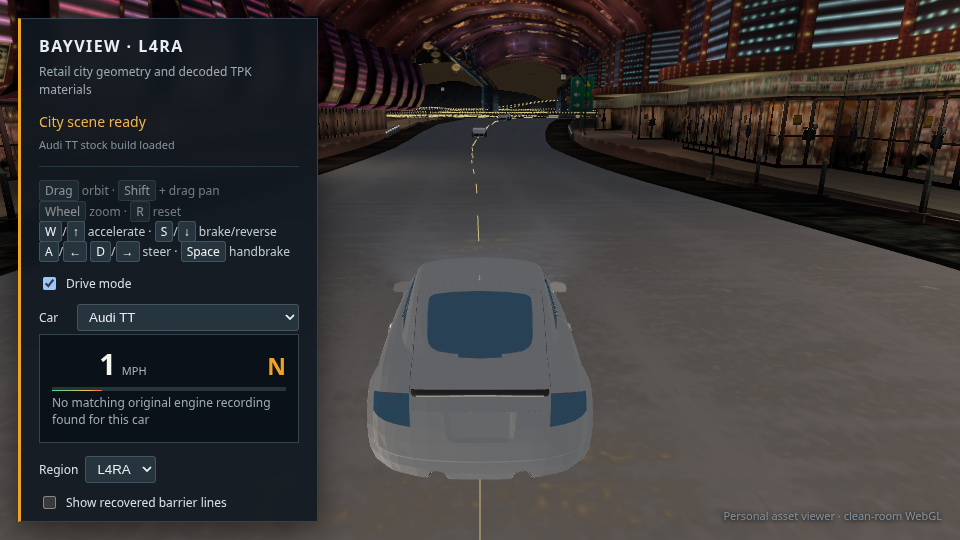
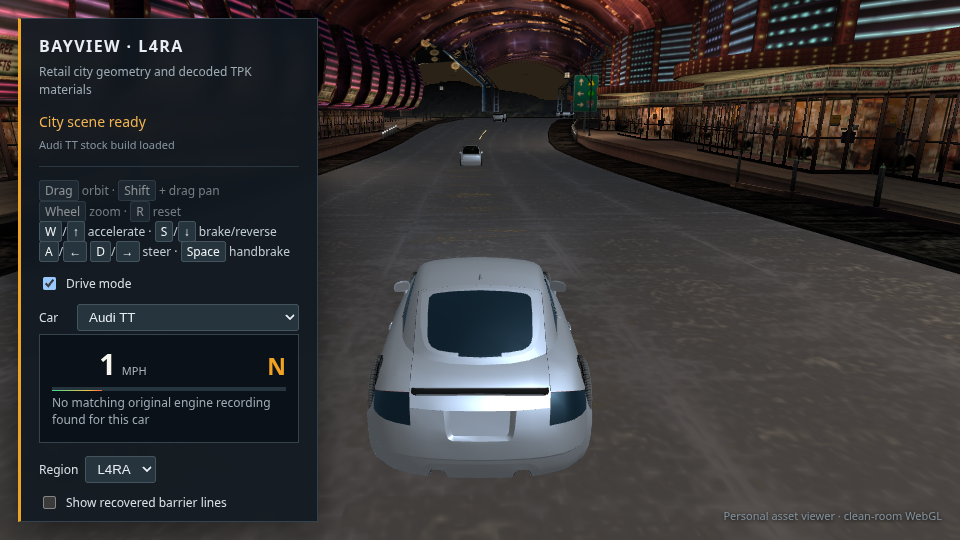
Audi TT selected and moving in the reconstructed city after cycling the player car roster

28 · Player car roster · 29 of 29 load and drive

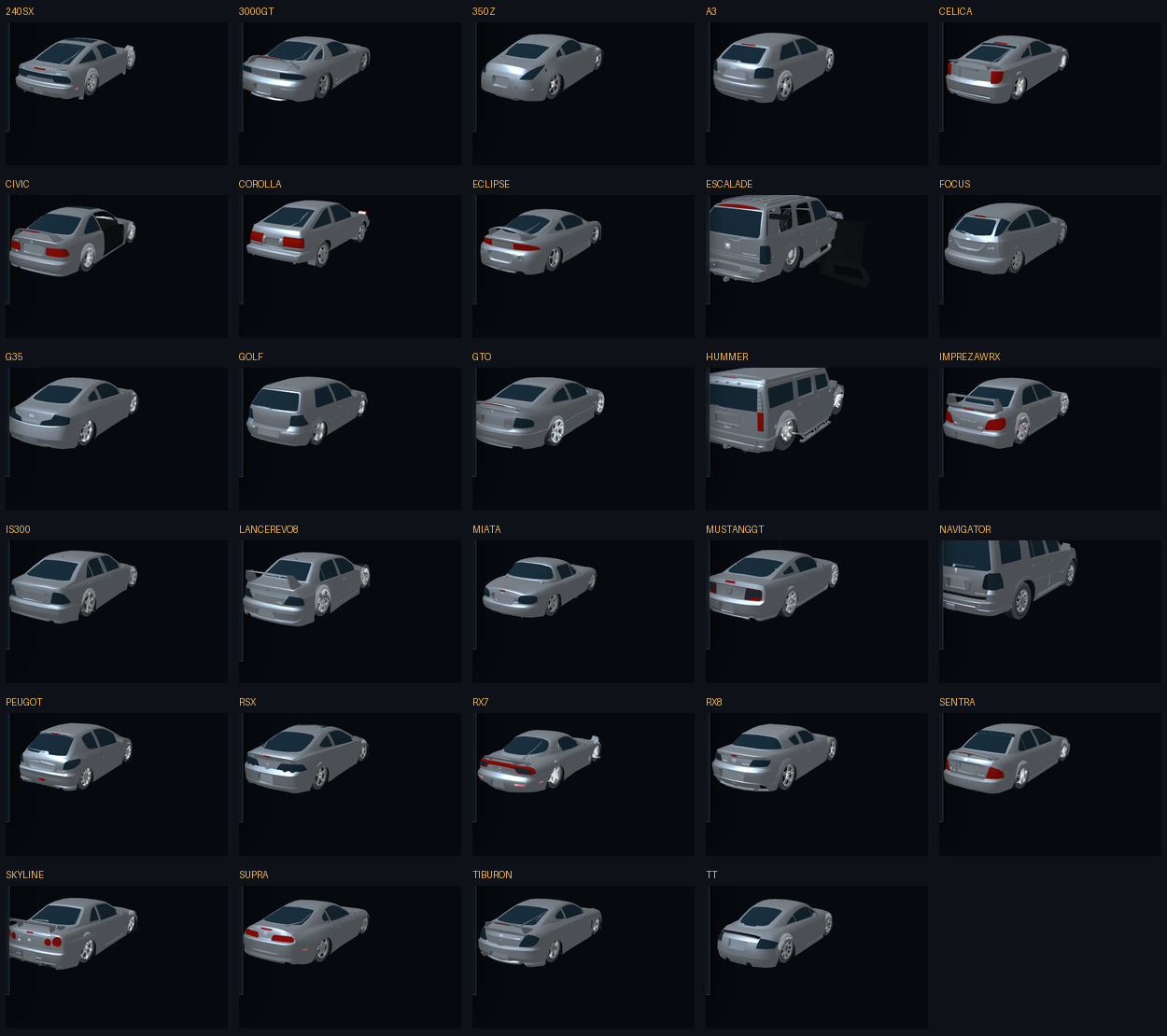
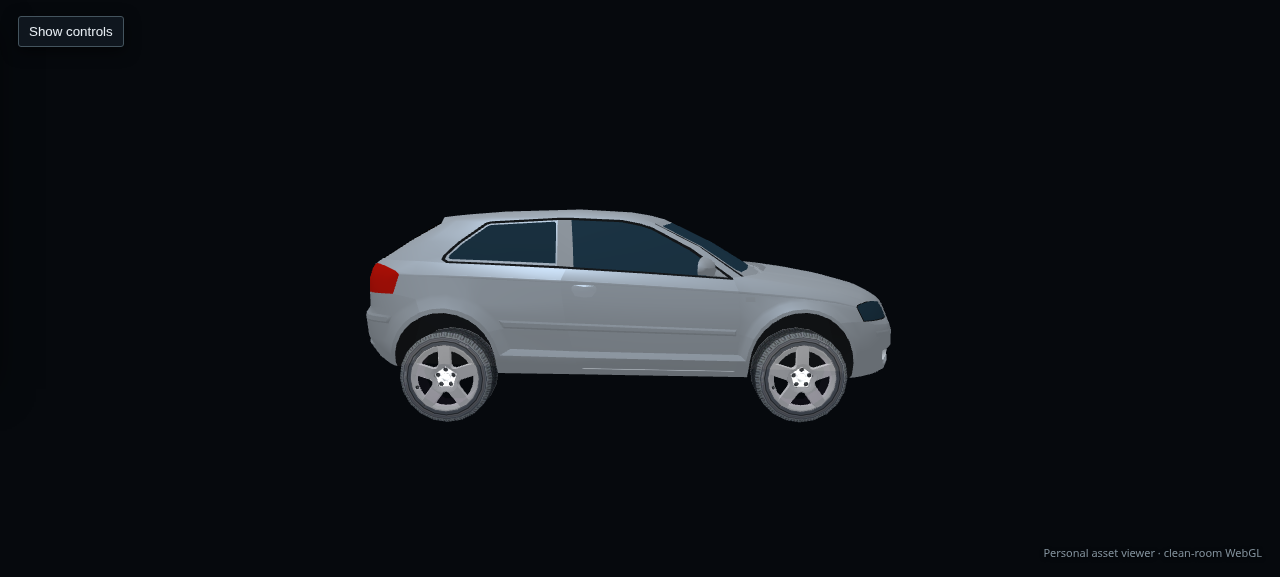
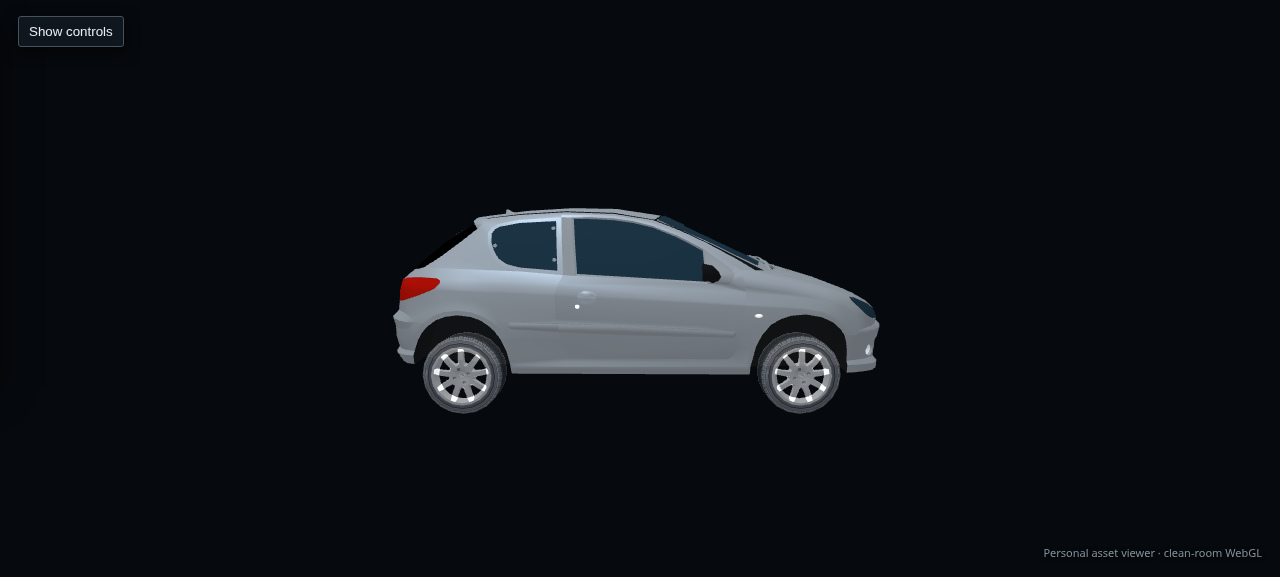
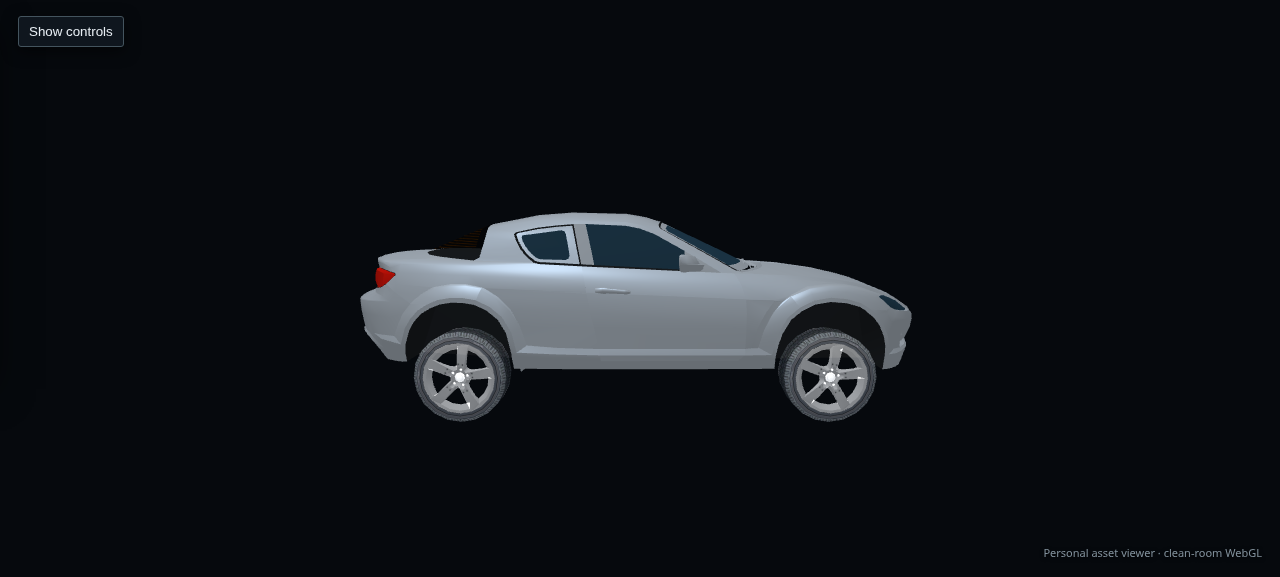
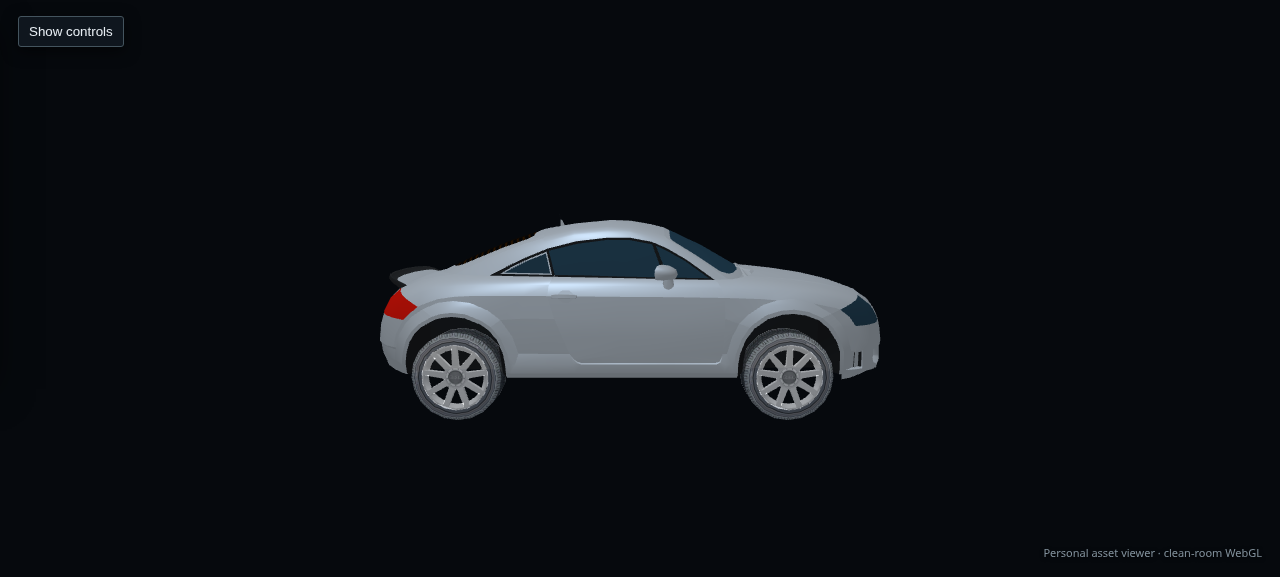
I cycled all 29 stock car entries in Chrome, held W for each selection, and observed the HUD leave zero speed. Every selection reached “City scene ready”; the browser recorded no page or console errors. This capture shows the last selection, an Audi TT. The available cars are 240SX, 3000GT, 350Z, A3, Celica, Civic, Corolla, Eclipse, Escalade, Focus, G35, Golf, GTO, Hummer, Impreza WRX, IS300, Lancer Evo VIII, Miata, Mustang GT, Navigator, Peugeot, RSX, RX-7, RX-8, Sentra, Skyline, Supra, Tiburon and TT. This verifies loading and movement, not that every model has a finished visual fit.

Open or save full-size capture · Open the Audi TT drive view
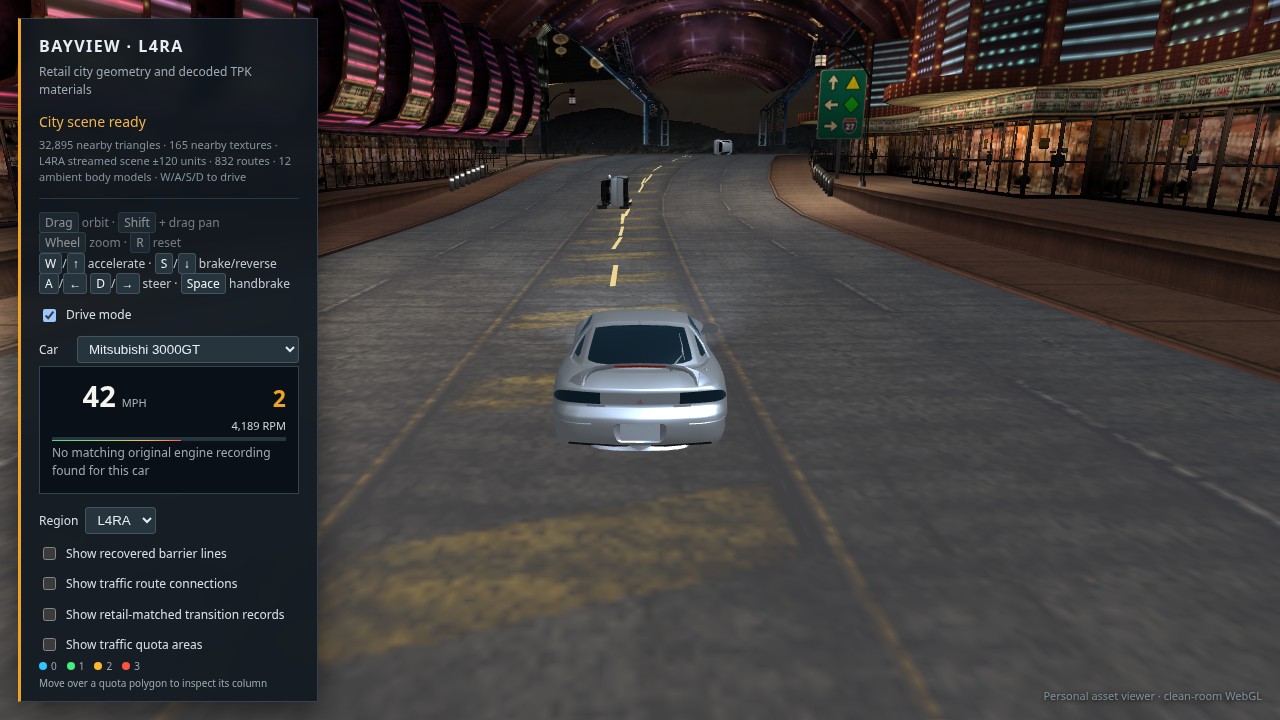
Current 3000GT drive view on authored route 450 with one ambient traffic car visible ahead

27 · Directed route playback · sample upright, fleet still rough

Fresh 1280 × 720 Vulkan Chrome capture from route 450. This ambient car is upright and faces away along the route. Traffic now travels to the end of its recovered directed path instead of teleporting to the first waypoint and snapping to a new heading. This checks one model on one route; tires and body detail remain rough, and the full traffic fleet still needs close inspection.

Open or save full-size capture · Open this route view
G35 drive view with its named Ginsu engine recording and changing RPM HUD

26 · Per-car Ginsu engine recordings · 13 mapped

The Windows XP install contains named Ginsu recordings for a subset of the garage. I mapped 13 cars using recordings named for that car or its exact model family; the G35 is loaded here and its HUD follows the revs while W is held. Sixteen cars have no safe named match and stay silent. That includes the 3000GT, which no longer borrows the 240SX recording.

Open or save full-size capture · Open the G35 drive view
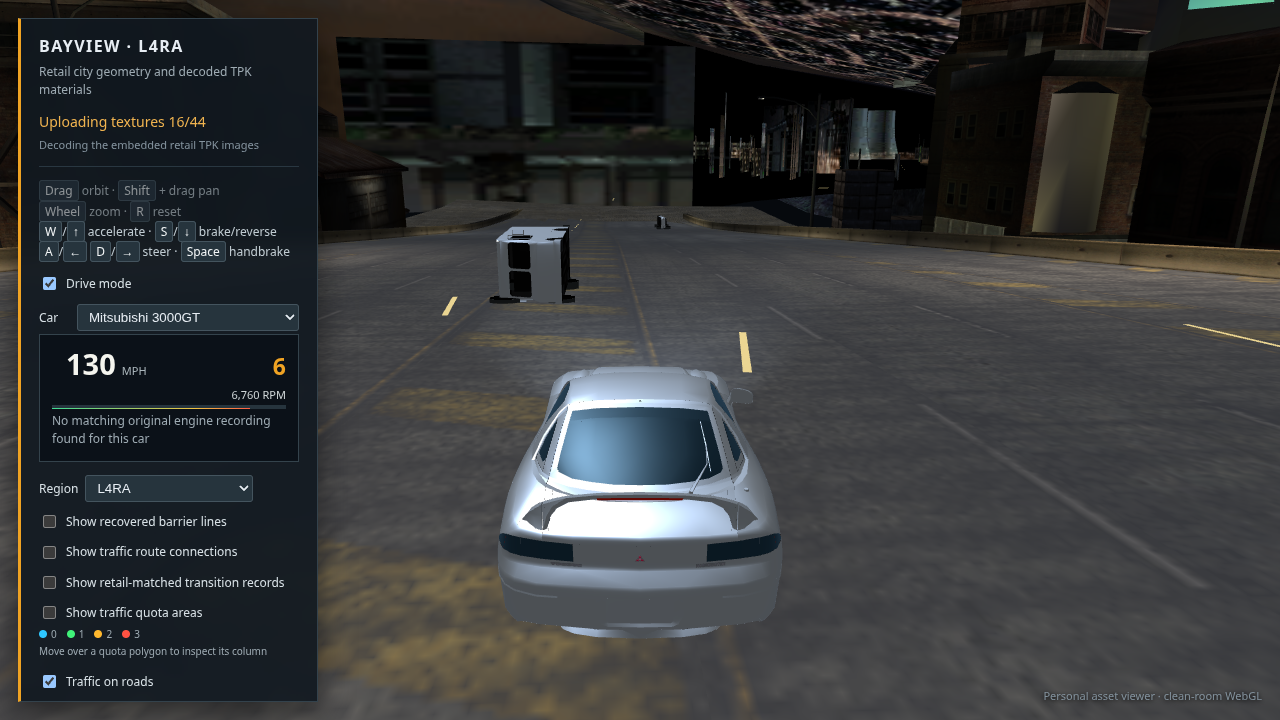
Current Vulkan Chrome drive view with the 3000GT on route 450 and ambient traffic ahead

29 · Current drive and traffic check · still rough

Current Vulkan Chrome capture after route-end traversal changes. The two visible traffic cars stay upright on this sample route, and the player can select the 3000GT. Their bodies remain pale and crude, and the surrounding city lighting and road surface still fall short of the game. The full 29-car roster loads and moves, but that does not mean its visuals are finished.

Open or save full-size capture · Open this drive view
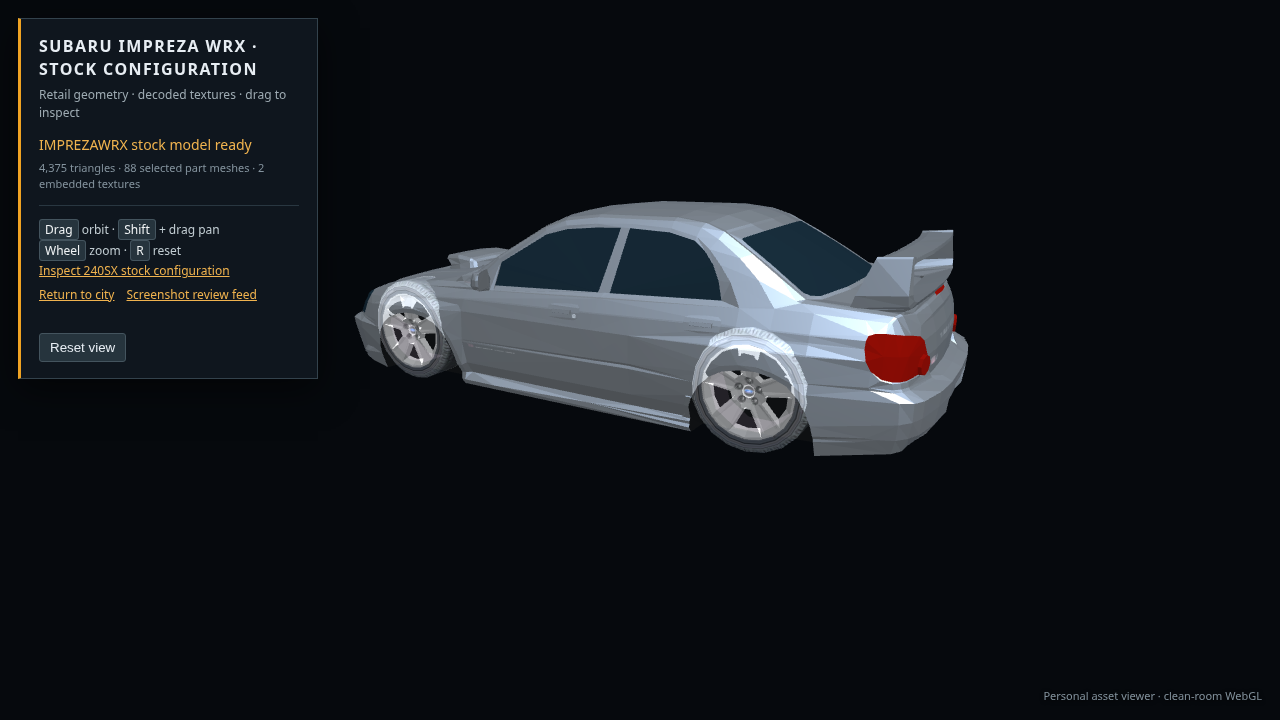
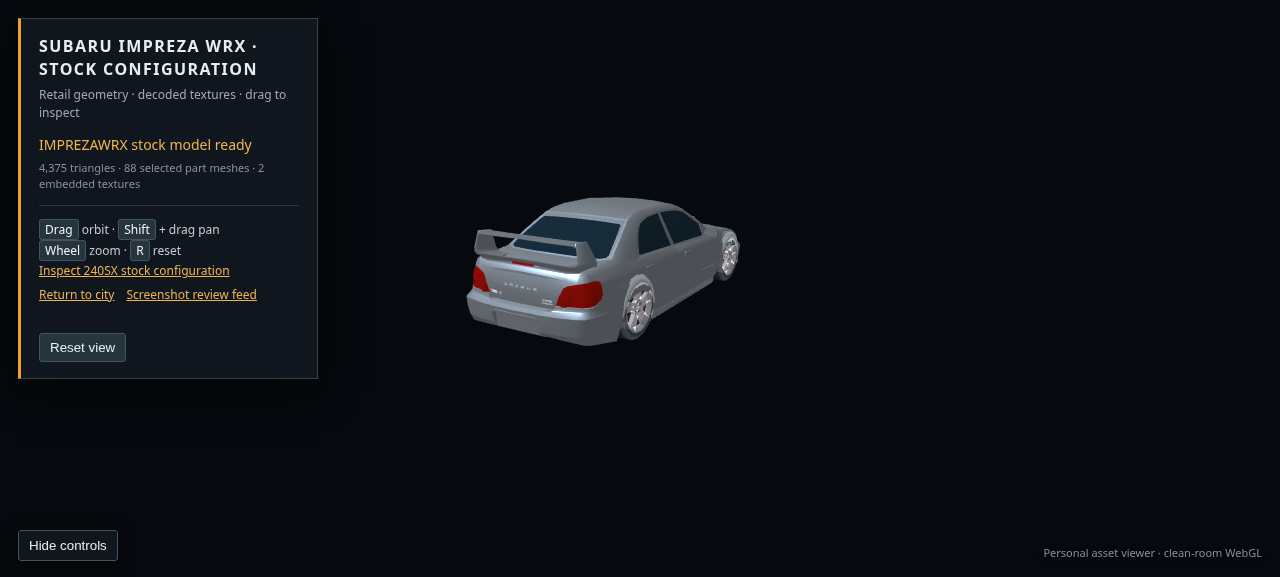
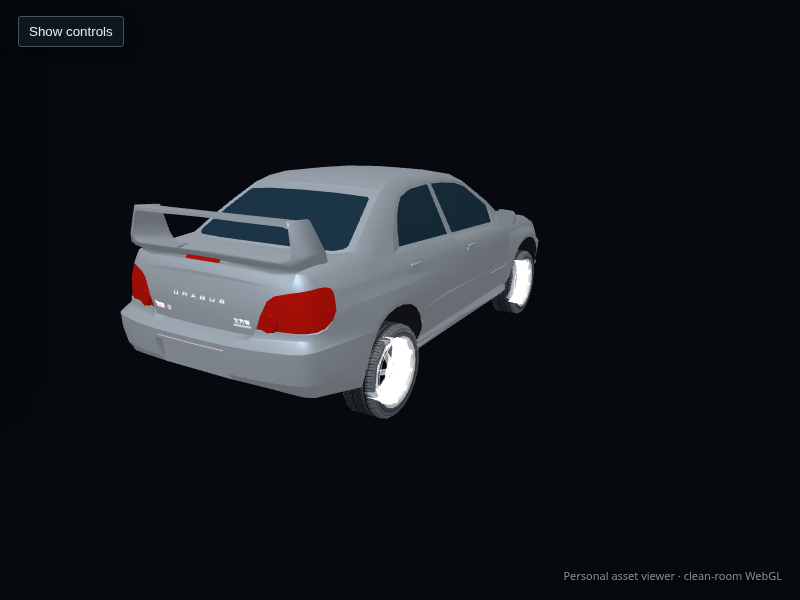
Subaru Impreza WRX stock model with textured fallback wheels in the extracted stock garage viewer

30 · Impreza WRX wheel assembly check

The Impreza has no wheel object in its selected geometry export. Its fallback now retains the Mustang wheel texture atlas, so tire and rim surfaces show up instead of plain white disks. The rim is generic and the fender geometry still looks coarse; this is a verified parts assembly improvement, not a finished car.

Open or save full-size capture · Compare Lancer Evo VIII
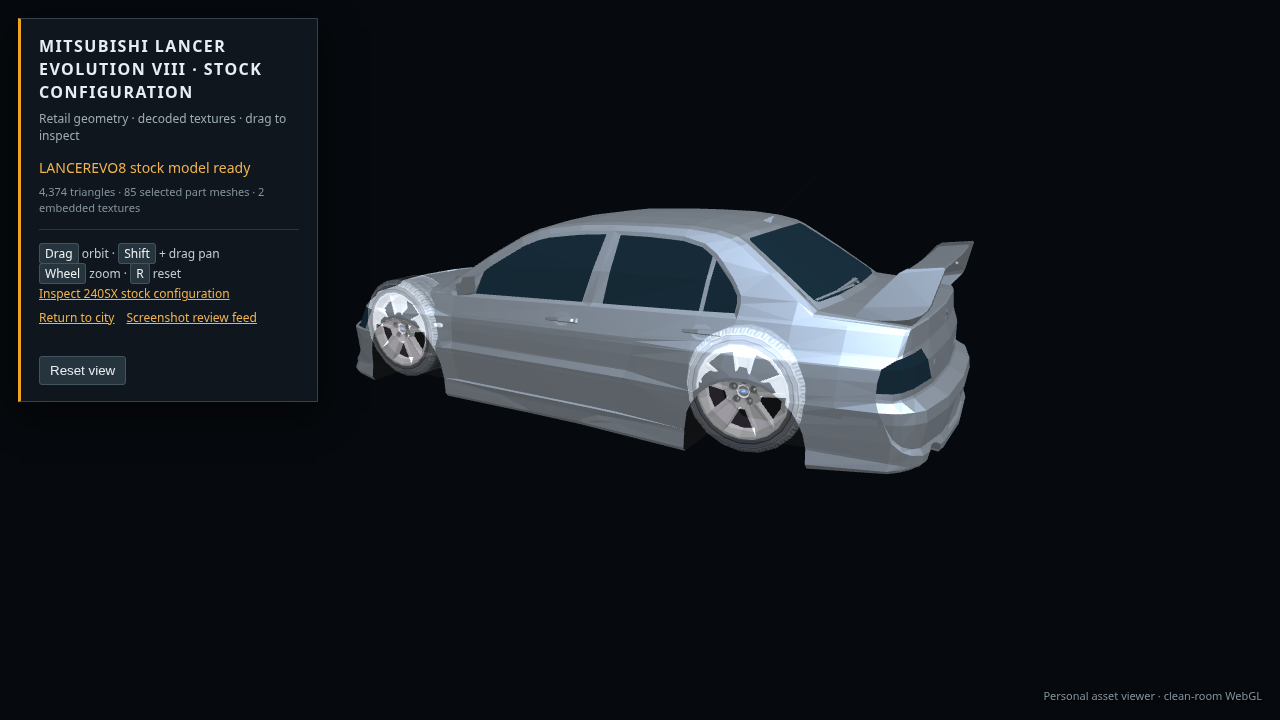
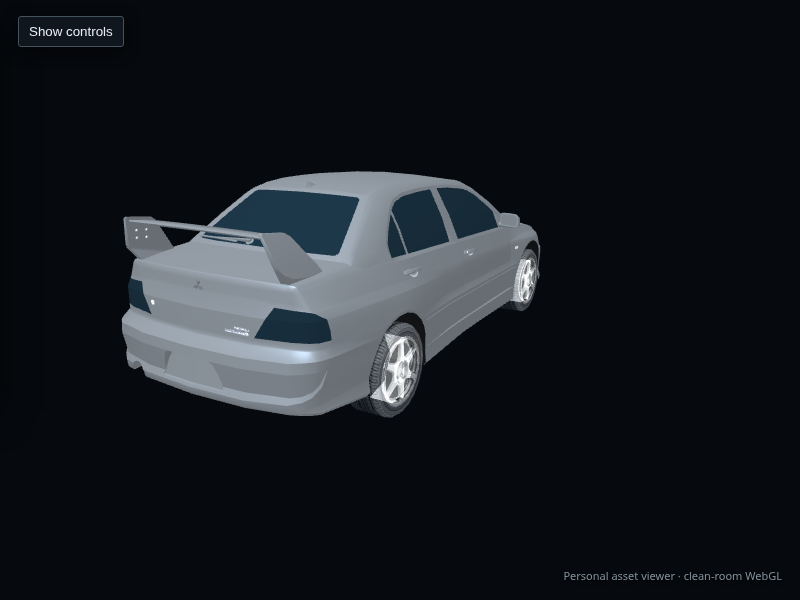
Mitsubishi Lancer Evolution VIII stock model with textured fallback wheels in the extracted stock garage viewer

31 · Lancer Evolution VIII wheel assembly check

The same fallback is placed at this car's recovered axle positions. It restores visible tires and rims, though the white wheel arch pieces and body surface still need correction.

Open or save full-size capture · Inspect the stock Lancer
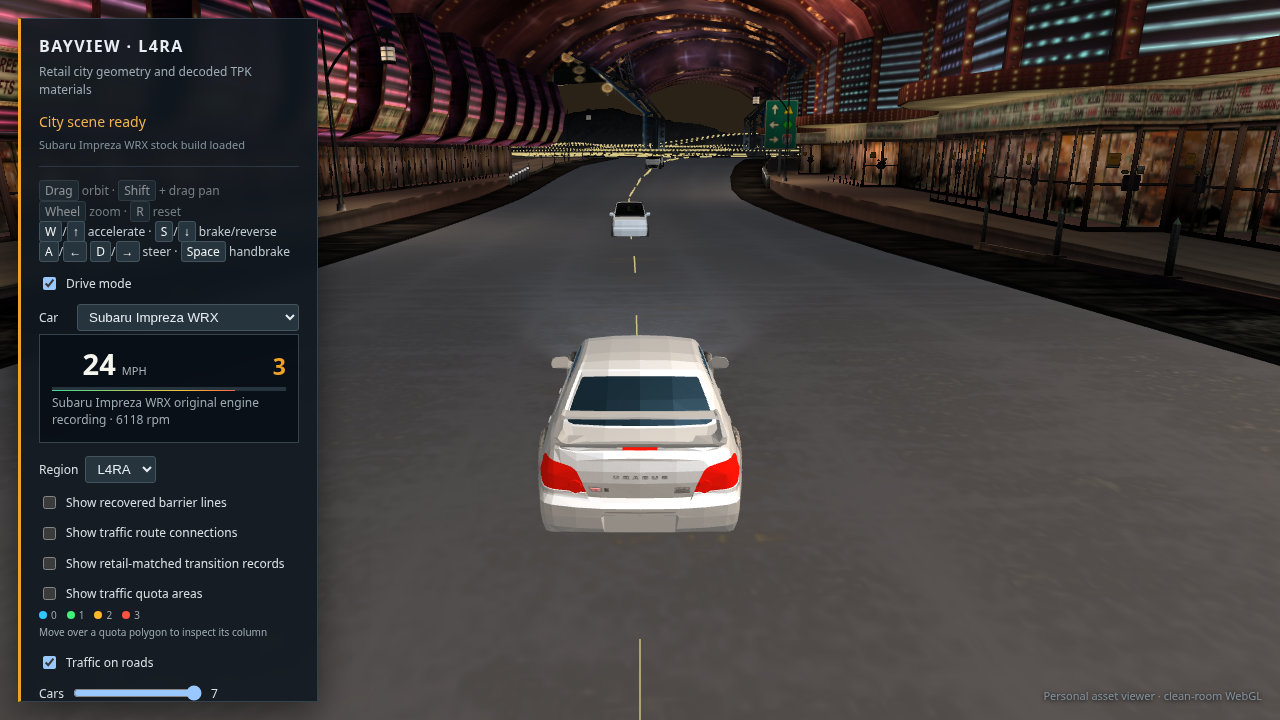
Impreza WRX driving on the recovered L4RA street with the engine recording status shown in the HUD

32 · Impreza WRX drive check after wheel fix

Chrome loaded the selected Impreza, advanced to 24 mph under throttle, and showed its named original engine recording. The fallback wheel textures load without JavaScript or WebGL errors. This rear view verifies selection and movement; it does not certify wheel fit or city fidelity.

Open or save full-size capture · Drive the Impreza
3000GT view on the recovered road with a yellow lane divider placed between opposing route paths

33 · Road stripe moved between opposing traffic paths

The old stripe followed the traffic car path, so it ran under the player car. This capture shows the revised estimate: where opposing route paths are close and face each other, the stripe sits midway between them and snaps to the pavement triangles. It is an inferred lane divider; roads without a matched opposing path rely on their source material and still need review.

Open or save full-size capture · Open this road view
Headless Chrome drive view with a traffic car spawned ahead on the road and clear of the 3000GT

34 · Traffic spawn lead fixed · visible ahead

The traffic lead was measured in seconds while the viewer clock uses milliseconds. That unit mismatch put candidate cars at the player, where the overlap guard removed them. After fixing the conversion, a fresh Chrome capture shows a car ahead on route 450 with the 3000GT clear. This verifies visibility at one stop; the traffic body detail and complete fleet behavior still need review.

Open or save full-size capture · Open this drive view
Audi TT selected in the city viewer after cycling through every retail player car option

35 · Retail car selector sweep · 29 options load

A fresh browser sweep selected all 29 stock retail entries. Every selection returned to “City scene ready”; Chrome reported no page or console errors. The final selection is the Audi TT shown here. This checks the selector and asset loading; it does not verify each car's visual fit or driving feel.

Open or save full-size capture · Open the Audi TT
Mitsubishi 3000GT stock model with smoothly lit body panels and textured windows and wheels

36 · Retail vertex normals restored · 3000GT

The exporter had dropped the source vertex normals, so the shader treated every car triangle as a flat face. This regenerated 3000GT inspection capture uses the retail normals for its curved paint and glass. Chrome reached “3000GT stock model ready” with no browser errors. The body still has visible geometry limits and needs work against an in-game reference.

Open or save full-size capture · Inspect the 3000GT
Current L4RA driving view with a 3000GT and traffic car ahead after preserving retail vehicle normals

37 · Source normal shading in the drive view

The current 3000GT body and glass use the same recovered normals in the road scene; one ambient car is visible ahead without overlapping the player. The 3000GT stayed at zero speed for this capture, so this checks materials and traffic placement rather than driving motion. Road texture and city placement remain visibly short of the retail game.

Open or save full-size capture · Open this drive view
Current Bayview drive view with ambient traffic facing along the recovered route

38 · Traffic forward axis corrected · route 739

A close route check showed the exported traffic bodies' nose points along local −X. The viewer had mapped local +X to the route tangent, so traffic moved with its front facing the player. Mapping local −X along the route now shows the rear as expected. This capture checks one sedan on one route; traffic body textures and wheel placement still need work.

Open or save full-size capture · Open this route view
Acura RSX selected from the car menu and moving along the Bayview road

39 · Acura RSX selected and driven

The 29-option menu switched the live car to the stock Acura RSX. Holding W moved it to 5 mph with no browser errors. This verifies a live car change and motion; it does not establish polished handling for every car.

Open or save full-size capture · Drive the Acura RSX
Twelve recovered traffic body models rendered at a shared road pose for orientation review

40 · Twelve traffic body orientation sweep

Each normal-quota ambient body was placed at the same route pose with the corrected local forward axis. The close sweep shows all twelve upright on the pavement; the body materials and estimated wheel positions remain visibly rough. This checks orientation across the model roster, not every route or traffic transition.

Open or save full-size lineup
Mitsubishi 3000GT driving on a Bayview road with an ambient traffic car ahead

41 · 3000GT driving with traffic

After fixing the frame-time cap, the served page reached 42 mph while W was held for six seconds, with no browser errors. This capture was taken just after releasing W while coasting at 16 mph; the car remains on the pavement and an ambient car is ahead. This checks one car on one route. The city still looks dark and the road marking is missing in this stretch.

Open or save full-size capture · Open this drive view
3000GT on a broad Bayview road with newly rendered broken yellow center markings and traffic ahead

42 · Missing center marks restored on a broad route

The recovered road triangles show a stable, roughly 20 m pavement band here, but traffic data has only one direction. The viewer now infers a center path from that band and renders short yellow dashes. On the served page, the 3000GT reached 52 mph during a six-second throttle hold with no browser errors; this capture shows it coasting at 20 mph with the markings and traffic visible. The inferred line still needs comparison with original gameplay, and the road lighting remains too dark.

Open or save full-size capture · Open this drive view
3000GT driving on the Bayview road after preserving source RGB in translucent road textures

43 · Road texture upload preserves source color

Chrome was premultiplying the RGB of low-alpha road overlays before the shader composited them, effectively darkening those colors twice. The texture upload now disables that conversion. This served-page capture shows the road and lane marks brighter than the previous capture; it still needs comparison against retail gameplay, and the skyline remains unresolved.

Open or save full-size capture · Open this drive view
3000GT drive view with ambient traffic upright and facing along its recovered route

44 · Traffic up axis and forward direction corrected

The traffic exporter retains raw game coordinates: +X is forward, +Y is lateral, and +Z is up. The viewer had treated Y as up and mapped −X forward, which caused the odd orientation and reverse-facing cars. This capture follows the corrected basis on route 450; traffic body color and detail still need work. Chrome also confirmed that all 29 stock player cars appear in the selector.

Open or save full-size capture · Open this drive view
3000GT after a steering test left the pavement and reached a retaining wall

45 · Steering check · road departure still unresolved

Fresh Chrome capture after holding W and D for six seconds, starting from the diagnostic override at route 450, distance 7.2. The 3000GT left the pavement and reached the retaining wall, then slowed almost to a stop. This start is wall-adjacent and is a poor handling benchmark; city loading, car selection, the numeric RPM HUD, and pavement render. The 130 mph cap was not reached in this maneuver.

Open or save full-size capture · Repeat the route check
Default Bayview start with the 3000GT on the road, center markings, storefronts, and RPM readout

46 · Default start · straight throttle check

Fresh Chrome capture from the normal start, showing the assembled city, pavement markings, traffic prop, selected 3000GT, and numeric RPM. The browser read 36 mph in first gear after a five-second W hold; by the screenshot, the car had slowed to 4 mph as the route curved and the straight heading ran out of supported pavement. This confirms movement, not stable cornering or the 130 mph limit.

Open or save full-size capture · Open the normal drive start
Vulkan hardware accelerated Chrome view showing the 3000GT in second gear on Bayview road

47 · Vulkan Chrome drive · second gear and RPM visible

Fresh 1280 × 720 capture with the requested Vulkan/ANGLE flags. The WebGL2 city loaded with no page or console errors while GPU usage was idle; the 3000GT reached 49 mph in 2nd at the state read, then was captured coasting at 42 mph and 4,189 rpm. The 2nd-gear calibration is 100 rpm per mph, so 60 mph maps to 6,000 rpm. Earlier context loss coincided with 99% GPU utilization on the shared card; entry 48 verifies the 130 mph cap separately. The skyline and car finish still need work.

Open or save full-size capture · Open this Vulkan tested scene
3000GT dashboard reading 130 mph, sixth gear, and 6760 RPM on L4RA

48 · L4RA straight speed check · 130 mph in 6th

SwiftShader Chrome capture on recovered route 1013. Holding W on its long straight reached the configured 130 mph cap, 6th gear, and 6,760 rpm with no page errors. This confirms the revised six-speed mapping and speed limit. The screenshot also shows the nearby-city stream uploading textures and the incomplete horizon at this location; it is drivetrain evidence, not a finished city view.

Open or save full-size capture · Open the tested straight
3000GT at 130 mph in sixth gear after nearby city textures finished streaming

49 · Atomic neighborhood swap · major scene gaps remain

After the streamer change, the replacement road and buildings stay hidden until the required textures finish uploading. The ready-state capture still reaches 130 mph in 6th at 6,760 rpm with no page errors, but this route reveals large black gaps beyond the pavement and fragmented distant scenery. Atomic swapping fixes untextured transition frames; it does not fix this location's scene coverage or horizon.

Open or save full-size capture · Open the tested straight
Loaded 240SX driving view with Bayview storefronts, pavement, and center markings

50 · Live Chrome ready state · default Bayview start

This capture came from a real-time Chrome session after the city and its nearby textures finished loading. The page reported “City scene ready,” 32,895 nearby triangles, and 165 nearby textures with no console errors. The view has a visible pavement surface, lane markings, storefronts, traffic assets, and the 240SX. A runtime DOM check found all 29 stock-car choices. This is a stationary start view; it does not verify driving quality or complete city coverage.

Open or save full-size capture · Open the captured start
Mitsubishi 3000GT driving on L4RA near highway structures with speed and gear HUD visible

51 · Current build reaches the 130 mph cap

On recovered route 1013, a live Chrome control reached 130 mph in 6th at 6,760 rpm with no console errors. This screenshot was captured just after releasing throttle, at 117 mph and 6,078 rpm. It confirms the cap in the served build. It also exposes an unresolved visual defect at this location: dark, incomplete highway scenery and weak road markings.

Open or save full-size capture · Open the tested straight
L4RA road at route 1013 after removing a race-only start-finish overlay, with continuous pavement visible

52 · Race start/finish decal removed from free-roam

The brown rectangle was a retail ZPM start/finish graphic leaking into the free-roam scene. A road-only render and prefix-isolated render traced it to those event meshes; hiding them removes the rectangle. This fresh served-page capture shows the 3000GT on the continuous pavement at route 1013, with 53,897 nearby triangles, 194 textures, and no browser errors. The other highway scenery and lighting still need work.

Open or save full-size capture · Open the corrected route
Current L4RA WebGL view on route 1013, showing the 3000GT on a wide road with faint surface bands and an incomplete horizon

53 · Current served build · road and horizon still unresolved

Fresh capture from the live 8095 server after the 130 mph speed-cap cache refresh. It confirms the page loads and the race decal is gone, but this highway view still has weak lane definition, visible yellow texture bands, sparse traffic, and a dark incomplete horizon. The 3000GT is stationary in this frame; this is a defect record, not a completion image.

Open or save full-size capture · Open this exact view
240SX moving through the L4RA city plaza at 49 mph after throttle acceleration was reduced

54 · Revised acceleration · car moves through the city

After reducing the prototype throttle acceleration, a live Chrome run rose from 13 to 74 mph over six seconds instead of reaching 130 mph in four. This capture followed the run at 49 mph while coasting and shows the car moving around the fountain plaza. The pavement here is broad and poorly marked, so this confirms movement but not reliable street following; ambient traffic and city coverage still need review.

Open or save full-size capture · Open the default start
Current default Bayview start on a marked city street with storefronts and the 240SX

55 · Default start moved onto a longer city route

The previous default began about 85 route units before its fragment ended. The start selector now requires at least 180 units ahead; the live build selected L4RA route 716 with about 274 units remaining. This view has storefronts, a marked street, and loaded city geometry. It verifies the start selection, not full-route continuity or correct traffic models.

Open or save full-size capture · Open the updated default
Updated default city start with a narrower, yellow center lane marking

56 · Center marking narrowed for the current city start

The synthesized center stripe was reduced from 0.30 m to 0.15 m total width and shifted to a warmer yellow. The live r12 capture keeps the line readable on the storefront street without the former oversized stripe. Road texture bands and driving through route turns remain unresolved.

Open or save full-size capture · Open this current start
WebGL Bayview start with a green ambient SUV whose glass and tires remain dark and visible

57 · Ambient traffic uses distinct body paint

The traffic GLBs did not contain runtime paint colors, leaving every body the same gray fallback. The viewer now applies a stable color per route to the recovered paint material while keeping the separate window and tire textures. This fresh r13 capture shows the change on an SUV; the low-poly source body and exact retail color selection still need improvement.

Open or save full-size capture · Open the current traffic view
240SX on L4RA route 716 after throttle and a short left input, showing 52 mph in second gear near storefronts

58 · Steering sensitivity reduced · route 716 check

Live r14 Chrome run on the selected city start: a short left input followed by throttle kept the car moving along the recovered bend, reaching 52 mph in 2nd gear. This is more controllable than the earlier full-lock spin. The car is close to storefront geometry in this frame, so road/building placement and longer-route continuity remain unresolved.

Open or save full-size capture · Open the current start
L4RD WebGL region loaded from its compact GLB, showing the player car on an industrial road

59 · Compact L4RD region loads in WebGL

The viewer now uses exact-duplicate-cleaned GLBs for every region. A fresh L4RD Chrome load reached “City scene ready” with 22,683 nearby triangles, 108 textures, 26 routes, and no browser exceptions. The screenshot also shows the remaining visual work: this industrial road is unusually broad, lacks a readable center marking, and has incomplete distant scenery.

Open or save full-size capture · Open this region
L4RD WebGL industrial road after restricting asphalt compositing to lane materials; a yellow center line is visible but the pavement remains broad

60 · Lane materials isolated from gravel and shoulders

Fresh Vulkan Chrome capture after limiting the asphalt composite to lane, intersection, and parking materials. The recovered center line is now visible in this L4RD view and the page loads without exceptions. The surface still reads too broad and flat, so source pavement widths, material appearance, and distant city coverage remain under review.

Open or save full-size capture · Open this region
L4RD WebGL scene using recovered per-vertex road colors, with brighter pavement and an overbright light pool

61 · Recovered pavement color base · light pool too bright

The asphalt overlays now blend over the retail vertex colors instead of a flat gray. Chrome reports the L4RD scene ready with 22,683 nearby triangles, 108 textures, 26 routes, and no page exceptions. Pavement detail is easier to see, but the lamp pool clips to white and the road still looks too wide and plain.

Open or save full-size capture · Open this region
L4RD roadway and car after reducing the simulated headlight beam, with a large bright pool remaining from a city light

62 · Headlight adjustment isolated the bright pool

Reducing the simulated headlight beam did not remove the large white patch. That points to the nearby city fixture light as the source; the shot also shows the recovered yellow center marking curving away from the stationary car. Both lighting balance and line alignment still need work.

Open or save full-size capture · Open this region
L4RD WebGL capture after narrowing the vehicle headlight beam, still showing a bright streetlight pool

63 · Narrower vehicle beam · streetlight still dominates

A second headlight reduction leaves the hotspot nearly unchanged, confirming that the remaining excess comes from the city lighting. This diagnostic capture keeps the still-unresolved broad road, sparse horizon, and vehicle-to-marking alignment visible.

Open or save full-size capture · Open this region
L4RD WebGL city after lowering lamp-fixture intensity and radius; the lamp pool is smaller but still overbright

64 · Lamp radius and intensity reduced · visual pass remains open

The fixture lights now use shorter radii and lower intensities. The lit patch is smaller, but still too bright; the asphalt remains broad and flat, and the center marking does not stay aligned with the stationary car through this bend. This is the current GPU capture, not a finished city view.

Open or save full-size capture · Open this region
Default L4RA WebGL street with shopfronts, traffic, a centered yellow marking, and a 240SX with a bright roof reflection

65 · Default L4RA lighting and pavement pass

The served default scene loads with 100,440 nearby triangles, 324 textures, 832 routes, and no page exceptions. The shop street is more readable than L4RD, but the road texture is coarse, the lane stripe runs under the stationary car, and the car body highlight is too bright.

Open or save full-size capture · Open the default start
Default L4RA street after softening the 240SX paint highlight; roof is less blown out while the rear glass still reflects brightly

66 · 240SX clear coat softened

Lowering the shader highlight stops the roof from clipping to white and preserves the body’s contours. The rear window remains brighter than intended, so this screenshot prompted a separate glass-reflection adjustment; the street and lane alignment defects remain.

Open or save full-size capture · Open the default start
Default L4RA WebGL view after narrowing the 240SX glass reflection; rear windshield remains visibly bright blue

67 · Tinted glass reflection pass · windshield still too bright

The reflection is narrower and more blue, but the rear glass still reads as a bright panel. This requires another material/source-texture check. The capture confirms the shader change is live and the rest of the city remains visibly unfinished.

Open or save full-size capture · Open the default start
Stock 240SX garage inspection view with the rear and side glass reading as dark blue tinted windows

68 · Stock 240SX glass material inspection

The stock garage build shows clearly tinted windows from a rear three-quarter view. That isolates the chase-view brightness to a different default vehicle export and reflection angle, rather than a missing glass material or texture.

Open or save full-size capture · Inspect the stock 240SX
L4RA chase view before unifying the default 240SX with the garage stock model; rear glass appears bright blue

69 · Chase glass before default car unification

This older default 240SX still uses the one-off GLB, unlike the garage inspection. Its chase view shows the bright window reflection while the stock garage model is dark and legible. This comparison led to using the same retail KIT00 GLB for both the default drive and the garage selector.

Open or save full-size capture · Open the current default
Default L4RA WebGL drive using the retail KIT00 240SX, with dark windshield, complete body, tires, and the center marking still under the car

70 · Default drive now uses the garage stock 240SX

The default drive now loads the same KIT00 stock GLB as the garage selection. The rear window reads as tinted glass, the complete stock body and wheels render, and the original Nissan 240SX audio status is shown. This capture also exposes the remaining lane issue: the inferred center stripe passes through the car at the selected route point.

Open or save full-size capture · Open the default start
Default L4RA WebGL drive with the stock 240SX offset into the right lane and the yellow center marking to its left

71 · Player start moved into the right lane

On route 716, the viewer detects there is no opposing traffic path and shifts the starting car three metres to the right of the inferred road center. The stripe no longer runs under the car. The adjacent shopfront and coarse pavement still need placement and material review, so this is a lane-alignment check rather than completion evidence.

Open or save full-size capture · Open the current default
Packaged WebGL viewer showing the loading screen while uploading city textures 32 of 324

72 · Self-contained export · texture upload still in progress

Fresh Chrome capture from /dist/ on the served 8095 build. The page fetched the chunked L4RA package and reached texture upload with 32 of 324 images processed at this capture point. The loading screen is visible and updating, but startup remains too slow to call the package ready for comfortable play; this entry records the incomplete load honestly.

Open or save full-size capture · Open the self-contained export
The 240SX is drivable on Bayview while city texture uploads continue at 49 of 324

73 · Driving opens while city textures finish loading

Fresh Chrome capture from the packaged build after the first road texture uploaded. The 240SX, pavement, center markings, drive controls, and 0 mph HUD are visible while the remaining city textures continue uploading (49/324 at capture). This shortens the time spent behind the loading screen; it does not improve the unresolved broad pavement, close storefront placement, or sparse traffic.

Open or save full-size capture · Open the packaged drive
Packaged Bayview view after the spawn shift was reduced to 1.5 m, with the 240SX beside the generated center marking while textures finish

74 · Default spawn moved away from the curb

The source road cross-section changes from its roadway surface to a side strip about four metres from route 716. The prior three-metre player offset placed the car at that edge; this build uses 1.5 m. The first playable frame shows the car beside the lane marking while the rest of the nearby textures continue loading. The pavement remains visually broad and plain, and the storefront is still close to the drive path.

Open or save full-size capture · Open the packaged drive
The 240SX accelerating through the L4RA street at 21 mph after the spawn offset correction

75 · Throttle check after lane recentering · 21 mph

Captured from the packaged viewer in Chrome after a 2.2-second W hold. The 240SX accelerated from rest to 21 mph in first gear; the page had no console or runtime errors. The car remains on the roadway in this short sample. It does not establish long-route handling, and the narrow storefront clearance and rough road appearance remain visible.

Open or save full-size capture · Open the packaged drive
Packaged Bayview WebGL drive after all 183 nearby textures uploaded, with the 240SX on the L4RA street

76 · Packaged city after full texture upload

Captured from /dist/ in Chrome after the viewer reported “City scene ready” and all 183 nearby textures were uploaded. The early white texture placeholders are gone and the stock car is visible. This confirms the ready state renders, while also documenting coarse dark pavement, sparse lane markings, no visible moving traffic in this view, and tightly placed storefronts.

Open or save full-size capture · Open the packaged drive
Packaged WebGL drive at 130 mph on L4RA route 1013; the road shows a narrow dark strip against a pale surface and a green traffic van is rolled on its side

77 · 130 mph on the packaged highway · visual defects remain

Live Chrome capture after the road support change. The 3000GT reached 130 mph in sixth at 6,760 rpm on route 1013, with no page errors. The car crossed the earlier mesh seam without the rear-footprint speed drop; it slows when the center reaches the route's actual pavement edge. This frame also shows a narrow dark road strip against a pale surface and a green traffic van rolled sideways. The speed cap works; road reconstruction and traffic orientation remain unfinished.

Open or save full-size capture · Open the tested route
Packaged route 1013 start after correcting traffic vehicle up axes, showing the 3000GT upright on the road

78 · Traffic axes corrected from source body bounds

The traffic body bounds place the vertical dimension on local Y for the standard car and van models, while BUS retains its separate Y-forward, Z-up frame. The source exporter and packed manifest now use those axes. In the live Chrome capture, the nearby traffic car is upright; the viewer reports 12 ambient models and has no page errors. The pale highway surface and narrow striped pavement strip remain visibly incorrect.

Open or save full-size capture · Open the 130 mph capture
Fully loaded L4RA route 716 drive view with a new yellow dashed center marker along the narrow retail street

79 · Center marker added to the narrow default street

The route 716 pavement probe measures a 6.5 m supported band, narrower than the old 12 m cutoff for fallback markings. The generator now accepts stable 6.5–25 m bands and places the stripe at the measured pavement midpoint; the car remains 1.5 m to the right. The fully loaded Chrome view has no page errors. Coarse cobbled road texture and close storefronts still need work.

Open or save full-size capture · Open the default drive
Default L4RA drive after compositing the sparse-alpha cobbled road texture over the source pavement color

80 · Cobble-road alpha compositing · texture is still too warm

The extracted RDP_ROADSTRIP_COBBLEROA image has a 14% mean alpha, so it is a sparse overlay rather than a complete opaque road tile. The renderer now composites road-strip overlays over the source vertex-color base, without applying the lane-marking brightness gain to the whole pavement. The ready Chrome scene has 183 nearby textures and no page errors. It is more legible than the dark multiply pass, but the road remains warm, coarse, and unlike the target asphalt.

Open or save full-size capture · Open the default drive
Fresh direct-Chrome capture after all 324 nearby L4RA textures have loaded, with the 240SX on the street

81 · Current packaged scene after 324 textures load · still in progress

Fresh capture from the served /dist/webgl-city/ page using the machine’s direct headless Chrome and Vulkan flags. The page reached “City scene ready” with 100,440 nearby triangles, 324 textures, 832 routes, 12 ambient vehicle models, and no console errors. This confirms the larger default stream finishes loading. The street remains too warm and coarse, the sidewalks and shopfronts appear very close to the drive path, and the city still does not match the game’s finished nighttime look.

Open or save full-size capture · Open the packaged drive
Packaged L4RA driving view with the warm road tint neutralized and generated yellow center markings visible

82 · Neutral asphalt tint · surface layout still under review

The direct-Chrome packaged build reached “City scene ready” with all 324 nearby textures and no console errors. I reduced the warm vertex-color cast on the road while preserving the extracted texture overlay; this frame shows gray pavement and visible yellow center markings. The surface is still unusually broad and flat, and the storefront clearance needs route-level inspection, so this is not completion evidence.

Open or save full-size capture · Open the packaged drive
The corrected Toyota Supra driving on the packaged Bayview street at 20 mph

83 · Supra transform corrected · 20 mph on the city street

The XP installation’s raw Supra vertices already use the common car axes; its per-part matrix incorrectly rotated width into height. The exporter now omits that matrix for the Supra, and all 29 stock-car GLBs were regenerated from the XP installation. In the packaged drive, the Supra accelerated to 22 mph in first gear with no page errors. Its matching original engine recording is absent, and the broad pavement and close storefronts still need work.

Open or save full-size capture · Drive the corrected Supra
Contact sheet of the 29 selectable NFSU2 stock cars rendered in WebGL inspection mode

84 · All 29 selectable stock cars rendered · visual audit

Each stock-car GLB from the XP installation was opened in the WebGL inspection view in direct Chrome. All 29 reached their ready state, with no page errors. The contact sheet shows their assembled body shapes and wheels for comparison; engine recordings remain available only for the 13 models with named matching Ginsu samples.

Open or save full-size contact sheet · Open the car selector
The default Toyota Supra start stalls against a storefront after about 40 metres of straight driving

85 · Previous L4RA start · superseded

Direct Chrome run from the former route 716 spawn. Holding throttle without steering reached the edge of its supported road surface after about 40 m, and the car appeared partly inside a storefront. Revision r47 replaced that spawn with route 403 after checking its 180 m supported runway. The screenshot remains as a record of the defect that prompted the change.

Open or save full-size capture · Open the current default start
The Toyota Supra drives at 51 mph on L4RA route 762 beside a retaining wall

86 · L4RA route 762 · 114 m continuous at 51 mph

A controlled run on route 762 covered about 114 m without a road-support failure. This is a longer usable stretch than the default start, but the roadway is broad and mostly unmarked, with a retaining wall and sparse street detail. It is useful as a drivability reference and does not resolve the city-street layout.

Open or save full-size capture · Open this route
The Toyota Supra drives on a wide, poorly marked L4RA highway at 48 mph

87 · L4RA route 1013 · sustained drive, poor road definition

The 3000GT route previously used for the 130 mph check also remains drivable over this longer run. The screenshot shows the export's main visual limitation clearly: the highway surface is unusually broad, with weak lane markings and incomplete background composition. The 130 mph cap is confirmed in the packaged viewer; overall scene fidelity remains unfinished.

Open or save full-size capture · Open this route
The default 240SX drives at 53 mph on a marked L4RA arterial with traffic and city structures nearby

88 · Revised default start · 53 mph on route 403

Revision r47 selects route 403 for L4RA only after checking pavement support at 20 m intervals across a 180 m runway. In a fresh packaged build, the default 240SX reached 53 mph after eight seconds of throttle without losing road support. This is a more usable start than route 716, but the road remains broad and the surrounding city composition is sparse.

Open or save full-size capture · Open the current default start
L4RA packaged city view using the recovered freeway asphalt tile beneath authored lane overlays

89 · Recovered asphalt underlay · L4RA

The WebGL shader now uses the retail RDP_ROADSTRIP_FREEWAYCE tile beneath sparse road and lane overlays. A fresh WebGL 2 capture shows asphalt grain and the authored road markings on the default L4RA arterial; the page reached “City scene ready” with no console errors. Road width and the surrounding building placement still need work.

Open or save full-size capture · Open the L4RA drive
L4RC scene with the shared asphalt texture underlay applied and ambient traffic in view

90 · Shared road underlay in L4RC

L4RC has no embedded FREEWAYCE road material, so this capture verifies the extracted shared underlay is also applied there. The scene loads with no console errors and shows its road surface and ambient traffic. The nearby structure crowds the camera view, leaving the region's building placement unresolved.

Open or save full-size capture · Open L4RC
The packaged L4RA WebGL viewer showing the recovered asphalt underlay and the default 240SX start

91 · Served package check · WebGL 2 ready

This capture is from the actual /dist/webgl-city/ URL after packaging. The page reached “City scene ready,” loaded 108 nearby textures and the original 240SX engine recording, and had no browser-console errors. It verifies the distributed road texture asset loads with the packaged viewer.

Open or save full-size capture · Open the packaged drive
Before fix: the Eclipse has a large detached gray panel beside it

92 · Eclipse before transform correction

Runtime capture from the all-car driving audit. The hood's stored 2.498 scale and rotation pushed it several metres away from the body.

Open full-size before capture
After fix: the Eclipse hood sits on the car body with no detached panel

93 · Eclipse after transform correction

The exporter now omits that transform for ECLIPSE_KIT00_HOOD_A. The packaged driving view reached “City scene ready” with no console errors; the hood is seated on the car. The rest of the car and city remain under visual review.

Open full-size after capture · Drive the Eclipse
Before fix: a black panel floats beside the Cadillac Escalade

94 · Escalade before transform correction

Runtime capture from the same audit. The base object's transform stretched the body bounds and left a large dark panel beside the SUV.

Open full-size before capture
After fix: the Cadillac Escalade body is assembled without the floating black panel

95 · Escalade after transform correction

The exporter now omits the erroneous transform for ESCALADE_BASE_A. The packaged driving view reached “City scene ready” with no console errors; the detached panel is gone and the body bounds are coherent. The car still has the same unfinished materials and city limitations as the rest of this reconstruction.

Open full-size after capture · Drive the Escalade
Current packaged route 450 casino street with the arcade structure over the road, lane markings, and traffic

96 · Casino street after L4RA prototype selection

Fresh capture from the packaged WebGL 2 viewer at route 450, distance 518. The arcade and storefronts frame the roadway; the page reached “City scene ready” with no console errors. The L4RA export now emits only the first valid resident mesh for each referenced solid key. A route-wide triangle audit found the only building-surface crossings at the named shortcut tunnel and warehouse drive corridors. This capture does not prove the casino view matches retail placement.

Open or save full-size capture · Open this casino street · Read the placement audit
Packaged 240SX with brighter blue-gray glass reflections across the windshield and rear window

97 · 240SX window reflection pass

Fresh packaged Chrome capture after strengthening the stock glass material's blue-gray Fresnel reflection and broad highlight. The windshield and rear glass now read more clearly against the silver body. The scene reached “City scene ready” with no console errors. This is a material approximation; it does not recover the retail environment reflections or glass transparency.

Open or save full-size capture · Open the packaged drive
The 240SX at the revised storefront street start on L4RA route 716

98 · Default start moved onto a storefront street

The fixed highway spawn is removed. The selector now ranks routes near buildings and verifies the car-width pavement footprint every 10 m across a 180 m runway before choosing one. The packaged build selected L4RA route 716 near the storefronts; it reached “City scene ready” with no browser errors. A short SwiftShader throttle check stayed on the pavement, though software-rendered speed was too low to establish long-run handling. The close storefront spacing and road appearance still need review.

Open or save full-size capture · Open the current default start
Current packaged L4RA WebGL drive view at the storefront start, with a diagnostic cross over a green traffic car

99 · Current L4RA package · Quadro P2000 render

Fresh capture of the served /dist/ build on the NVIDIA Quadro P2000. It reached “City scene ready” with 32,420 nearby triangles, 146 textures, and 12 ambient traffic models. The cyan cross is a debug marker. This confirms one successful load of the current scene; the broad pale road, storefront spacing, and match to retail placement remain unresolved.

Open or save full-size capture · Open the current packaged drive
Packaged L4RA storefront street with the recovered cloudy sky texture rendered above the buildings

100 · Retail sky textures bound · cobble material paths separated

The L4RA package now binds the two source LOC4DYNTEX.BIN textures to the matching SKYDOME slices. Authored cobble road and sidewalk materials also keep their own vertex-color bases instead of inheriting the freeway asphalt underlay. This SwiftShader capture reached “City scene ready” with 148 nearby textures and no browser errors. The street still has broad pale pavement, incomplete center markings, and close storefronts; a retail layout match remains unresolved. Two P2000 captures lost their WebGL context during texture upload, so this image uses SwiftShader.

Open or save full-size capture · Open the packaged L4RA view
Current packaged L4RA WebGL driving view with storefronts, street fixtures, traffic, and the 240SX

101 · L4RA source-authored light positions · driving available

The viewer now reads 2,234 light records extracted from the L4RA STREAM bundle, using their recorded positions, colors, and radii instead of estimating fixture positions from mesh bounds. Runtime intensity is still an approximation. This packaged Chrome frame reached driving available while nearby textures were still streaming. It shows that the city geometry and traffic load, and also shows the unresolved broad pale roadway, missing road detail, and storefront placement problems.

Open or save full-size capture · Open the packaged L4RA view
L4RA route 450 road-material review showing a dark lane strip and broad pale surrounding pavement

102 · Route 450 road-material check · still streaming

Fresh capture of the served package with the recovered asphalt underlay limited to lane and intersection composites. The darker lane strip and center markings read more clearly here. This frame reached driving available with 112 of 133 nearby textures uploaded, so it is an interim material check. The wide pale pavement and flat gray structures at the horizon remain unresolved; this is not a finished scene.

Open or save full-size capture · Open this route
Fully textured L4RA route 450 scene at radius 240, with distant city structures and a broad pale road

103 · Route 450 at full stream radius · 248 textures loaded

Fresh capture after all 248 nearby textures completed uploading, at the normal 240-unit scene radius. The larger radius fills in more of the distant streetscape, so the earlier cutoff at radius 120 was a stream boundary. The broad pale pavement and several flat gray structures remain visible with every nearby texture loaded; their cause is still unresolved.

Open or save full-size capture · Open this full-radius route
Fully loaded route 450 scene after adding restrained reflections from nearby street lights and headlights

104 · Road light-response pass · visual review in progress

The road shader now adds a restrained, broad specular response from nearby recovered street lights and the player headlights. The packaged Chrome view loaded all 248 nearby textures without browser errors. The effect adds a small highlight response; it does not resolve the broad pale pavement or the flat gray structures.

Open or save full-size capture · Open this full-radius route
240SX HUD reads 130 mph during a straight-line speed-cap check on L4RA route 762

105 · 130 mph cap verified · road alignment still wrong

Fresh capture of the packaged build: a straight-throttle run reaches exactly 130 mph with no browser errors or overshoot. The selected route curves ahead, and the car is visibly on the pale shoulder beside the dark asphalt strip. This confirms the speed setting; it does not confirm correct road placement or successful cornering.

Open or save full-size capture · Open this route test
240SX stopped against a tunnel wall after the extracted road support ended on route 422

106 · Road-support failure remains · tunnel route 422

This debug run stopped near the tunnel wall when the sampled road surface ended under the car center. Relaxing the tire-edge check did not fix missing or misaligned drivable pavement. The steering input was held straight through the tunnel; manual steering and the recovered road placement still need work.

Open or save full-size capture · Open this route test
Default storefront drive view with the cobblestone road and sidewalk using separate material paths

107 · Asphalt and cobble material paths separated

The packaged scene applies source-opaque texture handling only to lane and asphalt-strip materials; cobblestone road and sidewalk keep their sparse-overlay compositor. The storefront view has yellow center marks and no browser errors. Its cobblestone roadway is still pale, and the sidewalk edge still reads as a large patch beside the road. This SwiftShader capture had 112 of 148 textures loaded; visual calibration and the city layout remain unresolved.

Open or save full-size capture · Open the default drive view
Packaged storefront driving view with two ambient cars visible on the authored route and the control panel hidden

108 · Two ambient cars on the default authored route

Packaged Chrome/SwiftShader capture after correcting traffic slot timing. The density polygon selects a two-car budget, and the live viewer reports two rendered vehicle models with no browser errors. The cyan crosses are debug route markers. Hiding the control panel reveals more of the road; the pale pavement, storefront spacing, and limited route coverage remain visible issues.

Open or save full-size capture · Open the default drive view
Default storefront drive view after darkening the cobblestone roadway, with two traffic cars and the control panel hidden

109 · Cobblestone roadway base darkened

The shader now gives the authored cobblestone roadway a darker base while leaving its separate sidewalk material intact. This packaged Chrome capture shows the two-car traffic pack and broken yellow center marking; runtime reported no page errors. The pavement is more distinct from the sidewalks, but the street geometry, storefront spacing, debug crosses, and overall match to retail gameplay still need work.

Open or save full-size capture · Open the default drive view
Three ambient cars placed in a lane on the default WebGL city street

110 · Traffic uses recovered per-car quotas and lane offset

The guessed total-car rule by density class is gone. The viewer now uses the recovered seven-car population cap, per-model quota weights, and a 1.5 m lane offset beside the center marking. In this default route capture, three cars render; other slots fall outside the view corridor or overlap on this single available route. The cyan crosses mark traffic positions for this debug capture. Chrome reported no page errors. The road and city layout still differ from retail gameplay.

Open or save full-size capture · Open the default drive view
Current L4RA WebGL driving view without debug overlays, with the 240SX on the storefront street and ambient traffic ahead

111 · Current default drive view · clean render

Fresh capture from the served /dist/webgl-city/ package in Chrome with no debug overlays. The viewer reached “City scene ready” with 100,440 nearby triangles and 289 nearby textures; the 240SX and ambient traffic are visible on the storefront street. The roadway still has sparse markings and the lighting remains a rough approximation. A local triangle audit found no building surfaces in the default road corridor at car height, but appearance and retail placement remain unresolved.

Open or save full-size capture · Open the packaged drive · Read the current placement audit
The assembled stock 240SX shown from a rear three-quarter angle with its wheels visible at the car's ground plane

112 · Stock 240SX tires aligned to the car ground plane

The wheel mesh was being lifted by roughly one tire radius even though the full-car ground offset already used the tire's lowest source bound. Wheel placement now keeps native tires at that bound and aligns fallback tires to the target car's source ground height. A fresh packaged Chrome inspection view shows the rear and front tires assembled, with no page errors. This corrects the wheel height; the driving scene's road appearance and city layout remain under review.

Open or save full-size capture · Inspect the stock 240SX · Return to driving
Stock Subaru Impreza WRX with generic fallback wheels aligned to its body ground plane

113 · Fallback tires aligned on the Impreza WRX

The Impreza has no source wheel mesh, so the selector assembles the generic textured wheel set. After aligning fallback tire bottoms to the target body's ground bound, a fresh packaged Chrome inspection shows all four wheels in the arches with no page errors. The tire model is still generic; the stock body, window textures, and selection remain intact.

Open or save full-size capture · Inspect the Impreza WRX
Packaged L4RA storefront street with the recovered cobblestone road texture visible and the roadway separated from the side paving

114 · Recovered cobble detail visible in the default street

The renderer was using the cobble texture alpha as a very faint overlay, leaving most of the roadway visually flat. Materials marked usage 2 / blend 0 now render their recovered neutral texture RGB, with vertex prelighting reduced to luminance for cobble surfaces. The served default view reached “City scene ready” with no browser errors and the road texture is now visible. The exact road width, centerline layout, lighting balance, and building placement still need comparison with retail gameplay.

Open or save full-size capture · Open the default drive view · Compare the previous material composite
The WebGL car stopped beside a storefront after a short steering and throttle trace left the curved roadway

115 · Default-route steering trace · roadway exit remains

Chrome drive trace on route 716: W+A for 1.5 seconds, then W for 2 seconds. The car follows the first bend, then leaves pavement on the next curve and stops beside the storefront. This exposes a route-following and steering limitation in the current prototype; it is not evidence by itself that the storefront transform is wrong. The latest run also softened low-speed keyboard steering. This drive is still unfinished.

Open or save full-size capture · Reopen the tested route start
L4RA driving view after correcting traffic body axes and forward direction from the baked source transforms

116 · Traffic transform follows baked source axes · short drive holds pavement

The exporter bakes each body object's transform into its vertices, but the old manifest described axes from before that bake. Traffic now uses the transformed Z-up axis and the transformed forward sign. In this 1.8-second throttle capture the player reaches 28 mph, stays supported by the road mesh, and the browser reports no errors. This verifies the arterial stretch and visible traffic orientation; it does not establish correct placement on every route.

Open or save full-size capture · Open this arterial view
L4RA WebGL drive view with the stock Nissan Skyline GT-R R34 selected and the speedometer at 20 mph

117 · 29 stock cars in the selector · Skyline drives in the city

The stock garage manifest populates 29 selectable retail cars. This packaged city capture selects the Nissan Skyline GT-R R34, shows its original engine recording status, and records a short drive at 20 mph with no browser errors. This verifies a non-default car in the drive loop; each model's wheel fit and engine sample still needs its own review.

Open or save full-size capture · Drive the Skyline · Inspect the stock build
Bayview L4RA WebGL driving view at 1280 by 720, with the controls collapsed and the 240SX, road markings, storefronts, and floating speedometer visible

118 · Driving view with controls out of the way

Fresh 1280 × 720 capture from the packaged viewer in headless Chrome. The city reached “City scene ready” with 35,188 nearby triangles and 146 nearby textures; the WebGL context remained available through vehicle upload and the page reported no runtime error. The controls start collapsed so they do not cover the road or car; “Show controls” opens the car, region, and traffic settings. The skyline and distant traffic are visible, while vehicle and street detail still need further work.

Open or save full-size capture · Open the packaged driving view
Current Bayview L4RA WebGL driving view with the 240SX and two ambient traffic bodies visible on the road

119 · r32 collision index and ambient traffic review

Fresh 1280 × 720 packaged Chrome capture. The city reached “City scene ready”; the 120-unit neighborhood indexed 6,964 nearby building-face triangles for contact checks with no page errors. Ambient cars are present on the roadway, though their shape and orientation still need a closer per-model review. A separate route 1055 run reached a corridor wall and stopped without losing road support.

Open or save full-size capture · Open the packaged drive
Close elevated view of a blue ambient pickup on the Bayview road, showing its reoriented wheels and dark body panels

120 · Traffic body frame corrected from baked geometry

The pickup's bottom-face normals and thin bounds exposed a bad axis assignment: its traffic BODY_A is Y-up, but the viewer had mapped Z upward. The manifest now uses the geometry-confirmed X-long/Y-up/Z-side frame (BUS remains Z-up), so the body sits upright and the authored tire axles map to the body side. Fresh packaged Chrome reached “City scene ready” with no browser errors. Paint and body detail still look rough, and the whole fleet needs per-model visual review.

Open or save full-size capture · Open the packaged drive
Third-person Bayview driving view with the 240SX, road, storefronts, and ambient traffic visible ahead

121 · Default drive after traffic axis correction

Fresh 1280 × 720 packaged Vulkan Chrome view. The L4RA scene reached “City scene ready,” rendered four nearby traffic bodies, and reported no browser errors. The body axes now follow the geometry-confirmed up direction in the normal drive view too. The cars are still small in this frame, and their paint detail, exact routes, and appearance at closer range remain unfinished.

Open or save full-size capture · Open the packaged drive
Contact sheet of twelve individually loaded ambient traffic vehicle models on the same Bayview street

122 · Twelve normal-quota traffic bodies inspected

Each eligible traffic body was loaded alone in packaged Vulkan Chrome, using the same street and a side view. All reached the scene-ready state without page or console errors. The mesh evidence supports X-long/Y-up/Z-side for these models; the contact sheet also makes the remaining coarse surfaces, material gaps, and approximate wheel placement visible. This is a diagnostic sweep, not a visual sign-off.

Open or save full-size contact sheet · Open the packaged drive
Before: road surface covered by broad orange crossbars from the opaque lane and strip texture path After: alpha-bearing road layers blend over asphalt, removing the broad orange bars while retaining the generated yellow divider

123 · Road texture alpha correction · lane layout still incomplete

Side-by-side packaged Vulkan Chrome captures from the same default view. The broad orange bars came from treating alpha-bearing lane and road-strip textures as opaque. They disappear when those textures blend over asphalt, and the generated dashed divider remains. The surface is now lighter and less cluttered, but most retail lane markings are still missing and the overall road appearance needs calibration. Runtime reached “City scene ready” with four traffic bodies and no page errors.

Open before capture · Open after capture · Open the packaged drive
L4RA driving view showing white dashed lane markings and yellow road lines from the recovered source textures, with traffic ahead

124 · Source lane markings restored · route alignment still under review

Lane and intersection textures contain complete asphalt tiles with painted lines in RGB; non-cobble road strips use alpha over the asphalt base. The viewer now applies those paths separately, and route-generated center dashes are omitted where an authored lane marking texture covers the road. Chrome reached “City scene ready” with four traffic bodies and no page errors. The center carriageway still looks broad and the player's position relative to its yellow lines needs a route-by-route check.

Open or save full-size capture · Open the packaged drive
Route 450 WebGL view at a marked intersection, with the 240SX approaching the crosswalk and traffic

125 · Route 450 intersection inspection · lane path needs validation

Fresh packaged Chrome view at route 450, distance 300. The crosswalk texture and road surface render, and the approach is open to traffic, but the scene transitions from a broad unmarked intersection patch to narrow marked lanes. This checkpoint confirms the markings are present; it does not confirm that route center and authored lane direction line up through the junction. A separate route 450 distance 100 load lost its WebGL context during backdrop upload, so this route still needs a reliability check.

Open or save full-size capture · Open this route checkpoint
Route 450 WebGL view at distance 560, with the player 240SX close to a yellow roadway stripe

126 · Route 450 start view · car overlaps a yellow stripe

Fresh packaged Chrome capture at the default arterial start, route 450 distance 560. The lane and traffic are visible and the browser reaches “City scene ready” without JavaScript errors. The player car still appears to overlap a yellow boundary line, so the start placement is not validated as drivable-lane aligned. This is a visible remaining defect, not a completion capture.

Open or save full-size capture · Open the default drive
Bayview WebGL driving view after moving the player from the broad yellow-marked center strip onto the right-hand asphalt lane

127 · r46 start moved onto the adjacent asphalt lane

The earlier route 450 distance 560 start placed the 240SX over the source yellow divider. A rendered offset sweep compared 3, 6, and 8 world units; 7 is now the default for this L4RA arterial start. The source yellow divider is left of the car on the gray carriageway, and the fresh packaged scene reached “City scene ready.” This is visibly better lane placement; route-scale and curb clearance still need checking.

Open or save full-size capture · Open the updated default drive
240SX on the paved right-hand lane after a short throttle input, with the speedometer active at 10 mph

128 · Short throttle trace stays on the roadway

In headless Chrome, holding W moved the 240SX from 0 to 27 mph without a page error. After releasing the key, the follow-up capture shows the car still rolling at 10 mph on the paved approach, outside the yellow-marked center strip. This verifies a short drive at the corrected start; it does not yet verify steering through the intersection or the full route.

Open or save full-size capture · Drive the updated build
Default Bayview WebGL drive after acceleration, with the 240SX on the right-hand asphalt lane and the speedometer active

129 · r48 default begins on the straighter arterial

The 240SX now starts at route 450, distance 480, with 7 m lateral offset and 140 m of checked pavement ahead. A fresh packaged SwiftShader Chrome run held W for 3.5 seconds; the runtime reached 50 mph and the captured HUD shows the car still accelerating on the asphalt. No road or building collision or page error was recorded. This is a short straight-line check; steering through the junction and driving beyond the route fragment remain unresolved.

Open or save full-size capture · Drive the packaged build
240 unit default city view after ambient traffic was shifted onto authored lane materials, with other cars crossing the intersection

130 · Traffic follows authored lane tiles on the full default view

The traffic renderer samples the road mesh beside each route and uses the first right-hand RDP_LANEB/C/D lane tile when one exists. In this L4RA scene, route 587 and 586 cars use a 6.5 m offset onto lane-marked pavement; route 711 and route 450 cars stay at 1.5 m where the nearby surface is an intersection tile. The full 240-unit package reached “City scene ready” with 106,069 nearby triangles, 238 textures, and no page errors. The crosswalk traffic still needs a junction-by-junction placement check.

Open or save full-size capture · Open the full-radius default drive
Side view of the stock 240SX with the front wheels steered in the WebGL city

131 · Stock wheels steer and roll · handling still approximate

The stock wheel meshes now turn as a geometry-based Ackermann pair using the recovered axle anchors, and rotate according to distance traveled and exported tire radius. Chrome’s SwiftShader capture reached “City scene ready” with no page errors; the debug driving state confirmed a 0.55 rad stationary steer command, and a separate 1.8-second throttle/steer trace produced nonzero wheel rotation. The city view is fully textured here. This improves the visible car response but does not reproduce the retail tire-force physics; road placement and body finish remain under review.

Open or save full-size capture · Open the packaged city drive
Close side view of the stock 240SX with sky reflections on its windows and paint

132 · Recovered sky and streetlight response on the stock 240SX

The viewer now samples the region's extracted dusk panorama for paint, glass, and chrome reflections and uses the nine nearby authored streetlights in the vehicle pass. Headless Chrome reached “City scene ready” with no JavaScript or WebGL errors. The side glass and body highlights read more clearly than in capture 131; the wheel faces still look too dark, and the stock vehicle finish needs more work.

Open or save full-size capture · Open the packaged city drive
Close side view of the stock 240SX showing recovered silver rim spokes on both visible wheels

133 · Stock rim spokes visible through the alpha material fix

The 240SX's native wheel chrome slices use alpha blending over the sidewall. The viewer now keeps that material opaque for the wheel face, preserving the exported rim geometry and texture while the tire remains textured. In headless Chrome both wheels show their stock spokes, the front wheels retain their steering angle, the scene reaches “City scene ready,” and the page reports no errors. Other car models still need a close wheel and material review.

Open or save full-size capture · Open the packaged city drive
Bayview WebGL view during a short drive on route 716, with a 240SX in a narrow storefront street

134 · Recovered 4.4 ms physics cadence · incomplete-texture capture

The keyboard drive update now uses the retail executable's recovered frame subdivision rule, with equal steps no longer than 4.4 ms. A four-second W input moved the car along route 716 in headless Chrome's SwiftShader WebGL2 path with no JavaScript or WebGL errors. This image was captured while only 56 of 148 nearby textures had uploaded; the pale blocks around the overhead flower lights are missing-texture placeholders, not evidence of misplaced building geometry. A new progress indicator stays visible while those textures finish.

Open or save full-size capture · Open the tested route
Fully textured Bayview default start at the casino intersection, with a 240SX on marked pavement

135 · Default start after all nearby textures upload

Fresh packaged SwiftShader Chrome capture at the default L4RA start. All 137 nearby textures finished uploading, the runtime reports 31,078 nearby triangles, and there are no browser errors. The overhead fixtures resolve into the authored flower-light decorations. The broad intersection surface and blurred road detail remain visible limitations; this is a fully textured review frame, not a completion claim.

Open or save full-size capture · Open the default city drive
Bayview WebGL view at 60 of 137 nearby textures, with a visible city texture progress counter

136 · Texture progress stays visible after the scene opens

The viewer now shows a top-right upload counter after the first driveable scene appears. This capture records 60 of 137 nearby images uploaded; the loading card has closed, the car is drivable, and the remaining pale areas are unfinished textures. The counter disappears when all required nearby images arrive; capture 135 shows the completed default view.

Open or save full-size capture · Open the packaged city drive
Playable Bayview city view with a top-right indicator showing ambient traffic models loading, 2 of 12

142 · Loading progress continues through ambient traffic

The city is already playable while normal-quota traffic assets finish uploading. The corner indicator now shows the traffic model stage after the nearby city textures complete; this packaged Chrome capture records 2 of 12 traffic bodies loaded with no browser errors. It clears automatically when the roster is ready.

Open or save full-size capture · Open the city drive
Stock Cadillac Escalade in the WebGL garage inspection view with textured glass, body panels, and wheels

141 · Stock car selector works before traffic finishes loading

The packaged city page exposes all 29 stock cars. Mustang GT, Skyline, and Escalade were selected and loaded while the nearby city texture stream continued. This standalone Escalade capture reached “stock model ready” with 103 selected part meshes, 5,117 triangles, three embedded textures, and no browser errors. A city-page deep link selected the same Escalade, enabled the car selector before traffic finished loading, and moved at 3.5 m/s under W with its original engine recording active and no page errors. The screenshot verifies the stock asset and glass material in inspection mode; the city view is shown in item 140.

Open or save full-size capture · Open the city drive
Default Bayview drive on continuous gray lane pavement, with yellow center markings, white dashed lane markings and ambient traffic

140 · Start moved past the intersection texture seam

Road-triangle samples showed the previous camera sat over the transition from the intersection tile to `RDP_LANEB`. The default route 450 start moved 15 m farther along the lane to distance 525, with 90 m of supported pavement remaining in that route fragment. This Chrome capture shows continuous gray pavement around the car, the yellow center line and white dashed divider, plus ambient traffic. A 2.5-second W input at this spawn moved the car 3.1 m at 6.6 m/s with no reported road/building collision or browser error. Other streets and the broader city layout still need visual review.

Open or save full-size capture · Open the updated default drive
Fully textured Bayview road with the 240SX and several upright ambient traffic cars after reflected mesh winding correction

139 · Reflected traffic meshes render with outward faces · review continues

The traffic axis transforms have negative handedness for most recovered car models. Their triangle winding is now corrected before upload so WebGL back-face culling keeps the body shells visible. A fresh packaged capture reached the ambient vehicle roster with the full city texture stream complete; several cars are now visibly shaped and upright on the road. Their spacing, wheel contact, detailed orientation, and the bright near-road lighting still need review.

Open or save full-size capture · Open the packaged city drive
Fully textured Bayview default drive with the 240SX on the marked right lane and ambient cars on the arterial

138 · Full texture and traffic review · visual issues remain

Fresh packaged Chrome capture after all 245 required road and city texture slots completed (one unused slot is skipped) and the ambient vehicle roster loaded. The yellow center line and white lane dash appear in the authored lane positions, and traffic vehicles now render on the road. This frame still shows a broad bright near-road area, sparse traffic, and traffic body shapes that need a closer orientation and material audit; it is evidence of current state, not a completion image.

Open or save full-size capture · Open the packaged city drive
240SX driving on the right-hand marked lane of the Bayview casino arterial, with the white dashed divider beside the car

137 · Default spawn centered in the authored lane · short drive holds pavement

Road-material sampling found the old start was still on a broad intersection tile and the 7 m offset straddled the `RDP_LANEA`/`RDP_LANEB` boundary. The default now starts at route 450 distance 510 with an 8.5 m lateral offset, centered in `RDP_LANEB`; the white dashed lane edge is visibly left of the car. After the full scene reached “City scene ready,” a three-second W input moved the car 3.5 m on the pavement with no road, building, traffic, or browser error. The broad yellow center strip and low-detail road texture remain unresolved.

Open or save full-size capture · Open the updated default drive
Bayview road and 240SX after a 130 mph run, with the car coasting as nearby city textures finish streaming

143 · Road view after the 130 mph check · stream and lane review continue

A headless Chrome run on L4RA route 134 reached 130 mph in sixth gear with road support and no browser errors. This capture is from the coast immediately after that check, while nearby textures were still streaming; the HUD shows 35 mph. The road is visible again, but the lane placement and scene coverage through this stretch remain under review. This is not a completion image.

Open or save full-size capture · Open the tested straight
Packaged Bayview drive at 130 mph in sixth gear with the road and nearby buildings visible

144 · Packaged city at 130 mph · center-line placement still needs work

This live packaged Chrome capture reads 130 mph, sixth gear, and 6,760 RPM on L4RA route 134. The road and nearby buildings are visible during streaming, the road sampler reports support, and the page has no errors. The 240SX appears too close to the yellow center divider, and this long-straight diagnostic route does not establish clean citywide road continuity.

Open or save full-size capture · Open this tested route
First visible L4RB WebGL street frame after the source road textures load, with the 240SX on pavement and city textures still streaming

145 · First visible frame after authored road textures load · review continues

Packaged Chrome capture of L4RB after its source road texture set uploaded. The 240SX and street are visible while nearby city textures continue streaming; the captured loader overlay is in its fade-out frame. This confirms the viewer no longer waits for every nearby texture before revealing the drive. No ambient traffic appears in this frame, so it does not visually verify the corrected traffic model axes; that check remains open.

Open or save full-size capture · Open this streamed scene
Bayview route 450 with source textured crosswalk and three ambient cars; two distant bodies still look misoriented

146 · Source road texture and ambient orientation review

Fresh SwiftShader WebGL2 capture at L4RA route 450, distance 300. The crosswalk and lane paint are from the recovered road textures; the viewer no longer draws a separate road-marking geometry pass. The traffic loader selected COUPE and PARCELVAN on this segment and rendered three nearby bodies. Two still look misoriented or backward from this view, so the traffic orientation issue remains open and needs a closer model-by-model source check. The scene reached its ready state without a page error; unrelated city textures were still finishing.

Open or save full-size capture · Open this route
Four ambient traffic cars upright on a Bayview intersection with the recovered crosswalk and lane textures visible

147 · Traffic follows decoded route direction · review continues

Fresh SwiftShader WebGL2 capture on L4RA route 450. The extracted route direction vectors oppose increasing waypoint order on all 1,154 routes examined, so the viewer now samples traffic in the decoded direction and retains source waypoint IDs for junction links. In this frame the blue, yellow, purple, and red traffic bodies sit on their wheels on the authored intersection pavement. The crosswalk and lane paint come from the recovered textures; there is no separate generated road-marking pass. This verifies the tested junction, while the full fleet and all traffic transitions still need review.

Open or save full-size capture · Open this route
Four extracted ambient traffic models inspected close up on Bayview's textured intersection

148 · Close traffic body-frame check · fidelity still poor

Fresh capture from the packaged viewer with four extracted traffic models enlarged for inspection. Their body bottoms and wheel bases meet the road in this sample, and the crosswalk remains part of the recovered road texture. The source geometry audit reports the bottom-face normals aligned with each model's mapped up axis. This does not prove the entire fleet or every route orientation is fixed: the extracted traffic bodies still look like simplified, flat previews with crude wheel placement. A lighting pass now applies nearby street lamps and player headlights to traffic; the close-up shows that this alone does not resolve the model fidelity issue.

Open or save full-size capture · Open the tested intersection
Current packaged Bayview driving view with texture-authored lanes and distant ambient traffic

149 · Current packaged driving view · city presentation still unresolved

Unedited 1280 × 720 capture from the packaged build at the default 240SX start. The visible lane and center markings are part of the recovered road textures, and ambient cars appear ahead. The viewer reports no browser errors, but this frame was captured while two city textures were still uploading; the lighting and distant traffic remain visibly weak. It is a current-state check, not completion evidence.

Open or save full-size capture · Open the packaged drive
Packaged route 450 diagnostic with a red Parcelvan BODY_B on the textured crosswalk

150 · Retail Parcelvan BODY_B frame check · diagnostics only

Fresh packaged Chrome 150 capture with BODY_B forced for PARCELVAN. Its source frame reverses forward and up signs relative to BODY_A; the viewer used BODY_B's measured axes and rendered the van upright on the road. The crosswalk is part of the recovered road texture. The BODY_B shell is visibly low detail, and this diagnostic does not establish the retail four-slot LOD mapping or fix the overall traffic presentation.

Open or save full-size capture · Open this diagnostic view
Current route 450 source-asset check with four low-detail traffic cars, texture-authored road markings, and a 240SX

151 · Route 450 source road and traffic audit · incomplete

Fresh 1280 × 720 Chrome capture from the current source viewer. The runtime reports zero generated road markings; the lane paint and crosswalk use the city’s recovered RDP materials. Four nearby cars are upright in this view and their model bases match sampled road height within 0.001 world units. Route positions already on a recovered lane surface are no longer shifted by a fixed 1.5 m. Their bodies remain visibly flat, their wheel placement looks crude, and this does not verify every traffic model or route. Texture streaming was still at 92 of 96 when captured; there were no browser errors.

Open or save full-size capture · Open this route
Twelve separately forced retail traffic body meshes checked upright in WebGL

152 · Normal traffic fleet orientation audit · preview geometry remains rough

Composite of twelve individual WebGL captures, one for each model with a positive normal-density quota. The camera was recentered on each moving route pose; all twelve BODY_A bodies appear right-side up in this view. Several tires still render as plain black faces, and COUPE/SUV tire proportions need closer comparison with their body arches. This checks model orientation and mesh visibility only; it does not prove traffic drives in the correct lane or matches the retail part assembly.

Open or save the full fleet sheet · Open the packaged drive
Current WebGL route 450 view with recovered road markings and four traffic cars moving across an intersection

153 · Current route 450 source and traffic check · issues remain

Fresh 1280 × 720 SwiftShader WebGL2 capture after updating the viewer and asset cache keys. The viewer reports zero generated markings; this frame's crosswalk and road paint come from recovered city materials. Four traffic bodies on routes 790/791 sit at the sampled road height and appear upright in this intersection. This does not clear other routes or fix the visibly crude traffic body and tire assembly. Browser errors: none.

Open or save full-size capture · Open this route
Three decoded NFSU2 road textures with the viewer's P8 red-blue channel swap applied: yellow lane edge, white lane edge, and parking stripes

154 · Retail road-marking texture audit

Decoded directly from the installed L4RA stream TPK. The first two panels show the RDP_LANEA yellow edge stripe and RDP_LANEB white edge stripe after the same P8 channel handling used by the viewer; the third shows the parking-line map. No lane markings are synthesized in the viewer. This checks the source pixels and channel mapping, but does not yet verify every tile's UV placement against retail gameplay.

Open or save the texture comparison · Open the COUPE-only traffic diagnostic
A moving Bayview traffic capture with the player at 38 mph and several white COUPE traffic bodies whose black wheel disks extend above the roofs

155 · Live COUPE traffic transform check · tire assembly still wrong

Captured from the source viewer after the base city texture set reached 96/96, then holding W for 4.5 seconds. The HUD reached 38 mph. Chrome's live debug data reports four COUPE bodies rendered on route 450 with their bases 0.0043 world units above sampled road surfaces and route-direction dot values near -0.988. The bodies are upright, but the estimated TIRE_FRONT_A disks extend above their roofs and look like black slabs. This pins the visible fault on tire size or mounting; the retail tire choice and attachment data remain unconfirmed. Browser page exceptions: none.

Open or save full-size capture · Open this COUPE-only diagnostic
Side-by-side live route captures comparing authored COUPE front tire A, which rises above the roof, with tire B, which fits below the body line

156 · Live authored COUPE tire A/B comparison · B is the current preview default

Both panels use the recovered route 450 scene, the same COUPE BODY_A geometry, and all 96 city textures. The A panel places black disks above the roofs; the B panel uses the smaller authored TIRE_FRONT_B meshes and keeps them below the body line. The WebGL preview now defaults to B and accepts trafficTireVariant=A for comparison. This improves the visible assembly with estimated mounts; the retail loader's exact A/B slot choice and wheel attachment transforms remain open. The road's yellow/white dashes and crosswalk are sampled from RDP textures; the renderer generates no marking geometry.

Open or save full-size comparison · Open the B-tire diagnostic
Route 450 capture with texture-authored intersection and lane markings, a 240SX, and four ambient traffic cars

157 · Route 450 road-material and traffic audit · source mapping confirmed

Fresh Chrome capture from the source viewer at route 450, distance 300. It shows four normal-quota traffic cars and separate source triangle sets for intersection, yellow lane, neutral lane, and shoulder materials, with source UVs preserved. Follow-up reconstruction of the intersection material slice shows the broad crossing bars come from the P8-swizzled RDP_INTERSECT_AA_WH texture mapped by the original UVs. The viewer generates no marking geometry. This frame still does not verify every road tile or traffic route.

Open or save full-size capture · Open this route
Twelve current packaged traffic body models shown upright on one recovered road, using the smaller authored B tire mesh

158 · Current twelve-model traffic orientation check · fit and route review continue

Fresh Chrome captures from the packaged build, one for each positive-quota traffic model, using BODY_A and the current TIRE_FRONT_B preview. All twelve bodies appear upright in this camera view, and the browser reported no errors. Retail executable data identifies cullable tire corners in FL, FR, RR, RL order, but those records do not provide the actual wheel attachment transforms. This check does not establish correct traffic direction on every route or direct retail fidelity.

Open or save the full fleet sheet · Open the packaged city drive
Route 450 road view after removing per-vertex brightness variation from lane and intersection texture rendering

159 · Road shader diagnostic · source paint retained

The r89 capture uses texture RGB for opaque lane and intersection materials. A later per-slice reconstruction confirmed the crossing bars are in RDP_INTERSECT_AA_WH when sampled with the original UVs and palette channel order. Revision r90 removes the remaining display gain from opaque road RGB. This capture is incomplete and does not verify every city tile or overall visual fidelity.

Open or save full-size capture · Open this route
Contact sheet of 24 decoded RDP road texture maps extracted from the clean city GLB

160 · Extracted RDP road-map inventory

Contact sheet of the 24 RDP road images embedded in the cleaned city export. The lane edge maps contain yellow and white stripes, and the intersection map's crossing-bar pattern becomes clear when projected through the source mesh UVs. The viewer now leaves opaque map RGB unmodified.

Open or save the texture sheet · Open the route capture
Six isolated texture-mapped material slices from an extracted Bayview intersection, with crossing bars visible in the RDP_INTERSECT_AA_WH slice

161 · Crossing bars traced to retail texture and UVs

Each panel isolates one material slice from the original TRN_CS_ROADA_CHOP_M1_R3 intersection geometry, using its exported triangle positions and UVs. The upper right RDP_INTERSECT_AA_WH slice reproduces the crossing bars after the source P8 channel swap; the lane slices separately show their yellow and white edge paint. This confirms the marks are texture-mapped source data, not generated overlay geometry. The full route capture still needs comparison with the XP game.

Open or save the material-layer audit · Open the route capture
Route 852 waypoint order compared with its decoded retail traffic direction vectors

162 · Weakly directed route edge case corrected

The decoded L4RA traffic basis opposes increasing waypoint order on 1,153 of 1,154 routes by more than the old confidence cutoff. TrackRoutesA32 (key 852) was the exception: its length-weighted agreement was -0.125, but two of its three segments point against file order. Revision r91 now uses the sign of the measured agreement and reverses this spline to follow the retail basis. This corrects one route-direction edge case; it is not a full traffic-route validation.

Open or save the direction diagram · Open route 852
Bayview route 450 rendered after honoring the opaque blend flags on source road textures

163 · Opaque road maps use source RGB · review remains open

Fresh SwiftShader Chrome capture from the source viewer at route 450, taken after all 96 nearby city textures uploaded. The decompiled RDP materials have usage=2 and blend=0, so revision r92 no longer interprets their alpha as coverage over an estimated asphalt base. The crossing bars and lane stripes remain source-texture marks; the viewer reports zero generated markings. Traffic was disabled for this road-material check. Road scale, placement across other tiles, and appearance against XP gameplay still need work.

Open or save the full-size capture · Open this route
Fully textured Bayview route 450 scene with recovered taxi traffic on routes 790 and 791

164 · Decoded waypoint basis drives traffic yaw · one-model check

Fresh 1280 × 720 SwiftShader capture after all 96 nearby textures uploaded, with the source TAXI model forced for diagnosis. Revision r93 uses the decompiled waypoint forward vectors to orient traffic on routes 790/791. Runtime diagnostics show four taxi poses following the decoded direction basis; their model bases are about 1.5 cm below sampled road height. This checks one model and one junction only. The full traffic roster, other routes, exact retail vehicle assembly, and XP visual comparison remain open.

Open or save the full-size capture · Open the TAXI-only diagnostic
Close moving view behind a purple COUPE traffic car on Bayview's route 450 intersection

165 · Close route-following body check · COUPE only

Fresh fully textured Chrome view with the camera following a moving COUPE on recovered route 791. The car's body is upright and its rear faces the camera while it follows the decoded forward vector across the intersection; a second COUPE moves farther ahead. This verifies the sampled route and body frame in this stretch. It does not verify the other traffic models, exact retail wheel mounts, or traffic behavior throughout Bayview.

Open or save the full-size capture · Open the COUPE-only diagnostic
Chrome capture of two COUPE traffic models using wheel axle positions decoded from GLOBALB.BUN

166 · Retail wheel anchors wired in · visual assembly still needs work

The traffic preview now reads the four axle positions from each matching GLOBALB.BUN car record and transforms them through the selected body's authored frame. This capture shows the COUPE on the decoded pavement with those anchors active. It is a review frame, not a completion claim: the low-poly tires still render as dark slabs, the paint is a flat preview color, and the full traffic roster and routes still need inspection.

Open or save the full-size capture · Open the COUPE-only diagnostic
Close Chrome view of two upright COUPE traffic bodies with their source object transforms applied

167 · Source body and tire transforms applied · model fit still rough

Revision r96 maps each tire's baked source frame into its matching body frame, then uses the four axle anchors decoded from GLOBALB.BUN. The pictured COUPE bodies are upright and sit on the recovered intersection surface. The source tire meshes are still visibly low-poly dark slabs, the body colors remain preview paint, and this capture does not establish that every model and route matches retail gameplay.

Open or save the full-size capture · Open the COUPE-only diagnostic
Chrome capture of COUPE traffic cars with shared retail window and tire textures restored

168 · Shared retail glass and tire textures restored

This capture uses the COUPE source body and tire meshes, GLOBALB axle positions and body/tire transforms, plus the shared CARBOTTOM, DRIVER, WINDOW_TRAFFIC, and TIREBACK maps decoded from GLOBALB.BUN. The windows read as tinted glass and the tires appear round again. Paint remains a fallback preview color because the traffic body-paint hash has no matching image in the shared pack; the full roster still needs retail comparison.

Open or save the full-size capture · Open the COUPE-only diagnostic
COUPE traffic bodies with game-authored vertex prelight and shared glass and tire textures

169 · Traffic vertex prelight restored

The traffic GLBs now retain BGRA prelight from the source 36-byte car vertices as glTF COLOR_0, alongside the shared GLOBALB glass and tire maps and exact body/tire transforms. In this Chrome route capture, the body panels have more source shading while the bodies remain upright. The paint base is still a fallback color, and this is not a retail-game comparison.

Open or save the full-size capture · Open the COUPE-only diagnostic
3000GT stock WebGL drive view after source BGRA prelight was restored to the 29-car garage export

170 · Player-car vertex prelight restored · 3000GT

The same exporter change was applied to the complete stock player-car roster. This is the selectable 3000GT in the city drive with source vertex colors retained. The image documents the current preview; compare it with the XP game's night lighting before treating the material as final.

Open or save the full-size capture · Open the 3000GT drive
Bayview drive capture after lane and intersection materials were switched to direct authored texture RGB sampling

171 · Road paint sampled from retail textures · capture is partial

This Chrome frame was captured after revision r100 changed lane, intersection, parking, and grill materials to use sampled source RGB directly, without shader-added line geometry, alpha coverage, or estimated asphalt blending. The yellow center marking and white lane markings are texture pixels. At capture time the city texture stream was only 52/221, so the malformed building appearance and distant traffic in this frame are not a completed scene review; traffic orientation across the full route roster remains open.

Open or save the full-size capture · Open the TAXI-only drive
Close Chrome capture of the source COUPE traffic body, level on route 791 with a neutral paint material

172 · Fixed-pose fleet check · moving-route inversion remains unresolved

The r101 audit rendered each positive-quota BODY_A at one fixed, recentered pose on route 791. All 12 looked upright in those captures, but that static check missed the upside-down cars now reported during live driving. It does not validate heading changes, every route, or the retail traffic mover’s runtime transform. The source tire meshes also remain low-detail.

Open the scrollable 12-model audit · Open or save this COUPE frame
Current Bayview road view with authored crosswalk, yellow hatch, and lane textures and upright traffic cars

173 · Current road texture and traffic check · still incomplete

Current source viewer capture at route 450, without debug markers. There is no generated lane-marking geometry: the visible crosswalk, yellow hatch, and lane paint are drawn from the exported road material textures. The capture reached 92/96 nearby textures and shows three upright traffic bodies at this view, but their distant detail cannot prove the full fleet orientation. Their tire fit and retail placement still need work; road marking placement still needs direct comparison with the XP game.

Open or save the full-size capture · Inspect the isolated authored road material layers
Current route 450 capture after traffic model selection was constrained by the decoded density quotas

174 · Retail traffic quota audit

The route-450 frame selected PANELVAN, SUV, HATCHBACK, and PANELVAN; each has a positive source quota in the recovered density columns. It has no browser errors and the car bases remain on the sampled road. This does not demonstrate an orientation fix: these cars are too distant here to settle tire fit or the reported fleet inversion. Only 92/96 nearby textures had uploaded.

Open or save the full-size capture · Open the close 12-body orientation audit
Bayview intersection capture after opaque retail road-strip materials stopped being replayed as alpha overlays

175 · Opaque road-strip texture now draws once · layout still under review

The retail material records mark the road-strip textures as opaque, but the viewer had replayed some of those same slices through a guessed alpha-overlay pass. The normal renderer now draws each source road slice once; the legacy composite remains available for comparison. This fresh route-450 capture reached “City scene ready” with no page errors and reports zero generated markings. The yellow hatch is still visibly positioned across this intersection, so the XP placement comparison and the reported traffic inversion are not resolved.

Open or save the current source-texture capture · Compare the legacy composite diagnostic · Open the tested drive · Read the source and decompilation notes
Close live route view of Bayview traffic bodies and textured crosswalk on the recovered L4RA intersection

176 · Close live traffic check · source assembly still crude

I focused the live camera on one moving PANELVAN from routes 790/791. Three nearby source traffic bodies are upright in this sample, with bases within 0.001 world units of the sampled pavement and no browser errors. This does not verify other routes or disprove the reported inversions elsewhere. The bodies still look too flat, tire fit remains crude, and source paint state/LOD assembly is unfinished.

Open or save the close traffic capture · Read the verified type-2 render path notes
Packaged route 450 capture after correcting traffic axes to the exported glTF coordinate frame

178 · First traffic-axis pass exposed a second exporter mismatch

Revision r106 corrected the axis metadata but left the traffic vertex export in the retail frame because its exporter call still used gltf_vehicle_axes=false. This distant capture is retained as an intermediate diagnostic, not proof that the correction worked. Revision r107 fixes the geometry export frame too; see the following close COUPE capture.

Open or save the capture · Read the axis and retail resource notes · Open this drive
Two upright COUPE traffic cars on the recovered Bayview intersection after exporting geometry in the corrected glTF frame

179 · COUPE bodies upright after geometry and metadata use one frame

Fresh packaged route-450 capture after revision r107 enabled the final (Y, Z, -X) conversion for all traffic body and tire exports. The corrected axis metadata now matches the actual GLB vertices. Two COUPEs are upright and follow the recovered route in this view; the close car's base is within 0.005 world units of sampled pavement. No browser errors occurred. This checks one model and one intersection. The bodies and wheel fit remain crude, and the complete fleet/routes still need review. The road crosswalk and lane paint use recovered source textures; generated markings remain zero.

Open or save the capture · Read the exporter and decompilation notes · Open this drive
Close side-on COUPE traffic view with both wheels at road level after the glTF frame correction

180 · Twelve positive-quota traffic bodies pass the close upright check

With the exporter now applying the same (Y, Z, -X) conversion recorded by the model metadata, I forced each of the 12 positive-quota traffic models through the live route-450 scene at a close side view. All 12 appear upright, with tires below the body line; no browser errors were reported. This is a one-intersection fleet check and does not validate every route, the retail LOD choice, or paint state. The crosswalk and lane paint remain source road textures, with no generated marking geometry.

Open the scrollable 12-model capture set · Open or save the COUPE capture · Read the retail resource notes
Player car placed on source pavement in sparse L4RH region with no retail free-roam routes

181 · Waypoint-less L4RH gets a pavement-based drive start

This installed region contains pavement triangles but no RoutesFreeRoam waypoints. The viewer now starts the selected car on a long source pavement triangle and derives its heading from the triangle edge. The package reaches the ready state without a browser error. L4RH remains a sparse scene in the recovered export; this start does not fill in missing scenery or create traffic routes.

Open or save the capture · See the L4RR track start · Read the current region notes
240SX driving along Bayview route 450 with source-textured road markings and traffic ahead

182 · Short live drive on Bayview’s authored arterial

In the packaged build, the 240SX moved about 29 world units during a 3.5-second W input on route 450. The player stayed on sampled pavement, with no road-failure diagnostic, collision diagnostic, or browser error. The road stripes in frame come from source materials; ambient cars use the corrected glTF axis export. This checks one short stretch, not every road or the XP gameplay match.

Open or save the drive capture · Open this route start · Read current route and material notes
Normal-mode Bayview view showing source-textured intersection paint and three upright traffic bodies on the road

183 · Cache-busted road and traffic review · fidelity still open

This fresh normal-mode Chrome capture uses the current packaged viewer after changing the script and asset cache keys past r103. Its source-route traffic sample shows three bodies upright on their wheels at this intersection; a separate runtime readout selected four positive-quota cars on RoutesFreeRoam routes 790/791. The current renderer reports zero generated road markings. The yellow hatch, crosswalk and lane paint come through the authored road material textures/UVs. Paint matching, detailed tire fit and orientation across the full route set are still unresolved, so this is a checkpoint rather than a completion claim.

Open or save the full-size capture · Inspect the source road material layers · Read the decompilation and source notes · Open the normal-mode scene
Current normal-mode Bayview view after removing the inferred traffic lane offset

184 · Traffic follows source waypoint positions · lane-phase reconstruction remains open

This normal-mode Chrome capture uses the packaged r113 viewer. Traffic is no longer moved sideways by searching for nearby lane-texture material names; each body follows the decoded RoutesFreeRoam waypoint position and heading. The hatch marks, crosswalk, and lane paint remain embedded source road textures. This screenshot checks one Bayview view only: the retail FuturePoint lane-phase selector, full route direction behavior, and visual match to XP gameplay are not yet reproduced.

Open or save the capture · Read the lane-action decompilation notes · Open this route start
Completed software-WebGL drive view with road markings sampled from the source material textures

177 · Full texture upload road check · unresolved scene match

This software-WebGL capture reached “City scene ready” with all nearby textures uploaded and no browser errors. The default path reports no generated markings; the visible road paint comes from the embedded source road material textures. The stripe positions still need a retail gameplay comparison, and no nearby traffic is visible in this camera frame, so it does not settle the reported fleet inversions.

Open or save the full-size capture · Read the current source and decompilation notes
Retail RDP_LANEA texture extracted from the XP-installed L4RA city bundle

185 · Road paint source check · alignment still unresolved

These are the decoded retail L4RA road material images embedded in the exported city GLB, extracted from the XP-installed game files. The viewer reports zero generated road markings and samples these textures directly. This verifies the paint source; it does not yet verify that the road meshes use the correct material slice, UV orientation, and placement for every street.

RDP_LANEA source texture · RDP_INTERSECT source texture · RDP_PARKING source texture · Current traffic scene capture
Packaged drive view captured with city textures still loading and the malformed nearby buildings visible

186 · Packaged city visual review · not passing

This packaged-page capture was taken from the server on port 8095 at 8/96 nearby textures, so it is not a finished gameplay frame. Even with that limitation, the nearby building geometry is visibly malformed and the 240SX still looks too flat. I rejected the rebuilt skyline export after its preview rendered black. The source road textures are confirmed; road placement, building assembly, and moving-fleet orientation remain open.

Open or save the full-size capture · Open the current drive · Read the matching-decompilation status
COUPE body rendered by the moving traffic pass on Bayview route 450

187 · Live 12-model traffic pose audit · inversion not reproduced on this route

I forced each of the 12 positive-quota source BODY_A models through the live moving traffic renderer on L4RA route 450. They follow recovered waypoints 790/791; the runtime readout kept their bases within 0.001 world units of sampled road height. All 12 appear upright in this sample. That narrows the problem but does not clear other routes, junction transitions, or the reported user view.

Open the scrollable 12-model live audit · Open or save the COUPE frame · Read the lane-action decompilation notes
Chrome capture after the route 450 WebGL scene reached City scene ready

189 · Ready-state route 450 capture · full-city fidelity still open

This screenshot waits for the page's ready flag instead of capturing the loading frame. The scene reports 90,091 nearby triangles, 832 routes, and 12 traffic models loaded; four traffic cars rendered in this frame. The lane paint comes from the source road textures. This view does not verify every street or reproduce the reported upside-down cars, so the export is still incomplete.

Open or save the ready-state capture · Read the source-bounds rotation audit · Review the limited fleet orientation sample
Current server capture with source road paint, malformed buildings, and traffic still loading

188 · Current server check · not passing

This is a fresh Chrome capture from port 8095. The visible lane stripes and yellow center paint are sampled from the retail road textures; the renderer reports no synthetic marking geometry. Their placement still does not match reliably across the exported street meshes. The same view confirms the building assembly is visibly malformed, and only 3 of 12 traffic models had loaded when the screenshot was taken, so it cannot verify traffic orientation. I am keeping these defects open rather than treating the earlier route sample as completion.

Open or save the full-size capture · Compare the decoded source road layers · Review the limited 12-model traffic sample
1280 by 720 route 450 WebGL capture with source-textured road paint and four upright traffic cars

190 · Packaged r115 ready-state check · fidelity still in progress

Fresh 1280 × 720 Chrome capture from the packaged page after fixing the split-city manifest path and creating WebGL after the large city file is indexed. The page reached “City scene ready” with 96/96 nearby textures, 12 ambient models, four traffic cars in frame, and no browser errors. The visible road paint comes from source RDP textures. This checks one route and intersection; citywide building placement, road-mark alignment, and the reported upside-down traffic remain open.

Open or save the full-size capture · Open this route · Read the traffic decompilation notes
Close live-route audit of twelve source traffic body models on Bayview route 450

191 · Close live traffic body audit · tire fit and route-wide inversion still open

I forced all twelve positive-quota BODY_A models through the moving traffic renderer and centered the camera on the active cars. Their body shells stay upright in this route 450 sample; the black tire disks remain visually crude and can make vehicles read as inverted at distance. This does not verify every route transition or reproduce the reported view. The road hatch, crossing bars, and edge paint are sampled from the source RDP textures; their placement across every exported street still needs comparison against the XP game.

Open or save the full-size 12-model audit · Inspect the source road texture placements · Read the traffic FuturePoint decompilation notes
Overhead route 450 view showing lane paint sampled from original RDP textures

192 · Route 450 source-marking inspection · placement still under review

Fresh packaged Chrome capture from the live WebGL renderer, viewed from above to inspect the road materials. The double yellow center stripe and white lane dashes are from the source RDP texture slices and UVs; no line geometry is generated. This confirms the renderer is sampling original paint, but it does not establish that every road slice is attached to the correct street or matches the XP game. This road-focused capture does not establish traffic orientation; route-wide backward or inverted traffic remains unresolved.

Open or save the full-size capture · Compare source road material layers · Read the retail traffic decompilation notes
WebGL route 1016 view at the transition onto route 1203

193 · Decompiled route transition check · one low-angle join matches the source waypoints

The live route-1016 car advances onto route 1203 at waypoint 27, then travels toward source waypoint 26. Its sampled heading is about −0.12 radians, matching the decoded route basis and waypoint positions. This confirms the weakest L4RA geometric join is a sharp but forward source connection in this sample; it does not explain the reported inversion or validate other junctions. The visible traffic bodies are upright here, while tire/body fit and city scene defects remain obvious.

Open or save the full-size capture · Read the transition audit
Overhead live scene audit of the source-textured Route 450 intersection

194 · Source object audit · road paint source found, reported defects still open

The live intersection street mesh is TRN_CS_ROADA_CHOP_F4_R1, with source RDP_INTERSECT, RDP_LANEA, and RDP_LANEB texture slices. The crosswalk and lane paint come from those textures and source UVs; the viewer generates no marking geometry. Their placement still needs a retail-game comparison. Traffic telemetry showed four cars within 0.052 world units of the sampled road surface; their shells were upright in this capture, which does not reproduce the reported inversion elsewhere.

Open or save the full-size capture · Inspect the source road material layers · Review source placement/prototype audit · Read the source-object audit notes
Normal low-angle driving view of Bayview route 450 with source road textures

195 · Normal driving view · source paint confirmed, road placement still wrong

Captured from the packaged page on port 8095 after the full city scene loaded. The yellow edge stripe and white dashes are sampled from retail RDP material images and UVs; the runtime reports zero generated marking geometry. The lane placement still needs a same-location XP gameplay comparison. The visible moving traffic is aligned with its recovered route basis and appears upright in this sample; that does not resolve the reported route-wide backward/upside-down cars.

Open or save the full-size capture · Inspect the decoded source textures · Read the route-basis and FuturePoint decompilation · Open this start in the viewer
Normal-mode Bayview screenshot after forcing retail BODY_A outside diagnostics

196 · Normal traffic uses BODY_A · alternate detail meshes remain diagnostic

Route 450 reached “City scene ready” with the user's trafficBodyVariant=B query present but diagnostics disabled. Network capture confirms the renderer loaded only the high-detail source BODY_A assets. The decompiled renderer selects detail slots by projected size, but the slot-to-BODY_A/B/C mapping is still unknown; normal play no longer forces an unverified variant. This prevents that query from inverting affected body variants, but route-wide traffic direction and road-paint placement remain open.
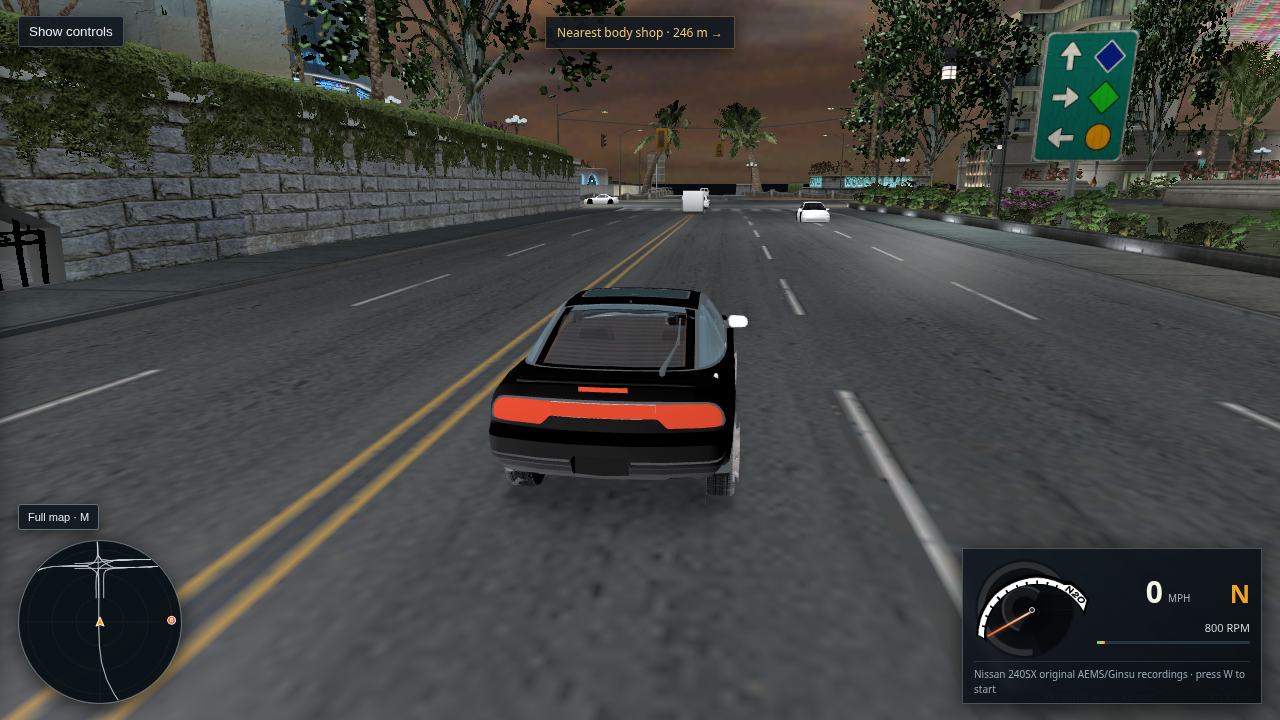
Open or save the full-size capture · Read the traffic resource-selection evidence · Read the route and FuturePoint decompilation
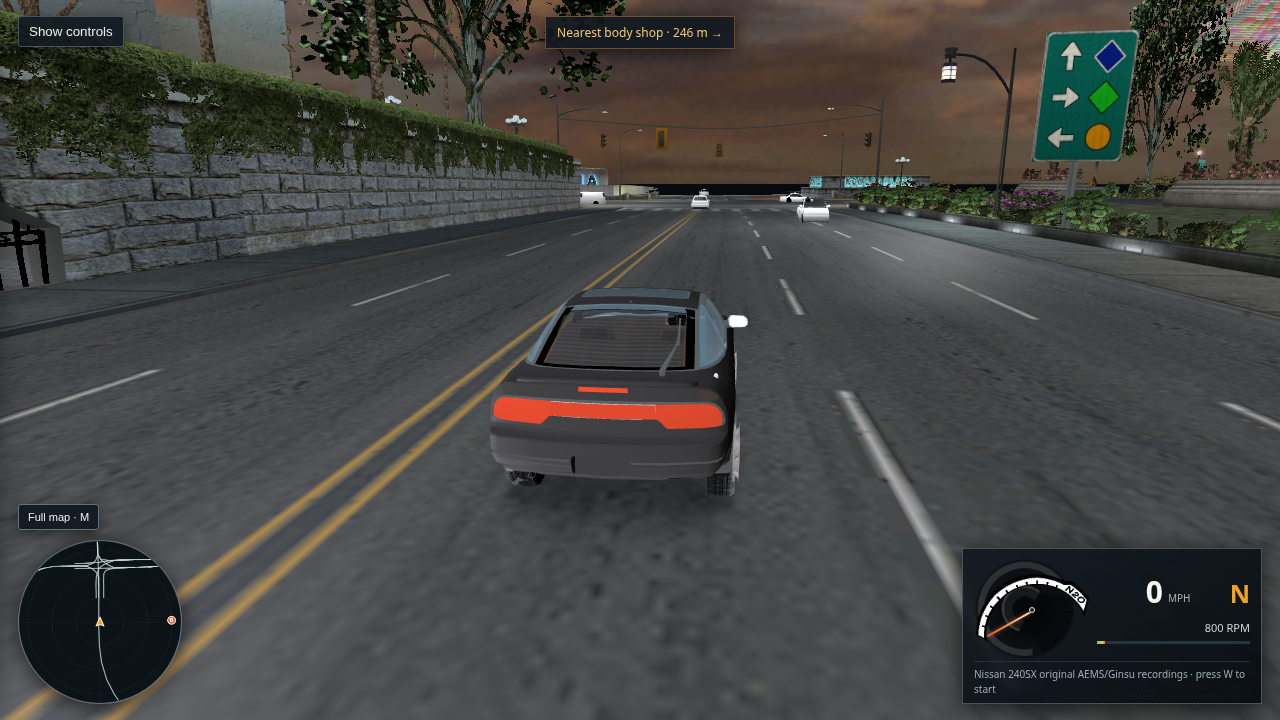
Close diagnostic view of a BODY_B 4DR_SEDAN02 on source route 744

197 · BODY_B close check · route 744 sample is upright

I forced 4DR_SEDAN02 BODY_B through the moving traffic renderer and centered the camera on its route-744 pose. The shell is upright and the base is within 0.002 world units of the sampled road in this frame. This rules out a universal BODY_B axis inversion, but it does not reproduce the reported cars or clear BODY_C and route transitions. Cyan crosses are debug pose markers.

Open or save the full-size capture · Read the source body-axis notes · Open the B-variant diagnostic scene
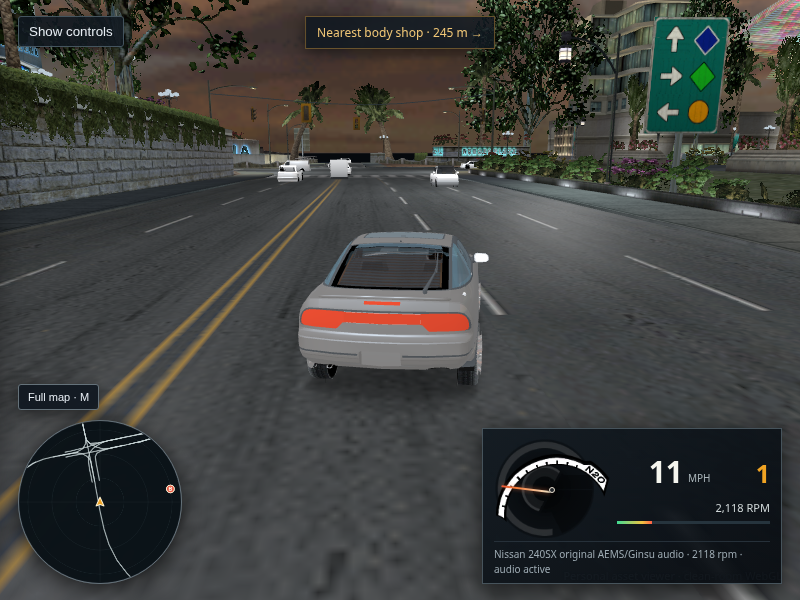
Close route 450 intersection view showing source road paint and four moving traffic cars

198 · Route 744 material and traffic check · user-reported defects still open

I centered Chrome on four live cars on routes 744, 741, 739, and 737. Their BODY_A shells are upright in this sample. The current GLB assigns the intersection, lane A, and lane B source textures to this road mesh; the viewer reports zero generated markings and samples the opaque texture RGB directly. This does not show that each road material slice is attached to the correct tile or reproduce the reported inverted traffic elsewhere.

Open or save the full-size capture · Read the r120 material and decompilation notes
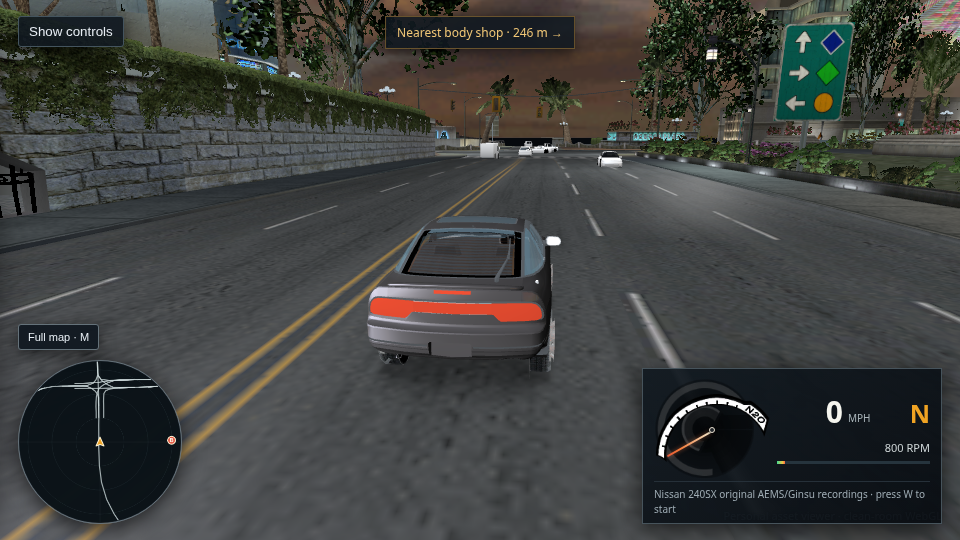
Current route 450 drive view with source textured road markings and BODY_A traffic

199 · BODY_A default restored · wrong road placement still visible

This fresh r122 capture is a live L4RA intersection view after removing the guessed BODY_A/B/C distance switch. Telemetry reports four traffic cars on routes 790/791, all using BODY_A; the scene reached “City scene ready,” reported zero generated markings, and had no page errors. The crosswalk, hatch, and lane paint still come from the RDP textures, but this frame makes clear their placement and the overall roadway presentation remain wrong. This does not clear inverted cars on other routes or reproduce the XP view.
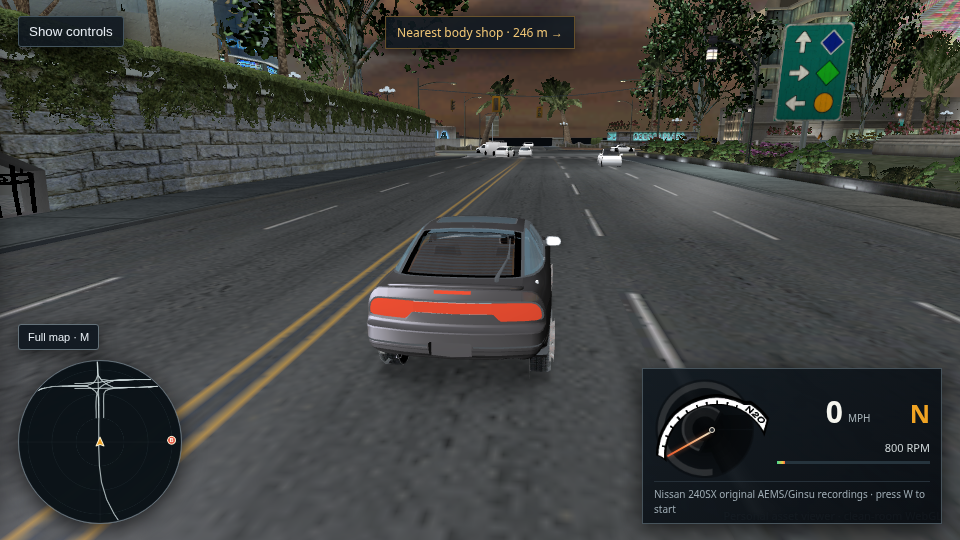
Open or save the full-size r122 capture · Read the r122 decompilation note · Open this current drive view
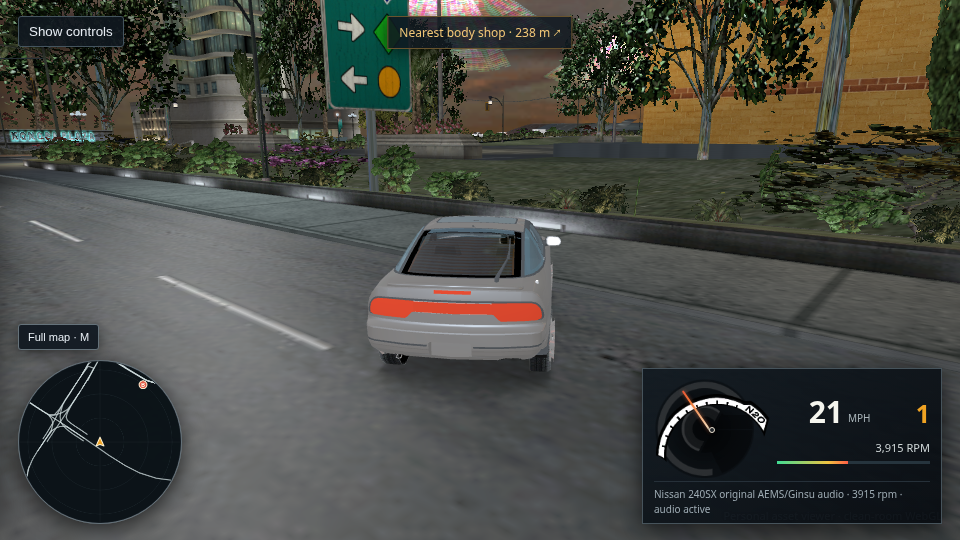
Decoded retail intersection and lane texture images used by the L4RA road mesh
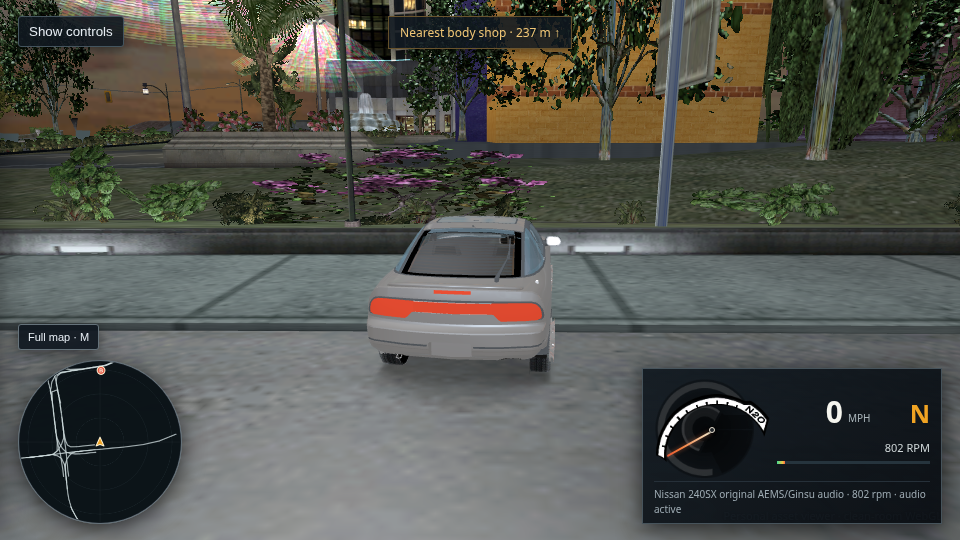
200 · Marking source traced · r122 color was wrong

The route 450 camera covers source mesh TRN_CS_ROADA_CHOP_M1_R3, with its crosswalk, lane paint, and hatch mapped from RDP_* texture slices. The older r122 yellow hatch was not a generated marking; it came from a red/blue channel swap applied by WebGL to the retail P8 palette. Revision r123 removes that conversion. Tile placement and the overall road layout still need work.
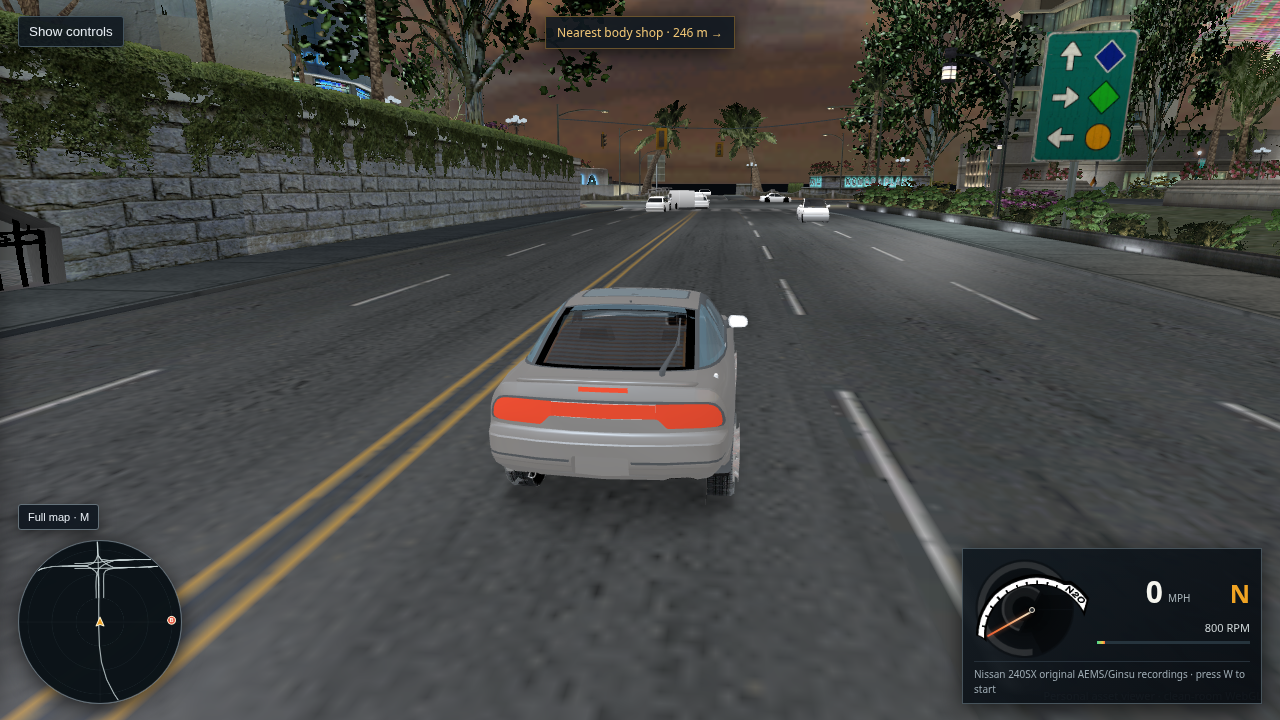
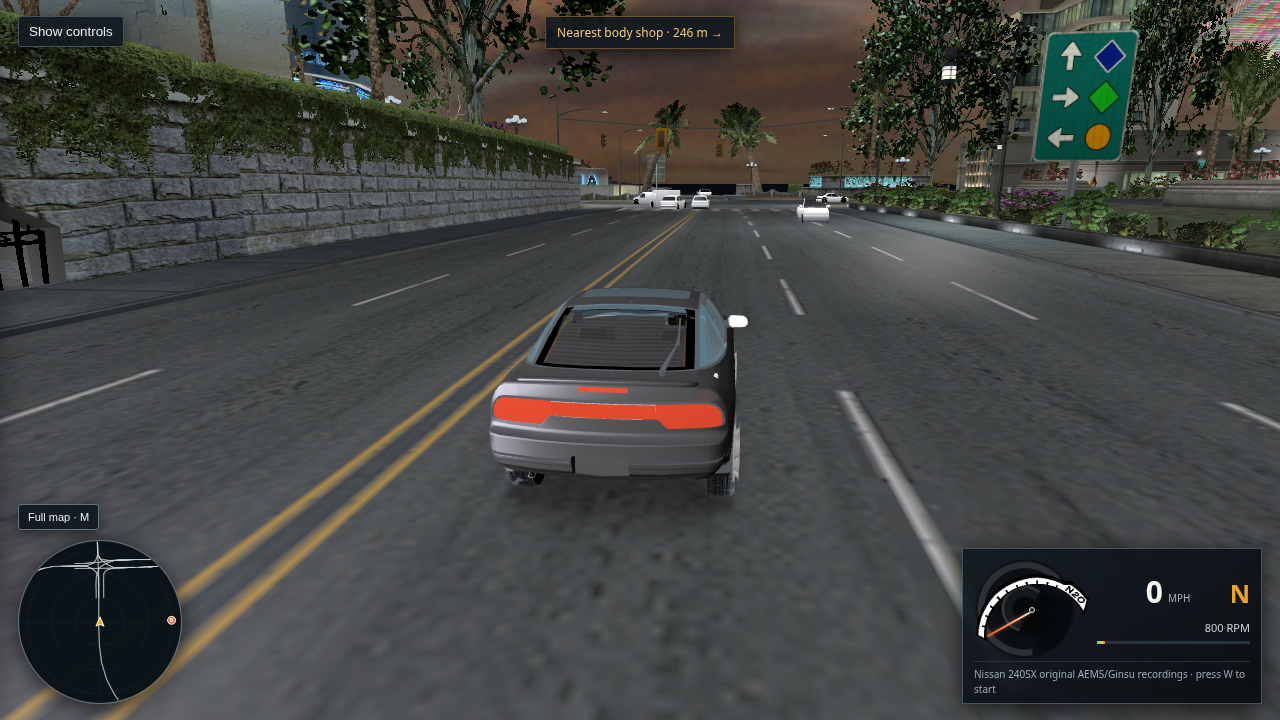
Read the slice, texture, bounds, and UV audit · Compare the same-location retail-data renderer capture · Read the decompilation notes
Same-location reference render using the original extracted NFS Underground 2 city textures

201 · Retail P8 road color check · WebGL channel swap removed

This capture is from a separate clean-room renderer reading the same installed game data at route 450's world location. Its blue/cyan hatch agrees with the raw RGBA palette values in RDP_ROADSTRIP_MC. The previous WebGL shader swapped red and blue for P8 textures and made those pixels yellow; r123 now samples palette RGB directly. This is a data-renderer comparison, not an XP gameplay screenshot, and it does not settle road-tile placement or the upside-down traffic reports.

Open or save the reference capture · Read the texture and UV audit · Open route 450 in the WebGL viewer
Route 450 WebGL view with corrected blue road hatch and four upright traffic cars

202 · Fresh r126 load · road palette and initial traffic refresh

A fresh 1280×720 WebGL capture now shows the blue/cyan hatch from the retail P8 palette and four moving BODY_A cars on routes 790/791. The car bases are within 0.015 m of the sampled pavement, and these four shells are upright in this pose. The first traffic refresh now runs immediately, even when the browser clock is below the 1.8-second refresh interval. This only checks these two local routes; road assembly and route-wide inversion remain open.

Open or save the full-size capture · Read road texture and placement evidence · Read the original traffic decompilation notes
Raw decoded RDP_ROADSTRIP_MC image extracted from STREAML4RA.BUN, showing cyan hatch markings

204 · Raw road marking texture from the XP-extracted STREAM bundle

This is the 64×512 PNG embedded in city-l4ra-textured-clean.glb, traced back to the RDP_ROADSTRIP_MC TPK record in the extracted STREAML4RA.BUN. Its cyan hatch is present in the source image itself; the viewer samples it through the road mesh UVs. This confirms the marking pixels are texture content. The mesh/UV placement on the street can still be wrong.

Open or save the raw extracted texture · Compare with the current WebGL road view · Read the source slice and UV audit
Close view of four live BODY_A traffic vehicles on routes 790 and 791 at the route 450 intersection

205 · Close live traffic check · inversion not reproduced on routes 790/791

I moved the debug camera onto the four live vehicles in the current WebGL build. Runtime telemetry identifies PANELVAN, SUV, HATCHBACK, and PANELVAN, all BODY_A, on routes 790/791; their body bases are within 0.001 world units of the sampled pavement. The shells look upright in this local view. This narrows the issue but does not explain the user's upside-down or backward cars on other routes.

Open or save the full-size traffic capture · Read the route-frame and retail-resource notes
Route 450 WebGL road after restoring the source vertex prelight multiplier

203 · Source vertex prelight restored · road placement remains unresolved

Revision r127 applies the retail MODULATE2X-style vertex prelight to opaque road textures using the exported COLOR_0 values. In the fresh 1280×720 capture, the pavement is visibly darker and closer in tone to the same-location clean-room retail-data reference, while the blue/cyan hatch, crosswalk, and white lane paint still come from the decoded source textures and UVs. The viewer generates zero marking geometry. This does not correct the placement/layout of the intersection pieces or verify traffic orientation across the city.

Open or save the full-size capture · Compare with the retail-data reference · Read the road texture, UV, and prelight evidence
L4RD freeway view with ambient car moved from a cyan hatched divider onto the adjacent authored RDP_LANEA surface

206 · Traffic follows the authored lane texture on L4RD route 106

The extracted route waypoint placed a car on RDP_ROADSTRIP_MC, the cyan hatched divider. Sampling the same road cross-section found RDP_LANEA 2–5 m to the car's right. The viewer now centers traffic on that source lane span when the route origin is on this divider. The cyan marks remain from the original texture, and the car base is within 0.001 world units of the sampled pavement. This checks one route and does not reproduce the reported upside-down cars or confirm the full layout against XP gameplay.

Open or save the full-size capture · Read the source material measurements · Read the traffic route decompilation notes
WebGL capture of the L4RA Kona Plaza intersection at the matched reference location

207 · Matched L4RA block · city objects share the extracted world placement

The WebGL and clean-room reference captures focus the same L4RA intersection from the XP-extracted stream. The plaza signs, storefronts, trees, signals, crosswalk, and road pieces appear in broadly matching positions. The WebGL pavement remains brighter and smoother, and its ambient cars still look too plain. The reference is OpenUG2 using extracted retail data, not an XP gameplay screenshot; this checks one block only.

Open the WebGL capture · Open the extracted-data reference · Read the camera and source details
L4RA crossing and traffic after preserving decoded road texture RGB directly

208 · Source road RGB preserved · layout and fleet issues remain

Packaged Chrome capture after all 96 city textures uploaded. Revision r131 removes the custom vertex-color tint from opaque source RDP materials: their decoded RGB and exported UVs supply the paint, with no generated lane lines. The cyan hatch is visibly present in the extracted RDP_ROADSTRIP_MC texture itself, so this confirms pixel provenance but does not prove the original city places the strip here. The four nearby cars look upright in this L4RA sample; the reported inversions on other routes remain unresolved.

Open or save the full-size capture · Read the source-data and traffic audit
Two ambient cars following the elevated L4RA route 853 ramp at route 852

209 · Elevated route 852 traffic check · inversion remains open

Chrome capture of the L4RA route 852 ramp. Runtime data places the visible traffic on decoded route 853; the two cars face along the ramp and look upright in this frame. Other nearby routes are at lower elevations and outside this camera view. This still does not explain the reported inversions elsewhere in Bayview.

Open or save the full-size capture · Read the route and body-frame evidence
L4RD freeway route 106 showing traffic on the authored lane beside the cyan median hatch texture

210 · Route 106 lane-placement check · retail FuturePoint still open

This fresh packaged Chrome capture shows the source white lane dashes and cyan median hatch in the original road textures; the viewer generates no marking geometry. The retail route waypoint itself runs down the divider, so traffic is shifted to the adjacent authored RDP_LANEA triangles using a source-geometry/material check. The cars in this view are upright, but the sideways placement still approximates the retail FuturePoint candidate path and does not settle reports from other routes.

Open or save the full-size capture · Read the road cross-section measurements · Read the retail route placement trace
Traffic model orientation audit preview on the L4RD freeway

211 · All 12 normal-traffic BODY_A models checked on route 106

I forced each quota-eligible retail BODY_A model through the same route transform and road pose. The 12 captured bodies stayed upright, with each base within 5 cm of the sampled pavement in this route sample. This rules out a consistent BODY_A axis flip for these models here; it does not cover every route transition, the retail LOD binding, or the user's other reported locations. Scroll through the 12 model captures · Read the source frame and decompilation notes

Player car and ambient traffic positioned on the L4RD carriageway beside the source-textured cyan median

212 · Player spawn moved from the median onto the source lane

Fresh packaged Chrome capture after all 112 city textures uploaded. Route 106's source waypoint lies on the median, so the player and traffic now use the adjacent exported RDP_LANEA pavement. The player correction is 4.25 m in this sample; the white dashes and cyan hatch are texture pixels, with no generated road paint. This fixes this route's initial position, while exact retail FuturePoint weights and upside-down traffic reports elsewhere remain open.

Open or save the full-size capture · Read the retail lane-controller trace
Route 450 WebGL view with texture-sampled road markings and seven ambient cars

213 · Traffic now follows the decompiled 3D waypoint frame

Revision r135 feeds the source waypoint forward and lateral vectors into the traffic transform, so cars can pitch with ramps. Live telemetry showed seven BODY_A cars on routes 736–744, no browser errors, and body bases within 0.06 m of sampled pavement. The road renderer reports zero generated markings; the blue center stripe and white dashes are sampled road texture pixels. This level-road capture does not resolve the user's citywide upside-down reports or prove that these source road slices occupy the same positions as in XP gameplay.

Open or save the full-size capture · Read the r135 source frame and lane-controller notes
Route 450 WebGL drive with the source yellow road marking restored from a P8 texture

214 · P8 road texture colors corrected from Direct3D palette byte order

The prior capture showed the source RDP_LANEA_YS marking in cyan. Its material record identifies a P8 palette, whose little-endian Direct3D D3DCOLOR bytes are BGRA; treating them as RGBA reversed red and blue. Revision r136 swaps channels only for recovered P8 materials, restoring the texture-authored yellow stripe while leaving DXT road maps unchanged. The screenshot is a fresh packaged Chrome render with all 114 nearby textures uploaded and no browser errors. The separate L4RD freeway view shows the same correction on the source-textured yellow hatched median. These captures confirm the palette fix, not complete road-slice placement or citywide traffic orientation.

Open route 450 capture · Open L4RD freeway capture · Read the material and source-pixel evidence · Read the route and texture notes
L4RD freeway view showing the sampled source yellow median hatch and white lane dashes

215 · L4RD source road marking check · still unresolved

Fresh capture of the current viewer page. The yellow median hatch and white lane dashes are sampled from the embedded RDP lane materials and their mesh UVs; the viewer draws no lane-mark geometry. Their placement and the traffic/body assembly still need retail comparison.

Open or save full-size capture
Live route 450 scene after the traffic basis was re-orthogonalized

216 · r137 route frame capture · fidelity still incomplete

Packaged Chrome capture after the traffic transform now projects the interpolated lateral vector perpendicular to the forward vector and rebuilds up. Six cars render on routes 736–745; telemetry places five body bases within 0.06 m of sampled pavement. The bodies remain untextured white with crude black tire disks, and this one intersection view does not establish citywide direction or orientation.

Open or save full-size capture · Read the r137 frame notes
L4RD route 106 with four source traffic cars following the freeway lane

218 · L4RD route-106 traffic spawn · early streaming frame

Revision r138 fixes a contradictory view filter: cars spawned 10 route units ahead were rejected by a 12-unit minimum. The cutoff now matches the 8-unit in-view corridor. Live route telemetry shows four cars following the recovered forward direction on route 106, with body bases within 0.05 m of sampled road. This capture was taken while the remaining traffic models were still loading; it does not resolve paint, tire quality, or citywide traffic orientation.

Open or save full-size capture · Read the route-106 diagnostics
Close L4RD route 106 view: box-like traffic bodies stack into one stream, though this sample is upright

219 · Route 106 orientation audit · vehicle result still poor

The source BODY_A up signs agree with all 15 wheel-anchor sets, and the cars in this route 106 frame are upright. The visible result is still wrong: several cars stack into one narrow stream, and the closest body reads as a box rather than a finished retail car. Routes 106 and 116 share waypoint coordinates but have different decompiled selector banks. The current material-based correction puts both streams in nearly the same lane; runtime FuturePoint weights and retail part assembly are still unresolved. Road markings come from RDP textures; no line geometry is generated.

Open or save full-size capture · Read the axis and route evidence
Close side view of an upright Coupe traffic model on the L4RD road, showing texture-authored yellow median hatching and white lane lines

220 · r141 L4RD source textures and live traffic · fidelity still incomplete

This fresh packaged Chrome capture shows the actual L4RD route 106 scene. Diagnostics report zero generated marking segments; the yellow hatch and white lane lines are sampled from the road materials and UVs. The Coupe is upright in this sample, which does not explain the inversion reported on other routes. Its untextured body and crude wheel openings remain visibly wrong, and the lane shift still uses a temporary pavement-material approximation while the decompiled FuturePoint weights are unresolved.

Open or save full-size capture · Read the FuturePoint selector decompilation
L4RD route 102 with player car shifted from the texture-authored hatched median onto adjacent pavement

221 · r146 route 102 corridor check · city fidelity still incomplete

The decompiled waypoint width and signed phase-adjustment bytes now supply the median offset using the original 0x005dd490 scale. The player starts on adjacent pavement in this route sample. Yellow hatches and white dashes still come from the embedded RDP textures and exported UVs; the viewer generates zero marking geometry. The runtime selector and smoothing are not fully recovered, traffic still needs lane-by-lane review, and the reported upside-down cars remain unresolved.

Open or save full-size capture · Read the source corridor transform notes
L4RD roadway showing texture-authored yellow bars and white lane paint in the current WebGL scene

222 · r147 FuturePoint bank narrowed · road marking placement still wrong

The retail trace says logical phases are 2–5; only one FuturePoint subtype remaps them to bytes 6–9. Revision r147 stops searching both banks without knowing the live subtype. The source RDP textures supply the visible yellow bars and white dashes, and the renderer reports zero generated marking geometry. In this screenshot the yellow bars still look misplaced relative to the drivable lanes, and the barriers/buildings make the scene visibly unlike gameplay. Three sampled traffic cars are upright here; this does not clear the citywide upside-down report.

Open or save full-size capture · Read the FuturePoint selector trace
L4RA curve with the player car moved to the right of the texture-authored yellow center marking

223 · r149 L4RA route lane check · player clears the source center stripe

The route-101 start previously straddled the double-yellow marking. The viewer now samples the original lane texture around the route and applies a decompiled positive corridor candidate only when the candidate clears a nearby paint pixel and lands on authored lane triangles. This capture shows the player in the right-hand lane; the paint itself still comes from the source texture. It is one route sample and still approximates the live FuturePoint selector. Traffic orientation remains under citywide review.

Open or save full-size capture · Read the decompilation and placement notes
L4RA curve with source texture markings and live traffic after route selector availability was applied

224 · r151 route selector eligibility checked against retail header bytes

The viewer now restricts its direct FuturePoint lane hints to selectors whose route header availability byte is nonzero, as checked by retail helper 0x0040f4a0. The source RDP materials provide all visible paint; diagnostics report zero generated markings. This still does not reconstruct the final traffic lane position because the runtime candidate values and FuturePoint weights are absent from the static route export. Cars in this L4RA sample are upright; the reported inversions elsewhere remain unresolved.

Open or save full-size capture · Read the retail selector and FuturePoint trace
Close WebGL traffic car with source glass and shared body maps visible on the Bayview road

225 · Traffic texture and forward-frame check · paint map unavailable

Fresh Chrome close view of a COUPE BODY_A on route 450. Its authored window, underbody, driver, and tire maps are applied from the embedded GLB textures; the body paint remains a flat source fallback because the per-car paint hash is absent from GLOBALB.BUN and local TEXTURES.BIN is empty. The body is upright in this sample. A separate route-order audit supports rejecting reverse-direction endpoint joins, but the viewer still animates route samples at a guessed constant speed and does not run the retail traffic controller.

Open or save full-size capture · Read the texture and controller evidence
Close WebGL view of stateful lookahead-guided ambient traffic cars on a Bayview road

226 · r154 lookahead-guided traffic · visual quality still unresolved

Fresh Chrome capture after ambient cars began advancing from a stored heading and accepted road movement, using the recovered 15–30 m and 12 m lookahead samples. The sampled cars are upright and remain on the road in this view. The gray body paint, nearly black wheels, broad empty pavement, and overall scene still look unlike retail gameplay; speed and steering-force response remain approximations.

Open or save full-size capture · Read the current traffic and texture findings
Chrome capture of the L4RA route 101 bend with one visible ambient traffic car after duplicate route spawning was removed

227 · r156 route roster correction · one car per sampled route

Chrome capture after removing the viewer behavior that repeated the same route candidate to fill the traffic count. Debug telemetry shows route 101 rendered once; route 102 was rejected because its preview pose overlapped route 101 at 0.003 m. The visible ambient car sits on the roadway in this bend, while the scene still has dark lighting and the sampled routes do not reproduce retail lane changes, intersections, or avoidance actions.

Open or save full-size capture · Read the roster and action/controller evidence
L4RA freeway bend with several ambient cars after the viewer stopped joining route fragments as car paths

228 · r157 route-end behavior · static matches are visual diagnostics only

At route 1095, distance 600, the source and dist pages both report a ready scene and four rendered cars on separate static routes. Motion debug reports no cross-route transition targets. The retail `0x00420ed0` path selects a route phase and commits it only after a live FuturePoint queue update; those per-car candidates are absent from the static export, so the viewer does not choose a guessed junction branch. As its lookahead passes the route fragment end, movement holds at the last reachable sampled pose; a newly seeded car whose requested spawn point is beyond that fragment is rejected as `route-end`. This capture still shows the scene's dark look and a car on the left-side paved branch; lane, intersection, and avoidance behavior remain unresolved.

Open or save full-size capture · Read the exact selector and queue path
Supported ambient car on the marked road after rejecting traffic route starts without road triangles

229 · r159 ambient spawn support check · off-pavement car removed

The far-left car from r157 was at world position (22.667, −2006.629, 11.612); the road-triangle sampler returned no support within 4 m, despite the adjacent raised surface looking paved. Traffic now rejects unsupported spawn poses and refuses to initialize a driver off the road mesh. In this capture the remaining car on route 1026 is supported at Z 11.525, and its frame-up Z is 0.99976, so it is upright. Other route fragments still fail this conservative support check and are skipped.

Open or save the support-check capture · Open the checked view
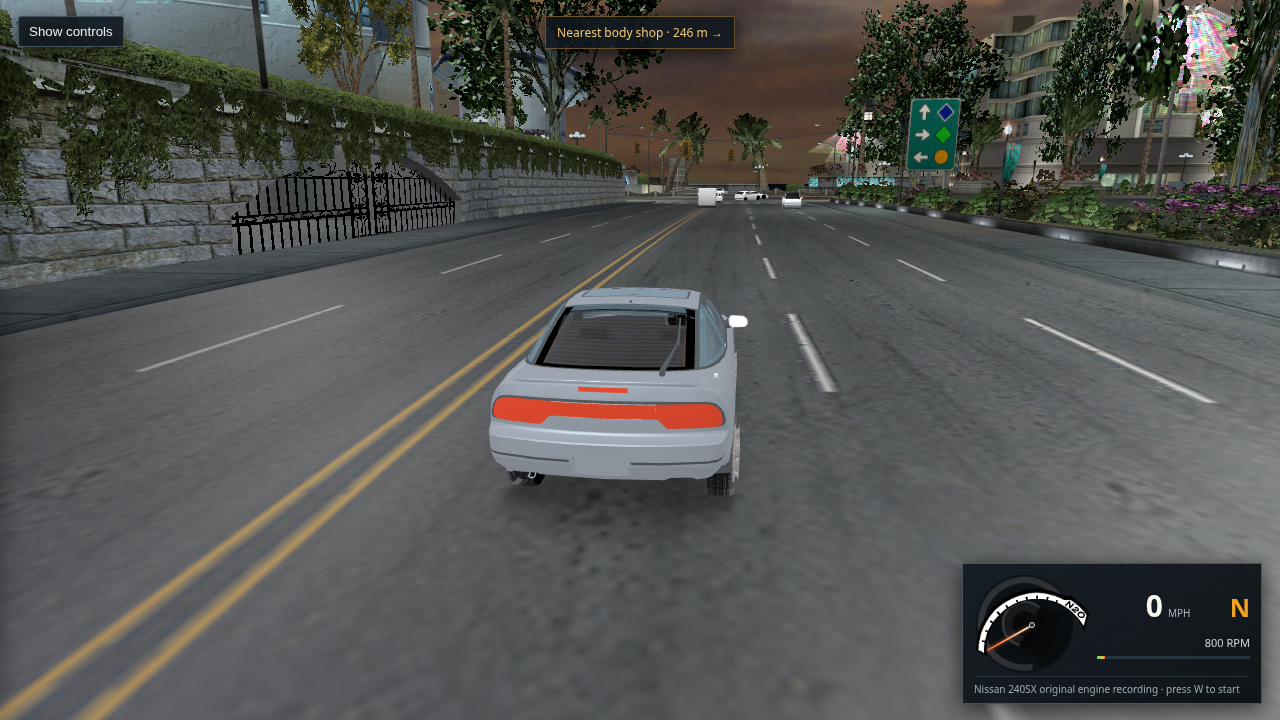
Three upright ambient traffic cars on sampled road triangles after shifting spawn phase along distinct route fragments

230 · r161 supported route-phase spawn · three road-checked traffic cars

The r159 seed for route 1134 landed just past its supported road section. A 2.5 m scan found supported pavement earlier on that same decoded fragment, so the viewer now chooses a nearby supported point that falls within the forward view corridor. Route 1067 also contributes a supported phase; route 1026 remains supported. The three selected route keys are distinct (1134, 1026, 1067). Runtime telemetry reports a road-triangle hit at each pose and frame-up Z values from 0.99976 to 1.0. Movement still stops when each fragment ends; no inferred junction joins were added.

Open or save the three-car capture · Open the checked view
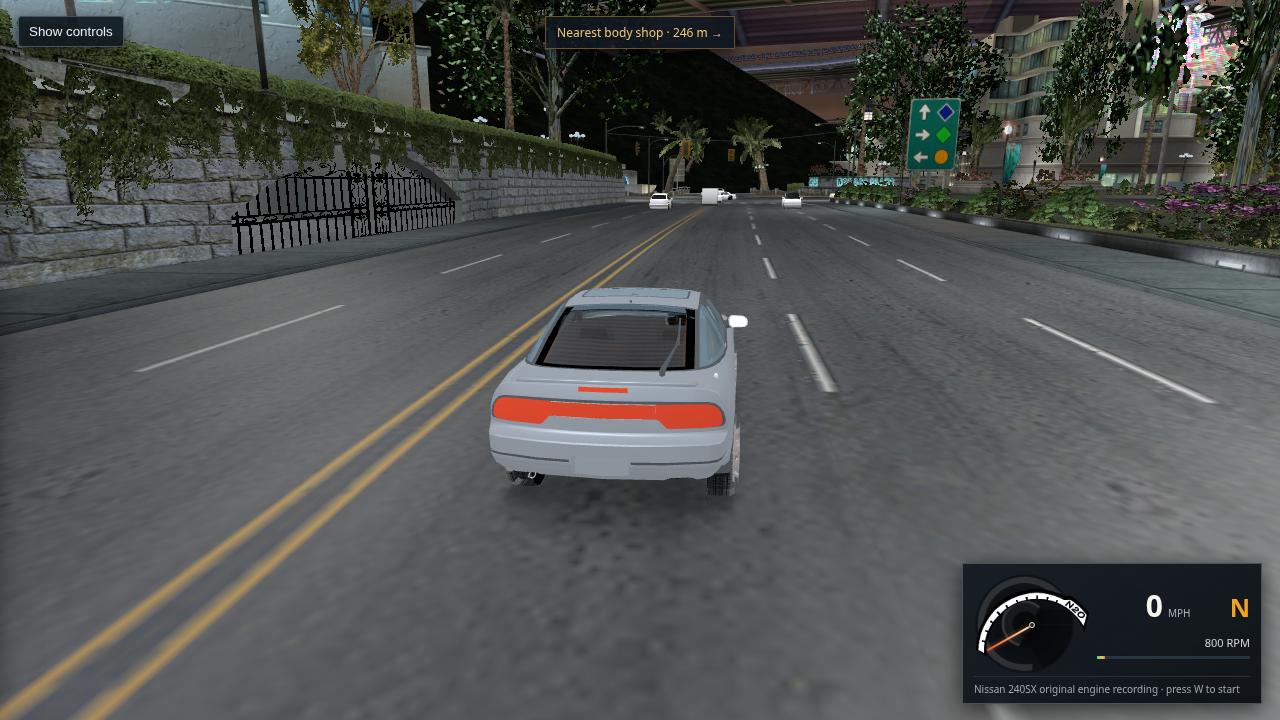
L4RB freeway scene loaded from the packaged WebGL city chunks with two ambient cars ahead

231 · r162 packaged L4RB scene · chunk loading verified

After rebuilding the network package, Chrome loaded the L4RB city from its 12 MiB GLB chunks. The page reached “City scene ready” with 19,068 nearby triangles, 110 nearby textures, 99 traffic routes, and 12 ambient body models. This confirms the packaged chunk manifest works beyond L4RA; the scene remains very dark and traffic is still a route-fragment preview.

Open or save the L4RB capture · Open the packaged L4RB scene
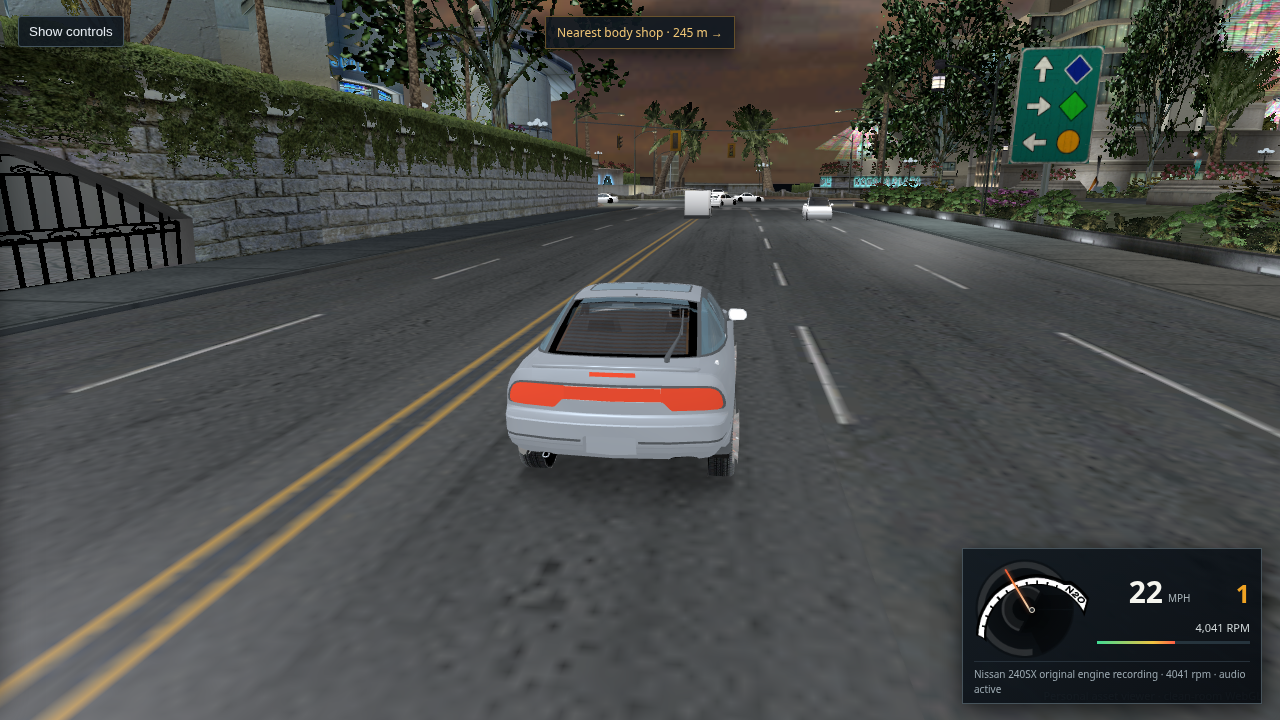
L4RB road after restoring source vertex prelight to its opaque pavement materials; the scene remains dark

232 · r163 opaque road prelight restored · lighting still unresolved

The opaque RDP shader had stopped using the source vertex colors. This capture restores the previously audited world operation: texture RGB multiplied by COLOR_0 RGB × 2, clamped to 1.6. The authored lane textures and UVs provide the markings. Chrome finished all 110 nearby texture uploads without losing its context. The broad gray road is now dark prelit pavement; the scene still needs lighting work. Only two local fixtures are active here, and this L4RB asset supplies no selected environment texture for vehicle reflections. This is a material correction, not evidence of a complete retail lighting match.
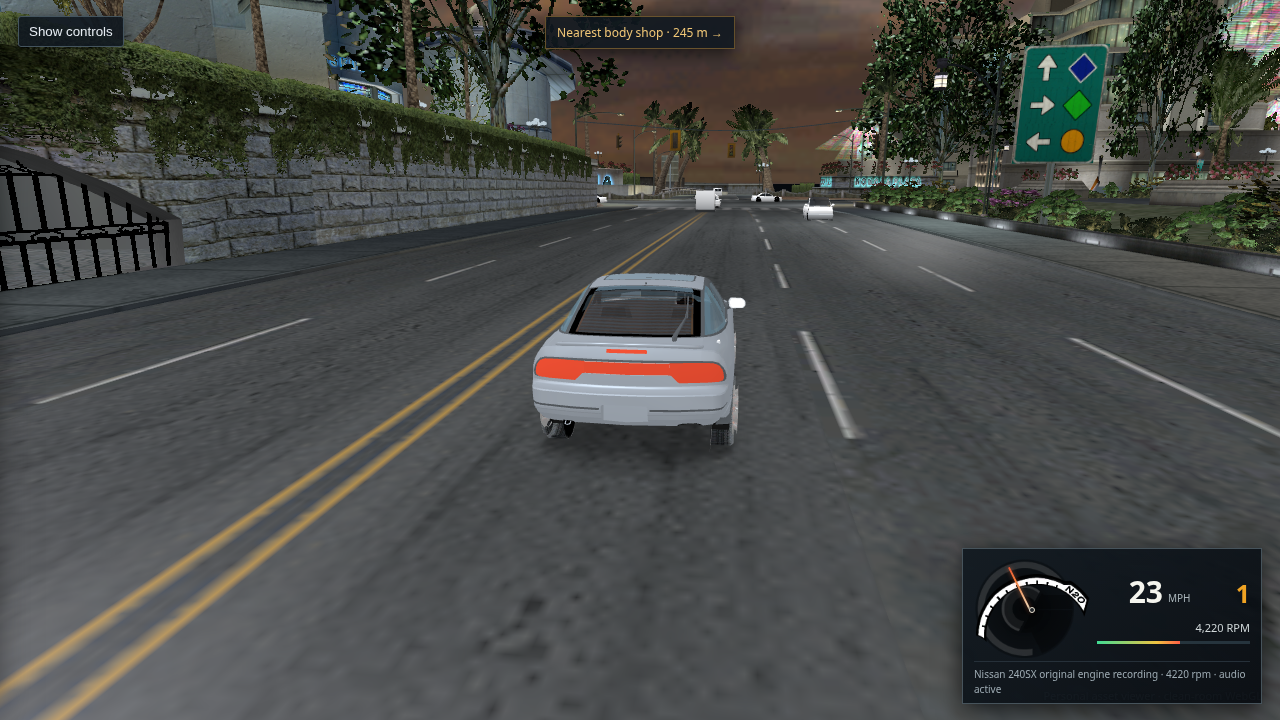
Open or save the prelight capture · Read the audited prelight operation
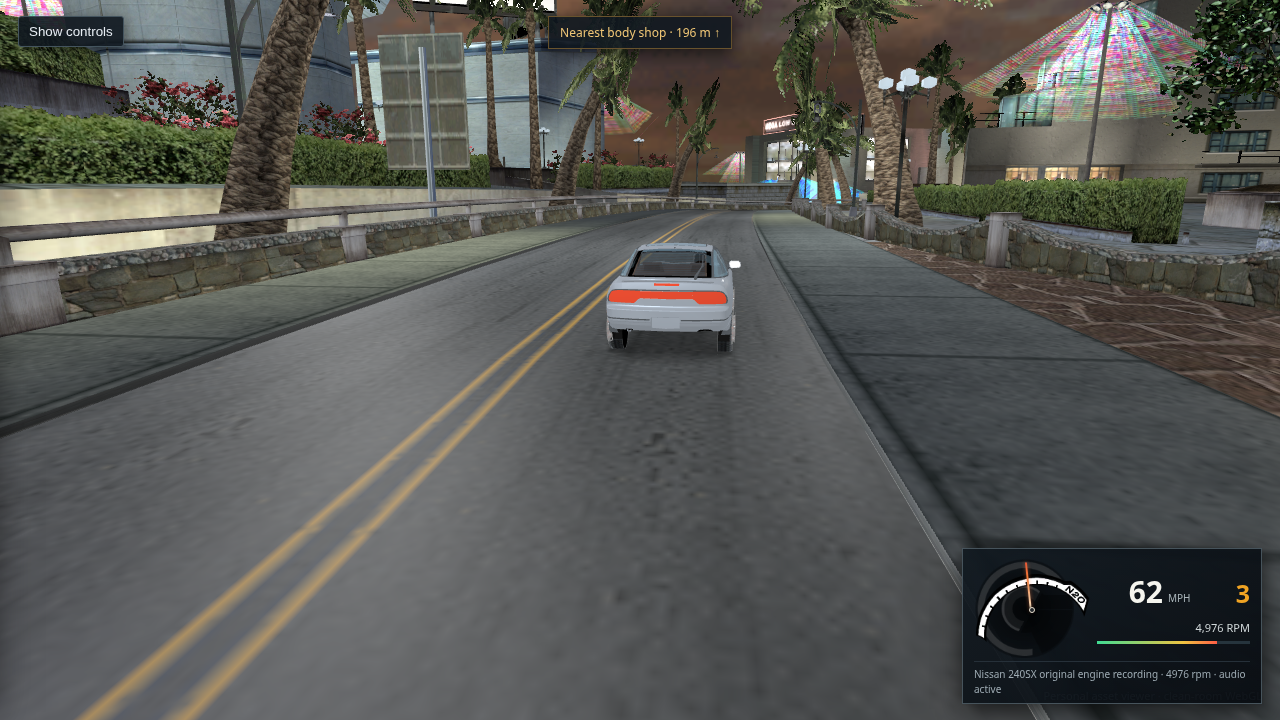
Ambient COUPE with shared source maps and flat fallback body paint beside an untextured player-car inspection capture
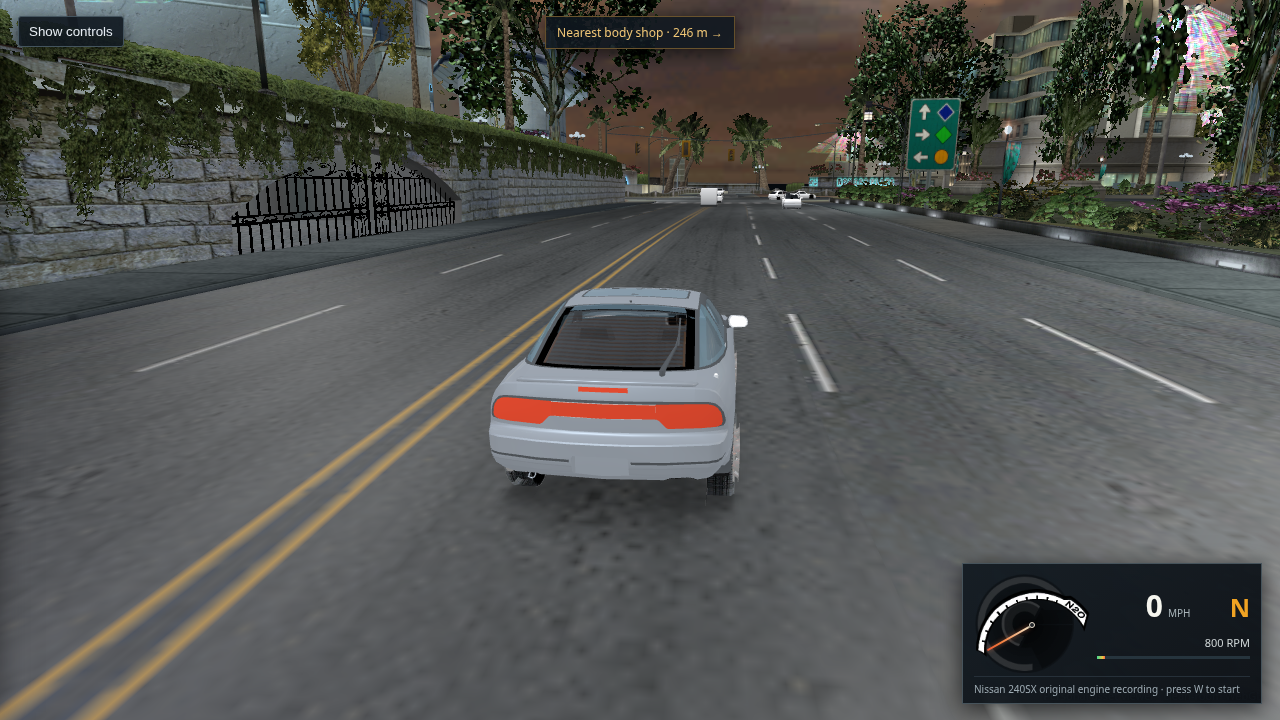
233 · Player and ambient car texture audit · paint source missing
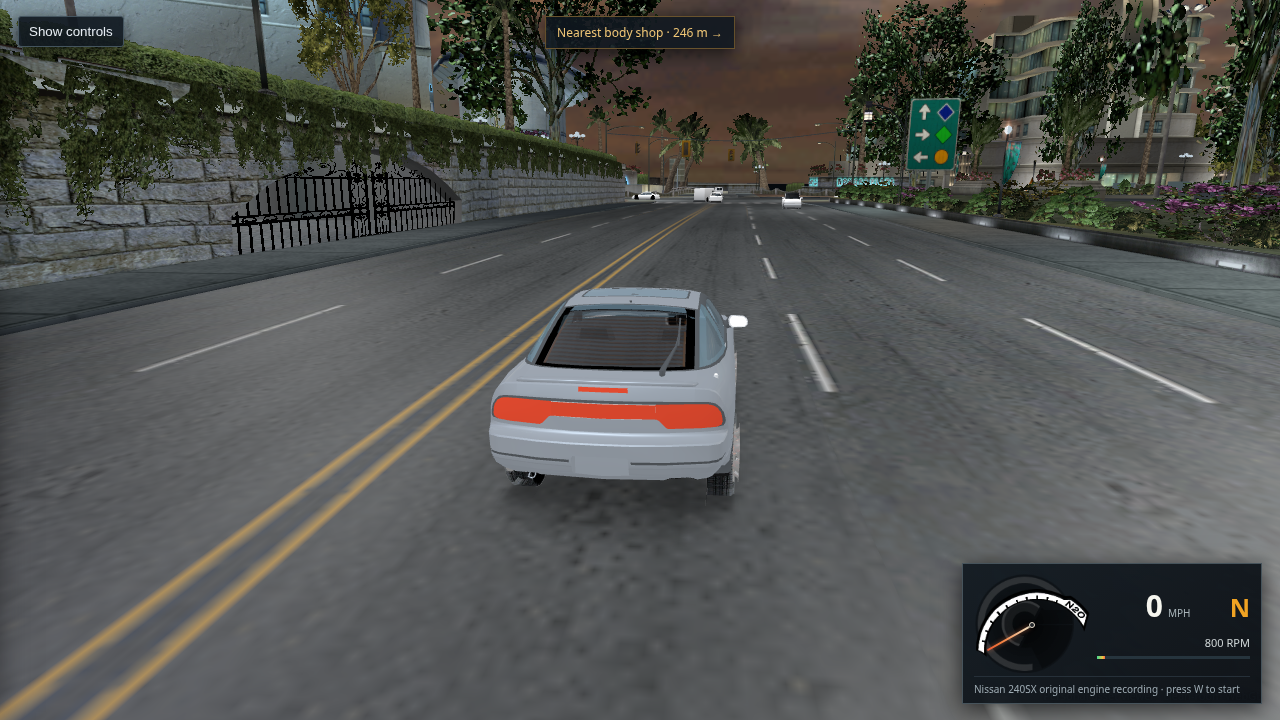
The ambient export binds the available shared CARBOTTOM, DRIVER, WINDOW_TRAFFIC, and TIREBACK images. The flat body paint is the unresolved material hash 0xd6d6080a. The selected 240SX has the same issue: its decoded stock GLB contains three image textures, while body paint remains runtime state rather than a paint image. I checked all 15 ambient folders and indexed every nonempty installed car texture and vinyl catalog; none supplies the paint hash or ambient selector key. No replacement paint palette was added.

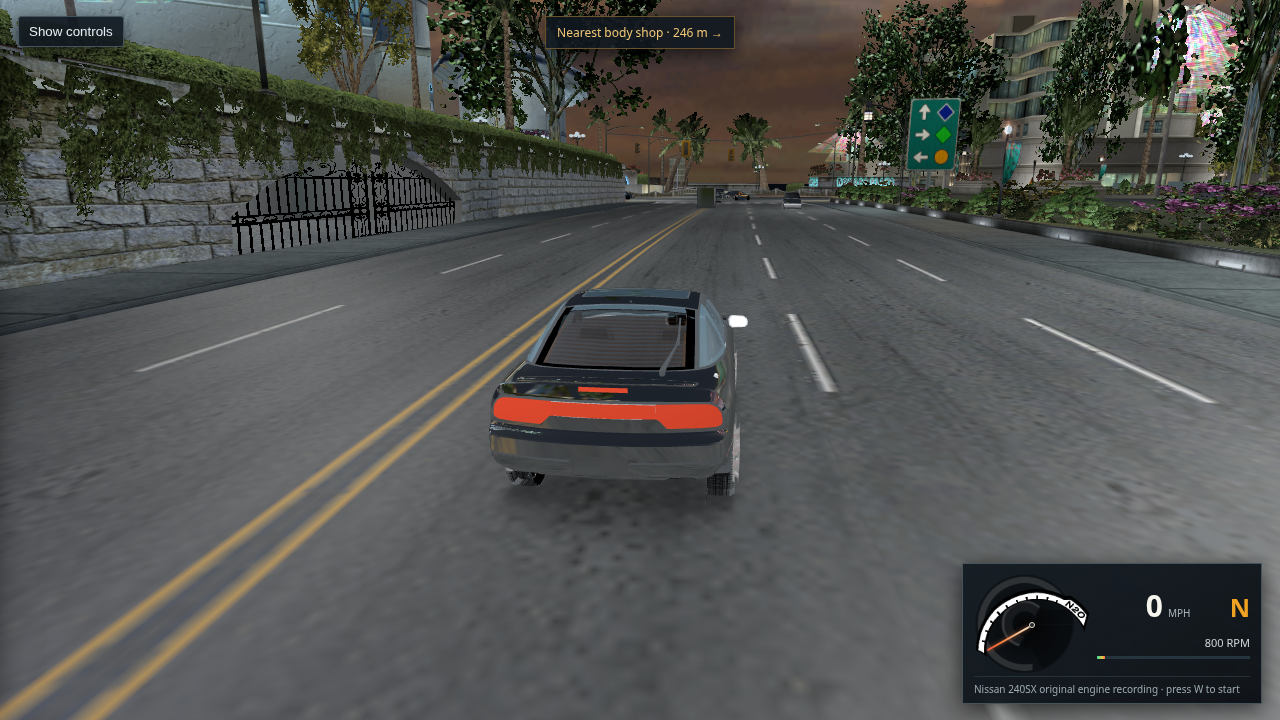
Open or save the ambient-car capture · Compare the selected 240SX stock-car capture · Read the asset and runtime-state audit
Extracted L4RA RoutesFreeRoam route objects over city roads, showing dense road paths and junction connections

234 · r164 traffic source audit · free-roam routes, incomplete AI

This is the extracted retail RoutesFreeRoam.bin 0x34121 route data over the city, not a WebGL screenshot and not event-race Paths*.bin 0x34148 data. Static 0x34122 endpoint matches and L4RA's 38 0x34123 intersection anchors do not encode each car's active branch: the executable builds its FuturePoint queue and controller state at runtime. The viewer follows these free-roam route samples, but the speed, lane choice, junction decisions, and vehicle response remain approximate. A live XP memory snapshot is the next evidence needed before changing that behavior safely.

Open or save the source route map · Read the runtime capture procedure and evidence
L4RB WebGL scene with brighter city vertex prelight on buildings and foliage

235 · r165 city vertex prelight · scene still dark

The viewer now applies the OpenUG2 reference renderer's world MODULATE2X vertex-color operation to city materials while preserving raw vertex colors for vehicle draws. This fully loaded L4RB capture shows brighter buildings and foliage; the player car is unchanged and the scene remains dark overall. The reference implementation supports this material operation but is not proof of an exact retail match.

Open or save the packaged Chrome capture · Read the source comparison and limitation
L4RA WebGL freeway drive after all 114 textures loaded with source signs, road markings, street fixtures, and traffic

236 · r165 L4RA ready state · 114 textures loaded

This packaged Chrome capture uses the same city prelight change in L4RA at route 1095, distance 600. The page reports 23,606 nearby triangles, 832 routes, and 12 ambient models; all 114 nearby city textures loaded and WebGL context remained available. The road, signs, and street fixtures are visible, while the player starts over the center marking and the scene remains darker than retail gameplay.

Open or save the L4RA capture · Read the material comparison
Default L4RA driving start shifted clear of the yellow center line, with traffic ahead after pressing W

237 · r166 default start shifted off the center marking

The measured stripe sample at the default route-450 start scored 0.400, below the old detection threshold. The viewer now accepts it and applies the route's authored 2.148 m right-side corridor, whose sampled texture has no stripe and whose position is road-supported. A 2.2 second W input moved the 240SX about 34 m to 29 mph; the screenshot shows three traffic cars ahead and no road-failure state. This lane placement remains a preview approximation of the retail AI.

Open or save the packaged driving capture · Read the probe values and limitation
L4RA 240SX driving through an arena intersection with source lane markings and ambient traffic after a city stream update

238 · r167 car reflections survive city streaming

The L4RA GLB's authored sky environment image is now retained when nearby city blocks change. After driving through a stream boundary, Chrome reported 27,352 nearby triangles, 138 textures, an intact WebGL context, and source environment texture 1459 loaded for the 240SX. This protects the recovered reflection input; the renderer's reflection match and L4RB's missing sky material remain open.

Open or save the stream-boundary capture · Read the resource lifetime audit
Ambient traffic car using available shared textures while body paint remains a flat fallback material

239 · r168 retail traffic and paint trace · both runtime gaps identified

The viewer reads retail free-roam street routes, not event racing paths, but its cars still use a static route follower and lack the game's live junction choices, speed response, and obstacle behavior. The available ambient textures bind correctly; body paint comes from a runtime material state absent from the extracted texture catalogs. The audit lists the exact decompiled calls and XP memory fields needed to recover both.

View the ambient-car capture · View the extracted free-roam route map · Read the retail-versus-viewer trace and XP capture plan
Loaded L4RA WebGL driving view with the exported broad Moon light and local street fixtures active

240 · r168 broad Moon light retained · night lighting still needs a retail match

The L4RA light export contains one broad EL_NightA_Moon record; L4RB repeats the same record three times. The renderer now deduplicates these authored records and uses their inner radius as the full-intensity range. Chrome loaded all 114 nearby textures with five fixture lights and one global light active. The scene remains dark compared with retail gameplay, and the intensity/equation are still approximations.

Open or save the packaged Chrome capture · Read the light export and visual limitation
Close side view of an upright ambient COUPE with its body and windows visible, but dark tire surfaces and no recovered paint color

241 · r168 ambient COUPE side view · paint state remains missing

This close Chrome frame forces the retail COUPE BODY_A and confirms its body shape, window surface, upright orientation, and road-supported placement. The exported underbody, window, driver, and tire maps load; no body-paint image resolves for material hash 0xd6d6080a. The gray material factor is only an exporter fallback, and the tire surfaces remain too dark. I have not substituted guessed paint.

Open or save the close side capture · Read the material and vertex-color evidence
Fully loaded WebGL city view with an ambient traffic vehicle, showing flat fallback paint and dark wheels

242 · r169 full city texture load · traffic car appearance still wrong

Fresh 960 × 540 capture from the packaged viewer in headless Chrome with WebGL2. The city upload completed all 103 selected textures and the traffic fleet is present; the page reports no error and the route audit reports 832 free-roam routes with no synthetic road markings. The close ambient car still has a flat fallback body finish and nearly black tires. Its body paint depends on a runtime material state that is absent from the extracted files, and the XP VM remains at the login screen, so the retail paint state has not been captured. This screenshot shows the current result, not a completed export.

Open or save the full city capture · Read the traffic and paint evidence
Current 1280 by 720 WebGL driving view with ambient traffic cars rendered with neutral white fallback body material

243 · r170 unresolved ambient paint fallback · body textures still missing

Captured from the packaged viewer through headless Chrome. The city loads and ambient cars are upright on the roadway, but their body panels appear plain white because the extracted files contain no ambient paint images and the retail color comes from a runtime-selected material state. This update removed the guessed blue-gray body tint and synthetic paint finish while preserving the embedded window, tire, and driver maps; it does not recover the game's paint colors. The HUD still shows traffic assets loading at 7/12 in this frame.

Open or save the full-size capture · Read the source asset and runtime capture evidence
Fully loaded 1280 by 720 Bayview driving view with the traffic roster loaded and an ambient car on the roadway

244 · r171 full traffic roster loaded · paint and city appearance still incomplete

Headless Chrome reports “City scene ready,” 103 nearby textures, all 12 quota-eligible traffic body models, and five rendered traffic poses. The capture shows an upright ambient car ahead on the road; its body remains plain white because retail paint state is unresolved. This verifies asset loading, not a faithful retail traffic controller or completed city match.

Open or save the full-size capture · Read the traffic controller comparison
Player car stopped on a supported road behind two plain white ambient traffic cars

245 · r172 player movement reaches traffic · body appearance and behavior remain incomplete

During a short W-key drive, the player advanced about 7.5 m on the road and stopped at an ambient traffic collision; road support remained valid and no building hit was reported. This capture also exposes the unresolved white body fallback on both traffic cars. It demonstrates basic movement and collision detection, not retail traffic driving or recovered paint.

Open or save the full-size capture · Read the traffic controller and paint gaps
Current 1280 by 720 packaged Bayview driving view showing source road markings and traffic while the city texture upload is still in progress

246 · r173 packaged city capture · 48 of 221 textures uploaded

Fresh headless Chrome capture from the served dist build. The 240SX and ambient traffic are present on an authored marked road, and the page reports ongoing city texture uploads. Large overhead geometry dominates this view, so this is evidence of the current visual problem, not an acceptance capture. The screenshot is also early enough in the upload that distant scenery textures remain incomplete.

Open or save the full-size capture · Read the current traffic and paint evidence
Fully textured WebGL driving view after the 240SX reaches 16 mph on an authored Bayview road with ambient traffic ahead

247 · r173 completed nearby textures · 240SX reaches 16 mph

Fresh capture from the same packaged Chrome build after all 114 nearby city textures uploaded; WebGL context remained intact. A 1.8 second W input moved the 240SX to 16 mph in first gear, with the original engine recording active and no road-support failure. Once the textures finish, the large white geometry seen in entry 246 resolves into the street scene. Ambient bodies are still plain white, and this local drive check does not establish citywide placement or retail AI fidelity.

Open or save the full-size driving capture · Compare the earlier in-progress load · Read the remaining traffic and paint gaps
240SX driving across an authored textured gravel approach on L4RA route 1055

248 · r174 gravel surface supports Route 1055

The route basis places Route 1055 at an authored RDP_GRAVEL_A_CK surface at distance 78. The viewer previously excluded all gravel from road support, which left this route start undrivable. The packaged build now includes that road material: with all 167 nearby textures uploaded, a 2.2 second W input reached 24 mph in first gear, with no road-support, building, or traffic collision failure. The gravel image comes from the exported material. This verifies the tested approach, not every route or city placement.

Open or save the full-size capture · Open the tested route point · Read the placement and support evidence
240SX driving from a textured gravel shoulder across a marked Bayview road at 23 mph

249 · r175 shoulder support · Route 1014 reaches the street

Route 1014's tested point lies on the authored RDP_SHOULDER2GRAVEL surface, which the viewer had excluded from road support. The packaged build now accepts that source surface. With all 164 nearby textures uploaded, a 1.8 second W input reached 23 mph in first gear; WebGL stayed intact and no road-support, building, or traffic failure was reported. The capture shows the car crossing from the gravel shoulder onto the source-marked road.

Open or save the full-size capture · Open the tested route point · Read the route support evidence
Stock 240SX garage model with a neutral gray body fallback and dark windows

250 · r176 stock car paint mask made readable

The 240SX stock export uses black vertex-color masks on body panels whose actual color is selected by a retail runtime material state. The WebGL preview now keeps those masks from rendering the body black and uses a neutral gray fallback while leaving real decal, window, brake, and wheel texture references intact. The screenshot confirms the garage model loads with no browser errors. It is not an authentic paint texture or recovered retail color; the missing class-0x3f paint descriptor and selected runtime state still block those.

Open or save the full-size capture · Read the car material evidence · Read the ambient traffic logic gap
Packaged WebGL city route with the 240SX shown using the neutral unresolved-paint fallback; its wheels are not visible

251 · r176 packaged city paint check · vehicle still needs work

The packaged dist build loaded the Route 1014 city scene with 164 nearby textures, 67,387 nearby triangles, and no browser errors. The 240SX body now uses the neutral unresolved-paint fallback. This capture also shows that the assembled car still has no visible wheels in this view, so the vehicle appearance is not finished. No retail body-paint texture or selected paint color has been recovered.

Open or save the full-size capture · Open this route · Read the paint material evidence
Side view of the stock 240SX showing its assembled wheels, glass, and neutral fallback body

252 · r177 source material masks · side view confirms wheel and map rendering

After excluding the stock car’s black runtime vertex masks from RGB modulation, the headless Chrome side view shows the assembled wheels, rim detail, and glass maps. The body uses a neutral gray fallback because the selected retail paint state is unavailable. The rear chase view in entry 251 concealed the wheels; this side capture confirms they are present in the assembled car.

Open or save the full-size capture · Compare the packaged city view · Read the material evidence
Fully textured packaged Bayview intersection with the 240SX, source road markings, streetlights, buildings, and ambient traffic

253 · r177 full-texture drive view · runtime car appearance remains missing

Fresh 1280 × 720 capture from the packaged viewer at free-roam Route 450, distance 300. All 96 nearby city textures were uploaded; the screenshot shows the authored crosswalk, lane paint, roadway, streetlights, surrounding buildings, and traffic at the intersection. A debug scan found 28 nearby XB building groups but no XB/RDP road-triangle intersections in this 120-unit crop; this does not assess other object families, overhangs, or other streets. The ambient-car roster was still finishing its last model, and player/traffic bodies still use neutral paint because the retail runtime paint state is not in the extracted files. This is a loaded scene checkpoint, not a claim that the export is complete.

Open or save the full-size capture · Open this packaged viewpoint · Read the local placement audit · Read the traffic and paint evidence
240SX in the lane on Route 450 with the source double yellow center line and white lane dashes visible at 19 miles per hour

254 · r177 lane drive · 19 mph on Route 450

A 1.8-second W input from Route 450 distance 510 moved the 240SX to 19 mph in first gear; the original engine audio was active and the browser reported no errors. The frame shows the car on the marked roadway with the double yellow center line and white dashed lane edges from the extracted road textures. Four of 120 nearby textures were still uploading, so this documents a short straight drive rather than complete citywide driving behavior.

Open or save the full-size capture · Open this lane start · Read the remaining traffic and paint gaps
240SX in the Route 450 lane from a lower chase camera, with wheels and road markings visible at 21 miles per hour

255 · r178 lower chase view · wheels visible while driving

The packaged viewer now follows at a lower angle and target height. In this fresh capture, a 1.8-second W input reached 21 mph in first gear; all four wheel positions are visible and the source double yellow line and white lane dashes remain in view. The browser reported no errors. A debug scan found 17 nearby XB building groups but no XB/RDP road-triangle intersections in the 120-unit crop. Four of 120 nearby textures were still uploading; the body remains neutral because the retail paint state is still missing.

Open or save the full-size capture · Open this lane start · Read the local placement audit · Read the paint source evidence
Framed orbit view of the L4RH circuit scenery

256 · r181 L4RH scenery inspection

The region now frames its actual scene for orbit inspection. It contains a small circuit layout and has no recovered free-roam routes, so drive mode is disabled; an earlier pavement-only fallback placed the car on an empty slab. Chrome loaded 29,089 nearby triangles and four textures with no errors.

Open or save the full-size capture · Open L4RH
Framed orbit view of the sparse L4RR scenery scene

257 · r181 L4RR scenery inspection

L4RR also has no recovered free-roam routes. The viewer frames its sparse source scene for inspection and disables drive mode; Chrome loaded 16,404 nearby triangles and two textures with no errors.

Open or save the full-size capture · Open L4RR
Packaged WebGL Bayview scene ready in headless Chrome, showing the 240SX on a marked city road with ambient cars ahead

258 · r181 current packaged city view · scene ready

Fresh headless Chrome capture of the served dist build. The viewer reached “City scene ready” with 90,091 nearby triangles, 221 nearby textures, and 12 ambient body models loaded; no browser console or request errors were reported. The road and source markings are visible, with ambient cars ahead. The player body is still neutral white because its retail paint state is unresolved, and this single viewpoint does not validate placement across the whole city.

Open or save the full-size capture · Open the packaged city viewer · Read the remaining traffic and paint gaps
The default Bayview WebGL start after a short W-key input, with the 240SX at 17 mph in its lane and ambient cars ahead

259 · r181 default start · 17 mph with original engine audio

Fresh capture from the packaged build after it reached “City scene ready.” A 1.8-second W input moved the 240SX to 17 mph; the HUD reports 3,147 RPM and the original engine recording active. The car is offset into the marked lane, source road markings and ambient cars are visible, and the browser reported no console, request, or road-support errors. The body remains neutral white because the retail paint state is unresolved; this short drive does not prove citywide placement or retail traffic AI.

Open or save the full-size capture · Open the packaged city viewer · Read the traffic and paint gaps
240SX driving at 19 mph after a neutral paint clearcoat pass was enabled using the recovered city panorama

260 · r182 neutral body clearcoat · 19 mph on the default lane

The viewer now applies its existing clearcoat lighting to unresolved paint surfaces while keeping the body color neutral. This packaged Chrome capture shows a soft city-panorama highlight on the body; the 240SX reached 19 mph and its original engine recording was active. The browser reached “City scene ready” with no console, request, or road-support errors. This improves the surface response but does not recover the retail paint color or finish parameters; compare the matte r181 view in entry 259.

Open or save the full-size capture · Compare the earlier neutral-matte body · Read the paint source evidence
240SX driving at 22 mph on a marked L4RD roadway beneath an elevated road, with an ambient car ahead

261 · r182 L4RD regional drive · 22 mph

Fresh packaged Chrome capture of a second city region. L4RD loaded from its split city manifest with 22,683 nearby triangles, 108 textures, and 26 free-roam routes. A 1.5-second W input reached 22 mph with original engine audio active; no browser request/console errors or road-support failure were reported. The view shows the selected street beneath an elevated road and an ambient car ahead. This verifies that region’s loading and a short drive, not full-city placement or a retail gameplay match.

Open or save the full-size capture · Open L4RD in the packaged viewer · Read the current placement audit
Selected stock Nissan 350Z driving on Bayview roadway at 21 mph with its original engine recording active

262 · r182 stock 350Z selection · 21 mph with its mapped Ginsu recording

The packaged city viewer exposed 29 stock car choices; this capture follows selecting the 350Z and driving it on the default L4RA lane. The HUD reports 21 mph, 3,834 RPM, and original 350Z engine audio active. Runtime diagnostics show the 350Z Ginsu mapping loaded and AudioWorklet running; the browser reported no request or console errors and no road-support failure. Its body pigment remains the neutral unresolved fallback.

Open or save the full-size capture · Open the packaged city viewer · Read the paint source evidence
Stock 350Z driving at 20 mph with softened clearcoat highlights and its mapped engine recording active

263 · r183 350Z finish refinement · 20 mph with audio active

The 350Z remains selectable from the 29-car roster and drives on the authored L4RA lane. After review of the first capture, unresolved paint now receives a 38% strength clearcoat to avoid clipped highlights; the body color remains the neutral fallback. The HUD reports 20 mph, 3,609 RPM, and original engine audio active. Runtime diagnostics show AudioWorklet running with the mapped 350Z Ginsu recording; no browser errors or road-support failure occurred. Retail paint color remains unresolved.

Open or save the full-size capture · Compare the first clearcoat pass · Read the paint source evidence
240SX driving at 27 mph after the browser throttle command was given the recovered asymmetric response limits

264 · r184 recovered throttle slew · 27 mph with engine audio active

The browser now applies the executable's ordinary throttle-output limits before its approximate acceleration model: rising at no more than 1.0 per second and falling at no more than 1.5 per second. After a 1.8-second W input and release, the 240SX reached 27 mph; the original 240SX engine recording remained active during the drive. Chrome reported no console/request errors or road-support failure. This recovers the throttle command response stage, not the game's force, engine, or drivetrain simulation.

Open or save the full-size capture · Open the packaged city viewer · Read the remaining driving-model gaps
Textured L4RA street scene with the 240SX on the road and ambient traffic ahead

265 · r185 L4RA scene after the city texture stream

Chrome 150 rendered the source L4RA scene at 800 × 600: 90,091 nearby triangles, 832 free-roam routes, and all 221 selected city textures uploaded with no browser errors or WebGL context loss. Eight of twelve ambient body models had loaded when this frame was captured. The 240SX remains in the neutral body-paint fallback because its selected retail paint state is runtime data not present in the static exports.

Open or save the full-size capture · Open the packaged city viewer · Read the traffic and texture audit
240SX driving at 28 miles per hour on the textured L4RA road with traffic ahead

266 · r185 L4RA drive · 28 mph with traffic ahead

In the packaged WebGL build, holding W for 1.6 seconds moved the 240SX to 12.71 m/s (28 mph). All 114 selected nearby city textures and all 12 quota-eligible ambient models had loaded; six traffic cars were rendered. The HUD reported the original 240SX engine recording active, and Chrome 150 reported no page errors. The capture uses a 120-unit city radius. The body remains on the neutral paint fallback because the selected retail paint state is unavailable in the static export.

Open or save the full-size capture · Open the packaged city viewer · Read the driving model gaps
The L4RA WebGL city scene with recovered static collision barrier segments shown as cyan overlay lines

267 · r188 recovered barrier overlay in the packaged viewer

The optional barrier toggle now uploads the extracted XY boundary segments after WebGL initialization and draws the diagnostic lines over the scene; the source records have no Z coordinates. Chrome 150 rendered the loaded L4RA scene with the overlay enabled. The normal drive view remains unchanged when the toggle is off. The 240SX body still uses the neutral fallback because the retail paint selection is runtime state.

Open or save the full-size capture · Open the packaged city viewer · Read the traffic and material evidence
Loaded WebGL Bayview arterial view with a stock 240SX and traffic ahead

268 · r189 workspace URL · city chunks loaded

Fresh Chrome 150 capture from the normal /webgl-city/ URL. That page now reads the compressed 15-part city asset from the package and reached “City scene ready” with 221/221 selected city textures uploaded and no WebGL context loss. The road texture and markings are from the extracted scene. The frame still shows the neutral white 240SX paint fallback and remaining visual differences from retail lighting and traffic behavior; this is one loaded viewpoint, not a citywide fidelity check.

Open or save the full-size capture · Open the packaged city viewer · Read the texture and traffic evidence
Loaded L4RA WebGL driving view with a 240SX, authored road markings, and ambient cars ahead

269 · r190 workspace view · scene ready

Fresh Chrome 150 capture from /webgl-city/ after the page completed loading. Runtime diagnostics report 90,091 nearby triangles, 221/221 city textures, 12 ambient body models, and no browser console or page errors. The scene is drivable and shows the source road markings and traffic ahead. The player's body remains neutral white because retail paint is runtime-selected; this single view does not verify citywide placement or retail traffic steering.

Open or save the full-size capture · Open the workspace viewer · Read the traffic and paint evidence
Overhead view of the default Bayview start showing the road and nearby blocks Wide oblique view of Bayview streets, buildings, casino and street props Opposite oblique view of the same Bayview road and surrounding geometry

270 · r190 placement audit · three views around the default start

Captured from the loaded L4RA city in Chrome 150 with drive mode disabled. The overhead view shows the road and sidewalks clear of building footprints at this start; the two oblique views expose nearby buildings, foliage and street props for inspection. These sampled views do not establish citywide placement. The dark angular street props remain visually suspect and need source asset/material identification before changing their export.

Open overhead view · Open wide oblique view · Open opposite view · Open the workspace viewer
L4RB WebGL vehicle after a short drive, at 20 mph

L4RB · 20 mph

Drive view on the elevated Bayview road beneath nearby structure.

Open full capture
L4RC WebGL vehicle after a short drive, at 18 mph

L4RC · 18 mph

Drive view through the marked, barrier-lined underpass.

Open full capture
L4RF WebGL vehicle after a short drive, at 19 mph

L4RF · 19 mph

Drive view on the L4RF road course.

Open full capture
L4RG WebGL vehicle after a short drive, at 19 mph

L4RG · 19 mph

Drive view on the L4RG circuit.

Open full capture

271 · r190 multi-region driving check

In Chrome 150, each selected region loaded and accepted a 1.5-second W input. Player position advanced in all four; speed reached 18–20 mph. No page errors, road-support failures, or building collisions were reported. This verifies short movement from each sampled spawn only; it does not validate full-route continuity or citywide placement. L4RF and L4RG are circuit/track scenes.

Open the workspace viewer · Read the remaining driving-model gaps
Close rear view of an ambient coupe on a Bayview junction

COUPE · rear view

Open full capture
Close rear view of an ambient hatchback on a Bayview junction

HATCHBACK02 · rear view

Open full capture
Close rear view of an ambient taxi on a Bayview junction

TAXI · rear view

Open full capture

272 · r190 ambient car orientation close-ups

Chrome forced three source traffic models onto the recovered L4RA routes and framed each from behind. All three drive upright on the road. Across 15 ambient models and all 39 exported body variants, transformed retail front/rear wheel anchors align with each model's recorded forward axis. Negative route debug values are source point-order comparisons before the viewer reverses waypoint order; they do not mean these cars face backward. Body paint remains the unresolved neutral fallback.

Read the axis audit and limits · Open the workspace viewer
The L4RA WebGL viewer after a long drive, with nearby city geometry streamed around the updated location

273 · r190 L4RA nearby-scene recenter

Holding W for 9 seconds moved the player about 166 m from the default start. The viewer rebuilt the neighborhood around the new location: the loaded scene changed from 90,091 to 81,578 triangles and from 221 to 217 nearby textures. Chrome reported no page errors, road-support failure, or building collision; the car slowed after contacting ambient traffic, whose collision response remains approximate. The frame shows the recentered scene and authored road markings.

Open or save the full-size capture · Open the workspace viewer
240SX driving on the L4RH authored roadway with roadside cones and grass

L4RH · road-mesh drive

W moved the car about 11 m at up to 32 mph; the recovered roadway supported the drive.

Open full capture
Orbit view of the L4RR airport road-patch scenery without a drivable street network

L4RR · airport patch

This stream has airport road-patch triangles but no authored roadway network, so drive mode stays disabled.

Open full capture

274 · r191 route-less road-surface recovery

L4RH has no free-roam traffic route graph, but its exported `TRN_ROADA_CHOP_*` meshes carry the source roadway geometry under the fallback material name `road`. The road index now includes these pieces. Chrome found 4,629 roadway triangles, placed the car on a straight segment with 120 m of supported runway, and moved it about 11 m during a 1.8-second W input with no browser errors or road-support failure. L4RH has no ambient traffic. L4RR contains 20,000 `RDP_AIRPORT_ROADPATCH_A` triangles and remains an orbit-only scene. This adds one limited playable stream; it does not establish a complete Bayview city export.

Open the workspace viewer · Read region and drive notes
Loaded L4RA WebGL street view from the default driveable start, with buildings and traffic visible ahead

275 · r192 L4RA road/building placement audit

Chrome 150 loaded the L4RA scene to “City scene ready” with no page or console errors. The sampled 240 m neighborhood contained 57 candidate building groups and 8,415 building collision triangles; the road/building triangle check found no intersections. This confirms only this loaded neighborhood and camera view; it does not establish correct placement across the whole city. Road markings in the view come from the extracted road materials and textures.

Open or save the full-size capture · Open the workspace viewer
The 240SX driving through the L4RB city street scene under an elevated road

L4RB · city street · 27 mph

After a 1.8-second W input, the car advanced about 13.6 m. The scene reports 99 recovered routes.

Open full capture
The 240SX driving on the L4RD city street with extracted road markings and nearby buildings

L4RD · city street · 26 mph

After a 1.8-second W input, the car advanced about 11.7 m. The scene reports 26 recovered routes.

Open full capture

276 · r193 multi-scene city street drive check

Chrome 150 reached “City scene ready” in both scenes. The 240SX moved on their extracted road surfaces, authored road materials supplied the markings (zero generated markings), and the HUD reported 27 mph in L4RB and 26 mph in L4RD. No page or console errors were reported. These are separate scene sets in shared world coordinates; this check does not join them into a continuous city drive or validate every street.

Open the workspace viewer
Current WebGL view on L4RA route 1013 showing the 240SX on a broad marked highway beneath an elevated roadway

277 · r194 L4RA industrial highway, current stream

Fresh Chrome 150 capture from route 1013 at 240-unit scene radius. The viewer reached “City scene ready”; its 832 free-roam routes loaded, and the road renderer reported zero generated markings, using authored road materials and textures. No page or console errors occurred. This frame shows a loaded highway view; it does not verify the entire industrial district or compare every placement against retail gameplay.

Open or save the full-size capture · Open this exact route location · Open the workspace viewer
Stock Subaru Impreza WRX WebGL inspection with its extracted silver rim meshes and source wheel texture

Subaru Impreza WRX · stock wheel

Retail `KIT00_FRONT_WHEE` mesh and its embedded rim texture.

Open full capture
Stock Mitsubishi Lancer Evolution VIII WebGL inspection with its extracted five-spoke rim meshes and source wheel texture

Mitsubishi Lancer Evolution VIII · stock wheel

Retail `KIT00_FRONT_WHEE` mesh and its embedded rim texture.

Open full capture

278 · r195 recovered stock rims for the Impreza and Evo

The fixed-width source object names truncate `KIT00_FRONT_WHEEL` to `KIT00_FRONT_WHEE` for these two long model names. The stock exporter now keeps the actual wheel meshes and each car's embedded rim texture; the viewer mounts them at the per-car axle coordinates extracted from `GLOBALB.BUN`. Chrome loaded both stock inspections without page or console errors: 4,869 triangles and 3 textures for the Impreza, 4,857 triangles and 3 textures for the Evo. This removes the previous generic Mustang wheel fallback for these cars.

Inspect the stock Impreza · Inspect the stock Evo · Open the workspace viewer
Packaged WebGL build after driving 24 mph on a marked Bayview street, with ambient cars ahead

279 · r196 packaged manifest path and default drive check

The packaged index had inherited the source viewer's chunk-manifest path, which doubled the `/dist/` prefix and returned HTTP 404. The source and packaged indexes now point to their respective manifest locations. Fresh Chrome 150 runs loaded both viewers to “City scene ready” with no page, console, or HTTP errors. The packaged capture loaded 90,091 nearby triangles, 221 textures, and 12 ambient traffic models; a 1.8-second W input reached 24 mph with no road-support failure. The 240SX is on the marked lane and the source road paint is visible. The body remains neutral while retail paint state is unavailable.

Open or save the full-size capture · Open this viewer · Open the workspace viewer
The packaged Bayview WebGL scene while the 240SX is being driven at 28 mph

280 · r197 packaged city drive · moving capture

Captured from the packaged viewer in Chrome 150 after the scene reached “City scene ready”. The page uploaded all 221 city textures; a 1.8-second W input reached 28 mph, and the debug view showed six rendered traffic cars on supported road surfaces with upright body frames. This confirms movement in the loaded Bayview area. The player body is still a neutral paint fallback, and the visible dark angular props and simplified traffic controller remain open fidelity issues.

Open or save the full-size capture · Open the packaged viewer · Read the texture and traffic evidence
Chrome capture of the WebGL driving view after a W and A input, with the 240SX at 34 mph

281 · r198 steering angle format · drive check

The player steering and heading path now quantizes angles to the 16-bit full-turn representation found in the retail executable. Chrome reached “City scene ready”; W+A moved the car to 14.42 m/s and changed its heading from 2.1561 to 2.3965 radians. This preserves a retail numeric detail, but it does not establish retail-equivalent steering feel: the steering response and tire forces remain approximate.

Open or save the capture · Open the packaged viewer · Read player control decompilation notes
Chrome screenshot still showing the Need for Speed Underground 2 WebGL loading screen while reading the Nissan 240SX geometry

282 · r199 packaged viewer load check · still on loading screen

Fresh Chrome 150 screenshot from the packaged viewer at 1280×720 after a 12-second virtual-time budget. It still displays “Loading Nissan 240SX… Reading the exported stock car geometry”, so this capture does not prove the scene became playable. The previous successful r198 capture is still in the feed; this newer run needs a longer deterministic wait or a diagnosed stalled load before the current build can be considered ready.

Open or save the full-size capture · Open the packaged viewer
Settled Chrome capture of the packaged Bayview WebGL viewer after driving the 240SX at 32 mph on a marked road

283 · r200 packaged drive · settled scene and input check

Captured from the LAN-served packaged viewer in Chrome 150 after all 221 nearby city textures finished loading. A 1.8-second W input moved the player from (-865.21, -442.96) to (-874.85, -428.41) and reached 14.24 m/s (32 mph); browser console and page errors were empty. The car is on the authored road with a traffic car visible ahead. This verifies movement at this spawn only. Paint remains the neutral fallback, and the renderer, traffic behavior, and sampled city geometry still differ from the retail game.

Open or save the full-size capture · Open the packaged viewer
Bayview WebGL driving view after a straight 8-second drive with the 240SX centered on marked pavement

284 · r201 straight drive · nearby scene streaming

Chrome 150 capture from the packaged viewer after an 8-second W hold from the L4RA start. The 240SX traveled about 139 world units before release and remained on the source-marked road; `__nfsuRoadFailure` and building collision diagnostics stayed clear. The nearby scene re-centered while its remaining 35 textures streamed. This verifies one straight road segment and one scene-stream update, not cornering or citywide coverage.

Open or save the full-size capture · Open the packaged viewer
240SX after a low-speed left input on a Bayview road, close to the curb but still supported by pavement

285 · r202 low-speed steering check · pavement retained

A 1.5-second W+A input from rest moved the car about 35 world units and rotated its heading by 0.296 rad. It settled at 3.25 m/s with no road-support or building-collision report. The car is close to the left curb in this frame, so this does not establish good handling; the separate high-speed turn check left the road and hit the support guard.

Open or save the full-size capture · Open the packaged viewer · Read driving fidelity notes
Fully textured default Bayview WebGL drive view with the 240SX on an extracted city road

286 · r203 packaged viewer · fully textured default view

Fresh Chrome 150 capture of the LAN-served package after the scene reached “City scene ready” and the nearby texture upload finished. No browser console or page errors occurred. The road, road markings, buildings, foliage, and sky are visible; the 240SX still uses a neutral shader paint fallback, and several dark angular scene pieces remain visible. This is a single L4RA view, not proof of citywide placement or retail visual fidelity.

Open or save the full-size capture · Open the packaged viewer
Fully textured Bayview drive view at route 450 distance 550, used to inspect nearby scenery intersections

287 · r204 route 450 · prop intersection review

Fresh Chrome 150 capture at route 450, distance 550, after all 128 nearby textures loaded. The road and its markings come from the extracted stream; traffic cars are visible ahead. The audit found nearby gates and wisteria intersecting road triangles, but this view does not establish that those objects cause the remaining dark angular geometry. The stock 240SX still looks too flat and the city lighting/presentation need work.

Open or save the full-size capture · Open this road segment · Read the current placement audit
Current 240SX driving view at the default L4RA start with source-marked pavement, buildings, and ambient traffic

288 · r205 current default drive view

Fresh Chrome 150 capture after the viewer reported “City scene ready.” It shows source-marked roadway, placed buildings, and ambient traffic at the default L4RA start; the stream was still loading its last traffic body (11/12) when captured. The scene is drivable, but this frame also shows the unresolved presentation issues: the player car remains flat and untextured, road lighting is too dark, and the camera/car proportions need work. This is a current review image, not a completion claim.

Open or save the full-size capture · Open the packaged viewer · Read driving fidelity notes
Side view of the blue 240SX with a white source-derived Flame 184A vinyl mask over the L4RA street scene

289 · r206 240SX source vinyl preview

Chrome 150 capture with the recovered `240SX_FLAME_184A_MASK` selected over blue paint. The 512×512 mask is decoded from the installed `VINYLS.BIN` and aligns with the stock 240SX body UVs. The optional shop vinyl defaults to None; its white ink color is a preview choice because the retail vinyl-color state is not available.

Open or save the full-size capture · Open the packaged viewer · Read the asset and decoder notes
Normal packaged Bayview default drive view with the source marked road, buildings, traffic, and a white 240SX

Normal packaged view · all assets loaded

90,091 nearby triangles, 221 textures, and 12 ambient body models. Dark angular scenery remains visible at the upper edges.

Open full capture
Diagnostic copy of the Bayview default view with XO_MEGALIGHT meshes hidden

Diagnostic · `XO_MEGALIGHT` hidden

83,611 triangles and the same 221 textures. The comparison narrows part of the dark geometry to the MegaLight family; this diagnostic filter is not applied to normal play.

Open full capture

290 · r207 packaged default scene and dark-geometry audit

The normal URL reached “City scene ready” after all nearby textures uploaded. Chrome reported no page or console errors. Hiding the sky dome did not remove the dark shapes; hiding the `XO_M` family did. The nearest source `XO_MEGALIGHTA_1A_00` mesh is about 26 × 26 × 19 world units and its source textures are present, so this is a material/visibility investigation rather than a missing-texture fix. No scenery was removed from the playable scene. See the audit notes.

Open the packaged viewer
Packaged Bayview driving view with dark geometry at upper left

Default packaged view

90,091 nearby triangles and 221 textures.

Open full capture
Same view with only the MegaLight prop mesh slice hidden for diagnosis

Diagnostic · one source mesh slice hidden

88,171 nearby triangles and the same 221 textures. This filter is not used in normal play.

Open full capture

291 · r208 MegaLight black-shape slice isolation

Chrome 150 reached “City scene ready” in the packaged viewer without page or console errors. Hiding only `XO_MEGALIGHTA_1A_00_0_2` removes the large upper-left dark piece; hiding its shiny-metal or shoebox-texture slices does not. The implicated slice uses the generic untextured `prop` fallback and low source vertex colors. This isolates the exported slice but does not yet identify the correct retail material/light state, so the playable scene keeps the geometry. The unverified city-metal reflection shader was removed after its A/B capture showed no meaningful change. See the audit notes.

Open the packaged viewer
Packaged L4RA WebGL drive view rebuilt from the installed retail STREAM, with the cloudy sky, source road markings, distant buildings, traffic, and white 240SX

292 · r209 XP-backed L4RA scene rebuild

The packaged viewer loaded the rebuilt retail STREAM in Chrome 150 at the normal 240-unit radius: 89,205 nearby triangles, 221 textures, and 12 ambient body models, with no page or console errors. The exporter now preserves source material hashes and unresolved texture keys, and omits the 1,024 valid triangles assigned to the image-less `HEADLIGHTGLOW` slot. The `PAN_*` panorama shells are still excluded because their current material state covers the sky; the two source sky-dome textures remain. The rendering, MegaLight material, distant scenery placement, vehicle paint, and driving model still differ from the retail game. Read the export audit.

Open or save the full-size capture · Open the packaged viewer
L4RA city road and traffic at the rebuilt default start

L4RA · 832 routes

23,405 nearby triangles · 114 textures.

L4RB road beneath an elevated city structure

L4RB · 99 routes

19,068 nearby triangles · 112 textures.

L4RC road under a yellow-lit structure

L4RC · 54 routes

19,279 nearby triangles · 68 textures.

L4RD warehouse road with dark angular scenery visible ahead

L4RD · 26 routes

22,643 nearby triangles · 109 textures.

L4RF broad paved road with industrial structures and barriers

L4RF · 33 routes

39,826 nearby triangles · 92 textures.

L4RG circuit road with curb and advertising walls

L4RG · 44 routes

28,495 nearby triangles · 53 textures.

L4RH small road layout shown in orbit view without free-roam routes

L4RH · orbit only

29,089 nearby triangles · no free-roam routes.

L4RR isolated surface shown in orbit view without free-roam routes

L4RR · orbit only

16,404 nearby triangles · no free-roam routes.

293 · r210 eight-region packaged load and visual check

Each rebuilt GLB reached “City scene ready” in Chrome 150 through the LAN-served package, with all nearby textures uploaded and no page or console errors. The route counts show that L4RH and L4RR remain orbit-only. The screenshots also expose unresolved dark geometry and broad pavement in some views; a successful load does not verify retail placement or drivable city coverage. Read the region sweep audit.

Read the full region sweep · Open the packaged viewer
L4RD driving view before cleanup, with a large black angular card in the roadway view

Before · image-less key rendered as geometry

r209 package · 22,643 nearby triangles · 109 textures.

L4RD driving view after omitting only the unresolved source slot, with the black card gone

After · exact source key omitted

r211 package · 22,445 nearby triangles · 109 textures.

294 · r211 unresolved material slot isolated across regions

The large black card in the normal L4RD view came from source key 0x2e95ce7d. It has no image in the installed texture packs and its source slices have matid=255. The exporter now omits only ranges with that exact key, removing 1,677 triangles across six regions while keeping the other object slices. The L4RD packaged capture reached “City scene ready” with no browser errors. Other placement, pavement, and lighting differences remain. Read the source-slot audit.

Open the before capture · Open the after capture · Open the packaged viewer
Chrome capture after a two-second throttle hold and a one-second left steering input on the extracted L4RA road

295 · r212 L4RA drive and traffic check

Chrome 150 reached “City scene ready” with all nearby textures uploaded and no page or console errors. Holding W for two seconds and A for one second moved the 240SX from (-865.21, -442.96) to (-879.44, -426.57), reaching 16.41 m/s (37 mph) with a 0.208 rad heading change. Road support and building-collision checks stayed clear. Four ambient traffic cars were rendered on supported pavement with their up vectors aligned to world Z. The car finishes close to the yellow center marking after the turn; this validates movement but does not establish retail handling, whose steering forces remain unrecovered.

Open or save the full-size capture · Open the packaged viewer · Read player-control findings
Normal packaged Bayview driving view after all 221 nearby textures loaded, showing the road, traffic and pale 240SX

Normal ready scene · full nearby texture set

87,253 nearby triangles · 221 textures · 832 routes · 12 ambient car models. No console or page errors.

Open full capture
Packaged viewer loading overlay with a WebGL context loss error while uploading city geometry

Separate cold-load attempt · GPU context loss

The first browser session failed while uploading city geometry batch 1/2. A later run reached the ready scene.

Open full capture

296 · r213 packaged runtime check

A normal Chrome 150 run reached “City scene ready” after uploading all 221 nearby textures, with 87,253 triangles, 832 routes and 12 ambient vehicle models. The earlier angular white shapes were a partial-texture frame at 48/221; they resolve in this fully textured view. No building crosses the road in this one angle, which does not prove placement across the city. The 240SX still looks pale and flat, and a separate cold load lost its WebGL context during city geometry upload. The export is still incomplete.

Open the packaged viewer · Read the region audit
240SX driving on the Bayview road at 47 mph after W and A keyboard input, with ambient traffic and speedometer visible

297 · r214 keyboard drive trace · pavement retained

Fresh normal Chrome 150 run on the packaged viewer. Holding W for 1.8 seconds and then W+A for 1 second moved the 240SX from (-865.21, -442.96) to (-886.39, -416.97), reaching 21.01 m/s (47 mph) with a 0.202 rad heading change. Two road triangles were present under the final sample, no road-failure state was reported, and the browser logged no errors. The speedometer and second-gear RPM updated. This confirms basic movement on this segment; it does not reproduce retail handling. The car body still looks pale and flat.

Open or save the full-size capture · Open the packaged viewer · Read driving fidelity notes
Selected Nissan Skyline GT-R R34 driving along the Bayview road at 18 mph with the speedometer and traffic visible

298 · r215 Skyline selectable-car check

The packaged viewer exposes all 29 stock-car choices. Selecting the Nissan Skyline GT-R R34 loaded its exported geometry and wheels, updated the engine audio label, and drove forward at 18 mph with no console errors or road-failure report. The stock body is still rendered in the neutral paint fallback; this confirms the car selection path, not retail paint fidelity.

Open or save the full-size capture · Open the packaged viewer · Read car paint and vinyl asset notes
240SX driving straight through a Bayview junction at 44 mph with road markings and roadside buildings visible

W-only · connected road and streaming

8.5-second throttle hold · 44 mph · 2 road triangles under the final position · no road failure or browser errors.

Open full capture
240SX stopped on a sidewalk after a longer W, A and D input sequence lost road support at a junction

W/A/D sequence · support guard stop

After alternating steering inputs, the car ended on the paved apron and road support was lost. It stopped instead of continuing across unsupported ground.

Open full capture

299 · r216 extended drive and junction check

The successful straight run covered about 150 m from the default route-450 start while the viewer streamed nearby city textures; the speedometer and RPM updated and the road stayed supported. A separate mixed-steering sequence ended off the road and triggered the support guard. These captures demonstrate road driving and streaming on this L4RA segment, not reliable turning or citywide coverage. Read the driving fidelity notes.

Open the packaged viewer
240SX stopped at the edge of the road after a mixed steering sequence, with some wheels over the sidewalk

300 · r217 wheel support during a turn · still fails

The movement guard now checks the four wheel centers from the selected stock car's recovered axle and track anchors. In the same W/A/D sequence, two wheel samples remained on road triangles and two lost support; the car stopped near the pavement edge at 0 mph. This is a more informative contact boundary, but the screenshot still shows the car straddling the sidewalk. Steering remains approximate and this is not a retail handling match.

Open or save the full-size capture · Read the driving evidence
Nissan 350Z driving viewer inspection with blue body paint and a selected source vinyl mask applied

301 · r218 350Z source vinyl mask · applied in WebGL

The installed 350Z VINYLS.BIN supplies the selected 350Z_FLAME_701A_MASK P8 texture. Chrome loaded it on the stock 350Z UVs with the original environment map and no browser errors. The blue paint and white ink color are viewer selections. The 350Z catalog contains 853 masks. As of r232, all 29 selectable cars have complete catalogs with 18,671 recovered source masks.

Open or save the full-size capture · Select the 350Z
WebGL body shop with the source vinyl selector filtered to flame masks

302 · r220 source vinyl search · packaged viewer

Added a live search field for the recovered vinyl names. Chrome filtered the current 240SX catalog from four masks to the two flame options with no browser errors. This capture verifies the selector interaction; the fleet-wide asset export is still running.

Open or save the full-size capture · Open the packaged viewer
Partial-texture packaged WebGL city and Toyota Corolla body shop with a live vinyl search

Partial load · 44 of 114 textures

Untextured structures look like large white angular shapes.

Open capture
Fully textured packaged WebGL city view behind the Corolla body shop and vinyl search

Texture stream complete · 114 of 114

The white shapes resolve after the city textures upload. The view still shows a pale flat car body and dark road surface.

Open capture

303 · r221 Corolla source-vinyl catalog · packaged viewer

The complete decoded Corolla catalog adds 410 source masks. Chrome selected the Corolla and filtered 35 matching flag masks with no browser errors. The paired captures show the partial-texture artifact disappearing at 114/114 uploads; it was not a city geometry intersection. City appearance remains unfinished: the car paint is neutral and flat, and the road is dark. The source masks are authentic, but saved paint state has not been recovered.

Select the Corolla · Read the city lighting audit
Fully loaded r228 Bayview WebGL driving view with source road markings and a 240SX

304 · r228 packaged city · ready after texture upload

Chrome 150 kept the loading cover active through 114/114 nearby city textures and all 12 ambient vehicle models. The packaged scene reached “City scene ready” with the loading state cleared and no page or console errors. This full-texture view shows the road markings and city blocks without the white partial-load surfaces. The vehicle still has the neutral flat paint fallback, and the overall city and handling remain unfinished.

Open or save the full-size capture · Open the packaged viewer
Peugeot 106 selected in the fully loaded WebGL city, with traffic and the speedometer visible

305 · r232 Peugeot 106 · full city and car catalog

Chrome 150 loaded the selected Peugeot 106 in the packaged Bayview viewer. The city reached “City scene ready” after 114/114 nearby textures and all 12 ambient models loaded; the page reported no console, page, or failed-request errors. The complete source-vinyl catalog now covers all 29 selectable cars with 18,671 masks. This capture also shows remaining visual work: the Peugeot still uses a pale flat paint fallback and the road surface remains dark.

Open or save the full-size capture · Open the viewer with the Peugeot selected
L4RA Bayview starting view with the 240SX, lane markings, and distant traffic

L4RA · 832 routes

114 nearby textures · 5 ambient cars rendered · W reached 12 mph.

Open capture
L4RB underpass starting view with the 240SX and road barriers

L4RB · 99 routes

112 nearby textures · 3 ambient cars rendered · W reached 13 mph.

Open capture
L4RC tunnel and intersection starting view with the 240SX

L4RC · 54 routes

68 nearby textures · 1 ambient car rendered · W reached 10 mph.

Open capture
L4RD industrial road starting view with the 240SX and an elevated ramp

L4RD · 26 routes

109 nearby textures · 3 ambient cars rendered · W reached 12 mph.

Open capture
L4RF raceway section with the 240SX, barriers, and traffic

L4RF · 33 routes

92 nearby textures · 2 ambient cars rendered · W reached 11 mph.

Open capture
L4RG track area with the 240SX, curbing, and barriers

L4RG · 44 routes

53 nearby textures · 1 ambient car rendered · W reached 11 mph.

Open capture

306 · r233 six-region drivable sweep

Chrome 150 reached “City scene ready” in all six districts with free-roam route bundles (L4RA, L4RB, L4RC, L4RD, L4RF, L4RG). One second of W input moved the car to 10–13 mph in each, and the sweep logged no page errors, console errors, or failed requests. The selected route counts and visible traffic vary widely. These are separate region starts rather than a seamless district transition; L4RH and L4RR still have no free-roam routes. The screenshots also show the unresolved flat car paint and uneven road lighting, so this verifies coverage and movement, not city fidelity.

Open L4RA · Open L4RB · Open L4RC · Open L4RD · Open L4RF · Open L4RG
L4RH isolated paved loop displayed in orbit inspection mode

L4RH · isolated loop

29,089 nearby triangles · 6 textures · no free-roam routes or player start.

Open capture
L4RR flat dark pad displayed in orbit inspection mode

L4RR · flat pad

16,404 nearby triangles · 4 textures · no free-roam routes or player start.

Open capture

307 · r234 non-route regions · before road-surface fallback

These earlier captures show L4RH and L4RR before the source-road fallback was connected. At that point each scene reported zero free-roam routes and had no player start. Revision r235 adds starts from the track's `road (missing 120caccb)` meshes and the airport's `RDP_AIRPORT_ROADPATCH_A` surface. They remain isolated road-only scenes without ambient traffic.

Open L4RH · Open L4RR
240SX starting on L4RH's recovered track pavement, with grass and cones beside the road

L4RH · track road start

4,720 road triangles · 120-unit supported runway · W reached 19 mph.

Open capture
240SX starting on L4RR's broad airport road patch

L4RR · airport road patch

20,000 pavement triangles · 120-unit supported runway · W reached 12 mph.

Open capture

308 · r235 road-surface starts in L4RH and L4RR

The no-route start fallback now recognizes the source road semantics retained in the exported GLBs: `road (missing 120caccb)` on `TRN_ROADA_CHOP_*` track meshes, and `RDP_AIRPORT_ROADPATCH_A` on the airport pavement. Chrome found 120 units of road support in both districts, moved the 240SX under W, and logged no page, console, or request errors. Neither district has free-roam traffic or ambient cars; they remain isolated from Bayview's six route-connected regions.

Drive L4RH · Drive L4RR
Settled Bayview WebGL driving view after all nearby textures and traffic models loaded

309 · r235 live packaged view · settled scene

Captured from the LAN-served package in Chrome 150 after “City scene ready”: 87,253 nearby triangles, 221 nearby textures, 832 free-roam routes, and 12 ambient body models. The browser reported no page, console, or failed-request errors. This confirms the current L4RA view renders after its roughly 35-second startup load. The screenshot also makes the remaining vehicle problem visible: the default 240SX paint is still pale and too flat. This is a runtime review frame, not a claim of original-game visual fidelity.

Open or save the full-size capture · Open the packaged viewer
Diagnostic screenshot of the city after revealing the renderer at only 16 of 221 textures uploaded, with large unfinished white scenery surfaces

310 · r236 staged reveal · rejected partial-load view

This diagnostic was captured 6 seconds after navigation at 16/221 textures. It exposes large unfinished white scenery pieces, so hiding the loading cover this early is not acceptable. Revision r237 restores the full-screen progress cover until the city textures and traffic finish loading. This is an experiment capture, not the current normal view.

Open or save the full-size capture · Open the packaged viewer
Packaged Bayview WebGL scene after the full loading cover clears and the city and traffic assets finish loading

311 · r237 packaged viewer · full load and drive view

Chrome 150 reached “City scene ready” after 221/221 nearby textures and 12 ambient body models loaded. The progress cover remained visible at 16/221 textures and cleared only when the full initial scene was ready; page, console, and request errors were empty. This view confirms the cover prevents the unfinished white scenery shown in item 310. The current 240SX appearance and city rendering still need fidelity work.

Open or save the full-size capture · Open the packaged viewer
L4RA driving view revealed after road, sky, and most building textures are available, with 204 of 221 nearby textures uploaded

Drivable view · 204/221 textures

The source sky and road are present; remaining textured batches are withheld until their images load.

Open capture
Fully loaded L4RA WebGL city view with the source-marked road, buildings, foliage, and sky

Settled city · 221/221 textures

All nearby city textures and the 12 ambient body models are ready.

Open capture

312 · r240 staged city reveal · source textures only

Chrome 150 revealed the drivable view once the three-quarter texture threshold was crossed (204/221 textures in the captured frame) and reached “City scene ready” at about 30 seconds. Road and recovered sky textures are prioritized, and city batches whose source images are not uploaded remain hidden; this removes the giant white slabs from the earlier 16/221 experiment in item 310. Browser page, console, and failed-request errors were empty. The player car still has its neutral flat fallback paint, and the city rendering still needs fidelity work.

Open the packaged viewer
Front view of the 240SX in the loaded L4RA WebGL scene after separating its headlight fallback from the red brake-lamp material

313 · r244 sampler validation and headlight fallback

Fresh Chrome 150 capture from the served r244 build. The scene reached “City scene ready” with 87,253 nearby triangles, 221 textures, 832 routes, and 12 ambient body models. The browser reported no page, console, or failed-request errors. The cube-map sampler is assigned its own texture unit before the first city draw, removing the previous WebGL INVALID_OPERATION; the stock-car exporter now separates a headlight’s fallback from the shared red brake-lamp shader using the source part name. The beige headlamp faces are visible here. The body still reads as flat paint and the city still needs visual-fidelity work; this is a diagnostic capture, not a completion claim.

Open or save the full-size capture · Open the packaged viewer
Default silver 240SX with its sky reflection visible across the hood and windshield

Default silver · gloss

Freshly loaded player paint with the default color and finish.

Open capture
Blue 240SX showing a cloudy sky reflection across its hood and windshield

Blue paint · gloss

Same camera and scene, with blue paint selected to make the reflection easier to inspect.

Open capture

314 · r249 paint reflection A/B

Chrome 150 captures from the served build, from the same front camera. The city’s 512×128 sky panorama now remains the main reflection, with a smaller contribution from the street-level local probe; the gloss clearcoat response is stronger. Both captures reached the ready state without page or console errors. The cloudy reflection is visible on the body and glass, but the paint response is still a WebGL approximation and does not establish a match to retail materials.

Open the packaged viewer
The silver 240SX driving in L4RA after a short W and A input, with traffic and pavement markings ahead

315 · r249 short road-drive check

Chrome 150 from the LAN-served build: W for 1.1 seconds, then W+A for 0.8 seconds. The car reached about 35 mph while remaining on supported pavement; the browser logged no page or console errors, and no road-support, building, or traffic-collision diagnostic fired. The car is close to the double-yellow center marking in this frame. This verifies a short drive, not faithful handling; steering and tire response still differ from the retail simulation.

Open or save full-size capture · Open the packaged viewer
240SX on the marked L4RA road after accelerating and steering through a short browser drive

316 · r249 1.4-second throttle and steering check

Chrome 150 from the LAN-served build. W was held for 1.4 seconds, then A with throttle for 0.9 seconds; the immediate state reached 44 mph with about a 10-degree heading change. This frame was captured while coasting at about 36 mph. The car remains on the marked roadway, and the page and console reported no errors. The motion is still the viewer’s approximate heading-based model, not retail handling.

Open or save the full-size capture · Open the packaged viewer
Close high-angle view of the silver 240SX showing the Bayview cloud panorama reflected across the hood and glass

317 · r250 player-car reflection review

Chrome 150 capture from the LAN-served r250 build at a close high camera angle. The city’s source cloud panorama is visible across the hood, while the windshield stays darker than the body. The local street probe no longer lowers the panorama coat on front-facing paint. Paint remains an approximation because the retail finish state is not available.

Open or save the full-size capture · Open the packaged viewer
Silver 240SX driving on the marked Bayview road with ambient traffic ahead in the r250 WebGL build

318 · r250 moving chase view

Chrome 150 on the LAN-served build. W was held for 1.4 seconds, then W+A for 0.9 seconds. The immediate state reached 45 mph; this frame was captured while coasting at about 32 mph. The scene stayed loaded with ambient traffic ahead and no page or console errors. Paint reflections are visible in the chase view, though the steering model remains an approximation.

Open or save the full-size capture · Open the packaged viewer
240SX driving on the Bayview road after a 2.2-second throttle input in the packaged r251 WebGL viewer

319 · r251 throttle and engine check

Fresh Chrome 150 capture from the packaged viewer after the loading cover cleared. Holding W for 2.2 seconds moved the 240SX from rest to about 38 mph; the mapped engine recording was active at about 7,000 RPM in first gear. The browser reported no page or console errors. This verifies keyboard drive input and audio startup. Steering and tire response still use the approximate viewer model, and the car's body remains visually flat.

Open or save full-size capture · Open the packaged viewer
240SX driving after correcting the stock brake-lamp material fallback in the r252 WebGL viewer

320 · r252 stock brake-lamp material correction

Fresh Chrome 150 capture after regenerating the 29 stock car exports. Explicit BRAKELIGHT parts no longer inherit the blue-glass fallback from their shared material hash; their unresolved lens surfaces use the existing red lamp fallback. The 240SX moved to about 38 mph, engine audio was active, and the browser reported no page or console errors. This fixes material classification across 23 car exports. The lens textures are absent from the installed car texture packs, so their exact retail tint and brightness remain unresolved.

Open or save full-size capture · Open the packaged viewer
240SX moving on the Bayview road with the HUD showing 51 mph, second gear, and 5,098 RPM

321 · r253 second-gear RPM check

Fresh Chrome 150 capture from the packaged page at /dist/webgl-city/?debug. After a 3.4-second W hold, the 240SX was moving at 51 mph in second gear; the HUD read 5,098 RPM, matching the viewer's configured 100 RPM/mph for second gear. The earlier 39 mph / roughly 7,000 RPM capture shows first gear, whose viewer ratio is 180 RPM/mph. This resolves that screenshot's apparent gear mismatch, but the RPM ratios and shift thresholds remain hand-authored approximations; retail gear semantics/ratios are still not recovered. The straight drive reached “City scene ready” with 87,253 nearby triangles and 221 textures. Steering, brake, and tire response remain approximate pending free-roam runtime telemetry.

Open or save full-size capture · Open the packaged viewer · Read the driving fidelity notes
Settled Bayview WebGL city loaded from the documented source page route, with road markings, traffic, and the 240SX

322 · r254 source-page city route fix

The documented /webgl-city/ route previously requested its city chunk manifest from a source directory that did not contain the packaged chunk files. Its manifest path now points to /dist/reverse-engineering/; the distribution builder still rewrites packaged pages to their self-contained local assets. Chrome 150 loaded the source route to 221/221 city textures at 1280 × 720 with no page errors, console errors, or failed requests. This fixes the alternate page URL; it does not change the handling model or resolve the 240SX's flat-looking body material.

Open or save the full-size capture · Open the source viewer · Open the packaged viewer
WebGL drive view after accelerating the 240SX to 46 mph on Bayview, with the HUD and ambient traffic visible

323 · r255 live drive review

Fresh Chrome 150 capture from the packaged viewer at /dist/webgl-city/?debug. After a 3.2-second W hold the 240SX reached 46 mph in second gear at about 4,640 RPM; five ambient cars were rendered. The city reported “City scene ready” with 221 nearby textures. The screenshot verifies a drivable road and visible traffic, while also showing the unresolved pale, flat player-car body. Steering, braking, and drivetrain ratios remain approximate; this is progress evidence, not a completion claim.

Open or save the full-size capture · Open the packaged viewer · Read the driving fidelity notes
L4RA WebGL drive view with the original 240SX SHADOWIG texture projected beneath the car

324 · r256 source in-game car shadow

Fresh Chrome 150 capture from the packaged viewer. The selected 240SX's retail 128×64 SHADOWIG alpha mask loaded and is projected under the car; the scene reached “City scene ready” with 221 nearby textures, four traffic cars, and no browser console errors. The shadow mask is extracted source data. Its ground-plane footprint and 0.38 opacity are viewer-side parameters, and the body paint state is still unresolved, so this is a visual improvement rather than a complete vehicle-render match.

Open or save the full-size capture · Open the packaged viewer · Read the shadow texture provenance
Packaged WebGL city drive view after a brief 240SX throttle hold, showing 14 mph, the road, lane markings, and ambient cars

325 · r257 packaged live-drive capture

Fresh Chrome 150 capture from /dist/webgl-city/?debug. The page reached “City scene ready” with 87,253 nearby triangles, 221 textures, 832 free-roam routes, 12 ambient body models, and no console errors. A short W hold moved the 240SX to 14 mph and started its mapped engine recording. The car is on the road with source lane markings and traffic visible; its paint still looks pale and flat, and the handling and gearing remain approximations. This is a current state check, not a completion claim.

Open or save the full-size capture · Open the packaged viewer · Read the driving fidelity notes
240SX default chase view: Before: trim classified as paint or red lamps

326 · r257 Before: trim classified as paint or red lamps

Same-camera baseline from the packaged viewer before the MOLDINGS correction. The neutral reflective finish covers window and body trim, and two rear lamp trim slices inherit the red lamp fallback.

Open or save the full-size capture · Read the material evidence · Open the viewer
240SX default chase view: After: source-identified MOLDINGS trim

327 · r257 After: source-identified MOLDINGS trim

The same view after recognizing source hash 0x12c9453c as MOLDINGS. Dark neutral trim now separates the glass and lamp surround. All 29 cars were regenerated: 177 slices changed across 28 cars, while geometry/images and the other 260 lamp slices stayed identical. Exact trim shader values remain unresolved.

Open or save the full-size capture · Read the material evidence · Open the viewer
240SX default chase view: Before: untouched paint selected full gloss

328 · r257 Before: untouched paint selected full gloss

Settled baseline using the rebuilt trim-corrected GLBs. The default player paint selected full-strength gloss mode 1, bypassing the documented restrained fallback and giving the neutral body a pale peach reflection.

Open or save the full-size capture · Read the material evidence · Open the viewer
240SX default chase view: After: restrained default paint clearcoat

329 · r257 After: restrained default paint clearcoat

The untouched paint now selects the existing 38% clearcoat mode 2. Explicit gloss, metallic, pearlescent and matte selections retain their existing response. The body color, city lighting and glass shader are unchanged. This restores the documented neutral fallback; the selected retail paint state and shader parameters remain unresolved.

Open or save the full-size capture · Read the material evidence · Open the viewer
Settled 240SX chase view at rest on a marked Bayview road, with the body shop and ambient cars visible

330 · r257 settled drive view · remaining visual gaps

Fresh Chrome 150 capture of the source viewer after the loading cover cleared; the browser reported no page or console errors. The 240SX is stopped on a marked road, and this camera position shows no building crossing the pavement. The rear glass still reads as opaque and the body looks flat. This stationary frame does not test steering or acceleration, so it is evidence of the current scene appearance rather than completed driving feel.

Open or save the full-size capture · Open this road view · Read the driving fidelity notes
Current 240SX drive view on Bayview: flat pale body, dark roadway, and nearby wall

331 · Current drive presentation review · unresolved

Fresh 1280 × 720 Chrome capture of the packaged WebGL viewer at rest. This view makes the remaining presentation gaps clear: the body and glass read as flat, the pavement is very dark, and the close wall crowds the camera. It is useful as a current-state review, not completion evidence. The handling agent is separately tracing the retail steering and acceleration path.

Open or save the full-size capture · Open the packaged viewer · Read the driving fidelity notes
Casino street drive view using full packed light alpha as the gain

Full source alpha · gain 1

Same route/camera, with the authored RGB multiplied by packed alpha.

Open full-size capture
Same casino street drive view with the previous 0.7 light gain

Previous preview gain · 0.7

The lower gain retains more pavement texture detail beneath the canopy.

Open full-size capture

332 · r258 authored-light A/B · retail gain unresolved

Same packaged Chrome scene at L4RA route 450, distance 7.2. The full-alpha capture raises mean pavement RGB from 175.3 to 195.5 in the same road crop and looks more washed out under the casino canopy. The viewer keeps the earlier 0.7 multiplier by default; source alpha is retained, while the retail diffuse attenuation still needs an XP gameplay comparison.

Open gain 1 view · Open gain 0.7 view · Read the light record note
240SX moving on the marked Bayview road after keyboard throttle and steering input

333 · r259 keyboard drive check · handling still approximate

Chrome 150 capture of the packaged viewer after the loading screen cleared. A 2.5-second W input moved the car from rest to 19.35 m/s; after coasting and a one-second A input the heading changed by 0.181 radians. The car moved on supported pavement and the HUD showed the original 240SX engine recording active. The rear body and glass still look flat, and steering remains the viewer's direct heading approximation rather than retail tire and body physics.

Open or save the full-size capture · Open the packaged drive view · Read the driving fidelity notes
Close rear three-quarter view of the stock 240SX model with dark glazing and plain gray body paint

334 · r259 stock 240SX close inspection · paint state unresolved

Chrome 150 loaded the packaged standalone stock model with 5,025 triangles, 95 selected part meshes, and three embedded images. The car has separate dark window surfaces and a complete body shell, but its paint remains uniform gray. Source inventory confirms that the body panels have no base-color image; the embedded images are a badge atlas and small wheel, interior, and brake details. The retail paint state and shader parameters are still missing, so this shows the current asset and material gap, not a retail-matched finish.

Open or save the full-size capture · Inspect the packaged 240SX · Read the material evidence
Contact sheet of all 29 stock cars selected in the drivable Bayview WebGL scene

335 · r259 selectable car roster · 29 models load in the city

Chrome 150 capture sheet from the packaged driving view. I selected each of the 29 stock models through the in-city car control; all 29 became the active player car, exposed animated wheel meshes, and returned without an asset load error. The source Ginsu map includes a recording for every roster entry. The contact sheet also makes the remaining material gap visible: every untouched car currently uses the same neutral gray paint because the retail runtime paint state has not been recovered.

Open or save the full-size roster sheet · Open the packaged drive view · Read the paint-state evidence
240SX centered on a marked Bayview road after a 45 mph approach and four steering corrections

336 · r261 route-450 acceleration tune · viewer approximation

Chrome 150 capture from the packaged page after confirming it loaded viewer.js r261. With ambient traffic off, the previous 7.0 m/s² acceleration reached 58.12 m/s (130 mph) after 8.5 seconds of W; the first A correction hit the road-support boundary. The viewer-only 2.5 m/s² tune reached 20.20 m/s (45 mph) after the same W hold, then completed four 0.7-second W+A/W+D corrections without a road-support stop, ending at 28.80 m/s (64 mph). This improves the sampled city-block drive but is not a retail acceleration value. Steering still uses an approximate direct-yaw model; retail force and controller handoff need XP free-roam telemetry.

Open or save the full-size capture · Open the packaged drive view · Read the handling evidence and limits
Packaged Bayview WebGL scene loaded into the drivable view, with the 240SX centered on a marked road

Packaged scene loaded

The 240SX driving along the Bayview road at 23 mph, with the speedometer, first gear, RPM, and engine recording active

Four-second W drive · 23 mph

337 · r262 packaged city drive · current visual review

Fresh Chrome 150 captures of the packaged build at /dist/webgl-city/. The first screenshot shows the settled drivable view; the second follows a four-second W hold and the HUD reads 23 mph, first gear, and about 4,160 RPM, with the mapped 240SX engine recording active. The capture shows source road markings, nearby city geometry, and vehicles ahead. The page was already driveable while background texture uploads continued; the sampled progress was 192 of 221, and the loading overlay had cleared. The 240SX body still looks pale and flat, and this view does not establish retail-accurate physics or traffic behavior.

Open the settled scene · Open the moving capture · Open the packaged viewer · Read the handling evidence and limits
Before: the stock 240SX rear glass washed out by the city environment reflection

Before · original bright sky reflection

After: the stock 240SX with darker blue-gray rear glazing in the Bayview drive view

After · darker tinted glass

338 · r264 drive-view glass reflection adjustment

Same packaged Chrome 150 drive view at 1280 × 720, before and after reducing the viewer's sky-reflection mix on glass_vehicle materials. The after capture kept the exported dark blue-gray fallback visibly darker while retaining local-city reflections. It loaded all 221 nearby textures and a ready 64 px local environment probe, with no JavaScript errors. The retail executable's WINDSHIELD state contains values 0.3 and 1.0, but their meanings are unresolved; this is a viewer-side visual adjustment, not a recovered retail shader value. No guessed glass texture or transparency was added. The body paint is still a flat fallback.

Open the before capture · Open the after capture · Open the packaged viewer · Read the windshield material evidence
The 240SX moving at 27 mph on a marked Bayview road, with ambient traffic ahead

339 · r264 keyboard drive motion · current handling review

Fresh packaged Chrome 150 capture after a five-second W input. The HUD reads 27 mph in first gear at 4,920 RPM; traffic vehicles are visible ahead on the marked road. The car advances through the scene and remains on pavement in this straight-line sample. This confirms the current drive view responds to throttle and renders ambient traffic, but it does not establish retail-accurate acceleration, steering, braking, or traffic AI. The handling audit found no further direct player-response change justified by static exports; live XP force and yaw handoffs remain unresolved.

Open or save the full-size capture · Open the packaged viewer · Read the handling evidence and limits
The 240SX and upright ambient traffic on the casino road after driving through Bayview

340 · r264 full-load traffic and drive capture

Chrome 150 capture after all 251 nearby textures uploaded and the scene reported ready. A five-second W hold moved the 240SX about 30.9 m and reached 12.26 m/s (27 mph). The traffic diagnostics showed four vehicles, each with road support and an upward frame Z of 0.995–1.000; route 587 advanced about 20.3 m during the same interval. No browser errors were captured. The screenshot shows one traffic car in view, and both visible bodies still have unresolved flat paint. Traffic cruise speeds remain viewer-generated; static exports do not contain the live retail targets.

Open or save the full-size capture · Open the same road view · Read the traffic controller evidence
The 240SX driving with a traffic car ahead after analog gamepad steering and throttle input

341 · r265 gamepad drive · controller input path

The packaged WebGL2 scene loaded all 251 nearby textures. A simulated standard Gamepad API reading supplied left stick X = -0.55 and right trigger = 0.45. The recovered retail controller profile produced a steering command of 0.2803; the viewer advanced from 6.33 to 9.42 m/s and changed heading by 0.118 radians over 2.5 seconds. The 240SX stayed on the marked casino road, an ambient car is visible ahead, the original engine recording was active, and Chrome reported no errors. This checks the WebGL controller path with a simulated pad; retail downstream steering and tire physics remain approximate.

Open or save the full-size capture · Open the packaged viewer · Read the recovered controller evidence
240SX on a marked Bayview road after an 8.5-second throttle hold and four short alternating steering corrections

342 · Controlled drive-feel capture · approximate handling

Packaged Chrome 150 capture at 1280 × 577 after the city reported ready and uploaded all 251 initial nearby textures. With ambient traffic disabled, an 8.5-second W hold moved the 240SX about 87.8 m and reached 20.93 m/s (46.8 mph). Four 0.7-second W+A/W+D corrections then ended at 31.11 m/s (69.6 mph); the car stayed on supported roadway and Chrome reported no page or console errors. The screenshot shows the car on a marked road with the speedometer, gear, RPM, and engine recording visible. This measures the current viewer tune; acceleration, steering yaw, braking, and tire forces are still not retail-reconstructed.

Open or save the full-size capture · Open the packaged viewer · Read the handling evidence and limits
240SX on a marked Bayview road at 68 mph in third gear with the source-based RPM display

343 · r266 stock gearbox RPM · source ratios in use

The packaged Chrome 150 scene loaded all 221 nearby textures with no browser errors or failed requests. RPM now follows each car's stock wheel radius and gear ratios from GLOBALB.BUN. In the 240SX capture, 60 mph registered 6,344 RPM in second gear; shortly afterward the viewer shifted into third at the first source RPM threshold. The frame shows 68 mph, third gear, and the original engine audio active on a marked road. This replaces the shared RPM-per-mph estimate with per-car source gearing. Automatic shift timing and the acceleration, braking, steering, and tire model remain approximate pending a retail gameplay trace.

Open or save the full-size capture · Open the packaged viewer · Read the measured drive data · Read the handling evidence and limits
Packaged standalone stock Audi TT model inspection showing its body, glazing, tail lamps, and wheels

344 · r266 stock Audi TT asset inspection · roster coverage

Chrome 150 rendered the Audi TT from the packaged garage route ?asset=garage&car=TT. The audit compared the garage manifest against the installed ISO's 0x34600 player definitions and geometry packs: all 29 installed player-car models are present as selectable WebGL garage entries, and all 29 have an engine-recording mapping. The screenshot is a standalone stock-model inspection, not a driving capture. The body still uses the neutral paint fallback because retail paint is runtime state; this image shows the current GLB and material appearance rather than a retail-matched finish.

Open or save the full-size capture · Inspect the packaged TT model · Read the installed roster and asset notes
240SX on a marked Bayview road with two ambient cars after a short throttle run

345 · r267 source engine-curve drive check · relative acceleration

Packaged Chrome 150 capture after all 221 city textures and 12 ambient body models loaded. A 2.5-second W hold moved the 240SX from rest to 5.65 m/s in the game loop; its new engine-curve factor is 1.0 because the 240SX is the reference car. The screenshot was captured after coasting back to a stop. The road markings and two traffic cars are visible, and this camera angle shows no building intersecting the pavement. The player car still has flat white paint. Other cars now use their recovered +0x310 engine curve as a bounded relative multiplier, but the force conversion, clamp and absolute acceleration remain approximations.

Open or save the full-size capture · Open the packaged viewer · Read the handling evidence and limits
Nissan 350Z on the same marked Bayview road after throttle input

346 · r267 Nissan 350Z drive check · per-car curve active

Same packaged Chrome session and road after selecting the 350Z in-city. A 2.5-second W hold moved the car from rest to 8.49 m/s; the live game-loop state reported the curve factor rising from 1.50 to 1.55, compared with the 240SX reference factor of 1.0. The capture was taken after coasting back to a stop. This confirms the per-car curve path is active in the running viewer, but does not validate retail acceleration: the normalized comparison and 0.65–1.55 clamp are viewer approximations. The 350Z body remains flat white.

Open or save the full-size capture · Open the packaged viewer · Read the Engine curve mapping
Settled WebGL driving view with the 240SX on a marked Bayview road

347 · r267 settled scene load · rendered drive view

Captured from the packaged viewer after the live Chrome page reached “City scene ready”: 87,253 nearby triangles, all 221 nearby textures, 832 routes, 12 ambient body models, and no lost WebGL context. This confirms the earlier loading screenshots were incomplete captures; Chrome needed more time to finish the embedded texture uploads. In this camera view the road surface and lane markings render and no building visibly crosses the pavement. The road still reads dark, and the 240SX body still uses the neutral flat paint fallback with visibly crude wheel detail; this is not a retail-fidelity claim.

Open or save the full-size capture · Open the packaged viewer · Read the paint-state evidence and missing runtime capture
240SX on Bayview with two ambient traffic cars visible ahead

348 · r267 traffic after a short drive · upright on road

After a short W input in packaged Chrome, two ambient cars are visibly on the road ahead. The live traffic debug state reported five rendered vehicles; all five had near-vertical world-up vectors and sampled road support in that frame. Their routes still use the reconstructed traffic controller, so this does not establish retail route choice or timing. The bodies retain neutral fallback paint, and the pavement remains dark.

Open or save the full-size capture · Open the packaged viewer · Read the traffic-control evidence and limits
240SX on an industrial gravel road with three upright ambient cars ahead

349 · r267 route 1039 · source gravel material and traffic support

This second L4RA route starts about 1,090 world units from the default area. The live road-material query identifies its surface as the extracted RDP_GRAVEL_A_CK texture. Chrome loaded 28,329 nearby triangles and 95 textures; three visible ambient cars were upright and sampled on supported road triangles. This route is intentionally gravel, not a missing asphalt marking. The capture still shows the neutral-white vehicle fallback and dark lighting; one route does not verify the rest of the city.

Open or save the full-size capture · Open this route probe · Read the packaged city region export manifest
Close stock 240SX inspection showing neutral body fallback, dark glass and detailed wheel meshes

350 · r268 240SX close material inspection · packaged stock model

Settled Chrome 150 inspection from the packaged ?asset=garage&car=240SX route, zoomed to show the stock materials. The selected model reports 5,025 triangles, 95 part meshes and three embedded images. Its 45 material records include untextured paint_body runs; the embedded images are used by badge, brake, and wheel/interior details, not as body paint. The close-up confirms the pale body fallback and dark opaque glass in this WebGL build. It does not represent the retail paint or windshield shader state, which remain unresolved in the runtime capture notes.

Open or save the full-size capture · Inspect the packaged stock 240SX · Read the material evidence · Read the paint-state capture gap
240SX driving on a marked Bayview road after keyboard throttle and steering inputs

351 · r269 keyboard drive and steer check · handling still approximate

Packaged Chrome 150 loaded all 221 nearby textures, reported the city ready, and logged no page or console errors. A 3.5-second W hold moved the 240SX from rest to 8.78 m/s; a following 1.2-second D hold changed heading by 0.286 radians. The scene shows the car, speedometer, road markings, and nearby traffic during the drive. This confirms keyboard acceleration and heading response in the current viewer. It does not verify retail tire forces or steering feel: the disassembly audit found those depend on free-roam mode and runtime state that the XP activation screen does not expose. The pale body and dark glass are also still visible material gaps.

Open or save the full-size capture · Open the packaged viewer · Read the driving evidence and remaining runtime gaps
Ready Bayview WebGL scene at the casino street, with road markings, a stopped 240SX, body-shop navigation, and driving HUD

352 · r268 packaged scene after traffic roster correction

Fresh capture from the served /dist/webgl-city/ page after reloading the r268 viewer. Chrome reached “City scene ready” with 101,011 nearby triangles, all 251 nearby textures uploaded, 832 routes, and no page errors or failed requests. The traffic preview selected three distinct routes; no ambient car is clearly visible in this frame. Recovered city light records loaded, and the body-shop navigation prompt is active. The view has no obvious building crossing the road, but pavement color remains too warm and the 240SX body remains a pale fallback. The traffic change removes duplicate vehicle-definition selection; it does not reproduce retail route or AI decisions.

Open or save the full-size capture · Open the captured route · Read the traffic manager reconstruction
Packaged Bayview WebGL view with gray pavement and sampled yellow and white road markings

353 · r269 pavement prelight color correction

Packaged Chrome capture at the casino route with the default city-light gain. The road's sampled gray texture was being multiplied by warm red vertex color, creating a salmon cast even with city lights disabled. The opaque RDP road pass now uses the source vertex-color luminance as its prelight level and leaves texture hue intact. The pavement reads gray and its yellow/white markings still come from the exported road textures. This is one checked street view; traffic is not obvious in this frame, and the pale 240SX body and dark glass remain unresolved.

Open or save the full-size capture · Open the captured route · Read the road texture provenance
240SX moving at 12 mph on the corrected gray casino street with the speedometer visible

354 · r269 moving drive after the pavement correction

The packaged scene was ready with 251 nearby textures, no page errors, and the default city-light gain. Holding W for 2.2 seconds moved the car about 7.6 world units and the HUD reached 12 mph with the original engine recording active. Traffic diagnostics reported three upright, road-supported rendered models, but none is clearly visible in this camera frame. This confirms motion and the pavement change; retail steering forces, traffic decisions and clear player-car paint remain open.

Open or save the full-size capture · Open the captured route
240SX driving at 17 mph on the casino road with two traffic cars visible ahead

355 · r270 traffic visibility in the chase view

Packaged Chrome capture after raising the drive camera pitch from 0.12 to 0.24 radians. Two ambient cars are now clearly visible on the road ahead in this view; diagnostics report both rendered models upright and supported by road triangles. The player reached 17 mph, the city finished loading with no page errors, and the road remains gray with source-textured markings. Traffic motion and steering are still preview models, and the player 240SX still has unresolved paint and glass materials.

Open or save the full-size capture · Open the captured route · Read the driving fidelity gaps
240SX driving on the textured casino road with upright traffic ahead

356 · r271 traffic lane and collision alignment

Packaged Chrome loaded the city with no page or console errors. A short throttle input moved the 240SX to 10 mph; the capture shows the textured lane markings and upright ambient traffic ahead. The code now uses each visible traffic car's lane-adjusted position for player collision checks as well as rendering, so the hit point follows the displayed vehicle. This capture verifies the running scene and movement, not collision response or retail traffic steering. The player body paint remains the neutral fallback.

Open or save the full-size capture · Open the captured route · Read the traffic reconstruction evidence
240SX driving on the casino street with upright ambient traffic ahead

357 · r272 traffic definition selection

Packaged Chrome loaded the route with no page or console errors. A short throttle input moved the player car to 12 mph; the traffic diagnostics report upright, road-supported models on the visible road. The traffic selector now treats each nonzero density quota as eligibility and chooses evenly among eligible model definitions; quota bytes are not used as selection weights. This follows the recovered manager assignment path, while live candidate counts and PRNG state remain unavailable. The player paint is still a neutral fallback.

Open or save the full-size capture · Open the captured route · Read the recovered traffic manager path
240SX driving on L4RD industrial road with upright traffic ahead

358 · r272 L4RD industrial route drive

Packaged Chrome loaded the L4RD scene with 63,884 nearby triangles, 155 textures, 26 free-roam routes, and no page errors. A three-second W input moved the 240SX about 15 world units to 11 mph. Two traffic models were rendered upright on the road. Their motion is still the reconstructed route follower. This second-region capture confirms the scene streams and is driveable on its authored pavement; the industrial street is visibly dark, and citywide layout and lighting remain under review.

Open or save the full-size capture · Open L4RD in the packaged viewer · Read the open city placement audit
L4RD road under an overpass at city-light gain 0.7 Same L4RD camera at city-light gain 1.5

359 · r273 L4RD lighting gain A/B

These packaged Chrome captures use the same stopped-car camera. Raising city-light gain from 0.7 to 1.5 lifts the sampled road crop mean from RGB (40, 41, 44) to (48, 49, 55), while the elevated ramp brightens more. The two nearest authored fixtures are 37 and 50 units from the car, beyond their 30-unit radius, so they add no light at this spot. The shader already applies the recovered type-2 radial falloff; a global multiplier does not fix this local gap. See the detailed measurement and limits.

Open gain 0.7 · Open gain 1.5 · Read the L4RD lighting audit
Stock Mazda RX-7 selected and loaded in the Bayview driving scene

360 · r274 stock-car selection in the city

The running city page has 29 stock player-car entries. Selecting RX-7 replaces the driving body and changes the engine label to the original Mazda RX-7 recording while keeping the L4RD road scene loaded. This verifies a second stock car can be selected in the driving view; it does not verify every car individually. The pale body, dark industrial lighting, traffic fidelity, and retail driving feel still need work.

Open or save the full-size capture · Open L4RD driving view · Read the recovered retail lighting profile data
240SX with the stronger gloss paint preview in the L4RD driving scene Same camera with the previous restrained paint finish

361 · r275 player clearcoat preview

Same-camera packaged Chrome captures at the normal L4RD light gain. The uncustomized car now starts with the existing gloss preview (shader strength 1.0) instead of the restrained unresolved-material fallback (0.38). The roof and body reflections read more clearly, but the sky and ramp produce broad warm bands; this is still a WebGL preview rather than a recovered retail paint setting. Existing saved finishes remain per car. City lighting and player materials remain under review.

Open gloss view · Open restrained view · Read the comparison notes
240SX moving at 13 mph along the textured L4RD industrial street

362 · r276 L4RD short drive visual review

Packaged Chrome reached “City scene ready” with 63,884 nearby triangles, 155 textures, and 26 routes. A 2.5-second W input reached 13 mph; the road-support failure diagnostic remained clear and the page had no error. This single straight-road view shows no building intersecting the pavement, but the street remains dark and the car has broad warm reflection bands. It does not verify the full region.

Open or save the full-size capture · Open the L4RD driving view · Read the visual audit
L4RD road view with the 240SX and one distant ambient traffic car

363 · r277 traffic quota assignment · visual check

The packaged Chrome page reloaded with no visible scene error. Traffic debug state reported three rendered cars, each upright (world-up Z above 0.9999) and supported by road geometry. The traffic selector now allows a definition to fill its recovered density quota instead of limiting it to one car. Only one small traffic car is obvious in this camera; the screenshot does not verify citywide traffic behavior. The player paint still has broad warm bands, and the road is dark.

Open or save the full-size capture · Open L4RD driving view · Read the quota change and limits
Before: stopped 240SX centered on the double yellow line on Route 450 After: stopped 240SX in the right lane, clear of the double yellow line

364 · r278 Route 450 centerline placement correction

Same packaged L4RA route point before and after. The source road texture scored 0.290 on the center stripe, below the old 0.35 detection threshold; the valid authored corridor moves the car 2.129 m to a sample scoring 0.023. The corrected capture shows the 240SX in the lane and clear of the double yellow. The road triangle still supports the car, and seven traffic cars report upright, road-supported poses. This fixes the measured Route 450 point only; corridor selection on other roads remains under review.

Open the before capture · Open the corrected capture · Open the corrected route point · Read the texture and corridor evidence
240SX moving through a Bayview intersection after the city streamed a new neighborhood, with an ambient car crossing ahead

365 · r279 L4RA intersection and streamed drive

An 8-second throttle and brief steering sequence moved the 240SX about 78 world units from the corrected Route 450 start into the casino intersection. The packaged viewer streamed a new neighborhood and reported 26,712 triangles, 140 textures, and no road-support or building failure. Traffic contact briefly stopped the car; a short steering and throttle input moved it again to 7 mph. Four ambient cars reported road-supported, upright poses in the final frame. This checks one route and one stream update; traffic decisions and collision response remain approximations. The road is dark and player paint remains pale.

Open or save the full-size capture · Open the tested drive start · Read the capture details and limits
240SX recovered from a curb at the L4RA casino junction and returned to the paved intersection with ambient traffic

366 · r281 curb recovery and live L4RA traffic

The car stopped at a junction edge when only two of its four wheel anchors found road triangles. Reversing moved it clear of the curb; throttle then returned it to the intersection. The final drive state was on pavement, with six ambient cars upright and the city still ready. The support rejection is intentional at this location; it does not prove every city curb or intersection is covered.

Open or save the full-size capture · Open the tested drive start · Read the drive telemetry and limits
Packaged Bayview driving view after holding S, with the 240SX moving backward and the HUD showing reverse gear

367 · r282 reverse input audit

Packaged Chrome loaded viewer r282 and reached the ready city. Holding S for 1.8 seconds moved the 240SX backward to 8.63 m/s; after release, the HUD showed reverse at 16 mph and 3,353 RPM. There were no page errors. This verifies the viewer input path only: retail registers brake and reverse as separate events, and the live reverse-to-drivetrain path remains unverified. The reverse curve-sampling correction uses each car's exported reverse ratio, final drive, and wheel radius; its acceleration remains approximate.

Open or save the full-size capture · Open the tested drive start · Read the driving evidence and remaining gaps
Packaged r283 Bayview drive view showing the 240SX after correcting the dull plastic material classification

368 · r283 240SX material-role correction

The retail material hash 0x0fedee40 identifies DULLPLASTIC, so the car exporter now keeps that surface out of the player-paint and clearcoat path. Chrome 150 loaded the packaged r283 scene with no browser errors. The body still appears pale and the windows remain dark; this capture makes that remaining appearance gap visible rather than presenting the semantic correction as a full paint or glass fix.

Open or save the full-size capture · Open the tested drive start · Read the recovered retail material evidence
Packaged r285 Bayview view showing the 240SX with updated additive reflection layers

369 · r285 car lamp and reflection layers

Packaged Chrome reached “City scene ready” with WebGL2, a local environment cube, and five active nearby city-light sources. No page errors appeared. The shader now handles the signed radius used by authored city lights and adds paint/glass reflection RGB without replacing the base pigment. The body still looks too pale and the windows remain opaque; glass alpha and coefficients are not recovered, so this is an intermediate capture rather than a completed car-appearance fix. The catalog audit found no corresponding paint or glass textures in the 31 installed car catalogs. A later packaged Chrome roster check loaded all 29 selectable stock cars without runtime errors and restored the 240SX; that confirms loadability, not visual or handling fidelity for each car.

Open or save the full-size capture · Open the tested drive start · Read the renderer change and limits · Read the texture catalog audit
Contact sheet of the 29 selectable stock cars in the packaged Bayview drive view

370 · r286 complete stock-car roster visual audit

All 29 packaged stock selections loaded in Chrome with their shadow textures and no runtime or console errors; the viewer was restored to the 240SX. The contact sheet shows upright cars with distinct silhouettes. Their paint is still pale and largely untextured, and their windows remain opaque. This is a load and rear-view pose check, not proof of per-car handling or full visual fidelity.

Open contact sheet · Scroll through all 29 full-size car captures · Read audit limits
240SX after a short throttle and left steering input, riding over the double-yellow center line

371 · r287 short drive and steering review · handling still approximate

Live packaged Chrome capture from the Route 450 start. A 2.9-second W input followed by 0.7 seconds of W+A moved the 240SX about 19.7 m; the debug state ended at 7.49 m/s with a 0.18-radian heading change. The car crossed onto the double-yellow marking during this short turn, so this is direct evidence that the current response does not keep the car centered through a steering input. The page remained loaded and the original 240SX engine recording was active. This does not identify a correct retail yaw or tire-force value; those still need the free-roam runtime handoff documented in the driving audit.

Open or save the full-size capture · Open the tested drive start · Read the retail driving evidence and remaining capture gap · Read the capture measurements
350Z in the Bayview drive view after a short throttle input, with the HUD showing 21 mph

372 · r288 stock engine-curve data active in the drive loop

After restoring the missing 240SX reference powertrain row in the source and packaged garage manifests, a packaged 350Z run reported `engineCurveFactor` 1.50 at rest and 1.55 after a 2.4-second W input. The debug speed was 9.04 m/s (20.2 mph), the throttle command was 0.61, and Chrome reported no page exceptions. This confirms that the selected stock curve and 240SX reference now reach the existing bounded multiplier. The multiplier clamp, absolute force conversion, and overall acceleration still need retail gameplay calibration.

Open or save the full-size capture · Open the tested 350Z start · Read the extracted powertrain data and limits · Read the runtime measurements
Fully loaded L4RA rear chase view showing the 240SX on a marked Bayview road

373 · r289 fully loaded L4RA drive view · capture checked in Chrome

Chrome 150 reached “City scene ready” after all 120 nearby textures uploaded. The live page reported 24,556 nearby triangles, the L4RA scene within ±120 units, 832 routes, 12 ambient body models, and an intact WebGL context. This rear chase view shows the 240SX upright on a marked multi-lane road with the lane stripes and double-yellow center marking visible. The pavement remains dark, the body paint is pale and flat, and traffic is distant in this stationary frame. A single view does not establish city-wide placement or retail handling fidelity.

Open or save the full-size capture · Open the captured route start · Read the capture details and limits · Read the remaining handling gap
240SX moving on a marked Bayview road with the HUD showing 13 mph in first gear

374 · r289 short throttle drive · keyboard input moves the car

In the same packaged Chrome session, a 2.2-second W hold produced a live speed of 5.86 m/s, first gear, and a throttle command of 0.331. The captured HUD showed 13 mph and 2,402 RPM with the 240SX recording active. The car remained supported by the L4RA road during this straight, low-speed input. This confirms keyboard throttle and movement in the loaded viewer; no steering input or retail acceleration comparison was made. The pale body paint and dark pavement remain visible gaps.

Open or save the full-size capture · Open the captured route start · Read the measurement and limits · Read the remaining retail handling gap
Fully loaded L4RA drive view showing the 240SX with the restored default finish mode

375 · r290 default finish fallback restored

The packaged 240SX draw state now uses finish mode 2, matching the earlier checked r257 default clearcoat behavior, instead of full gloss mode 1. Chrome loaded all 120 nearby textures and reported 24,556 nearby triangles. The body still has no base texture and uses the neutral `#858c94` preview color; this corrects a fallback regression without claiming to recover the retail paint.

Open or save the full-size capture · Open the tested drive view · Read the draw-state evidence and limits · Read the remaining paint and glass gaps
Packaged L4RA driving view with several distant ambient traffic cars on the road

376 · r291 traffic orientation and wheel-anchor audit

Six live traffic poses on routes 450, 744, 741, 739, 740, and 738 reported world-up Z from 0.99988 to 1.00000 and support from road geometry. The exporter and viewer use per-variant signed axes, and wheel centers come from the matching baked GLOBALB anchors. This capture does not reproduce the user's reported inverted/backward case: traffic is distant, and no route-wide conclusion is possible. The remaining step is a close capture of a failing model/route with its frame and wheel diagnostics.

Open or save the full-size capture · Open the captured view · Read the transform and wheel-anchor evidence
Close camera diagnostic of two upright ambient cars near an L4RA intersection

377 · r292 close traffic diagnostic · sampled models upright

The camera-locked Route 450 sample does not reproduce an inverted/backward car. Close side captures cover all twelve density-eligible BODY_A models; targeted PARCELVAN BODY_B/C captures also remain upright with their per-variant axes. Other models BODY_B/C and other route directions remain unchecked. BODY_C tires look blocky and black at close range, and traffic spacing at the intersection still needs review.

Open or save the close route capture · Scroll through the close model and variant gallery · Read the tested scope and limits
Current packaged 240SX rear chase view on the Bayview road, showing pale body paint and dark windows

378 · r294 current packaged 240SX appearance and steering audit

Captured from the currently served Chrome session on the marked Route 450 road. The 240SX is upright and stopped on the pavement; the lane markings are visible. Its body still reads as pale and flat, and the windows read as dark panes. This is the current visual state, not a claim that the car appearance or driving feel is finished. The retail steering trace now proves the 16-bit angle unit and producer branches, but still lacks runtime response values needed to tune yaw safely.

Open or save the full-size capture · Open the captured route · Read the retail driving trace and remaining gaps · Read the paint and glass evidence
Packaged 240SX driving view on a marked Bayview road after loading shared car textures

379 · r295 shared 240SX maps and packaged city view

The packaged page reached “City scene ready” in Chrome with 24,556 nearby triangles and all 120 nearby textures uploaded. This actual city view shows the 240SX upright on a marked road, with the recovered rear defroster texture visible through the back glass; the nearby road and buildings do not visibly intersect in this frame. The car remains a neutral pale color because the body paint comes from runtime paint state that has not been captured. A single camera view cannot verify other city locations.

Open or save the full-size capture · Open the captured route · Read the source asset mappings and paint limit
240SX moving straight along the marked Route 450 road after a short throttle input

380 · r296 short straight drive with the shared-texture 240SX

A 2.1-second W hold in packaged Chrome moved the 240SX 6.38 m along its heading to 12.2 mph in first gear. The screenshot shows the newly recovered rear-window defroster texture in the actual city drive. This checks straight-line movement and the asset update; it does not establish retail acceleration or steering forces. The neutral body paint and opaque side windows remain visible gaps.

Open or save the full-size capture · Open the tested drive start · Read the live measurements and limits · Read the recovered shared texture mappings
240SX in the right-hand lane after driving forward from the corrected Route 450 start

381 · r297 Route 450 lane placement and forward drive

At route 450, distance 550, the prior spawn sat over the double-yellow center marking because the source stripe detector rejected a 0.187 texture score. The authored selector 3 corridor shifts the spawn 2.148 m right, where the same lane texture scores 0.0. The capture shows the 240SX clear of the center marking; a 3-second W hold moved it about 11.8 m to 17 mph while it remained on the roadway. This verifies the measured start only. Traffic lane selection and retail steering behavior still need runtime evidence.

Open or save the full-size capture · Open the corrected route · Read the source samples and drive measurements
240SX driving straight on a Bayview road during the two-second acceleration baseline capture

382 · r298 240SX acceleration baseline

Packaged Chrome capture after holding W for two seconds. The 240SX remains the reference car, so its relative mass factor is 1.0; the HUD shows 14 mph in this frame. This checks browser movement and the unchanged baseline, not equivalence to retail acceleration.

Open or save full-size capture · Open the 240SX drive · Read the physics audit
Hummer H2 driving straight on a Bayview road during the two-second per-car mass capture

383 · r298 Hummer H2 mass-scaled drive

Packaged Chrome capture after a two-second W hold. The Hummer’s exported rigid-body mass scales its existing acceleration estimate to 0.766 at the end of the run; the HUD shows 8 mph in this frame. The test confirms browser integration and relative scaling only. Steering, tire forces, braking, and absolute acceleration remain approximate.

Open or save full-size capture · Open the Hummer drive · Read current driving limits
240SX on the L4RA road with four upright ambient traffic cars ahead

384 · r299 four ambient cars visible on L4RA

Capture from the existing Vulkan Chrome session at Route 450, distance 550. The live viewer reports four rendered traffic models on sampled road surfaces and no page error; this view confirms they are present and upright. They remain distant and visually plain, and the static-route preview does not reproduce retail FuturePoint junction choices or traffic-driver physics.

Open or save full-size capture · Open the captured road view · Read the traffic behavior gap
240SX at an airport district intersection with the curb and warehouse behind the road

385 · r300 airport district placement review

A sampled building triangle shared the road surface height near route 687. The Chrome view at that route point shows the airport structure behind the curb, with no visible building face cutting through the drivable lanes. The mesh intersection is a useful warning, not proof of a visible placement error; this view does not rule out other points on the building.

Open or save full-size capture · Open this route view
240SX on a marked industrial road with buildings behind concrete barriers

386 · r300 industrial road placement review

A second sampled building/road triangle intersection near route 1013 was checked in Chrome. The captured road shows the structure set behind the roadside barriers; no building is visibly crossing the driving surface in this frame. The road is rendered from the recovered city materials, and this single frame does not prove city-wide placement.

Open or save full-size capture · Open this route view
240SX on a Bayview road with the recovered NFSU2 tachometer artwork in the driving HUD

387 · r301 recovered tachometer in the driving view

1280 × 720 Vulkan Chrome capture at Route 450, distance 550, after a 2.6-second W hold. The car moved to 16 mph in first gear; the RPM readout reached 2,919 and the needle moved with it. The XP game bundles supplied the tach face and NOS tick artwork. No page exception was observed. Needle sweep and panel placement remain viewer approximations, and the city lighting, car appearance, and retail handling still need work.

Open or save full-size capture · Open the captured road view
Packaged L4RA Chrome capture showing the 240SX on a source-marked road with distant traffic

388 · r303 road-material mesh-role check

The material named RDP_ROADSTRIP_FREEWAYCE is reused on tunnel ceilings and train structures in the extracted GLBs, so it is no longer treated as road asphalt by name alone. Road compositing is now separated by source mesh role. This Route 450 Chrome capture uses RDP_LANEA_YS_AA_KT, loaded with no page exceptions, and serves as a regression check rather than a lighting improvement. The pavement is still too dark and the car finish remains flat.

Open or save the full-size capture · Read the material-to-mesh audit · Open this drive view
240SX on a curved source-marked road in L4RA at an authored traffic route

389 · r304 road materials on terrain street meshes

The road shader previously ignored RDP material slices on TRN_*_TERRAINA_CHOP_* street meshes. The mesh/material audit found lane, intersection, parking, and road-strip textures in this family across L4RA and L4RD; the renderer now applies the source road composite to those uses while retaining separate batches for non-road uses of shared materials. After a 2.6-second W hold at Route 102, the 240SX moved about 10.8 m and reached 14 mph in first gear at 2,648 RPM. Chrome sampled RDP_LANEA_YS_AA_KT beneath the car with no page errors. This verifies movement and road support there, not retail handling or lighting. The car finish and road shading still need work.

Open or save the full-size capture · Read the material/mesh audit · Open this drive view
240SX driving on the Route 450 multilane road with source lane markings and traffic ahead

390 · r305 current drive check

Unedited capture from the existing Vulkan Chrome session at Route 450, distance 550. After a 2.6-second W hold and 1.2-second coast, the HUD reads 11 mph and 2,004 RPM in first gear; the original engine recording is active. The 240SX is on the asphalt with the source double-yellow center marking and lane stripe visible, and ambient traffic is present ahead. This confirms current browser movement and audio start, not retail handling. The paint still looks too flat and the pavement remains dark.

Open or save the full-size capture · Open this drive view
Default-gain 240SX view on a lit Route 450 road with the source lane markings visible

391 · r306 local road-light adjustment

The default city-light gain is now 1.0. In a same-camera Chrome comparison at Route 450 with four local fixtures plus the broad light active, the near asphalt crop increased from mean RGB (59, 60, 60) at gain 0.7 to (66, 66, 67) at gain 1.0; the far-scene crop stayed effectively unchanged. Gain 1.5 brightened the road more but also lifted distant geometry. This capture shows the new packaged default and no page errors. It is a visual preview correction, not a recovered retail exposure value.

Open or save the full-size capture · Read the same-camera measurements · Open this drive view
Packaged L4RB 240SX view beneath an overpass with source road texture and lane markings visible

392 · r307 additional source road families · pavement still too dark

The all-region material audit found street and airport mesh families missed by the earlier role check. The packaged viewer now applies the road composite to road-marked CITYROAD, runway, TERRAIN03, and other exported source families, while keeping shared materials on unrelated meshes separate. The ready L4RB Chrome capture reports 19,068 nearby triangles, 112 textures, 99 routes, 12 ambient body models, and no page exception. The source lane texture is visible, but the underpass pavement remains too dark; this fixes road-material selection, not city-wide placement or lighting.

Open or save the full-size capture · Read the source-family audit · Open the tested city region
Packaged L4RA Route 450 drive view with source lane markings and ambient traffic

393 · r311 road terrain naming variants checked in Chrome

The source-role audit found road materials on TERRAIN*_NR/NRND_CHOP, airport terrain, parking-lot, tunnel, road-skid, and drift-marker mesh names. The expanded patterns cover 9,822 RDP road-family uses across the eight exported L4R city GLBs. A packaged L4RA Chrome check found nearby terrain chunks carrying the recovered parking-line material; the classifier accepts them and rejects gravel and tunnel-ceiling uses. The capture still shows dark pavement and the flat 240SX finish. This confirms a broader material-role mapping, not city-wide placement or retail fidelity.

Open or save the full-size capture · Read the all-region material audit · Open the tested drive view
Packaged L4RB underpass drive view after the road-only pavement lift, with extracted lane marks visible

394 · r313 road-only pavement lift

A same-camera L4RB comparison raised the underpass road crop from mean RGB (16.5, 17.1, 17.6) to (26.4, 27.4, 28.1). The nearby building crop stayed at (23.0, 29.3, 20.3), so the lift is limited to classified road materials and leaves the recovered global city-light gain unchanged. Chrome reached “City scene ready” with no page exception. The road still reads as a dark night surface and the 240SX paint remains flat; 1.6 is an image-tuned viewer exposure value, not a recovered retail constant.

Open or save the full-size capture · Read the same-camera measurements · Open the tested L4RB drive
Original L4RA scene showing a paved passage between the casino walls at Route 530

Original scene · road passage kept

Diagnostic clipping removes 44 casino facade triangles and leaves gaps along the road passage

Triangle clipping · facade gaps appear

395 · r314 road/building overlap false positive found

The detector flagged XB_CASINOD_SIDEA_1A_LL_00 at L4RA Route 530, distance 240. Exact triangle clipping removes 44 facade triangles, but the before/after Chrome captures show that this is a covered passage between walls. A 2.8-second W hold moved the car 13.3 world units through it with no road failure or building collision. Hiding the whole group removes 555 nearby triangles and opens a larger hole. Both automatic filters remain disabled because they damage the visible architecture.

Open the original capture · Open the clipped diagnostic · Read the measurements and limits · Open the tested route
Packaged WebGL 240SX launch view showing first gear and engine RPM above idle

396 · r315 engine RPM now rises from a standing launch

The r314 live drive showed the 240SX audio staying at 800 RPM through the first second of full throttle. The r315 viewer uses throttle and a low-speed clutch-slip estimate to raise engine RPM, blending back to the car's stock-ratio wheel RPM by 8 m/s. In the matched Chrome run, RPM rose to 1,549 at 250 ms and 2,812 at 1 s while the car was still below 2 m/s. AudioWorklet was running with the XP-installed 240SX Ginsu recording. The launch blend is a viewer estimate because the XP game remains at login; this does not prove retail clutch behavior.

Open or save the full-size capture · Read the source check and measurements · Open the tested drive and listen
Side view of the 240SX showing tinted translucent windows on a marked Bayview road

397 · r316 tinted glass in the driving view

The player renderer draws the blue-gray glass after the opaque body and interior, with 0.76 preview opacity. In this checked Chrome side view the city and interior shapes are visible through the windows, while the recovered environment reflections remain. The original shader's view-dependent alpha is traced, but the live glass texture alpha and blend descriptor are missing, so 0.76 is an appearance choice rather than a retail value. The body paint remains a runtime color fallback.

Open or save the full-size capture · Read the source boundary · Open the checked drive view
Normal Miata side view with an incorrectly black driver-side door panel

Normal render · dark door defect

Diagnostic Miata view after suppressing an interior body slice; the door area has a gap

Diagnostic · the wrong slice removed

Miata side view with back-face culling enabled; the dark driver door remains

Back-face culling · dark door remains

398 · r318 Miata black-door source isolated; fix still unresolved

The source-mesh color pass maps the black driver-door pixels to MIATA_BASE_A_0_slice2_slot0, an interior_vehicle slice. Suppressing that whole slice removes the black surface but opens a gap along the lower door/body. Enabling back-face culling does not remove it. These are cause-isolation results, not a safe fix. The separate painted DOOR_LEFT_A slice is present. No product material change is justified yet; the car and city are not complete.

Open the normal capture · Open the diagnostic comparison
Side view of the regenerated Miata stock geometry with the restored driver-side door

Miata · formerly dark door side

Opposite side view of the regenerated Miata stock geometry

Miata · opposite side

Side view of the regenerated Honda Civic stock geometry

Civic

Side view of the regenerated Audi A3 stock geometry

A3

Side view of the regenerated Peugeot 106 stock geometry

Peugeot 106

Side view of the regenerated Mazda RX-8 stock geometry

RX-8

Side view of the regenerated Audi TT stock geometry

TT

399 · r319 missing stock side parts restored from XP geometry

The retail XP installation contains a separate Miata right-door object at 0x2fd88, but the old exporter collapsed it onto the left door because their transformed bounds matched. The exporter now keeps explicit left/right parts separate and skips only a stored reflection that folds already mirrored vertices onto the same side. All 29 installed stock car models were regenerated; these clean-room inspection captures sample both Miata sides plus five other cars. The formerly dark Miata door is now assembled from the authored opposite-side door mesh. The neutral gray paint fallback, scene lighting, and retail driving feel remain unresolved; these stills show body geometry, not a finished driving view.

Read the source and exporter audit
Packaged WebGL Bayview driving view behind the selected Miata on a marked multilane road with traffic ahead

400 · r319 packaged city viewer with Miata selected

Fresh screenshot from the served /dist/webgl-city/ build. It confirms the rebuilt garage car loads in the city viewer, the marked road and distant traffic render, and the city scene reaches ready state. This rear view does not show the repaired driver-side door. The gray paint fallback, dark road appearance, lighting, and driving feel remain visible areas of work.

Open or save the full-size capture · Open this city view
Contact sheet of all 29 regenerated stock NFSU2 cars shown in side profile

401 · r319 all 29 regenerated stock cars inspected

Each model was loaded from the packaged viewer and captured in the same diagnostic side view. Every roster entry reached its stock-model-ready state; the sweep shows upright body shells, wheel placement, glass, and opposite-side panels across the full roster. These are clean-room WebGL previews and the same neutral gray paint fallback is visible throughout. This checks the regenerated static models; it does not establish all retail body-kit choices, paint states, lighting, or in-game handling.

Open or save the full-size contact sheet · Open the car inspection viewer
Packaged WebGL city driving view after accelerating the Miata, with source road markings and traffic ahead

402 · r319 packaged Miata drive input and HUD

Headless Chrome loaded the packaged L4RA scene with the Miata at rest, then held W for 2.6 seconds and coasted for 0.9 seconds. The HUD reached 11 mph in first gear at 1,629 RPM; the source Miata GIN engine recording was loaded and the AudioWorklet graph was running. Two ambient cars are visible ahead and the lane markings come from the extracted road materials. This verifies WebGL movement, HUD response and audio-path startup; it does not prove the audible blend or handling matches retail. The gray paint and night lighting still need work.

Open or save the full-size capture · Open this tested drive
L4RA intersection under extracted material colors with local city-light gain set to zero

Local light gain · 0

Same L4RA intersection and pose with local city-light gain set to 0.4

Local light gain · 0.4

403 · r321 same-pose intersection light check

The Celica viewer was held at Route 450, distance 630, over RDP_INTERSECTMIDTILE; both captures use cityRoadGain=1. Only cityLightGain changes, from 0 to 0.4. The higher setting adds visible fixture response while keeping the intersection texture readable; the packaged default gain of 1.0 washed this crossing out in a separate capture. This isolates a WebGL light contribution, but it is not an XP lighting comparison, so I have not changed the default.

Read the locations and limits
Bayview intersection with road texture contrast, local lighting and ambient traffic visible from the Celica chase camera

404 · r322 pavement gain and traffic visibility update

Packaged Chrome capture at L4RA Route 450, distance 700. The default preview now uses road gain 1.0 and city-light gain 0.4. Compared with the same-pose 1.6 road-gain frame, pavement texture contrast returns while fixture lighting remains visible. Several traffic cars are visible ahead. A shared 4.2 m cutoff also keeps traffic rendered until the existing player-contact check can act, avoiding a hidden-car collision. The crossing still lacks a clear center marking in this angle; the Celica paint and retail traffic behavior remain unresolved.

Open or save the full-size capture · Read the comparison and limits · Open this city view
Celica driving along the Bayview road with visible traffic ahead and the speedometer reading 14 mph

405 · r323 traffic remains visible during the approach

In the packaged Chrome drive, a held-W run reached 13.1 m/s before the viewer's traffic contact guard slowed the car; the pavement support check stayed clear. The capture shows traffic still visible ahead after releasing W. This checks the fixed viewer visibility/contact mismatch, not retail collision geometry or traffic reaction.

Open or save the full-size capture · Read the measurements and limits
Packaged Bayview scene with the Miata on a marked road, dark rear glass and traffic ahead

Packaged Miata drive view

Route 450, distance 550. The recovered windshield alpha path compiles in the served viewer; the window still reads very dark and the body remains a flat silver fallback in this angle.

Open full-size capture
Plain white parcel van positioned on the road in the Route 736 lane repair capture

Route 736 traffic lane check

The selected van stays supported by road triangles after removing the duplicated lane shift. Its untextured cargo panel is an unresolved source paint state, not a recovered retail finish.

Open full-size capture

406 · r324 packaged scene review and remaining gaps

This confirms the traffic pose fix and shader build in the served package. It does not establish retail handling, traffic AI, full glass appearance, or paint state. The pavement still looks dark, the Miata finish is plain, and the forced PARCELVAN remains a white box because its source body paint is unresolved.

Read the asset trace and Route 736 measurements · Open the packaged city view
Miata and Bayview road with paired sRGB texture sampling and output encoding enabled

Texture sampling plus output encoding

The pavement is brighter while retaining its authored lane paint. It is still a color-space experiment, not a retail match.

Open full-size capture
Same Miata and Bayview road rendered with sRGB texture sampling but no output encoding, making the scene darker

sRGB texture sample without output encoding

This isolated change makes the road and buildings much darker, so texture decoding cannot be changed by itself.

Open full-size capture

407 · r326 road texture color-space comparison

All views use Route 450, distance 550, radius 120, and the same Miata. In the sampled road crop, mean RGB is (51,52,52) in the former default, (18,19,19) with sRGB sampling alone, and (73,75,75) when sampling and output encoding are paired. The r330 review promotes the paired pipeline to default because the exported PNG color textures are sRGB encoded; no pixel-for-pixel retail XP comparison is available yet.

Read the measurements and limits · Open the current color pipeline
Live 240SX WebGL view on the Route 736 road, with a pale body, striped rear window, and blue geometry wedge by the Mega Low Shop

408 · r327 live Route 736 capture · defects remain

Captured from the running packaged Chrome page after it reported City scene ready: 66,068 nearby triangles, 188 textures and 832 free-roam routes. The 240SX body remains pale and its rear glass reads as orange stripes. The blue storefront wedge is an authored SHOPBEAM marker at the Mega Low entrance, but its texture key 0x2e95ce7c is missing, so the viewer renders its blue vertex colors as an opaque fallback. Its placement is supported; the original effect state is still unknown. The dashboard is at zero because the car was stationary for the capture.

Open or save the live capture · Read the placement and material audit · Open the captured route
Live 240SX rear view showing the rear-window defroster stripes

409 · r329 rear window texture traced to the stock defroster image

The orange-brown lines match the embedded REAR_DEFROSTER texture exactly, including its source RGB values and blend material. The main rear-pane texture remains missing, so the dark/opaque window still differs from the game. I found no source-backed opacity or color change to apply.

Open the full-size live capture · Read the source audit
Packaged 240SX Bayview drive with the sRGB color pipeline enabled by default; original yellow center lines and white lane markings remain visible

410 · r330 standard sRGB color handling is now the default

Exported PNG color textures are decoded to linear for lighting and encoded for display. The paired path brightens the pavement and city while keeping the source lane markings. This live packaged view reached City scene ready with 22,508 nearby triangles, 128 textures, and 832 routes. It is not yet a pixel match to XP; the car paint still falls back to white.

Open or save the live capture · Read the color pipeline note · Open the checked packaged drive
Same 240SX city view before decoding the selected paint color from sRGB

Before: paint swatch treated as linear

The gray swatch entered the lighting shader too bright, washing the body toward white.

Open full-size capture
Same 240SX city view after decoding paint color from sRGB

After: swatch decoded before lighting

The body now uses the selected gray in linear lighting. The road is pixel-identical in the measured crop; this does not restore missing retail paint textures or finish.

Open full-size capture

411 · r331 paint swatch and reflection color-space fixes

The default #858c94 swatch was sent to the shader as linear RGB even though the control value is sRGB. It now decodes before lighting. Dynamic reflections also store linear RGB instead of display-encoded values. Matched packaged captures show the bumper crop changing from mean RGB (211, 216, 223) to (151, 159, 169), while the sampled road crop stays unchanged. This fixes the swatch color path, not the missing retail car-body texture or material finish.

Before · After · Read the color-space note · Open the checked packaged drive
Diagnostic 240SX view with preview lighting and coat removed to show the selected paint pigment

Selected pigment only

Temporary shader diagnostic. The interior bumper pixel is exactly the selected #858c94 swatch; this is not the normal drive appearance.

Open full-size capture
Diagnostic 240SX view with the main coat branch disabled

Main coat branch disabled

Temporary diagnostic: the main coat highlight is lower, while the separate lamp-specular branch remains.

Open full-size capture
Diagnostic 240SX view with local diffuse lighting disabled on vehicles

Local diffuse lighting disabled

Temporary diagnostic showing one contribution from the approximate vehicle lighting path.

Open full-size capture
Diagnostic 240SX view with camera-relative diffuse lighting disabled

Camera-relative diffuse disabled

Temporary diagnostic showing another contribution. None of these shader variants changes the real drive view.

Open full-size capture

412 · r332 where the remaining pale highlights come from

Controlled Chrome captures at the same pose isolate the selected pigment and parts of the current preview lighting. The selected pigment returns exactly to #858c94; the normal shader lifts the sampled bumper average from about (133, 140, 148) to (151, 159, 169), with brighter highlights from coat and diffuse terms. No channels clip. These are temporary diagnostics, not improvements to the product renderer, and they do not establish which retail lighting values should replace the preview terms.

Open pigment diagnostic · Read the measurements and limits · Read the current driving-feel boundary · Return to the normal drive view
Live Bayview chase view after holding W for two seconds; dashboard shows 9 miles per hour in first gear

413 · r333 live drive input check

Captured from the running packaged Chrome viewer during a two-second W hold: the car moved forward, the speedometer read 9 mph in first gear at 2,518 RPM, the city remained ready, and the page error field was empty. This verifies basic movement and dashboard updates; it does not compare the handling curve with retail XP gameplay.

Open or save the full-size capture · Open this packaged drive view · Read what remains unverified about handling
Live Route 736 chase view during a low-speed W+A turn with the 240SX on the curved road and a white traffic van ahead

414 · r334 low-speed steering input

In the debug state, W+A moved the 240SX and changed its heading from 1.857 to 1.927 radians; the reported front wheel steer angle was 0.156 radians. The scene remained error-free. This confirms input response only, not retail steering calibration. The capture also shows the unresolved opaque blue SHOPBEAM wedge by Mega Low; no transform or transparency guess was applied.

Open or save the full-size capture · Read the measured input trace and limits · Read the SHOPBEAM source audit
L4RA Route 450 drive view with the authored city-light gain at 0.4
Previous default · gain 0.4
Same L4RA Route 450 drive view with the authored city-light gain at 0.7
Current default · gain 0.7

415 · r335 modest lift from the authored city lights

Same Route 450 start, camera, car, and viewport; only the authored-light gain changed. At 0.7, the near-road crop rises from mean RGB (75.6, 76.5, 75.8) to (80.9, 81.8, 81.8), while the sampled wall changes by about one RGB level. The source yellow center lines and white lane markings remain visible. This improves the dark pavement slightly; it is still a preview adjustment rather than a retail lighting match.

Open the 0.4 capture · Open the 0.7 capture · Read the measurements and limits · Open the current default
Live packaged Bayview Route 736 WebGL view centered on a plain white ambient parcel van following the curved road

416 · r336 free-roam traffic controller evidence

The running packaged Chrome debug page reports one Route 736 ambient van at the road, with an 11 m/s preview speed, 15.46 m lookahead, and road-supported movement. The route source is retail RoutesFreeRoam chunk 0x34121 plus 0x34122 transition links, not event racing paths. Retail's desired-speed handoff needs live candidate/controller values that these static files do not include, and the intersection action also depends on live phase and command state. A follow-up static-graph audit found 29 candidate continuations below the preview tangent threshold; all are same-route/same-waypoint self-transitions, with no distinct sharp turn supported by a unique reciprocal successor. Existing route-basis and signed body-axis checks also found no orientation correction to make. I left traffic behavior unchanged rather than inventing cruise, stop, or turn parameters.

Open or save the live capture · Read the controller and route evidence · Open the captured route
Packaged Bayview drive after the background tab finished loading all 128 nearby city textures

417 · r337 texture loading now continues in a background tab

The city uploader previously stopped at four of 128 textures because it waited only for an animation frame, which Chrome may pause in hidden tabs. The loader now has a timer fallback. With the review tab kept in front, a fresh Route 450 viewer progressed to all 128 textures and reached “City scene ready”; the WebGL context remained intact. This frame shows the finished view after the background load completed.

Open or save the ready capture · Read the observed progress and test limits · Open the packaged drive
Mega Low frontage before the exact common-pack texture was recovered; the shop beam is a solid opaque blue wedge
Before · missing key rendered as a solid fallback
Same Route 736 view after recovering the exact SFX_LIGHT_BEAMA texture; the translucent colored beam lets the storefront show through
After · exact SFX_LIGHT_BEAMA texture from the XP install

418 · r339 shared city textures recovered from the XP install

Read-only offline extraction found seven exact city texture records in GLOBAL/InGameCommon.bun. The Route 736 Mega Low beam now uses the matching alpha-capable SFX_LIGHT_BEAMA texture instead of an opaque blue fallback. L4RA also restores 323 triangles previously omitted for SFX_LIGHT_BEAMB; all eight region manifests now report zero unresolved-black-card triangles omitted. The storefront effect looks materially closer, though its retail blend state and the wider scene presentation still need comparison.

Open before · Open after · Read the extraction and limits · Open this route
Live packaged Route 736 WebGL scene after the city texture cache version was bumped; the Mega Low beam now shows its recovered cyan and magenta texture with the storefront visible behind it

419 · r339 packaged scene verified after cache refresh

Fresh capture from the rebuilt viewer after changing the city asset URL version so existing browsers cannot reuse the pre-recovery chunks. Chrome reached “City scene ready” with 67,700 nearby triangles, 190 nearby textures, 832 routes and one ambient traffic model; the page error field was empty. The runtime scene query identifies the Mega Low mesh as SFX_LIGHT_BEAMA (0x2e95ce7c). The recovered beam is visible now, while the body finish and overall city lighting still remain far from a retail match.

Open or save the packaged capture · Open this route · Read the texture recovery note
L4RA Route 736 WebGL view at radius 220, with 67,700 nearby triangles and 190 textures
Radius 220 · 67,700 triangles · 190 textures
Same L4RA Route 736 view at radius 400, with 168,050 nearby triangles and 312 textures but almost no added visible city context
Radius 400 · 168,050 triangles · 312 textures

420 · r340 larger radius adds load, not visible neighborhood

Matched packaged captures at the same start and camera show almost no additional visible city at radius 400. The viewer loads about 2.5× the triangles and 1.6× the textures, so I kept the current radius. The missing context is split across regional STREAMs: L4RA/L4RD share 92,187 same-name placements at identical full transforms, and 92,109 also match in geometry and material-image payload. Seventy-eight same-transform objects differ and still need handling before a safe merge. The exact-mesh deduplicator also now compares normals and every other authored vertex attribute before it can discard a mesh.

Open radius 220 · Open radius 400 · Read the counts and regional caveat
Route 736 start centered over the double-yellow line before using its authored lane corridor
Before · route centerline on the double-yellow marking
Same Route 736 view moved 1.8056 meters along its authored direct-bank corridor into the right lane
After · authored selector-4 offset, road surface supported
Rebuilt packaged Route 736 viewer started in the authored right lane with no page error
Live package · City scene ready, lane offset applied

421 · r341 Route 736 now starts in its authored lane

The centerline start sat over the source double-yellow marking. The decoded route point provides a positive selector-4 corridor offset of 1.8056 m; Chrome confirmed the adjusted pose remains on road triangles and places the 240SX in the right lane. The rebuilt packaged viewer also reached “City scene ready” with an empty error field and the same offset. The viewer applies this only to the exact Route 736 / distance 107 review link when the texture detector misses the stripe; the normal L4RA start is unchanged. A separate W+D run from the farther-right manual 2.15 m position steered into the curb and lost speed after road support failed. That is a viewer boundary stop, not a retail handling match.

Open before · Open source viewer after · Open packaged after · Read the source offset and drive limits · Open this route
L4RA only Route 736 capture before adding regional city context
L4RA scene · default spawn on the center marking
Combined regional city candidate with more overhead scenery, rendered around Route 736
Combined static city · 77,603 nearby triangles
Same combined Route 736 view with the car moved into the right-hand lane using a 2.15 meter start offset
Manual 2.15 m start offset · right-hand lane
Combined-city route after a 2.6 second W and D hold; the 240SX has reached the right curb
2.6 s W+D hold · car reached the curb

422 · r340 eight-region scene merge, later integrated in the main viewer

The first visual candidate restored nearby overhead scenery at Route 736 without an obvious duplicate road surface or building crossing the pavement in this view. That experiment is now available from the main viewer as world=combined. The more complete L4RB road and drive captures are below. A separate W+D run reached the curb, where the viewer’s road-support guard rapidly reduced speed; retail steering and road-edge response are still unverified.

Open combined-scene capture · Open lane-aligned capture · Open curb capture · Open combined city in the main viewer (about 89.5 MiB compressed) · Read how the candidate was built and its limits · Read the lane and drive observations
Main WebGL viewer using the combined eight-region Bayview scene at Route 736
L4RA route and traffic in the combined scene
Combined Bayview scene with L4RB regional routes on a raised divided highway
L4RB route data on the shared city mesh
L4RB combined-scene view after the player drove forward along the highway
L4RB · initial movement check
L4RB combined scene after downloading and assembling compressed city chunks
Compressed download · same L4RB road scene
Car driven on the L4RB highway in the compressed combined-world mode
Compressed mode · W hold moved the car on the road

423 · r343 compressed combined Bayview drive

The main viewer now accepts world=combined and loads the merged eight-region mesh. L4RA and L4RB both reached “City scene ready” with empty page errors; the region selector still chooses each region’s route and traffic data. A short W hold in L4RB moved the 240SX along the raised road while the combined road-support mesh kept it on the surface. This gives the player road geometry across the regional exports, but traffic and route transitions are still region-specific, and the 14 gzip chunks transfer 89.48 MiB and assemble to 163 MiB in the browser. Chrome verified both the initial load and a player move on the L4RB raised road.

Drive combined Bayview at Route 736 · Drive combined Bayview using L4RB routes · Open L4RA capture · Open L4RB capture · Open first drive capture · Open compressed L4RB capture · Open compressed drive capture · Read the implementation and regional traffic limits

425 · r344 what the XP trace supports about driving feel

The recovered code supports the 4.4 ms physics step, throttle-command slew, controller input curve and packed steering-angle units. It still does not give a usable player steering-to-yaw curve, tire grip, brake force or acceleration scale. The Route 736 selector-4 start is applied in the packaged viewer; the compressed L4RB capture shows road-supported forward movement, while the separate W+D frame shows the current road-edge stop. Those frames verify viewer behavior, not retail handling calibration.

Open packaged lane start · Open supported drive · Open curb stop · Read recovered inputs, stepping, and remaining gaps
Ready-state Bayview L4RA drive view showing the 240SX with gray body fallback, dark glass and the street scene loaded
Chrome CDP capture after the packaged viewer reported City scene ready · Route 736

426 · Current 240SX appearance and material audit

This capture is from the live packaged viewer after Chrome reported “City scene ready.” The car still reads as a uniform gray body with dark glazing. The 240SX GLB has no body-paint image or pane image in its material slots; its embedded maps cover badges, mechanical details, underside, and rear defroster. The viewer's body tint and most pane transparency remain explicitly labeled previews until the selected paint and glass state are captured from a running XP game. This is a current-state check, not a completion image.

Open full-size ready-state capture · Read the source-backed texture and runtime-state audit
240SX after a short throttle drive on Route 736, with an ambient taxi visible around the road bend
Packaged viewer · default traffic roster · short W hold · 13 mph

427 · Default traffic roster and short drive

This packaged L4RA run omitted the single-model trafficModel diagnostic. Chrome reported “City scene ready” with no page error, loaded 12 ambient definitions, and rendered an authored-route taxi on the bend. Its debug pose was upright (frame-up Z 0.999) and supported by a road triangle. A 2.5-second W hold moved the 240SX about 7.3 m to 13 mph while the recorded engine audio played. This confirms a car moves and the default traffic roster loads; only one ambient car is visible in this frame, and retail traffic decision logic remains approximate.

Open full-size drive capture · Open combined Bayview with the full default roster
240SX on a marked L4RA city road before driving, with a shopping district and traffic ahead
L4RA · route 736 · ready view
240SX after a 2.2 second throttle hold on the marked city road, showing 11 mph and one traffic car ahead
2.2 s throttle hold · 11 mph · audio active

429 · Current combined-city L4RA drive check

The packaged combined scene loaded all 208 nearby textures with no page error. In Chrome, a 2.2-second W hold moved the 240SX 6.3 m along Route 736 to 11 mph while two ambient vehicles rendered. The screenshots show the source double-yellow road markings and a raised shopping-district view; this viewpoint has no building crossing the pavement. The body paint still uses a flat gray fallback and the engine recording is active, but its retail RPM/load mixing remains unverified.

Open full-size moving capture · Open the same combined drive · Read the retail traffic-driver capture contract · Read the engine audio source and playback audit
Packaged combined-city view driving through the lower Old Town roadway beneath an overhead structure
Packaged combined L4RD · route 104 · distance 340 · player at the lower roadway

430 · Route-height building corridor audit · no sampled building hits

I checked 123,639 center and ±1.2 m samples along recovered free-roam routes in L4RB, L4RC, L4RD, L4RF and L4RG. The height comparison uses each route waypoint's recovered Z and tests exported XB_ building triangles from 0.25 m below to 2.2 m above the route. It found zero hits in these sampled corridors. L4RB has 10,823 unsupported road samples and L4RC has 13; those samples still received the building test, but this is not proof that every route segment is drivable. An apparent Old Town hit was an elevated road layer: the actual route is near Z −2.25, while the candidate building surfaces are around Z 14.05. The instance matrix is unchanged between regional and combined GLBs. This does not establish citywide placement or visibility correctness.

Open full-size packaged capture · Read the source and sampling details · Open this combined route
Rebuilt WebGL package after a short drive on the marked L4RA city road; the car reaches 11 mph and the loading counter shows 200 of 208 textures
Rebuilt packaged viewer · Route 736 · 1.8 s W hold · 11 mph

431 · Rebuilt distribution reaches the road and accepts drive input

After rebuilding dist/ from the current package script, one fresh Puppeteer load reached 208/208 nearby textures in 13.3 seconds, with no page, console, or request errors. In a separate packaged drive capture, a 1.8-second W hold moved the 240SX 4.57 m to 11 mph on Route 736. Its screenshot was taken after the loading panel cleared while the last 8 background textures were still streaming, so the counter shows 200/208. The road and its double-yellow markings are visible. The car body remains the known flat gray runtime-paint fallback, and this check does not validate retail handling or audio mixing.

Open full-size packaged drive capture · Open this route in the rebuilt package
Packaged Route 736 view after a curb-edge stop and reversing recovery, with the 240SX showing reverse at 14 mph beside the marked road
Packaged Route 736 · after S reverse recovery · 14 mph reverse

432 · Time-scaled road-edge response and reverse recovery

A fresh packaged drive exposed an over-strict road-support gate: the car stopped when its center and one wheel were still on pavement. The viewer now accepts center plus one compatible wheel, keeping the stricter three-wheel seam fallback. At the road edge, speed now decelerates over time using the existing 12 m/s² preview brake rate instead of multiplying by 0.35 every 4.4 ms step. In the same Route 736 sequence, the car reached the curb, then S backed it about 5 m to 14 mph in reverse. Chrome reported no page or console errors. The screenshot shows the car beside the curb, not proof of a retail curb model or universal recovery. The body remains the known gray paint fallback.

Open full-size capture · Read the measurement and limits · Open Route 736
Packaged Bayview viewer with the Audi TT selected on Route 736, visible over the marked city road
Packaged viewer · Audi TT · Route 736 · 0 mph

433 · All 29 stock cars load through the car selector

I changed the actual packaged car selector through all 29 roster entries in Chrome. Every selection completed its loading state and returned to “City scene ready”; there were no page exceptions or console errors. A structural audit also parsed all 29 GLBs and found their triangle counts, materials, and image references consistent with the roster. The screenshot shows the Audi TT selected. This verifies selection and loading only: its neutral body paint and glass still look unlike the retail game, and handling/audio have not been compared for all cars.

Open full-size Audi TT capture · Read the audit scope · Open Route 736
Packaged single-region L4RA drive after braking at the road edge and backing the 240SX away from the curb beside the marked road
Packaged L4RA stream · Route 736 · reverse recovery · 12 mph

434 · Drive check uses one source-region stream

The retail loader trace opens one STREAM<track>.BUN for the selected track; the eight-region union remains an experiment. In a fresh packaged L4RA-only run, W reached 7.49 m/s, A reached 11.32 m/s, steering reached the road edge, and S backed the car about 5.6 m at 12 mph reverse. Chrome reported no page or console errors. The screenshot shows the authored double-yellow road marking and one ambient car. This confirms one route and reverse recovery, not complete city coverage or retail handling. The paint is still flat gray and the glass remains unresolved.

Open full-size L4RA capture · Read the source and limitations · Open the single-region drive
240SX driving view with one ambient traffic car placed visibly on the marked road ahead
Packaged L4RA · Route 736 · ambient TAXI ahead · 0 mph

435 · Ambient traffic is visible on the road in the chase view

The traffic preview now scores supported free-roam samples by their projected position in the current chase camera and resets the old follower state when a route sample leaves the camera-centered viewing area. The packaged Chrome capture shows one TAXI on the marked road ahead, road-surface-supported and upright. The second candidate is rejected because its sample is behind a building; this uses static route samples and is not the retail traffic controller. Ambient paint remains the neutral fallback, and full traffic behavior is still unresolved.

Open full-size traffic capture · Open the same L4RA drive
The 240SX moving at 14 mph with one upright ambient car on the marked road ahead
Packaged L4RA · Route 736 · 2.2 s W hold · 14 mph · audio active

436 · Moving drive with a visible ambient car

In a fresh packaged Chrome run, a 2.2-second W hold moved the 240SX about 7.6 m to 14 mph. One upright, road-supported ambient TAXI remained visible on the authored roadway ahead; the viewer reported no page or console errors. This confirms the current preview can show traffic during player movement. The single car still follows a static-route kinematic approximation, and its body paint is the neutral fallback.

Open full-size moving capture · Open the same L4RA drive
The experimental combined city scene with a dark stadium structure crossing the skyline above the L4RA road
Packaged host Chrome · experimental region union · Route 450 start

437 · Stadium geometry in the eight-region union intersects road triangles

The Windows XP guest lacks a renderable GPU, so this visual check used host Chrome with ANGLE/Vulkan. In the packaged combined scene, the geometry diagnostic found all 8 nearby XO_SPOTSTADIUM_1A_FUN placements intersecting exported road triangles; the screenshot shows the dark structure blocking the skyline. The retail stream trace loads one selected regional STREAM bundle per world-entry call, with no positive evidence that these eight bundles form one simultaneous city. I relabeled the union as experimental and recorded the evidence; this does not fix the city or establish the correct stadium visibility state.

Open full-size capture · Read the runtime intersection audit · Reopen the diagnostic scene
L4RA Route 450 drive view with the 240SX on a marked road; the car remains gray and the windows dark
Packaged L4RA · Route 450 · 0 building-road intersections in the local scan

438 · Repaired package loads the single-region drive

The workspace-only chunk-manifest path had made the packaged L4RA scene fail with HTTP 404. The package-local path is fixed. Host Chrome with ANGLE/Vulkan reached “City scene ready” at 43,607 nearby triangles and 169 textures with no page or console errors. Holding W for 2.2 seconds moved the car 6.4 m; the capture just after release shows 8 mph. A local scan found zero XB_ building groups intersecting road triangles within 120 units of this spawn, with no collision flags during the short drive. This does not validate the rest of the city or retail physics. The gray body paint and dark glass remain unfinished.

Open full-size capture · Read package and scan details · Open this L4RA view
L4RA WebGL driving view after all 169 city textures upload, with the 240SX on a marked multilane road and ambient traffic ahead
Packaged host Chrome · L4RA Route 450 · 1.8 s W hold · 11 mph

439 · L4RA drive after all nearby textures finish uploading

A fresh host Chrome 150 WebGL2 run reached City scene ready with 43,607 nearby triangles, all 169/169 city textures uploaded, 832 routes, 12 ambient vehicle models and seven rendered traffic cars. The road diagnostic reports zero generated markings: the visible yellow and white lines come from authored road materials and textures. A 1.8-second W hold moved the 240SX about 5.44 m to 11 mph in first gear at 1,689 RPM. Chrome captured no page exceptions or console errors. The frame shows the road and ambient traffic in the correct orientation. The body is still flat gray and the windows dark; this is one L4RA spawn, not proof of citywide placement or retail handling.

Open full-size capture · Read runtime measurements and limits · Open this L4RA view
Normal L4RA drive view after matching city reflection-probe lighting to the scene lights; the 240SX still looks pale gray
Normal driving material · host Chrome · 1280 × 720
Diagnostic view forcing the local city reflection onto the 240SX body
Forced local-reflection diagnostic · same city lighting

440 · Local car probe now captures the lit city; paint still needs source inputs

The XP guest GPU is not used for this check. Host Chrome reached City scene ready with 43,607 nearby triangles, all 169 textures, 832 routes, and six rendered traffic cars. The probe now captures city batches with the same local fixture and headlight inputs as the main city pass, after drawing its backdrop unlit. The normal driving screenshot shows no clear body-paint improvement; it remains pale gray with dark glass. Forcing the probe onto the body verifies that the local cube is populated, but produces a dark diagnostic rather than a plausible paint calibration. This fixes a lighting mismatch in the reflection capture; it does not complete the car appearance.

Open normal drive capture · Open reflection diagnostic · Read the implementation and limitations · Open this L4RA view
WebGL L4RA driving view on a marked city road with ambient traffic ahead after the route-pavement lookahead guard
Packaged host Chrome · L4RA Route 450 · road-supported traffic preview

441 · Traffic preview checks the road ahead before assigning a car

The XP guest GPU is not used for rendering. A full static scan found 34,757 of 37,233 traffic-route samples supported by exported L4RA pavement. The preview now requires road support for the selected traffic spawn and at 5 m intervals across the next 30 m; unsupported candidates are rejected. The packaged host Chrome capture reached City scene ready with 223/223 nearby textures, seven traffic assignments, and no browser errors. This filters obvious unsupported route spans but still uses static route samples rather than the retail traffic controller. The 240SX paint and glass remain unfinished.

Open full-size capture · Read the route scan and limits · Open this L4RA view
Host Chrome L4RA Harbor freeway view with the player car on marked pavement and a close roadside wall
Route 415 · distance 670 · one close-clearance candidate
Host Chrome diagnostic start at the industrial water-treatment route with nearby structures and street furniture
Route 1020 · distance 0 · explicitly selected diagnostic start

442 · L4RA route-corridor scan finds two close-clearance candidates

Host Chrome checked 86,285 road-supported samples across all 832 L4RA traffic routes against the region's facade collision geometry. The normal 1.9 m player-center check flags one Harbor neon/wall group along overlapping route samples; its capture shows a close roadside wall but no facade crossing the lane. A wider ±1.2 m footprint check adds a water-treatment structure at route 1020's diagnostic start; the screenshot shows a cramped industrial viewpoint, not the default spawn. These are candidates for closer inspection, not proof that source placements are wrong. The default start remains route 450. No instances or route data were moved.

Open Harbor capture · Open water-treatment capture · Read scope, measurements, and limits · Open the default L4RA drive
Host Chrome driving view with a circular local route map at lower left, roads centered around the player and rotated to face up
Packaged host Chrome · L4RA · route 450 · local map oriented with the player

443 · Player-up local road map added to the drive HUD

The driving view now draws nearby authored free-roam route samples on a small circular map in the lower left. The map rotates with the car and keeps its marker centered; it uses the selected region's traffic route graph and does not mix in event race paths. A fresh packaged Chrome 150 WebGL2 run loaded all 223 nearby textures, completed a short W drive, and reported no page or console errors. This adds local orientation for driving, not a full retail navigation map or connected-city map.

Open full-size drive capture · Open this L4RA drive
L4RA driving view after a short throttle drive with a blue destination marker and dotted guide on the local map
Packaged host Chrome · L4RA · route 450 start · clicked map destination ahead

444 · Click a nearby route on the map to set a destination

The player-up map now snaps a click to the nearest nearby route sample only when the authored road-surface index supports it. In this capture a click snapped within 1.3 m to L4RA route 740; after a short W hold the blue destination and dotted straight-line guide remained visible. Right-click clears it. This is a local waypoint aid: it does not steer the car or claim to implement the game's route planner. The packaged scene reached City scene ready with all 223 textures and no browser errors.

Open full-size capture · Open this L4RA drive
Host Chrome WebGL driving view with the 240SX moving at 17 mph on the L4RA multilane road and ambient traffic ahead
Current packaged host Chrome · L4RA · route 450 · 17 mph

445 · Current packaged drive reviewed on the host GPU

Chrome/WebGL2 loaded the packaged L4RA viewer and all nearby city textures without page errors or failed requests. A four-second W hold moved the player from its start position to 17 mph while six ambient traffic actors were rendered. The view confirms pavement markings and supported driving, while also making remaining defects visible: the car paint is still a flat neutral fallback, several traffic bodies look like unshaded white blocks at this distance, and the far junction has an unfinished dark gap. This is a working reconstruction, not a completed or retail-equivalent export. The XP guest was not used for rendering.

Open full-size capture · Open this L4RA drive · Read why the XP image is used for static analysis only
Host Chrome WebGL view of the 240SX moving at 21 mph on the L4RA city road, with ambient traffic ahead
Packaged host Chrome · L4RA · route 450 · 4 s W hold · 21 mph

446 · Current build loaded and drove on the host GPU

The packaged viewer completed its loading screen in host Chrome with no page exceptions or failed requests. A four-second W hold moved the 240SX to 21 mph; the HUD showed 3,981 RPM, first gear, and active engine audio. The XP guest was not used for rendering. This capture confirms that the build is running and drivable, while showing that the 240SX body still has flat gray paint and dark glass, and the city still needs further visual work.

Open full-size capture · Open this L4RA drive
Packaged WebGL L4RA drive in host Chrome, showing the 240SX at 13 mph with nearby traffic on the marked road
Packaged host Chrome · L4RA route 450 · 4 s W hold · 13 mph

447 · Fresh host Chrome capture after the L4RA scene loaded

The packaged page reached City scene ready, loaded the selected 240SX and 12 ambient body models, and accepted a four-second W hold to 13 mph. Chrome reported no page exceptions, console errors, or failed requests. The capture shows the road markings and drivable corridor; it also confirms the player paint is still a flat fallback and distant traffic bodies still lack their runtime paint state. The XP guest was used only as an asset/executable source, not for rendering.

Open full-size capture · Open this L4RA drive · Read why stock paint state is still unresolved
Selected stock Nissan 350Z driving at 22 mph on the loaded WebGL Bayview road
Packaged host Chrome · selected stock 350Z · L4RA · 22 mph

448 · Loading cover now waits for the drivable scene to finish setup

The loading cover remains until all 223 nearby textures and scene setup complete. After it cleared, the controls responded, the selector contained all 29 stock player cars, and the selected 350Z moved to 22 mph in the capture (25 mph at the end of the throttle hold). Chrome requested the packaged L4RA chunk manifest from the correct package path and reported no page exceptions, console errors, or failed requests. The screenshot still shows unresolved flat paint on the 350Z and pale fallback paint on distant traffic.

Open full-size capture · Open the same 350Z drive
Default WebGL player-car shader showing the silver-gray 240SX on L4RA
Default viewer paint and lighting · 240SX, stationary L4RA start
Opt-in decompiled-car-shader experiment rendering the same 240SX nearly charcoal
?carShader=retail-fallback · same viewer and camera

449 · Static default material does not solve the missing body paint

Both captures use the packaged L4RA scene in host Chrome after the loading cover cleared. The installed DEFAULT state contains effect parameters, not a direct body color; the 240SX paint texture slot has no matching bitmap in the installed car catalogs. The opt-in shader path uses the executable's decompiled car equations with a conditional fallback harmonic profile, but its identity transforms are unverified and it makes the body nearly charcoal. I left that experiment opt-in and did not replace the default paint. A live selected paint/material binding is still missing.

Open default-shader capture · Open fallback-shader capture · Read the comparison and source limits